

Company Portal App Templates

Cloud-Based Safety App
Cloud-Based Safety App helps teams centralize safety information and make it easy for employees to find the right guidance at the right time from one place. Use it to publish workplace safety procedures, share incident response steps, and provide quick access to key contacts and resources for job sites, warehouses, offices, and field operations. It’s a practical fit for EHS managers, operations leaders, site supervisors, and HR teams who need a consistent way to communicate safety expectations across locations without relying on scattered documents.Jotform makes it simple to build and publish app experiences with a no-code app builder and a drag-and-drop interface, so you can launch a safety hub quickly and update it as your policies change. Start with Jotform App Templates, customize the page layout to match your process, and share a single link for self-service access. As needs grow, you can connect your app to data collection workflows using other Jotform tools, keeping safety content and internal processes aligned.
Go to Category:Company Portal Apps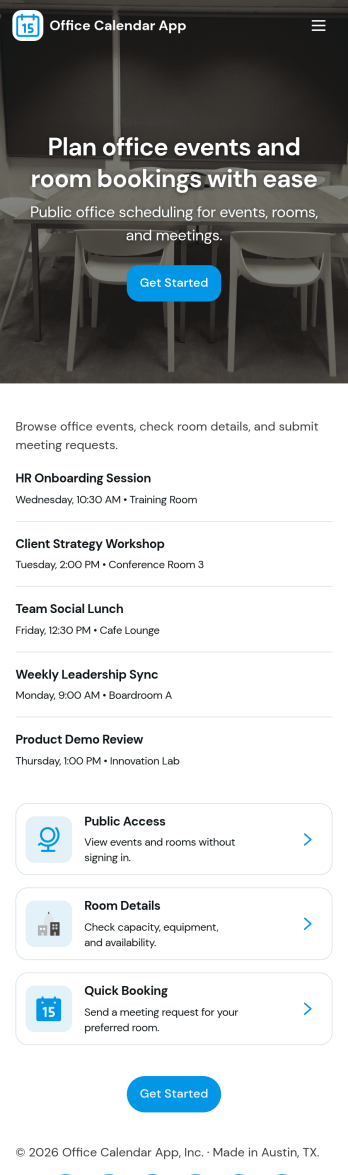
Office Calendar App
An office calendar app brings your workplace schedule into one easy, shareable hub so teams can see what’s happening, book the right space, and keep day-to-day plans organized. Use it to add events, browse the schedule, check room availability, and centralize common office requests like new event requests or room setup requests. It’s a practical fit for office managers, operations teams, HR, and administrative staff who coordinate meetings, training sessions, interviews, and internal events across multiple rooms and stakeholders.With Jotform, you can turn this office calendar app template into a branded self-service experience using a no-code app builder and a drag-and-drop interface. Connect event and room reservation forms to your workflow, keep details organized in connected data, and share the app with a link or QR code so employees always know where to go for scheduling and requests. Update pages anytime as your office routines change, and keep scheduling information consistent across teams.
Go to Category:Scheduling Apps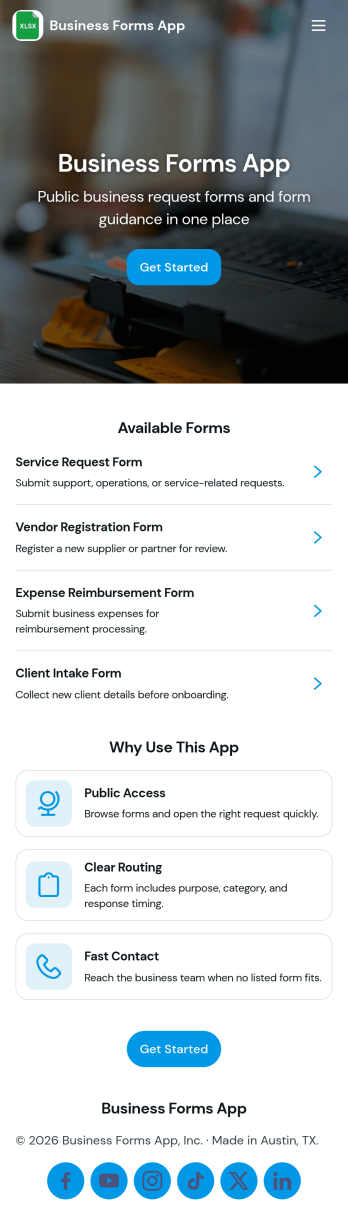
Business Forms App
Business Forms App brings your most common business requests into one easy-to-navigate place, so customers, prospects, or internal teams always know where to go. Use it to route service requests, collect quote requests, and keep contact details accessible without email chains or missed messages. It’s a great fit for service providers, agencies, consultants, and growing teams that need a simple front door for intake, especially when you want separate paths for support needs versus pricing inquiries.Jotform makes it simple to launch and tailor app templates like this one with a no-code app builder and a drag-and-drop interface. Connect buttons and pages to your forms for fast data collection, then organize incoming requests into a clear workflow your team can manage. Share your app through a link or QR code, update pages anytime, and create a consistent self-service experience that works across devices.
Go to Category:Service Apps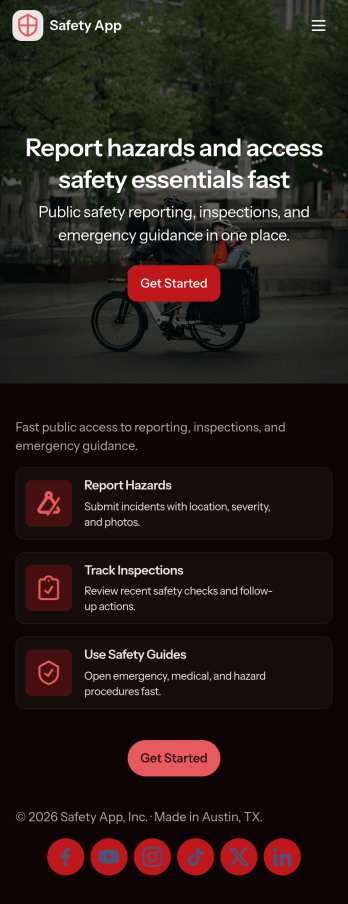
Safety App
Safety App brings incident reporting, safety resources, and an incident log into one place so teams can respond faster and keep everyone informed. Use it at construction sites, warehouses, offices, schools, events, or in the field to capture hazards, near misses, and other concerns as they happen. With quick navigation to report an issue, review recent reports, and check key details like status and contact information, it supports safety managers, supervisors, HR, and operations teams who need a clear, repeatable way to collect updates and follow up.Built with Jotform, this app template helps you publish a mobile-friendly self-service experience without coding. Customize pages, rearrange sections with a drag-and-drop interface, and connect the built-in report form and lists to your workflow so data collection stays consistent across locations. Share the app by link or QR code, keep reporting organized, and give your team a simple hub for submitting new reports and finding safety resources in minutes.
Go to Category:Safety Inspection Apps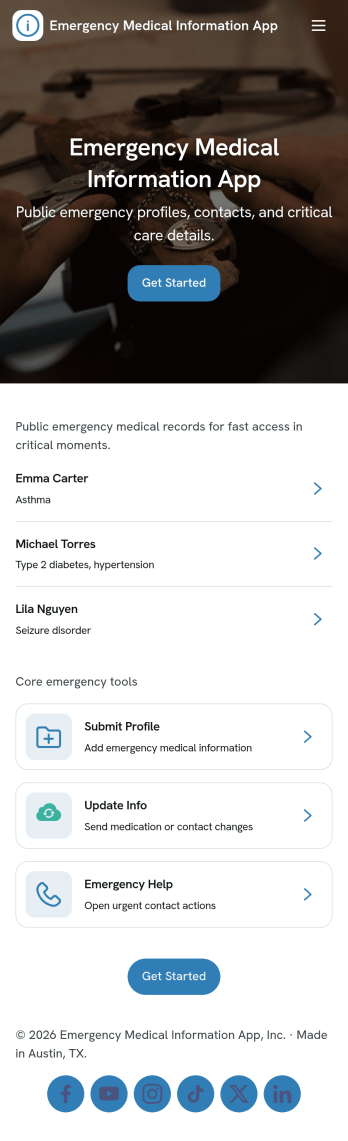
Emergency Medical Information App
An Emergency Medical Information App helps people store and quickly surface critical health details and emergency contacts when every second counts. It’s a practical option for individuals, caregivers, schools, sports programs, and workplaces that want a simple place to view a medical record, browse saved records, and reach emergency services or poison control from the same screen.With Jotform, you can launch this app template fast and tailor it to your situation using a no-code app builder with a drag-and-drop interface. Connect the app to a form for ongoing data collection, organize records in one place, and keep information current through an easy update flow. Share the app through a link or QR code so the right people can access the right information on mobile, without creating a complex workflow.
Go to Category:Healthcare Apps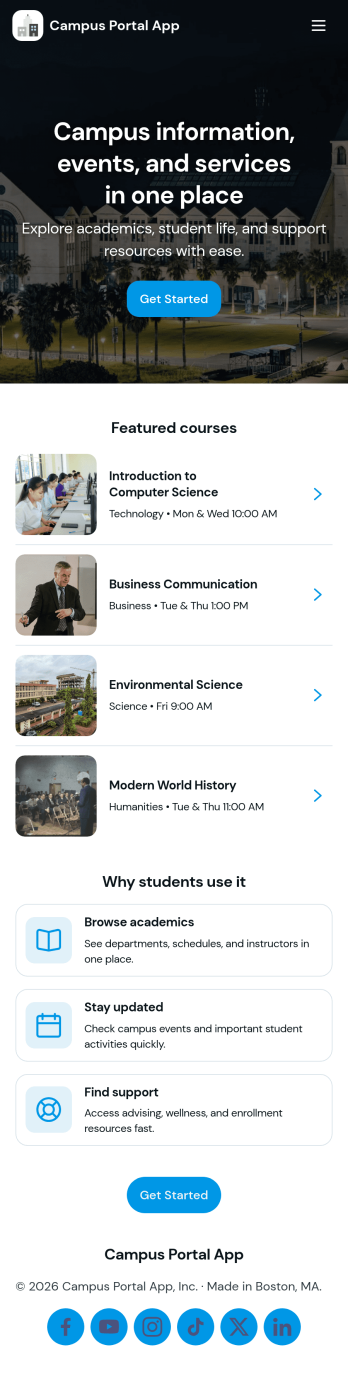
Campus Portal App
Campus Portal App brings essential campus information and support links into one mobile-friendly place for students, faculty, and staff. Use it to highlight key services, publish timely announcements, and route people to the right help fast, whether that’s an IT help desk link, student services link, or a simple way to submit a request. It works well for colleges, universities, and training programs that want a clear front door for everyday needs without sending users across multiple webpages.Built with Jotform, this app template can be tailored with a no-code app builder and a drag-and-drop interface so you can match your branding and organize navigation around how your campus actually operates. Connect the app to request forms and track updates in one place, share it by link or QR code, and keep communication flowing with a workflow that supports self-service from any device.
Go to Category:School Management Apps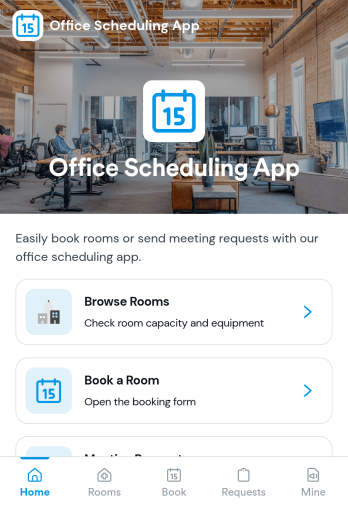
Office Scheduling App
Office Scheduling App helps teams coordinate day-to-day workplace schedules by bringing today’s agenda, room availability, and new booking actions into one place. It’s a practical fit for office managers, operations teams, HR, and department leads who need a clear view of what’s happening now, which rooms are open, and who is on the schedule without hunting through emails or scattered calendars.Built with Jotform App Templates, this app template can be tailored with a no-code app builder and a drag-and-drop interface so you can match your office workflow and keep information easy to navigate. Connect the New Booking flow to a form for data collection, route requests through approvals when needed, and keep a searchable history for quick reference. Share it as a self-service link for staff so schedules and bookings stay organized and accessible across devices.
Go to Category:Scheduling Apps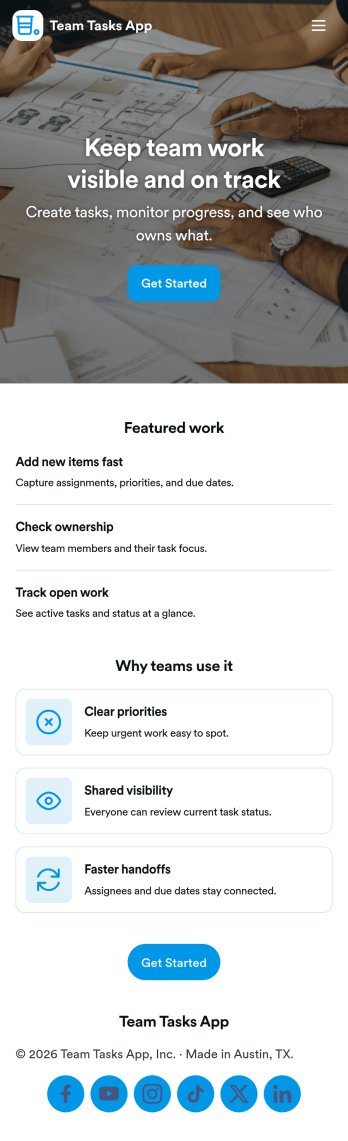
Team Tasks App
Team Tasks App brings shared task tracking into one place so teams can capture new work, review what’s in motion, and keep responsibilities visible. Use it to collect task requests through a simple add-task form, route people to a task board view, and let teammates browse tasks by status such as open, in progress, or blocked. It’s a practical fit for project teams, operations groups, agencies, and internal departments that need a lightweight way to stay aligned without losing requests in chat threads or scattered notes.Built with Jotform, this app template helps you turn everyday task coordination into a self-service experience you can share with a link. Customize pages, cards, and navigation with a drag-and-drop interface, then connect your task form and data collection to workflows that keep updates organized as work changes. Whether you’re coordinating recurring assignments or managing one-off requests, Jotform makes it easy to publish a polished team hub without coding.
Go to Category:Task Management Apps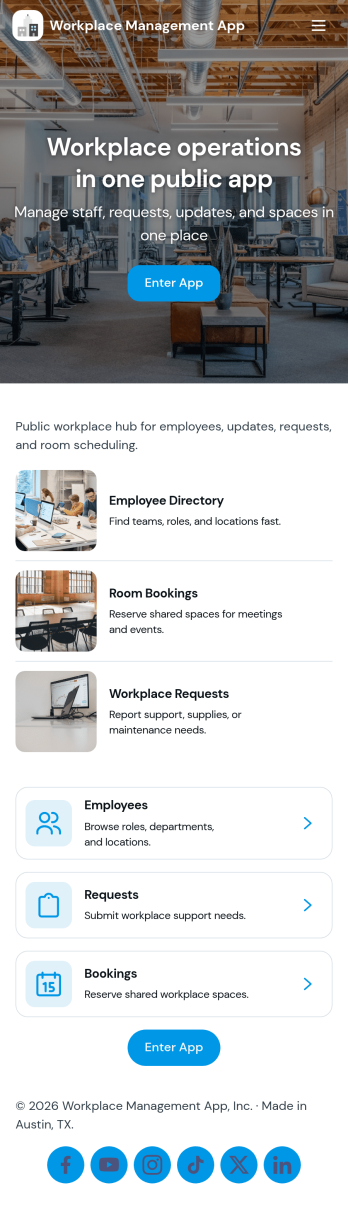
Workplace Management App
Workplace Management App brings your day-to-day operations into one place so managers and teams can stay aligned without chasing updates across multiple tools. Use it to keep an accessible employee list for quick reference, centralize task coordination, and give staff a simple way to create new tasks when something needs attention. It fits office teams, retail and service locations, field operations, and growing organizations that need clearer ownership of work and faster internal response.Built with Jotform, this app template can be tailored to match how your workplace runs, from the pages you show to the actions you prioritize. With a no-code app builder and a drag-and-drop interface, you can connect task creation to your existing data collection workflows, share the app through a link, and keep information organized as your team scales. Update employee details, adjust navigation, and publish a mobile-friendly self-service experience that supports everyday execution.
Go to Category:Company Portal Apps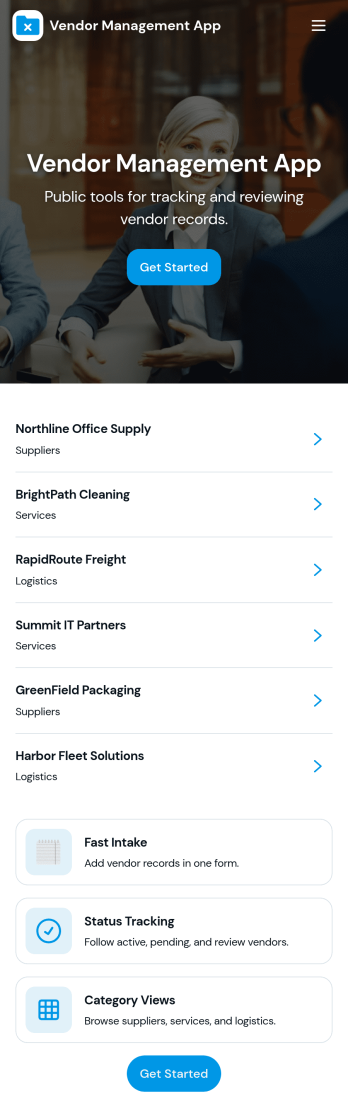
Vendor Management App
Vendor Management App helps teams organize vendor records, onboard new suppliers, and keep a clear history of performance feedback in one place. It’s a practical fit for operations managers, procurement teams, office administrators, and growing businesses that work with multiple vendors and need a simple way to browse vendor profiles, capture onboarding details, and log review notes without hunting through emails or spreadsheets.Built with Jotform App Templates, this experience can be tailored with a no-code app builder and a drag-and-drop interface, so you can match the flow to your internal workflow. Connect vendor intake to forms, keep information organized in tables, and make self-service navigation easy with pages and buttons that route users to the right actions. Share the app with coworkers or stakeholders, publish updates quickly, and keep vendor information consistent as your vendor list grows.
Go to Category:Operations & Logistics Portal Apps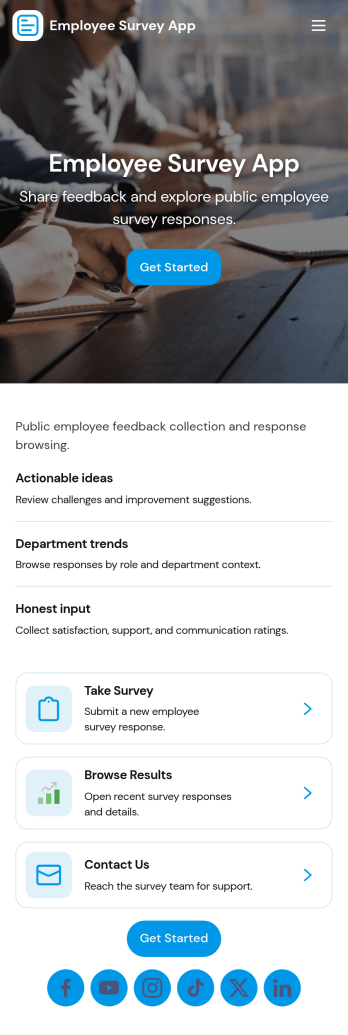
Employee Survey App
Employee Survey App helps HR teams and people managers collect employee feedback and turn it into clear, actionable insight. Use it to run engagement check-ins, pulse surveys after major changes, onboarding feedback, and team health surveys across departments or locations. Employees can start the survey from a simple entry point, while managers can review responses in one place and spot patterns that might otherwise get missed.Built with Jotform App Templates, this experience combines a guided survey launch with quick navigation to results and insights, plus a connected view of survey responses. With Jotform’s no-code app builder and drag-and-drop interface, you can adjust questions, update the layout, and route people to the right pages for self-service participation and internal review. As your workflow grows, connect the app to your data collection and reporting needs so feedback stays organized and easy to act on.
Go to Category:Human Resources Apps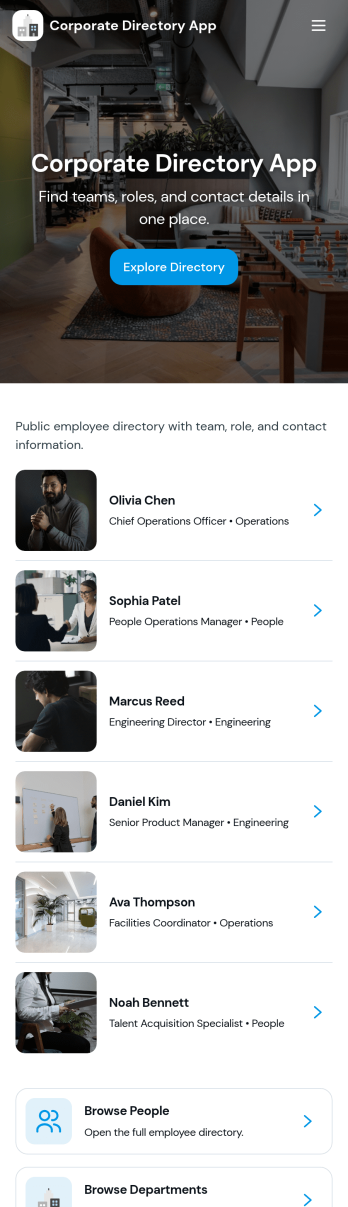
Corporate Directory App
Corporate Directory App brings your employee and department information into one place so people can quickly find the right coworker, team, or HR contact when they need help. It’s useful for HR teams, office managers, and operations leaders who want a simple, searchable directory that’s easy to share across the organization, especially for growing companies, distributed teams, and new hires. With dedicated areas for Employees and Departments plus individual employee profile views, the app supports faster introductions, clearer reporting lines, and fewer internal messages asking who to contact.Jotform makes it easy to publish and maintain this kind of internal self-service experience using App Templates and a no-code app builder. With a drag-and-drop interface, you can organize pages, add navigation buttons like Contact HR, and connect the directory to your existing data collection and workflow needs, such as updating employee details through a linked form and keeping records organized behind the scenes. Share the app by link for quick access on any device, and update content anytime without rebuilding the directory.
Go to Category:Company Portal Apps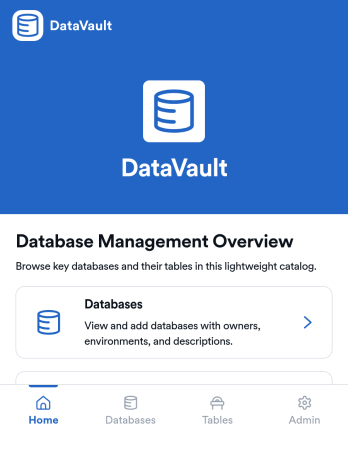
DataVault Database Management App
DataVault Database Management App brings your database catalog and table catalog into one place so teams can log new databases, track tables, and review related records without losing context. It’s built for IT teams, engineering groups, and operations leaders who need a simple way to keep database information organized, searchable, and easy to share across stakeholders. With quick add forms and browsable lists, this app supports day-to-day database inventory work, internal handoffs, and ongoing upkeep as environments grow.Jotform App Templates make it easy to publish a tailored internal tool using a no-code app builder and a drag-and-drop interface. Connect pages to forms and tables to support data collection, keep records centralized, and give teammates a self-service way to find what they need. With Jotform, you can adjust navigation, update content fast, and share the app through a link so your workflow stays clear and consistent.
Go to Category:Information Technology Apps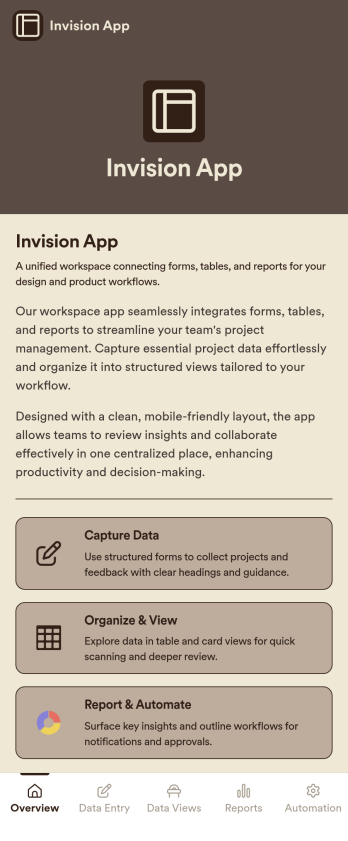
Invision App
Invision App is an app template designed to revolutionize collaborative efforts in design projects. It's an all-in-one hub that allows design teams, product teams, agencies, and organizations to share feedback, manage their creative assets, and foster more productive workflows. This comprehensive solution systematically gathers critical project data including design iterations, comments, and approval statuses, promoting transparency and minimizing miscommunication. With its ready-to-use interface, the Invision App template reduces the time spent on tracking down information, leading to streamlined processes and increased overall efficiency. It's best for design-centric teams looking to maximize their productivity and accelerate their project timelines.Jotform makes the Invision App user-friendly and efficient by leveraging its ease of use, ease of collecting e-signatures, and ease of customizing features. With Jotform's intuitive drag-and-drop builder, teams can effortlessly tailor the template to align with their unique workflows without any coding. The Invision App not only facilitates seamless data collection from team members but also supports the collection of electronic signatures, thereby simplifying the approval process. In addition, Jotform offers customizable sheets and reports to aid in project tracking and management. These features, combined with the ability to tweak the app's aesthetics to match the team's branding, makes the Invision App a truly indispensable asset for design teams, product teams, agencies, and organizations.
Go to Category:Activity Tracking Apps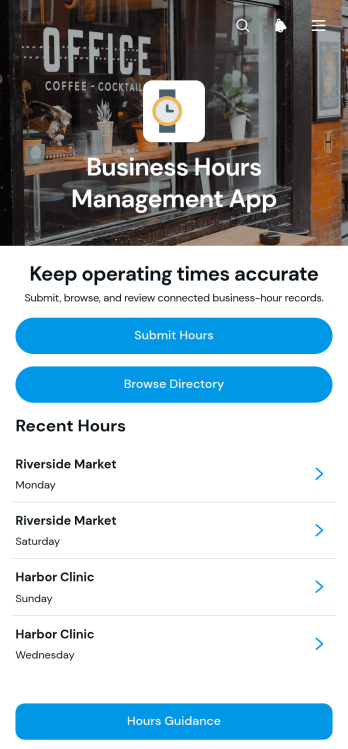
Business Hours Management App
The Business Hours Management App helps operations teams, administrators, location managers, and small businesses keep opening and closing times accurate across multiple locations. Staff can submit operating hours, browse a business directory, review individual location details, mark closed status, and add record notes through one accessible experience. It supports routine schedule updates, holiday changes, temporary closures, and corrections when public-facing hours no longer match actual availability. Centralizing these tasks reduces outdated information, gives managers clearer oversight, and creates a dependable workflow for maintaining submitted hours.Jotform makes this app template easy to adapt with a no-code app builder and intuitive drag-and-drop interface. Teams can adjust pages, branding, navigation, and connected data collection processes without programming, then link forms and tables to organize updates in one place. Among Jotform App Templates, this option supports both employee self-service and centralized review while remaining convenient on phones, tablets, and computers. Publish the app with a shareable link or QR code to give authorized users a practical way to submit, find, and manage business hours.
Go to Category:Scheduling and Planning Apps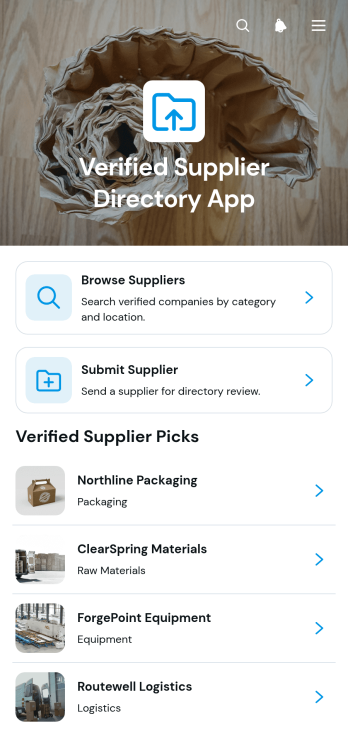
Verified Supplier Directory App
The Verified Supplier Directory App is an app template for procurement teams, operations departments, trade groups, and business networks that need a dependable place to publish reviewed supplier information. Users can browse supplier listings, open individual profiles, view categories, locations, contact details, review notes, and verification status, then visit supplier websites for additional information. A supplier submission path also helps teams collect prospective listings for review before publication. This organized experience reduces scattered records, makes approved sourcing information easier to find, and helps staff or members identify relevant suppliers without repeatedly contacting administrators.Jotform App Templates make it easy to adapt this directory to an organization’s sourcing process and visual identity. With Jotform’s no-code app builder and drag-and-drop interface, teams can update pages, cards, buttons, branding, and navigation without programming. The app template can connect data collection forms with supplier records and related workflows, helping administrators manage submissions while offering convenient self-service access. Once ready, the app can be shared by direct link or QR code for mobile-friendly browsing by employees, partners, or community members.
Go to Category:Operations & Logistics Portal Apps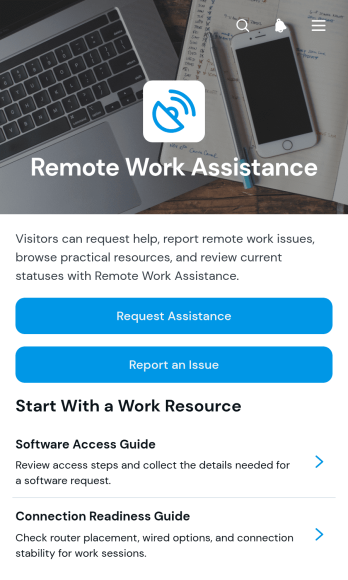
Remote Work Assistance App
Remote Work Assistance App is an app template for organizations that need a central place where remote employees can ask for help, report work-related issues, and find useful resources. It suits human resources teams, information technology support staff, operations managers, team leaders, and distributed businesses that want to make assistance easier to access outside a shared office. Employees can submit assistance requests, report remote work issues, and browse available guidance without relying on scattered emails or informal messages. This focused self-service experience helps teams organize incoming needs, direct people toward relevant information, and maintain clearer records of common remote work concerns.Jotform helps organizations turn this template into a branded app without writing code. Its no-code app builder and drag-and-drop interface make it easy to adjust pages, buttons, navigation, colors, and content for different teams or policies. Users can connect forms, tables, notifications, approvals, and other workflow steps to support data collection and internal follow-up. As part of Jotform App Templates, the Remote Work Assistance App can be shared by link or QR code and opened on phones, tablets, or computers, giving remote employees a convenient route to resources and support wherever they work.
Go to Category:Employee Self Service Apps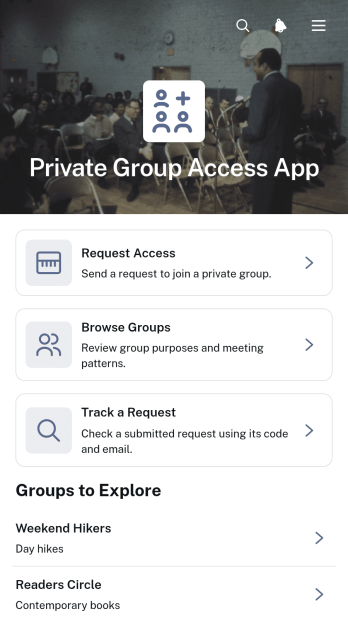
Private Group Access App
Private Group Access App provides a central place for people to discover private groups, review relevant group information, request access, and track an existing request. It is well suited to community managers, membership coordinators, internal teams, educational groups, nonprofits, clubs, and professional networks that need an organized access request process. Visitors can browse available groups, learn about each group’s focus and meeting pattern, and submit an access request from the same experience. This reduces scattered inquiries, gives prospective members a clearer path to the right group, and helps administrators manage interest without relying on separate pages or manual email exchanges.With Jotform Apps, teams can turn this app template into a branded, mobile-friendly resource using a no-code app builder. The drag-and-drop interface makes it easy to adjust pages, cards, buttons, images, and navigation while connecting forms, tables, approvals, notifications, and other workflow steps. Organizations can tailor the Private Group Access App to their audience, support self-service access requests, organize data collection, and share the finished experience through a direct link, QR code, or embedded page. Jotform App Templates also make it possible to launch quickly and update content as groups, eligibility guidance, or administrative processes change.
Go to Category:Community & Engagement Portal Apps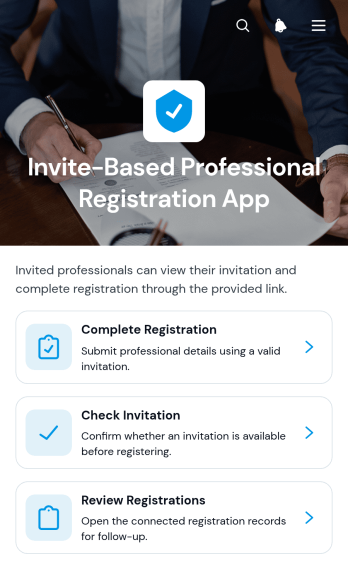
Invite-Based Professional Registration App
Invite-Based Professional Registration App is a gated registration experience for organizations that need to onboard approved professionals rather than accept open applications. It gives invitees a clear place to check an invitation code and complete registration, while administrators can review registration records from the same organized environment. Professional associations, consulting groups, staffing teams, event coordinators, and internal operations departments can use this app template to reduce unauthorized entries, keep applicant details organized, and maintain a consistent registration process. It is especially useful for private programs, professional networks, partner onboarding, and invitation-only initiatives.Jotform Apps helps teams turn this workflow into a branded, mobile-friendly experience without writing code. Start with ready-made App Templates, then use the no-code app builder and drag-and-drop interface to adjust pages, wording, navigation, colors, and visual elements. Connected forms and tables support data collection and registration review, while links or QR codes make the app easy to share with approved participants and administrators. Organizations can bring invitation validation, professional self-service, and internal record management together in one accessible app.
Go to Category:Company Portal Apps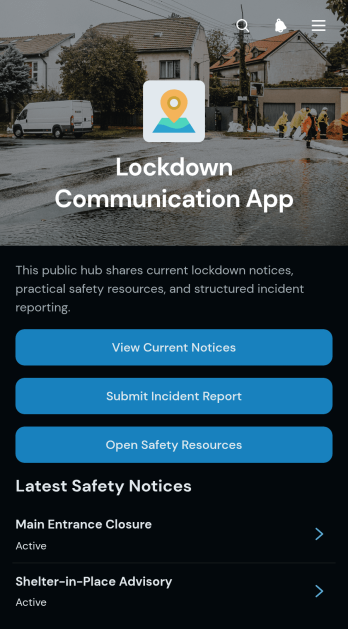
Lockdown Communication App
Lockdown Communication App provides schools, workplaces, public facilities, and community organizations with a central place to share lockdown notices and related guidance. Administrators, safety teams, employees, educators, and authorized community members can use it to view current notices, submit incident reports, and open safety resources. Bringing these essential actions together helps people find timely information without searching through scattered messages or documents. It can support communication during active situations, preparedness exercises, follow-up reviews, and other incidents that require clear instructions.Jotform makes this app template easy to adapt with a no-code app builder and an intuitive drag-and-drop interface. Organizations can update pages, adjust branding, connect forms and data collection tools, and arrange content around their existing workflow. The finished app can be shared through a direct link or QR code for mobile-friendly access, giving users a convenient self-service resource. Start with Jotform App Templates to publish a practical communication experience without building an app from scratch.
Go to Category:Safety and Compliance Apps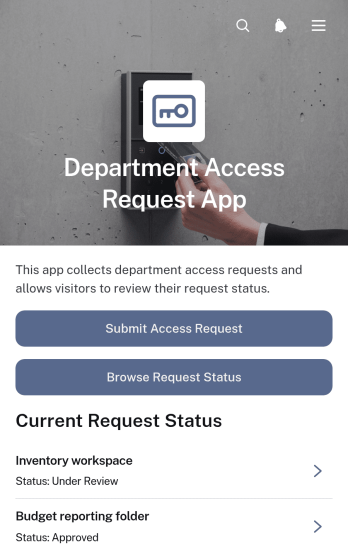
Department Access Request App
The Department Access Request App is an internal request hub for employees, managers, human resources teams, information technology teams, and department administrators who need a consistent way to manage access needs. Staff can submit a new access request, specify the relevant department, requester, requested start date, and access duration, then browse request status and review outcomes from one convenient location. This app template helps organizations replace scattered emails and informal messages with a clear workflow that supports employee self-service, request visibility, and more organized access reviews.Jotform makes this Department Access Request App easy to adapt with a no-code app builder and an intuitive drag-and-drop interface. Teams can customize pages, wording, colors, and branding, connect forms and approval steps, and organize collected data for ongoing administration. The finished app can be shared through a direct link or QR code, giving employees mobile-friendly access without requiring coding knowledge. Start with one of Jotform’s App Templates, tailor the experience to your internal process, and publish it when it is ready for use.
Go to Category:Employee Self Service Apps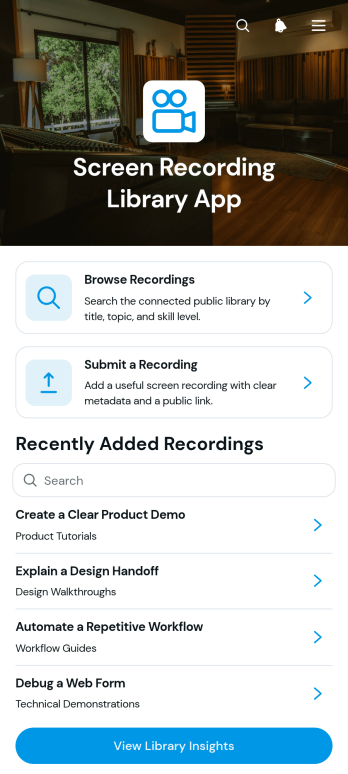
Screen Recording Library App
Screen Recording Library App provides a central resource for collecting, organizing, and accessing instructional screen recordings. It suits training teams, educators, consultants, support departments, and growing businesses that need to share software demonstrations, process walkthroughs, onboarding lessons, or troubleshooting guidance. Users can browse available recordings, review key details such as topic, skill level, duration, and source, and open the relevant recording from one convenient location. A connected submission form helps contributors add new resources, while library insights support ongoing content planning and oversight. This structure reduces scattered links, makes useful knowledge easier to find, and encourages consistent self-service learning.With Jotform Apps, organizations can turn this app template into a branded resource center without writing code. The drag-and-drop interface makes it easy to adjust pages, navigation, cards, buttons, fonts, colors, and visual elements to suit a specific audience. Teams can connect forms and tables to support data collection and maintain an organized workflow as the library grows. Jotform App Templates can also be shared through a direct link or QR code, giving employees, students, clients, or partners mobile-friendly access wherever learning takes place.
Go to Category:Resource & Learning Portal Apps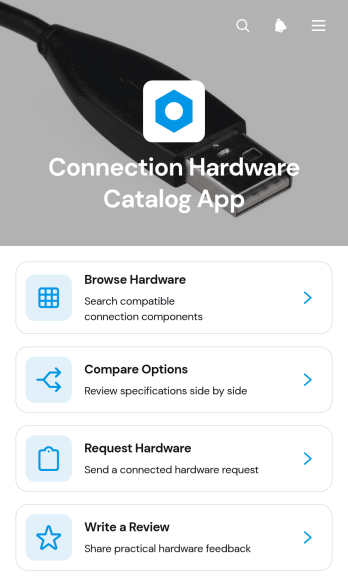
Connection Hardware Catalog App
The Connection Hardware Catalog App is a browsable resource for teams that need to find, evaluate, and request connection hardware from one organized location. It suits engineering departments, information technology teams, procurement staff, contractors, warehouse personnel, and businesses that manage hardware selections for projects or operations. Users can browse catalog entries, compare available options, and review compatibility, specifications, and availability before submitting a request. They can also share practical feedback through connected review forms, helping colleagues make more informed choices while reducing scattered inquiries and outdated reference documents.Jotform offers app templates that can be adapted to fit internal purchasing, equipment planning, or product reference workflows without coding. Using the no-code app builder and drag-and-drop interface, teams can update catalog content, adjust navigation, apply their visual identity, and connect forms to data collection processes. The finished app can be shared through a direct link or QR code for convenient mobile access. This creates a consistent self-service experience where staff can locate relevant hardware information and take the next step from the same digital resource.
Go to Category:Inventory Management Apps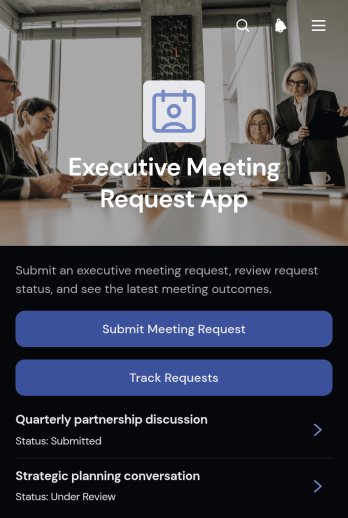
Executive Meeting Request App
Executive Meeting Request App is an app template for collecting, organizing, and reviewing requests for time with senior leaders. It suits executive offices, chiefs of staff, administrative coordinators, department heads, and organizations that need a consistent meeting intake process. Users can submit meeting requests, track existing requests, and access a consolidated request view without relying on scattered emails or messages. This central experience helps teams capture relevant context, prioritize follow-up, reduce missing information, and keep requesters informed throughout the scheduling process.Jotform makes this app template easy to adapt with a no-code app builder and drag-and-drop interface. Teams can update pages, navigation, colors, and branding while connecting forms and tables to support data collection and workflow management. Jotform App Templates can also be shared through a direct link or QR code, giving employees and other requesters mobile-friendly self-service access. Build a polished meeting request experience without coding and revise it as leadership processes evolve.
Go to Category:Scheduling and Planning Apps