

Construction App Templates

Electrical Contractor Job Management App
The Electrical Contractor Job Management App gives electrical contractors, field supervisors, dispatchers, and office teams one place to coordinate service and installation work. Teams can create jobs, browse current job records, and review essential details such as customer information, job addresses, requested dates, work scope, and status. Field technicians can record site visits and job completion, while managers can consult reports to monitor activity and keep projects moving. It is well suited to electrical service companies handling residential calls, commercial work, repairs, inspections, installations, and other assignments that require clear communication between office and field staff.Jotform makes this app template easy to adapt without coding. Use the drag-and-drop app builder to update pages, buttons, branding, and navigation, then connect forms and tables to support data collection and everyday workflows. The mobile-friendly experience gives technicians convenient access in the field and helps office teams maintain organized records from a shared workspace. Publish the finished app with a direct link or QR code, provide self-service access to authorized team members, and revise the experience as your job management process changes.
Go to Category:Contractor Apps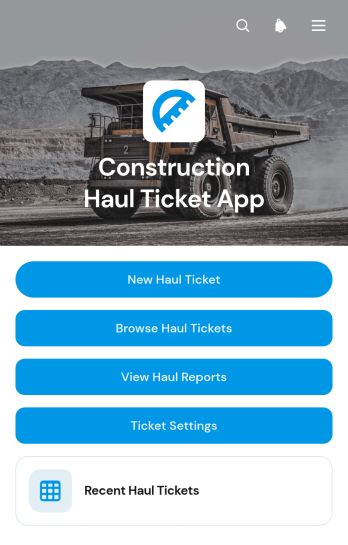
Construction Haul Ticket App
The Construction Haul Ticket App is a ready-to-use digital workspace for recording and reviewing material movements across construction sites. Contractors, site supervisors, dispatch teams, haulers, and project managers can create haul tickets, browse recent records, and view haul reports from one organized location. Each ticket can capture essential load details such as the construction site, hauler, truck or unit, quantity, load type, and site notes. This helps teams replace scattered paper tickets, maintain clearer records, monitor haul totals, and resolve questions about deliveries or removals with less manual searching. It is well suited to excavation, aggregate transport, demolition, earthmoving, roadwork, and other operations that coordinate recurring truckloads.Jotform provides a no-code app builder that makes this app template easy to adapt to existing field operations. Use the drag-and-drop interface to update pages, navigation, branding, and ticket settings without programming. Connected forms and tables support data collection, while reports give office and field teams a shared view of haul activity. The app can be published for mobile-friendly access and shared by a direct link or QR code, helping drivers and supervisors submit information wherever work occurs. Among Jotform App Templates, this option offers a practical foundation for creating a self-service haul ticket workflow that can grow with project requirements.
Go to Category:Construction Apps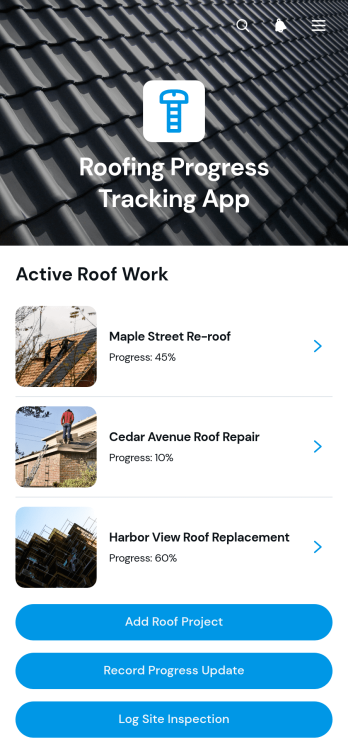
Roofing Progress Tracking App
The Roofing Progress Tracking App is an app template for roofing contractors, project managers, site supervisors, and field crews that need a clear view of active roof projects. Teams can create project records, document progress updates, and log site inspections from one central location. Project overviews keep client details, site addresses, start dates, target completion dates, and notes easy to reference. Update records also provide visibility into completed work, current progress, and blockers, helping office and field teams coordinate schedules, identify delays, maintain consistent records, and communicate accurate project status.Jotform App Templates make it easier to turn roofing operations into an accessible digital workflow without writing code. Customize the Roofing Progress Tracking App with the no-code app builder and its drag-and-drop interface, then adjust pages, buttons, branding, and connected forms to fit your process. Jotform supports organized data collection and self-service access while connecting app activity with tables, notifications, approvals, and other workflows. Share the finished app through a direct link or QR code so authorized team members can record updates and review project information from a phone, tablet, or computer.
Go to Category:Construction Apps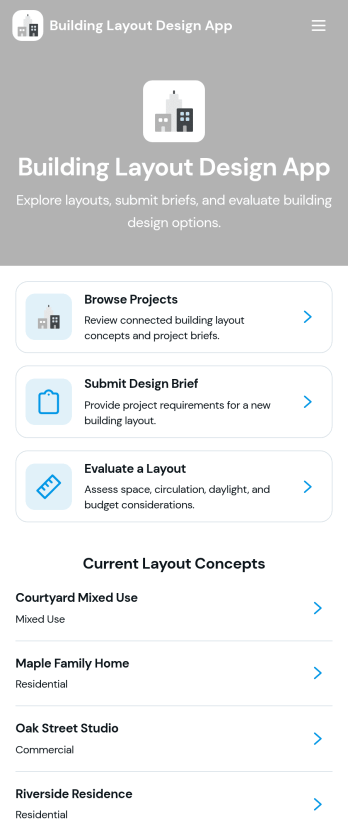
Building Layout Design App
Building Layout Design App helps teams organize layout concepts, collect clear design briefs, and review proposed plans in one place. Use it to browse active projects, share key project details like site area, style preference, and estimated budget, and keep space requirements and design notes easy to find during planning. It’s a practical fit for architects, interior designers, contractors, facility teams, and clients who need a consistent way to request layouts, compare early concepts, and keep project information accessible as decisions evolve.Jotform makes it simple to turn this workflow into a polished, shareable experience using its app templates and no-code app builder. With a drag-and-drop interface, you can tailor pages, navigation, and buttons to match how your team works, then connect the app to forms and tables for reliable data collection and smoother workflow handoffs. Share the app by link so stakeholders can view concepts, submit new briefs, and move projects forward with more self-service and less scattered communication.
Go to Category:Engineering Apps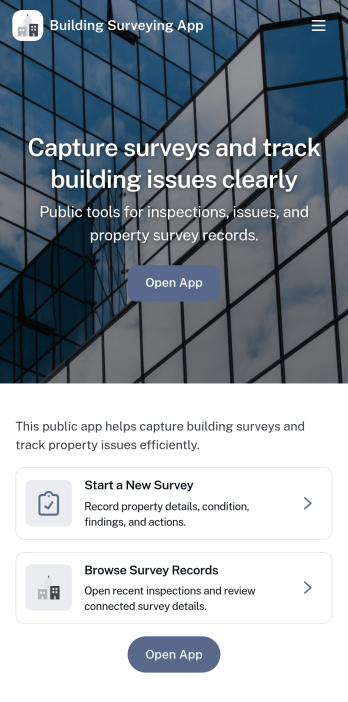
Building Surveying App
Building Surveying App helps surveyors and property teams document sites, capture on-site findings, and keep inspection details organized as work progresses. With dedicated areas for browsing site records and reviewing logged survey findings, it’s well suited for building condition surveys, pre-purchase assessments, routine property checks, and project handovers where clear, consistent records matter. Use it to centralize site profiles, record issues by inspection area, and add supporting photos so everyone involved can understand what was observed and what needs follow-up.Jotform makes it easy to launch and tailor this app template with a no-code app builder and a drag-and-drop interface. Connect the app to your data collection forms for new site records and survey findings, then share it with your team so updates stay in one place. As your workflow evolves, you can adjust pages, navigation, and branding, keeping a reliable self-service experience for field documentation and office review.
Go to Category:Engineering Apps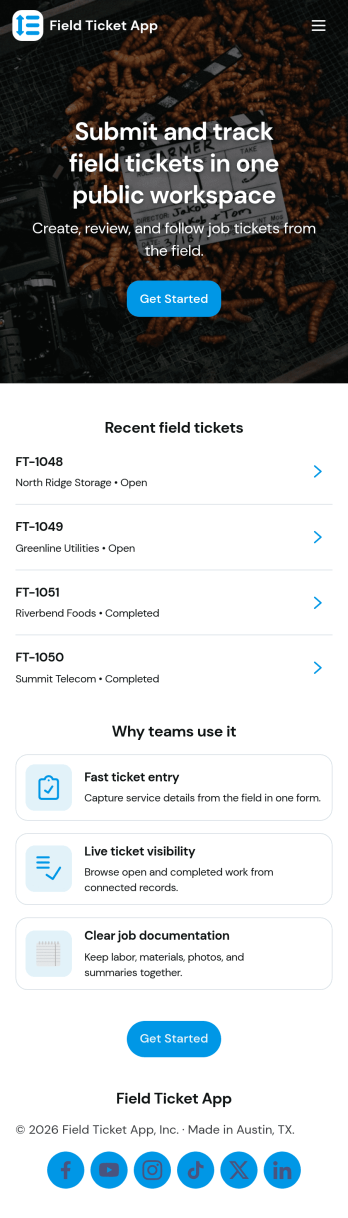
Field Ticket App
A field ticket app helps crews create new tickets on-site, view active tickets, and keep work moving without hunting for paperwork. This template is built for service teams in construction, utilities, facilities, and field operations that need a simple way to log job details, track what’s in progress, and keep a clear record of ticket activity. With quick navigation to start a new ticket and review active items, teams can standardize how work is captured across technicians, shifts, and locations.Jotform makes it easy to turn this Field Ticket App into a branded self-service experience using a no-code app builder and a drag-and-drop interface. Connect the app to your existing Jotform forms and tables for consistent data collection, then share it as a link or QR code so the right people can access tickets and updates from anywhere. As your workflow evolves, you can adjust pages, add steps, and automate handoffs without rewriting processes from scratch.
Go to Category:Construction Apps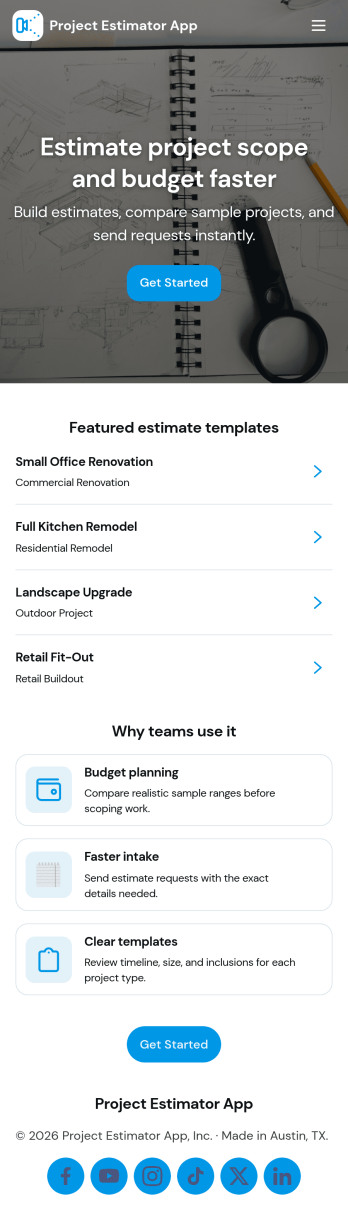
Project Estimator App
Project Estimator App helps teams collect estimate requests and organize project pricing records in one place, making it easier to respond quickly and consistently. It’s a practical fit for contractors, home service businesses, agencies, and internal ops teams that need a clear path from a new request to a stored estimate, especially when multiple services and price ranges are involved. With guided navigation for starting a new estimate, reviewing service ranges, and submitting an estimate request form, the app supports faster intake while keeping project details easy to review later.Jotform makes it simple to turn this use case into a polished self-service experience with customizable app templates and a no-code app builder. Use a drag-and-drop interface to adjust pages, buttons, and lists, connect your app to forms and data tables, and keep estimate requests flowing through a workflow that matches how your team works. Share the app by link or QR code so customers or staff can request estimates and track records from any device.
Go to Category:Estimation Apps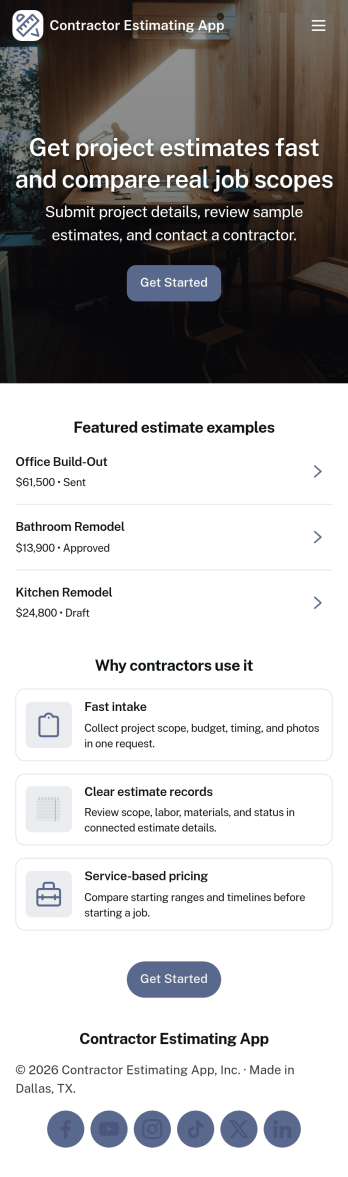
Contractor Estimating App
Contractor Estimating App helps contractors create, organize, and review project estimates in one place so quoting work feels consistent from job to job. Use it to start a new estimate, capture customer and project details, and keep estimates easy to browse later when clients call back with changes or follow-up questions. It’s a practical fit for general contractors, home service pros, remodelers, and small construction teams who need a clear way to manage estimates without digging through texts, emails, or spreadsheets.With Jotform, you can turn this app template into a branded, self-service estimating workflow using a no-code app builder and a drag-and-drop interface. Connect your estimate form to your app to support faster data collection, keep records organized, and guide your process from creation to review through a simple in-app workflow. Share the app link with your team to keep estimating consistent on-site or at the office, and update the experience anytime as your services and pricing evolve.
Go to Category:Construction Apps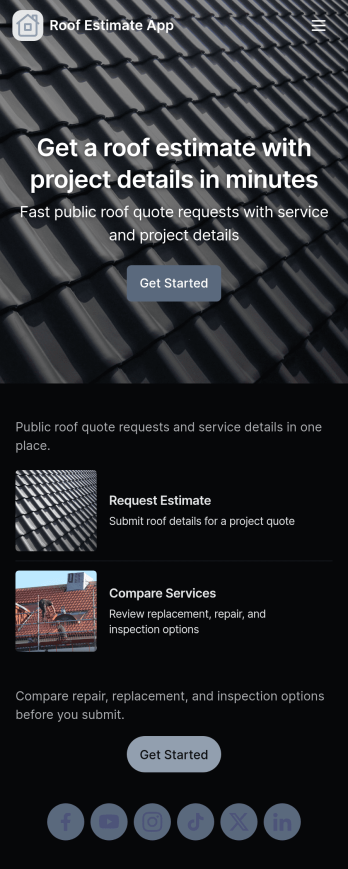
Roof Estimate App
Roof Estimate App helps roofing contractors and home service teams collect estimate requests, present service options, and share pricing guidance in one place. Visitors can browse roofing services, open a request form when they’re ready, and review estimate guides that set expectations before you schedule an on-site visit. It’s a practical fit for roof repair and replacement companies, storm damage teams, and growing crews that need a consistent way to qualify leads and capture the details needed to price jobs.Jotform makes it easy to build and publish polished app templates without coding. With a drag-and-drop interface, you can customize pages, connect forms for data collection, and turn your estimating workflow into a self-service experience customers can access from any device. Share your Roof Estimate App with a link or QR code, route requests to the right person, and keep your estimating process organized as your volume grows.
Go to Category:Home Services Apps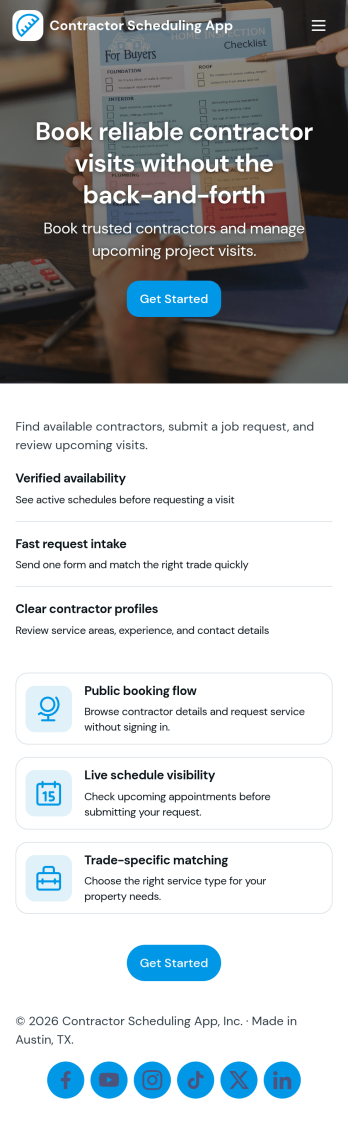
Contractor Scheduling App
Contractor Scheduling App helps teams coordinate contractors, projects, and day-to-day assignments in one organized place. Use it to keep a clear roster of who you work with, capture project details as they come in, and connect each job to the right people and dates. It’s a practical fit for construction companies, home service businesses, property managers, and operations teams that need quick visibility into upcoming work without relying on scattered messages or spreadsheets.With Jotform’s app templates, you can turn your scheduling process into a mobile-friendly experience powered by a no-code app builder and a drag-and-drop interface. Connect forms for adding contractors and projects, display assignment lists for easy self-service access, and keep data collection consistent across your workflow. Customize pages, branding, and navigation so everyone knows where to go to view schedules, update job information, and stay aligned.
Go to Category:Construction Apps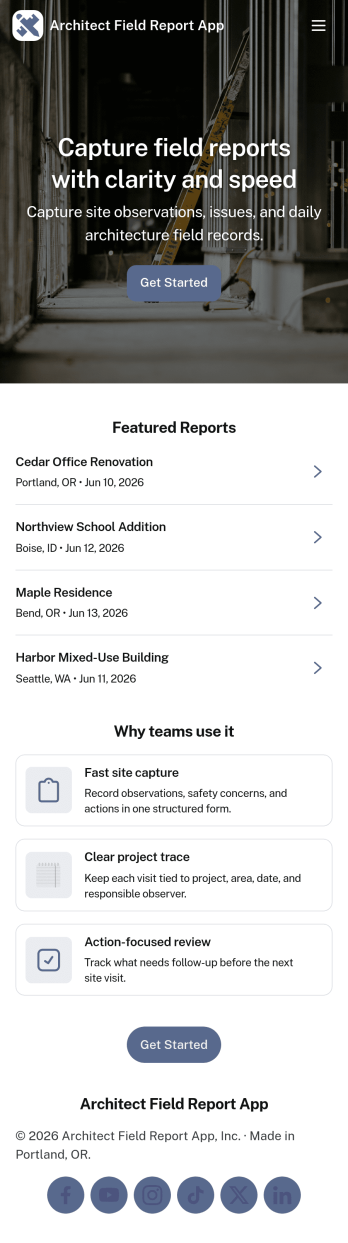
Architect Field Report App
Architect Field Report App helps architects and project teams capture site observations, document progress, and keep project records organized across multiple jobs. From the home screen, you can start a new field report, review recent reports, and jump into a project list to view details and add an update when something changes on-site. It’s a practical fit for architecture firms, construction administration teams, and design consultants who need consistent reporting without chasing notes across emails and photos.With Jotform, you can turn this app template into a mobile-friendly reporting experience using a no-code app builder and a drag-and-drop interface. Connect the app to your form for data collection, route information through an internal workflow, and give teams self-service access to the records they need. Share the app by link or QR code, tailor pages to match your process, and keep field reporting consistent from project to project.
Go to Category:Construction Apps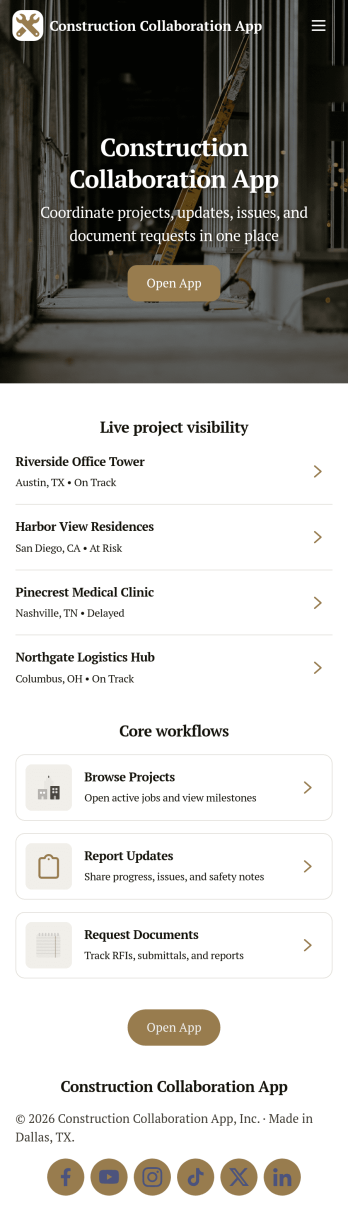
Construction Collaboration App
Construction Collaboration App brings project teams together around shared updates, field reporting, inspections, and punch items so work stays coordinated from the office to the jobsite. Use it to organize active projects, capture progress notes as they happen, and keep visibility on statuses, due dates, and summaries without relying on scattered messages or spreadsheets. It’s a strong fit for general contractors, subcontractors, project managers, site supervisors, and operations teams who need a simple way to keep everyone aligned across multiple jobs and moving parts.Built with Jotform, this app template helps you create a clear self-service experience for logging project updates, submitting field reports, recording inspections, and tracking follow-ups in one place. Using Jotform’s no-code app builder and drag-and-drop interface, you can tailor pages, navigation, and connected forms to match how your team works, then share the app by link or QR code for fast mobile access. As information comes in, Jotform supports reliable data collection and workflow organization, making it easier to stay on top of day-to-day construction communication.
Go to Category:Construction Apps
Construction Inventory App
Construction Inventory App helps construction teams keep materials and supplies organized across jobsites, trucks, and storage areas. Use it to browse your inventory list, record stock-in activity, and flag low-stock items before they slow down work. It’s a practical fit for contractors, site supervisors, warehouse staff, and project managers who need a clear view of what’s on hand, what’s been added, and what needs replenishing without chasing updates through calls or spreadsheets.With Jotform, you can publish this app template as a simple self-service experience for your crew and connect it to the forms and data behind your process. Build and adjust your app with a drag-and-drop interface, control how people navigate between inventory pages, and keep entries consistent by routing updates through connected forms. As your workflow evolves, you can refine what gets tracked, standardize recounts, and share stock status when stakeholders need a quick snapshot.
Go to Category:Construction Apps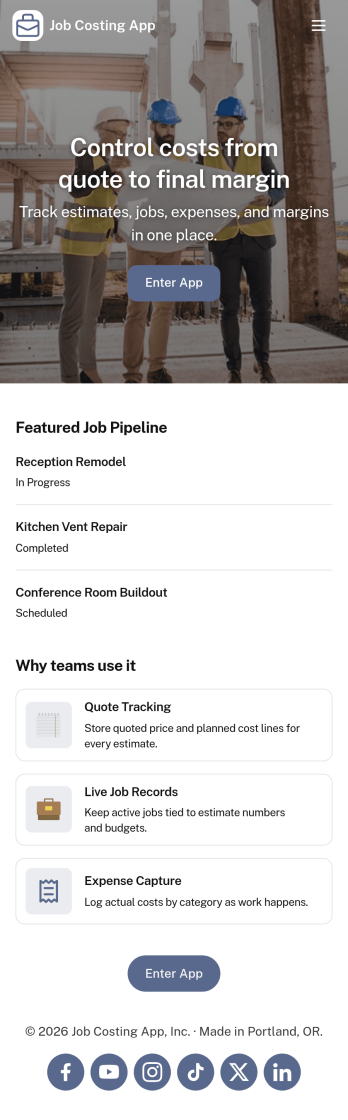
Job Costing App
Job Costing App brings job and cost tracking into one place so teams can see what each project is really costing as work moves forward. Use it to organize jobs, capture cost entries, review job details, and keep an eye on approved spend without hunting through spreadsheets or scattered messages. It fits construction crews, home service businesses, agencies, and internal operations teams that need clear visibility into labor, materials, and other expenses per job.With Jotform, you can turn this app template into a self-service workspace that’s easy to share and simple to maintain. Customize pages with a drag-and-drop interface, connect forms for data collection, and keep records organized for day-to-day workflow tracking. Whether you’re monitoring active jobs, logging new costs, or reviewing totals, Jotform makes it straightforward to publish a branded app experience and keep everyone aligned with up-to-date information.
Go to Category:Construction Apps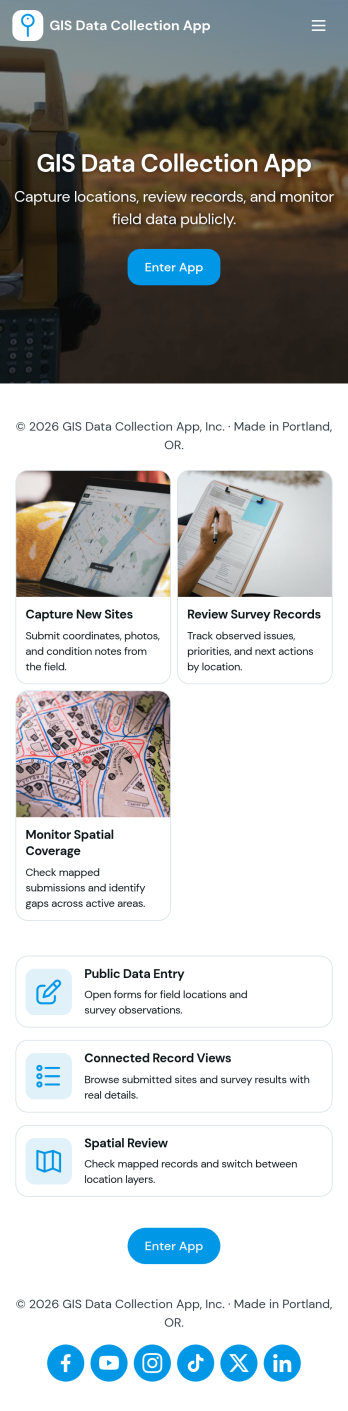
Gis Data Collection App
Gis Data Collection App helps field teams capture location-based observations and keep site information organized in one place. It fits workflows where crews need to add a new observation on demand, browse a list of sites, and open a site record to review context before collecting more data. Use it for environmental monitoring, utilities and asset mapping, construction documentation, research fieldwork, and community reporting, especially when consistency matters across multiple people and locations.Built with Jotform, this app template turns GIS-style field reporting into a guided, mobile-friendly self-service experience without coding. Customize pages, cards, and navigation with a drag-and-drop interface, then connect your observation form to structured data collection in Jotform Tables for easier review and follow-up. Share the app by link or QR code so teams can quickly find sites, submit observations, and keep location details and notes flowing into a single workflow.
Go to Category:Engineering Apps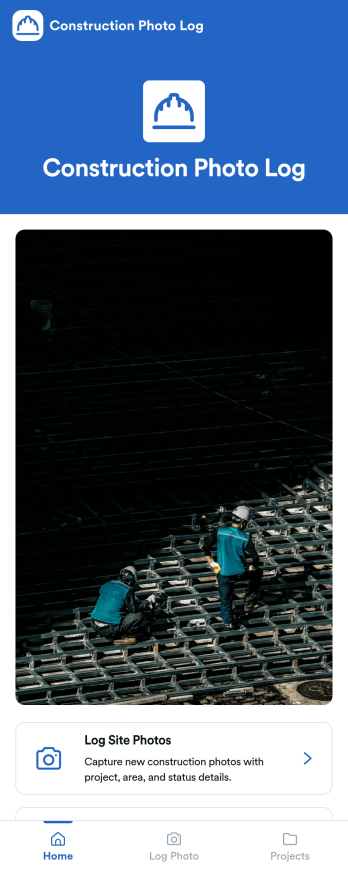
Construction Photo Log App
Construction Photo Log App keeps your jobsite images organized so crews and managers can document progress, flag issues, and build a reliable visual record across multiple projects. Use it to capture and log site photos in the moment, then browse a projects directory to quickly find the right job and review what’s been recorded. It works well for general contractors, superintendents, project managers, and subcontractors who need clearer communication between the field and the office without juggling scattered camera rolls.With Jotform, you can turn this app template into a branded, mobile-friendly experience using a no-code app builder and a drag-and-drop interface. Connect the app to your photo log form and project data, share it by link or QR code, and keep photo collection consistent across teams. As your workflow evolves, update pages, navigation, and content in minutes while keeping everything easy to access for self-service reference.
Go to Category:Construction Apps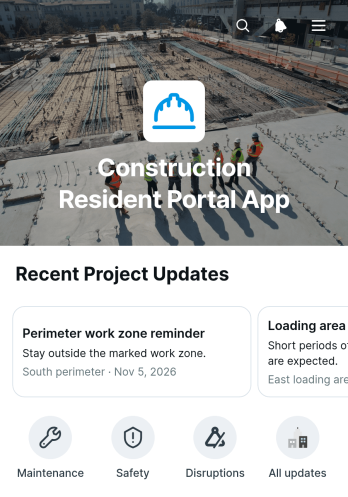
Construction Resident Portal App
The Construction Resident Portal App is a resident-facing digital space for sharing construction updates and collecting questions, requests, or feedback through connected forms. Contractors, property managers, project teams, and community coordinators can use it to keep residents informed without scattering information across emails and paper notices. Residents can browse posted updates, open detailed announcements, and submit relevant information from one convenient location. This app template supports clearer communication during renovations, building work, neighborhood projects, and other construction activities that may affect daily access, schedules, or shared spaces.Jotform Apps helps teams turn communication and data collection processes into accessible digital experiences without writing code. Start with this option from Jotform App Templates, then use the no-code app builder and drag-and-drop interface to adjust pages, branding, navigation, and content. Connected forms can feed resident input into an organized workflow, while direct links and scannable codes make the portal easy to share. The finished app can serve as a mobile-friendly self-service resource that keeps project information and resident communication together.
Go to Category:Construction Apps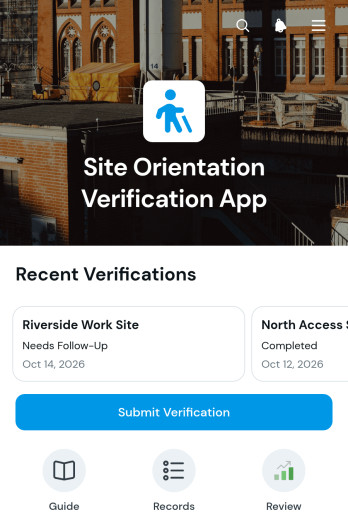
Site Orientation Verification App
The Site Orientation Verification App helps construction firms, industrial facilities, warehouses, field service teams, and contractors confirm that workers and visitors have completed required site orientations. Safety coordinators and operations managers can use it to receive verification submissions, review records by site, and check orientation dates, results, and verifier details. A visual results summary also helps teams monitor verification activity across locations. By keeping this information in one accessible app, organizations can reduce scattered records, quickly identify missing confirmations, and maintain a clearer view of who has completed site-specific onboarding before work begins.Jotform provides a no-code app builder that makes this app template easy to adapt to existing orientation workflows. Use the drag-and-drop interface to update pages, navigation, colors, and branding without programming, then connect forms and tables for organized data collection. Teams can publish the finished app with a direct link or QR code for convenient mobile access. Jotform App Templates also support notifications, approvals, and related workflows, helping safety personnel and contractors coordinate verification tasks from a shared, self-service experience.
Go to Category:Safety and Compliance Apps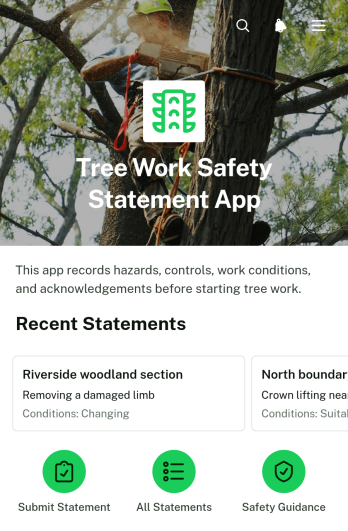
Tree Work Safety Statement App
The Tree Work Safety Statement App is a ready-to-use app template for arborists, tree care contractors, site supervisors, and field crews documenting safety information for each work site. It brings essential records together so teams can review identified hazards, note the controls in place, capture submitter details, and record worker acknowledgement. Organizations can use it before pruning, felling, clearing, or related site work to create consistent safety statements and give crews clearer access to current information. It also helps managers maintain an organized record of safety topics across multiple locations without relying on scattered paperwork.Jotform Apps makes this template easy to adapt with a no-code app builder and an intuitive drag-and-drop interface. Add instructions, reorganize pages, apply your branding, and connect forms or tables to support data collection and related workflows. Once the app is ready, publish it through a direct link or QR code so field teams can open it on phones, tablets, or computers. Jotform app templates help organizations create mobile-friendly self-service resources while keeping submissions and site records accessible from one central experience.
Go to Category:Safety and Compliance Apps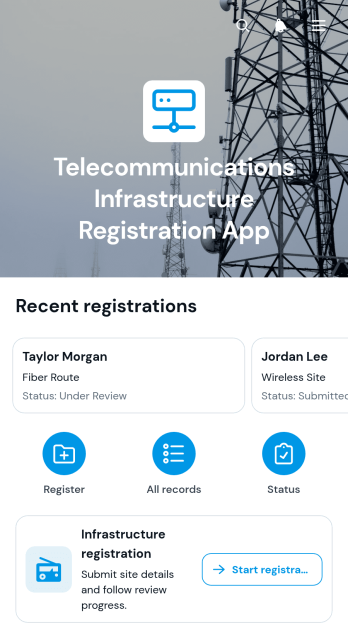
Telecommunications Infrastructure Registration App
The Telecommunications Infrastructure Registration App provides telecommunications operators, engineering teams, contractors, project coordinators, and infrastructure administrators with a central place to collect and review proposed infrastructure records. It supports registration intake, record browsing, and review status visibility without relying on scattered emails or disconnected documents. Teams can capture applicant details, site addresses, planned service dates, contact information, and project summaries, then view each registration through an organized record page. This app template is useful for new installations, network expansion projects, equipment deployments, and other field infrastructure initiatives that require consistent project information.Jotform App Templates help organizations turn operational processes into accessible digital experiences without coding. Using Jotform’s no-code app builder and drag-and-drop interface, teams can adapt the Telecommunications Infrastructure Registration App to their terminology, branding, and workflow. Connect forms, tables, notifications, and approval steps to support data collection and internal review from one location. Once the app is ready, publish it with a direct link or QR code so applicants, contractors, and staff can access registration and self-service resources from a phone, tablet, or computer.
Go to Category:Engineering Apps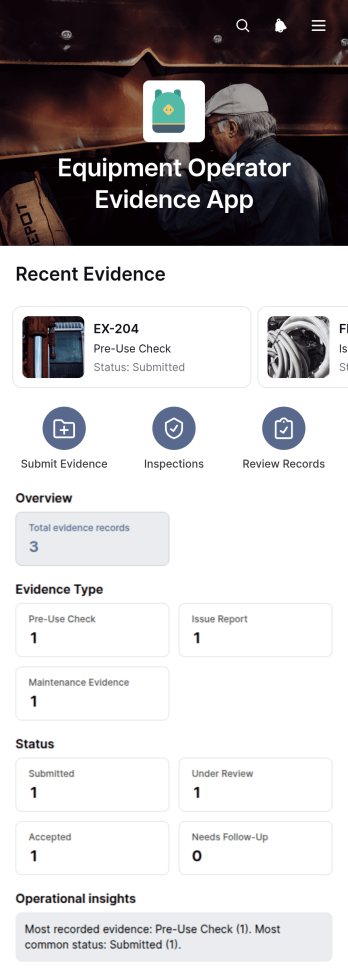
Equipment Operator Evidence App
Equipment Operator Evidence App is an app template for documenting equipment use, reviewing operator evidence, and recording inspections from one accessible location. It suits construction companies, contractors, field service teams, equipment managers, safety coordinators, and operations supervisors who need a clearer record of activity for each machine. Users can browse equipment entries, view evidence details such as the operator, status, and submission date, and open inspection records with inspector notes. A direct inspection form helps field teams capture new findings while work is underway. Centralized evidence and inspection histories reduce scattered paperwork, make records easier to retrieve, and help supervisors identify equipment that may need attention.Jotform makes this Equipment Operator Evidence App easy to adapt with a no-code app builder and a drag-and-drop interface. Teams can modify pages, navigation, colors, and branding, then connect forms and tables to support data collection and related workflows. The app can be shared through a direct link or QR code for convenient mobile access at worksites, depots, warehouses, and service locations. Starting with customizable App Templates saves setup time while giving organizations the flexibility to create a practical self-service resource for operators, inspectors, and managers.
Go to Category:Safety Inspection Apps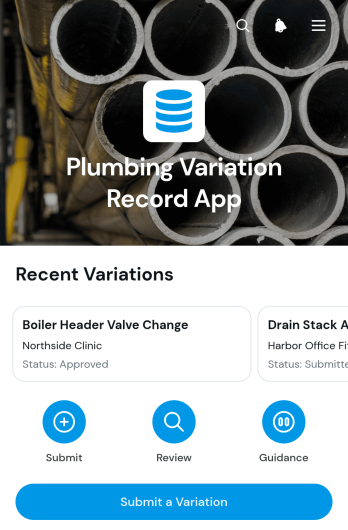
Plumbing Variation Record App
The Plumbing Variation Record App is an app template for plumbing contractors, field supervisors, project managers, and construction teams that need a consistent way to document changes outside the original scope of work. Team members can submit a variation, record the requested work and its reason, and review potential cost and schedule impacts. Decision notes and requested dates keep each record clear for office and field teams. This shared process reduces missing information, supports timely reviews, and creates an accessible history of variation requests across residential, commercial, and maintenance projects.Jotform helps businesses turn operational processes into interactive, mobile-friendly experiences without coding. Using the no-code app builder and its drag-and-drop interface, teams can customize this Plumbing Variation Record App with branded pages, navigation, forms, and connected tables. Variation data can feed into organized workflows, trigger notifications, and remain available for review from one central location. Start with one of the ready-made Jotform App Templates, adapt the layout to your project process, and share it by direct link or QR code for convenient field access and self-service reporting.
Go to Category:Construction Apps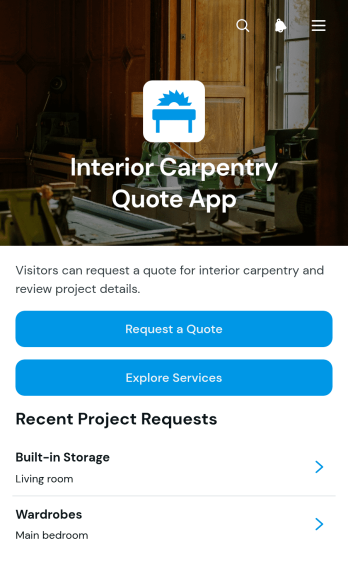
Interior Carpentry Quote App
Interior Carpentry Quote App gives carpentry contractors, joinery teams, interior specialists, and home service businesses a convenient way to receive and organize quote requests for custom projects. Prospective clients can explore services such as built-in storage, kitchen carpentry, wardrobes, and wall panelling before submitting their requirements. Each request can capture essential details including the project type, description, preferred material, budget range, client name, and email address. Centralizing this information helps teams understand the scope of an inquiry, prepare relevant estimates, prioritize leads, and reduce the time spent gathering missing details through separate conversations.Jotform provides App Templates that can be adapted to match a contractor’s services, branding, and quoting workflow. With its no-code app builder and drag-and-drop interface, users can update pages, add service options, connect forms, and organize project information without programming. The app can be shared through a direct link or QR code, giving customers mobile-friendly self-service access wherever they are. Connected data collection and workflow tools also help teams review requests, collaborate on follow-up tasks, and keep new carpentry opportunities accessible from one central experience.
Go to Category:Estimation Apps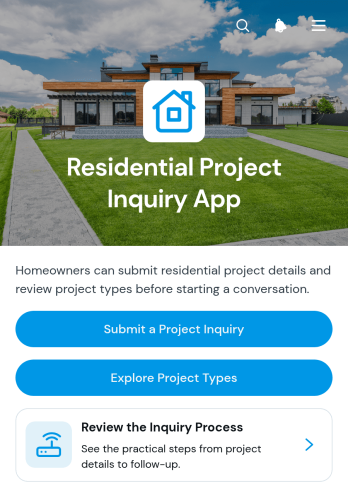
Residential Project Inquiry App
The Residential Project Inquiry App is an app template for collecting and organizing initial requests from homeowners planning renovations, additions, new builds, or other residential projects. Contractors, builders, design teams, consultants, and home service businesses can use it to present available project types, explain typical scope and planning considerations, and direct prospects to a focused inquiry form. This guided experience helps potential clients understand the inquiry process before sharing their project details. It also gives service teams more consistent information for reviewing requests and planning appropriate follow-up, reducing unclear leads and saving time during early conversations.With Jotform Apps, businesses can turn this template into a branded inquiry experience without writing code. The no-code app builder and drag-and-drop interface make it easy to update pages, reorganize content, add visual elements, and connect forms to a broader workflow. Teams can publish the app through a direct link, personalized app URL, or QR code for convenient mobile access. Jotform App Templates also support connected data collection, notifications, tables, approvals, and other tools, helping businesses create an accessible self-service starting point for residential project prospects.
Go to Category:Real Estate Apps