

Human Resources App Templates

Employee Timesheet App
Employee Timesheet App is an app template designed to streamline the process of tracking and reporting employee work hours. Its primary function is to provide a centralized platform for businesses, HR teams, payroll administrators, and operations managers to effectively record and manage work hours, thereby supporting accurate time tracking, attendance monitoring, and payroll processes. This app template facilitates the collection of employee sign-in and sign-out data, making it easier to generate detailed timesheets, reports, and overtime calculations. Whether you're managing a small business or a large corporation, this app template ensures clarity and consistency in recording employee work hours, reducing the risk of discrepancies and payroll inaccuracies. It's best suited for organizations looking to implement a robust, ready-to-use digital solution for their time tracking needs. With Jotform, you can easily customize the Employee Timesheet App to suit the specific requirements of your organization. The intuitive drag-and-drop interface allows you to modify forms, add additional fields, or adjust the layout without any coding knowledge. Additionally, Jotform makes it simple to collect electronic signatures, facilitating swift and paperless approval of timesheets. The app can be shared with employees through a direct link, ensuring seamless data collection across various devices. You can also benefit from the ease of generating custom reports, providing a comprehensive view of work hours for payroll and attendance management. With Jotform, you're not just adopting an employee timesheet app, but a proven solution designed to simplify time tracking and enhance operational efficiency.
Go to Category:Human Resources Apps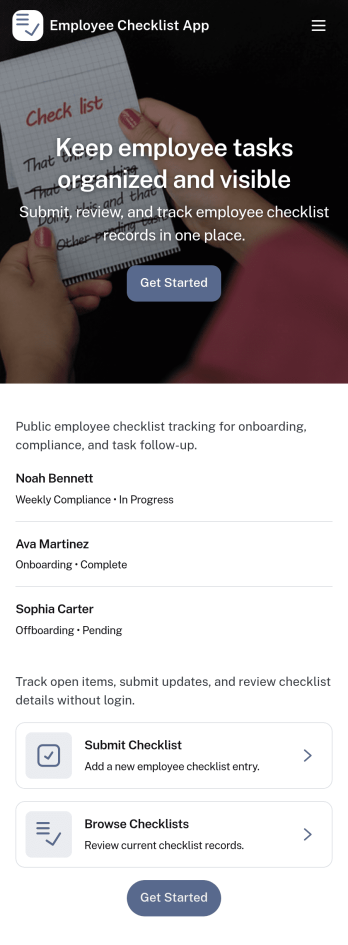
Employee Checklist App
Employee Checklist App helps teams standardize recurring employee tasks and keep accountability clear across shifts, roles, or locations. Use it to guide staff through daily opening and closing duties, onboarding steps, safety routines, or role-specific procedures, then capture completion details in a consistent format. With quick access to start a checklist, browse past records, and review insights, managers can spot gaps early while employees know exactly what to do next.Built with Jotform, this app template combines a no-code app builder with a drag-and-drop interface so you can tailor pages, navigation, and branding to match your workflow. Connect the checklist form to organized records for easy tracking, support faster self-service for employees, and keep data collection structured without adding complexity to your operations.
Go to Category:Checklist Apps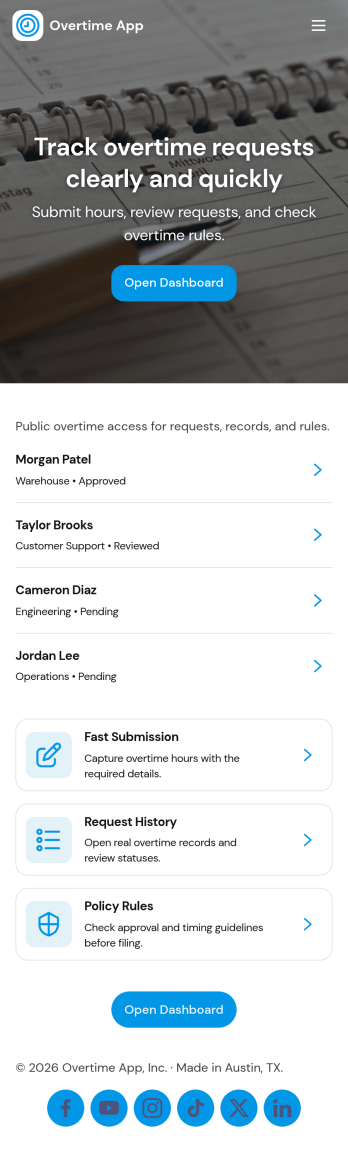
Overtime App
Overtime App helps organizations manage extra-hours work through a clear request and review flow that employees and managers can use without confusion. Employees can submit overtime requests in one place, while supervisors can review a queue of incoming requests and keep decisions organized. With dedicated areas for submitting requests, working through a review queue, and checking overtime history by employee, this app supports consistent handling of overtime across teams, shifts, and locations.Built with Jotform App Templates, Overtime App can be adapted to match how your team approves and tracks overtime. Use Jotform’s no-code app builder and drag-and-drop interface to tailor pages, connect the app to your data collection form, and keep records accessible for follow-ups. Share the app with staff through a link for fast self-service, and keep your workflow moving with a simple, repeatable process for requests, reviews, and historical visibility.
Go to Category:Human Resources Apps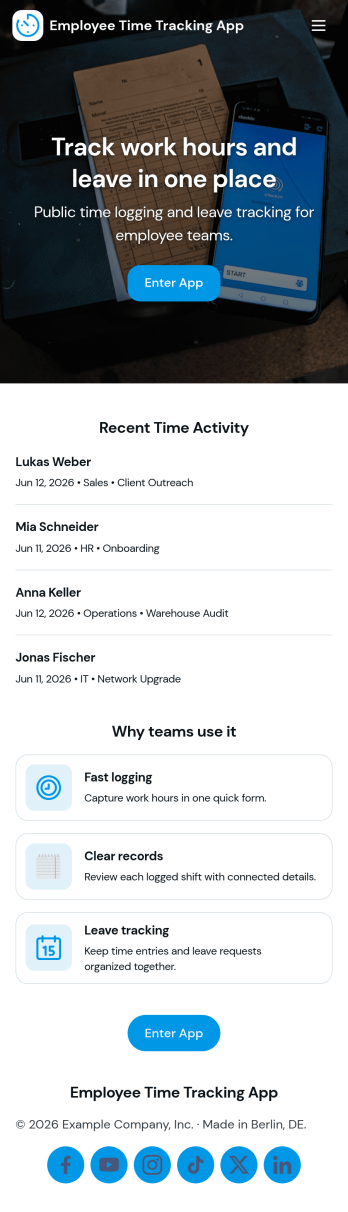
Mitarbeiter Zeiterfassung App
Mitarbeiter Zeiterfassung App helps teams record working hours in one place and keep time data consistent across locations and shifts. Use it to navigate between employee details, book time entries, and review a clear history of recorded hours, making it easier to spot missing entries and keep day-to-day operations organized. It fits small businesses, agencies, field teams, retail stores, and departments that need a simple way for staff to capture hours and for managers to review activity without chasing updates.Built with Jotform, this app template can be tailored with a no-code app builder and a drag-and-drop interface, so you can adjust pages, add instructions, and connect your time booking form to the rest of your workflow. Share the app through a link or QR code for fast self-service access, and keep time records structured by connecting the app to your data collection tools so teams can log hours consistently and managers can stay on top of approvals and follow-ups.
Go to Category:Activity Tracking Apps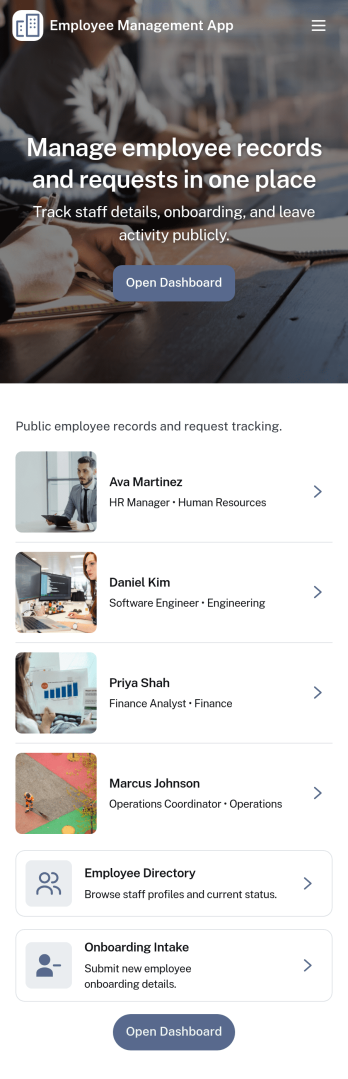
Employee Management App
Employee Management App brings key people operations into one place so teams can find coworkers fast, add new hires, and keep employee details organized as the company grows. Use it to publish an employee directory for quick lookups, guide new team members through onboarding steps, and centralize records that would otherwise live across spreadsheets, email threads, and scattered files. It’s a practical fit for HR teams, office managers, department leads, and growing businesses that need a consistent way to manage employee information without extra overhead.With Jotform, you can tailor this app template to match how your organization works using a no-code app builder and a drag-and-drop interface. Connect the app to forms and tables for reliable data collection, route updates through an internal workflow, and give staff a self-service way to access the right employee details. Share the app with a link or QR code, update content in minutes, and keep information current as roles, teams, and hiring needs change.
Go to Category:Human Resources Apps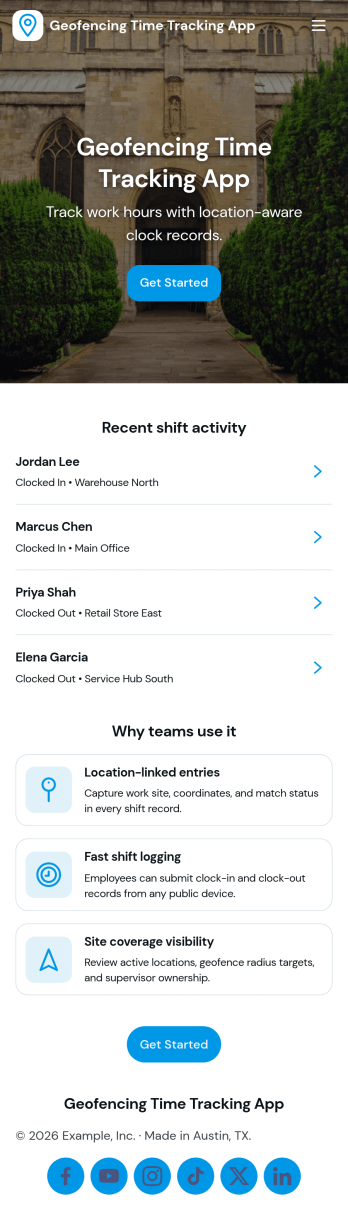
Geofencing Time Tracking App
Geofencing Time Tracking App helps teams record work hours based on where work happens, making it easier to confirm on-site attendance without relying on manual timesheets. It fits field service crews, construction teams, property managers, event staff, and multi-location operations that need consistent clock-in and clock-out habits across job sites. Use it to guide employees to log time when they arrive, capture key shift details, and reduce confusion around where and when work was performed, especially when schedules change or crews move between locations.With Jotform App Templates, you can launch a branded, mobile-friendly experience that supports self-service time tracking and keeps information organized in one place. Jotform’s no-code app builder and drag-and-drop interface make it simple to adjust the layout, connect the app to your data collection workflow, and share access with the right people through a link or QR code. As needs evolve, you can expand your workflow with connected tools like forms, tables, approvals, and notifications, without rebuilding from scratch.
Go to Category:Activity Tracking Apps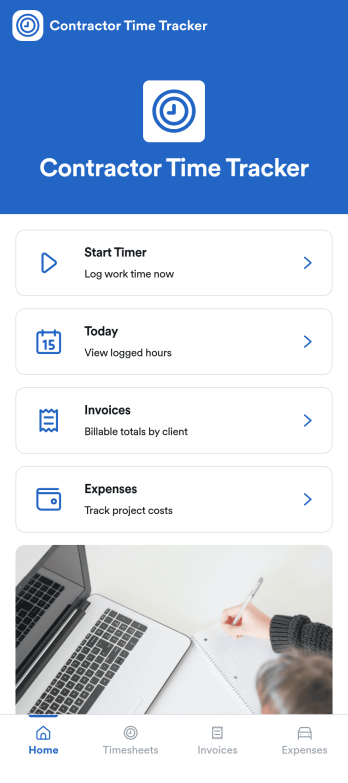
Independent Contractor Time Tracking App
Independent Contractor Time Tracking App helps freelancers and independent contractors record hours worked in a simple, focused place when they need a quick way to document time for clients, projects, or daily tasks. With a single page and clear on-screen guidance, it fits service providers who want a lightweight option for capturing work time during the day and keeping personal records consistent, whether they’re on-site, traveling, or working from home.Jotform makes it easy to turn this use case into a shareable, branded experience using its no-code app builder and drag-and-drop interface. Start with Jotform App Templates, adjust the page content to match how you track time, and connect the app to your broader workflow for data collection and self-service when you’re ready to expand beyond a basic layout.
Go to Category:Activity Tracking Apps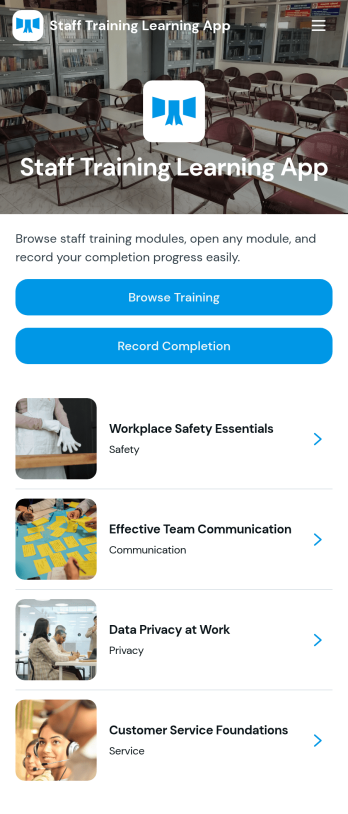
Staff Training Learning App
Staff Training Learning App helps teams share internal training in one place so employees can browse available courses, open a course page to review key details, and request enrollment when they’re ready. It’s a practical fit for HR teams, operations managers, and department leads who need a clear way to roll out onboarding lessons, role-based training, or refresher learning across locations without relying on scattered documents and links.Built with Jotform, this app template can be customized with a no-code app builder and a drag-and-drop interface, so you can organize course information and connect the enrollment request form to your workflow. Publish a branded self-service experience, share it by link or QR code, and keep data collection consistent as training offerings change over time.
Go to Category:Employee Self Service Apps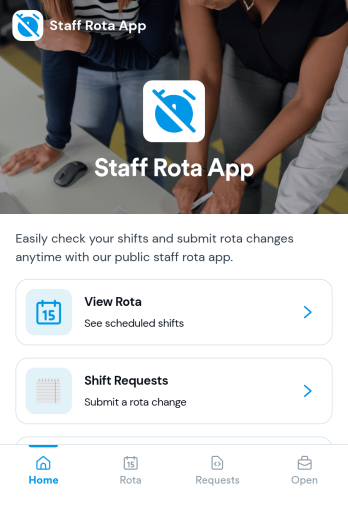
Staff Rota App
Staff Rota App helps teams publish schedules, view upcoming shifts, and manage shift changes without confusion. It works well for retail stores, restaurants, salons, clinics, and service teams that need a single place where staff can check the rota, browse open shifts, and send shift requests when coverage changes. With dedicated areas to view the rota, submit requests, and review open shifts, managers spend less time answering repeat questions while employees get clearer visibility into where they’re needed.Jotform makes it easy to turn this Staff Rota App into a self-service scheduling experience using a no-code app builder and a drag-and-drop interface. Connect the app to your existing workflows for data collection, route requests to the right people, and keep everything organized as your team grows. Share the app by link so staff can access it on any device, and update pages quickly whenever schedules, roles, or staffing needs change.
Go to Category:Scheduling Apps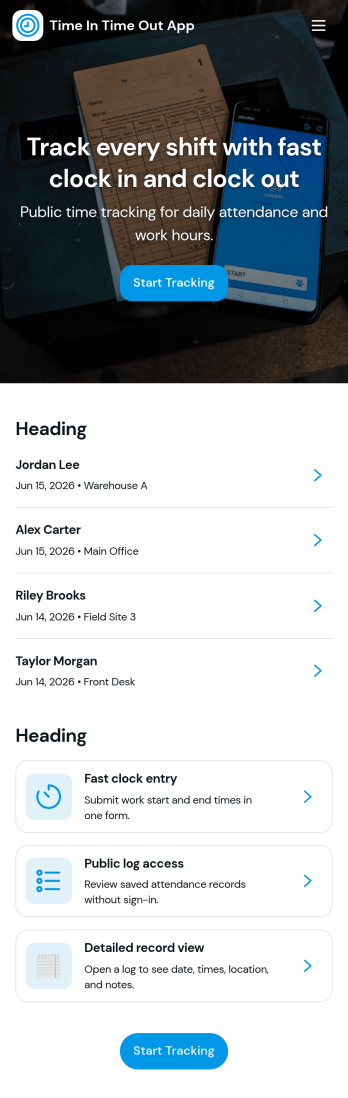
Time In Time Out App
Time In Time Out App helps teams record work hours with a simple clock entry flow and a clear history view. It fits hourly workplaces that need consistent time tracking across shifts, including retail, hospitality, field services, clinics, and small offices. Employees can add new clock entries when they start or finish work, then review their own entries and time records later. Supervisors can use the app to encourage accurate habits, reduce missed punches, and keep day-to-day attendance details organized without relying on scattered messages or paper logs.Built with Jotform, this app template works with a no-code app builder and a drag-and-drop interface, so you can tailor the pages, labels, and navigation to match your workflow. Connect the app to a form for data collection, store records in connected tables, and keep self-service access straightforward for staff who just need to clock in, clock out, and confirm what was recorded. Share the app by link or QR code, update it anytime, and keep everyone using the same source of truth for time entries.
Go to Category:Activity Tracking Apps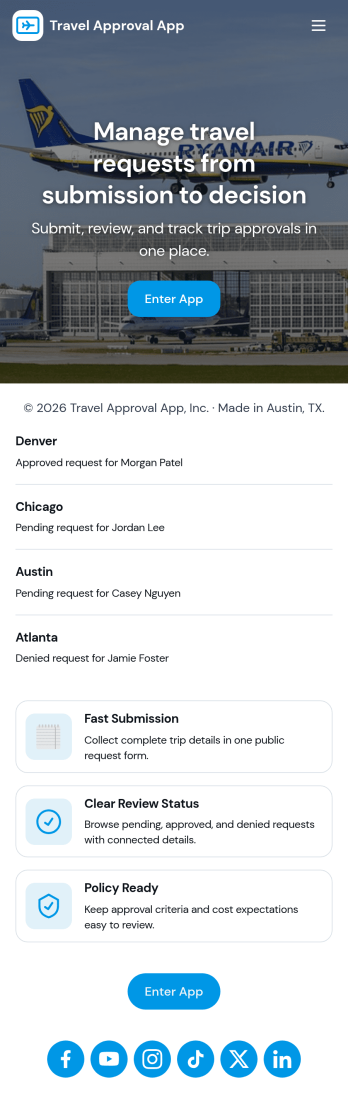
Travel Approval App
Travel Approval App helps teams collect business travel requests and route them for review in one place. Employees can submit a new request, reviewers can open a list of pending reviews, and approved trips can be referenced later for quick visibility. This layout works well for companies that need a clear intake path for travelers, a simple queue for managers, and a central spot to keep travel policy easy to find during planning.Jotform makes it easy to build and publish app templates like Travel Approval App with a no-code app builder and a drag-and-drop interface. Connect your app to forms and workflows for reliable data collection, add navigation buttons to guide users to the right actions, and share a self-service link with employees and approvers so travel requests move forward with fewer delays.
Go to Category:Trip Planner Apps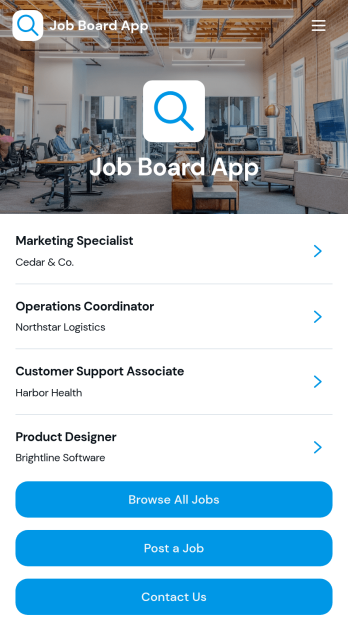
Job Board App
The Job Board App gives employers, staffing agencies, HR teams, professional associations, and educational institutions a central place to publish and promote employment opportunities. Job seekers can browse available roles, review essential details such as company, location, employment type, deadline, responsibilities, and requirements, then access the appropriate next step. Employers can post openings and visitors can send inquiries through connected forms. This app template reduces scattered vacancy announcements, makes roles easier to discover, and supports an organized hiring experience for both recruiters and candidates.With Jotform Apps, teams can customize this Job Board App through a no-code app builder and an intuitive drag-and-drop interface. Update pages, branding, navigation, and content without programming, then connect forms, tables, notifications, approvals, or other workflow steps as hiring needs evolve. Jotform App Templates offer a practical starting point for data collection and candidate self-service while leaving room for a tailored experience. Publish the finished app with a direct link, share it through a QR code, or embed it so people can explore opportunities on any device.
Go to Category:Job Apps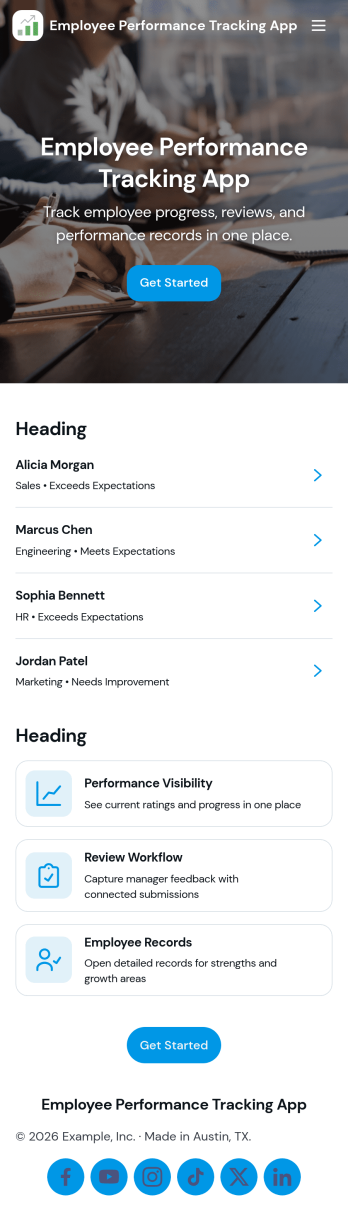
Employee Performance Tracking App
Employee Performance Tracking App gives teams a practical way to monitor progress, document review cycles, and keep goals visible in one place. Use it to centralize manager check-ins, employee feedback, and performance records so you can spot trends early and support coaching conversations with real context. It works well for HR teams, people managers, team leads, and growing companies that need consistency across roles or departments without turning performance management into a paperwork-heavy process.Built with Jotform, this app template pairs a simple dashboard experience with connected forms and record views so updates don’t get lost in email threads. Customize pages with a drag-and-drop interface, link your review and goal tracking workflows to organized tables, and make self-service easy with quick access to personal review history, feedback submission, and shared records. Publish and share the app in minutes to keep performance tracking clear, repeatable, and accessible from anywhere.
Go to Category:Human Resources Apps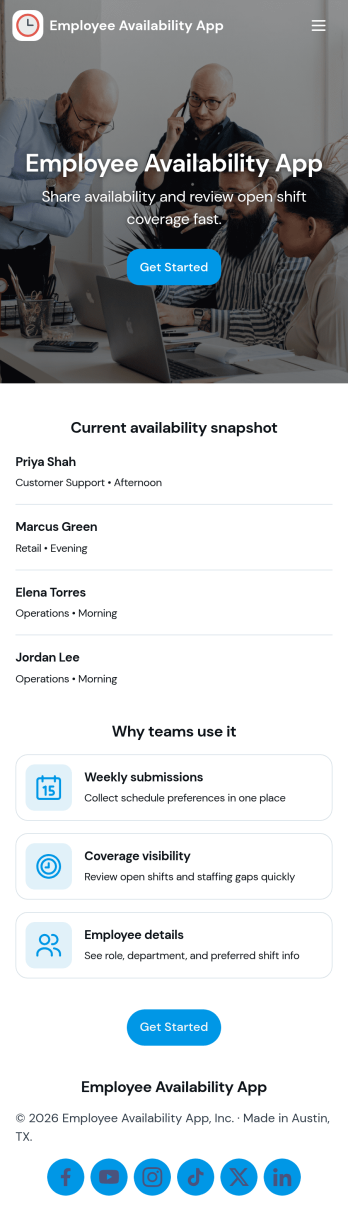
Employee Availability App
Employee Availability App helps teams collect and review staff availability so shifts, projects, and coverage plans are easier to coordinate. Employees can submit availability updates in one place, while managers can browse availability by person and open an availability list to spot gaps early. It’s a practical fit for HR teams, department leads, and operations managers in retail, hospitality, clinics, field services, and any workplace that relies on rotating schedules or part-time staff.Built with Jotform, this app template turns availability tracking into a simple self-service experience you can share as a link. Use Jotform’s no-code app builder and drag-and-drop interface to adjust pages, add instructions, and connect availability data collection to your existing workflow. As records update, teams can view entries in organized lists, keep information consistent, and reduce time spent chasing availability details across messages and spreadsheets.
Go to Category:Human Resources Apps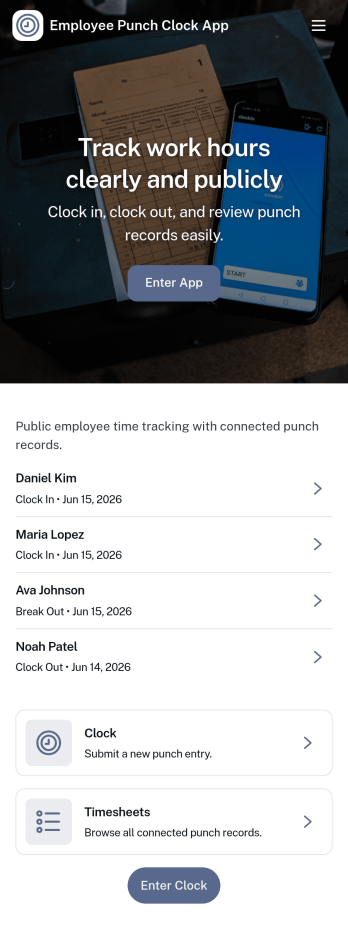
Employee Punch Clock App
Employee Punch Clock App helps teams record clock in and clock out times in one place and review punch activity without chasing paper timesheets. It’s a practical fit for hourly workplaces that need a clear daily record, including retail and hospitality teams, field crews, warehouses, and growing offices. With quick navigation for clocking in or out, viewing history, and checking insights, employees can log their time in seconds while managers gain a straightforward view of attendance patterns and recent activity.Jotform makes it easy to publish and manage app templates like this with a no-code app builder and a drag-and-drop interface. Connect your app to a form for consistent data collection, then organize entries for quick lookups and ongoing workflow needs such as internal reviews or simple reporting. Share the app with your staff through a link or QR code, keep branding consistent, and update pages anytime as scheduling rules or team size changes.
Go to Category:Human Resources Apps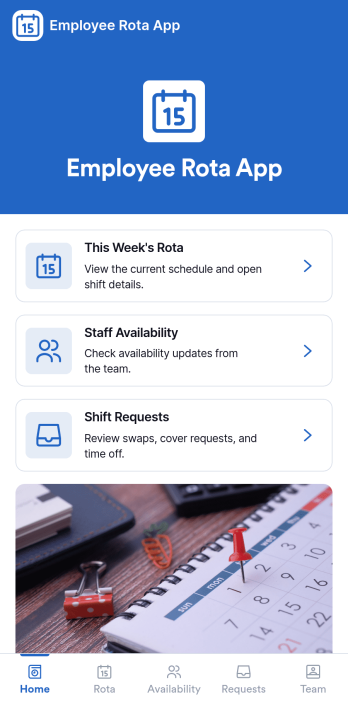
Employee Rota App
Employee Rota App helps teams publish daily schedules, handle shift change requests, and keep availability in one easy place. It fits fast-moving workplaces like retail, hospitality, healthcare clinics, warehouses, and field service teams where people need to quickly check Today’s Rota, request a change, and see who’s available without chasing managers for updates. With dedicated areas for Shift Requests and Team Availability, staff can follow a clear path from viewing their rota to adding a shift request when something changes, while supervisors get a consistent flow of requests to review and act on.Built with Jotform, this app template turns scheduling into a practical self-service experience you can roll out in minutes. Use Jotform’s no-code app builder and drag-and-drop interface to tailor pages, buttons, and lists to match your roles, locations, or shift types, then connect the app to your data collection workflow so requests stay organized and searchable. Share the app by link or QR code so everyone can access the latest rota from their phone, and keep your team aligned as schedules evolve.
Go to Category:Scheduling Apps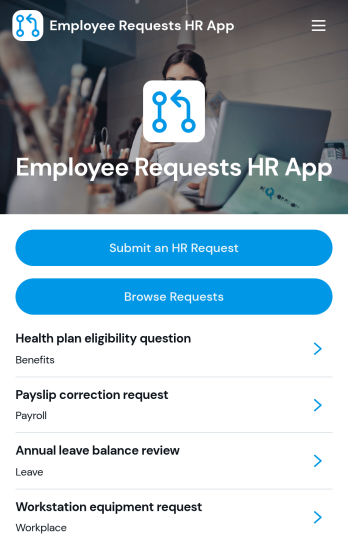
Employee Requests HR App
Employee Requests HR App gives employees a clear place to submit HR requests and follow up without confusion. Use it to centralize common needs like policy questions, workplace concerns, benefits support, or employment verification so HR teams can keep requests organized and easy to review. With quick navigation to submit a new request, browse existing requests, and open a request record to see key details like employee name, email, and preferred response method, it helps reduce missed messages and keeps communication consistent across the organization.Built with Jotform, this app template can be tailored to match your internal workflow and the types of requests you handle most often. Using Jotform’s no-code app builder and drag-and-drop interface, you can adjust pages, connect the app to your form and data collection, and keep request activity in one workflow that’s simple to share with staff. Publish it as a mobile-friendly self-service experience so employees can submit and review requests from anywhere while HR maintains one reliable source of truth.
Go to Category:Employee Self Service Apps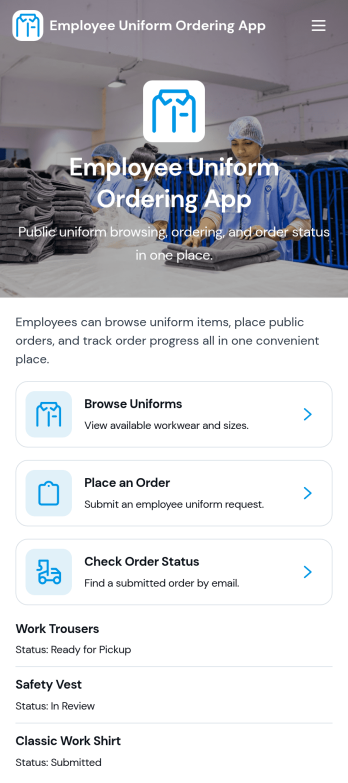
Employee Uniform Ordering App
Employee Uniform Ordering App helps teams manage workplace uniform requests in one place, so employees can browse available uniform options, place an order, and check order status without chasing emails or paper forms. It fits retail stores, restaurants, hotels, healthcare offices, warehouses, and field service organizations that need consistent attire across roles and locations. Use it to reduce ordering mistakes, keep sizing details organized, and give staff a clear path for reorders when items wear out, seasons change, or new hires come onboard.Built with Jotform App Templates, this app template is easy to tailor to your uniform process using Jotform’s no-code app builder and drag-and-drop interface. Connect ordering forms and connected data collection to keep records centralized, then share the app via link or QR code for fast self-service access on any device. As your workflow evolves, you can update pages, adjust categories, and guide employees to the right actions while keeping uniform ordering and status checks simple and consistent.
Go to Category:Employee Self Service Apps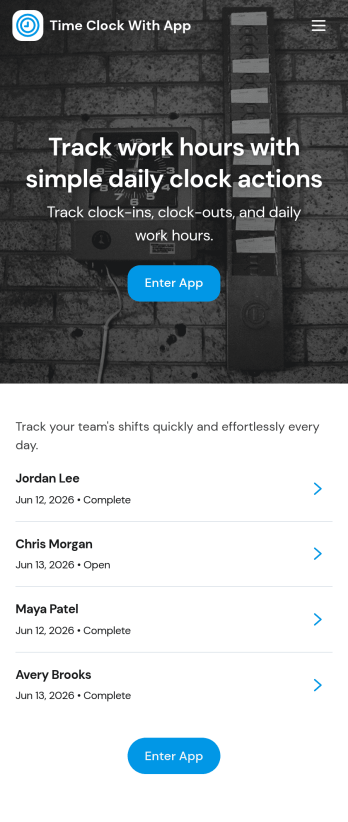
Time Clock With App
Time Clock With App helps teams record clock-ins and clock-outs, capture shift details, and keep a clear history of hours worked in one place. It fits hourly workforces in retail, restaurants, field services, and busy offices where managers need quick visibility into attendance without chasing paper timesheets. With a dedicated clock entry flow, an easy-to-browse shift history, and access to all time entries, staff can log time consistently while supervisors can review patterns and resolve missed punches faster.Built with Jotform, this app template pairs a simple mobile-friendly experience with reliable data collection behind the scenes. Customize pages, buttons, and branding with a no-code app builder and a drag-and-drop interface, then connect the clock form to your workflow so time records stay organized for reporting and follow-up. Share the app through a link or QR code so employees can start using it immediately, whether they are on-site or on the go.
Go to Category:Human Resources Apps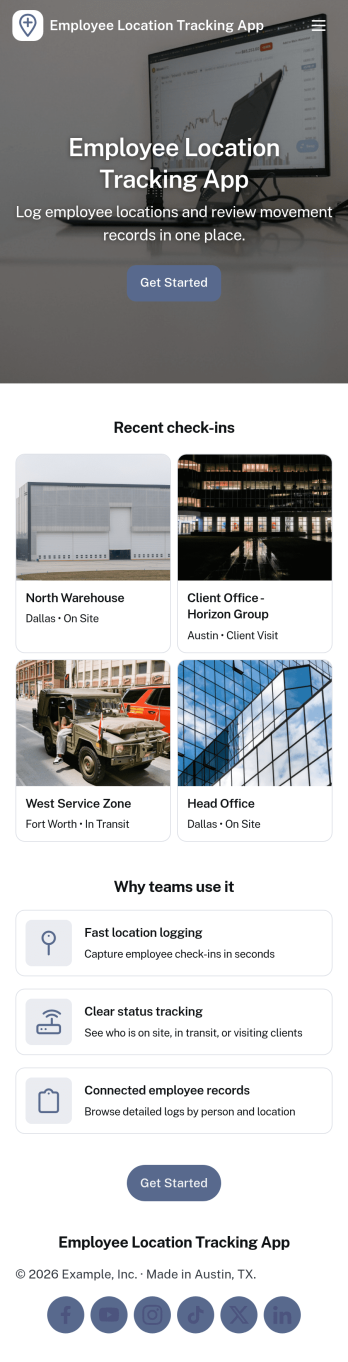
Employee Location Tracking App
Employee Location Tracking App helps teams monitor where staff are working, when they arrive, and how location-based activity changes throughout the day. It fits field service companies, delivery and transportation teams, property management, construction crews, and any operation managing people across multiple sites. With an employee list, a check-in flow, a history view, and a map page, managers can quickly confirm coverage, reduce missed visits, and support safer dispatching without relying on scattered messages. The app also makes it easier for supervisors to review patterns over time, follow up on unusual gaps, and keep everyone aligned when schedules shift.Jotform App Templates make it simple to publish a location tracking experience that’s easy for employees to use and easy for admins to manage. Using Jotform’s no-code app builder and drag-and-drop interface, you can adjust pages, labels, and navigation to match your workflow, then connect the app to your forms and data collection in Jotform. Share it by link or QR code for fast self-service check-ins, keep records organized in one place, and iterate as your processes evolve.
Go to Category:Activity Tracking Apps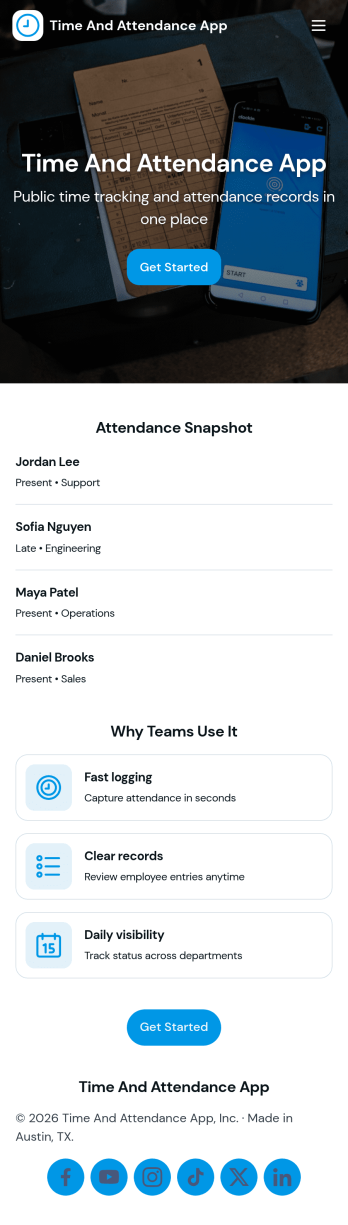
API Time and Attendance App
API Time and Attendance App helps teams track time and attendance in a simple, shareable workspace that supports API-driven processes. Use it to review employee lists, keep visibility into who is clocking time, and maintain a reliable history of clock entries for payroll checks, staffing decisions, and internal audits. It’s a strong fit for HR, operations, and IT teams that need consistent time records across locations, shifts, or job sites while keeping the experience easy for managers and admins to navigate.Jotform makes it easy to build and publish app templates like this one with a no-code app builder and a drag-and-drop interface. Connect your app to forms and tables to support data collection and ongoing workflow needs, then share it as a self-service destination for supervisors or internal stakeholders. As your process evolves, you can update pages, reorganize navigation, and keep all time and attendance activity accessible from one place.
Go to Category:Activity Tracking Apps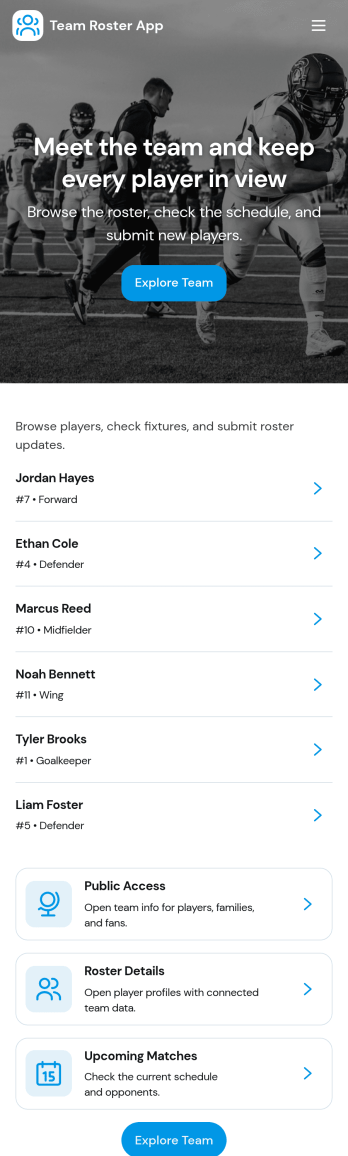
Team Roster App
A team roster app brings your people directory into one place so coaches, managers, and team leads can keep member details organized and easy to find. Use it to view your roster, open individual member profiles, and capture new member information through a simple add member flow. It’s a practical fit for sports teams, clubs, school groups, volunteer crews, and growing departments that need a clear source of truth for names and basic member info without juggling spreadsheets.With Jotform App Templates, you can turn everyday data collection into a polished self-service experience that’s simple to share and update. Build and customize your Team Roster App in Jotform’s no-code app builder, adjust the layout with a drag-and-drop interface, and connect the app to your roster form and tables so updates stay organized over time. Share a single link for quick access on any device and keep your workflow moving as your team changes.
Go to Category:HR Portal Apps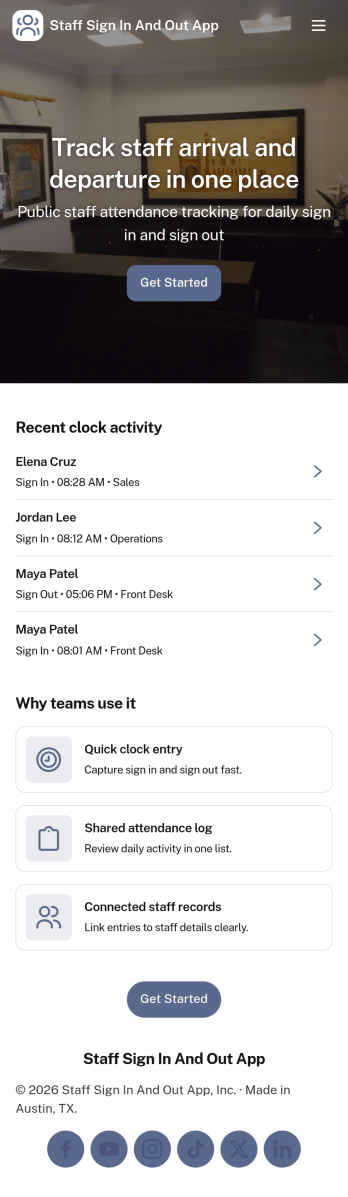
Staff Sign In and Out App
Staff Sign In and Out App helps teams record when employees start and end their shifts in a simple, consistent way. With dedicated sign in and sign out actions, it fits front desks, retail floors, warehouses, clinics, studios, and job sites where managers need quick visibility into who is currently on duty. Employees can log their status in seconds, while supervisors reduce manual checklists, missed entries, and confusion during shift changes.Built with Jotform, this app template turns time and attendance data collection into a mobile-friendly self-service experience. Customize pages with a drag-and-drop interface, connect the sign in and sign out flows to a form, and keep activity easy to review with built-in navigation to view recent records and open individual history. Share the app with a link or QR code so staff can access it on any device, then route updates into the workflows your team already uses.
Go to Category:Sign In Apps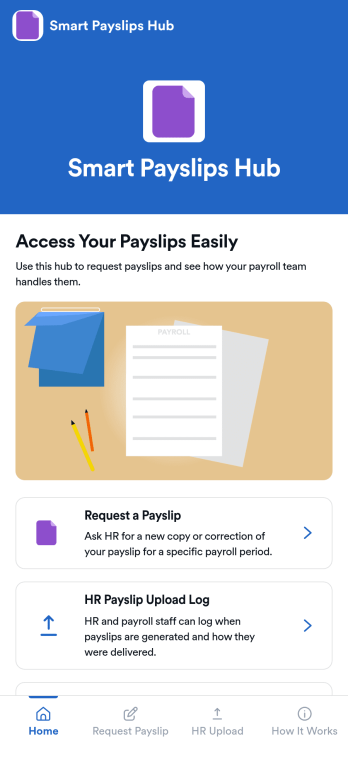
Smart Payslips Hub App
Smart Payslips Hub App gives employees one place to request payslips from HR, understand how payslips are handled, and stay aligned on what to expect. It’s a practical fit for HR teams that want a clear intake path for payslip requests and for employees who need a simple, consistent way to ask for copies or reissues. Use it across locations or departments to reduce missed messages, clarify ownership, and keep payslip-related questions from spreading across email threads and chat channels.With Jotform, you can publish this app template quickly using a no-code app builder and a drag-and-drop interface that’s easy to tailor to your process. Connect the app to forms and related workflows so requests are captured consistently, shared with the right people, and easier to review later. From adding helpful guidance content to organizing HR-facing logs, Jotform makes it simple to deliver a self-service experience employees can access from a single link on any device.
Go to Category:HR Portal Apps