

Human Resources App Templates

Employee Benefits App
Employee Benefits App brings your benefits information into one place so employees can browse what’s available, get enrollment support, and quickly find the right HR contact when questions come up. Use it to publish a benefits directory, guide people to the right team, and collect enrollment requests without sending employees through scattered documents or long email threads. It’s a strong fit for HR teams at growing companies, multi-location organizations, and any workplace that needs a clearer way to communicate benefit options and support paths.With Jotform App Templates, you can launch a branded self-service experience powered by a no-code app builder and a drag-and-drop interface. Connect pages to forms for data collection and route requests through a workflow that keeps HR organized, from new enrollment questions to claim help follow-ups. Customize navigation, add resources, and share a single link so employees always know where to go for benefits updates.
Go to Category:Human Resources Apps
Anonymous Feedback App
Anonymous Feedback App gives people a safe, simple way to share honest input without attaching their name to it. Use it for employee suggestions, student feedback, customer experience notes, event comments, or community concerns when participation drops due to fear of being identified. The app supports quick feedback submission, topic-based browsing to guide what people comment on, and an insights view that helps teams spot patterns and prioritize next steps.With Jotform, you can publish this app template using a no-code app builder and tailor it to your organization in minutes. Use the drag-and-drop interface to update pages, adjust navigation cards, and match your branding, then connect the feedback form to your workflow for organized data collection and follow-up. Share the app through a link or QR code so anyone can access self-service feedback on desktop or mobile.
Go to Category:Community & Engagement Portal Apps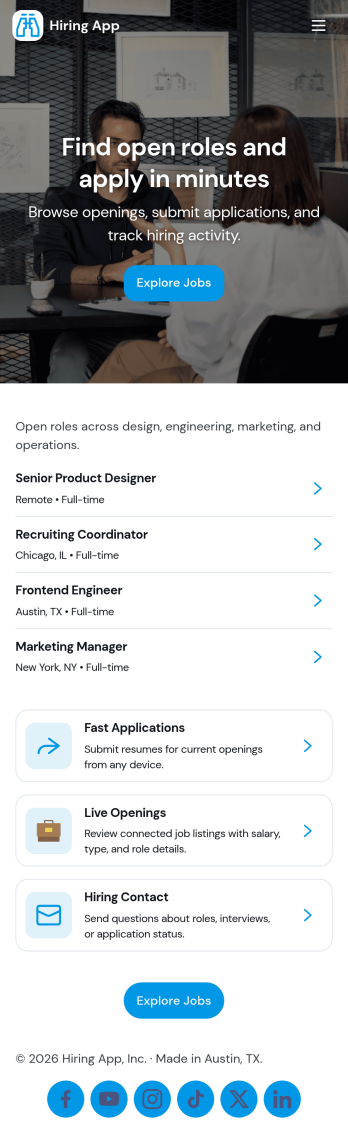
Hiring App
Hiring App helps teams organize and speed up recruiting by giving candidates a simple place to browse open jobs and apply, while enabling hiring managers to post new roles in minutes. Use it to share current openings, route applicants to the right form, and keep job details consistent across departments. It works well for growing businesses, HR teams, staffing coordinators, and franchise or multi-location operators who need a clear, repeatable process for job postings and applications.With Jotform you can turn your hiring workflow into a polished self-service experience using an app template built with a no-code app builder and a drag-and-drop interface. Connect job listings to forms for data collection, centralize applicant details, and keep work moving with optional approvals and automated notifications. Publish a branded app that’s easy to share by link or QR code, so candidates and internal stakeholders can take action from any device.
Go to Category:Human Resources Apps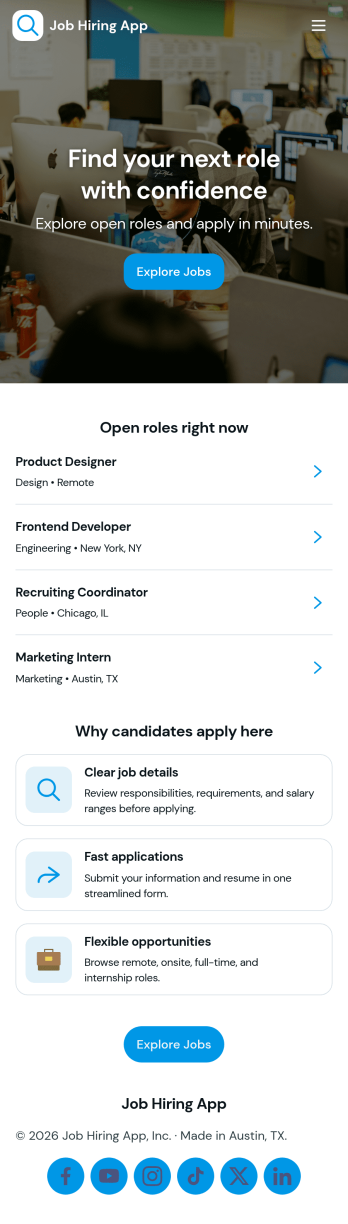
Job Hiring App
Job Hiring App brings your hiring journey into one easy place for candidates to explore open roles and apply without confusion. Share current openings, guide applicants to the right role details, and collect applications through a connected form, while giving candidates a simple way to revisit what they’ve applied for. It works well for small businesses, growing teams, and organizations that hire frequently and want a consistent experience across roles, locations, or departments.Built with Jotform, this app template can be customized with a no-code app builder and a drag-and-drop interface so you can match your brand and hiring process. Connect pages to forms and tables to support data collection, organize candidate workflow steps, and offer a self-service hub that’s easy to share by link or QR code. Update roles as hiring needs change and keep everything centralized so teams can manage recruitment with fewer manual handoffs.
Go to Category:Human Resources Apps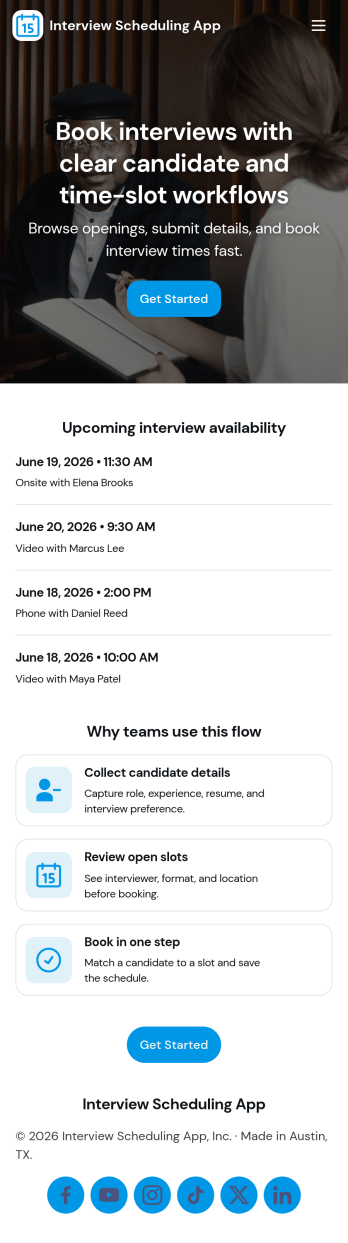
Interview Scheduling App
Interview Scheduling App helps hiring teams coordinate interview requests and confirm times without juggling scattered emails and calendars. Candidates can submit an interview request, browse available open slots, and quickly move to scheduling, while recruiters keep everything organized in one place. It’s a practical fit for HR departments, staffing teams, and fast-growing companies that need a consistent way to handle interview volume, reduce missed connections, and keep candidates moving through the hiring process.With Jotform, you can turn this app template into a branded, self-service scheduling experience using a drag-and-drop interface and a no-code app builder. Connect scheduling details to forms and tables, route updates through a simple workflow, and share a single link for candidates and internal stakeholders. As requests and scheduled interviews come in, Jotform keeps your data collection in one system so your team can track progress and follow up with confidence.
Go to Category:Scheduling Apps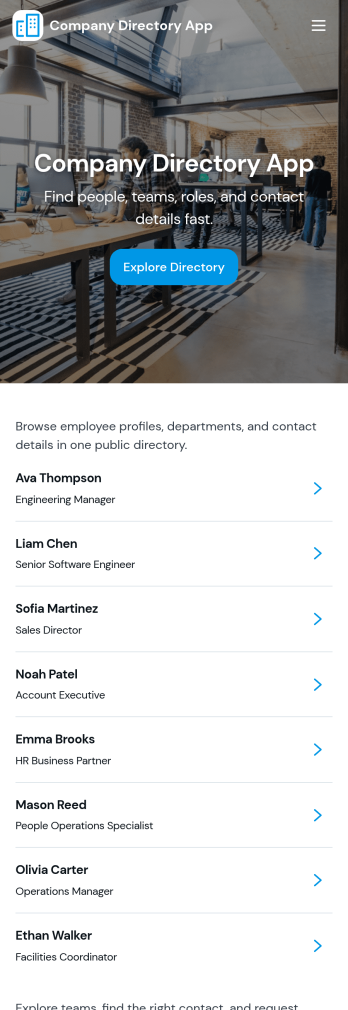
Company Directory App
Company Directory App keeps employee contact details and team information in one place so staff can quickly find the right person to reach out to. Use it to browse an employee directory, explore departments, and view key details like email, phone, and extensions without digging through spreadsheets or outdated intranet pages. It’s a strong fit for growing companies, distributed teams, HR and operations groups, and any organization that needs a clear way to navigate who’s who across the business.With Jotform’s app templates, you can publish a branded directory experience that’s easy to update as your org changes. Use the no-code app builder and drag-and-drop interface to adjust pages, organize department and employee lists, and connect a contact form for questions or corrections. Pair Jotform with tables and workflow options to keep data collection consistent, reduce manual updates, and offer a smoother self-service experience for employees on any device.
Go to Category:Company Portal Apps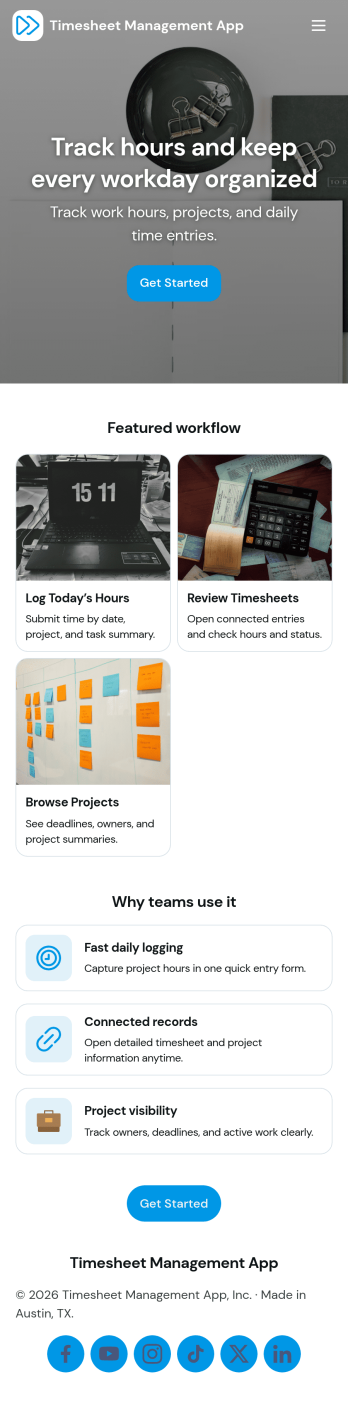
Timesheet Management App
Timesheet Management App helps teams record work hours consistently and keep employee time entries organized in one place. It’s a practical fit for HR and operations teams, project leads, and small business owners who need an easy way to capture time worked, reduce manual tracking, and maintain clearer visibility across shifts, jobs, or clients. With quick time logging, an entries area for reviewing records, and employee-specific timesheet views, this app supports day-to-day time reporting without relying on scattered spreadsheets or inbox updates.Jotform makes it simple to turn this workflow into a mobile-friendly experience using customizable App Templates and a no-code app builder. Use a drag-and-drop interface to adjust pages, add instructions, and connect your time log form to the rest of your workflow for faster data collection and self-service updates. Share the app by link so employees can log time and managers can review timesheets and summaries from anywhere.
Go to Category:Activity Tracking Apps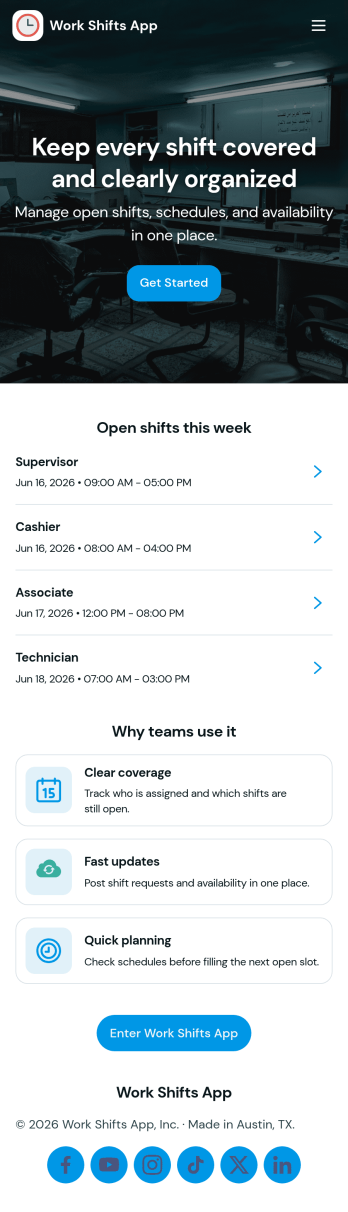
Work Shifts App
Work Shifts App helps teams coordinate day-to-day staffing by giving employees a clear place to check today’s shifts, clock in when work starts, and send shift requests when plans change. It’s a practical fit for shift-based workplaces like retail stores, restaurants, field services, warehouses, and front-desk operations where managers need fewer missed handoffs and employees need quick answers. The built-in team roster and log access support smoother coverage and accountability, especially for distributed teams or locations that rely on consistent scheduling.Jotform makes it easy to turn this use case into a branded self-service experience with its no-code app builder and drag-and-drop interface. Start with this app template, then connect it to your existing workflows for data collection and tracking, route requests to the right person, and keep everything accessible from one link. With Jotform, you can update pages anytime, share the app with your staff, and centralize shift activity without building custom software.
Go to Category:Scheduling Apps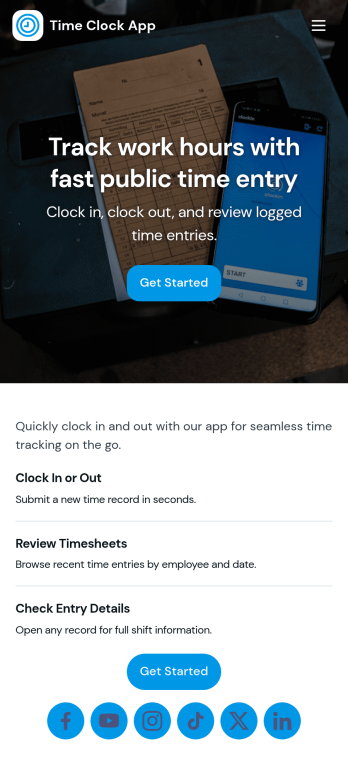
Time Clock App
Time Clock App helps teams record employee work time in one place, making it easier to capture accurate clock-in entries and review recent shifts without chasing paper timesheets. It’s a practical fit for shift-based workplaces like retail stores, restaurants, salons, warehouses, and field service teams that need a consistent way for staff to start their time, add an entry when needed, and look up clock times by shift or employee.With Jotform, you can turn this time clock workflow into a shareable, self-service app experience using a no-code app builder and a drag-and-drop interface. Connect the Clock In and Add Entry actions to your form, present recent shifts in a clear list, and keep an employee roster available for quick reference. As your process evolves, you can adjust pages, branding, and connected data collection so your workflow stays aligned with how your team actually works.
Go to Category:Human Resources Apps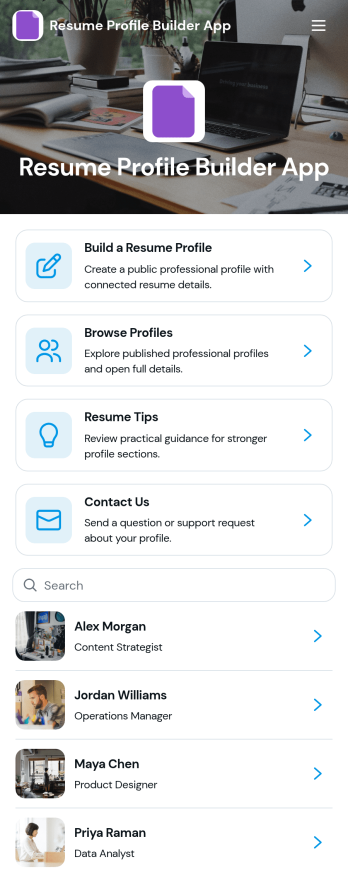
Resume Profile Builder App
Resume Profile Builder App is a ready-to-use app template for job seekers, freelancers, recruiters, career coaches, staffing teams, and educational institutions that need a convenient way to create and present professional profiles. Users can submit career details through a connected form, browse published profiles, and open individual pages featuring key resume information. The app also provides resume guidance and a contact path for questions. It can support candidate directories, student career showcases, freelancer networks, talent pools, and internal mobility programs while keeping profile creation and discovery in one accessible location.Jotform Apps helps organizations turn this Resume Profile Builder App into a branded, mobile-friendly experience without writing code. Its no-code app builder and drag-and-drop interface make it easy to adjust pages, navigation, colors, fonts, and visual elements. Teams can connect forms and tables to support data collection and workflow needs, then share the finished app through a direct link or QR code. Starting with Jotform App Templates reduces setup time while leaving room to create a polished self-service resource for candidates, employers, students, or professional communities.
Go to Category:Job Apps
Overtime Approval HR App
Overtime Approval HR App helps HR teams and managers collect overtime requests, review employee work details, and record approval decisions in one place. Employees can submit a new request in minutes, while approvers can open a request, confirm schedule and work details, and move requests forward without losing context. It fits offices, retail teams, healthcare departments, and operations groups that need a consistent way to handle overtime requests across shifts, locations, or supervisors.Built with Jotform, this app template turns your overtime process into a guided, self-service experience you can share with a link. Use the no-code app builder and drag-and-drop interface to tailor pages, buttons, and request views to match your policy, then connect the app to your forms, tables, and workflows for reliable data collection. As requests come in, teams can keep everything organized, reduce manual follow-ups, and maintain a clear trail of decisions for internal reporting.
Go to Category:Human Resources Apps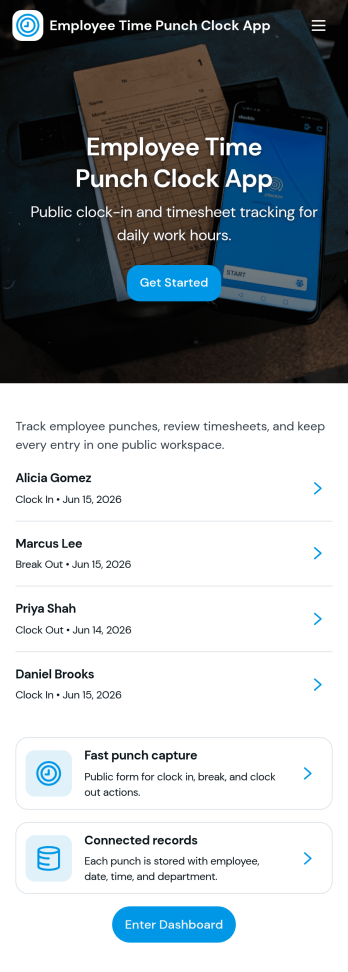
Employee Time Punch Clock App
Employee Time Punch Clock App helps teams record work time in a consistent, self-serve way, giving employees a simple place to punch in and out and managers a clearer view of hours worked. With an on-screen punch clock, shift history navigation, and a dedicated area for time requests and request status, it supports day-to-day attendance tracking without relying on paper timesheets or scattered messages. It’s a great fit for retail stores, restaurants, field service teams, warehouses, and any organization that needs reliable time punches across multiple roles or locations.Jotform makes it easy to turn this app template into a branded experience using a no-code app builder and a drag-and-drop interface. Connect the app to your existing data collection and workflow needs by linking forms and tables, then share it by link or QR code so staff can access it on mobile or desktop. As your process evolves, you can update pages, refine navigation, and keep time punch data organized for faster reviews, fewer corrections, and smoother operations.
Go to Category:Human Resources Apps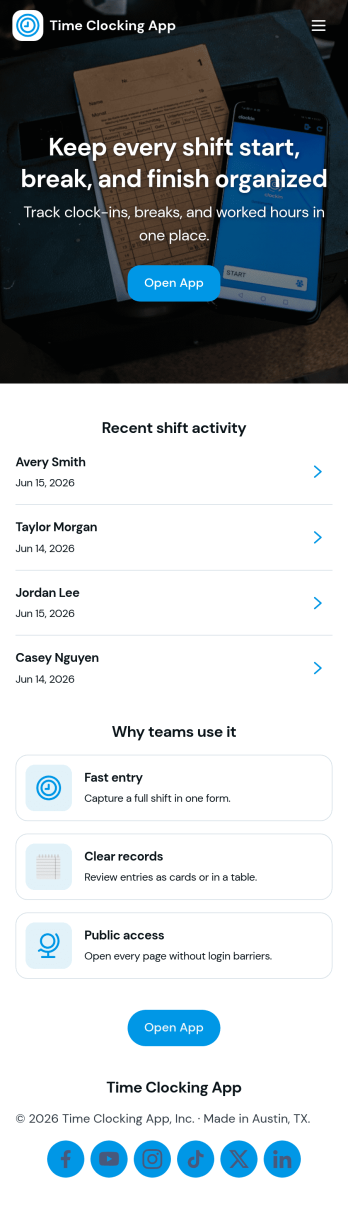
Time Clocking App
Time Clocking App helps teams capture work hours in a simple, repeatable way so payroll and daily operations don’t rely on memory or scattered messages. Employees can create clock entries from one place, review their own time entries, and follow the status of each entry, which makes it easier to correct issues early. This format works well for hourly staff, shift-based roles, and mobile teams in retail, hospitality, home services, and field operations where consistent time logging matters.With Jotform, you can turn this time tracking workflow into a branded, self-service experience using a no-code app builder and a drag-and-drop interface. Connect your app template to forms and tables for reliable data collection, route updates through the right workflow, and publish a shareable link for quick access. As your process changes, you can adjust pages, buttons, and record views without rebuilding everything from scratch.
Go to Category:Human Resources Apps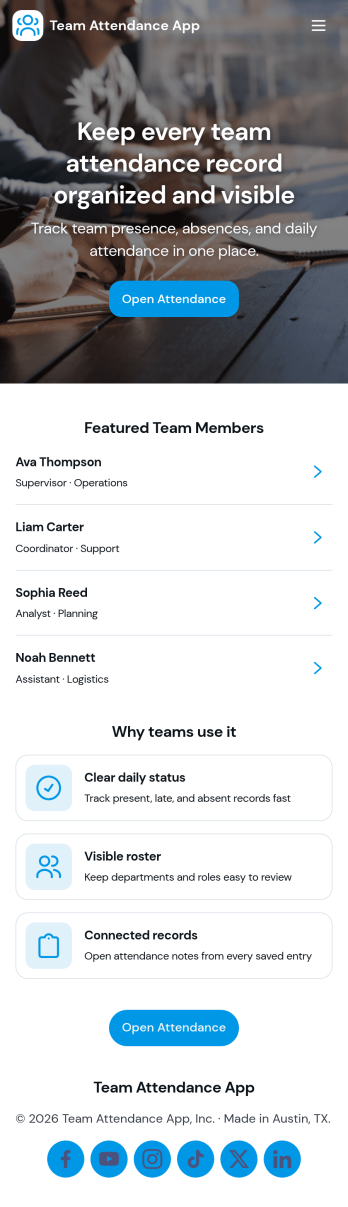
Team Attendance App
Team Attendance App helps teams track who’s in, who’s out, and when each attendance entry was recorded, all from a single place. It’s built for managers, HR coordinators, team leads, and small business owners who need a simple way to add team members, log attendance, and look up records without juggling spreadsheets. With dedicated areas for Team, Attendance, and Records, staff can quickly find people, contact them by email when needed, and review attendance history for day-to-day coverage planning.Jotform makes it easy to turn your attendance process into a shareable, self-service experience using ready-made app templates and a no-code app builder. Customize pages with a drag-and-drop interface, connect the app to your forms and data collection, and keep information organized for fast searching and repeat use. Share the app with your team via a link so everyone can access the right actions and updates from desktop or mobile.
Go to Category:Human Resources Apps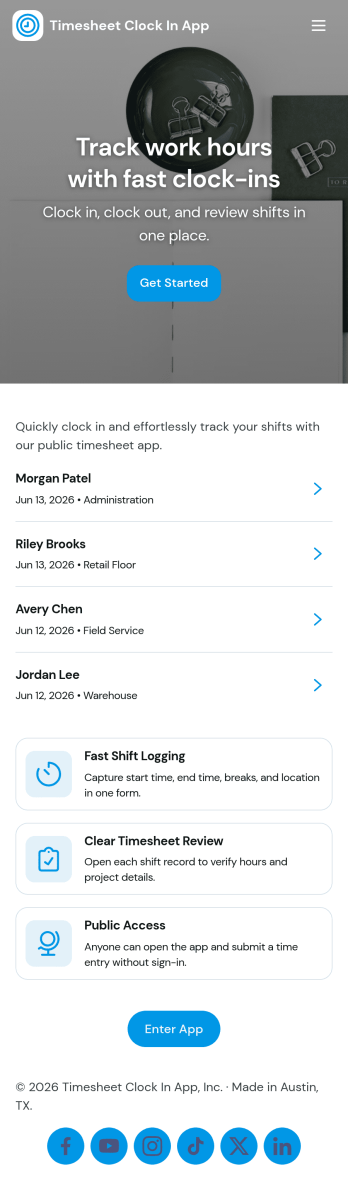
Timesheet Clock In App
Timesheet Clock In App helps teams record work hours in a clear, repeatable way, whether you run a retail floor, a field service crew, a small agency, or an office with hourly staff. Employees can add a clock entry when they start or finish work, then review recent entries to confirm their time is accurate before payroll. Managers can also use it as a lightweight time tracking touchpoint for shifts, job-based work, or multi-location teams where consistency matters.With Jotform, you can turn this app template into a branded, self-service experience using a no-code app builder and a drag-and-drop interface. Connect the app to your existing forms and data collection workflow, publish it with a shareable link, and keep entries organized in one place for faster reviews. As your process evolves, you can adjust pages, automate handoffs, and collaborate with teammates while keeping the clock-in flow simple for everyone.
Go to Category:Activity Tracking Apps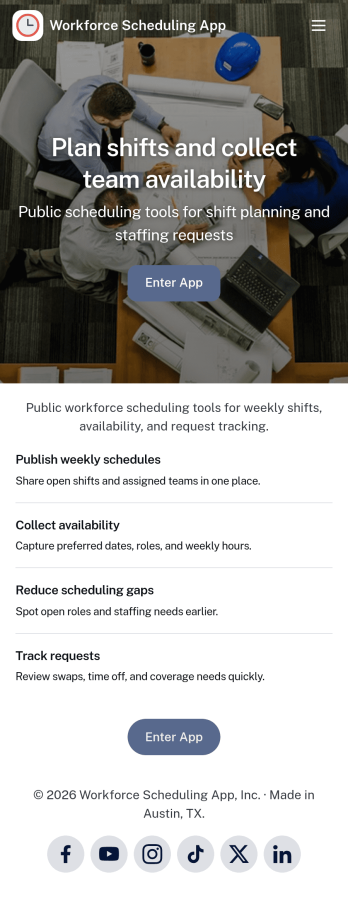
Workforce Scheduling App
A workforce scheduling app helps managers and coordinators organize teams, assign shifts, and keep everyone aligned on who is working when. Use it to view team members, review open and assigned shifts, and publish a schedule staff can check anytime, while also collecting availability so planning reflects real constraints. It’s a strong fit for retail stores, restaurants, field service teams, clinics, and any operation with rotating coverage, multiple locations, or part-time staff.Jotform makes it easy to turn scheduling workflows into a shareable, mobile-friendly experience with customizable app templates and a no-code app builder. Using a drag-and-drop interface, you can adjust pages for your team, connect forms for availability updates and shift details, and keep information organized in one place for quick self-service access. Share your Jotform app by link or QR code so employees can stay updated without extra tools.
Go to Category:Scheduling Apps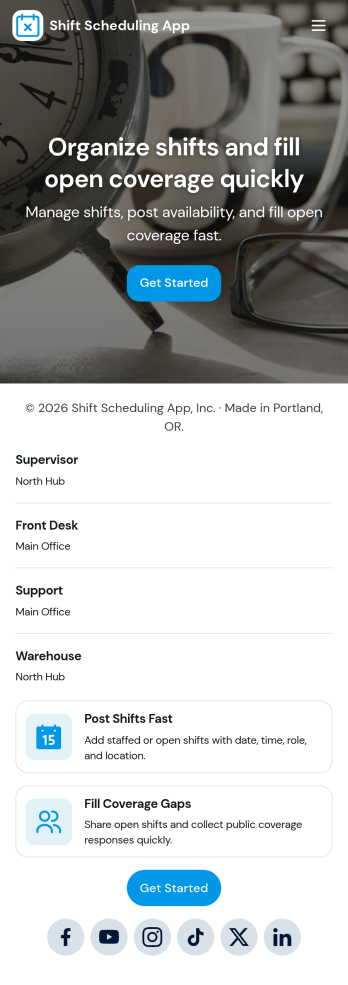
Shift Scheduling App
A shift scheduling app brings your team’s weekly schedule, coverage needs, and time-off requests into one place so everyone knows where they need to be and when. Use it to publish upcoming shifts, let staff submit availability, and route coverage or time-off requests to the right person without digging through texts or scattered spreadsheets. It works well for managers coordinating hourly teams and for employees who need a clear view of assignments, request updates, and quick access to the actions they use most.With Jotform, you can turn this shift scheduling app template into a branded, mobile-friendly experience using an intuitive no-code app builder and a drag-and-drop interface. Connect the app to your existing forms and workflows to collect data consistently, keep requests organized, and make self-service scheduling easier for your team. Share it with a link or QR code, adjust pages as your operations change, and keep everyone aligned with a single hub for scheduling and staffing updates.
Go to Category:Scheduling Apps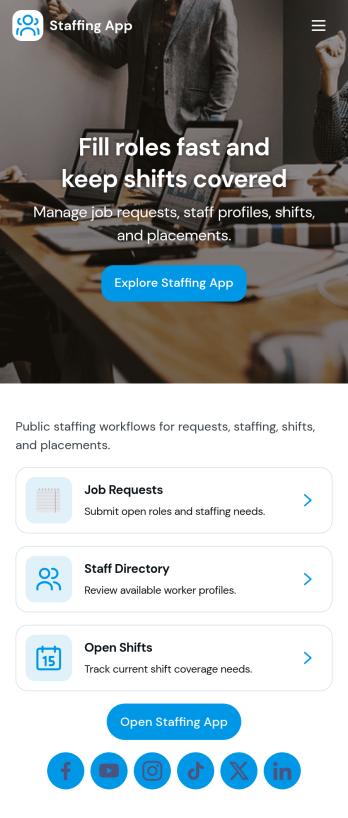
Staffing App
Staffing App brings your hiring and staffing requests into one place so teams can post open roles, invite candidates to apply, and capture internal requests for additional staff. It fits staffing agencies, HR teams, recruiters, and operations managers who need a clear way to promote openings, review candidate interest, and understand where coverage is needed across locations or shifts. With role listings for browsing, an apply flow tied to a form, and a separate staff request path, it keeps recruiting and workforce needs organized without relying on scattered emails and spreadsheets.Built with Jotform App Templates, this app template can be customized in minutes using Jotform’s no-code app builder and drag-and-drop interface. Connect pages to forms and tables to support data collection and workflow steps like routing applications to the right owner, sending notifications, and keeping records centralized. Share the app as a self-service link for applicants and an internal hub for managers, then adjust branding, content, and navigation as your staffing process evolves.
Go to Category:Human Resources Apps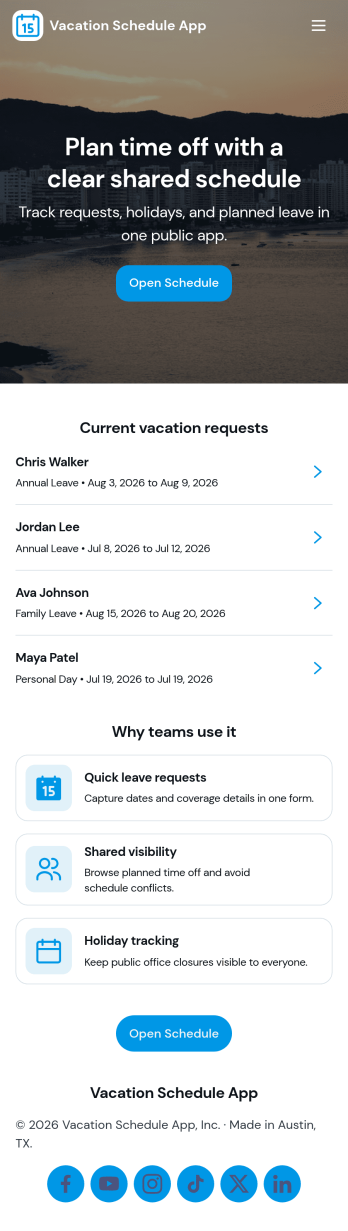
Vacation Schedule App
Vacation Schedule App helps teams organize time-off requests and keep a shared view of who is out and when. Employees can submit a vacation request, browse the schedule, and check My Requests for quick status updates, while managers and coordinators can collect coverage updates to reduce gaps and confusion. It’s a practical fit for offices, retail teams, clinics, field crews, and any department that needs clear visibility into upcoming PTO without relying on long email threads.Built with Jotform, this app template can be customized with a drag-and-drop interface so it matches your internal process and terminology. Connect it to your tables for reliable data collection, keep everyone aligned with a simple workflow for requests and updates, and share a self-service hub that works on desktop or mobile. With Jotform’s no-code app builder, you can publish quickly and adjust as your team grows or policies change.
Go to Category:HR Portal Apps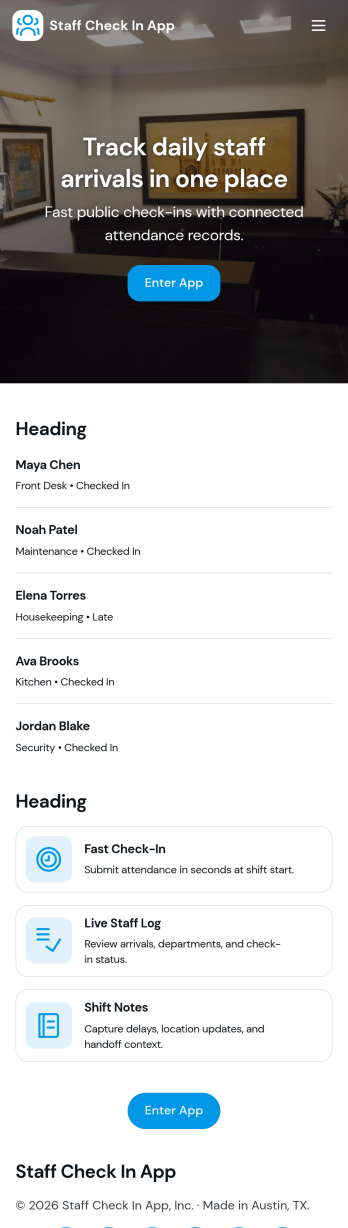
Staff Check In App
Staff Check In App helps teams record employee arrivals in one place and keep a clear daily trail of attendance. It’s a practical fit for offices, retail locations, clinics, warehouses, and field teams that need a simple way for staff to check in at the start of a shift. With quick check-in access, an at-a-glance view of today’s activity, and an easy path to browse history, managers can reduce confusion around who is on site and when, while employees get a fast, consistent routine they can follow from any shared link.Built with Jotform App Templates, this app template can be customized in minutes using Jotform’s no-code app builder and drag-and-drop interface. Connect the in-app check-in actions to a linked form and table so data collection stays organized and searchable, then share the app with a link or QR code for self-service use. As your workflow evolves, you can adjust pages, buttons, and branding, and keep your staff check-in process running smoothly across teams and locations.
Go to Category:Sign In Apps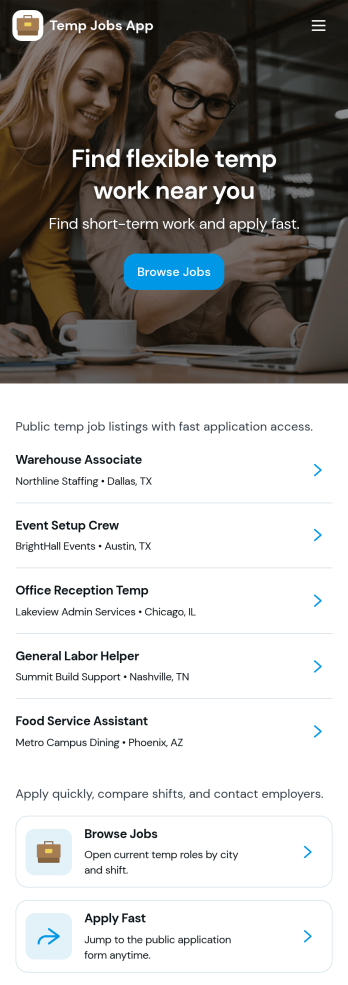
Temp Jobs App
Temp Jobs App helps staffing teams publish temporary roles and gives job seekers a simple way to find openings, apply, and keep tabs on where they stand. Use it to share job listings by role, highlight popular opportunities, and guide candidates from browsing to an application form in just a few taps. It’s a practical fit for staffing agencies, recruiters, HR teams, and businesses that hire seasonal or contract workers and need a consistent place to direct applicants.Jotform makes it easy to turn this use case into a branded self-service experience with customizable app templates and a no-code app builder. With a drag-and-drop interface, you can organize pages for job browsing and applications, connect forms for data collection, and keep everything in one workflow so candidates can apply and review their past entries. Share the app via link or QR code and update listings anytime without rebuilding your process.
Go to Category:HR Portal Apps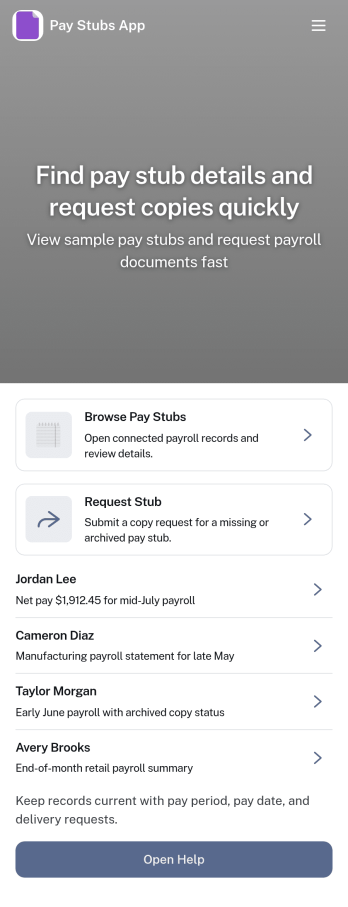
Pay Stubs App
Pay Stubs App gives employees a simple place to find recent pay stubs, open an employee record, and request a copy when something is missing. It works well for HR teams and payroll administrators who want to cut down on repetitive questions, keep requests organized, and make pay information easier to access without email threads. Use it for small businesses, multi-location teams, and growing organizations that need a clear process for locating records and tracking pay stub copy requests.Built with Jotform, this app template can be tailored with a drag-and-drop interface, connected to your existing data collection and workflows, and shared as a self-service experience. Link the app to tables for employee records, route requests to the right people, and keep updates in one place so HR can respond faster while employees always know where to go.
Go to Category:Human Resources Apps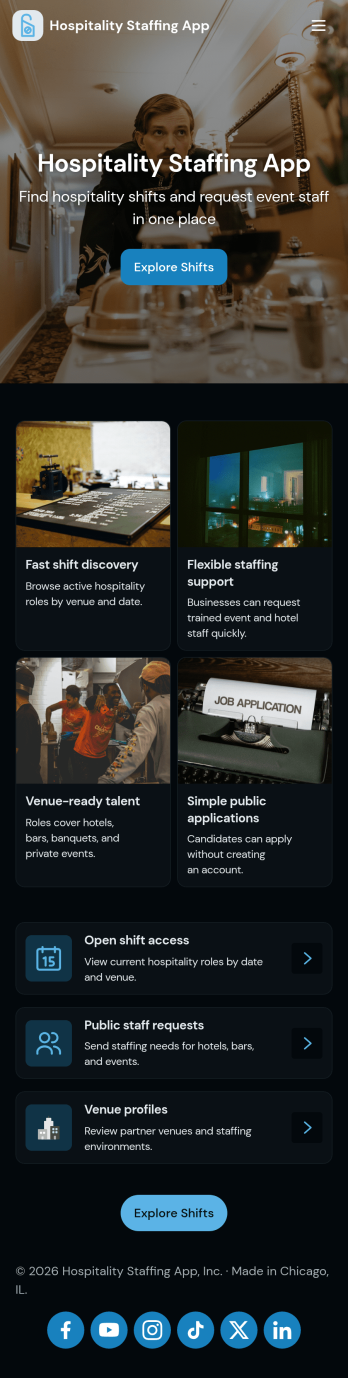
Hospitality Staffing App
Hospitality Staffing App brings open shift coverage, availability collection, and staffing requests into one place so hotels, restaurants, catering teams, and event venues can respond quickly when schedules change. Use it to post Open Shifts for teammates to review, collect Availability to understand who can work specific days or roles, and centralize Requests so managers can prioritize coverage needs without chasing updates across messages.Jotform makes it easy to turn staffing workflows into a shareable, mobile-friendly experience using App Templates and a no-code app builder. With a drag-and-drop interface, you can adjust pages, connect buttons to forms for data collection, and keep information organized as your workflow evolves. Share the app link with staff, gather updates in real time, and manage ongoing scheduling needs with a setup that’s simple to maintain.
Go to Category:Human Resources Apps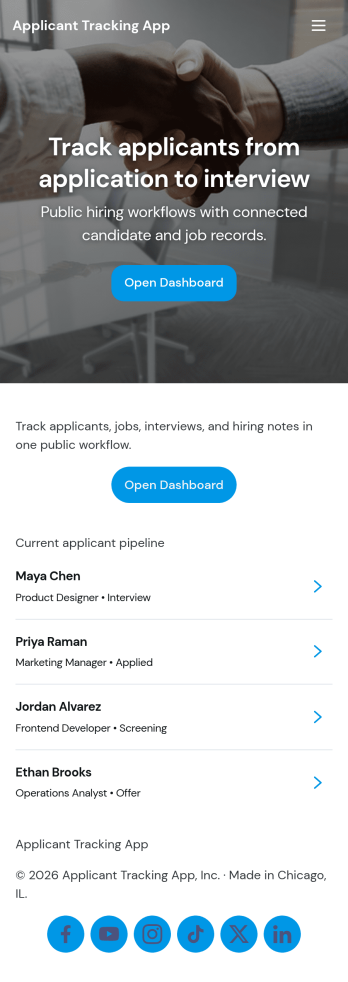
Applicant Tracking App
An Applicant Tracking App helps hiring teams collect candidate details, keep applicants organized, and move people through a consistent review process from first contact to final decision. Use it to centralize open applicants, route candidates into a review queue, and keep your pipeline visible so recruiters and managers can quickly see what needs attention. This format works well for HR departments, staffing teams, and fast-growing small businesses that need a clear place to add applicants, capture reviewer input, and avoid losing track of conversations across email threads.With Jotform, you can turn your hiring workflow into a self-service experience using App Templates and a no-code app builder that’s easy to customize. Build pages with a drag-and-drop interface, connect buttons to forms for data collection like adding applicants and submitting screening reviews, and keep records organized in connected tables so your team can collaborate with less friction. Share your Jotform app through a link or QR code and keep hiring steps consistent across roles, locations, and teams.
Go to Category:Human Resources Apps