

Information Technology Apps

Mobile Camera App
Mobile Camera App is a customizable starting point for organizations that need a mobile-friendly place to support photo collection and visual documentation. Field service teams, inspectors, contractors, educators, event organizers, and community groups can adapt its page for photo instructions, project guidance, or links to image upload forms. It can help users submit site images, progress photos, event pictures, equipment records, or other visual updates from one accessible location. Clear resource navigation and connected data collection reduce confusion while keeping photography-related tasks aligned with the intended workflow.Jotform App Templates make it easier to turn this Mobile Camera App into a branded experience without writing code. Using Jotform’s no-code app builder and drag-and-drop interface, creators can customize the existing page, add buttons and media, and connect forms or other workflow resources. The app template can be expanded for self-service access, shared through a direct link or QR code, and opened on mobile devices. Teams can adjust colors, fonts, and content to suit each project, then publish updates as their photo collection process evolves.
Go to Category:Information Technology Apps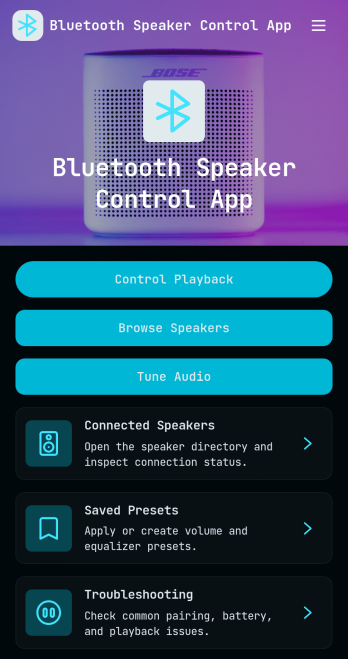
Bluetooth Speaker Control App
Bluetooth Speaker Control App brings your speaker experience into one place so you can browse connected devices, manage playback actions, tune audio settings, and store go-to sound presets. It’s a practical fit for home setups, shared offices, studios, gyms, classrooms, and event spaces where multiple speakers get used and quick adjustments matter. Use it to keep a simple speaker directory, check key details like model and battery, and keep troubleshooting steps close at hand when pairing or playback issues pop up.With Jotform, you can turn this app template into a branded, shareable self-service experience using a no-code app builder and a drag-and-drop interface. Link buttons to the actions that matter most, connect forms to capture speaker status updates and preset preferences, and keep information organized for fast access on any device. Whether you’re supporting a team room or managing your own audio gear, Jotform makes data collection and workflow routing feel straightforward.
Go to Category:Entertainment Apps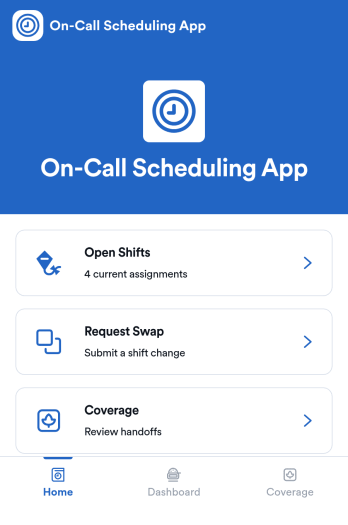
On-Call Scheduling App
On-Call Scheduling App helps teams coordinate after-hours coverage by giving staff one place to check open shifts, request a swap, and track coverage activity. It’s a practical fit for IT and operations groups, healthcare teams, maintenance crews, and any organization that runs rotating on-call duty and needs fewer missed handoffs. With dedicated areas for open shifts, swap requests, and coverage updates, the app keeps expectations clear and reduces confusion when schedules change at the last minute.Built with Jotform App Templates, this app template can be tailored in a no-code app builder using a drag-and-drop interface, so you can match your workflow without relying on developers. Connect pages to forms for fast data collection, route requests to the right people, and keep a simple coverage log that’s easy to review. When it’s time to roll it out, share the app in seconds for self-service access, and keep support handy with quick buttons for email or phone contact.
Go to Category:Information Technology Apps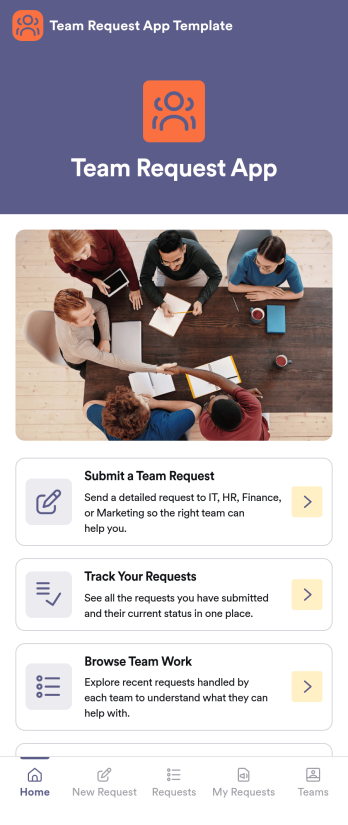
Team Request App Template
Team Request App Template is an app template designed to simplify the process of internal request submission and approval within organizations. This template is purpose-built to streamline the submission of various types of requests such as resource acquisition or issue resolution, transforming a potentially chaotic process into a structured, organized workflow. With its built-in tracking system, this template allows managers and HR teams to effortlessly manage approvals and keep tabs on the status of all requests, eliminating the need for back-and-forth emails or manual tracking methods. The Team Request App Template is ideally suited for teams, departments, and organizations that deal with high volumes of internal requests. This powerful app template not only enhances clarity and consistency in request handling but also ensures a more complete and efficient collection of request-related information.Jotform's offerings enhance the value provided by the Team Request App Template. With Jotform's no-code app builder, users can custom-fit the template to their specific needs through a visual drag-and-drop interface. It allows convenient customization of forms, addition of widgets, and modification of links to create a single, consolidated interface. The app, with its cross-platform compatibility, seamlessly functions across smartphones, tablets, and desktops, making it more accessible for all users. Moreover, if the app is used to request paid resources or services, Jotform Apps' integration with 25+ payment processors can be employed to facilitate transactions directly within the app. The publish options provided by Jotform also allow users to control the accessibility of the app, offering settings such as Public, Private, or Company-only. With its powerful features and flexibility, Jotform makes the Team Request App Template an effective solution to streamline and simplify internal request handling within organizations.
Go to Category:HR Portal Apps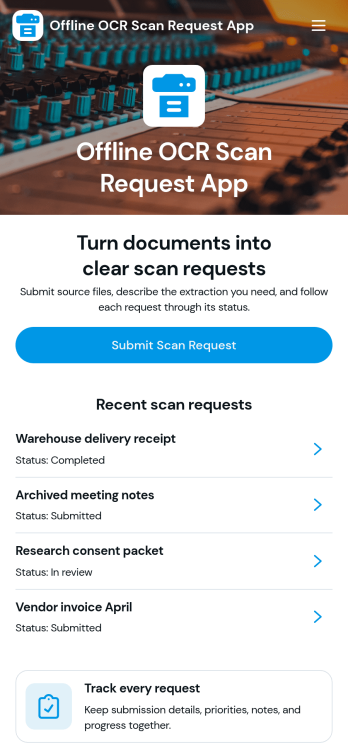
Offline OCR Scan Request App
Offline OCR Scan Request App helps teams capture text from printed pages even when there’s no internet connection. It’s useful for field technicians digitizing serial numbers, healthcare and education staff transcribing handouts, retailers capturing product labels, and small businesses turning paper notes into searchable records. Use it to guide users through scanning, reviewing, and saving extracted text so information doesn’t get lost between the paper source and the system it needs to reach.Jotform makes it easy to turn this use case into a mobile-friendly experience with App Templates you can publish and share in minutes. Using Jotform’s no-code app builder and drag-and-drop interface, you can customize pages, add clear calls to action, and connect the app to data collection and workflow tools like forms, tables, approvals, and notifications. Build a self-service scanning experience for your team, then update it anytime as your process evolves.
Go to Category:Field Service Apps
Password Manager App
Password Manager App helps individuals and teams store, organize, and reference login details in one place when they need fast access to accounts. Use it to add new credentials through a simple add-password flow, browse a central vault, and open saved records to view key details like username, password, and the related website link. It fits everyday use for freelancers, small businesses, IT coordinators, and operations teams that manage multiple tools, shared services, or recurring client accounts and want a consistent way to keep records tidy and easy to find.With Jotform, you can turn this app template into a tailored self-service experience using a no-code app builder and a drag-and-drop interface. Connect the app to forms and tables for data collection, keep records up to date as processes change, and shape a workflow that matches how your organization manages access. Publish and share the app in minutes so the right people can quickly navigate to the vault, review records, and add new entries without friction.
Go to Category:Information Technology Apps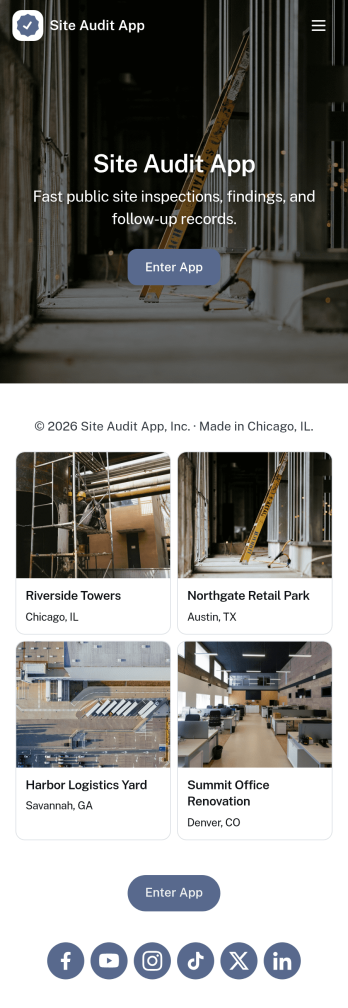
Site Audit App
Site Audit App helps teams run consistent site audits, document findings, and keep follow-up work moving without losing track of what’s been checked. It’s a practical fit for IT and web teams, agencies managing multiple client sites, and operations groups that need a repeatable way to start an audit, review open issues, and maintain an organized history of past audits. Use it to standardize how audits are launched, capture issues as they’re discovered, and keep visibility on what still needs attention across sites and audit cycles.Jotform makes it easy to turn this Site Audit App into a branded, self-service workflow using a no-code app builder with a drag-and-drop interface. Connect pages to forms and tables to support data collection, issue tracking, and action logging in one place, then share the app by link for quick access on desktop or mobile. As your workflow grows, you can adjust fields, add steps, and collaborate with teammates so audits and issue follow-up stay consistent from start to finish.
Go to Category:Information Technology Apps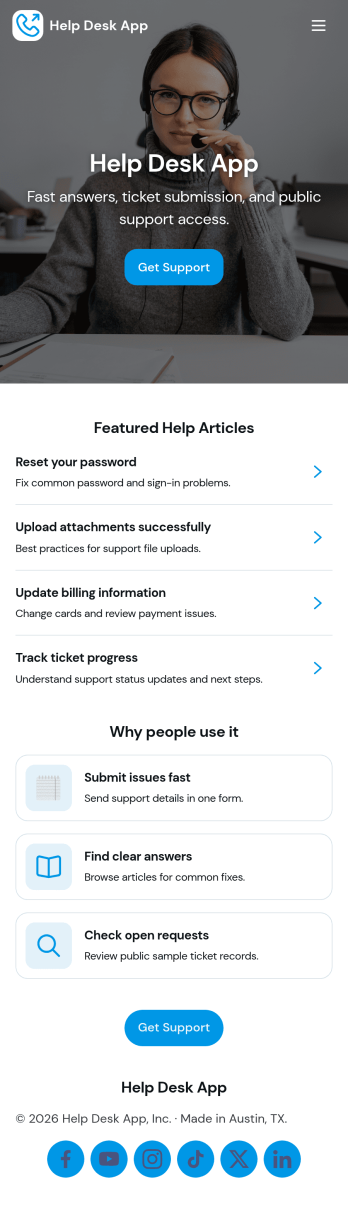
Help Desk App
Help Desk App gives teams a simple, organized way to receive support requests, share answers, and keep ticket updates easy to find. Use it to route “New Ticket” requests to the right place, let requesters check “My Tickets” and “Open Tickets,” and point users to “Help Articles” before they submit a new issue. It works well for internal IT support, facilities and operations requests, HR help inquiries, or customer support for small businesses that want one mobile-friendly place to manage common problems and follow-ups.With Jotform, you can build and publish app templates like Help Desk App using a no-code app builder and a drag-and-drop interface. Connect your app to forms and tables for data collection, assign ownership for each request, and keep a clear workflow from intake to resolution. Share your app through a link or QR code, update content like help articles anytime, and give both end users and admins a self-service experience without adding complexity.
Go to Category:Customer Portal Apps
IP Address Management App
IP Address Management App gives IT teams, network administrators, managed service providers, and growing organizations a central workspace for organizing address allocations and subnet information. Teams can browse an IP directory, distinguish available addresses from allocated ones, and review associated network, hostname, and assignee details. They can also maintain subnet records and submit change requests with supporting context, helping reduce duplicate assignments, scattered spreadsheets, and unclear ownership. The template is useful for routine network administration, infrastructure planning, office expansions, device deployments, and internal audits where accurate records support faster decisions.Jotform makes this app template easy to adapt with a no-code app builder and a flexible drag-and-drop interface. Customize pages, navigation, colors, typography, and branding to match existing IT processes, then connect forms and tables to support data collection and organized workflows. Teams can add approval steps, trigger notifications, and provide controlled self-service access for staff who need to request network changes. Publish the finished app with a direct link, share it by QR code, or embed it in an internal resource center for convenient access across desktop and mobile devices.
Go to Category:Information Technology Apps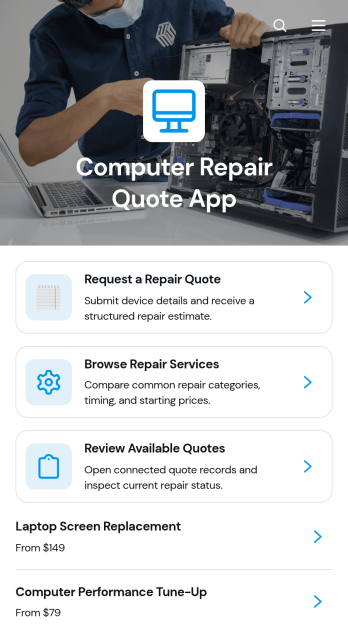
Computer Repair Quote App
The Computer Repair Quote App is an app template for repair shops, independent technicians, information technology teams, and home service providers that need a convenient way to handle computer repair estimates. Customers can request a quote, browse hardware, software, and data assistance services, and review available quotes from one mobile-friendly location. Each estimate can present the device type, expected cost, estimated completion time, issue summary, technician notes, and quote date. This clearer customer experience reduces scattered inquiries, helps technicians organize service needs, and gives customers the information required to evaluate proposed repairs.Jotform App Templates make it easy to adapt this experience to the way a repair business operates. Using Jotform’s no-code app builder and drag-and-drop interface, teams can update pages, branding, navigation, service information, and connected forms without programming. The app can support data collection and workflow management by linking quote requests with tables, notifications, approvals, or other internal processes. Once customized, it can be shared through a direct link or QR code, giving customers convenient self-service access while helping repair teams manage incoming opportunities and communicate estimates consistently.
Go to Category:Estimation Apps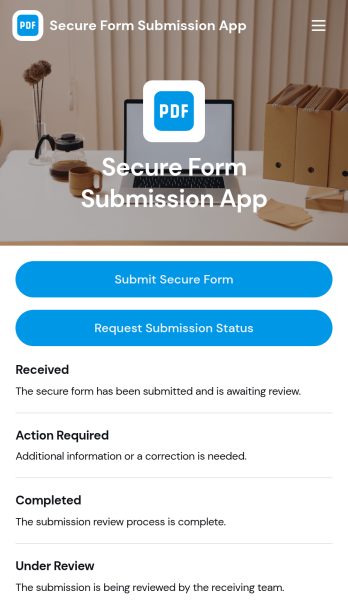
Secure Form Submission App
Secure Form Submission App gives teams a single, controlled place to collect sensitive requests and documents and let people check where their request stands. Use it to route internal submissions, client intake, incident reporting, or support requests where clarity and confidence matter. With a dedicated button to submit a secure form and another to request submission status, the app helps reduce uncertainty while keeping communication consistent across departments and locations.Built with Jotform App Templates, this experience can be tailored in minutes using a no-code app builder and a drag-and-drop interface. Connect the app to your forms and tables to support reliable data collection, organize records in lists, and guide each request through a repeatable workflow. Share the app by link or QR code for self-service access, then update content, branding, and navigation as your process evolves.
Go to Category:Customer Portal Apps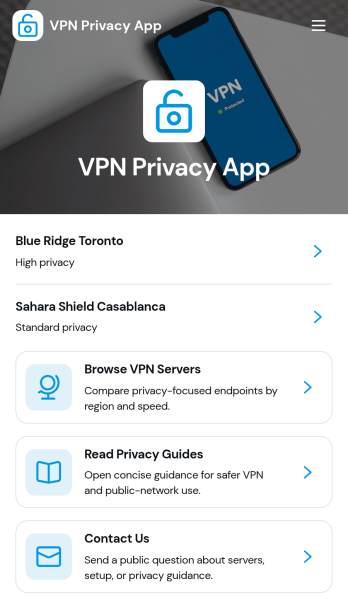
VPN Privacy App
VPN Privacy App gives people and IT teams a simple way to explore VPN server options, review privacy guidance, and run quick connection safety checks from one place. It works well for remote teams, coworking spaces, schools, help desks, and security-conscious communities that want a consistent way to share recommended servers and basic safety steps without relying on long emails or scattered documents.With Jotform, you can build and publish this app template using a no-code app builder and a drag-and-drop interface, then connect it to your data collection and workflow needs. Update server lists, add new privacy guides, and route questions through a built-in contact form so users can self-service what they need and your team can keep information current with less manual follow-up.
Go to Category:Information Technology Apps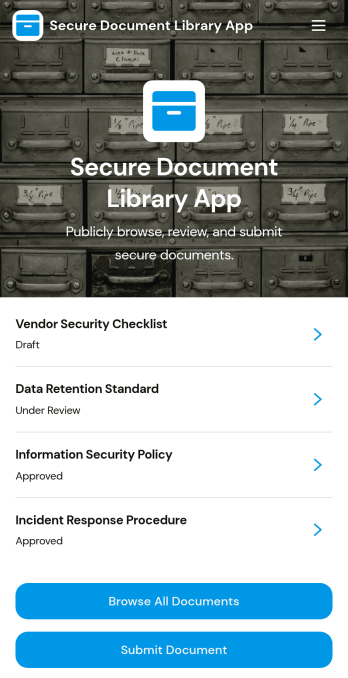
Secure Document Library App
Secure Document Library App helps teams store, organize, and share internal files in one controlled place so people can quickly find what they need without hunting through inboxes or scattered folders. Use it to browse all documents, open a document to review key details like category, version, document owner, and next review date, and route new files through a simple submit document flow. It’s a practical fit for HR and operations teams maintaining policies and handbooks, IT teams publishing runbooks and SOPs, and growing businesses that need a consistent way to keep reference materials current.With Jotform, you can turn this app template into a branded self-service experience using a drag-and-drop interface and a no-code app builder that’s easy to update as your library grows. Connect the app to your data collection process and workflow so submissions can populate records, notify the right reviewers, and keep document information organized for everyday access. Share your Secure Document Library App with a link or QR code, and keep your document hub accessible on any device.
Go to Category:Company Portal Apps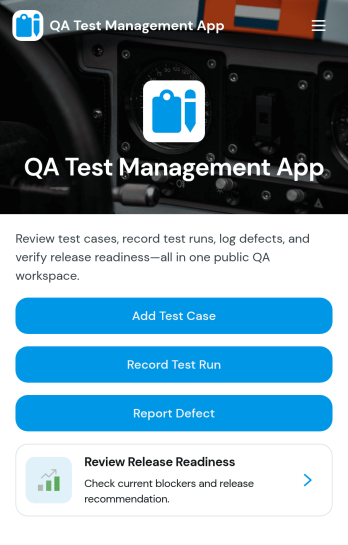
QA Test Management App
QA Test Management App brings your quality assurance work into one place so teams can browse test cases, capture execution results, and review outcomes without hopping between tools. It’s a practical fit for software teams, agencies, and product groups that run repeatable testing for releases, hotfixes, or regression cycles and want a simple way to keep test case details, ownership, and environment context easy to find. With guided navigation from test case lists to a record-result flow, testers can log what happened during execution and link results back to the related case for faster follow-up.Built with Jotform, this app template can be customized in a no-code app builder using a drag-and-drop interface, so you can adapt the pages to your QA process in minutes. Connect the app to forms and tables for reliable data collection, share it with your team on any device, and keep everyone aligned with a workflow that supports self-service access to current QA workspaces, submitted results, and ongoing test execution.
Go to Category:Information Technology Apps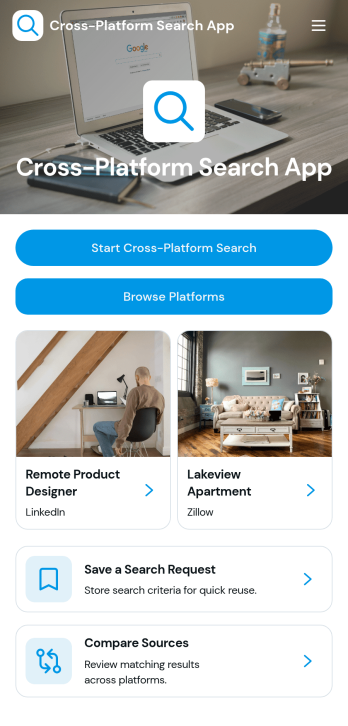
Cross-Platform Search App
Cross-Platform Search App brings a simple, centralized way to run a public search and review results gathered from multiple sources in one place. It’s useful for teams that research topics across different platforms, support reps who need to quickly locate referenced resources, or internal groups that collect links during investigations, content planning, or competitive checks. Users can start a search, browse cross-platform results, open a selected result to view key details, and jump out to the original source when needed.Jotform makes it easy to turn this experience into a shareable, branded app template without coding. With Jotform’s no-code app builder and drag-and-drop interface, you can adjust pages, refine result browsing, and connect the app to forms and workflows for consistent data collection. Share the app through a link or QR code so teammates can search, review, and act on results from anywhere, including mobile.
Go to Category:Information Technology Apps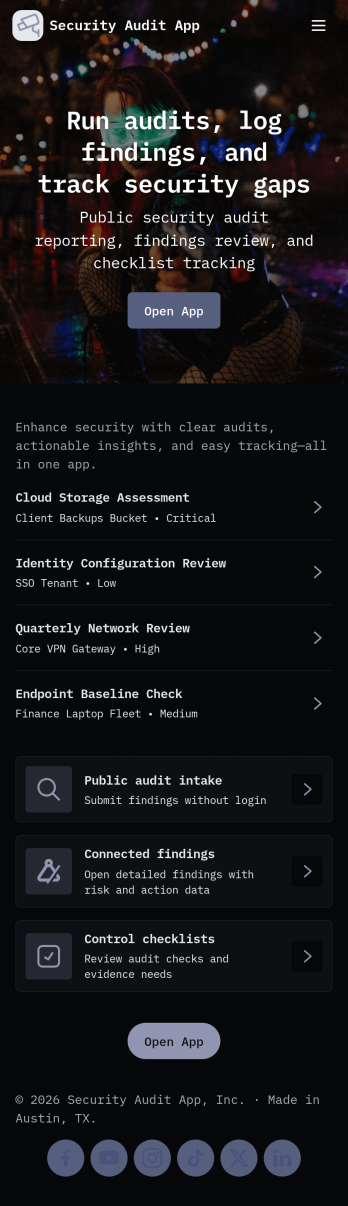
Security Audit App
Security Audit App helps teams plan, run, and document security audits across multiple sites while keeping audit activity easy to follow. Use it to start new audits, capture findings as they’re discovered, and organize locations so your audits stay consistent from one engagement to the next. It’s a practical fit for IT and security teams, consultants, internal audit groups, and operations leaders who need a clear way to track audit status, recurring issues, and what’s happening at each site without relying on scattered notes or spreadsheets.Jotform makes it simple to turn this workflow into a shareable self-service experience with a no-code app template you can tailor to your process. With a drag-and-drop interface, you can adjust pages, add your branding, and connect the app to the forms that collect audit details, findings, and site information. As updates come in, your team can review data in one place, monitor progress with an insights dashboard, and keep stakeholders aligned with a smoother workflow from kickoff to final reporting.
Go to Category:Information Technology Apps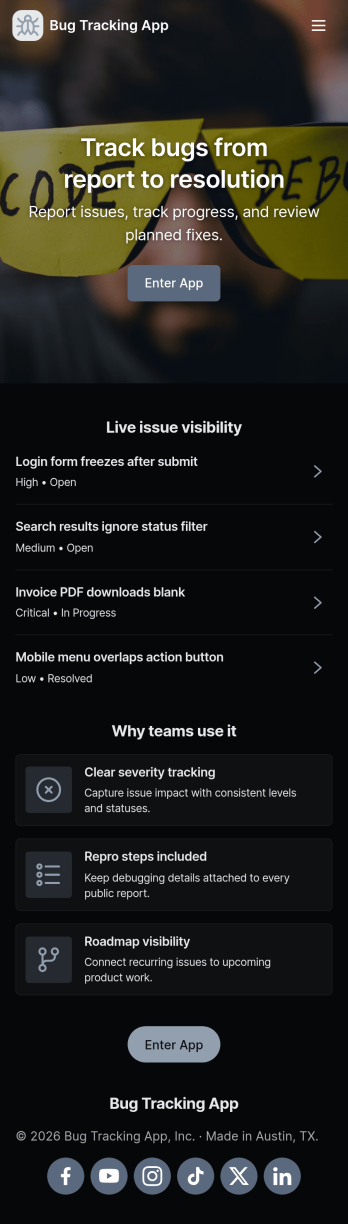
Bug Tracking App
A bug tracking app gives teams one place to report issues, review what’s already been logged, and keep work moving as fixes progress. This template fits software teams, QA groups, IT departments, and agencies that need a simple way to capture new bug reports, browse a growing list of bugs, and check status views without chasing updates across chats and spreadsheets. It’s especially useful for triage workflows where many people can submit problems while a smaller group reviews, prioritizes, and follows up with clear ownership.Jotform makes it easy to turn this Bug Tracking App into a self-service, shareable workflow using App Templates and a no-code app builder. With a drag-and-drop interface, you can tailor pages, buttons, and navigation, connect the app to your form and tables for reliable data collection, and keep your workflow organized as reports come in. Publish the app in minutes, share it with a link, and keep everyone aligned with a centralized view of reported bugs.
Go to Category:Engineering Apps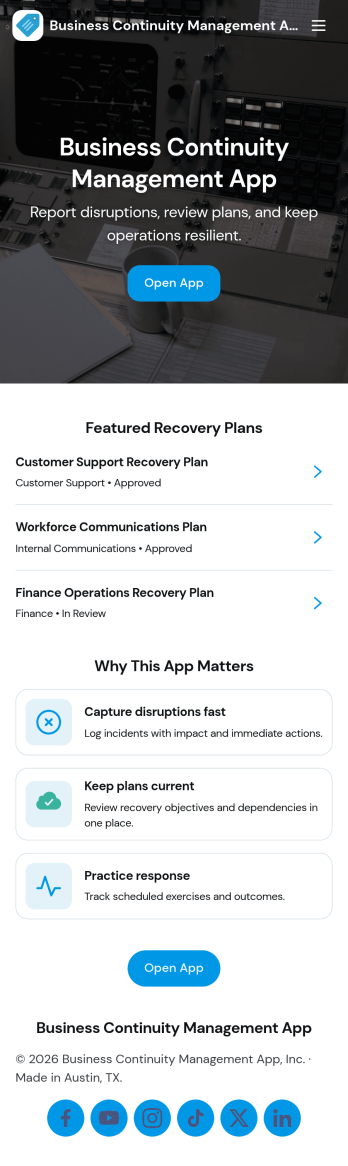
Business Continuity Management App
Business Continuity Management App helps teams prepare for disruption and respond with clarity by keeping continuity plans, incident reports, drills, and key contacts organized in one place. Use it to publish active plans for different scenarios, capture incident details as soon as something happens, and maintain a simple log of drills so readiness does not fade between emergencies. It’s a practical fit for operations leaders, IT teams, HR, facilities, and risk owners who need a shared view of what to do next, who to notify, and which actions are already in motion.With Jotform App Templates, you can turn these workflows into a mobile-friendly self-service experience without writing code. Build and adjust your app with a no-code app builder and a drag-and-drop interface, then connect it to Jotform tables and forms for reliable data collection. Share the app by link or QR code, keep information current with centralized records, and support faster coordination by making plans, incidents, and drill logs easy to find and update.
Go to Category:Operations & Logistics Portal Apps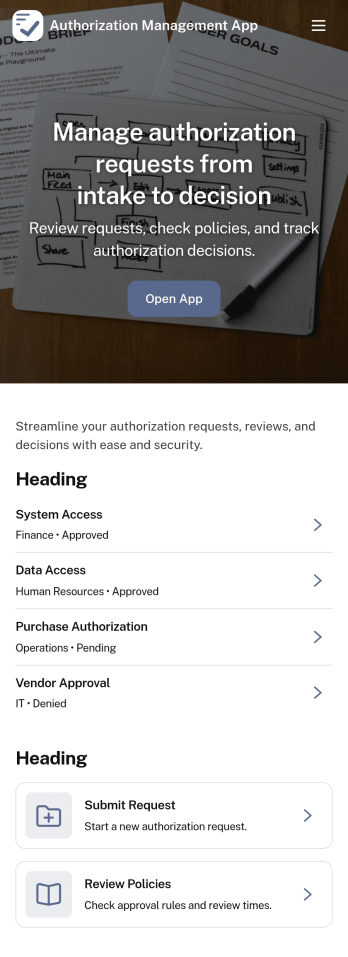
Authorization Management App
Authorization Management App helps teams organize and control how access requests are handled across an organization. It provides a clear place to review open requests, record decisions, and keep an activity log of authorization actions, so stakeholders can understand what was requested, what was approved or denied, and why. It also supports role and policy management, making it easier for IT, operations, and department leads to keep permissions consistent as people join teams, change responsibilities, or need temporary access.With Jotform, you can adapt this app template to match your internal workflow without coding. Use Jotform’s no-code app builder and drag-and-drop interface to tailor pages, connect buttons to forms for data collection, and keep records organized for ongoing workflow visibility. Share the app through a link or QR code so employees and approvers can access the right actions quickly, whether they’re working from a desk or on mobile.
Go to Category:Information Technology Apps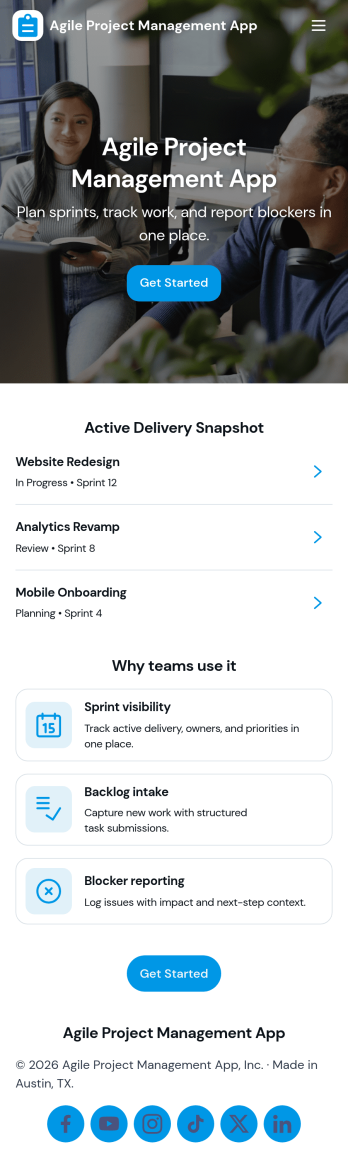
Agile Project Management App
Agile Project Management App helps teams organize product work into a clear, repeatable cadence so planning, delivery, and collaboration stay visible in one place. Use it to capture and prioritize backlog items, plan sprints with goals and dates, and keep daily execution moving with a simple board view that reflects real status as work progresses. It’s a practical fit for product managers, scrum masters, engineering teams, agencies, and cross-functional groups who need a lightweight way to align on what’s next, what’s in progress, and who owns each task.Built with Jotform, this app template can be tailored with a no-code app builder and a drag-and-drop interface so you can match your workflow without engineering effort. Connect task and sprint information to tables for structured data collection, keep your process consistent with reusable forms for adding tasks and planning sprints, and give teammates self-service access to what they need, including personal task views and shared lists. Share the app by link to support day-to-day delivery, faster handoffs, and better visibility across the team.
Go to Category:Information Technology Apps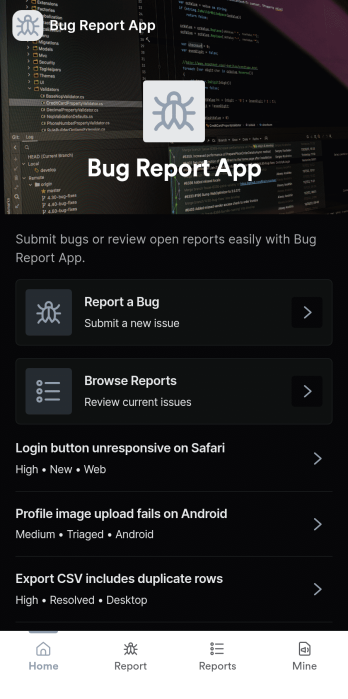
Bug Report App
Bug Report App helps product teams and internal IT groups capture software issues in a consistent way, then make them easy to review and follow up on. With a clear path to submit a bug, browse reported issues, and check on your own reports, this app works well for QA, customer support, and beta programs that need a reliable intake flow. Use it to reduce missing details, speed up triage, and keep reports organized when bugs come in from multiple channels.Jotform makes it simple to turn this Bug Report App into a branded self-service experience using App Templates and a no-code app builder. Customize pages with a drag-and-drop interface, connect the bug report form to your workflow, and centralize data collection so teams can review reports in one place. Share the app by link or QR code so testers, employees, or customers can submit and track issues anytime.
Go to Category:Information Technology Apps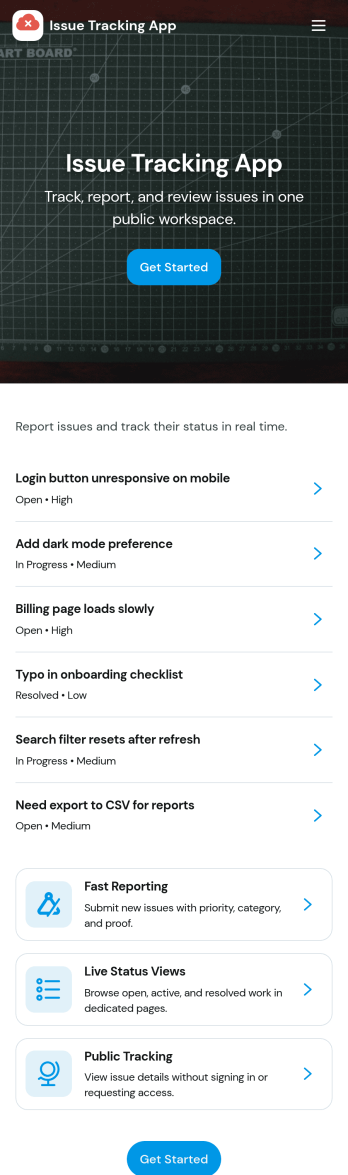
Issue Tracking App
Issue Tracking App helps teams capture, organize, and follow up on problems without losing context. Use it to report new issues as they come up, submit a new ticket in seconds, and keep a personal view of what you’ve raised through My Issues and My Submissions. It fits IT support, engineering, operations, and internal service teams that need a clear place for employees or customers to flag bugs, service interruptions, and process blockers, then monitor what’s still pending review.Built with Jotform App Templates, this app template turns everyday issue reporting into a simple self-service experience you can share as a link or QR code. Customize pages with a drag-and-drop interface, connect the report form to your data collection workflow in Jotform, and keep issue records organized for faster triage and better visibility across the team.
Go to Category:Information Technology Apps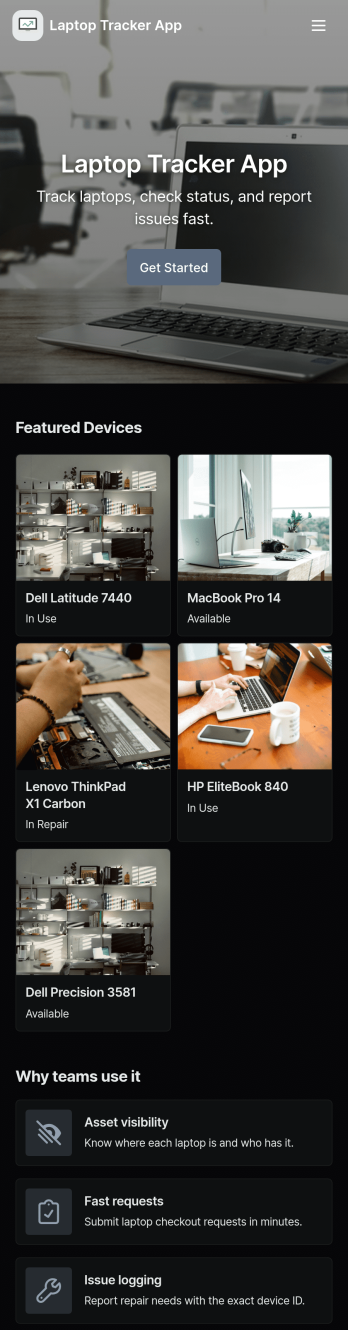
Laptop Tracker App
Laptop Tracker App helps teams record, organize, and monitor company laptops from one central place, making it easier to keep inventory accurate and reduce time lost to manual follow-ups. It’s a practical fit for IT departments, operations teams, schools, and growing businesses that need a clear view of what devices exist, which asset tags are active, and where laptops are in the lifecycle. With an Inventory area, quick actions to add a laptop, and a dedicated Check In flow supported by check-in logs, this app supports consistent device handoffs and better accountability without slowing down day-to-day work.Built with Jotform App Templates, this app template can be tailored in minutes using Jotform’s no-code app builder and drag-and-drop interface. Connect the app to forms and tables for reliable data collection, keep device records in one workflow, and share a self-service experience with staff through a link or QR code. As your process evolves, you can update pages, branding, and connected records so your laptop tracking stays aligned with how your team actually manages equipment.
Go to Category:Information Technology Apps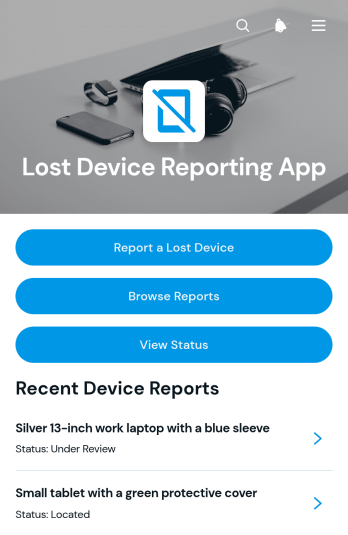
Lost Device Reporting App
The Lost Device Reporting App gives workplaces, schools, service teams, and community organizations a central place to document missing phones, laptops, tablets, and other devices. Users can start a report, provide a device description and last known location, browse submitted reports, and check a report’s status without relying on scattered emails or messages. Report details can also capture the reporter, device type, and preferred contact method to support organized follow-up. IT teams, administrators, facilities staff, security teams, and support departments can use this app template to maintain clearer records, help match found items with existing reports, and keep affected users informed throughout the search process.Jotform Apps makes it easy to adapt this app to an organization’s reporting workflow with a no-code app builder and an intuitive drag-and-drop interface. Teams can customize pages, navigation, colors, fonts, and visual elements, then connect forms and tables to support data collection and record management. Additional links, instructions, approval steps, and notifications can be added as operational needs change. Once published, the app can be shared through a direct link, QR code, or embedded experience, giving users mobile-friendly self-service access from nearly any device. Jotform App Templates provide a ready-made foundation that can be personalized and launched quickly without writing code.
Go to Category:Report Apps