

Log App Templates

Fire Schedule App
Fire Schedule App helps fire departments and station leaders organize daily coverage, publish shift details, and keep crews aligned across stations. Use it to view today’s shifts at a glance, add new shifts when coverage changes, and provide a consistent place where firefighters can check assignments before they report in. It also includes an incident log area for capturing key incident details, making it easier to track what happened and maintain operational awareness during busy rotations.Built with Jotform, this app template can be customized with a no-code app builder and a drag-and-drop interface, so you can match the app to your station’s workflow without technical overhead. Connect shift creation and edits to a form for consistent data collection, keep schedule records organized, and share the app as a self-service link for crews, supervisors, or admin staff to reference in the field or at the station.
Go to Category:Scheduling Apps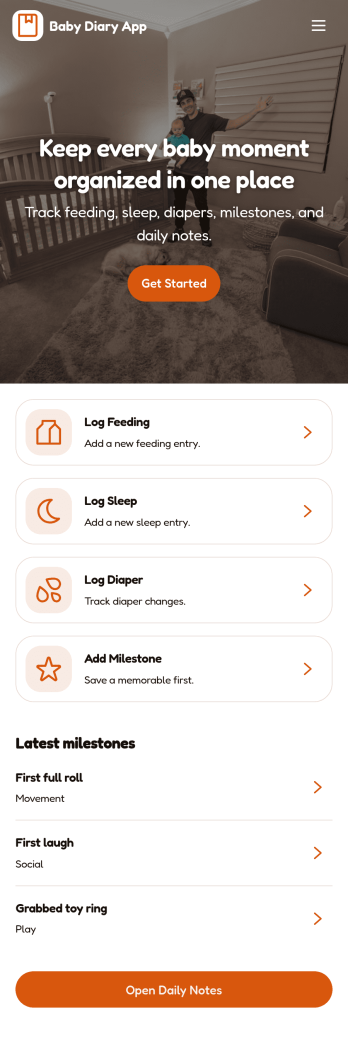
Baby Diary App
Baby Diary App helps parents and caregivers keep a simple, organized record of a baby’s day-to-day moments in one place. Use it to add new diary entries, review saved diary records, and look back on milestones as they happen, whether you’re tracking routines at home, coordinating with a partner, or sharing updates with a nanny or family member. With quick navigation for logging today and browsing diary entries, it’s easier to maintain consistency, spot patterns over time, and preserve memories without relying on scattered notes or photo albums.Jotform makes it easy to turn this idea into a practical, shareable experience with App Templates you can customize in minutes. Using Jotform’s no-code app builder and drag-and-drop interface, you can adjust pages, update buttons and labels, and connect the app to your forms and tables for reliable data collection and ongoing workflow needs. Share your Baby Diary App with a link or QR code so the right people can contribute updates and stay in sync from any device.
Go to Category:Tracker Apps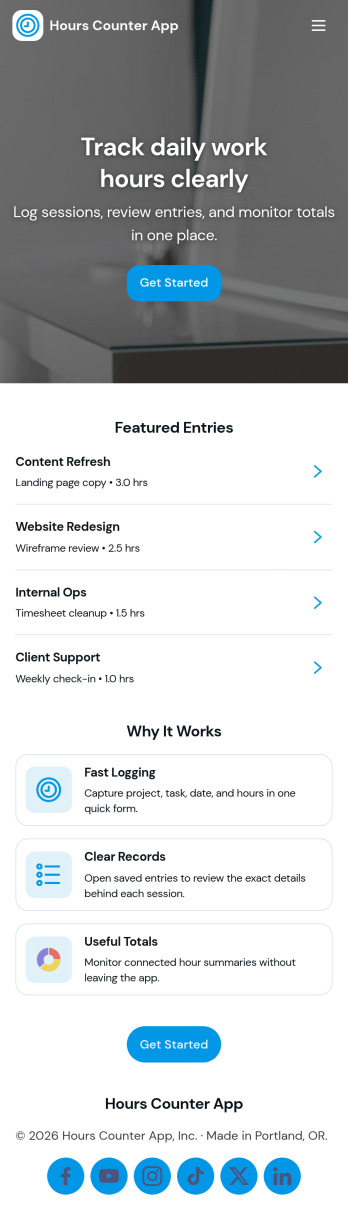
Hours Counter App
Hours Counter App helps you log time quickly, review past entries, and keep a clear record of hours worked across shifts, projects, or clients. Use it to start a new log when you begin work, add hours manually when you’re catching up, and browse saved hours in one place. It’s a practical fit for freelancers, contractors, hourly employees, supervisors, and small teams who need a simple way to track effort without relying on scattered notes or spreadsheets.Built with Jotform, this app template turns time tracking into an easy self-service experience you can share with others. Customize pages, buttons, and navigation with a no-code app builder and a drag-and-drop interface, then connect your hours form to organized records for reliable data collection. As entries come in, you can view history, open your records list, and use the summary page to stay on top of totals and trends that support better planning and payroll workflows.
Go to Category:Activity Tracking Apps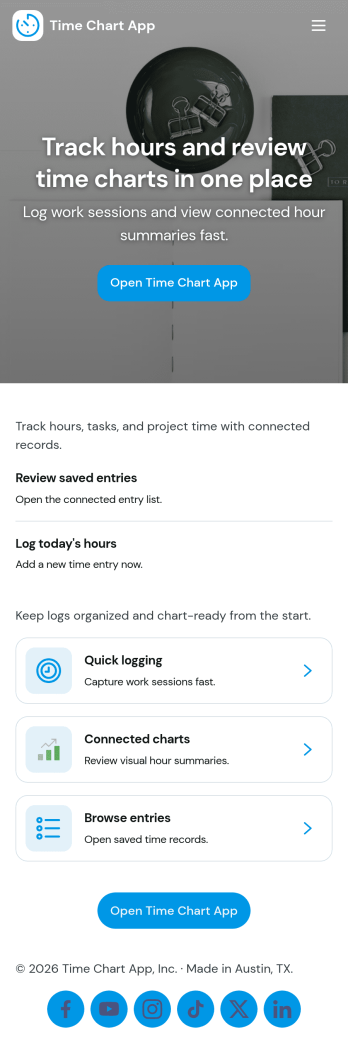
Time Chart App
Time Chart App helps teams log time, browse records, and view insights in one place, so hours don’t get lost across messages, spreadsheets, or scattered tools. It’s a practical fit for agencies, contractors, field teams, and internal departments that need a consistent way to capture time entries by project and then review what was recorded. With quick navigation to Log Time, Browse Records, and View Insights, the app supports everyday habits like adding a time entry after a task, checking recent activity, and confirming effort by project before invoicing or reporting.Built with Jotform App Templates, this app template is easy to tailor with Jotform’s no-code app builder and drag-and-drop interface. Connect the app to your existing forms and workflows to standardize data collection, keep records organized, and give teammates a simple self-service experience for logging and reviewing time. Share it with a link or QR code, update pages as your process changes, and keep everyone working from the same source of truth.
Go to Category:Activity Tracking Apps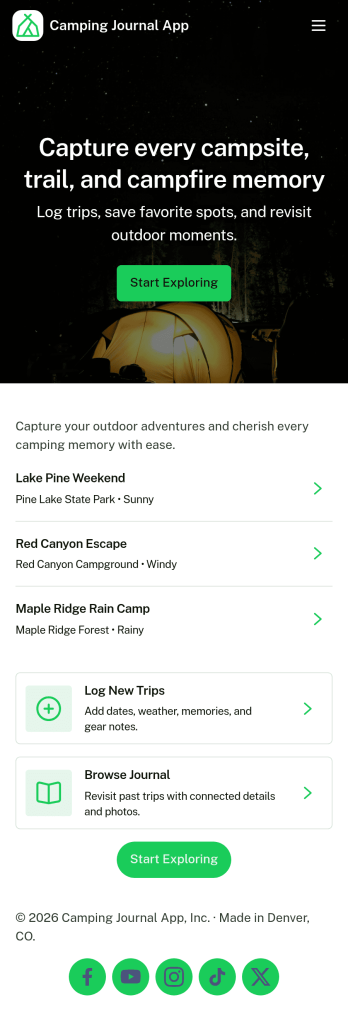
Camping Journal App
A camping journal app helps you capture trip memories and stay organized before, during, and after each adventure. Use it to create new journal entries, browse past entries, keep a running list of favorite campsites, and track the gear you rely on most. It’s a practical fit for solo campers, families, RV travelers, scout leaders, and outdoor groups who want one place to record routes, weather notes, wildlife sightings, meal ideas, and lessons learned for next time.With Jotform, you can turn this camping journal app template into a personalized, mobile-friendly experience using a no-code app builder and a drag-and-drop interface. Connect buttons and pages to forms for data collection, keep information organized for quick self-service access, and update your workflow as your trips evolve. Share your app by link or QR code, and keep your camping notes and packing prep easy to revisit whenever inspiration strikes.
Go to Category:Log Apps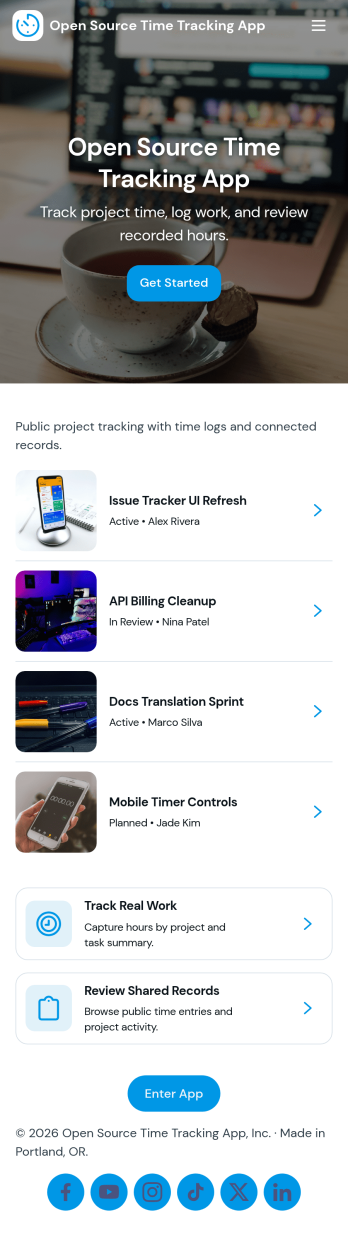
Open Source Time Tracking App
Open Source Time Tracking App helps teams record work hours across projects and issues, then review activity in a clear reporting view. It’s a practical fit for software teams, IT departments, agencies, and nonprofits that need a transparent way to log time, keep issue-level notes organized, and stay consistent with internal processes. With simple navigation cards for tracking time and reviewing reports, plus lists for browsing projects, issues, and personal time entries, the app supports everyday time logging without making the process feel heavy.Jotform makes it easy to turn this use case into a shareable, mobile-friendly experience using App Templates and a no-code app builder. Customize pages with a drag-and-drop interface, connect buttons to your time log form for fast data collection, and keep your workflow moving with organized tables and views for projects, issues, and entries. You can also tailor the app’s look and structure to match your team’s terminology, making time tracking simpler to adopt across roles.
Go to Category:Activity Tracking Apps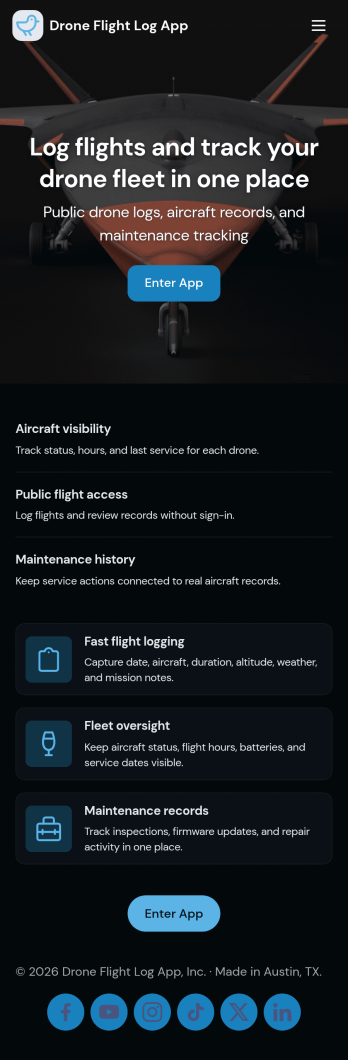
Drone Flight Log App
A drone flight log app helps pilots and teams record flights in one place, review past activity, and keep aircraft details organized for day-to-day operations. Use it to capture flight dates and aircraft IDs, browse a running list of flight entries, and open a simple flight summary when you need quick context before the next job. It’s a practical fit for solo drone operators, photography and surveying crews, inspection businesses, and training programs that want consistent flight records without relying on scattered notes.Jotform makes it easy to turn this Drone Flight Log App into a branded, shareable experience using a no-code app builder and a drag-and-drop interface. Connect the app to forms for fast data collection, route updates into connected tables, and keep your workflow moving with clear navigation between logging a flight, reviewing entries, and managing an aircraft registry. Share the app by link or QR code so your crew can log flights from the field on any device.
Go to Category:Log Apps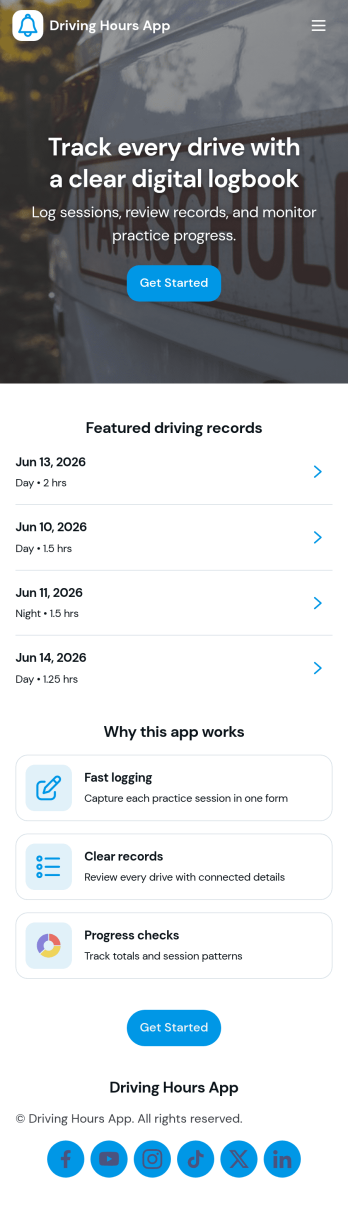
Driving Hours App
Driving Hours App helps drivers and teams record time spent driving and keep a clear history of trips in one place. Use it to start logging quickly, add a new driving log after each run, and review activity over time so supervisors can spot patterns and confirm totals. It’s a practical fit for delivery services, field service teams, small fleets, couriers, and independent drivers who need a consistent way to capture daily driving hours alongside trip details.With Jotform, you can turn this app template into a branded, mobile-friendly experience using a no-code app builder and a drag-and-drop interface. Connect buttons to forms for fast data collection, show driving history in an easy-to-browse list, and organize pages so users can move from logging to review without friction. As your workflow evolves, update fields, adjust pages, and share the app by link to support reliable self-service reporting.
Go to Category:Transportation Apps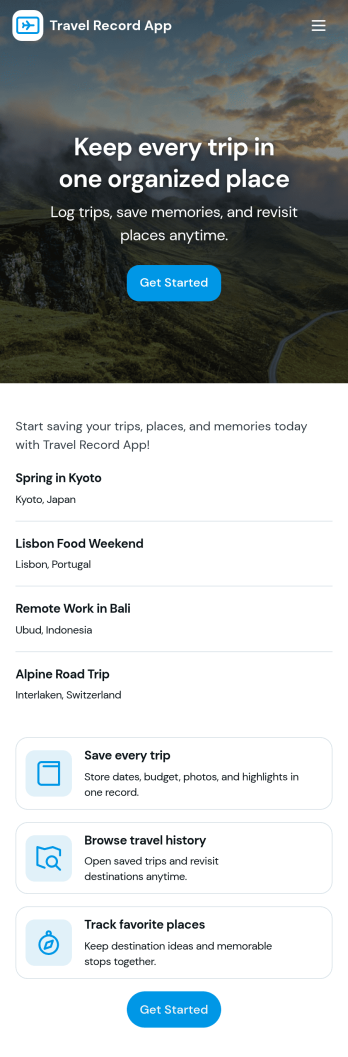
Travel Record App
Travel Record App helps individuals, teams, and travel-heavy organizations keep a clear log of trips in one place. Use it to add a new travel record as soon as details are confirmed, then review trip history later when you need a quick reference for destinations, dates, and notes. It’s useful for employees who travel for client work, volunteers coordinating field visits, students tracking academic travel, or anyone who wants a simple way to document trips without searching through emails and calendars.Built with Jotform, this app template connects your travel log to a form for fast data collection and consistent records. Customize pages with Jotform’s no-code app builder and drag-and-drop interface, then share the app for easy self-service access on mobile or desktop. As trips are logged, your connected workflow stays organized, making it easier to keep trip details current, review history, and maintain a reliable travel record over time.
Go to Category:Trip Planner Apps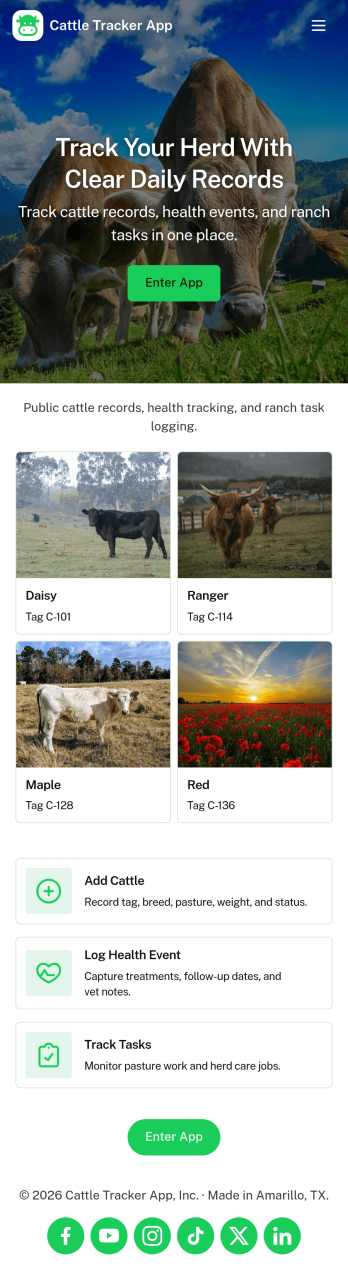
Cattle Tracker App
Cattle Tracker App helps ranchers, farm managers, and livestock teams keep day-to-day herd information organized in one place. Use it to open your herd list, add new cattle as animals are tagged or acquired, and keep records up to date as conditions change. It also supports ongoing monitoring by letting you log health checks and add activity notes, so you can quickly understand what has happened with each animal without digging through paper logs or scattered spreadsheets.Built with Jotform, this app template is easy to tailor for your operation using a no-code app builder and a drag-and-drop interface. Connect the app to your existing data collection workflows, route updates to the right people, and keep information consistent across the team. Share the app with staff through a link or QR code so everyone can capture updates in the field and keep your cattle records accurate and accessible.
Go to Category:Tracker Apps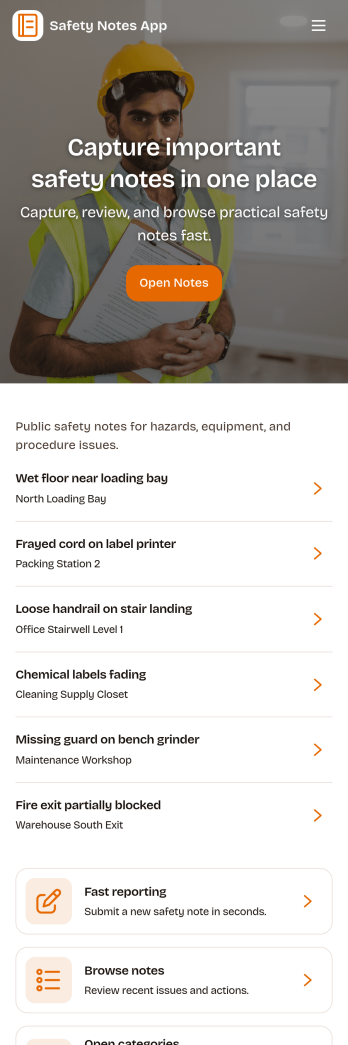
Safety Notes App
Safety Notes App helps teams capture, review, and act on safety observations in one place, whether you’re running a jobsite, managing a facility, or coordinating daily operations across multiple locations. Staff can add a note on the spot, browse a recent note log, and categorize entries by details like date and category so patterns are easier to spot. Built-in prompts for location, severity, and action required support clearer reporting, while a simple safety checklist reinforces consistent habits such as confirming PPE readiness and keeping walkways clear.Jotform makes it easy to publish this kind of self-service experience with App Templates you can tailor to your process. Using Jotform’s no-code app builder and drag-and-drop interface, you can adjust pages, update wording, connect the app to a form and tables for data collection, and route updates through a workflow for follow-ups. Share the app by link or QR code so crews, supervisors, and site leads can document issues quickly and keep safety notes organized over time.
Go to Category:Safety Inspection Apps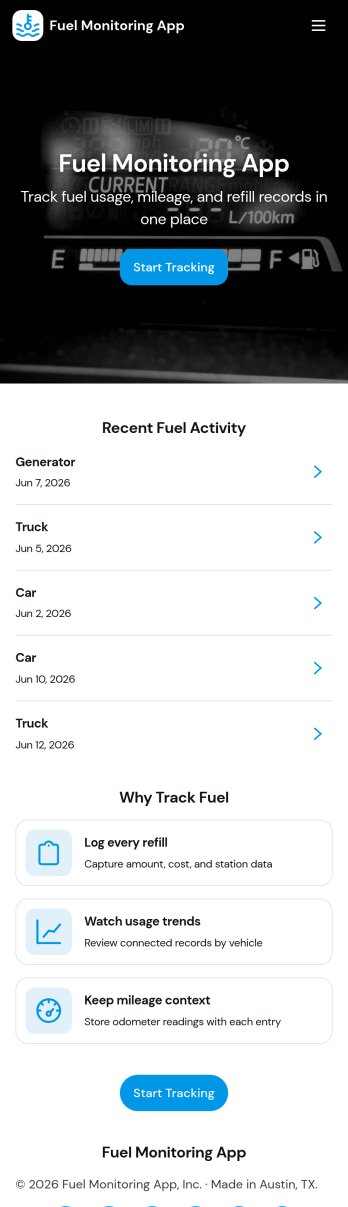
Fuel Monitoring App
Fuel Monitoring App helps teams record fuel activity and keep visibility across vehicles and fueling locations in one place. It’s built for fleet managers, field service companies, delivery operations, construction teams, and any organization that needs consistent fuel entry logging without relying on scattered spreadsheets. With quick fuel entry capture, a simple way to review fueling stations, and a dedicated variance review area, the app supports day-to-day tracking as well as spotting unusual fuel patterns early.Jotform makes it easy to turn this fuel monitoring app template into a branded, shareable experience with a no-code app builder and a drag-and-drop interface. Connect the app to forms and tables for reliable data collection, collaborate with your team, and keep your workflow moving with optional routing steps and notifications. Share the app by link or QR code so drivers and supervisors can update records from anywhere while you maintain a single source of truth inside Jotform.
Go to Category:Transportation Apps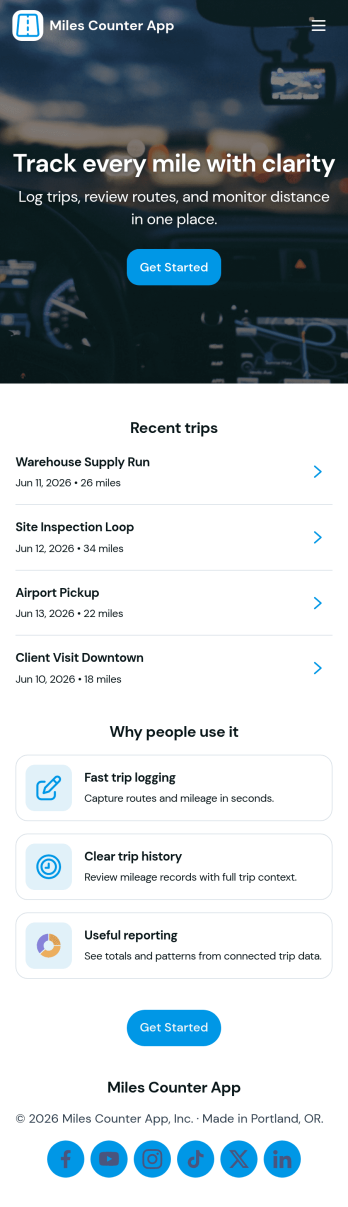
Miles Counter App
Miles Counter App helps you log miles in one place and turn everyday travel into organized records you can actually use. Whether you’re tracking driving for work, rideshare shifts, deliveries, training runs, or road trips, this app makes it easy to add new mileage entries, review your log, and spot patterns over time. With dedicated areas for logging miles, browsing history, and checking insights, it’s built for anyone who needs a reliable mileage habit without messy notes or scattered spreadsheets.Jotform makes it simple to publish this kind of self-service experience with ready-to-use app templates and a no-code app builder. Customize pages with a drag-and-drop interface, connect the app to a form for consistent data collection, and keep entries organized for fast review. Share your app with a link so you can log miles on the go, keep your workflow moving, and maintain clean records as your mileage adds up.
Go to Category:Tracker Apps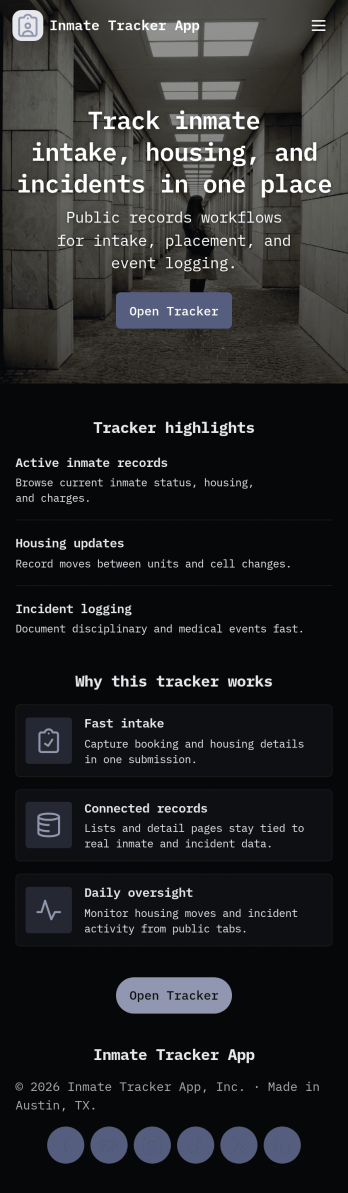
Inmate Tracker App
Inmate Tracker App helps corrections teams organize intake details, maintain an up-to-date roster, and document incidents in one place. With quick navigation between Intake and Roster, staff can add new intake records, review prior entries, and open individual profiles to see key information without hunting through paperwork. It’s a practical fit for facilities and programs that need clearer visibility into who is currently in custody, what’s been recorded, and which actions still need follow-up.Jotform makes it easy to turn this app template into a working tool for your team using a no-code app builder and a drag-and-drop interface. Connect the app to your forms and tables for reliable data collection, keep records consistent across shifts, and support a smoother workflow with mobile-friendly self-service access for authorized staff. Update pages, buttons, and lists as your process evolves, then share the app securely through a link or QR code so everyone works from the same source of truth.
Go to Category:Tracker Apps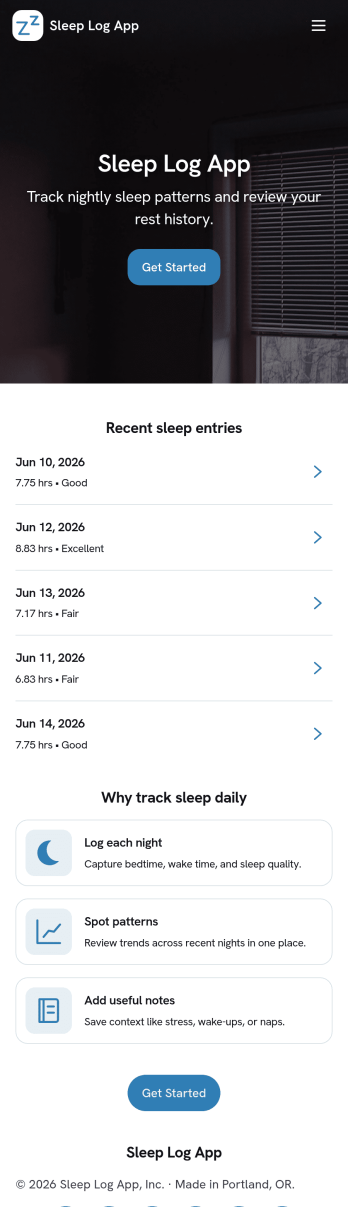
Sleep Log App
A Sleep Log App helps you capture daily sleep details in one place, then review patterns over time. Use it to record when you went to bed and woke up, add notes about how rested you feel, and keep a consistent routine without relying on scattered notes. It’s a practical fit for individuals focused on wellness, students managing busy schedules, parents tracking changing sleep habits, and coaches or care teams who want a simple way to encourage consistent check-ins. With quick actions like Log Sleep and Add Sleep Log, plus pages for View History and Recent Logs, you can build the habit of logging in seconds and reflecting on trends later.Jotform makes it easy to turn this idea into a polished experience with customizable App Templates built in a no-code app builder. Use a drag-and-drop interface to adjust pages, update labels, and match your branding, then connect your sleep log form to keep data collection organized and accessible. Share the app in a link or QR code for convenient self-service logging on any device, and keep your workflow simple as your tracking needs grow.
Go to Category:Log Apps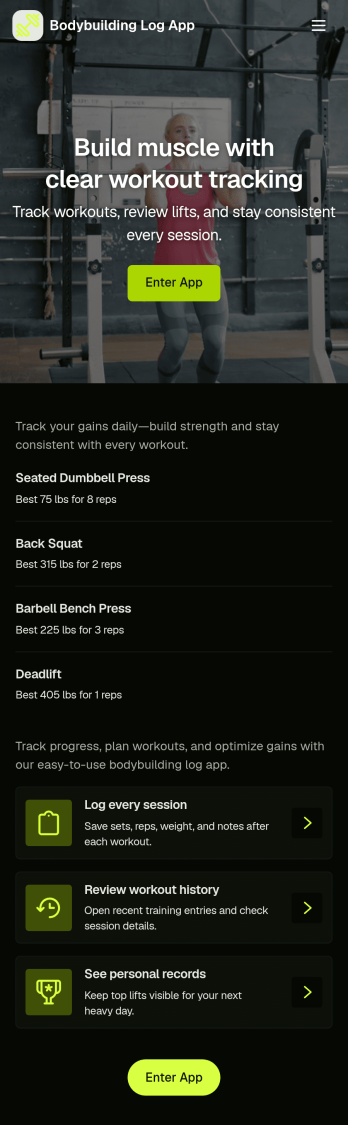
Bodybuilding Log App
Bodybuilding Log App helps lifters track training and physique changes in one place, so you can build consistency across sessions and spot what’s working. Use it to log workouts, browse an exercise library for quick reference, record body measurements, and review progress insights over time. It’s a practical fit for bodybuilders, powerbuilders, personal trainers coaching clients, and anyone following a structured program who wants a simple way to capture routines and results without juggling notes across multiple tools.With Jotform, you can turn this app template into a branded, mobile-friendly experience using a no-code app builder and a drag-and-drop interface. Connect the app to your workout and measurement forms for reliable data collection, organize records in tables, and keep your workflow moving with easy navigation between logging, viewing past entries, and checking insights. Share a single link with clients or keep it for personal self-service tracking as your training evolves.
Go to Category:Log Apps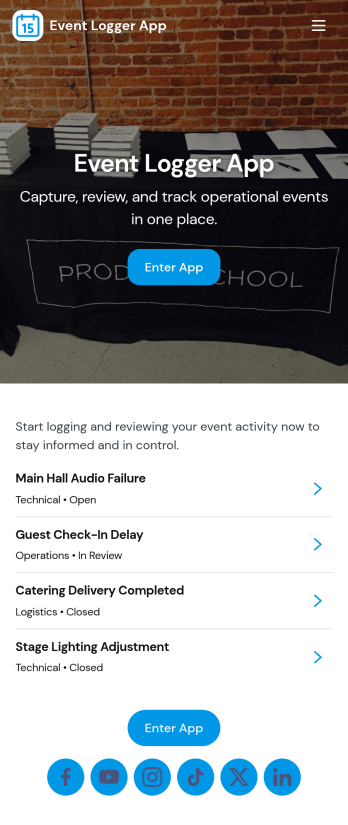
Event Logger App
Event Logger App helps teams record incidents, updates, and noteworthy moments in a consistent way, then review what happened later with clear context. It’s a practical fit for event coordinators, venue staff, schools, nonprofits, operations teams, and community organizers who need a simple place to log an event and keep an organized history for follow-up. With quick event logging and an easy-to-browse event history, you can reduce missing details, spot recurring issues, and keep everyone aligned on what was reported and when.Built with Jotform, this app template can be tailored to match your workflow without coding. Use the drag-and-drop interface to adjust pages, add guidance, and connect your event log form to the app experience for reliable data collection. Share the app link with staff or volunteers, keep entries flowing into one place, and turn everyday reporting into a smoother workflow with Jotform App Templates.
Go to Category:Event Planner Apps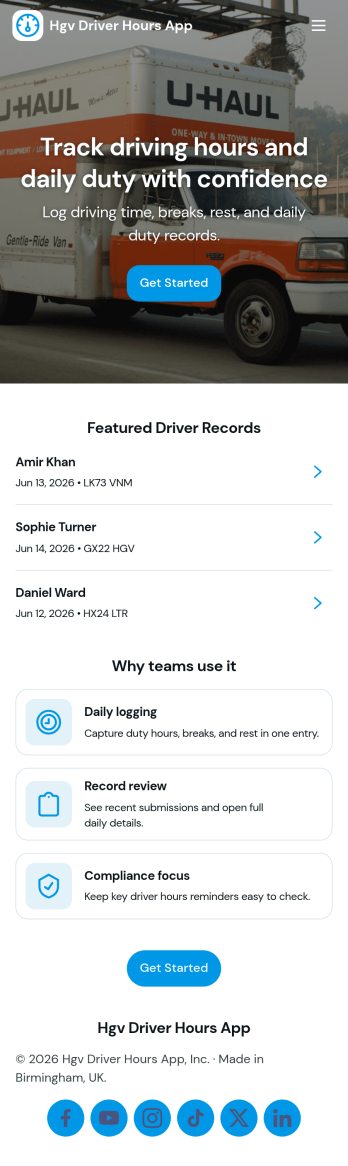
Hgv Driver Hours App
Hgv Driver Hours App gives fleets and transport teams a practical place to record driver time, review weekly hours, and keep an organized history of log entries. It suits owner-operators, dispatchers, and operations managers who need a consistent way to capture work hours across multiple drivers and quickly pull up past records when questions come up. With clear navigation to start logging, check a weekly compliance review, and browse submission history, it helps reduce missed entries and makes weekly oversight easier during busy schedules.Jotform makes it simple to turn this app template into a tailored workflow without coding. Use Jotform’s drag-and-drop interface to adjust pages, connect your hours log form, and organize driver records so your team can find what they need fast. Share the app with a link or QR code for driver self-service on the road, and keep data collection consistent by routing entries into connected tables for ongoing tracking and review.
Go to Category:Transportation Apps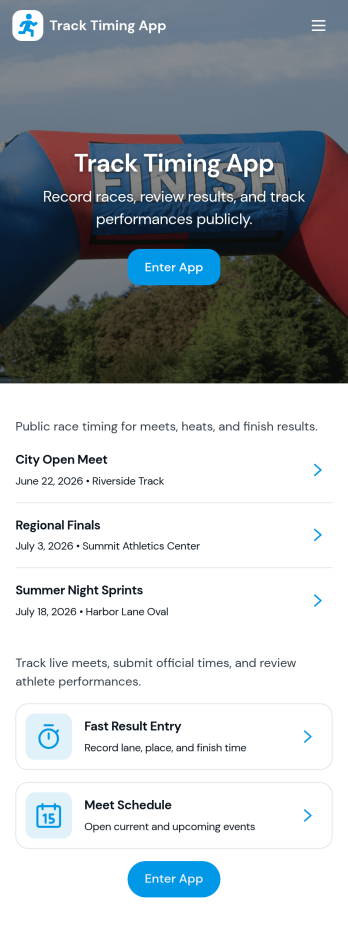
Track Timing App
Track Timing App helps individuals and teams record time-based sessions, review saved records, and spot patterns over time. It’s a practical fit for coaches timing drills, freelancers logging work blocks, field teams tracking on-site activities, or anyone who needs a simple way to start a session and keep consistent timing notes without juggling spreadsheets. With quick access to add a session, open recent entries, and browse session details, it supports repeatable routines and clearer accountability across daily work.Built with Jotform, this app template turns your timing workflow into a mobile-friendly self-service experience you can share with a link. Use Jotform’s no-code app builder and drag-and-drop interface to tailor pages, connect the session form to your process, and centralize records for easy data collection. As your needs grow, you can refine the flow for faster tracking, cleaner handoffs, and more reliable reporting from one place.
Go to Category:Activity Tracking Apps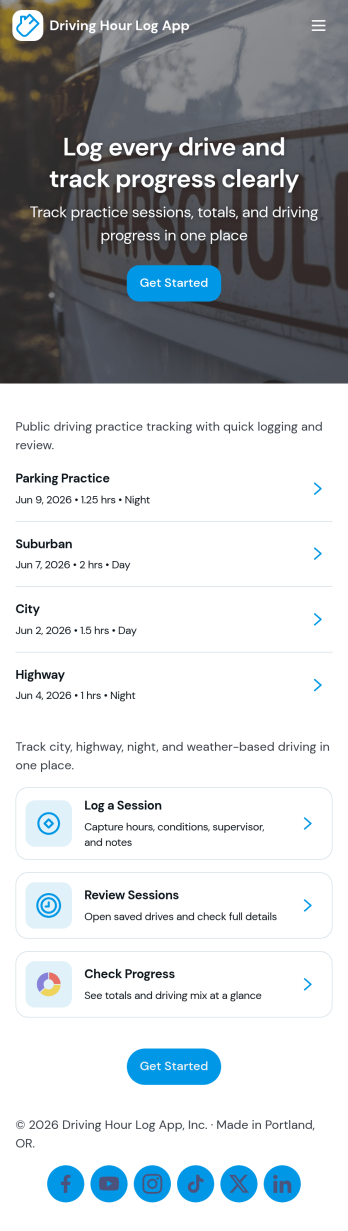
Driving Hour Log App
Driving Hour Log App helps drivers record each trip and keep driving hours organized in one place. It’s useful for delivery teams, field service businesses, sales reps, rideshare drivers, and anyone who needs a clear record of time on the road by date and vehicle. With a simple flow to log a drive, review past entries, and check a trip summary, teams can reduce forgotten details and build a dependable history for internal reporting, reimbursements, or personal tracking.Jotform makes it easy to create and publish app templates like this with a no-code app builder and a drag-and-drop interface that you can tailor to your workflow. Connect your app to forms and tables for reliable data collection, keep records searchable, and share a self-service experience with your team through a link or QR code. As your needs change, you can update the layout, add steps like approvals, and automate follow-ups while keeping everything consistent inside Jotform.
Go to Category:Transportation Apps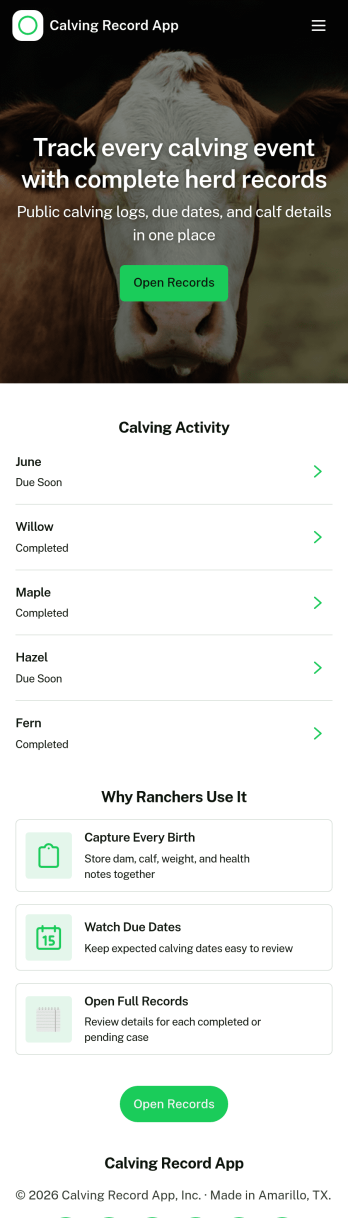
Calving Record App
Calving Record App helps cattle producers capture and review calving information in one place, so you can keep individual cow histories clear and your herd data easy to access. Use it to add a new calving on the spot, browse herd records by cow name, and keep a personal list of your own calving entries for quick follow-up. It’s a practical fit for ranches, dairy operations, and farm managers who need consistent recordkeeping for births, outcomes, and ongoing herd decisions without relying on scattered notes.Built with Jotform, this app template can be tailored with a no-code app builder and a drag-and-drop interface, so your team can adjust pages, labels, and data collection fields to match how you work. Connect the in-app Add calving form to your workflow, keep records organized, and share a single self-service link with staff who need to log events or check details from the field. With Jotform, it’s easy to publish updates fast and keep calving records accessible wherever the work happens.
Go to Category:Log Apps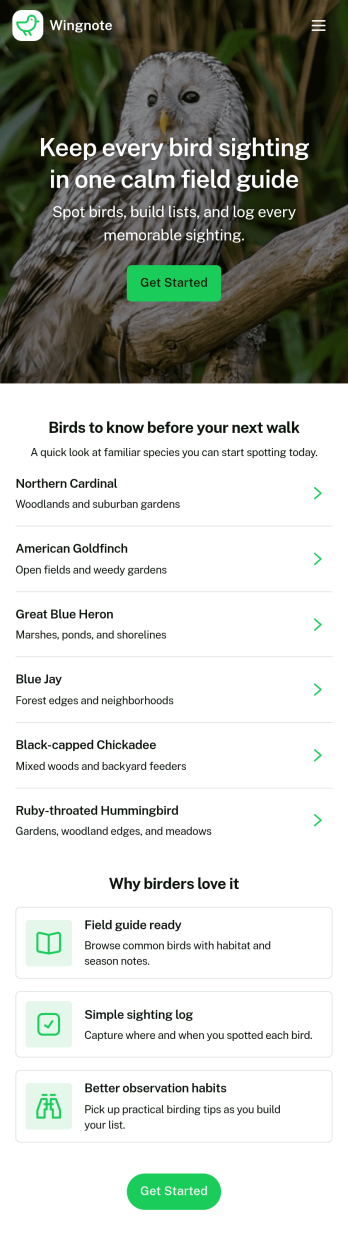
Birding Checklist App
Birding Checklist App helps birdwatchers keep a simple, organized record of what they see in the field, whether you’re birding solo, leading a local walk, or building a personal life list over time. Use it to start a checklist before you head out, mark your daily targets as you go, and log sightings so you can look back on recent observations later. It’s a practical fit for nature clubs, educators running outdoor activities, park staff supporting visitor programs, and anyone who wants a repeatable way to track species without relying on scattered notes.Built with Jotform, this app template pairs an easy self-service experience with connected data collection so your entries stay consistent from trip to trip. Customize pages with a drag-and-drop interface, link your checklist and log form to keep everything in one place, and share the app through a link or QR code for quick access on mobile. With Jotform’s no-code app builder, you can tailor the Birding Checklist App to match your location, preferred species guide, and how you like to record sightings.
Go to Category:Checklist Apps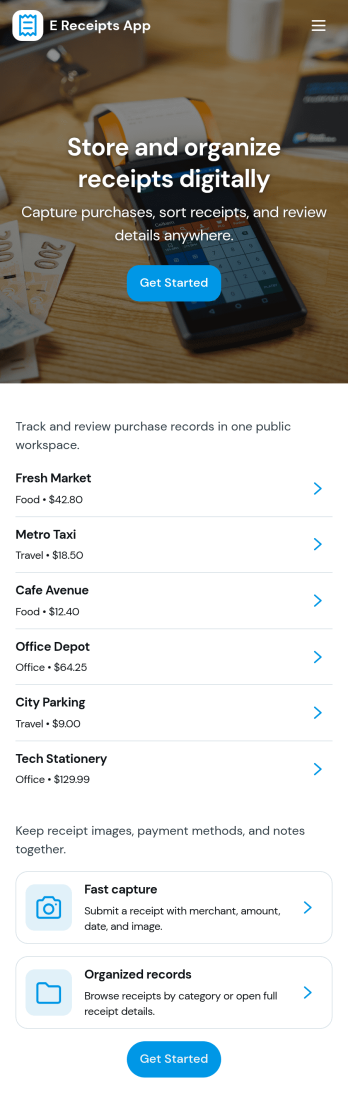
E Receipts App
E Receipts App gives individuals and teams a simple way to capture receipts digitally, store them in one searchable library, and review spending without digging through paper slips. Use it for employee reimbursements, petty cash tracking, client bill-backs, travel expenses, and day-to-day purchases across departments. With a guided receipt capture flow and a browsable records area that opens each receipt for a quick snapshot, it helps keep documentation consistent and easy to find when finance needs it.Built with Jotform, this app template can be tailored with a no-code app builder and a drag-and-drop interface so your receipt workflow matches how you work. Connect the capture form to organized records, categorize receipts for clearer reporting, and export data when it’s time to reconcile. Share the app as a self-service experience for employees or contractors, and keep receipt data collection moving from any device with a clean, mobile-friendly layout.
Go to Category:Finance & Accounting Portal Apps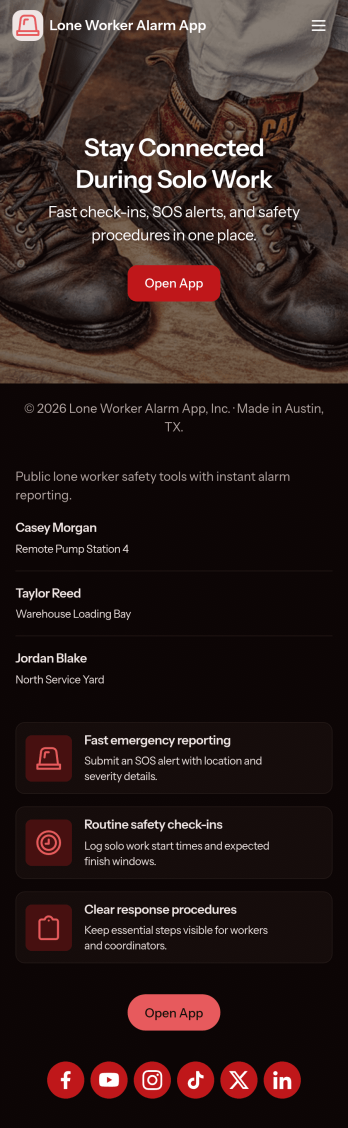
Lone Worker Alarm App
Lone Worker Alarm App helps organizations keep track of solo staff who work off-site, after hours, or in high-risk environments by giving them a simple place to raise an alarm, complete live check-ins, and keep safety contacts up to date. It fits teams that manage field service, maintenance, property management, healthcare visits, security rounds, and any role where a person may be out of sight and need a fast way to flag an incident. With a check-in log and incident history in one view, supervisors can follow activity patterns, respond faster when something feels off, and keep critical information easy to find during an escalation.Jotform makes it easy to publish this kind of self-service safety experience using its no-code app builder and drag-and-drop interface. Connect buttons and pages to forms for data collection like check-ins and incident reports, route updates into a workflow your team already follows, and share the app by link or QR code so workers can access it from their phones. You can also tailor the layout, add your branding, and adjust what each page shows as your lone worker process evolves.
Go to Category:Safety Inspection Apps