

Safety and Compliance Apps

Agricultural Licensee Onboarding App
The Agricultural Licensee Onboarding App helps agricultural licensing teams guide growers, producers, operators, and other applicants through a consistent onboarding process. Agencies, associations, cooperatives, and agricultural program administrators can use this app template to provide an application checklist, collect new applications, and let authorized team members browse submitted records. Centralized access to applicant details and supporting documents reduces missing information, makes reviews easier to coordinate, and gives staff a clearer view of each submission. It is especially useful when replacing scattered emails, paper packets, and disconnected files with one accessible intake experience.Jotform Apps makes it easy to adapt this template with a no-code app builder and an intuitive drag-and-drop interface. Teams can update pages, branding, instructions, and navigation while connecting forms and tables to support data collection and workflow management. The finished app can be shared through a direct link or QR code, giving applicants a mobile-friendly way to submit information and staff a convenient place to review it. Start with one of Jotform’s App Templates, tailor the experience to your onboarding requirements, and publish a practical self-service resource without writing code.
Go to Category:Safety and Compliance Apps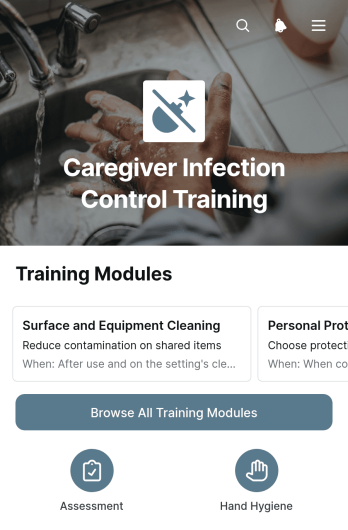
Caregiver Infection Control Training App
Caregiver Infection Control Training App gives home care providers, healthcare organizations, training coordinators, and caregiving teams a central place to deliver infection prevention education. Caregivers can browse training modules, open relevant learning materials, and submit training records through a mobile-friendly experience. Supervisors can review submitted records in an organized table, helping them monitor participation and identify where additional instruction may be needed. This app template is useful for new caregiver orientation, recurring workplace education, refresher programs, and teamwide learning initiatives focused on safer daily care practices.Jotform App Templates help organizations create accessible learning resources without writing code. Using Jotform’s no-code app builder and drag-and-drop interface, teams can adapt the Caregiver Infection Control Training App with their own content, colors, navigation, and branding. Forms, tables, approval steps, notifications, and other workflow tools can be connected to support data collection and training administration. Once published, the app can be shared by direct link or QR code, giving caregivers convenient self-service access from phones, tablets, or computers.
Go to Category:Safety and Compliance Apps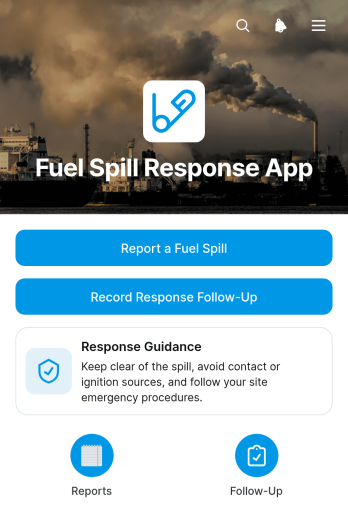
Fuel Spill Response App
The Fuel Spill Response App is an app template for documenting fuel spill incidents and coordinating response records from one accessible location. It suits fleet operators, fuel storage sites, construction teams, facilities staff, field crews, and environmental response personnel who need a consistent reporting process. Users can submit an initial spill report, review incident details and response guidance, and add follow-up records as work progresses. Centralizing these activities helps teams preserve clear timelines, reduce missing information, improve communication between field and office personnel, and maintain an organized history for internal reviews and operational planning.Jotform Apps makes this template easy to adapt with a no-code app builder and an intuitive drag-and-drop interface. Teams can adjust pages, branding, navigation, and content while connecting forms, tables, notifications, approvals, and other workflow steps. The app can be shared by direct link or QR code, giving authorized personnel mobile-friendly access wherever incidents occur. By starting with customizable App Templates, organizations can create a practical self-service resource for data collection and response coordination without developing software from scratch.
Go to Category:Safety and Compliance Apps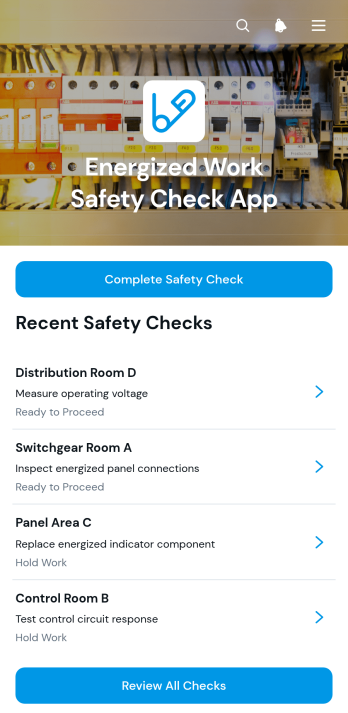
Energized Work Safety Check App
The Energized Work Safety Check App gives electricians, maintenance technicians, contractors, supervisors, and safety teams a mobile-friendly way to document checks before or during energized electrical work. Workers can complete a safety check, review previous checks by work area, and record essential details about the task, identified hazards, safeguards, controls, and required corrective action. This app template helps organizations maintain consistent records, improve hazard awareness, and give supervisors clearer visibility into work that may require escalation. It is well suited to construction sites, industrial facilities, maintenance operations, utilities, and field service environments where energized tasks must be carefully assessed.Jotform Apps makes it easy to adapt this template without writing code. Use the no-code app builder and drag-and-drop interface to update content, adjust branding, organize navigation, or connect forms and tables to a broader workflow. Completed checks can support centralized data collection and timely follow-up, while direct links and QR codes make the app simple to share with field teams. Jotform App Templates also provide a practical starting point for creating a self-service safety resource that works across phones, tablets, and computers.
Go to Category:Safety Inspection Apps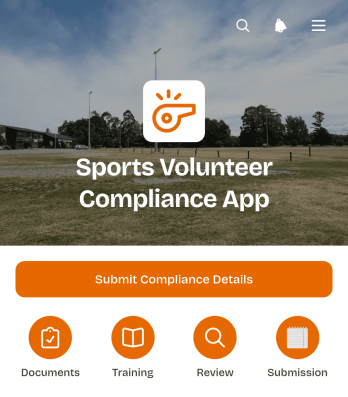
Sports Volunteer Compliance App
Sports Volunteer Compliance App gives clubs, leagues, schools, and community sports programs a central place to collect and organize volunteer compliance details. Coordinators can provide clear guidance across dedicated pages, direct volunteers to essential resources through shortcuts, and use a connected form for submitting required information. It is useful for preseason onboarding, tournament preparation, recurring volunteer reviews, and role changes. By replacing scattered messages and paper records with a consistent submission process, the app helps administrators identify missing information, support volunteer readiness, and keep programs organized.Jotform app templates make it easy to adapt this experience without writing code. Using the no-code app builder and its drag-and-drop interface, teams can update pages, add branded text, adjust navigation, and connect forms to tables, notifications, approvals, or other workflow steps. The finished app can support self-service data collection from a phone, tablet, or computer and can be shared through a direct link or QR code. This gives sports organizations a flexible way to manage volunteer information while keeping instructions and important actions in one accessible location.
Go to Category:Safety and Compliance Apps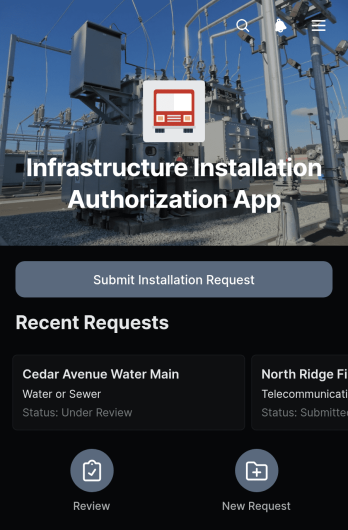
Infrastructure Installation Authorization App
The Infrastructure Installation Authorization App provides construction teams, engineering departments, contractors, facilities managers, and project coordinators with a central place to submit and review proposed infrastructure work. Users can record an installation request, present the proposed site and schedule, note safety considerations, describe planned work, and attach supporting documents. Submitted requests remain accessible in an organized table, helping reviewers evaluate project details and monitor authorization activity without relying on scattered emails or paper files. This app template is well suited to utility installations, site upgrades, equipment placement, network infrastructure projects, and other work requiring documented internal authorization.Jotform Apps makes it easy to adapt this experience to an organization’s operational process without writing code. Teams can use the drag-and-drop app builder to update pages, branding, navigation, and request content, then connect forms, tables, notifications, and approval workflows as needed. The app can be shared through a direct link or QR code for convenient mobile access in offices and field locations. Starting with one of Jotform’s App Templates reduces setup time while supporting consistent data collection, clearer collaboration, and a practical self-service request process.
Go to Category:Construction Apps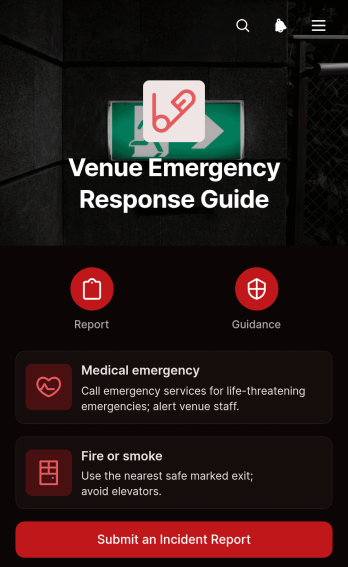
Venue Emergency Response Guide App
Venue Emergency Response Guide App is a ready-to-use app template that helps event spaces, hospitality venues, community facilities, and their on-site teams provide clear emergency guidance from one accessible location. Staff, contractors, volunteers, and event coordinators can quickly review response information for situations such as medical emergencies, fire, or smoke. Topic-based guidance and applicability notes help users find relevant instructions, while a connected incident report supports consistent data collection after an event. This centralized resource reduces uncertainty, reinforces established venue procedures, and makes essential information easier to access during training, daily operations, and urgent situations.Jotform App Templates make it easy to adapt this resource to a venue without writing code. Using Jotform’s no-code app builder and drag-and-drop interface, teams can update guidance, organize pages, apply their visual identity, and connect forms to a broader workflow. The app can be shared through a direct link or QR code for convenient mobile access and employee self-service. Venue managers can also connect submitted reports with tables, notifications, and approval steps, creating a more organized process for documenting incidents, coordinating follow-up work, and keeping emergency resources current.
Go to Category:Safety and Compliance Apps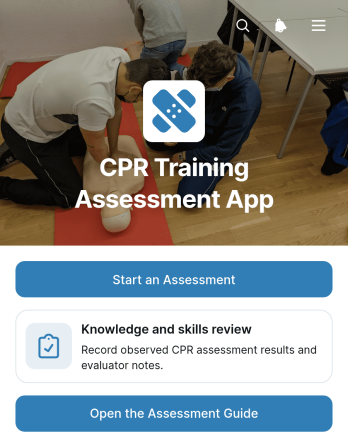
CPR Training Assessment App
The CPR Training Assessment App is a ready-to-use assessment and learning resource for instructors, training providers, schools, healthcare educators, workplace safety teams, and community organizations. It gives learners a clear place to begin a knowledge and skills review, open an assessment guide, and revisit essential topics such as scene safety, emergency action, compression technique, and AED use. Organizations can use this app template during classroom instruction, refresher sessions, practical evaluations, or employee safety training. By keeping assessment access and supporting guidance together, it helps instructors deliver a more consistent experience while giving participants an easy path through each stage of the review.Jotform App Templates make it simple to adapt the experience to different courses, audiences, and training processes. With Jotform’s no-code app builder and drag-and-drop interface, users can revise content, adjust navigation, apply their own visual style, and connect forms for data collection without programming. The app can also support broader workflows by linking responses with tables, notifications, approvals, and other training resources. Once customized, teams can publish and share the CPR Training Assessment App through a direct link, QR code, or embedded experience, giving learners convenient mobile access and instructors an organized way to manage assessment activity.
Go to Category:Course & Training Registration Apps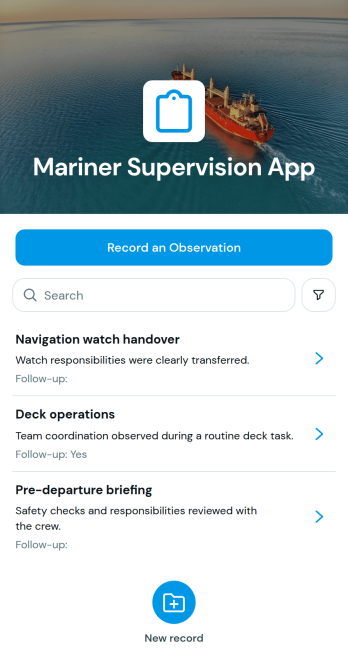
Mariner Supervision App
The Mariner Supervision App is an app template for documenting supervision activities, recording observations, and identifying cases that need follow-up. Maritime supervisors, training coordinators, vessel operators, and organizations overseeing mariner performance can use it to keep field observations accessible in one place. A direct observation form supports consistent data collection, while the activity view helps users review recorded details and see whether additional action is required. This shared process reduces scattered notes, improves visibility into supervisory work, and helps teams respond to concerns without losing important context.Jotform Apps makes it easy to adapt this template with a no-code app builder and an intuitive drag-and-drop interface. Teams can update pages, navigation, text, colors, and branding to match their supervision workflow, then connect forms, tables, approvals, or notifications as their process evolves. The app can be shared through a direct link or QR code for convenient mobile access, giving supervisors a practical way to submit observations wherever work takes place. With customizable app templates from Jotform, organizations can create a focused self-service experience without developing software from scratch.
Go to Category:Safety and Compliance Apps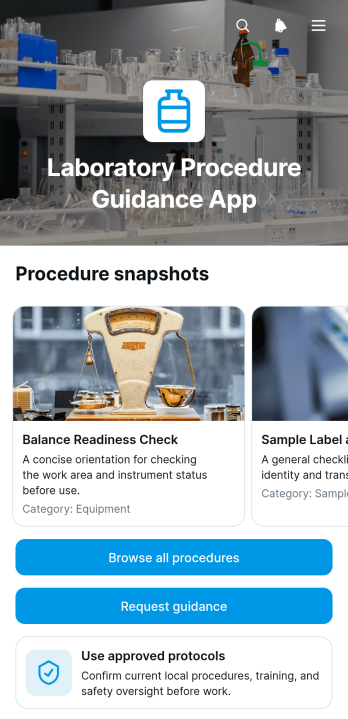
Laboratory Procedure Guidance App
The Laboratory Procedure Guidance App is a ready-to-use digital resource for organizing laboratory instructions and helping staff find procedural information when they need it. Laboratory managers, research teams, technicians, educators, and training coordinators can use this app template to provide access to approved protocols across workplace, academic, clinical, or testing environments. Users can browse available procedures, review preparation requirements, key steps, and safety notes, or submit a request when additional guidance is needed. Centralizing these resources can reduce scattered documentation, support consistent training, and make routine laboratory work easier to navigate.Jotform Apps makes this Laboratory Procedure Guidance App easy to adapt with a no-code app builder and an intuitive drag-and-drop interface. Teams can update pages, cards, buttons, images, and branding without programming, then connect forms for data collection and guidance requests. Related tables, approvals, notifications, and workflow steps can also be linked to support internal operations. Jotform App Templates provide a practical starting point, while flexible sharing options let organizations publish the finished resource through a direct link, personalized address, QR code, or embedded experience for convenient mobile self-service access.
Go to Category:Resource & Learning Portal Apps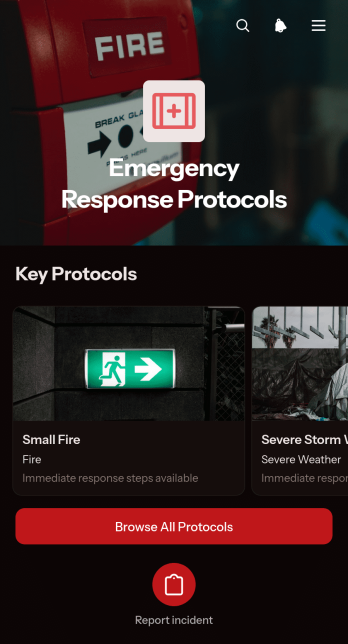
Emergency Response Protocols App
Emergency Response Protocols App is a central resource for organizations that need to give employees, contractors, volunteers, or field teams quick access to incident procedures. It presents browsable protocols with immediate actions, safety steps, and clear escalation guidance, while a connected reporting form and submitted-report view help teams document events and review incoming information. Offices, schools, healthcare facilities, construction teams, warehouses, hospitality businesses, nonprofits, and event organizers can use this app template to make essential instructions easier to find during urgent situations. It reduces reliance on scattered documents and gives personnel a consistent place to review what to do and when to notify the appropriate internal contacts.Jotform makes this Emergency Response Protocols App easy to adapt with a no-code app builder and a drag-and-drop interface. Teams can update protocol content, reorganize navigation, apply their own branding, and connect forms, tables, approvals, notifications, or other workflow resources without programming. The app can be shared by a direct link or QR code, providing mobile-friendly self-service access wherever staff may need guidance. Ready-to-use App Templates also help organizations publish useful internal resources faster while keeping data collection and operational materials connected in one accessible experience.
Go to Category:Safety and Compliance Apps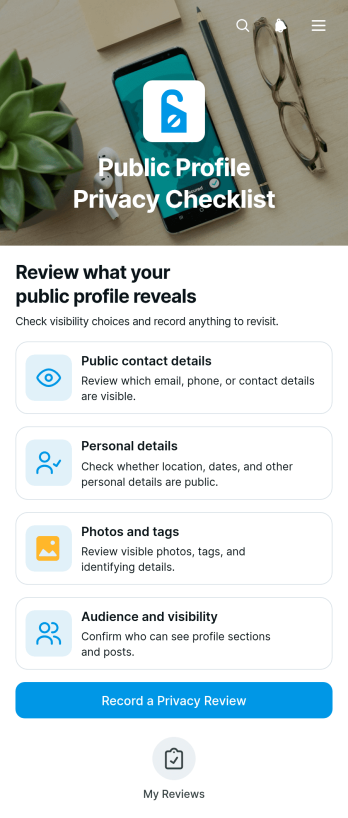
Public Profile Privacy Checklist App
The Public Profile Privacy Checklist App is a ready-to-use app template for individuals, digital safety educators, consultants, schools, and workplace teams that want to review what a public profile reveals. It guides users through checks covering public contact details, personal details, photos and tags, and audience visibility. Users can record a dated privacy review and return later to edit the results. This focused checklist supports routine profile audits, digital literacy sessions, onboarding guidance, and personal online safety habits while creating a consistent record of what was checked and when.Jotform Apps helps you customize this template with a no-code app builder and an intuitive drag-and-drop interface. Adjust pages, cards, buttons, colors, and branding to suit an individual program or organization. You can connect forms and tables for organized data collection, add approval steps or automated notifications to the workflow, and share the finished app through a direct link or QR code. Among Jotform App Templates, this option offers a convenient mobile-friendly self-service experience that can be updated as privacy review practices change.
Go to Category:Checklist Apps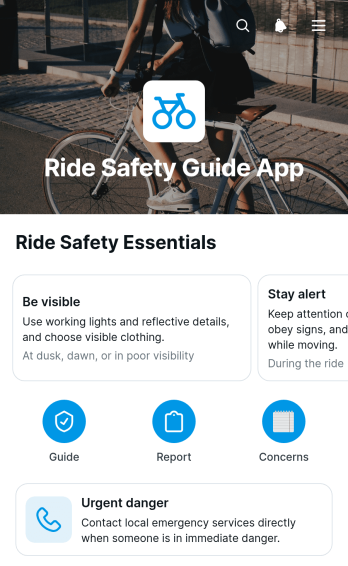
Ride Safety Guide App
Ride Safety Guide App gives passengers, drivers, transportation teams, and mobility program coordinators a central place to review ride safety information and raise concerns. Its focused experience helps users find guidance for urgent danger, submit a safety concern, and review key report details such as the concern type, reported location, and follow-up email. Transportation providers, community ride programs, campus mobility teams, shuttle operators, and fleet managers can use this app template to make safety resources easier to reach before, during, or after a trip. It also supports consistent data collection and helps teams organize follow-up without relying on scattered messages or disconnected documents.Jotform App Templates make it easy to adapt the Ride Safety Guide App to an organization’s policies and workflow. With Jotform’s no-code app builder and drag-and-drop interface, teams can update pages, navigation, guidance, branding, and connected forms without programming. The app can connect concern reports with tables, notifications, approvals, and other processes, helping staff manage incoming information and coordinate next steps. Once published, it can be shared through a direct link or QR code for convenient mobile access and self-service use.
Go to Category:Safety and Compliance Apps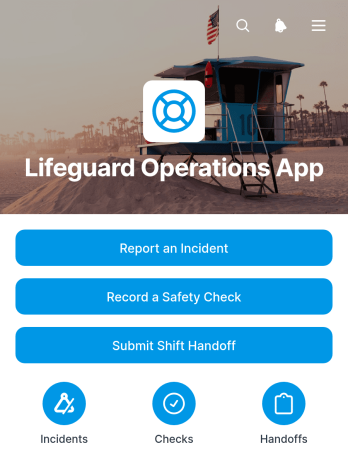
Lifeguard Operations App
The Lifeguard Operations App is an app template for coordinating daily safety activities at pools, aquatic centers, beaches, water parks, and other supervised swimming facilities. Lifeguards, shift leaders, facility managers, and operations teams can use it to submit incident reports, record safety checks, and document shift handoffs from one accessible location. Organized records for facility areas, water conditions, immediate actions, and equipment follow-up give supervisors clearer visibility into current conditions and unresolved concerns. By replacing scattered paper notes and disconnected messages, the app supports more consistent reporting, better continuity between shifts, and faster access to operational details.Jotform makes this App Template easy to adapt with a no-code app builder and a flexible drag-and-drop interface. Teams can customize pages, navigation, colors, and branding while connecting forms, tables, notifications, approvals, and other workflow steps. The Lifeguard Operations App can be shared through a direct link or QR code, giving staff mobile-friendly access wherever duties are performed. Connected data collection keeps incident reports, safety observations, and handoff information organized, helping managers review activity and support staff self-service without building an app from scratch.
Go to Category:Safety and Compliance Apps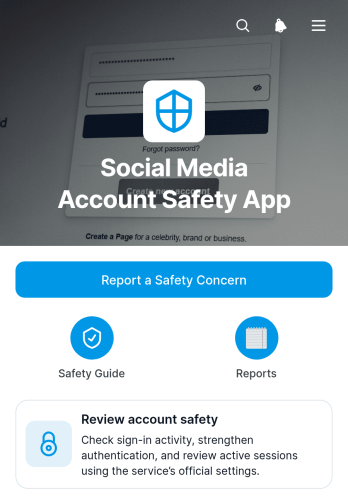
Social Media Account Safety App
The Social Media Account Safety App gives individuals, social media teams, creators, agencies, educators, and community managers a central place to review account protection practices and document potential concerns. It supports routine safety checks, sign-in activity reviews, stronger access settings, suspicious message handling, and privacy or recovery planning. Users can submit a safety concern through a connected form, while authorized teams can browse reports and review key details such as the affected service, contact information, and supporting evidence. This app template helps organizations replace scattered messages and informal reporting with a clear, repeatable process for awareness, follow-up, and internal recordkeeping.Jotform makes this App Template easy to adapt with a no-code app builder and a flexible drag-and-drop interface. Add branded pages, revise guidance, connect forms and tables, or arrange navigation around the needs of your team without writing code. Submitted concerns can feed into a broader workflow for notifications, assignments, reviews, and status updates, giving users convenient self-service access while helping responsible staff organize data collection. Once ready, publish the app with a direct link or QR code so it can be opened on phones, tablets, and computers.
Go to Category:Social Media Management Apps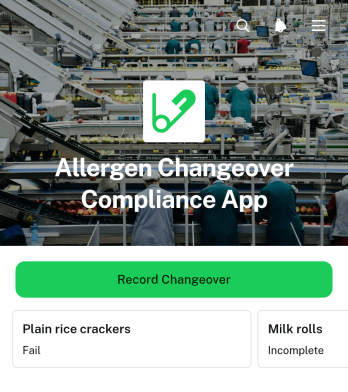
Allergen Changeover Compliance App
The Allergen Changeover Compliance App is a ready-to-use operational workspace for food manufacturers, commercial kitchens, packaging facilities, and other teams that must control product transitions involving allergens. Production supervisors, quality teams, sanitation crews, and line operators can use it to document a change from an outgoing product to an incoming product, review allergen profiles, and capture sanitation checks and verification outcomes. Keeping these activities in one place gives staff a consistent handoff process, makes corrective actions and release decisions easier to review, and provides clearer records for internal oversight, investigations, and audit preparation.Built with Jotform Apps, this app template turns a detailed changeover procedure into a mobile-friendly workflow that staff can access where work happens. The no-code app builder and drag-and-drop interface make it easy to adapt pages, buttons, branding, and guidance without programming. Teams can connect forms, tables, approvals, notifications, and other data collection steps to reduce manual recordkeeping and keep updates organized. Start from this entry in Jotform App Templates, tailor it to your facility’s procedures, and publish it through a direct link, QR code, or embedded experience. It can support self-service reporting on the production floor while giving managers a practical view of completed changeovers and follow-up needs.
Go to Category:Safety and Compliance Apps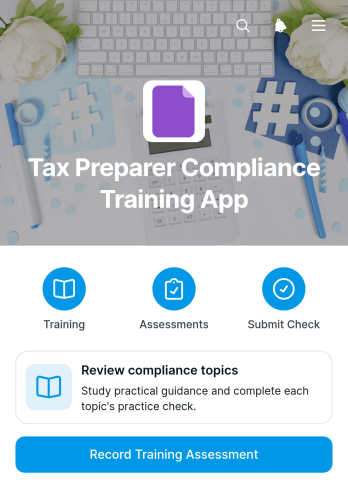
Tax Preparer Compliance Training App
Tax Preparer Compliance Training App is a ready-to-use training resource for accounting firms, tax preparation teams, consultants, and managers who need a consistent way to review compliance topics and document staff knowledge checks. It brings learning materials, assessment submission, completion acknowledgments, and recorded results into one accessible experience. Organizations can use it during onboarding, seasonal refresher training, policy updates, or internal development programs. Centralizing these activities helps managers reduce scattered paperwork, give preparers convenient self-service access, and maintain clearer training records across the team.With Jotform Apps, organizations can customize this app template through a no-code app builder and an intuitive drag-and-drop interface. Pages, navigation, branding, and training content can be adapted to match internal processes, while connected forms and tables support data collection and workflow organization. The app can be shared by direct link or QR code and opened on phones, tablets, or computers. Starting with Jotform App Templates also makes it easier to publish a polished training experience without developing a separate system from scratch.
Go to Category:Safety and Compliance Apps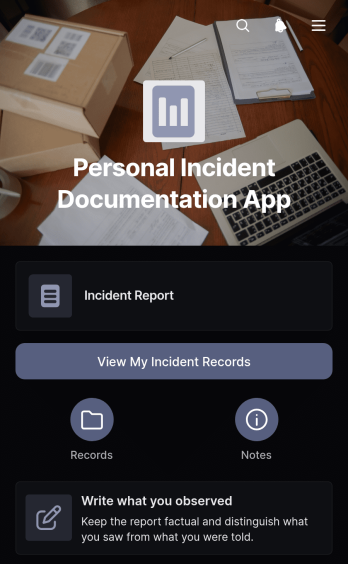
Personal Incident Documentation App
The Personal Incident Documentation App is a ready-to-use app template for individuals who want to create clear, organized records of incidents they have personally experienced or observed. It is useful for documenting workplace, housing, neighborhood, travel, service, or interpersonal situations while details are still fresh. Users can record observations with an approximate time and location, note the people or witnesses involved, and return to saved incident records for follow-up notes. Keeping these details together makes it easier to distinguish direct observations from other sources, preserve supporting information, and review a sequence of events for personal reference.Jotform Apps helps you adapt this template to your preferred documentation process without coding. Use the no-code app builder and drag-and-drop interface to adjust pages, wording, colors, and navigation, then connect forms or tables for data collection and record organization. You can also support a broader workflow with notifications and other connected resources. Once your Personal Incident Documentation App is ready, share it through a direct link or QR code for convenient mobile access and self-service record entry. Jotform App Templates provide a practical starting point while leaving room to customize the experience around your needs.
Go to Category:Log Apps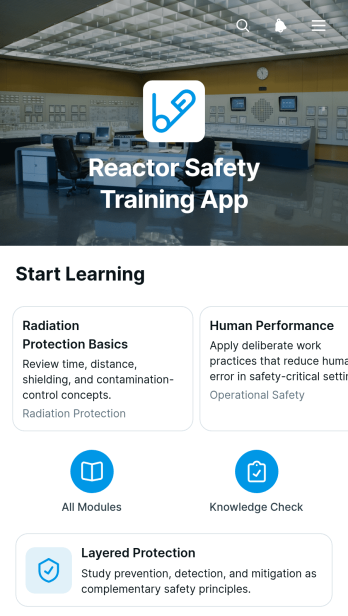
Reactor Safety Training App
The Reactor Safety Training App provides a focused learning environment for teams that need to communicate foundational reactor safety concepts. It is suited to engineering organizations, technical training departments, safety teams, educational institutions, contractors, and facility personnel. Learners can move through organized training modules, review layered protection concepts, and revisit key learning points from one accessible location. A connected training form can support knowledge checks, acknowledgments, or feedback without separating the learning experience from data collection. By presenting essential material in a consistent format, this app template helps instructors reduce scattered resources, give learners clearer guidance, and support recurring training for new or existing personnel.Jotform Apps makes it easy to adapt the template with a no-code app builder and an intuitive drag-and-drop interface. Training administrators can update pages, reorganize content, add supporting media, and connect forms to notifications or other workflow steps. The finished app can be shared through a direct link or QR code for convenient mobile access and self-service learning. Starting with Jotform App Templates also shortens setup time while leaving room to apply custom branding, refine navigation, and expand the learning experience as training needs change.
Go to Category:Safety and Compliance Apps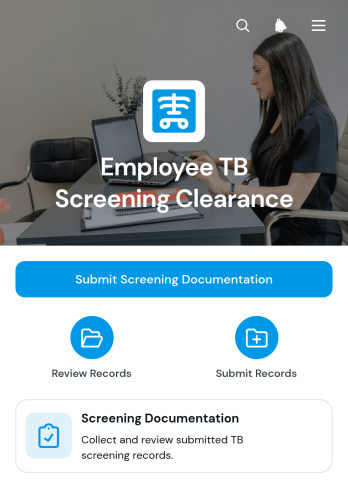
Employee TB Screening Clearance App
The Employee TB Screening Clearance App helps human resources teams, occupational health staff, administrators, and authorized reviewers organize tuberculosis screening records needed for workplace clearance processes. Employees can submit screening documentation through a dedicated form, while staff can browse employee records and review identifying details such as names and email addresses alongside the provided files. This app template is useful for employee onboarding, periodic screening programs, return-to-work reviews, and roles that require documented health clearance. It replaces scattered emails and disconnected files with a consistent submission and review experience, giving teams a clearer way to monitor outstanding documentation and maintain accessible records.Jotform Apps brings forms, records, and related workflow steps together in a mobile-friendly self-service experience. Starting with one of Jotform’s App Templates, teams can use the no-code app builder and drag-and-drop interface to adjust pages, branding, navigation, and content without programming. Connect data collection forms, tables, notifications, and approval steps to support internal reviews and timely follow-up. Once customized, the Employee TB Screening Clearance App can be shared by direct link or QR code, helping employees submit information from any device and giving authorized staff a convenient central resource.
Go to Category:HR Portal Apps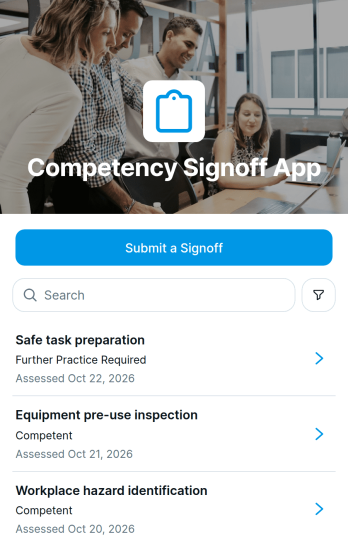
Competency Signoff App
The Competency Signoff App is an app template for documenting when an employee demonstrates a required workplace skill and an assessor verifies the result. It gives human resources teams, training managers, supervisors, safety coordinators, and operational leaders a consistent place to submit signoffs, review competency records, and capture supporting evidence notes. Each record can identify the competency, employee, assessor, and outcome, helping organizations replace scattered paperwork and disconnected messages with a clear assessment history. It is well suited to employee onboarding, practical training, role qualification, equipment instruction, refresher assessments, and internal development programs.Jotform helps organizations turn this process into an accessible digital workflow without writing code. Using the drag-and-drop app builder, teams can customize the Competency Signoff App with their own branding, instructions, navigation, and connected forms. Signoff information can flow into organized records for easier data collection, review, and follow-up, while notifications and related approval steps can support timely action. Jotform App Templates also make it simple to share a mobile-friendly self-service experience through a direct link or QR code, giving employees and assessors convenient access wherever training takes place.
Go to Category:Human Resources Apps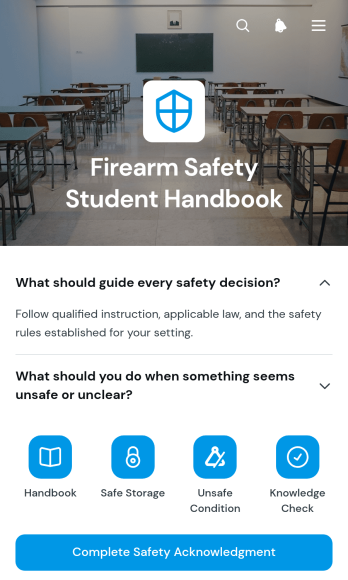
Firearm Safety Student Handbook App
The Firearm Safety Student Handbook App gives instructors, training providers, shooting clubs, and educational programs a central resource for sharing essential safety guidance with students. Learners can browse organized handbook pages, open expandable sections to review key topics, and complete a safety acknowledgment through a connected form. The app supports classroom instruction, orientation sessions, refresher training, and supervised courses by keeping reference material accessible before, during, and after a lesson. It also helps instructors present consistent information, reduce reliance on printed handbooks, and give students a clear path through required learning materials.Jotform App Templates make it easy to adapt this app template to suit a particular course or training environment. With Jotform’s no-code app builder and drag-and-drop interface, instructors can update pages, reorganize resource navigation, add forms, and apply their own visual styling without programming. Connected forms can support data collection and workflow steps such as acknowledgments, feedback, or follow-up requests. Once the app is ready, it can be shared by direct link or QR code for convenient mobile access and student self-service.
Go to Category:Safety and Compliance Apps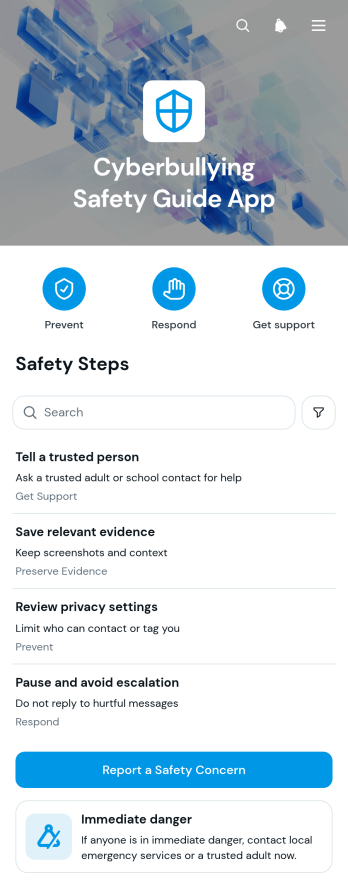
Cyberbullying Safety Guide App
The Cyberbullying Safety Guide App is a ready-to-use resource for schools, youth programs, nonprofits, community groups, and families seeking clearer ways to respond to online harassment. It brings practical safety information into one accessible experience, with guidance for immediate danger, organized resource navigation, and a form for reporting a safety concern. Educators, counselors, program leaders, students, and caregivers can use this app template to share response steps, encourage early reporting, and reduce uncertainty when harmful digital behavior occurs. It can support awareness campaigns, student resource centers, safeguarding programs, and educational initiatives without overwhelming users with scattered materials.Jotform Apps makes it easy to adapt this guide to the needs of a school or community using a no-code app builder and a flexible drag-and-drop interface. Update the content, adjust the branding, reorganize pages, and connect the concern form to notifications, tables, approvals, or other workflow steps. Teams can publish the app with a direct link or QR code, helping users reach resources and self-service guidance from a phone, tablet, or computer. Jotform app templates offer a practical starting point for collecting information and maintaining a current, approachable safety resource without writing code.
Go to Category:Safety and Compliance Apps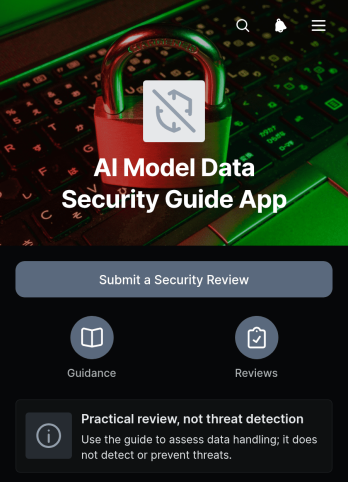
AI Model Data Security Guide App
The AI Model Data Security Guide App is a ready-to-use app template for reviewing how data is handled in AI model projects. It gives information technology teams, security reviewers, consultants, project managers, and data governance groups a central place to submit practical security reviews and browse review records. Teams can document essential details about data handling, evaluate access controls, and record retention or third-party processing considerations without treating the process as automated threat detection. This shared reference helps organizations ask consistent questions, preserve review context, identify issues that need follow-up, and support informed decisions before an AI initiative moves forward.Jotform App Templates make it easy to adapt this resource to an organization’s internal review workflow. With Jotform’s no-code app builder and drag-and-drop interface, teams can update pages, adjust branding, add guidance, and connect forms or tables without writing code. Reviewers can collect data, organize records, receive notifications, and provide convenient self-service access from desktop or mobile devices. Once customized, the app can be shared through a direct link, QR code, or embedded experience, giving stakeholders an accessible and consistent security review hub.
Go to Category:Information Technology Apps