

Scheduling App Templates

Dog Daycare App
A dog daycare app gives pet care teams a simple way to organize daily care around real bookings and dog profiles, so staff can stay on top of who is coming in, when they arrive, and what each dog needs. Use it to accept day reservations, keep a browsable list of dogs with key details, and maintain a clear view of today’s schedule for smoother handoffs between front desk and floor staff. It fits independent dog daycares, multi-location pet care businesses, and hybrid grooming and daycare facilities that want an easy, repeatable process for managing drop-offs and attendance without relying on scattered notes.With Jotform, you can turn this dog daycare app into a branded, mobile-friendly self-service experience using a no-code app builder and a drag-and-drop interface. Connect your app to forms and tables for data collection, keep bookings organized, and give owners or staff a single place to navigate tasks like booking a day, viewing dog profiles, and checking schedules. As your workflow evolves, you can adjust pages, update fields, and share the app by link or QR code so the right people can access it when they need it.
Go to Category:Pet Care Apps
Rental Calendar App
Rental Calendar App helps you manage rental bookings with a clear, shareable view of what’s available and what’s already reserved. It’s a practical fit for vacation rental hosts, property managers, equipment and party rental businesses, and anyone coordinating short-term or recurring rentals who needs a simple way to capture new booking requests and review reservations in one place. With quick navigation to a New Booking flow and a dedicated Reservations area, teams can reduce double-booking risk, keep timing details consistent, and respond faster when customers ask about dates.Jotform makes it easy to turn this rental calendar app template into a branded self-service experience using a no-code app builder and a drag-and-drop interface. Connect the app to your Jotform form and linked data so booking details and reservation lists stay organized, then publish and share the app with staff or customers for smoother scheduling workflows. As your rental operation grows, you can adjust pages, add steps, and keep your data collection and day-to-day workflow in one Jotform workspace.
Go to Category:Rental Apps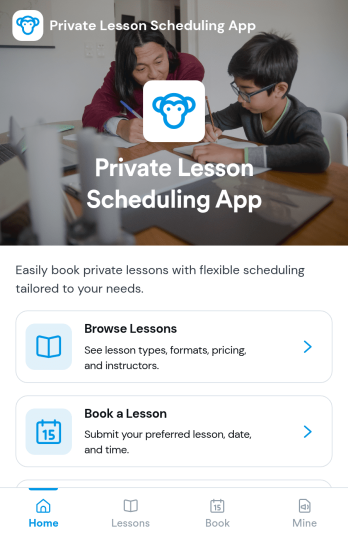
Private Lesson Scheduling App
Private Lesson Scheduling App helps instructors and tutoring businesses organize one-on-one sessions in a clear, client-friendly flow. Learners can browse lesson options, open a lesson page for details, and book a time without lengthy emails or phone calls. It’s a practical fit for music teachers, academic tutors, language coaches, art instructors, and personal skill trainers who want a single place to present offerings and capture bookings.Built with Jotform App Templates, this app template can be tailored with a no-code app builder and a drag-and-drop interface so you can match your brand and scheduling style. Connect the booking button to a form for fast data collection, keep records centralized, and share the app with a link or QR code for easy self-service on any device. As your workflow grows, you can update lesson listings and booking steps without rebuilding from scratch.
Go to Category:Appointment & Booking Apps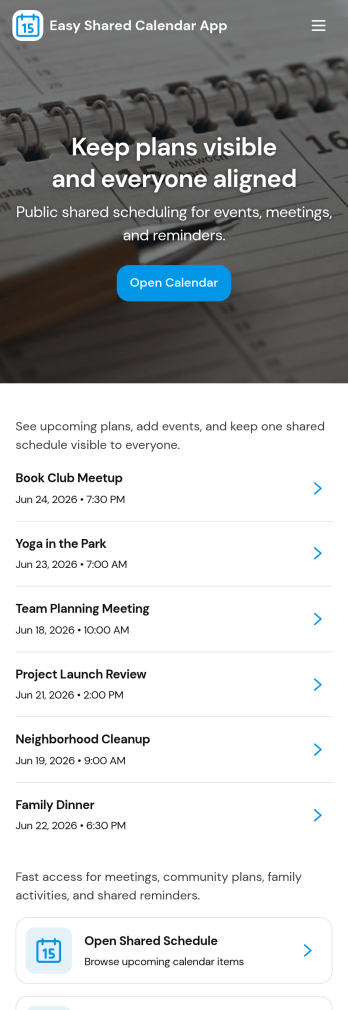
Easy Shared Calendar App
Easy Shared Calendar App brings a simple, shared place to view upcoming plans, organize events by category, and keep everyone aligned without long message threads. It’s a practical fit for small teams, clubs, classrooms, families, and community groups that need one calendar everyone can check, plus an easy way to add new events as plans change. With a dedicated calendar view, a categories area, and an add-event flow, this app helps you keep schedules visible and updates consistent across your group.Jotform makes it easy to tailor this experience to your exact scheduling needs using its no-code app builder and drag-and-drop interface. Connect your app to forms for quick data collection, route event details into connected workflows, and keep your event information organized for self-service access. Share your Jotform app with a link so others can browse the calendar, review event details, and stay on the same page from any device.
Go to Category:Scheduling Apps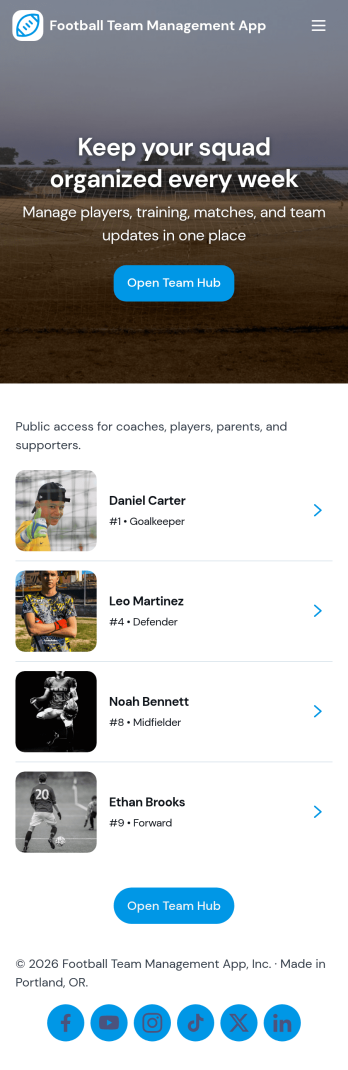
Football Team Management App
Football Team Management App keeps your squad organized in one place by bringing players, matches, and training into a single, easy-to-navigate experience. Use it to add and review player profiles, log upcoming and past fixtures, and maintain a clear training schedule that everyone can follow. Coaches and team managers can quickly update rosters, track match details, and open attendance for training sessions without juggling spreadsheets, group chats, or scattered notes.Built with Jotform, this app template helps you turn everyday team operations into a simple self-service workflow. Customize pages with a drag-and-drop interface, connect your roster, match logs, and session forms to central records, and share the app with staff and players using a link for mobile-friendly access. Whether you manage a youth club, school team, amateur league side, or training academy, Jotform makes data collection and coordination feel structured and easy to maintain.
Go to Category:Sports Apps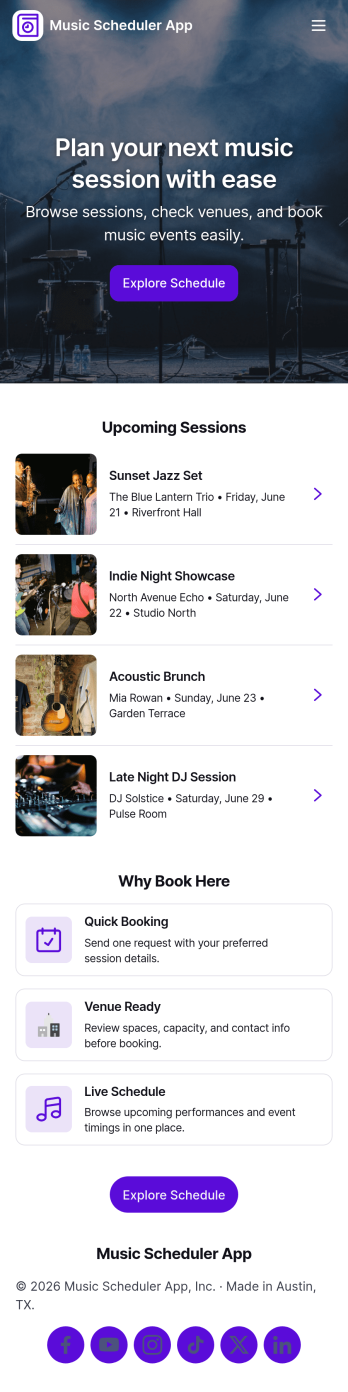
Music Scheduler App
Music Scheduler App helps organizers plan, publish, and manage music programming in one place so performers and staff can quickly find what matters. Use it to browse the schedule by event, explore participating artists, and check venue details before show day. It also supports request intake through a simple form, making it easier to collect updates like set changes, availability notes, or lineup suggestions without losing track of who asked for what.Built with Jotform, this app template can be tailored with a no-code app builder and a drag-and-drop interface, so you can adjust pages, navigation, and content as your roster grows. Connect listings to your data collection, keep information consistent across schedule, artist, and venue views, and share a self-service link that works well for teams, performers, and partners.
Go to Category:Scheduling Apps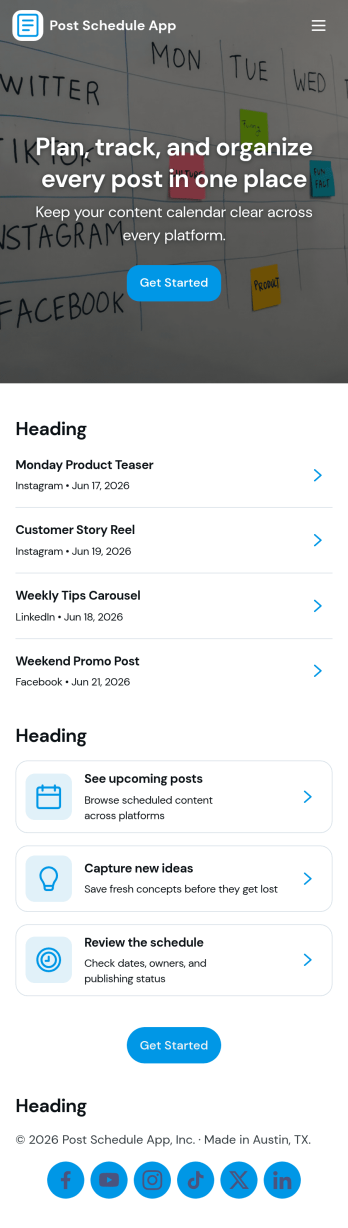
Post Schedule App
Post Schedule App helps teams plan, queue, and review upcoming posts in one place, so content doesn’t get lost in chat threads or scattered notes. Use it to add new post details, view a calendar-style overview of what’s going out and when, and keep a queue of ready-to-publish items. It works well for social media managers, small business owners, agencies, and marketing teams that need a clear publishing rhythm, quick visibility into what’s next, and an easy way to navigate from a schedule view into individual post records.With Jotform, you can turn this app template into a branded, shareable workspace using a no-code app builder and a drag-and-drop interface. Connect the app to your data collection form to capture post information consistently, keep records organized, and support a smoother workflow for planning and review. Publish with a simple link for your team, update content as plans change, and manage schedules without adding extra tools to your stack.
Go to Category:Sales & Marketing Portal Apps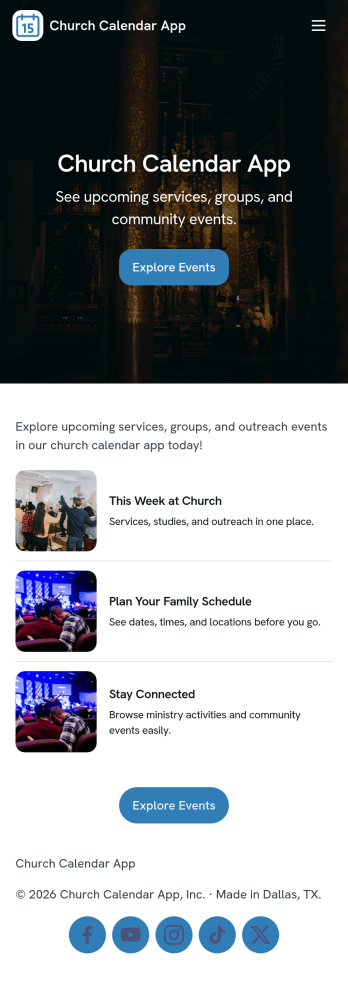
Church Calendar App
Church Calendar App brings your congregation’s schedule into one easy place, so members can quickly see what’s happening and stay connected throughout the week. Use it to share upcoming services, ministry meetings, small groups, volunteer opportunities, and special events without relying on scattered emails or paper bulletins. With a simple events list, an area for ministry information, and a clear way to request a new event, it helps church staff and ministry leaders keep communication consistent while giving attendees a reliable view of what’s next.Built with Jotform, this app template can be tailored in minutes using a no-code app builder and a drag-and-drop interface. Link pages to your existing workflow for data collection, route event requests to the right person, and keep details updated in one spot. Share the app through a link or QR code so people can access it on the go, and refresh content anytime to keep your church calendar current.
Go to Category:Nonprofit Apps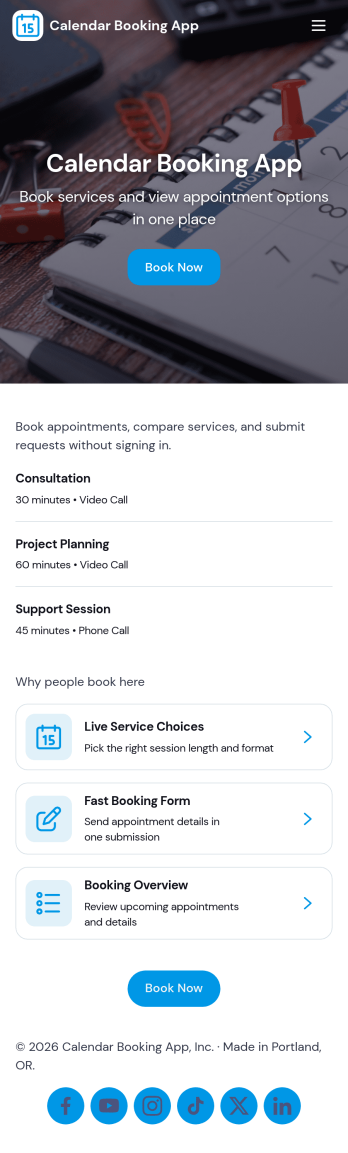
Calendar Booking App
Calendar Booking App helps people request appointments and keep track of scheduled time slots in one simple place. It’s a practical fit for service-based businesses and teams that need a clear path from “book now” to “view bookings,” including consultants, salons, coaches, clinics, local service providers, and internal teams coordinating meetings. Visitors can start a new request, review existing bookings, and get quick guidance on how the booking process works, so fewer requests fall through the cracks and staff spend less time answering repetitive scheduling questions.With Jotform, you can turn scheduling into a polished self-service experience using App Templates and a no-code app builder. Customize the layout with a drag-and-drop interface, connect the app to forms and workflows for data collection, and share it with a link or QR code so customers can book from anywhere. As your needs grow, you can update services, refine routing between pages, and keep booking information organized without adding complexity.
Go to Category:Appointment & Booking Apps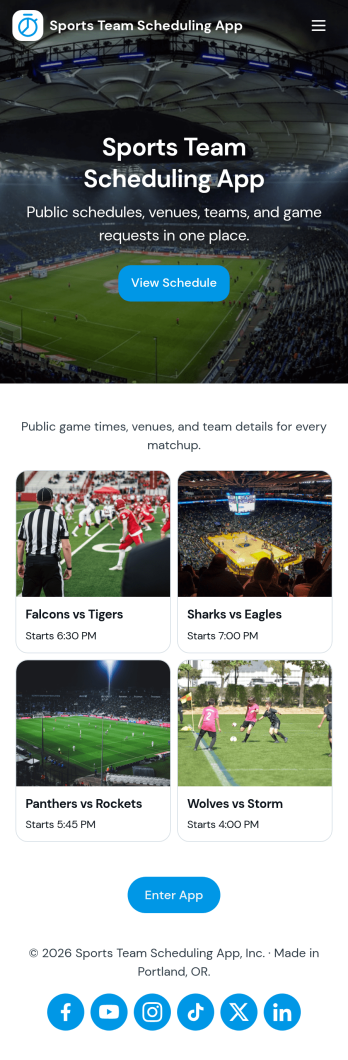
Sports Team Scheduling App
Sports Team Scheduling App brings your team’s weekly plans into one easy place so coaches, managers, and players can stay aligned on what’s happening and when. Use it to publish a clear schedule, collect player availability, keep a current roster, and capture quick review notes after games or practices. It’s a great fit for school teams, club sports, recreational leagues, and traveling teams that need fewer missed updates and fewer last-minute surprises.Built with Jotform, this app template can be customized in a no-code app builder with a drag-and-drop interface, so you can match your team’s routines and branding in minutes. Connect scheduling and availability data collection to your workflows, keep information organized in one self-service experience, and share the app link with your team so everyone can check details from their phone whenever plans change.
Go to Category:Scheduling Apps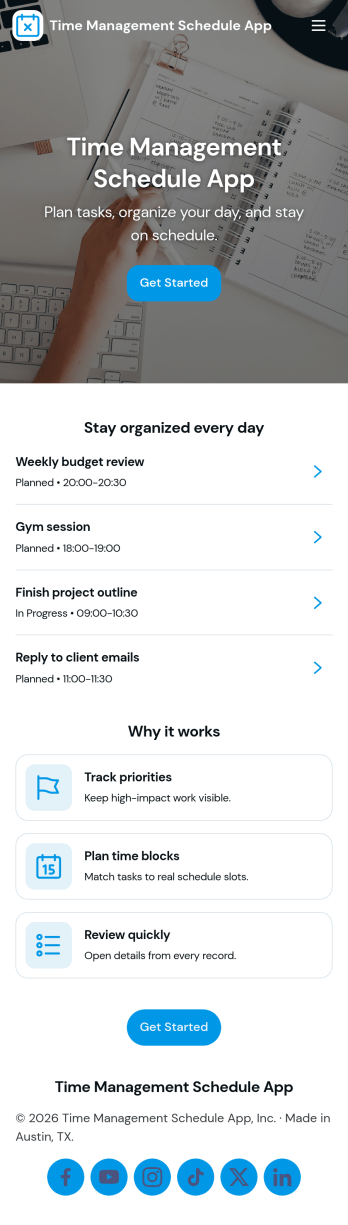
Time Management Schedule App
Time Management Schedule App helps you plan your day, map out your week, and stay on top of priorities in one place. Use the Today and Week views to quickly see what’s coming up, add new to-dos through an Add Task form, and open individual task details from a task list when you need more context. It’s a practical fit for busy professionals, students, teams juggling multiple projects, and anyone who wants a simple schedule-driven way to manage tasks and maintain momentum.With Jotform, you can turn this app template into a flexible self-service planner without coding. Customize pages with a drag-and-drop interface, connect your task form to organized data collection, and keep your workflow consistent as plans change. Share your app through a link for fast access on desktop or mobile, and adjust the layout, labels, and navigation so your schedule and task process matches how you work.
Go to Category:Scheduling Apps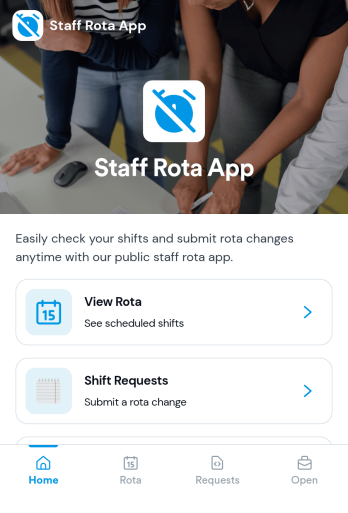
Staff Rota App
Staff Rota App helps teams publish schedules, view upcoming shifts, and manage shift changes without confusion. It works well for retail stores, restaurants, salons, clinics, and service teams that need a single place where staff can check the rota, browse open shifts, and send shift requests when coverage changes. With dedicated areas to view the rota, submit requests, and review open shifts, managers spend less time answering repeat questions while employees get clearer visibility into where they’re needed.Jotform makes it easy to turn this Staff Rota App into a self-service scheduling experience using a no-code app builder and a drag-and-drop interface. Connect the app to your existing workflows for data collection, route requests to the right people, and keep everything organized as your team grows. Share the app by link so staff can access it on any device, and update pages quickly whenever schedules, roles, or staffing needs change.
Go to Category:Scheduling Apps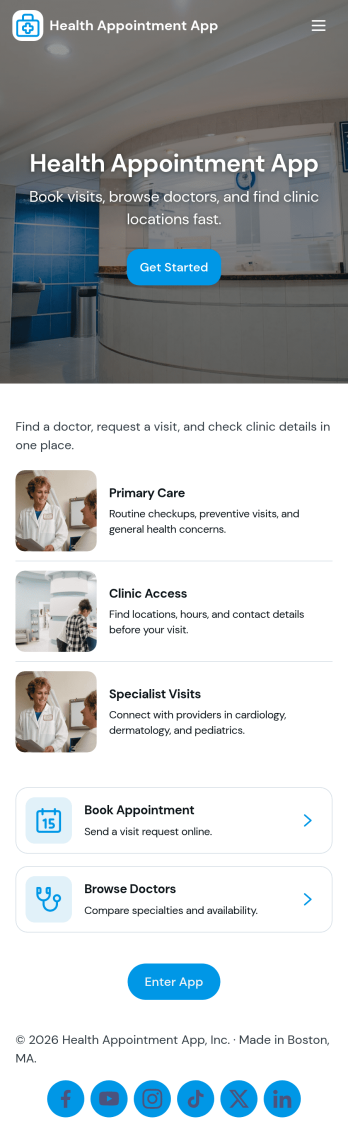
Health Appointment App
Health Appointment App helps clinics and private practices give patients a clear place to book visits, review upcoming appointments, and complete intake before they arrive. With dedicated areas for booking, upcoming visits, patient intake, and records, the app supports smoother scheduling and fewer missed details for front-desk teams. It also makes it easier for patients to find what they need fast, whether they want to request a new appointment, confirm what’s next on their calendar, or reach the office by phone.Built with Jotform, this app template can be tailored in minutes using a no-code app builder and a drag-and-drop interface. Connect the booking and intake experiences to your existing forms, keep information organized, and create a simple workflow for collecting patient details and visit requests in one mobile-friendly experience. Share the app with a link or QR code, update content anytime, and offer reliable self-service without adding extra tools to your stack.
Go to Category:Healthcare Apps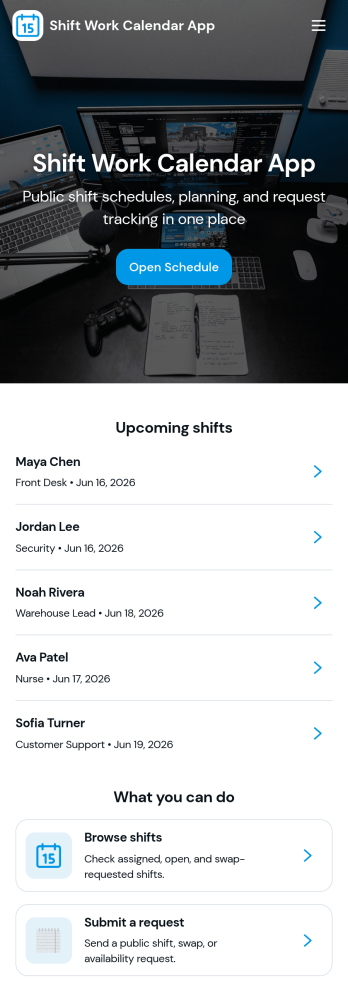
Shift Work Calendar App
A shift work calendar app helps teams keep rotating schedules clear and actionable by putting today’s shifts, employee schedules, and shift-related updates in one place. This template is built for operations leads, supervisors, and HR teams managing hourly staff across retail, hospitality, healthcare, warehouses, and field services. With quick navigation to Today’s Shifts, a Team Roster, and Shift Requests, it supports day-to-day coordination while reducing missed handoffs and confusion about who’s on duty.Jotform makes it easy to turn scheduling workflows into a mobile-friendly experience using App Templates and a no-code app builder. Customize pages with a drag-and-drop interface, connect buttons to forms for data collection, and keep shift details organized in a connected workflow. Share the app by link or QR code so staff can view schedules, request changes, and keep everyone aligned without extra tools.
Go to Category:Scheduling Apps
Family Calendar and Chore App
Family Calendar and Chore App brings your household schedule and responsibilities into one shared place, so everyone knows what’s happening and what needs to get done. Use it to post this week’s events, assign chores to family members, and keep a simple meal plan visible to the whole household. It’s a practical fit for busy parents, co-parents, guardians, and shared households who want fewer missed appointments, fewer repeated reminders, and clearer ownership of everyday tasks.Built with Jotform, this app template can be tailored with a no-code app builder and a drag-and-drop interface, so you can adjust pages, navigation, and actions to match your routine. Connect buttons to forms for adding events, assigning chores, and planning meals, then share the app as a self-service hub that’s easy to access on mobile. With Jotform workflows behind the scenes, your household updates stay organized and simple to manage as plans change.
Go to Category:Daily Planner Apps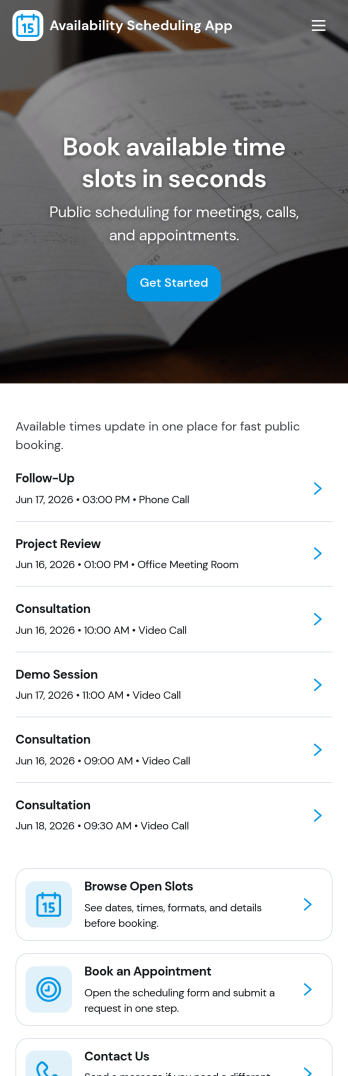
Availability Scheduling App
Availability Scheduling App helps teams collect availability, review open time blocks, and turn day-to-day entries into a clear schedule everyone can reference. It’s a practical fit for managers coordinating shift-based staff, clinics assigning rotating coverage, schools organizing office hours, and service businesses matching team members to time windows. With quick navigation to submit availability and view schedules, the app keeps availability requests in one place so coordinators can reduce missed messages and make faster staffing decisions.Built with Jotform, this app template combines self-service data collection with an organized schedule view that’s easy to share. Use Jotform’s no-code app builder and drag-and-drop interface to tailor pages, add your own instructions, and connect the app to a central table for ongoing updates. As availability changes, Jotform helps you maintain a dependable workflow for collecting entries, reviewing records, and keeping your schedule current across teams and locations.
Go to Category:Appointment & Booking Apps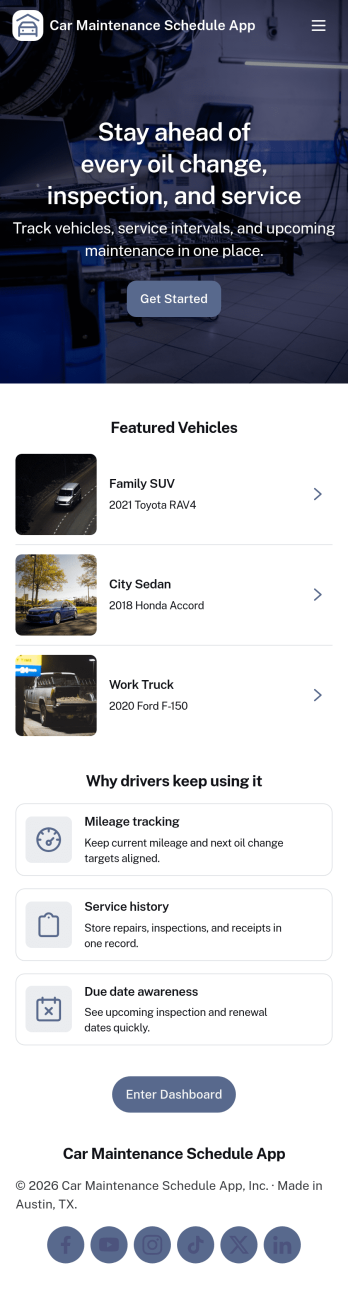
Car Maintenance Schedule App
Car Maintenance Schedule App helps drivers and small fleets keep every vehicle’s upkeep organized in one place. Use it to add vehicles, view upcoming tasks in a schedule, and keep a running service log so you can quickly check what was done and when. It’s a practical fit for families with multiple cars, rideshare drivers, delivery operators, and small businesses that want fewer missed oil changes, inspections, and routine services across their vehicles.With Jotform, you can turn this app template into a branded, self-service experience using a no-code app builder and a drag-and-drop interface. Connect the app to forms for data collection when you add a vehicle or record a service entry, then keep everything organized for easy tracking over time. As your workflow grows, you can update pages, adjust what details you capture, and share the app with teammates or drivers so everyone stays aligned.
Go to Category:Automotive Apps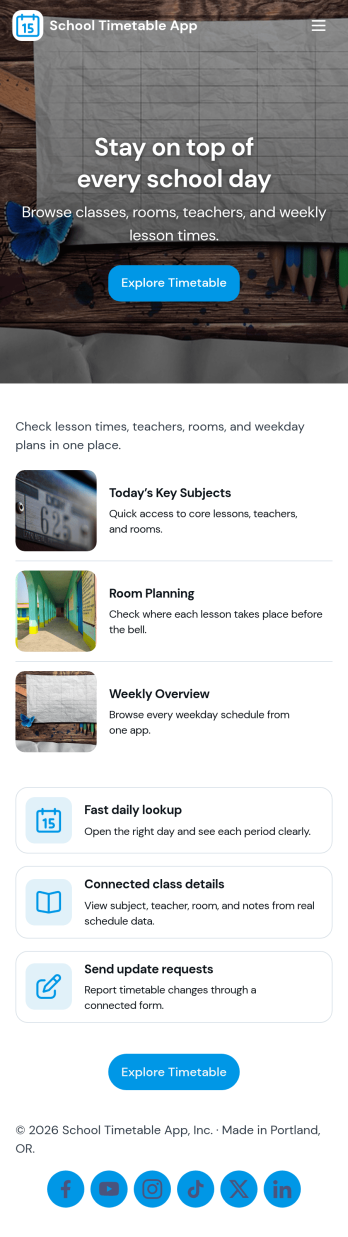
School Timetable App
A school timetable app brings class schedules, staff contacts, and day-to-day announcements into one place so students, families, and school teams always know what’s happening next. Use it to publish a clear schedule, browse people directories, and share timely updates such as room changes, substitute coverage, or special bell schedules without relying on scattered emails or printed handouts.With Jotform, you can customize this school timetable app template using a no-code app builder and a drag-and-drop interface to match your school’s routines and branding. Connect the app to forms and tables for data collection around timetable changes, let staff submit updates from a single button, and keep information accessible through a simple self-service experience that works well on mobile for quick checks throughout the day.
Go to Category:Education Apps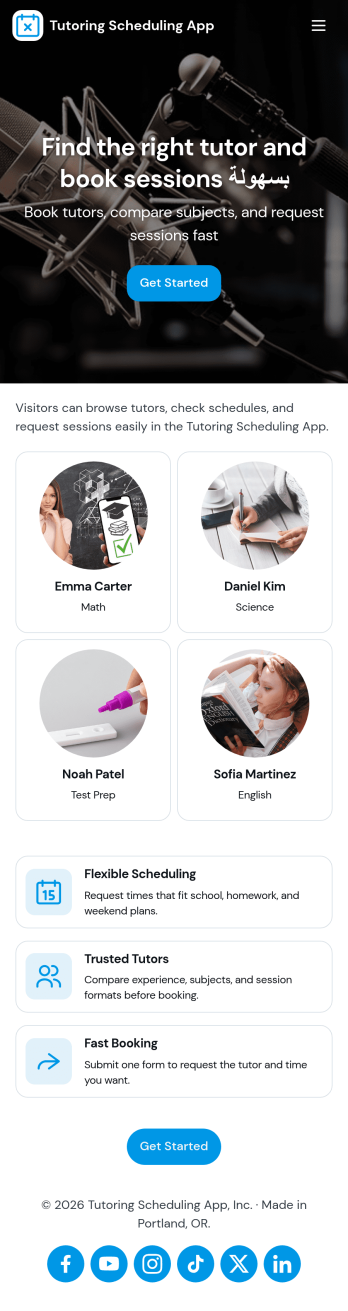
Tutoring Scheduling App
Tutoring Scheduling App helps tutoring businesses and independent educators organize session requests and connect students with the right tutor in one place. Learners can browse a tutor list, open tutor details, and send a session request, while returning users can check My Requests to stay on top of upcoming and past needs. It’s a practical fit for after-school programs, test prep providers, online tutoring teams, and school support centers that want a clearer way to manage demand, reduce missed messages, and keep scheduling details easy to find.Jotform makes it simple to turn this use case into a polished self-service experience with app templates and a no-code app builder. Customize pages with a drag-and-drop interface, connect the app to your forms for data collection, and keep requests organized for follow-up. Share your Tutoring Scheduling App through a link or QR code, update content anytime, and create a consistent workflow that works well on mobile for students and tutors alike.
Go to Category:Appointment & Booking Apps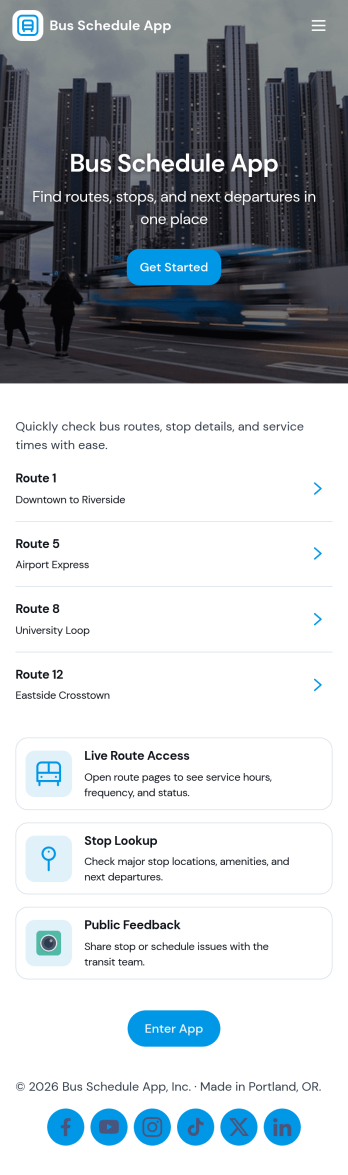
Bus Schedule App
A Bus Schedule App gives riders a clear, mobile-friendly place to check bus routes and quickly find schedule details for the line they need. With simple route browsing and route-specific pages, it works well for city transit teams, campus transportation services, shuttle operators, and community programs that want to share up-to-date route information without sending people to multiple web pages or printed PDFs. It also includes a request option so riders can send questions or report issues from the same place they view routes.Jotform makes it easy to publish this kind of self-service experience using App Templates and a no-code app builder. Customize pages with a drag-and-drop interface, connect route data to a list for easier browsing, and link a form for rider requests so information and data collection live together in one workflow. Share your Jotform app through a link or QR code and update content anytime to keep riders informed.
Go to Category:Transportation Apps
Vacation Rental Calendar App
Vacation Rental Calendar App helps hosts and property managers keep rental availability visible and booking requests organized in one place. It works well for managing one home or multiple properties, especially when you need a simple way to browse availability, review incoming requests, and guide guests to the right next step without relying on scattered messages.Built with Jotform, this app template combines a clean, mobile-friendly layout with connected workflows for self-service. Use Jotform’s no-code app builder and drag-and-drop interface to customize pages like Availability and Booking, link a Request a Stay flow to your booking request form, and monitor requests through views such as All Requests and My Requests. As your process evolves, you can update content, branding, and routing while keeping data collection consistent across every property.
Go to Category:Rental Apps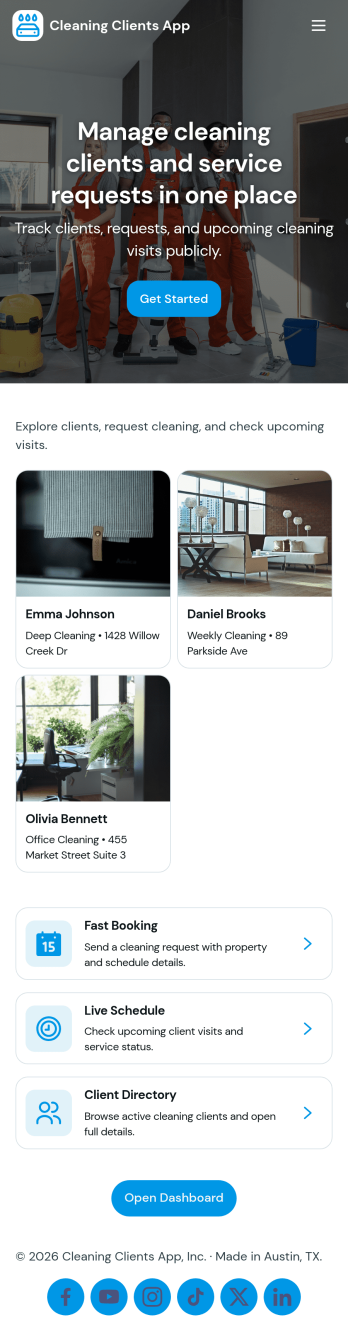
Cleaning Clients App
Cleaning Clients App brings your cleaning service client experience into one place so customers can book a cleaning, follow the status of upcoming and in-progress jobs, and review request history without needing to call or text for updates. It fits residential cleaners, small cleaning companies, and independent housekeepers who want a simple self-service flow for repeat clients, as well as teams that need a clearer view of active work and client lists.With Jotform App Templates, you can publish a branded, mobile-friendly experience built with a no-code app builder and a drag-and-drop interface. Connect buttons and pages to your existing forms and data collection workflows, then share the app with a link or QR code so clients can submit requests and your team can stay organized as jobs come in.
Go to Category:Home Services Apps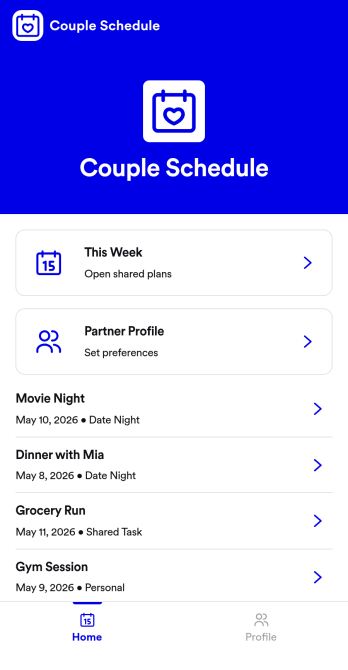
Couple Schedule App
Couple Schedule App helps partners coordinate plans, keep a shared calendar view, and stay on top of everyday responsibilities without juggling multiple chats or scattered notes. It’s a practical fit for couples managing busy workweeks, long-distance routines, co-parenting logistics, or shared household commitments. With quick actions like adding a plan, opening the schedule to review what’s next, and keeping shared tasks visible in one place, it supports smoother day-to-day coordination and fewer missed details.Built with Jotform, this app template is easy to tailor for your relationship’s routine using a no-code app builder and a drag-and-drop interface. Connect the app to a form for simple data collection, then keep plans organized and accessible with a mobile-friendly self-service experience you can share in seconds. As your workflow changes, you can adjust pages, update labels, and refine how you capture plans and tasks, all without writing code.
Go to Category:Daily Planner Apps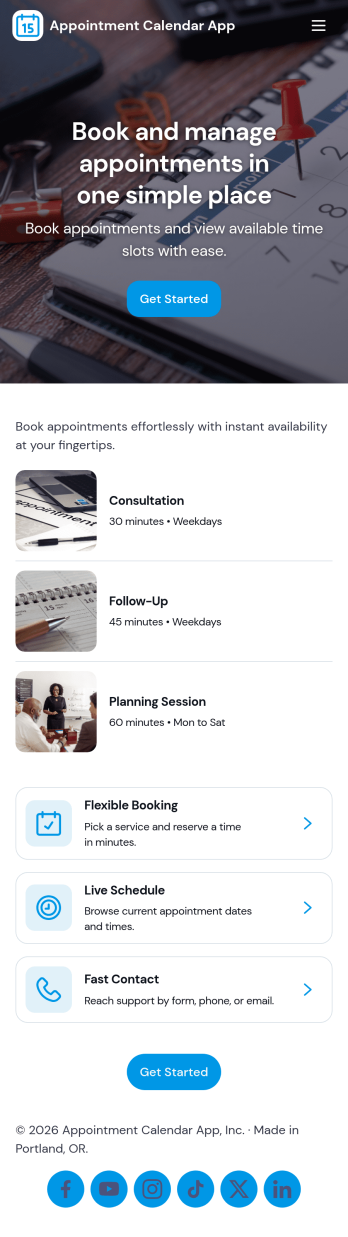
Appointment Calendar App
An appointment calendar app gives clients and staff one place to browse available services, book time slots, and keep track of upcoming visits. Use it to present your service list in a simple, mobile-friendly layout, route people to a booking form from buttons like Book Appointment or Book This Service, and offer a dedicated My Appointments area where returning clients can review their appointment records. It works well for salons, clinics, studios, consultants, and any team that needs a clear, shareable way to manage appointments without relying on phone calls or scattered messages.With Jotform, you can turn this app template into a branded self-service scheduling experience using a no-code app builder and a drag-and-drop interface. Connect pages to your forms and data so bookings are captured consistently, updates are easy to manage, and clients always know where to go to schedule, start a new appointment, or view their appointments. Share the app by link or QR code, adjust the layout as your services change, and keep your workflow organized from intake to appointment tracking.
Go to Category:Appointment & Booking Apps