

Scheduling App Templates

Pool Service Software App
Pool Service Software App brings your day-to-day field work into one place so pool pros can plan visits, look up customers fast, and document what happened on site. Use it to view today’s jobs, open a customer list when you’re on the road, and keep service history consistent with simple service logging and inspection forms. It’s a practical fit for owner-operators, multi-tech teams, and growing home service businesses that need a reliable way to stay organized across recurring routes, seasonal checkups, and one-off troubleshooting calls.With Jotform’s app templates, you can publish a branded, mobile-friendly experience without code and keep your workflow connected to the same forms and data your team already relies on. Build with a drag-and-drop interface, link buttons to the right actions, and keep information current in one self-service hub that’s easy to share by link or QR code. As your operation expands, Jotform makes it simple to adjust pages, update job intake, and standardize data collection across every technician and location.
Go to Category:Home Services Apps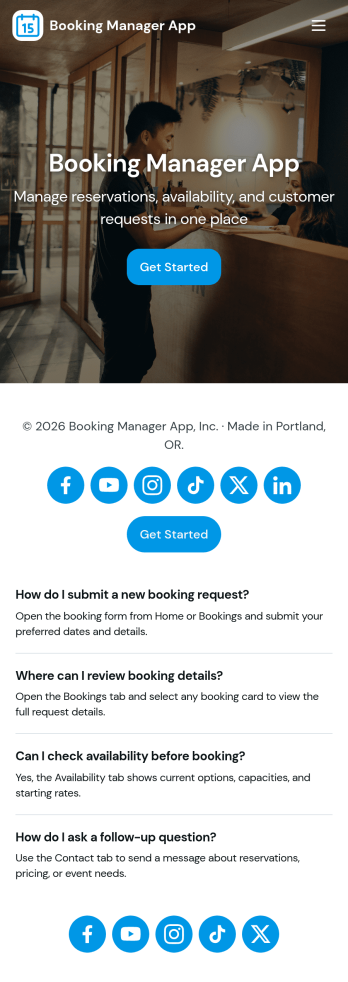
Booking Manager App
Booking Manager App brings your scheduling workflow into one place so teams can capture new requests, review upcoming appointments, and keep a clear record of past activity. It works well for service businesses, studios, consultants, and front-desk teams that need a simple way to accept new bookings, view client details, and move between active bookings and history without hunting through messages or spreadsheets. With quick actions like New Booking and Add Booking plus a dedicated area to Manage Bookings, the app helps you stay organized while giving staff a consistent process to follow.Built with Jotform, this app template is easy to tailor to how you book appointments today. Use the no-code app builder and drag-and-drop interface to adjust pages, update labels, and connect the booking form and request list to the same workflow. Share the app by link or QR code for self-service booking requests, or keep it internal for staff managing schedules. As information comes in, your connected data collection stays centralized, making it easier to track requests, follow up, and maintain a dependable booking experience.
Go to Category:Booking Apps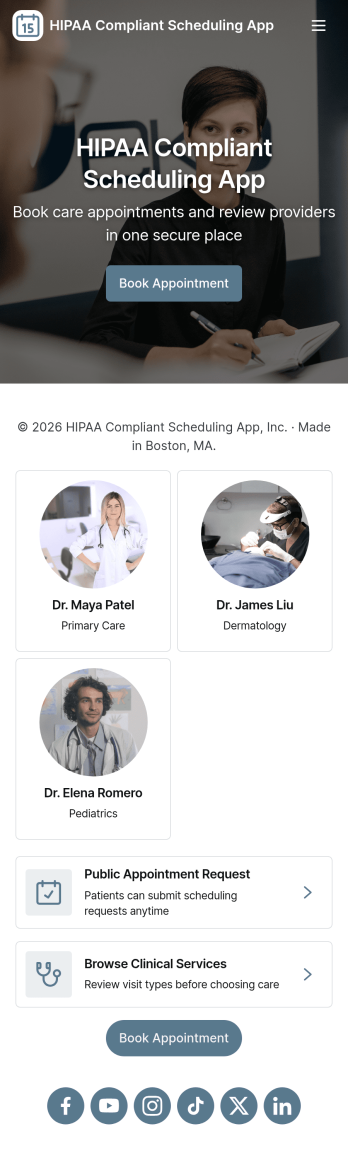
Hipaa Compliant Scheduling App
Hipaa Compliant Scheduling App helps healthcare teams and patients coordinate appointments in one place while keeping scheduling communication organized. Use it to offer a clear path to book appointments, view appointment details, and contact the care team without confusion or missed steps. It’s a practical fit for clinics, private practices, therapy providers, and medical offices that want a simple self-service experience for scheduling requests and intake, plus an easy way for staff to route patients to the right next action.Jotform makes it easy to turn these workflows into a polished app experience using App Templates and a no-code app builder with a drag-and-drop interface. Connect buttons and pages to forms for data collection, centralize information for quick navigation, and share the app through a link or QR code for convenient self-service. As your workflow evolves, you can update pages, adjust navigation, and keep everything consistent across teams without needing to code.
Go to Category:HIPAA Apps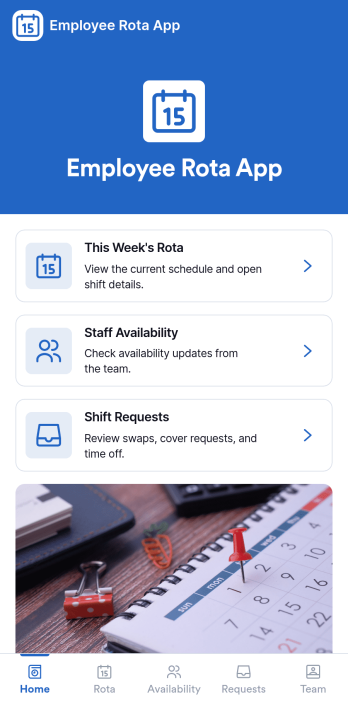
Employee Rota App
Employee Rota App helps teams publish daily schedules, handle shift change requests, and keep availability in one easy place. It fits fast-moving workplaces like retail, hospitality, healthcare clinics, warehouses, and field service teams where people need to quickly check Today’s Rota, request a change, and see who’s available without chasing managers for updates. With dedicated areas for Shift Requests and Team Availability, staff can follow a clear path from viewing their rota to adding a shift request when something changes, while supervisors get a consistent flow of requests to review and act on.Built with Jotform, this app template turns scheduling into a practical self-service experience you can roll out in minutes. Use Jotform’s no-code app builder and drag-and-drop interface to tailor pages, buttons, and lists to match your roles, locations, or shift types, then connect the app to your data collection workflow so requests stay organized and searchable. Share the app by link or QR code so everyone can access the latest rota from their phone, and keep your team aligned as schedules evolve.
Go to Category:Scheduling Apps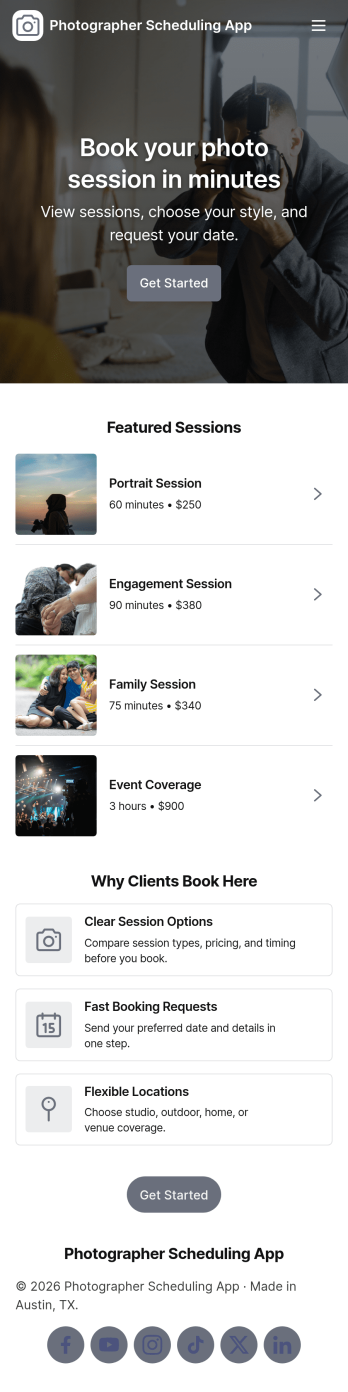
Photographer Scheduling App
A photographer scheduling app helps clients browse available photo sessions, book a session at the right time, and keep track of booking requests in one place. Use this template to present session options and packages, guide clients to request a booking, and offer an easy way to ask for changes or send an email inquiry when plans shift. It’s a practical fit for independent photographers, studio teams, and creative businesses that manage mini sessions, portraits, engagements, family shoots, and recurring seasonal packages.Jotform makes it simple to turn your scheduling process into a client-friendly experience with App Templates built for self-service. Customize pages with a drag-and-drop interface, connect booking and inquiry forms, and route requests through a workflow that keeps your team organized. With Jotform’s no-code app builder, you can publish a branded app link clients can use from any device while keeping scheduling details and request data collection centralized.
Go to Category:Appointment & Booking Apps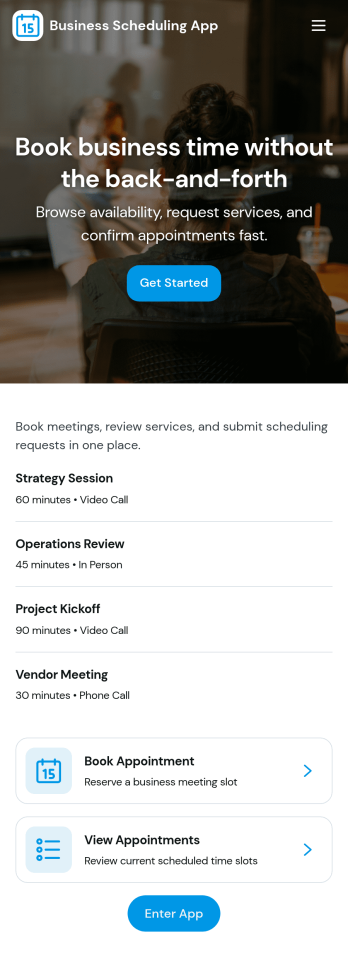
Business Scheduling App
Business Scheduling App helps service-based teams organize appointments and make it easy for clients to book the right time. With quick navigation to Book Appointment and Browse Services, visitors can review offerings, choose a service, and start scheduling without phone calls or long email threads. This format works well for salons, consultants, repair pros, clinics, and local businesses that manage multiple services, staff members, and operating hours, especially when you want a single place people can rely on for current availability and basic contact options.Jotform makes it simple to turn this experience into a branded, shareable app using a no-code app builder and a drag-and-drop interface. Connect pages to your booking form, organize service details and staff lists, and keep data collection consistent across every request. When you’re ready, share your app with a link or QR code so customers can use self-service scheduling on desktop or mobile while your team stays on top of the workflow in one connected place.
Go to Category:Scheduling Apps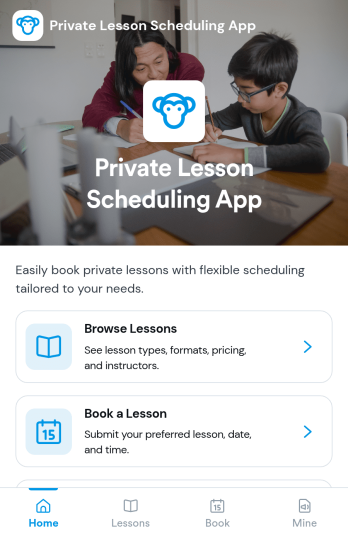
Private Lesson Scheduling App
Private Lesson Scheduling App helps instructors and tutoring businesses organize one-on-one sessions in a clear, client-friendly flow. Learners can browse lesson options, open a lesson page for details, and book a time without lengthy emails or phone calls. It’s a practical fit for music teachers, academic tutors, language coaches, art instructors, and personal skill trainers who want a single place to present offerings and capture bookings.Built with Jotform App Templates, this app template can be tailored with a no-code app builder and a drag-and-drop interface so you can match your brand and scheduling style. Connect the booking button to a form for fast data collection, keep records centralized, and share the app with a link or QR code for easy self-service on any device. As your workflow grows, you can update lesson listings and booking steps without rebuilding from scratch.
Go to Category:Appointment & Booking Apps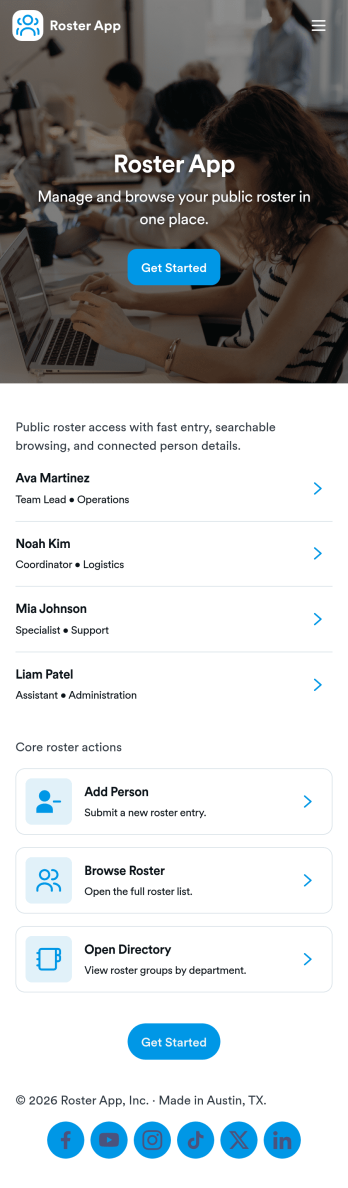
Roster App
A roster app keeps your member list organized in one place so teams can quickly add people, browse profiles, and stay up to date without hunting through spreadsheets. This template works well for clubs, sports teams, volunteer groups, classrooms, shift-based workplaces, and any organization that needs a simple directory of members. Use it to capture new member details with an Add Member form button, browse the roster in a list view, and open individual member cards to review key information when you need it.Jotform makes it easy to turn this Roster App into a self-service experience you can share with the right audience. With Jotform’s no-code app builder and drag-and-drop interface, you can adjust pages, reorder navigation, and connect your roster to Jotform data collection so updates stay consistent. When you want more visibility, add a table link for reviewing all entries, and keep the workflow moving with simple buttons that guide people to the right page.
Go to Category:HR Portal Apps
To Do Schedule App
To Do Schedule App helps you plan your day, prioritize tasks, and keep your schedule realistic without losing track of what’s next. Use it to review what needs attention today, look ahead at upcoming items, and quickly capture new to-dos the moment they come up. It’s a practical fit for busy professionals, students, freelancers, and small teams who want a simple way to stay on top of recurring responsibilities, deadlines, and daily routines.With Jotform, you can turn this app template into a branded, shareable experience using a no-code app builder and a drag-and-drop interface. Connect the app to your task form for fast data collection, keep everything organized in one workflow, and make self-service updates easy for anyone who needs access. Publish with a link for mobile-friendly use so your schedule and to-do list are always within reach.
Go to Category:Task Management Apps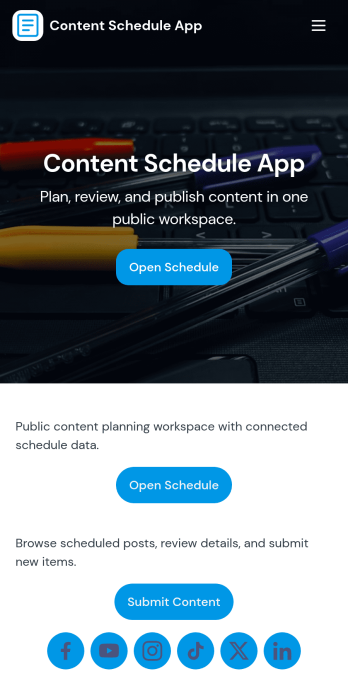
Content Schedule App
A content schedule app brings your publishing plan into one place so teams can create content requests, keep a clear review queue, and see what’s going live next. Use it to organize blog posts, newsletters, social updates, videos, and campaign assets with clear titles and publish dates, then quickly browse planned items in a list view as priorities change. It’s a practical fit for marketing teams, agencies, founders, and comms groups that need simple oversight across multiple channels without losing track of drafts, approvals, or deadlines.With Jotform, you can tailor this app template to match your workflow using a no-code app builder and a drag-and-drop interface. Link the in-app actions to your Content Plan form for consistent data collection, route entries to views like All Submissions and My Submissions, and share a single self-service hub that keeps stakeholders aligned. As your process evolves, you can update pages, navigation, and connected workflows so planning, reviewing, and scheduling stay easy to manage.
Go to Category:Sales & Marketing Portal Apps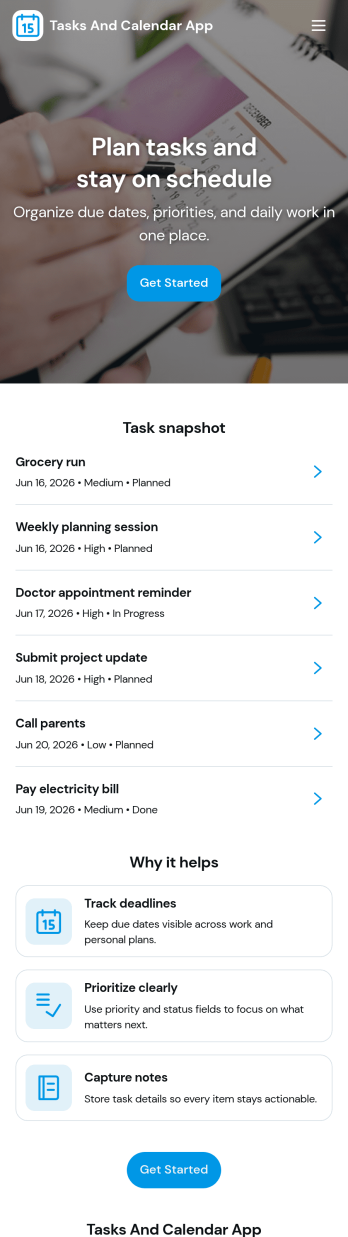
Tasks and Calendar App
Tasks and Calendar App helps individuals and teams plan their day, capture new to-dos, and keep work visible alongside a calendar view. Use it to manage personal priorities, track recurring responsibilities, or coordinate shared task lists for a small business, class project, or department. With quick task entry and an at-a-glance Today section, it supports daily execution while making it easier to spot what’s coming up and what needs attention.Built with Jotform App Templates, this app template can be customized in Jotform’s no-code app builder using a drag-and-drop interface, so you can adjust pages, labels, and navigation to fit your workflow. Connect the task form to your data collection process, centralize records in a table, and share a self-service experience with a simple link for fast access on desktop or mobile.
Go to Category:Task Management Apps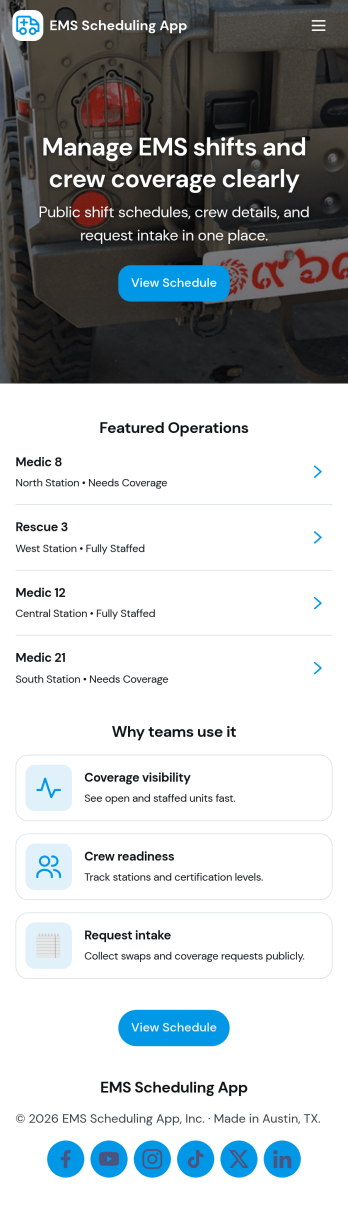
Ems Scheduling App
EMS Scheduling App brings shift signups, open shift visibility, and crew coordination into one place so teams can stay organized during fast-moving operations. Use it to post available shifts, let responders submit a new shift signup, and keep a clear crew roster that’s easy to reference on the go. With dedicated areas for active calls and incident logs, supervisors and field teams can stay aligned on who’s on duty, what’s in progress, and what needs to be recorded for follow-up.Jotform makes it simple to turn this workflow into a polished self-service experience using ready-to-edit app templates and a no-code app builder. Customize pages with a drag-and-drop interface, connect buttons to forms for data collection, and organize records so updates are easy to find later in My Entries. Share the app by link for quick access, keep information consistent across the team, and adapt the layout as your scheduling workflow evolves.
Go to Category:Scheduling Apps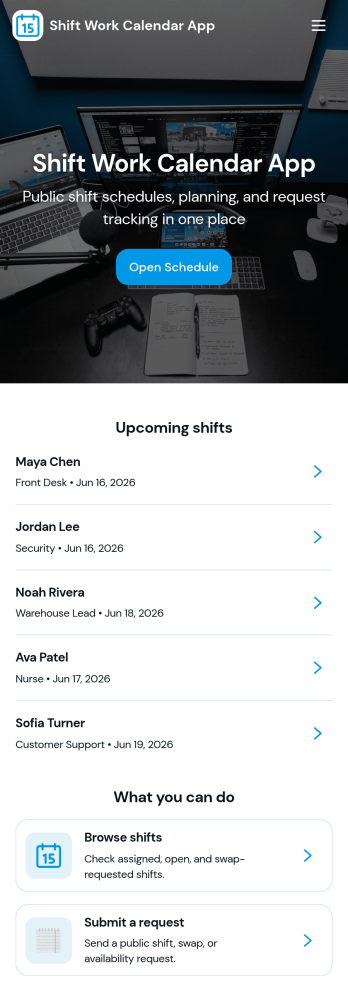
Shift Work Calendar App
A shift work calendar app helps teams keep rotating schedules clear and actionable by putting today’s shifts, employee schedules, and shift-related updates in one place. This template is built for operations leads, supervisors, and HR teams managing hourly staff across retail, hospitality, healthcare, warehouses, and field services. With quick navigation to Today’s Shifts, a Team Roster, and Shift Requests, it supports day-to-day coordination while reducing missed handoffs and confusion about who’s on duty.Jotform makes it easy to turn scheduling workflows into a mobile-friendly experience using App Templates and a no-code app builder. Customize pages with a drag-and-drop interface, connect buttons to forms for data collection, and keep shift details organized in a connected workflow. Share the app by link or QR code so staff can view schedules, request changes, and keep everyone aligned without extra tools.
Go to Category:Scheduling Apps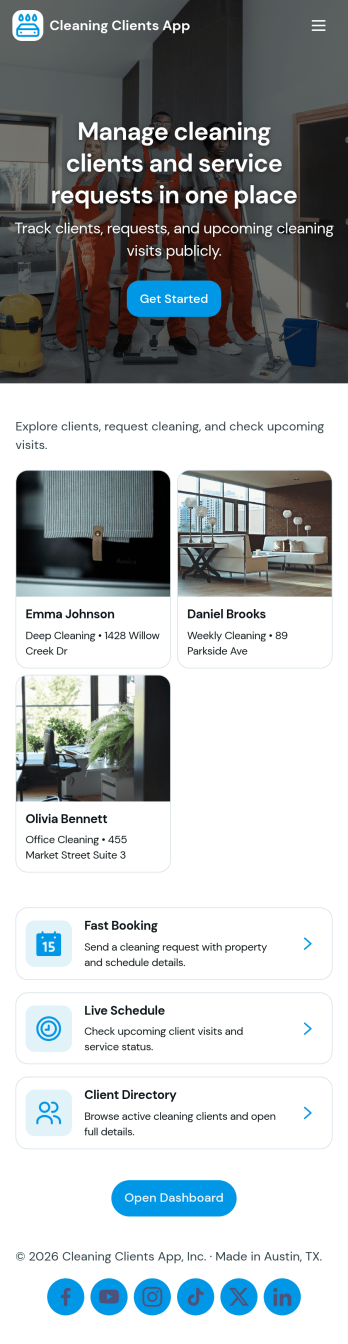
Cleaning Clients App
Cleaning Clients App brings your cleaning service client experience into one place so customers can book a cleaning, follow the status of upcoming and in-progress jobs, and review request history without needing to call or text for updates. It fits residential cleaners, small cleaning companies, and independent housekeepers who want a simple self-service flow for repeat clients, as well as teams that need a clearer view of active work and client lists.With Jotform App Templates, you can publish a branded, mobile-friendly experience built with a no-code app builder and a drag-and-drop interface. Connect buttons and pages to your existing forms and data collection workflows, then share the app with a link or QR code so clients can submit requests and your team can stay organized as jobs come in.
Go to Category:Home Services Apps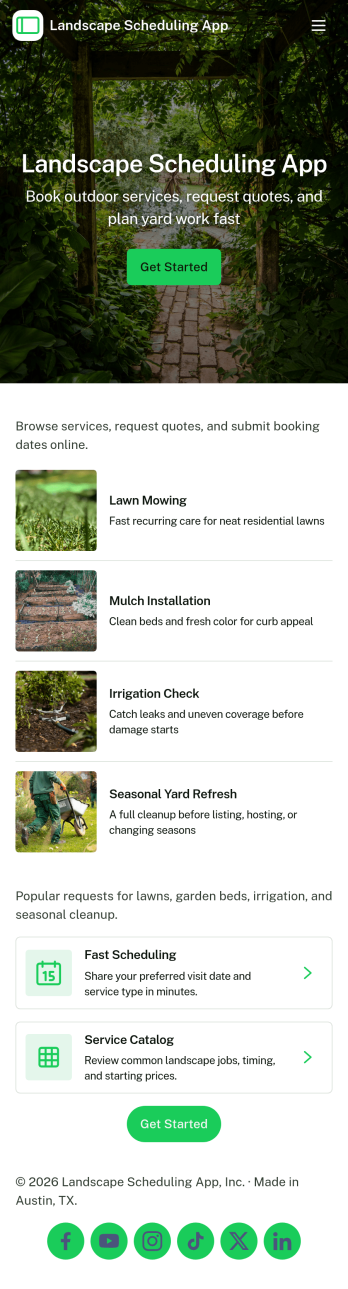
Landscape Scheduling App
Landscape Scheduling App keeps landscaping teams organized from the first service request to the day-of job plan. It brings incoming work, a central job board, crew availability, and client details into one place so office staff and field leaders can confirm what’s happening next without juggling texts and paper calendars. Use it to capture new requests, review upcoming jobs, and quickly reference client and crew information when schedules change.Built with Jotform, this app template pairs a no-code app builder with connected forms and workflows so you can collect scheduling details, standardize how jobs are assigned, and keep operations moving. Customize pages with a drag-and-drop interface, share a link with your team, and keep your data collection consistent across devices as your schedule fills up.
Go to Category:Scheduling Apps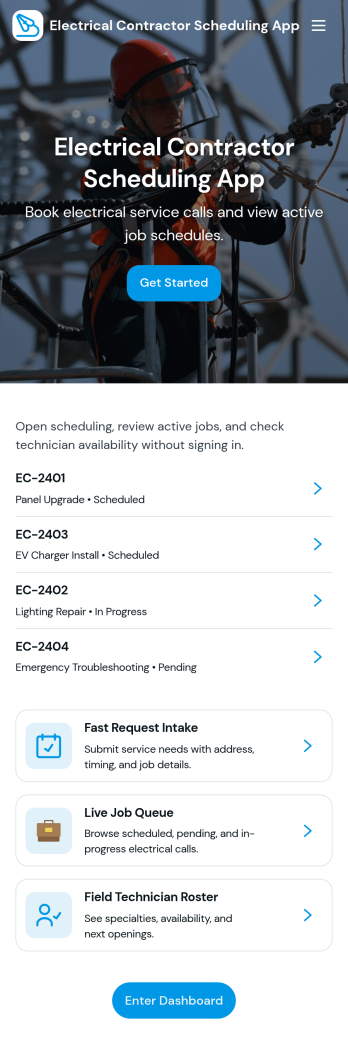
Electrical Contractor Scheduling App
Electrical Contractor Scheduling App helps electrical service businesses capture new job requests, organize a job queue, and keep dispatch decisions clear as the day changes. Use it to route incoming work into a central place, review job details by customer and work order, and quickly move from request intake to scheduling. It’s a practical fit for electrical contractors, dispatchers, office managers, and field supervisors who manage multiple crews, urgent calls, and tight appointment windows.Built with Jotform, this app template pairs a mobile-friendly experience with the flexibility of a no-code app builder. With a drag-and-drop interface, you can tailor pages for your dispatch board and crew directory, link buttons to scheduling forms for fast data collection, and keep your workflow moving from request to scheduled job. Share the app with your team using a link or QR code so everyone stays aligned without juggling spreadsheets.
Go to Category:Construction Apps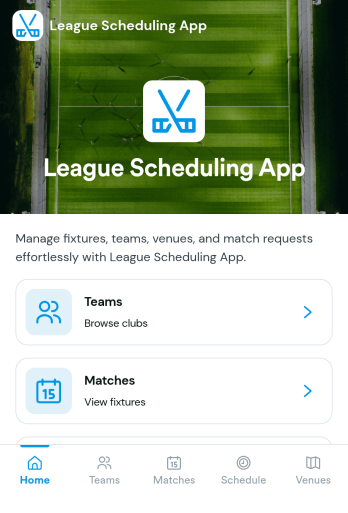
League Scheduling App
League Scheduling App helps sports leagues and rec organizers keep teams, matches, and weekly schedules in one place so everyone knows what’s happening and where to be. Use it to browse team rosters, review upcoming matchups, and check venue details while giving coaches and managers a simple way to send match requests through a built-in request form. It’s a practical fit for youth leagues, adult rec leagues, school athletics, and community sports programs that need a reliable hub for coordinating play across divisions and weeks.Jotform makes it easy to publish and maintain this kind of self-service experience with flexible App Templates and a no-code app builder. Customize pages with a drag-and-drop interface, connect lists to your data, and route match requests through a workflow that keeps communication organized. Share the app with a link or QR code so players, parents, and staff can access schedules on any device, and update information in one place as the season changes.
Go to Category:Sports Apps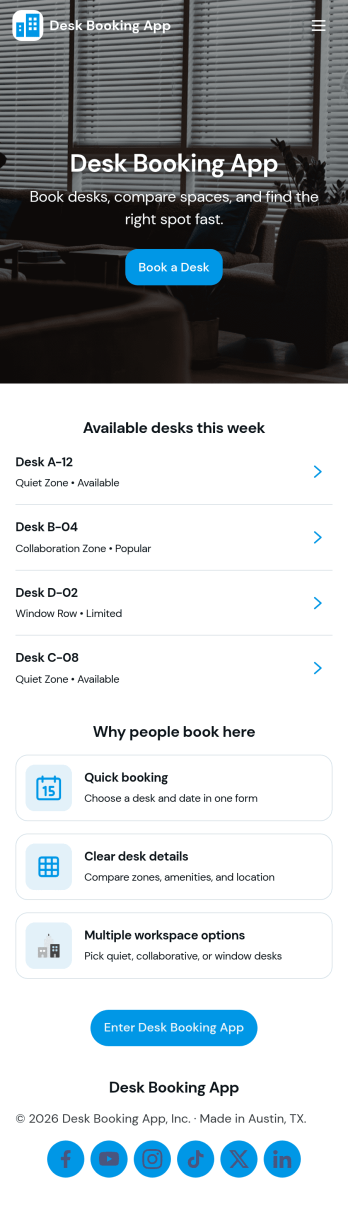
Desk Booking App
A desk booking app helps teams reserve workspaces in a shared office without confusion, double-booking, or last-minute desk hunting. This template is ideal for hybrid workplaces, coworking areas, and offices with flexible seating that need a simple way to browse desks, book a desk for a specific day, and check personal reservations in one place. With quick navigation to Browse Desks, Book a Desk, My Bookings, and Available Now, employees can find an open spot and make a reservation in seconds while office admins keep workspace usage organized.Jotform makes it easy to turn desk reservations into a smooth self-service experience using App Templates and a no-code app builder. Customize pages with a drag-and-drop interface, connect the booking flow to a form for data collection, and keep everything aligned to your internal workflow. Share the app via a link or QR code so staff can book from any device, and update layouts, branding, and desk details as your office setup changes.
Go to Category:Booking Apps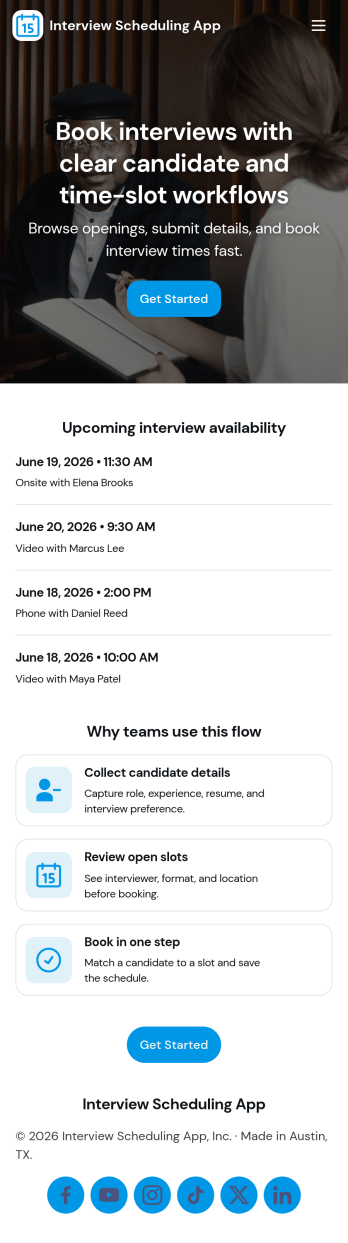
Interview Scheduling App
Interview Scheduling App helps hiring teams coordinate interview requests and confirm times without juggling scattered emails and calendars. Candidates can submit an interview request, browse available open slots, and quickly move to scheduling, while recruiters keep everything organized in one place. It’s a practical fit for HR departments, staffing teams, and fast-growing companies that need a consistent way to handle interview volume, reduce missed connections, and keep candidates moving through the hiring process.With Jotform, you can turn this app template into a branded, self-service scheduling experience using a drag-and-drop interface and a no-code app builder. Connect scheduling details to forms and tables, route updates through a simple workflow, and share a single link for candidates and internal stakeholders. As requests and scheduled interviews come in, Jotform keeps your data collection in one system so your team can track progress and follow up with confidence.
Go to Category:Scheduling Apps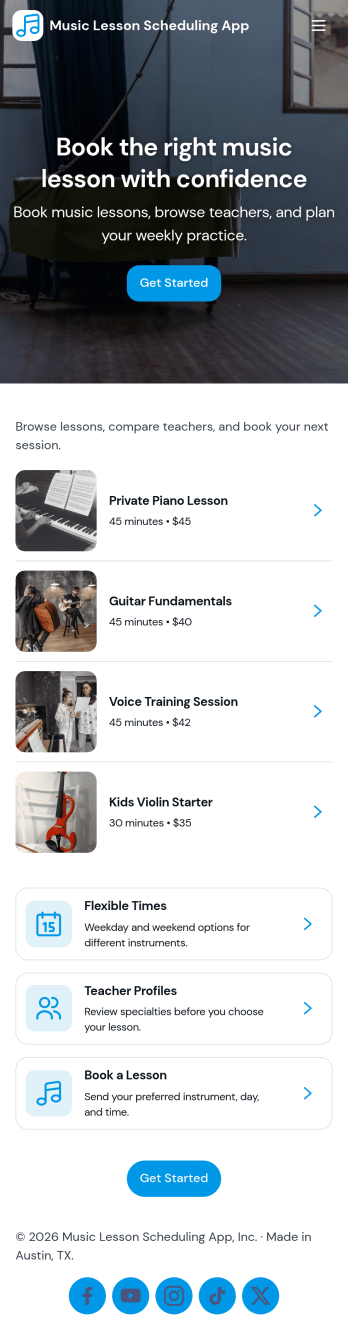
Music Lesson Scheduling App
Music Lesson Scheduling App helps private instructors and music schools organize lesson requests, manage a live calendar, and keep a clear student roster in one place. Students or parents can book lessons from a simple entry point, then check upcoming times through a schedule view, which reduces missed messages and keeps availability transparent. It’s a practical fit for piano, guitar, violin, voice, and drum teachers, as well as studios coordinating multiple students across different days and time slots.Built with Jotform, this app template combines a no-code app builder with a drag-and-drop interface so you can tailor pages, buttons, and navigation to match how your studio works. Connect the booking flow to your Jotform form for reliable data collection, route requests into a workflow your team can follow, and share a single self-service link so students always know where to book, review, and request lessons.
Go to Category:Appointment & Booking Apps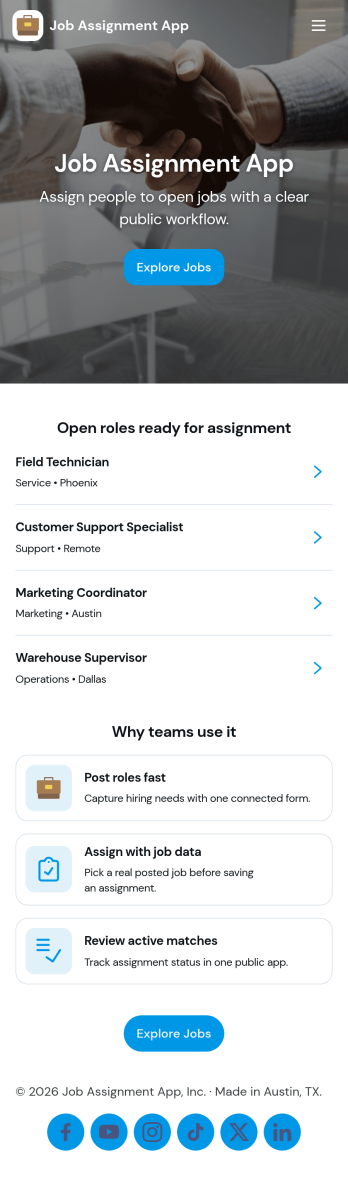
Job Assignment App
Job Assignment App helps teams create, distribute, and monitor work assignments from one central place. It’s a practical fit for operations managers, supervisors, dispatchers, and team leads who need a clear way to open new jobs, route people to the right task, and keep everyone aligned on what’s in progress. With quick actions to create a new assignment, browse open assignments, and review status, the app reduces missed requests and keeps day-to-day execution organized across shifts, sites, or service areas.Jotform makes it easy to turn your job assignment workflow into a mobile-friendly self-service experience using a no-code app builder and drag-and-drop interface. Connect your app to Jotform forms and tables for data collection, real-time updates, and simple tracking, then share it with your team through a link or QR code. As your process evolves, you can adjust pages, buttons, and navigation in minutes while keeping all assignment details and records in one place.
Go to Category:Operations & Logistics Portal Apps
Weekly Schedule App
Weekly Schedule App helps teams plan, publish, and maintain a clear weekly roster in one place. Use it to let staff quickly view the schedule, submit new shifts, and see this week’s assignments without hunting through messages or spreadsheets. It’s a practical fit for shift-based workplaces like retail shops, salons, restaurants, clinics, warehouses, and small offices that need a simple way to keep weekly coverage organized and easy to reference.Jotform makes it easy to turn scheduling workflows into a mobile-friendly experience with App Templates you can tailor to your needs. With a no-code app builder and a drag-and-drop interface, you can connect pages to forms and tables for reliable data collection and ongoing updates, then share the app as a self-service link for your team. As your workflow evolves, you can adjust the layout, add steps, and keep everyone working from the same source of truth.
Go to Category:Scheduling Apps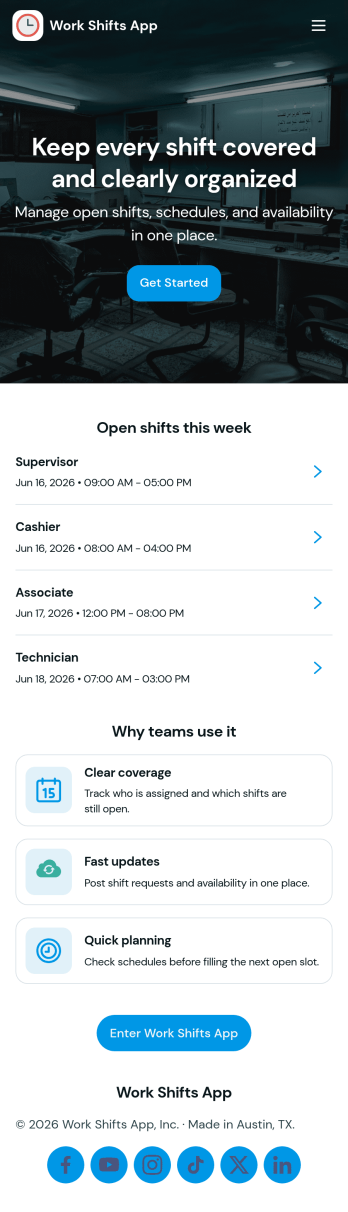
Work Shifts App
Work Shifts App helps teams coordinate day-to-day staffing by giving employees a clear place to check today’s shifts, clock in when work starts, and send shift requests when plans change. It’s a practical fit for shift-based workplaces like retail stores, restaurants, field services, warehouses, and front-desk operations where managers need fewer missed handoffs and employees need quick answers. The built-in team roster and log access support smoother coverage and accountability, especially for distributed teams or locations that rely on consistent scheduling.Jotform makes it easy to turn this use case into a branded self-service experience with its no-code app builder and drag-and-drop interface. Start with this app template, then connect it to your existing workflows for data collection and tracking, route requests to the right person, and keep everything accessible from one link. With Jotform, you can update pages anytime, share the app with your staff, and centralize shift activity without building custom software.
Go to Category:Scheduling Apps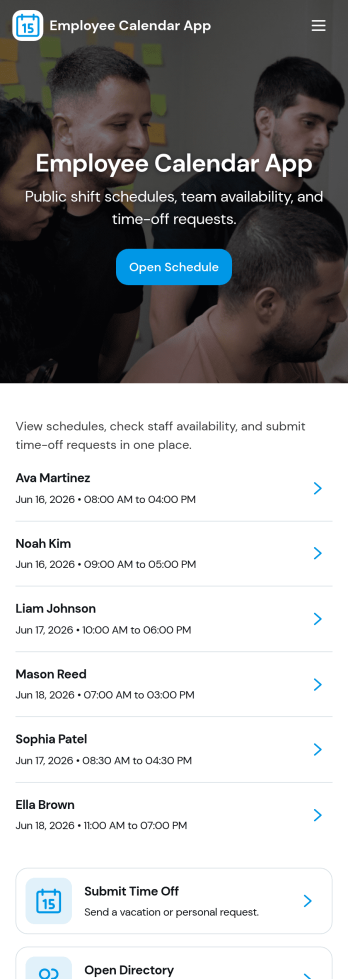
Employee Calendar App
Employee Calendar App helps teams keep day-to-day work organized by putting schedules and staff information in one place. It’s a practical fit for HR teams, office managers, department leads, and operations coordinators who need a simple way to share today’s schedule, browse an employee list, and keep a central schedule overview accessible for everyone who needs it.With Jotform, you can turn this employee calendar app template into a branded, self-service experience without coding. Use a drag-and-drop interface to adjust pages and navigation, connect your schedule to a form for adding entries, and keep calendar data organized in connected tables. Once published, you can share the app with a link so employees and managers can quickly check what’s happening today and what’s coming up next.
Go to Category:Scheduling Apps