

Scheduling App Templates

Bus Schedule App
A Bus Schedule App gives riders a clear, mobile-friendly place to check bus routes and quickly find schedule details for the line they need. With simple route browsing and route-specific pages, it works well for city transit teams, campus transportation services, shuttle operators, and community programs that want to share up-to-date route information without sending people to multiple web pages or printed PDFs. It also includes a request option so riders can send questions or report issues from the same place they view routes.Jotform makes it easy to publish this kind of self-service experience using App Templates and a no-code app builder. Customize pages with a drag-and-drop interface, connect route data to a list for easier browsing, and link a form for rider requests so information and data collection live together in one workflow. Share your Jotform app through a link or QR code and update content anytime to keep riders informed.
Go to Category:Transportation Apps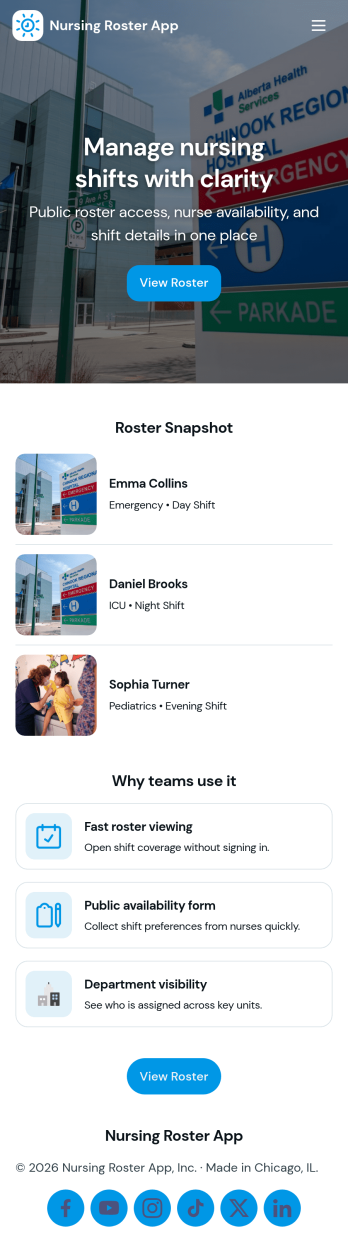
Nursing Roster App
Nursing Roster App helps nursing leaders and clinical operations teams organize who is working, when they are working, and how shifts are changing throughout the day. It’s a practical hub for charge nurses, nurse managers, and staffing coordinators who need a clear view of today’s roster, a quick way to review shift activity, and an easy place to look up staff details when coverage questions come up. With dedicated sections for Today’s Roster, a Shift Log, and a Nurse Directory, teams can keep staffing information accessible for the people who need it most across units, clinics, and care facilities.Built with Jotform, this app template can be customized in a no-code app builder using a drag-and-drop interface, so you can match your internal workflow without relying on developers. Connect the app to your existing forms and tables to support ongoing data collection and keep information up to date, then share it as a self-service experience for supervisors or authorized staff. As needs change, you can adjust pages, navigation, and content quickly, helping your roster workflow stay consistent across shifts and locations.
Go to Category:Healthcare Apps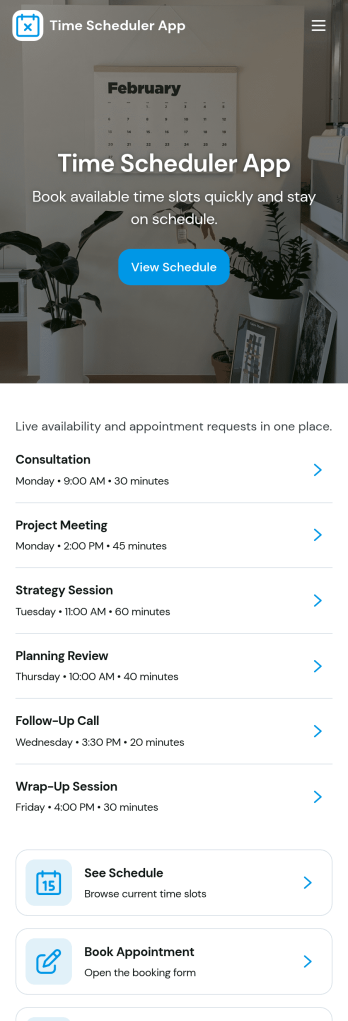
Time Scheduler App
Time Scheduler App helps individuals and teams publish available time slots and accept bookings in one simple place. It fits appointment-based businesses, shared resources, and anyone coordinating time-sensitive meetings, from consultants and tutors to clinics, salons, and small service teams. With clear actions like booking a slot, viewing open times, and checking availability, it reduces missed connections and keeps schedules organized without relying on scattered messages.Jotform makes it easy to turn this scheduling flow into a polished, shareable experience using its no-code app builder and drag-and-drop interface. Connect the app to your booking form for fast data collection, keep upcoming requests in one workflow, and share a link or QR code so people can self-service from any device. Customize pages, buttons, and branding to match how your schedule works, then update availability as your hours or capacity change.
Go to Category:Appointment & Booking Apps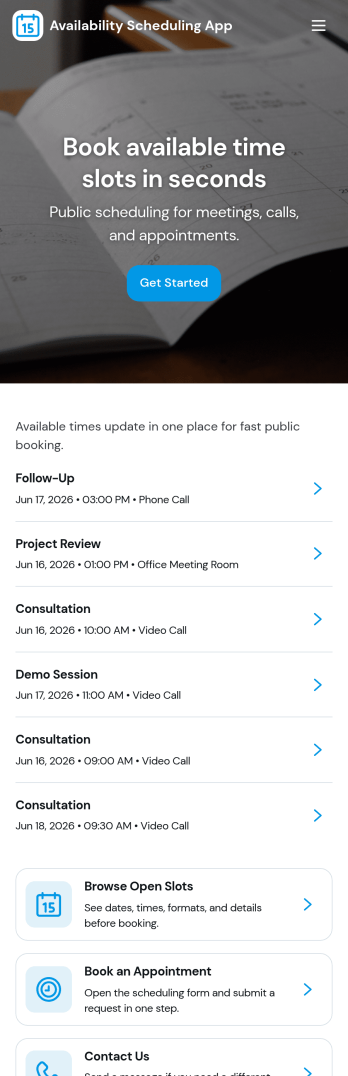
Availability Scheduling App
Availability Scheduling App helps teams collect availability, review open time blocks, and turn day-to-day entries into a clear schedule everyone can reference. It’s a practical fit for managers coordinating shift-based staff, clinics assigning rotating coverage, schools organizing office hours, and service businesses matching team members to time windows. With quick navigation to submit availability and view schedules, the app keeps availability requests in one place so coordinators can reduce missed messages and make faster staffing decisions.Built with Jotform, this app template combines self-service data collection with an organized schedule view that’s easy to share. Use Jotform’s no-code app builder and drag-and-drop interface to tailor pages, add your own instructions, and connect the app to a central table for ongoing updates. As availability changes, Jotform helps you maintain a dependable workflow for collecting entries, reviewing records, and keeping your schedule current across teams and locations.
Go to Category:Appointment & Booking Apps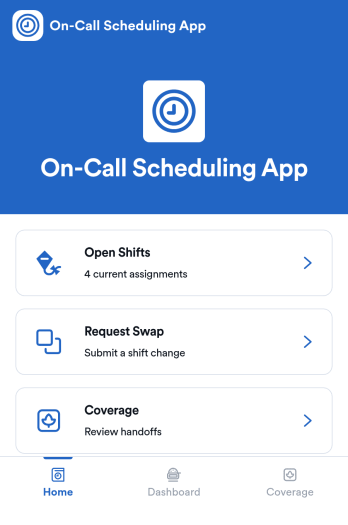
On-Call Scheduling App
On-Call Scheduling App helps teams coordinate after-hours coverage by giving staff one place to check open shifts, request a swap, and track coverage activity. It’s a practical fit for IT and operations groups, healthcare teams, maintenance crews, and any organization that runs rotating on-call duty and needs fewer missed handoffs. With dedicated areas for open shifts, swap requests, and coverage updates, the app keeps expectations clear and reduces confusion when schedules change at the last minute.Built with Jotform App Templates, this app template can be tailored in a no-code app builder using a drag-and-drop interface, so you can match your workflow without relying on developers. Connect pages to forms for fast data collection, route requests to the right people, and keep a simple coverage log that’s easy to review. When it’s time to roll it out, share the app in seconds for self-service access, and keep support handy with quick buttons for email or phone contact.
Go to Category:Information Technology Apps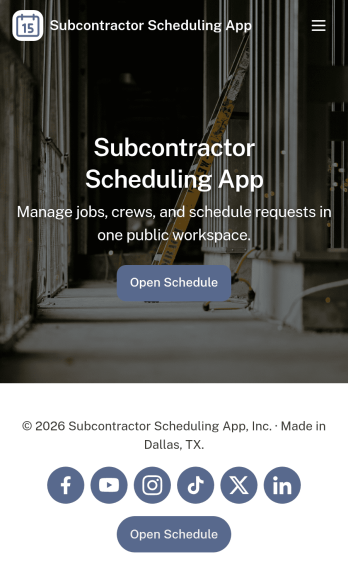
Subcontractor Scheduling App
Subcontractor Scheduling App helps teams coordinate subcontractor workloads, assign jobs, and keep schedules visible in one place. It fits construction and home services businesses, project coordinators, and operations managers who juggle multiple crews, job sites, and changing timelines. With dedicated areas to schedule jobs, track availability, and share a job board, the app supports day-to-day dispatching without relying on scattered texts, spreadsheets, or last-minute calls.Built with Jotform, this app template turns scheduling into a simple self-service experience your team can keep up to date. Customize pages and cards with a drag-and-drop interface, connect the Create Assignment form to your workflow, and centralize ongoing data collection so assignments stay consistent and searchable. Share the app by link for quick access in the field, then update roles, branding, and navigation as your subcontractor network grows.
Go to Category:Construction Apps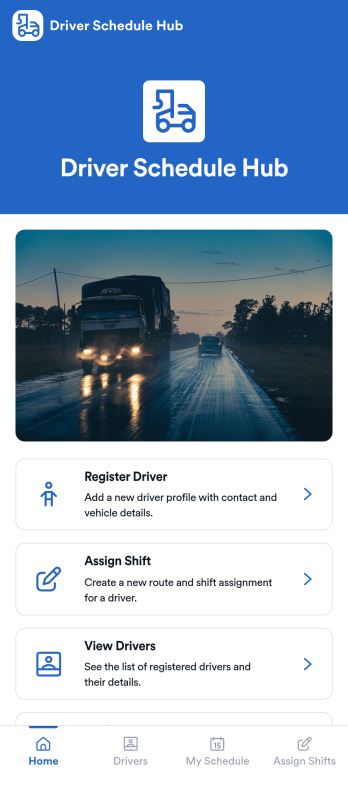
Driver Schedule Hub App
Driver Schedule Hub App keeps driver rosters and shift planning in one place so dispatchers, fleet managers, and transportation teams can coordinate coverage without messy spreadsheets. Use it to register new drivers, assign shifts through a simple request flow, and give drivers a clear place to check their own schedules. It’s a practical fit for delivery operations, shuttle services, field service fleets, and any team managing rotating routes, on-call coverage, or last-minute changes.Built with Jotform, this app template helps you turn scheduling and driver info into a mobile-friendly self-service experience. Customize pages with a drag-and-drop interface, connect forms for data collection, and keep your workflow organized as requests come in. Share the app by link or QR code so drivers and staff can access the right actions fast, while your team stays aligned on assignments and availability.
Go to Category:Transportation Apps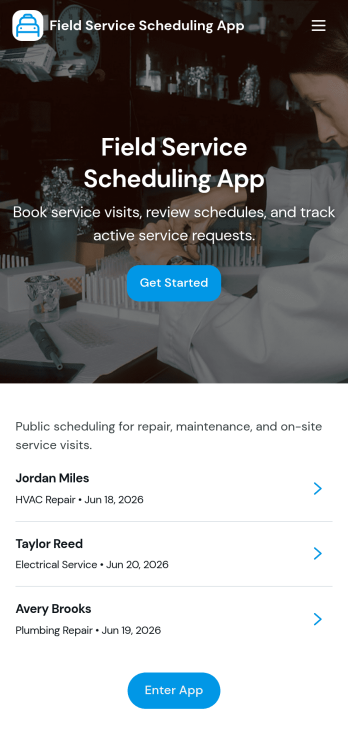
Field Service Scheduling App
Field Service Scheduling App helps service teams coordinate customer requests, schedule appointments, and keep job details organized in one place. It supports fast booking and request intake, job browsing for dispatch and technicians, and quick customer follow-up with a tap-to-call action. Use it for home services, equipment repair, maintenance visits, inspections, and any on-site work where timing and assignment changes happen often. Operations managers, dispatchers, and field technicians can rely on it to reduce missed appointments, standardize job information, and keep everyone aligned from the initial request through the daily schedule.Built with Jotform App Templates, this app template is easy to tailor to your workflow using Jotform’s no-code app builder and drag-and-drop interface. Connect your request form and job lists to keep data collection consistent, route updates through a shared dispatch table, and publish a mobile-friendly self-service experience for customers and staff. With Jotform, you can customize pages, branding, and navigation, then share the app by link or QR code so your team can access schedules and job info wherever they work.
Go to Category:Home Services Apps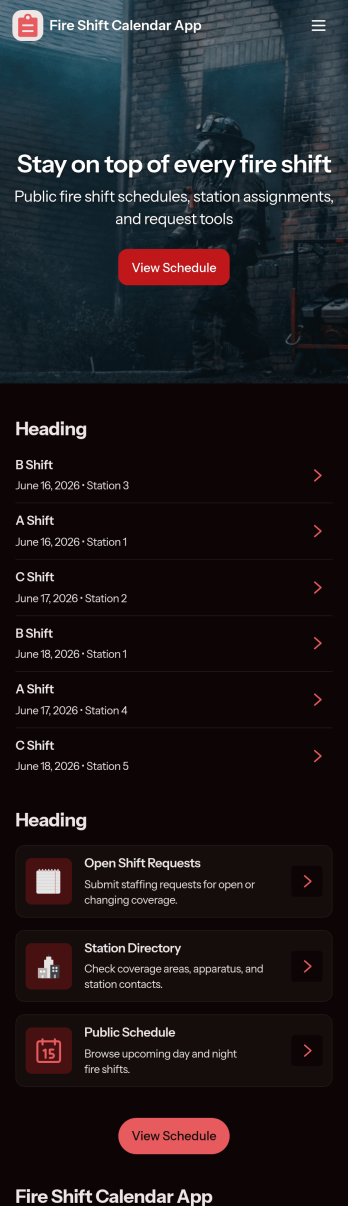
Fire Shift Calendar App
Fire Shift Calendar App helps fire departments and stations keep shift schedules clear, accessible, and easy to act on. Use it to view upcoming shifts in a centralized calendar, share shift details with firefighters, and reduce confusion around dates and shift types. With built-in options to submit availability and request a shift swap, crews can communicate staffing needs without relying on scattered texts, calls, or last-minute hallway updates.Jotform makes it simple to turn scheduling and staffing workflows into a mobile-friendly self-service experience. Start with this app template, then tailor pages, cards, and buttons using a no-code app builder and a drag-and-drop interface. Connect the app to your existing data collection forms and workflows so shift updates, availability entries, and swap requests stay organized in one place and are easier for teams to manage.
Go to Category:Scheduling Apps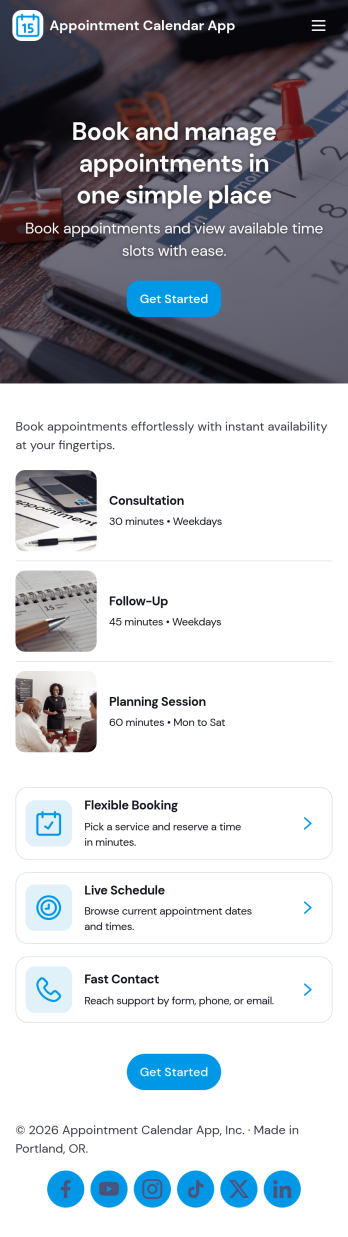
Appointment Calendar App
An appointment calendar app gives clients and staff one place to browse available services, book time slots, and keep track of upcoming visits. Use it to present your service list in a simple, mobile-friendly layout, route people to a booking form from buttons like Book Appointment or Book This Service, and offer a dedicated My Appointments area where returning clients can review their appointment records. It works well for salons, clinics, studios, consultants, and any team that needs a clear, shareable way to manage appointments without relying on phone calls or scattered messages.With Jotform, you can turn this app template into a branded self-service scheduling experience using a no-code app builder and a drag-and-drop interface. Connect pages to your forms and data so bookings are captured consistently, updates are easy to manage, and clients always know where to go to schedule, start a new appointment, or view their appointments. Share the app by link or QR code, adjust the layout as your services change, and keep your workflow organized from intake to appointment tracking.
Go to Category:Appointment & Booking Apps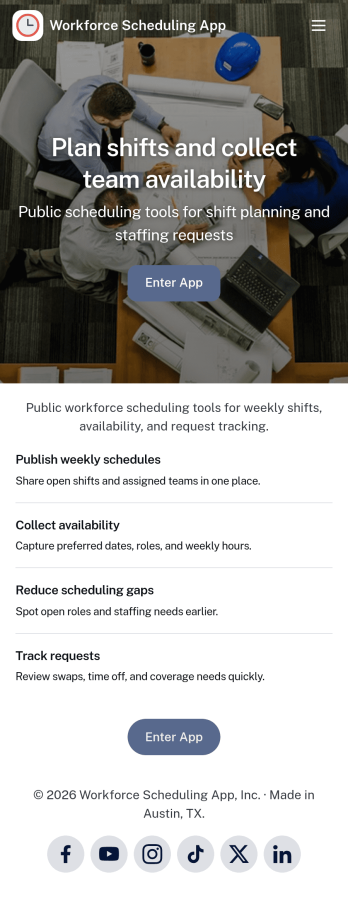
Workforce Scheduling App
A workforce scheduling app helps managers and coordinators organize teams, assign shifts, and keep everyone aligned on who is working when. Use it to view team members, review open and assigned shifts, and publish a schedule staff can check anytime, while also collecting availability so planning reflects real constraints. It’s a strong fit for retail stores, restaurants, field service teams, clinics, and any operation with rotating coverage, multiple locations, or part-time staff.Jotform makes it easy to turn scheduling workflows into a shareable, mobile-friendly experience with customizable app templates and a no-code app builder. Using a drag-and-drop interface, you can adjust pages for your team, connect forms for availability updates and shift details, and keep information organized in one place for quick self-service access. Share your Jotform app by link or QR code so employees can stay updated without extra tools.
Go to Category:Scheduling Apps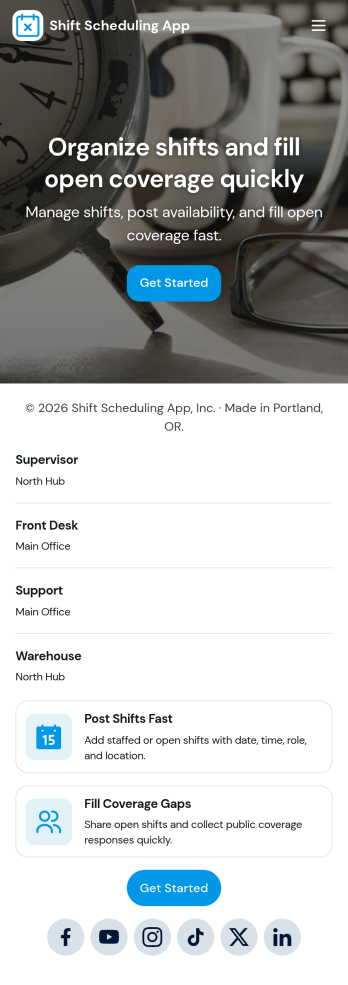
Shift Scheduling App
A shift scheduling app brings your team’s weekly schedule, coverage needs, and time-off requests into one place so everyone knows where they need to be and when. Use it to publish upcoming shifts, let staff submit availability, and route coverage or time-off requests to the right person without digging through texts or scattered spreadsheets. It works well for managers coordinating hourly teams and for employees who need a clear view of assignments, request updates, and quick access to the actions they use most.With Jotform, you can turn this shift scheduling app template into a branded, mobile-friendly experience using an intuitive no-code app builder and a drag-and-drop interface. Connect the app to your existing forms and workflows to collect data consistently, keep requests organized, and make self-service scheduling easier for your team. Share it with a link or QR code, adjust pages as your operations change, and keep everyone aligned with a single hub for scheduling and staffing updates.
Go to Category:Scheduling Apps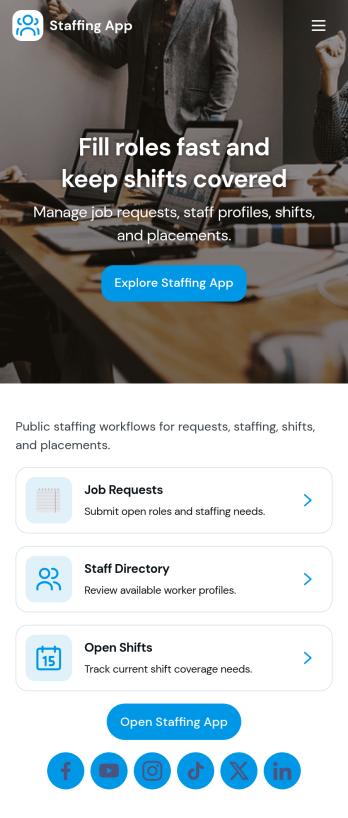
Staffing App
Staffing App brings your hiring and staffing requests into one place so teams can post open roles, invite candidates to apply, and capture internal requests for additional staff. It fits staffing agencies, HR teams, recruiters, and operations managers who need a clear way to promote openings, review candidate interest, and understand where coverage is needed across locations or shifts. With role listings for browsing, an apply flow tied to a form, and a separate staff request path, it keeps recruiting and workforce needs organized without relying on scattered emails and spreadsheets.Built with Jotform App Templates, this app template can be customized in minutes using Jotform’s no-code app builder and drag-and-drop interface. Connect pages to forms and tables to support data collection and workflow steps like routing applications to the right owner, sending notifications, and keeping records centralized. Share the app as a self-service link for applicants and an internal hub for managers, then adjust branding, content, and navigation as your staffing process evolves.
Go to Category:Human Resources Apps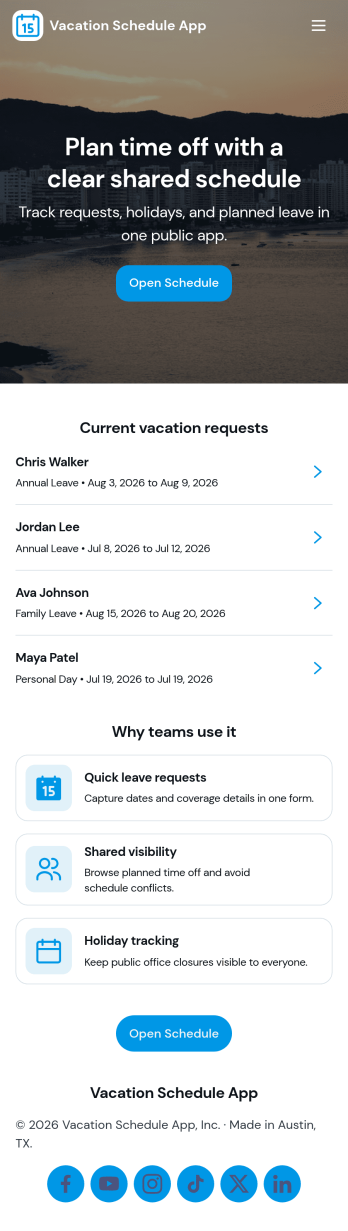
Vacation Schedule App
Vacation Schedule App helps teams organize time-off requests and keep a shared view of who is out and when. Employees can submit a vacation request, browse the schedule, and check My Requests for quick status updates, while managers and coordinators can collect coverage updates to reduce gaps and confusion. It’s a practical fit for offices, retail teams, clinics, field crews, and any department that needs clear visibility into upcoming PTO without relying on long email threads.Built with Jotform, this app template can be customized with a drag-and-drop interface so it matches your internal process and terminology. Connect it to your tables for reliable data collection, keep everyone aligned with a simple workflow for requests and updates, and share a self-service hub that works on desktop or mobile. With Jotform’s no-code app builder, you can publish quickly and adjust as your team grows or policies change.
Go to Category:HR Portal Apps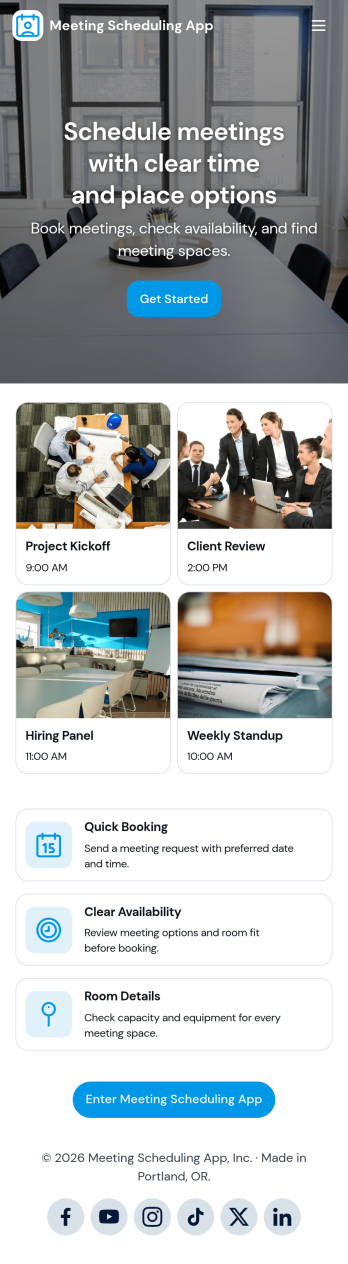
Meeting Scheduling App
A meeting scheduling app brings your scheduling process into one place so people can request time, view upcoming meetings, and follow up without confusion. This template supports teams that coordinate frequent meetings, such as sales and marketing, client services, HR, operations, and small business owners who manage calls across multiple stakeholders. Visitors can schedule a meeting through a connected request form, browse a list of meetings, and open meeting entries to see key details like participant names and request type.With Jotform, you can turn this Meeting Scheduling App into a polished self-service experience using a no-code app builder and a drag-and-drop interface. Connect your meeting request form to your app, organize meeting records into easy-to-navigate pages, and keep scheduling workflows moving with clear navigation and centralized data collection. Share the app with a link or QR code so teammates, customers, or partners can quickly schedule and review meetings from any device.
Go to Category:Scheduling Apps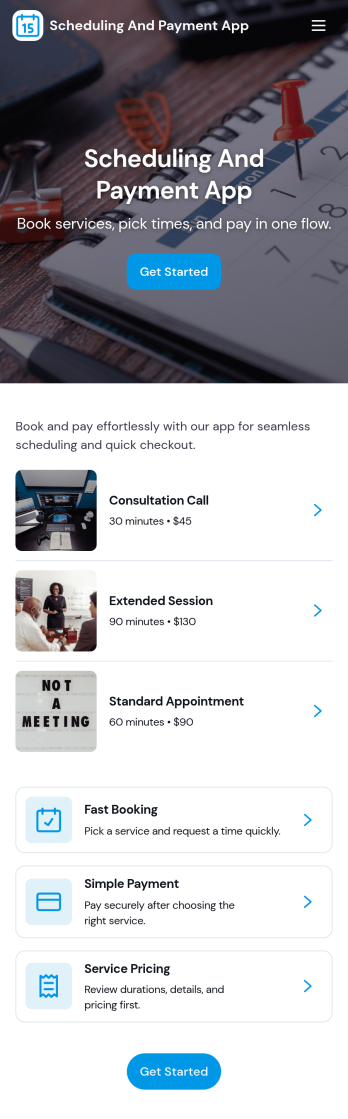
Scheduling and Payment App
Scheduling and Payment App brings your services, appointment booking, and payment access into one place so customers can take action without hunting for links. With simple navigation like View Services, Book Appointment, and Go to Payment, it works well for salons, coaches, consultants, and local service teams that need a clear way to guide clients from selecting an option to securing a time slot and paying. Use it to reduce missed steps, keep your offering easy to understand, and give people a reliable spot to check My Bookings when they need a reminder.Jotform makes it easy to publish this kind of self-service experience with a no-code app builder and a drag-and-drop interface. Connect your app template to forms and tables to support data collection, keep payment records organized, and build a workflow that matches how you operate. Share the app as a link or QR code, update services as your business changes, and manage everything from a single Jotform workspace.
Go to Category:Appointment & Booking Apps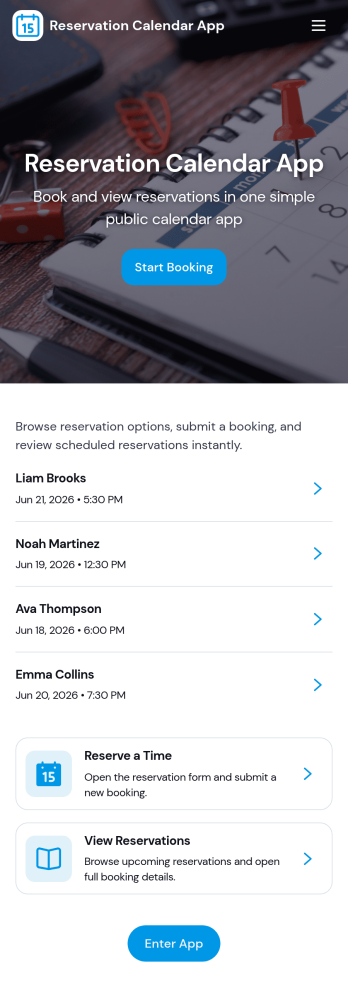
Reservation Calendar App
A reservation calendar app brings your booking flow and reservation details into one easy place for guests and staff to use. This template works well for restaurants, cafés, pop-up dining events, and venues that want a simple way to take new table requests, help customers view upcoming bookings, and make it clear how to reach the venue quickly. With dedicated actions like Reserve a Table, New Reservation, and Book Another Table, it supports fast booking from a phone or tablet while keeping the schedule organized for day-to-day service.Jotform makes it simple to build and publish app templates like this Reservation Calendar App with a no-code app builder and a drag-and-drop interface. Connect your app to forms and tables for reliable data collection, then share it with a link or QR code for self-service reservations. As needs change, you can adjust pages, add helpful content, and keep reservation workflows consistent across teams without writing code.
Go to Category:Reservation Apps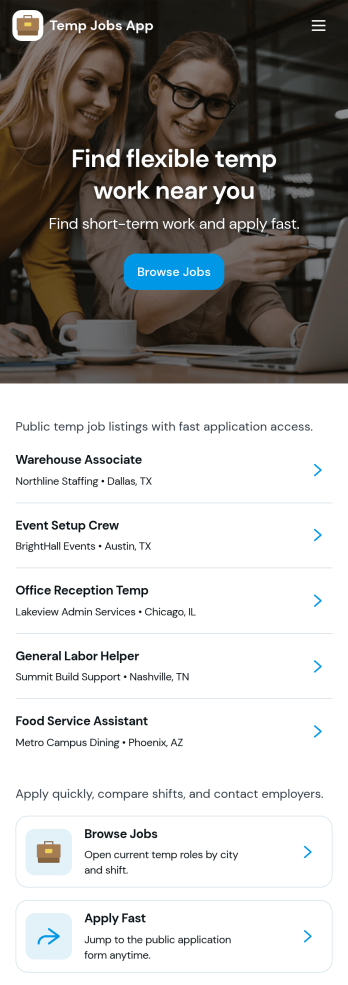
Temp Jobs App
Temp Jobs App helps staffing teams publish temporary roles and gives job seekers a simple way to find openings, apply, and keep tabs on where they stand. Use it to share job listings by role, highlight popular opportunities, and guide candidates from browsing to an application form in just a few taps. It’s a practical fit for staffing agencies, recruiters, HR teams, and businesses that hire seasonal or contract workers and need a consistent place to direct applicants.Jotform makes it easy to turn this use case into a branded self-service experience with customizable app templates and a no-code app builder. With a drag-and-drop interface, you can organize pages for job browsing and applications, connect forms for data collection, and keep everything in one workflow so candidates can apply and review their past entries. Share the app via link or QR code and update listings anytime without rebuilding your process.
Go to Category:HR Portal Apps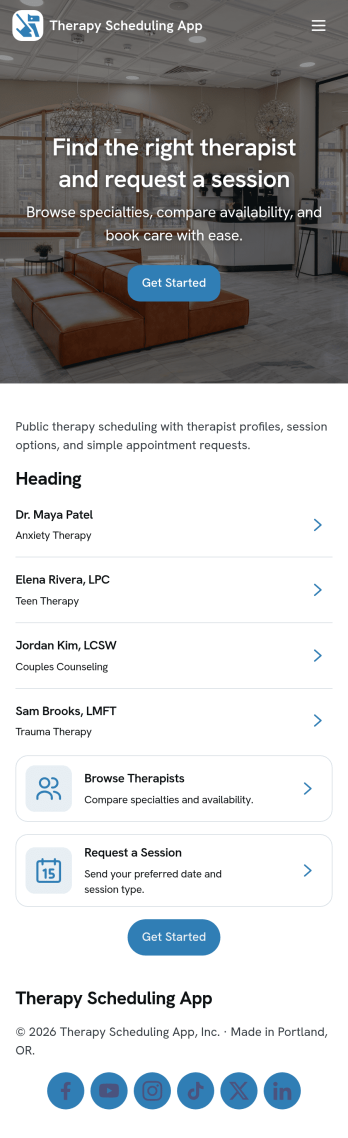
Therapy Scheduling App
Therapy Scheduling App helps counseling practices and mental health teams organize the full appointment experience in one place, from therapist selection to session booking and follow-up. Visitors can browse a therapist list, book a session, complete an intake form before their appointment, and share feedback afterward, making it easier to keep requests organized and reduce missed details. It’s a practical fit for private practices, group clinics, university counseling centers, and community organizations that need a clear, client-friendly way to manage scheduling and client communication.With Jotform, you can customize this app template using a no-code app builder and a drag-and-drop interface, then connect the app to forms and workflows that support your day-to-day operations. Share the app through a link or QR code, guide clients to the right actions with simple navigation buttons, and keep data collection consistent across booking, intake, and feedback. As your process evolves, you can update pages, branding, and connected forms without rebuilding your system from scratch.
Go to Category:Mental Health Apps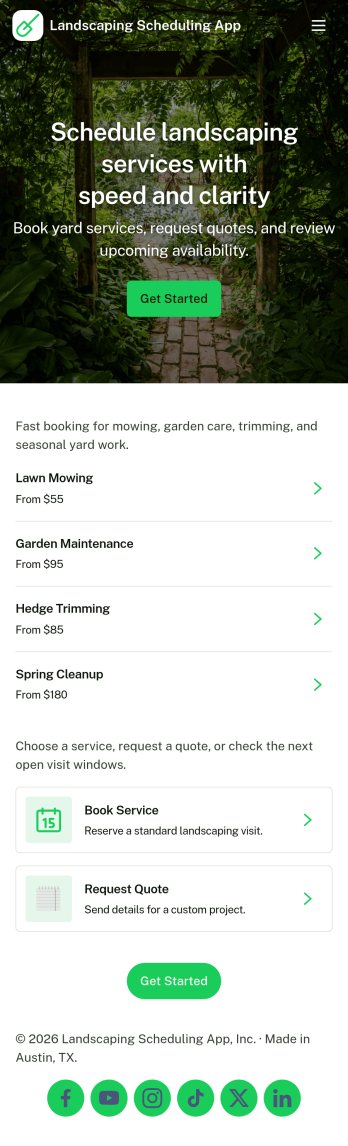
Landscaping Scheduling App
Landscaping Scheduling App helps lawn care and landscaping teams organize service requests and plan upcoming work in one place. Customers can browse available services, submit a request when they need mowing, cleanup, or recurring maintenance, and then track progress as the job moves forward. It’s a practical fit for owner-operators, growing crews, and home service businesses that want clearer scheduling visibility, fewer missed details, and an easier way to manage demand during busy seasons.With Jotform’s App Templates, you can publish a branded scheduling experience without coding and adjust it as your services evolve. Use the no-code app builder and drag-and-drop interface to refine navigation, connect your request form to tables for tracking, and centralize updates for faster self-service. Jotform makes it simple to share your app by link or QR code, keep request data organized, and support a smoother workflow from intake to completion.
Go to Category:Home Services Apps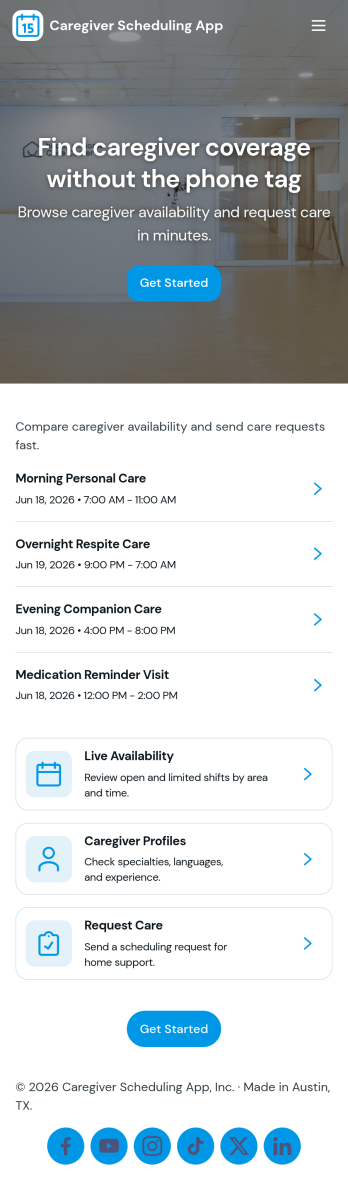
Caregiver Scheduling App
Caregiver Scheduling App brings daily coverage, caregiver availability, shift requests, and assignments into one place so care teams can stay coordinated. Use it to view today’s coverage at a glance, maintain a caregiver list with quick contact details, collect new shift requests, and organize assignments without relying on scattered texts, emails, or paper schedules. It fits home care agencies, private duty caregiving teams, assisted living coordinators, and families managing rotating support, especially when last-minute changes and handoffs are common.Built with Jotform, this app template is easy to tailor with a no-code app builder and a drag-and-drop interface, so you can match your scheduling workflow in minutes. Connect the app to forms for fast data collection, keep request details accessible in tables, and route updates to the right people for smoother self-service. Share a single link with staff or approved caregivers, update pages as your team grows, and keep scheduling operations moving from any device.
Go to Category:Scheduling Apps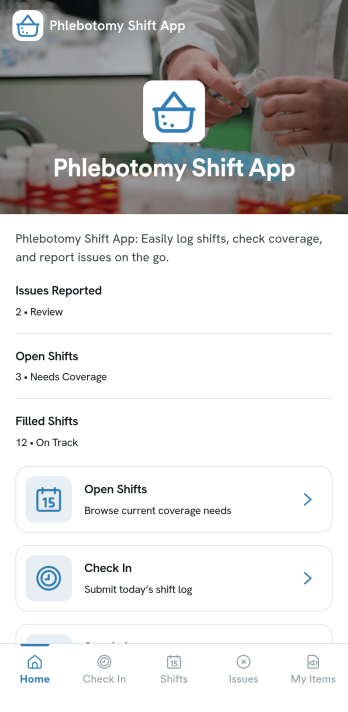
Phlebotomy Shift App
Phlebotomy Shift App helps clinics and lab teams keep phlebotomy staffing organized across busy days and rotating coverage. Use it to view upcoming shifts, add new shifts as schedules change, and give staff a clear place to log completed work without chasing updates across texts or paper notes. It also supports day-to-day accountability with simple incident reporting and a dedicated area for documenting specimen handoffs, which is especially useful when multiple people touch the same samples across a single shift.Built with Jotform, this app template turns scheduling and daily operations into a mobile-friendly self-service experience. With Jotform’s no-code app builder and drag-and-drop interface, you can customize pages, connect forms for data collection, and route information into a workflow that fits your team. Share the app by link so phlebotomists and coordinators can access shift details, submit updates, and keep handoffs and reports organized in one place.
Go to Category:Healthcare Apps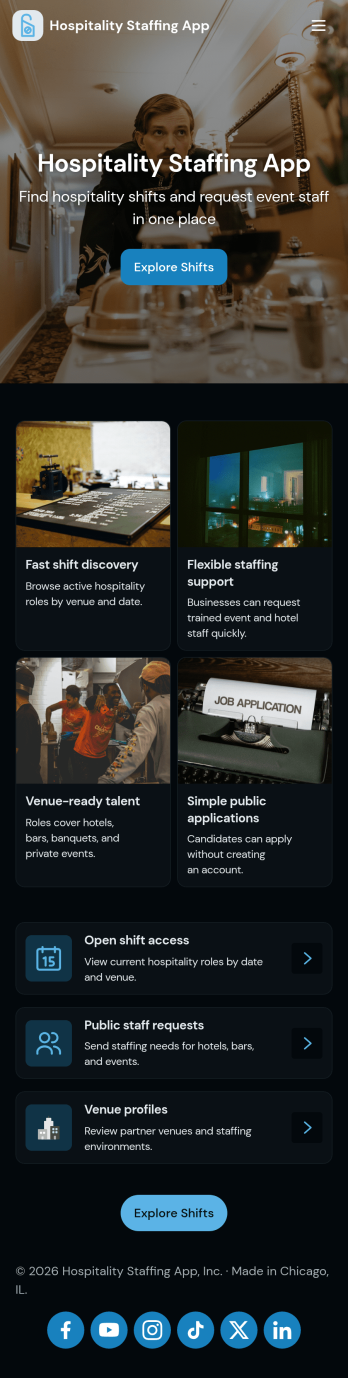
Hospitality Staffing App
Hospitality Staffing App brings open shift coverage, availability collection, and staffing requests into one place so hotels, restaurants, catering teams, and event venues can respond quickly when schedules change. Use it to post Open Shifts for teammates to review, collect Availability to understand who can work specific days or roles, and centralize Requests so managers can prioritize coverage needs without chasing updates across messages.Jotform makes it easy to turn staffing workflows into a shareable, mobile-friendly experience using App Templates and a no-code app builder. With a drag-and-drop interface, you can adjust pages, connect buttons to forms for data collection, and keep information organized as your workflow evolves. Share the app link with staff, gather updates in real time, and manage ongoing scheduling needs with a setup that’s simple to maintain.
Go to Category:Human Resources Apps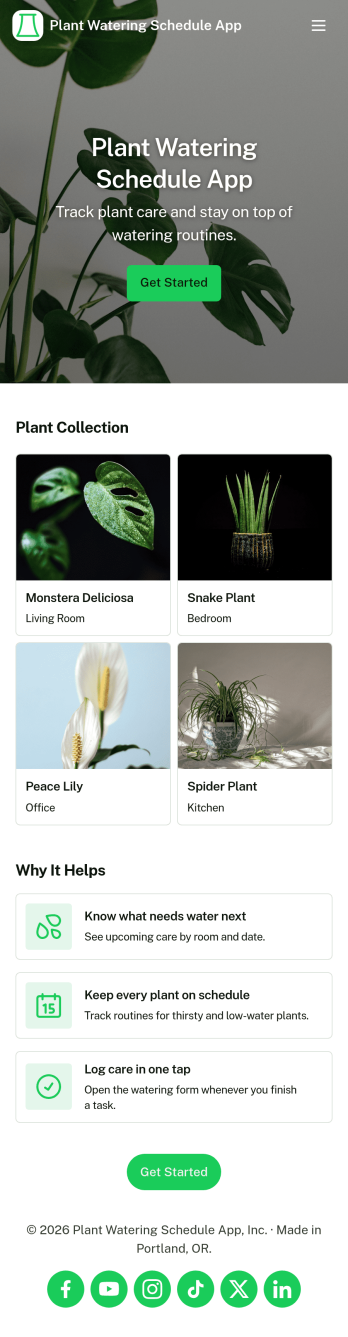
Plant Watering Schedule App
Plant Watering Schedule App helps you organize plant profiles, plan watering routines, and keep a simple care history in one place. It works well for home gardeners, plant parents with growing collections, small offices that share responsibility for indoor plants, and community groups maintaining shared green spaces. With dedicated areas for Plants, a Schedule view, and a Log for updates, it’s easier to stay consistent and avoid missed waterings or accidental overwatering.Jotform makes it easy to turn this Plant Watering Schedule App into a self-serve experience your household or team can actually use. Start from this app template, then customize the layout with a drag-and-drop interface, connect add-plant and add-log forms for fast data collection, and keep everything organized in one workflow. Share the app with a link so anyone caring for the plants can view the schedule, add entries, and keep records up to date from any device.
Go to Category:Scheduling Apps