

Operations & Logistics Portal Apps

Barcode Inventory System App
Barcode Inventory System App helps teams track stock movement with a simple, scan-first flow that keeps inventory records current without spreadsheets. It’s built for retail shops, warehouses, back offices, and growing operations that need a consistent way to log incoming goods, review on-hand items, and document changes. Staff can scan and record stock receipts, browse inventory lists for quick lookups, and add adjustments when counts change due to damage, transfers, or corrections, making it easier to stay aligned across shifts and locations.Jotform makes it easy to turn this barcode inventory workflow into a shareable self-service experience using its no-code app builder and drag-and-drop interface. Connect buttons and pages to forms and tables to support data collection, keep a running receipt log, and centralize adjustment history in one place. Customize the layout, add your branding, and publish the app as a link or QR code so your team can update inventory from the floor, the loading dock, or the stockroom.
Go to Category:Inventory Apps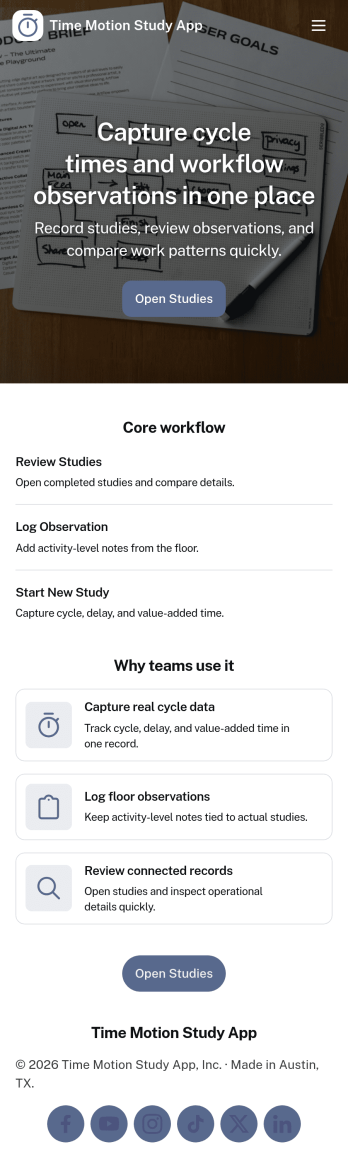
Time Motion Study App
Time Motion Study App helps teams capture how work is performed so they can understand cycle times, spot delays, and standardize repeatable processes. Use it on the floor, in the field, or in an office setting to log a study as it happens, keep a centralized list of studies, and review insight-ready records without relying on scattered notes. It’s a practical fit for operations leaders, industrial engineers, continuous improvement teams, supervisors, and analysts who need consistent time-and-motion documentation across shifts, sites, or job types.With Jotform, you can turn this app template into a branded, self-service experience that’s easy to share and update. Using Jotform’s no-code app builder and drag-and-drop interface, you can connect your study logs to forms and data collection workflows, organize studies into navigable lists, and give stakeholders a simple way to view recent studies and drill into details. As your process changes, you can adjust the app layout and connected workflow in minutes so the same hub keeps supporting ongoing improvement.
Go to Category:Engineering Apps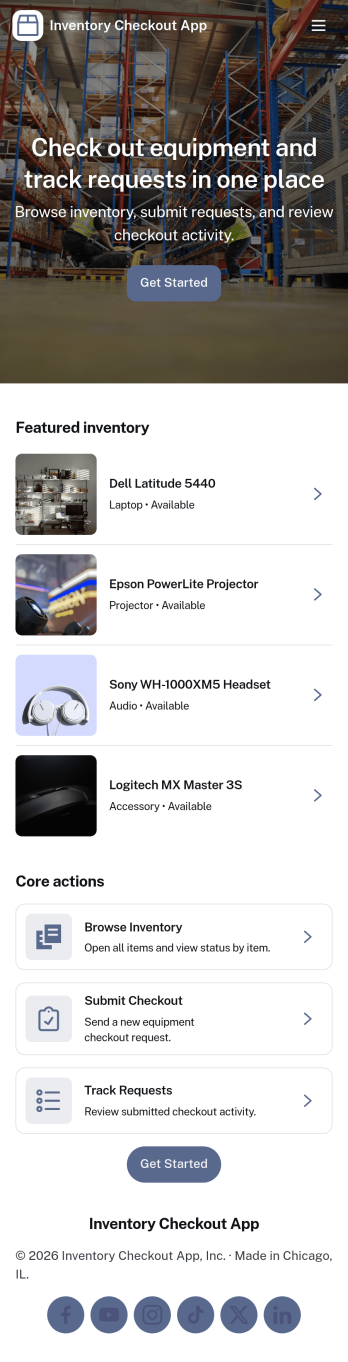
Inventory Checkout App
An inventory checkout app helps teams track who has which items, when they were checked out, and what’s currently available. Use this Inventory Checkout App to browse inventory, record checkouts in a guided flow, and review a running checkout log so equipment, supplies, or shared assets don’t get lost in day-to-day operations. It’s a practical fit for offices, schools, studios, IT teams, warehouses, and field service groups that need a clear, self-service way to manage item lending without relying on scattered spreadsheets.Built with Jotform, this app template combines a no-code app builder with a drag-and-drop interface so you can tailor the experience to your process in minutes. Connect the app to your existing forms and data tables, publish it as a shareable link, and keep inventory activity organized in one workflow. Whether you’re adding items, sending staff to “My Checkouts,” or reviewing “All Checkouts,” Jotform makes data collection and ongoing tracking simple for both admins and everyday users.
Go to Category:Inventory Apps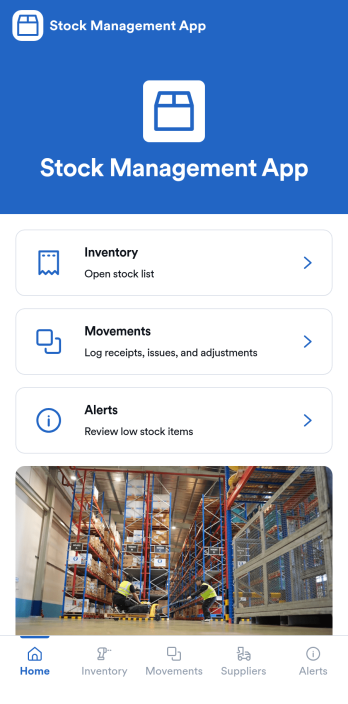
Stock Management App
Stock Management App helps teams track inventory levels, record stock movements, and follow up on low-stock alerts without juggling spreadsheets. It’s a practical fit for retailers, warehouses, small manufacturers, clinics with supply rooms, and field service businesses that need quick visibility into what’s on hand and what’s running out. With dedicated areas for inventory, movements, and alerts, staff can log updates as items are received, used, returned, or adjusted, so everyone works from the same source of truth.Built with Jotform, this app template pairs a mobile-friendly interface with organized navigation and connected data collection. You can add new items, record movements through linked forms, and keep supplier information alongside your inventory records, then share the app as a self-service tool for your team. Using Jotform’s no-code app builder and drag-and-drop interface, it’s easy to adapt the layout, fields, and workflow to match your stock process across one location or multiple sites.
Go to Category:Inventory Apps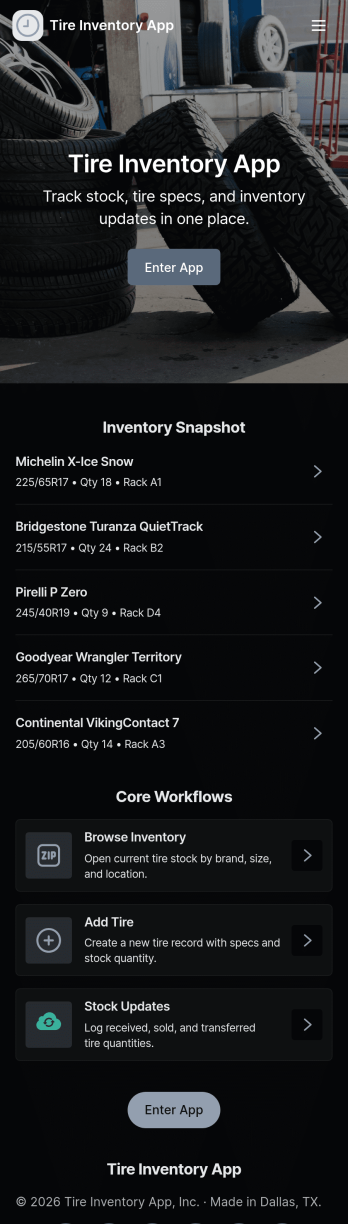
Tire Inventory App
A tire inventory app helps shops and fleet teams keep tire records organized, monitor stock levels, and log incoming inventory so the right tires are available when service work comes in. Use it to review current stock, add new tires as they arrive, and maintain a simple usage log for installs or internal consumption. This template fits tire retailers, auto repair shops, dealerships, warehouse staff, and operations managers who need clearer visibility into tire brands and models without relying on scattered spreadsheets.Jotform makes it easy to turn this Tire Inventory App into a practical, shareable workspace using a no-code app builder and a drag-and-drop interface. Connect buttons to forms for fast data collection, keep records in connected tables, and guide staff with simple navigation between stock views and usage logs. As your workflow evolves, you can adjust pages, permissions, and layouts in minutes so your inventory workflow stays consistent across locations and devices.
Go to Category:Inventory Apps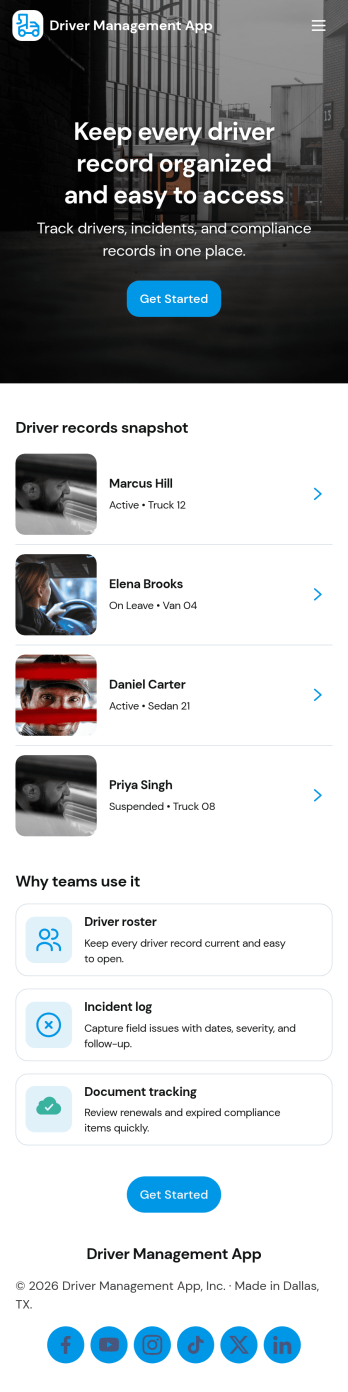
Driver Management App
Driver Management App centralizes the day-to-day details you need to run a reliable fleet, giving dispatchers, transportation teams, and operations managers one place to keep driver records organized and easy to access. Use it to browse a driver list, open an individual profile to review key details like license, contact info, base, and status, and quickly add new drivers as your roster grows. It also supports practical, on-the-road routines with simple navigation for logging trips and reporting incidents, so critical updates don’t get lost across messages or paperwork.Built with Jotform, this app template can be customized in a no-code app builder using a drag-and-drop interface, so you can match it to your workflow without engineering help. Connect the app to forms that capture driver updates, trip logs, and incident reports, then share it with your team as a self-service hub they can use from anywhere. As information comes in, Jotform helps you keep data collection consistent, improve visibility across daily operations, and maintain a clearer workflow for fleet coordination.
Go to Category:Transportation Apps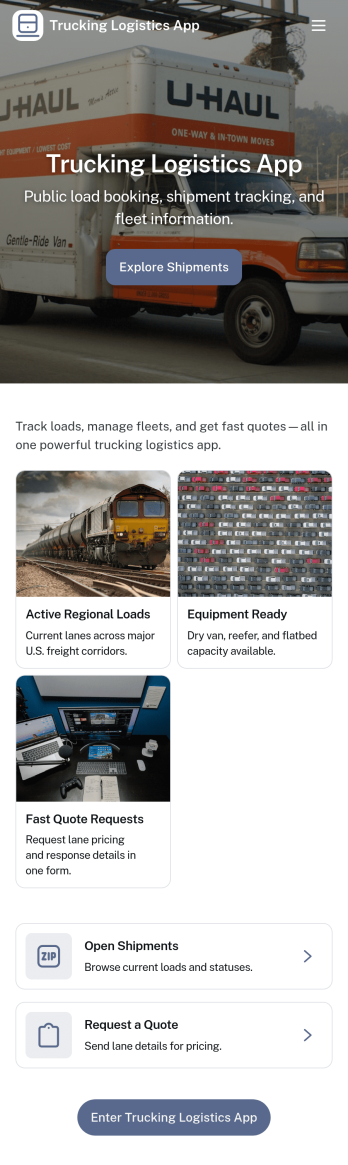
Trucking Logistics App
Trucking Logistics App brings load dispatch, driver check-ins, and day-to-day visibility into one place for carriers, dispatchers, and operations teams. Use it to create new loads, share key load details internally, and keep a running tracking board that helps your team follow what’s moving, what’s delayed, and what needs attention. It’s a practical fit for small fleets, owner-operators working with a dispatcher, and growing logistics teams that want fewer missed updates and clearer handoffs across shifts.With Jotform App Templates, you can publish a mobile-friendly experience that connects buttons and lists to the forms behind your workflow, so dispatch and field updates stay organized as your volume increases. Customize pages with a drag-and-drop interface, add your branding, and keep data collection consistent across teams. Jotform makes it easy to share the app through a link, support self-service updates, and turn routine trucking operations into a repeatable workflow without code.
Go to Category:Transportation Apps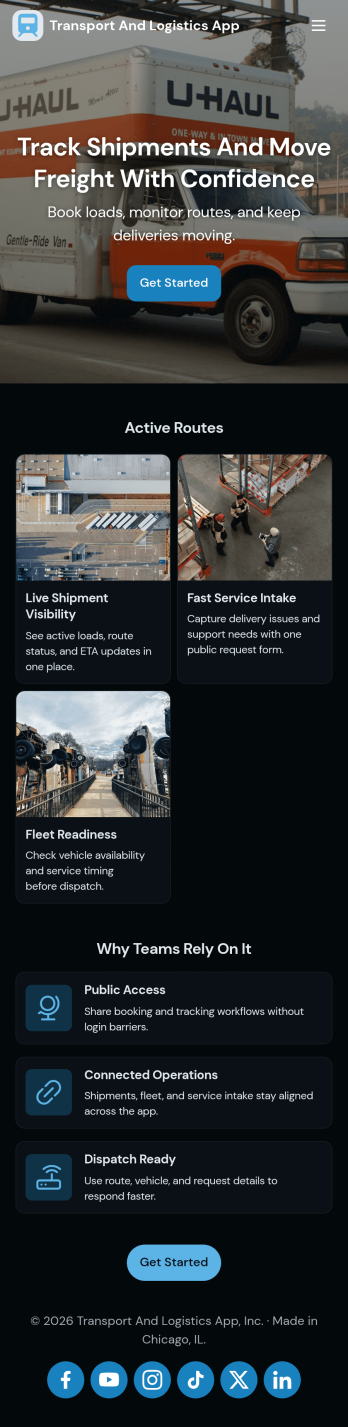
Transport and Logistics App
Transport and Logistics App brings shipment intake and dispatch coordination into one place for teams that move freight day to day. Use it to create new shipments, send requests into a shared workflow, and keep a simple dispatch view that helps operations stay on top of what needs to go out next. It fits trucking companies, delivery operators, freight brokers, and in-house logistics teams that manage multiple loads, drivers, and vehicles while trying to reduce missed details and scattered updates.Built with Jotform App Templates, this app template can be tailored in a no-code app builder with a drag-and-drop interface, so you can match the experience to how your team works. Connect the app to a shipment form for fast data collection, organize incoming records, and share a self-service link with staff who need to submit requests or review assigned work. As your workflow evolves, you can adjust pages, navigation, and connected processes without rebuilding from scratch.
Go to Category:Delivery Apps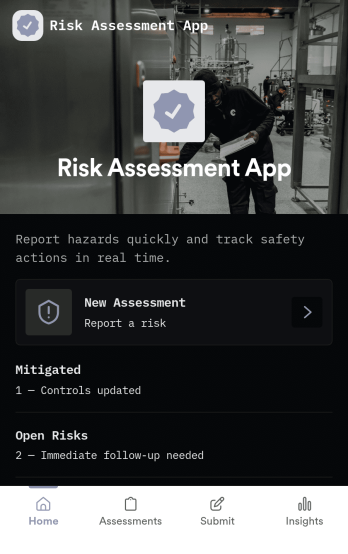
Risk Assessment App
Risk Assessment App helps teams capture new assessments and review open records in one place, so risk checks don’t get buried in email threads or scattered files. Use it to document hazards, rate likelihood and impact, and keep a clear log of what was assessed and when. It’s a practical fit for safety leads, operations managers, project teams, and supervisors who need a repeatable way to run assessments across sites, equipment, tasks, or events while keeping progress visible.Built with Jotform, this app template combines simple navigation with connected data collection to support day-to-day risk work. Create a new assessment through an embedded form, browse record lists for quick follow-up, and share the app as a self-service link for internal teams. With Jotform’s no-code app builder and drag-and-drop interface, you can tailor the layout, add your own fields, and evolve the workflow as your risk process changes.
Go to Category:Inspection Apps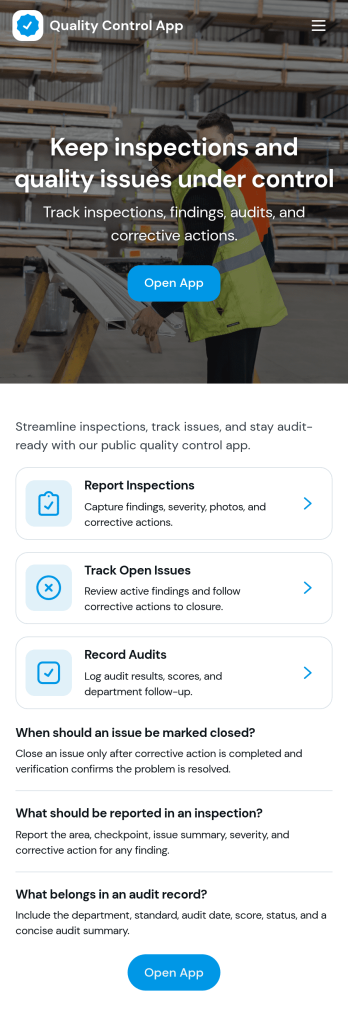
Quality Control App
Quality Control App helps teams run inspections, log issues as they’re found, and review past records in one place. Use it on the production floor, in warehouses, at job sites, or in field operations to capture consistent checks and keep defects from slipping through. With quick navigation to start an inspection, report a problem, and browse inspection and issue lists, it supports supervisors, QA staff, line leads, and contractors who need clear visibility into what was inspected, what failed, and what needs follow-up.Built with Jotform App Templates, this app template can be tailored to your process without coding. Customize pages, update the layout with a drag-and-drop interface, and connect the app to your Jotform forms and data collection workflows so records stay organized and easy to access. Share the app through a link or QR code for self-service reporting, and keep quality documentation centralized as your operation scales.
Go to Category:Engineering Apps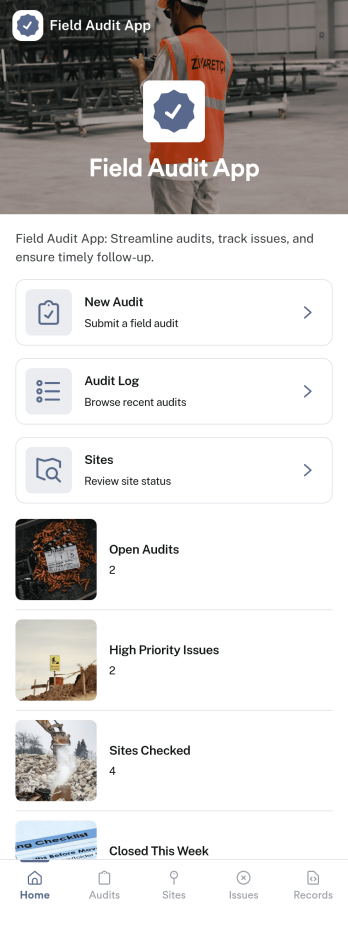
Field Audit App
A field audit app gives teams a practical way to manage on-site audits across locations while keeping progress visible from one place. Use it to review sites, capture findings consistently, and follow audits from start to finish. This template fits operations managers, regional supervisors, quality teams, safety coordinators, and contractors who need a repeatable process for visiting locations and documenting what they see. With quick navigation to Open Audits, a dedicated Submit Audit entry point, and an easy-to-browse History view, it supports day-to-day fieldwork without relying on scattered notes or disconnected messages.Jotform helps you turn this workflow into a shareable, mobile-friendly experience using App Templates and a no-code app builder with a drag-and-drop interface. Connect your app to forms and tables for data collection and recordkeeping, then refine the workflow as your program evolves by adjusting pages, adding guidance text, and organizing audit records for self-service access by the right people. Share the app with a link or QR code so auditors can submit updates on site and managers can review audit records faster.
Go to Category:Inspection Apps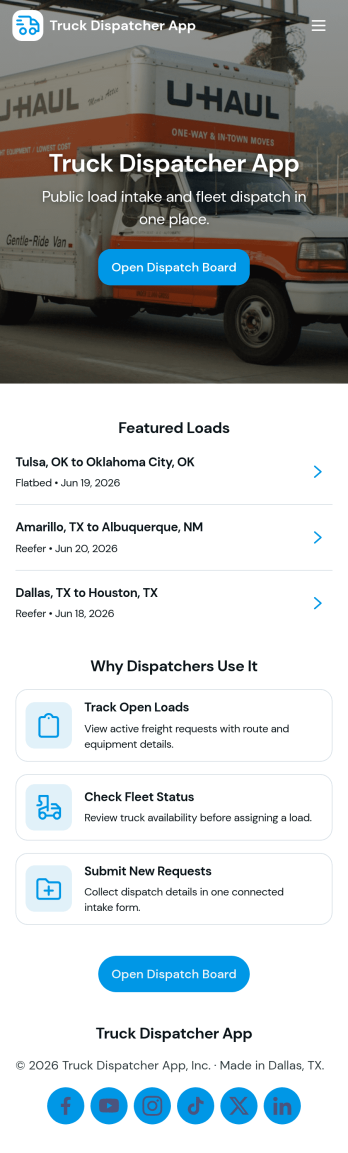
Truck Dispatcher App
Truck Dispatcher App helps dispatchers and small fleet teams organize day-to-day load coordination in one place. Use it to create a new dispatch, review active loads, and keep a simple driver directory handy while you’re assigning work. It fits owner-operators managing a few drivers, growing carriers that need a consistent dispatch process, and logistics coordinators who want a clearer view of what’s moving today versus what still needs attention.Built with Jotform, this app template can connect navigation pages to a dispatch form and load lists so updates stay easy to find and act on. With a no-code app builder and a drag-and-drop interface, you can tailor the flow for your operation, whether you want quicker load entry, cleaner load visibility, or more self-service access for internal teams. As information changes, Jotform keeps data collection and workflow steps connected, so dispatch work stays organized from the first entry to ongoing edits.
Go to Category:Transportation Apps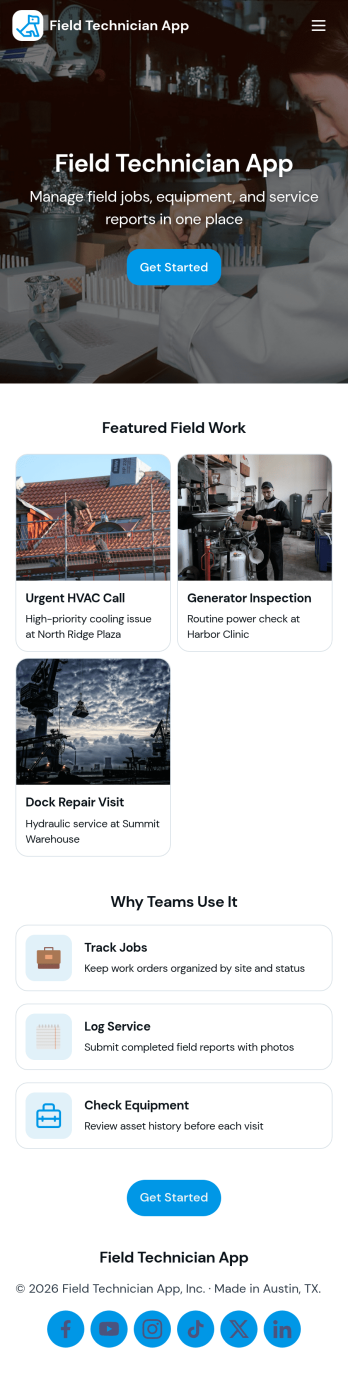
Field Technician App
Field Technician App brings open jobs, job details, and on-site visit logging into one mobile-friendly place for teams that work in the field. It’s built for service managers and coordinators who need technicians to see assigned work, review customer and asset information, and record what happened on a visit without chasing updates through calls or scattered notes. With pages for Open Jobs and job records, plus a simple Log Visit action, this app helps keep day-to-day service work organized while technicians move from site to site.Jotform makes it easy to publish this kind of self-service experience using App Templates and a no-code app builder with a drag-and-drop interface. Connect the app to your existing workflow for data collection, route field updates into the same records your office team relies on, and keep information current with quick refresh actions. You can customize navigation, add your branding, and share the app with your team using a link or QR code so everyone stays aligned from dispatch to completion.
Go to Category:Home Services Apps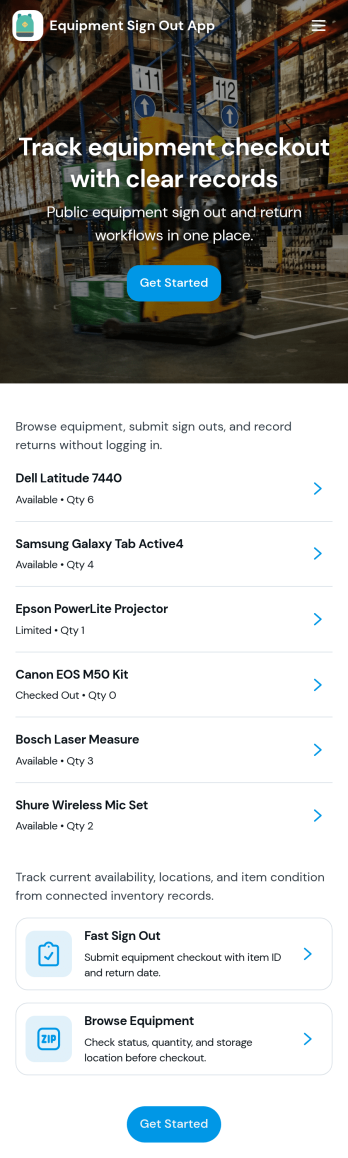
Equipment Sign Out App
Equipment Sign Out App helps teams keep a clear, searchable trail of who has which gear, when it was checked out, and what still needs to be returned. It’s useful for construction crews, schools, IT departments, studios, gyms, warehouses, and any workplace that shares tools, devices, or kits across shifts. With an equipment list to browse, a dedicated sign out flow, and a records area for lookups, staff can quickly find an item, sign it out in seconds, and reduce lost equipment, duplicate purchases, and time spent chasing updates.Built with Jotform, this app template turns everyday equipment tracking into a mobile-friendly self-service experience. Customize pages with a drag-and-drop interface, connect your sign out form to the app for consistent data collection, and keep everything organized in a single workflow that’s easy to share by link or QR code. As your inventory grows, Jotform makes it simple to update lists, adjust fields, and maintain reliable records without coding.
Go to Category:Inventory Apps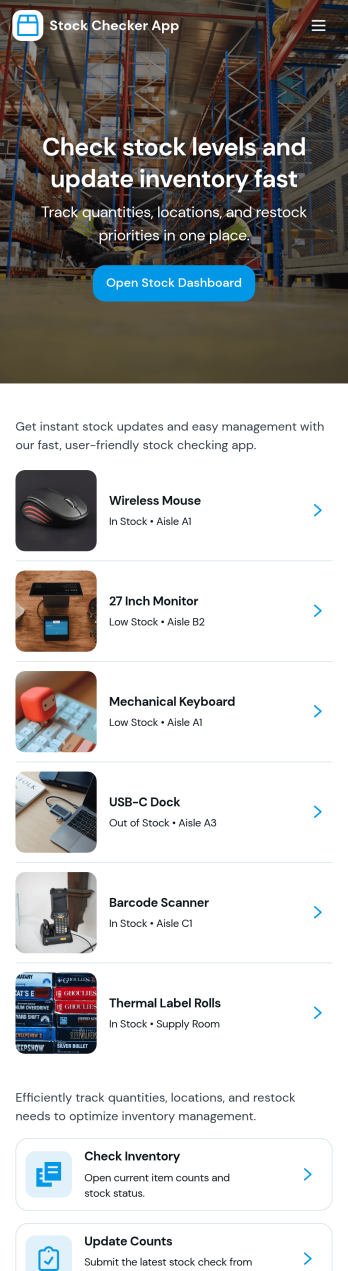
Stock Checker App
Stock Checker App helps teams quickly verify inventory levels, spot low-stock items, and keep day-to-day stock records consistent across locations or shifts. It’s a practical fit for retail stores, e-commerce operations, storerooms, restaurants, and small warehouses where staff need a simple way to check stock, review an inventory list, and flag items that require attention. With dedicated areas to check stock and review low-stock, the app supports faster decisions on reordering, restocking, and internal handoffs without relying on scattered notes or separate spreadsheets.Jotform makes it easy to turn this Stock Checker App into a branded self-service experience using an app template and a no-code app builder with a drag-and-drop interface. Connect buttons to forms for stock updates, keep all stock records organized in one place, and share the app by link so your team can access the right inventory information on desktop or mobile. As your workflow evolves, you can adjust pages, add steps, and keep data collection aligned with how your operation actually runs.
Go to Category:Inventory Apps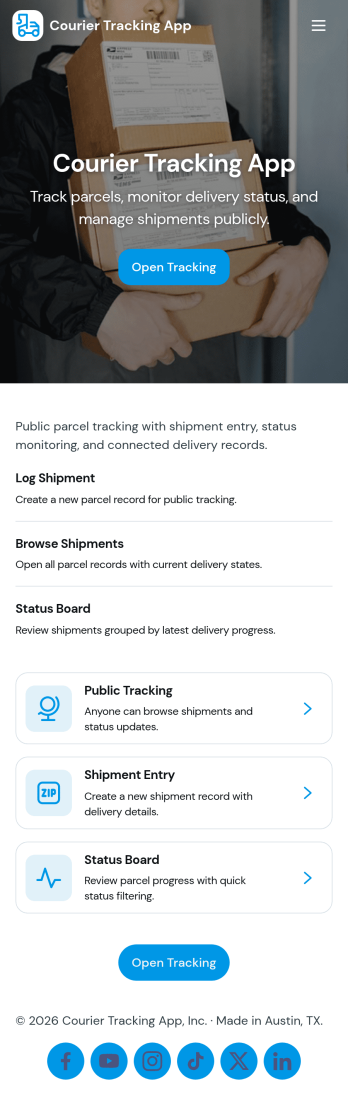
Courier Tracking App
Courier Tracking App helps delivery teams and customer support keep shipments visible from pickup to drop-off. Give customers a simple place to track a shipment by tracking number, browse existing shipments, and view key details in a shipment page without hunting through messages. It also supports day-to-day operations by letting couriers or dispatchers submit status updates in one consistent flow, so everyone stays aligned when routes change, packages are delayed, or proof-of-progress needs to be recorded.Jotform makes it easy to turn this courier tracking app template into a branded self-service experience using a no-code app builder and a drag-and-drop interface. Connect pages to your data collection workflows, organize shipment records in one place, and share the app through a link or QR code for quick access in the field. With Jotform, you can adjust what users see, standardize updates, and keep your delivery workflow moving without building a custom system from scratch.
Go to Category:Delivery Apps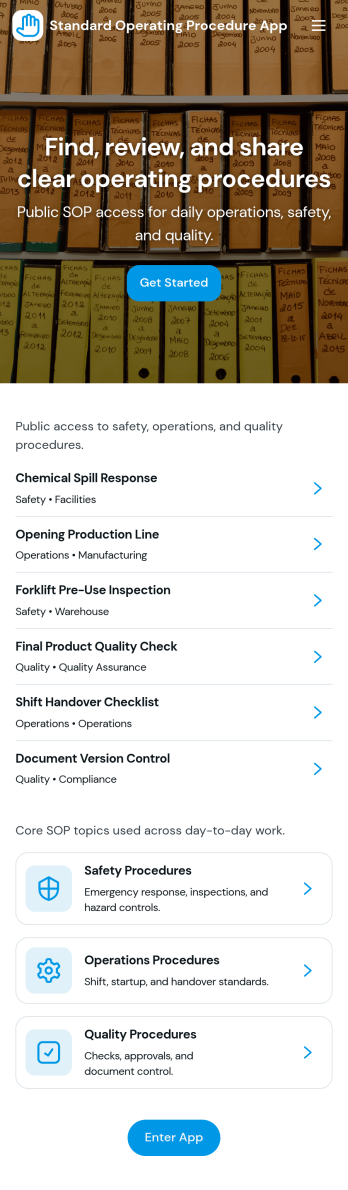
Standard Operating Procedure App
Standard Operating Procedure App brings your SOPs into one place so teams can follow consistent steps, record completion, and keep work quality steady across shifts and locations. Use it to publish an SOP library for recurring tasks, capture execution details with structured data collection, and route records into a review queue when supervisors need to verify outcomes. It’s a practical fit for operations managers, HR and training teams, IT and facilities leads, and any department that relies on repeatable processes for onboarding, handoffs, and day-to-day execution.With Jotform, you can turn this app template into a branded, mobile-friendly self-service experience without writing code. Use the no-code app builder and drag-and-drop interface to adjust pages, add guidance, and connect the app to forms and tables so execution records stay organized and easy to find. As your workflow evolves, you can keep SOP content and logs up to date, share the app by link, and give teams a simple way to follow procedures and submit proof of work in minutes.
Go to Category:Operations & Logistics Portal Apps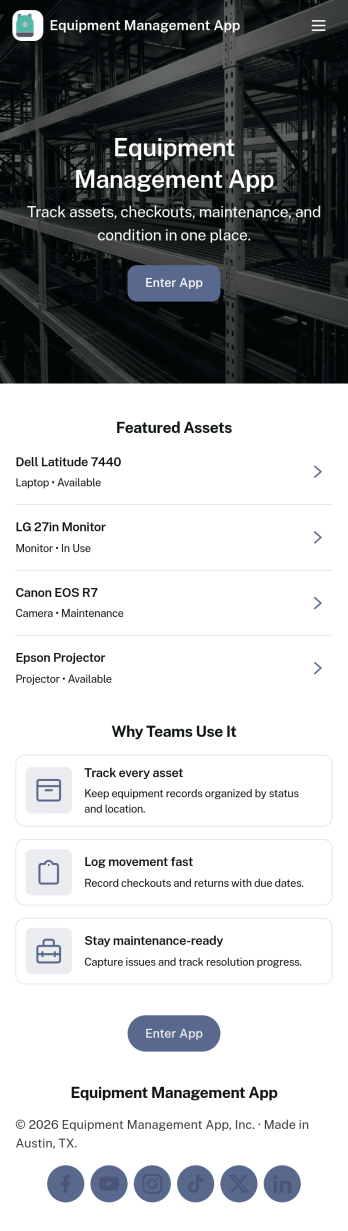
Equipment Management App
Equipment Management App helps teams track company assets from one central place, so tools and devices don’t disappear between jobs, departments, or locations. Use it to browse your inventory, check equipment out to staff, log maintenance activity, and route equipment requests without relying on scattered spreadsheets or long email threads. It’s a great fit for operations teams, IT, facilities, construction crews, schools, and rental-style environments that need clear ownership, due dates, and visibility into what’s available.With Jotform, you can turn this app template into a branded, mobile-friendly self-service experience using a no-code app builder and a drag-and-drop interface. Connect your equipment records to forms and tables for consistent data collection, set up notifications to keep workflows moving, and adjust pages and buttons to match how your organization manages assets. Share the app with a link or QR code so staff can quickly find inventory details, submit requests, and keep maintenance history up to date.
Go to Category:Equipment Maintenance Software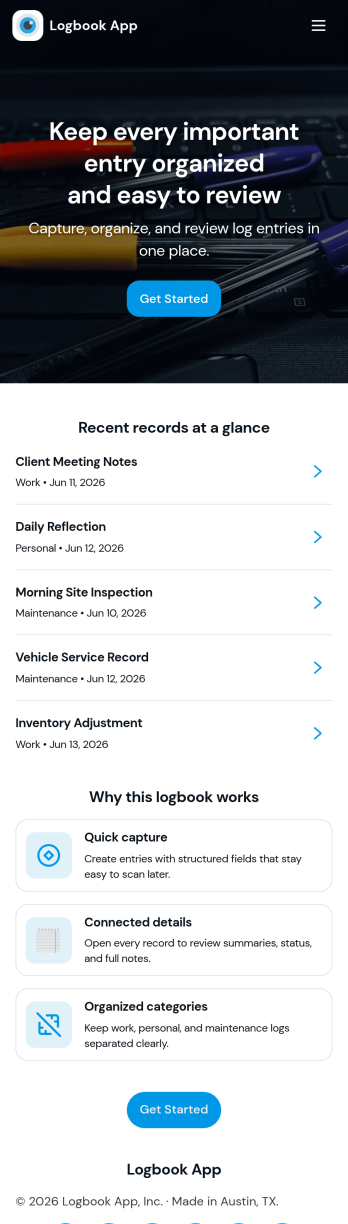
Logbook App
Logbook App gives teams and individuals a simple way to record activity, keep notes, and look back on past entries without digging through scattered documents. It fits day-to-day logging for field services, operations, labs, vehicle and equipment usage, shift handovers, or personal tracking where consistency matters. With quick actions to add a new entry and browse the log, the app supports fast record creation and easy review, helping you capture what happened, when it happened, and any context your workflow needs.Jotform makes it easy to turn this logbook app template into a polished self-service experience using a no-code app builder and a drag-and-drop interface. Connect your entry form to a live log list, link to tables for viewing all entries, and give each person a “My Entries” view for cleaner follow-ups. As your workflow changes, you can adjust pages, navigation, and data collection in minutes, then share the app by link or QR code so logging stays accessible on any device.
Go to Category:Activity Tracking Apps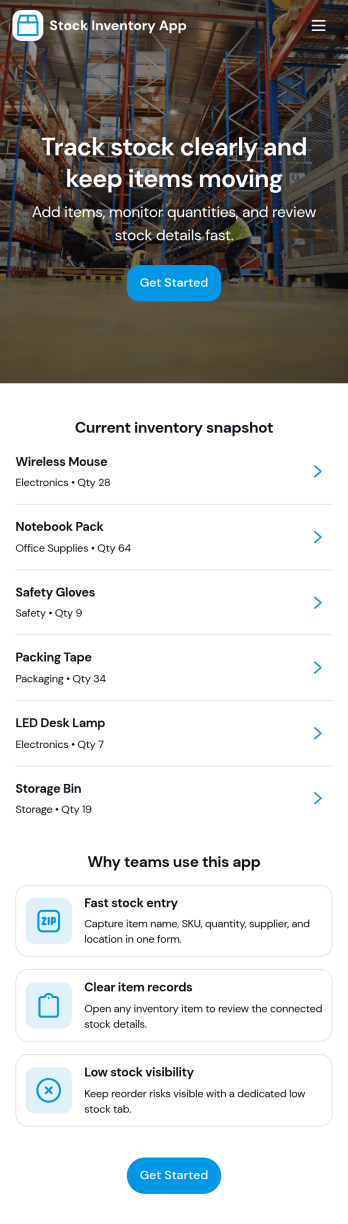
Stock Inventory App
Stock Inventory App helps teams keep day-to-day inventory organized by giving them one place to review current items, add new inventory records, and document stock movements as they happen. It’s a practical fit for retail stores, warehouses, ecommerce operations, nonprofits managing supply closets, and any small business that needs clearer visibility into what’s on hand and what’s changing. With dedicated areas for inventory and movements, it supports better purchasing decisions, fewer stockouts, and cleaner handoffs between staff across locations or shifts.Built with Jotform, this app template can be customized in a no-code app builder using a drag-and-drop interface, so you can match your process without relying on developers. Connect the app to your forms and data tables to capture inventory additions and movement logs, then share access through a link or QR code for fast self-service updates from the floor. As your workflow evolves, you can adjust pages, add review steps, and keep reporting and inventory checks easy to reach inside the same app experience.
Go to Category:Inventory Apps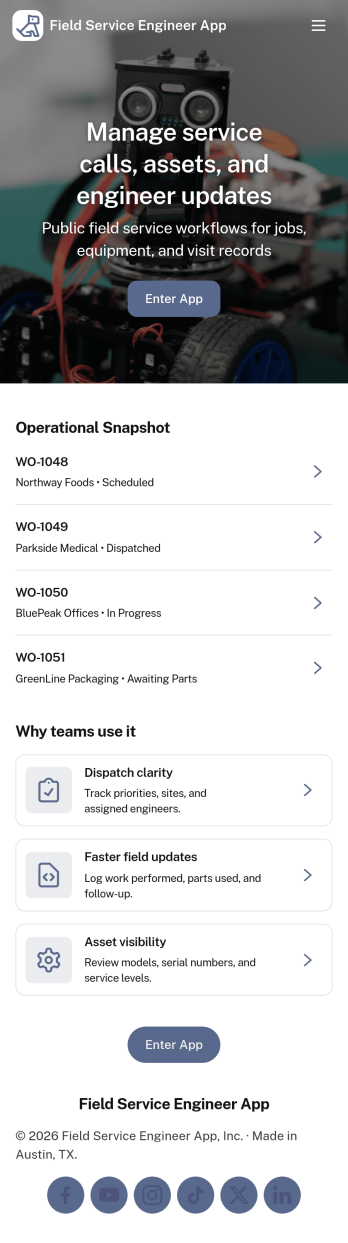
Field Service Engineer App
Field Service Engineer App helps field engineers manage daily site work by organizing today’s jobs, keeping work orders easy to browse, and providing a clear path to close out completed jobs. It’s a practical fit for service and maintenance teams, engineering contractors, and operations groups that need a simple way for technicians to check what’s next, open a job to review details, and finish work in the field without digging through messages or paperwork.With Jotform, you can turn this app template into a branded, self-service experience for your team using a no-code app builder and a drag-and-drop interface. Connect job closeout to a form for consistent data collection, keep work order records organized, and refine the workflow as your processes evolve, then share the app with a link or QR code so engineers can access it on any device.
Go to Category:Engineering Apps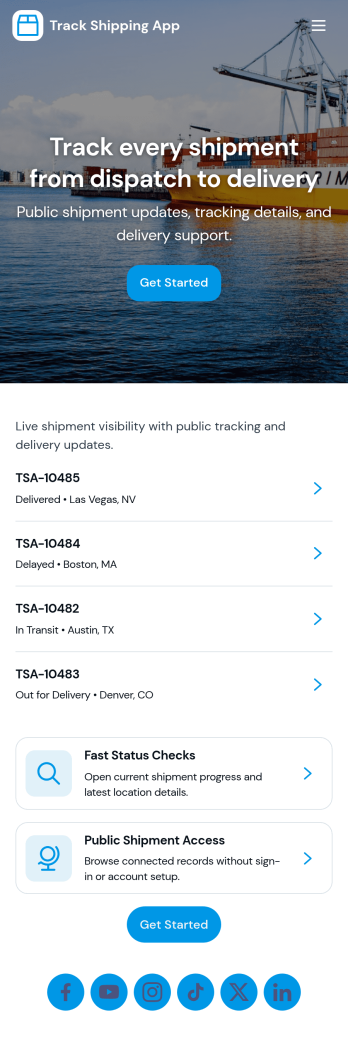
Track Shipping App
Track Shipping App helps teams and customers follow deliveries from one place, without digging through emails or spreadsheets. Use it to log new shipments, browse a shipment list, and open a shipment’s details by tracking number so anyone can quickly check where an order stands. It’s a practical fit for online sellers, warehouse and fulfillment teams, field service businesses shipping parts, and support teams that need fast status answers during customer inquiries.With Jotform you can turn this shipping workflow into a shareable, branded experience using App Templates and a no-code app builder with a drag-and-drop interface. Connect the app to a form for data collection, keep shipment records organized, and guide users through a clear self-service workflow with pages, buttons, and lists. As shipment volume grows, you can update the layout, adjust what you collect, and publish a simple link for internal use or customer access.
Go to Category:Order & Shipping Portal Apps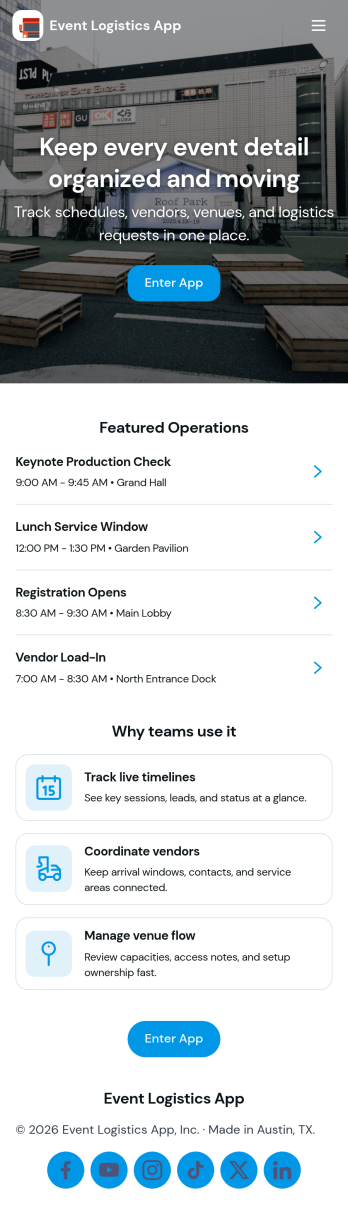
Event Logistics App
Event Logistics App brings day-of-event coordination into one place so organizers can keep timelines, staffing, and on-site issues moving without confusion. Use it to publish a working schedule, add staffing assignments as plans change, and give team leads a simple way to log issues from the floor as they happen. It’s a practical fit for event planners, venues, production crews, nonprofits running fundraisers, and campus teams managing conferences, festivals, tournaments, or multi-session programs where many people need the same source of truth.With Jotform, you can turn your Event Logistics App into a polished self-service experience using a drag-and-drop interface and a no-code app builder. Connect buttons to forms for data collection, route updates into tables for easy viewing, and keep your workflow moving with shareable links and mobile-friendly access. As details shift, you can adjust pages, branding, and navigation so staff and volunteers always know what to do next and where to report problems.
Go to Category:Event Planner Apps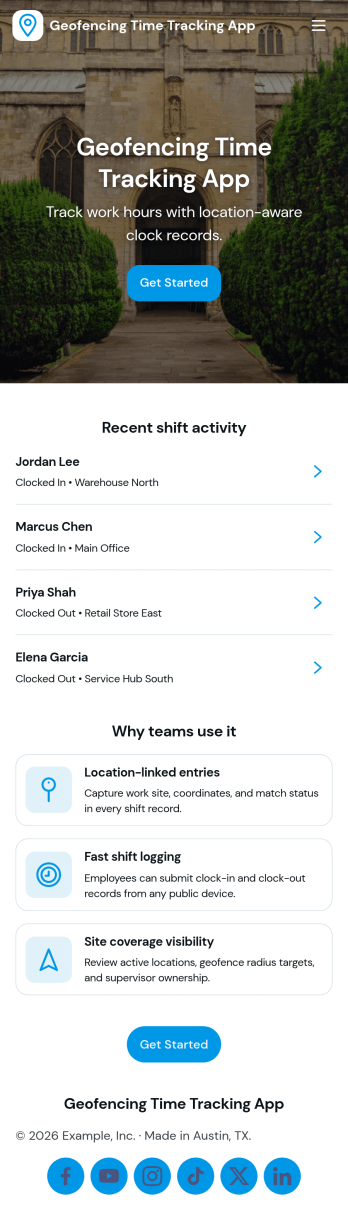
Geofencing Time Tracking App
Geofencing Time Tracking App helps teams record work hours based on where work happens, making it easier to confirm on-site attendance without relying on manual timesheets. It fits field service crews, construction teams, property managers, event staff, and multi-location operations that need consistent clock-in and clock-out habits across job sites. Use it to guide employees to log time when they arrive, capture key shift details, and reduce confusion around where and when work was performed, especially when schedules change or crews move between locations.With Jotform App Templates, you can launch a branded, mobile-friendly experience that supports self-service time tracking and keeps information organized in one place. Jotform’s no-code app builder and drag-and-drop interface make it simple to adjust the layout, connect the app to your data collection workflow, and share access with the right people through a link or QR code. As needs evolve, you can expand your workflow with connected tools like forms, tables, approvals, and notifications, without rebuilding from scratch.
Go to Category:Activity Tracking Apps