

Safety Inspection Apps

Employee Safety App
Employee Safety App brings key workplace safety actions into one place so teams can report incidents, run safety checks, and review logged issues without hunting for the right link or paper form. It fits companies with distributed crews, warehouses, job sites, clinics, or offices that want a consistent way to capture what happened, where it happened, and what immediate action was taken. Built-in navigation makes it easy to jump from reporting to an incident list, and the app can also surface quick emergency and safety lead contact options when time matters.With Jotform, you can turn this employee safety app template into a branded self-service experience using a no-code app builder and a drag-and-drop interface. Connect the app to your incident and safety check forms for reliable data collection, route updates through the right workflow, and keep records organized in one system for follow-up, training, and continuous improvement. Share the app by link or QR code so employees can access it on the go, then refine pages and content as your safety processes evolve.
Go to Category:HR Portal Apps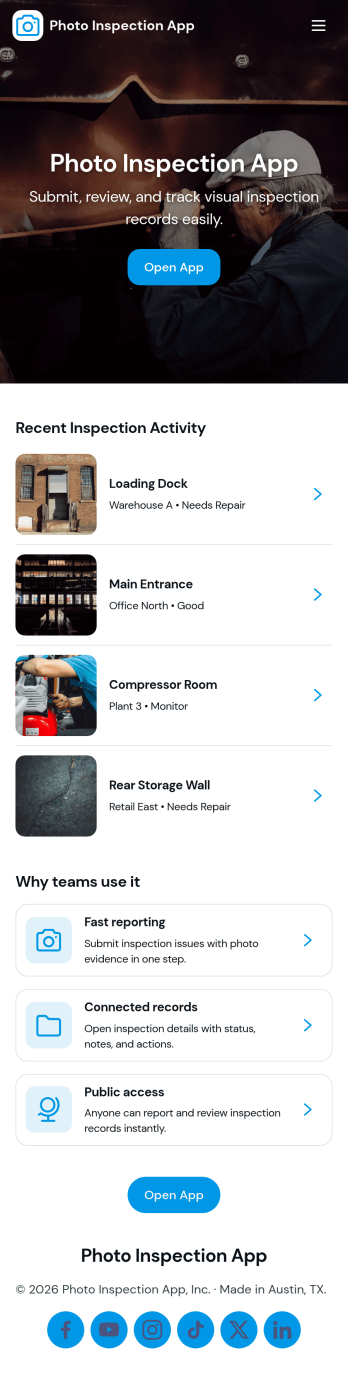
Photo Inspection App
Photo Inspection App helps teams collect visual proof, review requests, and keep a searchable history of inspections in one place. It’s a practical fit for field services, property managers, construction crews, and operations teams who need consistent photo-based documentation for sites, equipment, rooms, or deliveries. With simple navigation and dedicated detail views, staff can quickly open a request, verify images, and record outcomes without digging through emails or scattered folders.Built with Jotform App Templates, this app template can be tailored in a no-code app builder and published fast for internal or customer-facing self-service. Use Jotform’s drag-and-drop interface to adjust pages, connect your existing forms for data collection, and keep your workflow organized from intake to review to archived records. Share by link or QR code so the right people can submit and check inspection details from anywhere.
Go to Category:Inspection Apps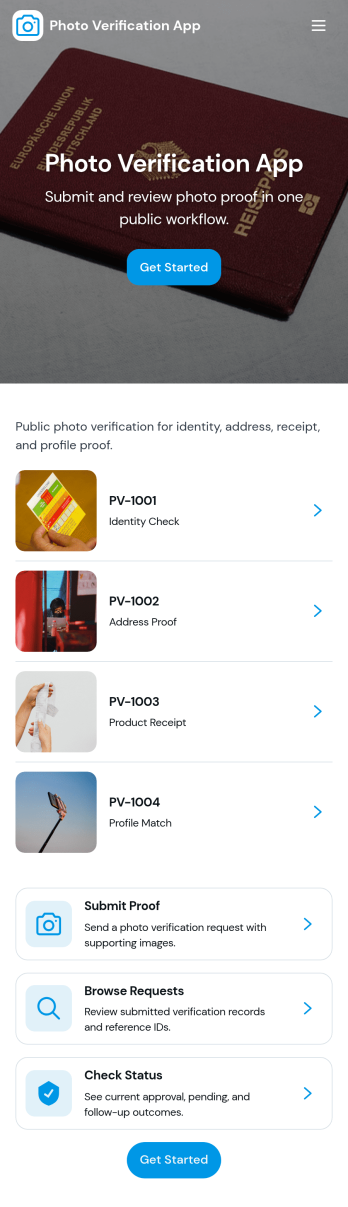
Photo Verification App
Photo Verification App helps teams collect photo-based proof and review it in one organized flow, making it easier to confirm identity, condition, or completion before moving work forward. It fits field service companies validating completed jobs, property managers confirming move-in or move-out conditions, event teams checking credential photos, and operations groups that need quick visual confirmation without relying on scattered messages. With a clear start verification entry point and a dedicated review queue, reviewers can sort what needs attention, open individual records, and keep photo checks consistent across staff.Jotform makes it simple to publish this app template and adapt it to your process using a no-code app builder and a drag-and-drop interface. Connect your verification form to a central list for tracking, route entries to the right reviewers, and keep data collection structured as volume grows. Share the app through a link or QR code so submitters can send photos from mobile, while your team stays focused on approvals, follow-ups, and keeping the workflow moving.
Go to Category:Inspection Apps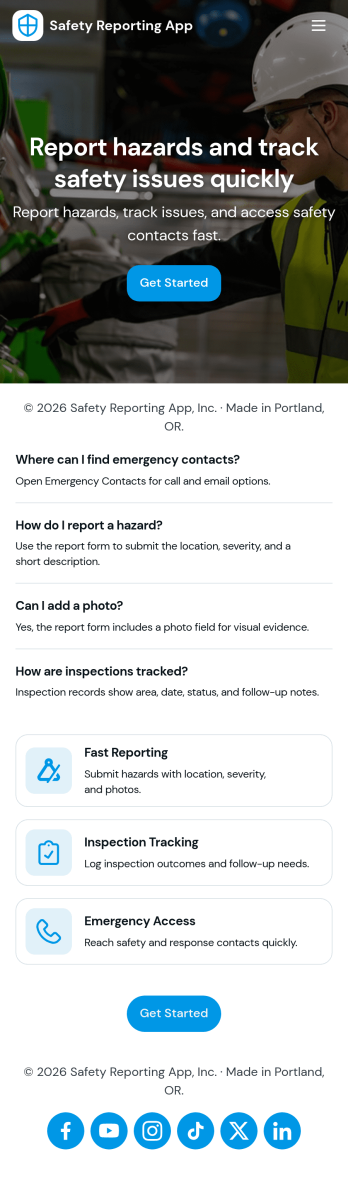
Safety Reporting App
Safety Reporting App helps teams capture incident details and keep safety communication organized in one place. Staff can quickly send an incident report from a clear "Report an Incident" entry point, then review Recent Reports in a running list to understand what has been logged and what needs attention. It works well for workplaces, construction sites, facilities teams, schools, and nonprofits that want a consistent way to document hazards, near misses, and on-the-job incidents while keeping reporting simple for the people closest to the issue.With Jotform, you can publish this app template fast and tailor it to how your organization handles safety reporting. Use the no-code app builder and drag-and-drop interface to adjust the pages, add guidance text, and connect the reporting form to your workflow for follow-up and internal review. Once shared by link or QR code, the app supports self-service data collection from the field while keeping reports easy to find and revisit.
Go to Category:Safety Inspection Apps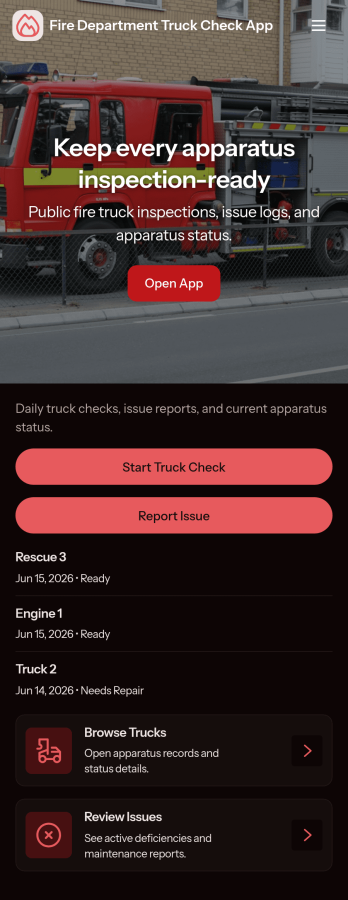
Fire Department Truck Check App
Fire Department Truck Check App helps stations and crews run consistent truck checks and keep a clear record of what was inspected, when, and by whom. Use it to browse a list of trucks, open a check form in seconds, and review past checks in one place, making it easier to spot recurring issues and keep rigs ready for the next call. It fits daily apparatus checks, shift changeovers, post-response inspections, and multi-station operations that need a simple, repeatable process.Jotform makes it easy to turn this app template into a mobile-friendly self-service experience without coding. With a drag-and-drop interface, you can customize pages, add your department branding, and connect the app to your data collection workflow so teams can complete checks from a shared link or QR code. As records grow, keep them organized and accessible, and collaborate across shifts with a single Jotform app that stays aligned with how your department operates.
Go to Category:Vehicle Inspection Apps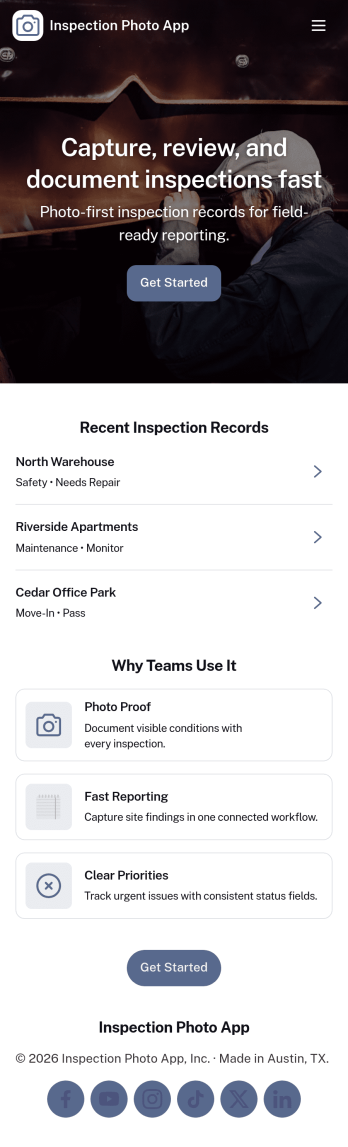
Inspection Photo App
Inspection Photo App helps teams capture and organize photo-based inspection documentation in one place. Use it to start a new inspection, attach images for proof of condition, and keep details tied to a clear inspection ID for easy reference later. It’s a practical fit for field inspectors, property managers, maintenance crews, safety teams, and service businesses that need consistent visual records across sites, equipment, or locations.With Jotform, you can publish this app template quickly and tailor it to your workflow using a no-code app builder and a drag-and-drop interface. Connect the app to a form for data collection, store entries as records you can review anytime, and share the finished self-service experience through a link or QR code so teams can submit updates from the field while you keep work organized and moving.
Go to Category:Inspection Apps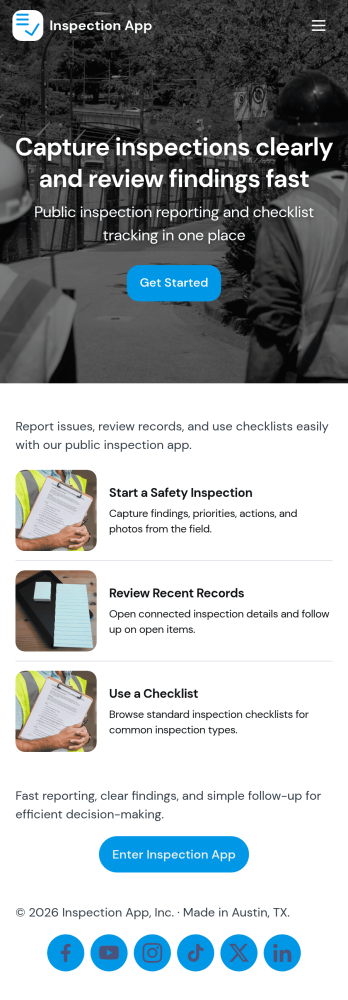
Inspection App
Inspection App helps teams run repeatable inspections, keep records organized, and stay on top of open items without relying on scattered paperwork. Use it to start a new inspection from one place, capture consistent findings in a guided form, and review inspection history by site or location. It fits quality checks, facility walkthroughs, safety rounds, equipment checks, and vendor audits for operations teams, supervisors, field staff, and service providers who need clear documentation and quick access to past results.With Jotform, you can turn this inspection app template into a branded, mobile-friendly experience using a no-code app builder and a drag-and-drop interface. Connect the app to your forms and tables to support data collection, centralize records, and create a workflow where people can submit inspections, browse records, and follow up on open submissions. Share the app by link or QR code so staff can complete inspections on site and managers can review progress in real time.
Go to Category:Inspection Apps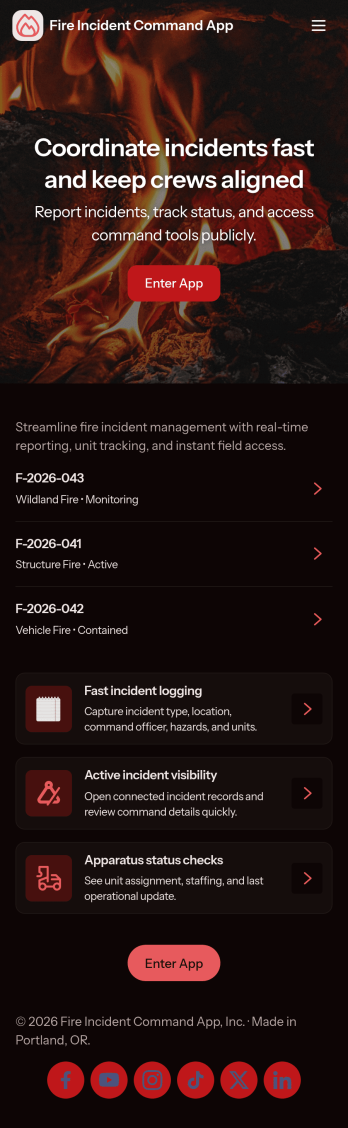
Fire Incident Command App
Fire Incident Command App brings incident reporting and on-scene coordination into one place, helping teams capture critical details fast and keep response work organized while events unfold. It’s a practical fit for fire departments, emergency management teams, and facility safety leads who need a consistent way to open an incident intake, review what’s active, and prioritize command actions without relying on scattered notes or multiple channels.Built with Jotform, this app template can be tailored in a no-code app builder using a drag-and-drop interface, so you can match your operational workflow and update it as procedures change. Connect the app to forms and tables for reliable data collection, use it as a self-service hub for crews to access key actions, and share it by link or QR code for quick access on mobile during time-sensitive response work.
Go to Category:Safety Inspection Apps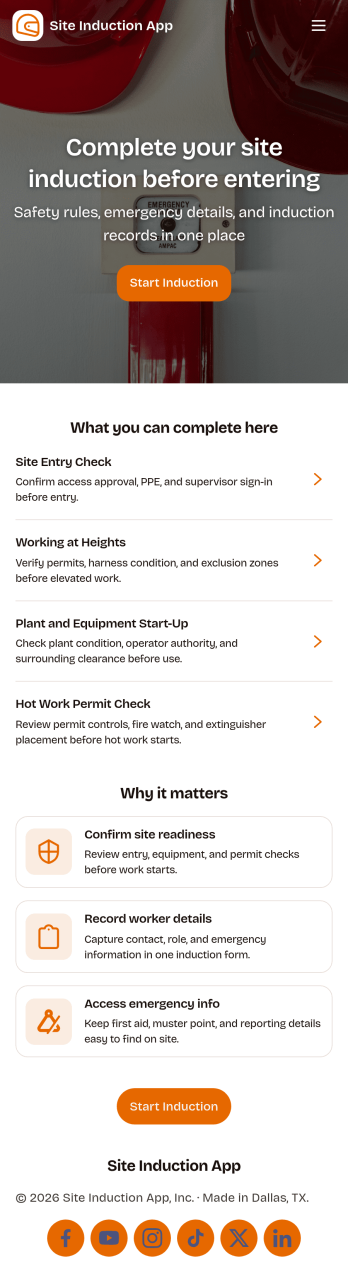
Site Induction App
A site induction app helps construction and operations teams onboard workers and visitors consistently before they enter a job site. Use it to guide people through an induction form, capture document sign-off, and keep induction records easy to find later, all in one place. It’s a practical fit for site managers, safety teams, subcontractor coordinators, and facilities leads who need a repeatable process for new starters, short-term contractors, and recurring visitors.Jotform makes it simple to publish this kind of self-service experience with customizable app templates and a no-code app builder. With a drag-and-drop interface, you can connect your induction workflow to forms and keep data collection organized for day-to-day operations. Share the app by link or QR code, update content as site requirements change, and maintain a clear trail of completed inductions and sign-offs without slowing down site access.
Go to Category:Construction Apps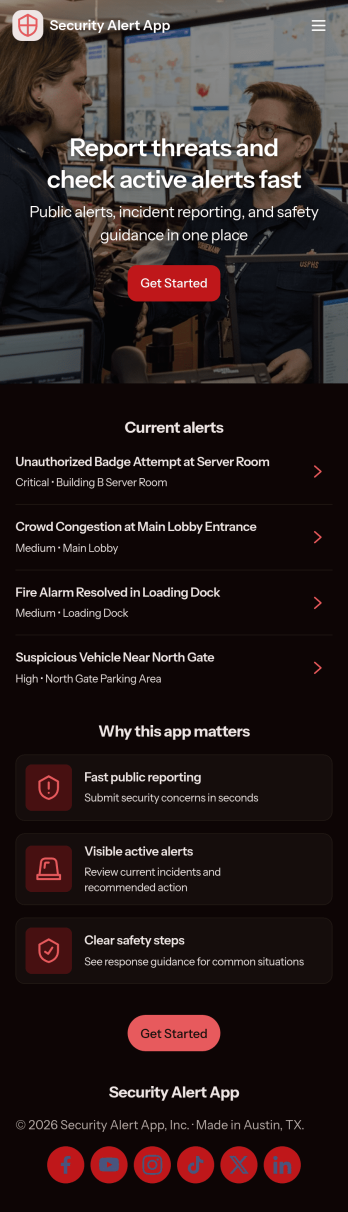
Security Alert App
Security Alert App gives teams a clear, mobile-friendly way to report security concerns, review active alerts, and keep an organized incident log in one place. It fits workplaces, schools, events, property management teams, and community organizations that need a consistent process for capturing what happened, when it happened, and who should follow up. With quick navigation to report an alert and browse alerts as they come in, it helps reduce missed messages and supports faster internal response during time-sensitive situations.Built with Jotform, this app template pairs a no-code app builder with connected data collection so you can publish a self-service experience without writing code. Use the drag-and-drop interface to adjust pages, add instructions, and tailor the alert workflow to your operations, then share the app by link or QR code for easy access. As reports come in, your team can keep information centralized, collaborate on next steps, and maintain a searchable incident history for ongoing review.
Go to Category:Safety Inspection Apps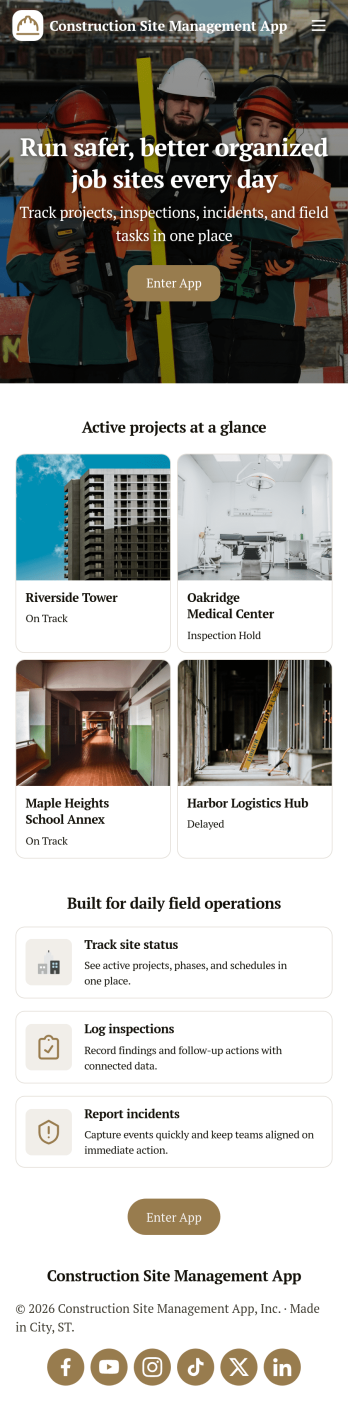
Construction Site Management App
Construction Site Management App brings active jobsite work into one place so teams can follow open projects, capture daily site reports, and stay on top of safety checks without chasing updates across texts, paper logs, and scattered folders. It’s a practical fit for general contractors, site supervisors, project coordinators, and subcontractor leads who need a simple way to see what’s in progress and make sure critical site details get recorded while work is happening.Built with Jotform App Templates, this app template connects key jobsite workflows to forms and lists so your crew can submit site reports, log inspections, and review equipment status from a mobile-friendly hub. Customize the layout with Jotform’s no-code app builder and drag-and-drop interface, then publish and share a self-service experience that keeps project information organized and accessible for day-to-day operations and data collection.
Go to Category:Construction Apps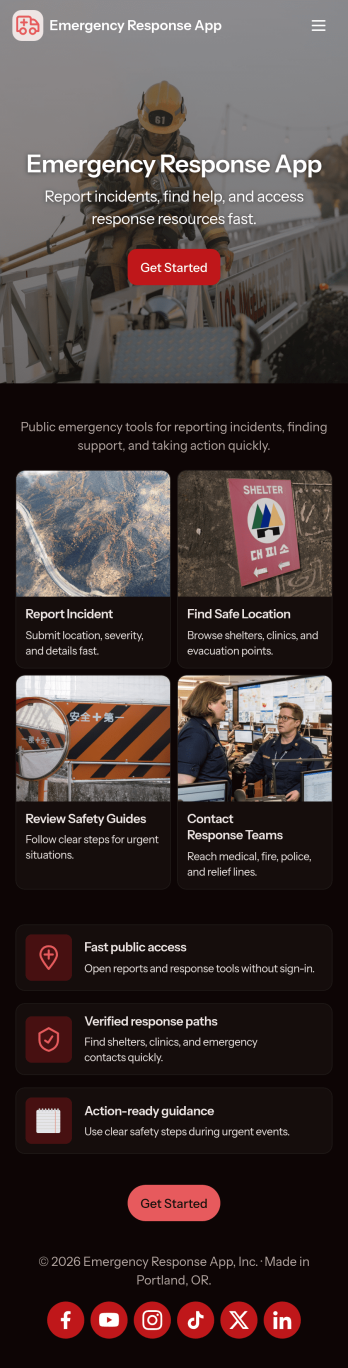
Emergency Response App
Emergency Response App helps communities and organizations share time-sensitive public alerts and guide people to the right actions during an incident. Use it to publish current alerts, collect incident reports from the field, and provide fast access to emergency contacts and open shelters. It works well for safety teams, facilities and operations groups, property managers, schools, event organizers, nonprofits, and local response coordinators who need one place for updates, directions, and reliable points of contact.With Jotform, you can adapt this app template to your workflow using a no-code app builder and a drag-and-drop interface. Connect it to forms for incident reporting and data collection, keep alerts and resources organized, and make self-service access easy on any device. Share the app by link or QR code, update content in minutes, and keep teams aligned with a clear, guided experience from the moment users enter the app.
Go to Category:Safety Inspection Apps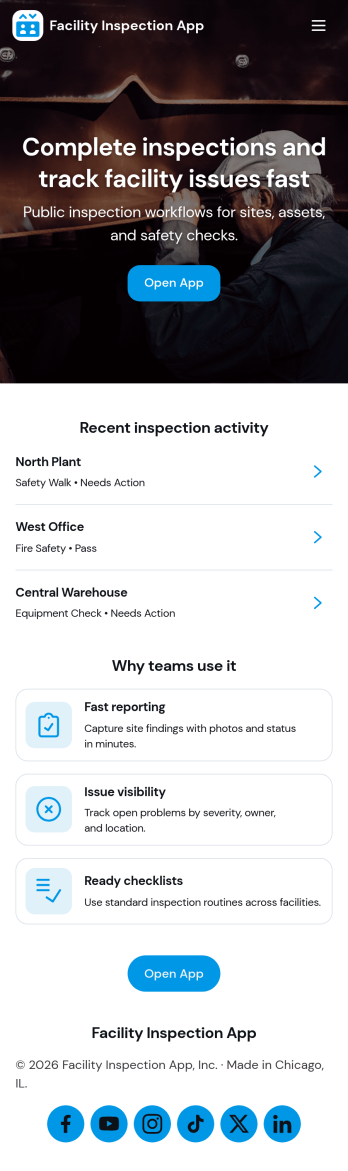
Facility Inspection App
Facility Inspection App helps teams run repeatable site checks and keep every inspection in one place, from quick walkthroughs to scheduled audits. Staff can start a new inspection on-site, review inspection records later, and document follow-ups through corrective actions when issues are found. It’s a practical fit for facilities managers, operations leaders, safety coordinators, property managers, and maintenance teams who need consistent documentation across multiple locations or departments.Built with Jotform, this app template supports self-service reporting with a mobile-friendly experience, so inspectors can capture details while they’re on the floor. Use Jotform’s no-code app builder and drag-and-drop interface to tailor pages, connect the inspection and corrective action forms, and keep your workflow organized from submission to resolution. Share the app by link or QR code, route updates to the right people, and keep data collection structured without adding admin overhead.
Go to Category:Checklist Apps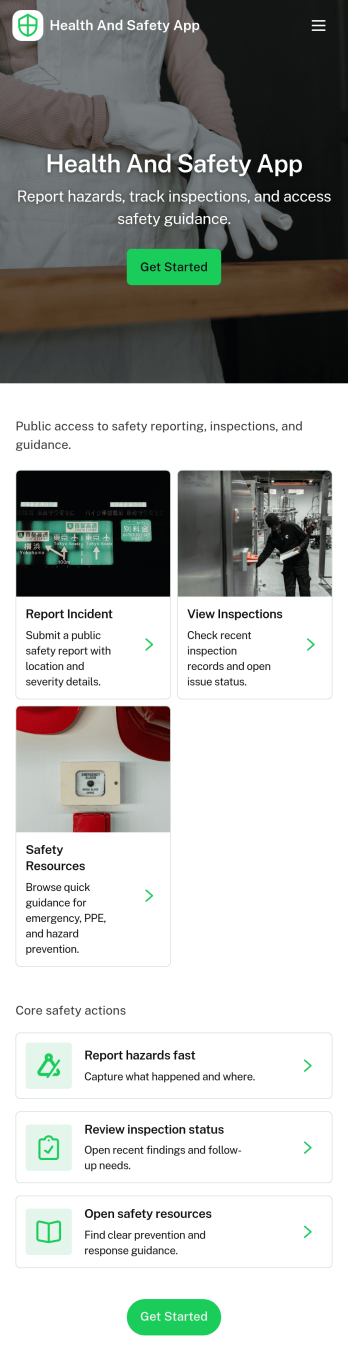
Health and Safety App
Health and Safety App helps teams centralize day-to-day workplace safety actions in one place, so employees know exactly where to go when something happens. Use it to capture incident details fast through a simple reporting flow, guide staff through routine safety checks, and keep everyone aligned on what’s been logged. It’s a practical fit for construction crews, warehouses, manufacturing floors, facilities teams, field service organizations, schools, and nonprofits that need a consistent way to document issues and reinforce safe habits across locations.With Jotform, you can turn this Health and Safety App into a mobile-friendly self-service experience using app templates and a no-code app builder with a drag-and-drop interface. Connect the app to forms and tables to support reliable data collection and clearer workflow handoffs, then share it by link or QR code so the right people can report, review, and act without hunting for the latest document or process.
Go to Category:Company Portal Apps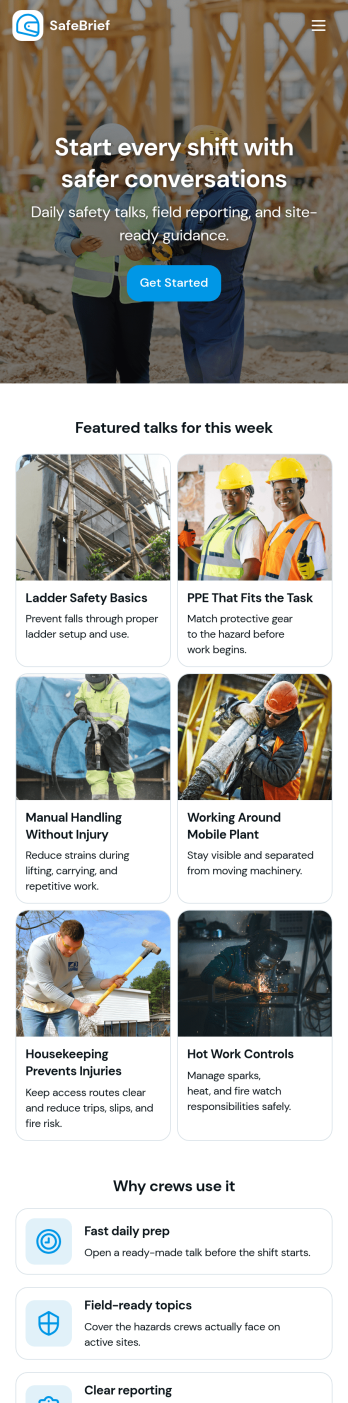
Toolbox Talks App
Toolbox Talks App helps safety leads and site supervisors run consistent pre-task briefings, keep a ready-to-use talk library, and gather participation details in one place. Use it to launch a talk for the day, guide crews through key points, and keep everyone aligned on hazards, procedures, and expectations before work begins. With dedicated areas for running a talk, tracking attendance, and collecting feedback, it fits construction crews, maintenance teams, field service groups, warehouses, and any operation that relies on frequent safety conversations.Built with Jotform, this app template gives you a practical way to support self-service access to talks and simple data collection without code. Customize pages and cards with a drag-and-drop interface, connect the app to your existing Jotform forms for attendance and feedback, and keep information organized for ongoing workflows. Share the app by link or QR code so teams can open it on the jobsite, record participation, and submit notes while the conversation is still fresh.
Go to Category:Checklist Apps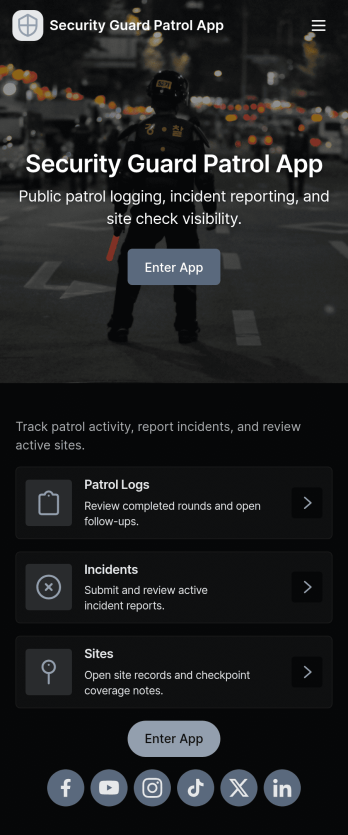
Security Guard Patrol App
Security Guard Patrol App keeps patrol teams organized during every shift by bringing check-ins, incident reporting, and patrol history into one easy place. It’s a practical fit for security companies, property managers, HOAs, warehouses, campuses, and event venues that need guards to start shifts consistently, log patrol activity, and document issues as they happen without relying on paper notes or scattered messages.With Jotform, you can turn this app template into a tailored self-service experience using a no-code app builder and a drag-and-drop interface. Connect the app to your forms for shift activity and incident reports, route information to the right people, and review records in a central workflow for faster follow-ups and clearer visibility across sites and teams.
Go to Category:Log Apps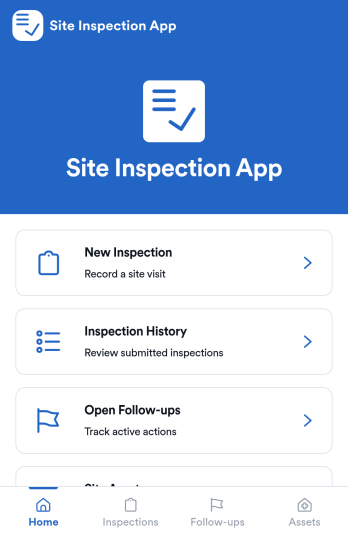
Site Inspection App
Site Inspection App gives field teams a practical way to run on-site checks, log what they find, and keep every location’s inspection activity easy to review. Use it to start a new inspection from a single entry point, browse inspection history by site, and stay on top of open follow-ups that still need attention. It fits construction and facilities teams, property and real estate groups, safety managers, and service providers who visit multiple sites and need consistent records, faster handoffs, and fewer missed issues.Built with Jotform, this app template helps you turn inspections into a clear workflow without complex setup. Customize pages with a drag-and-drop interface, connect forms for data collection, and organize results so teams can review details and take next steps from one place. Share the app as a self-service experience for staff and supervisors, keep information organized across sites, and update the layout as your inspection process evolves using Jotform’s no-code app builder.
Go to Category:Inspection Apps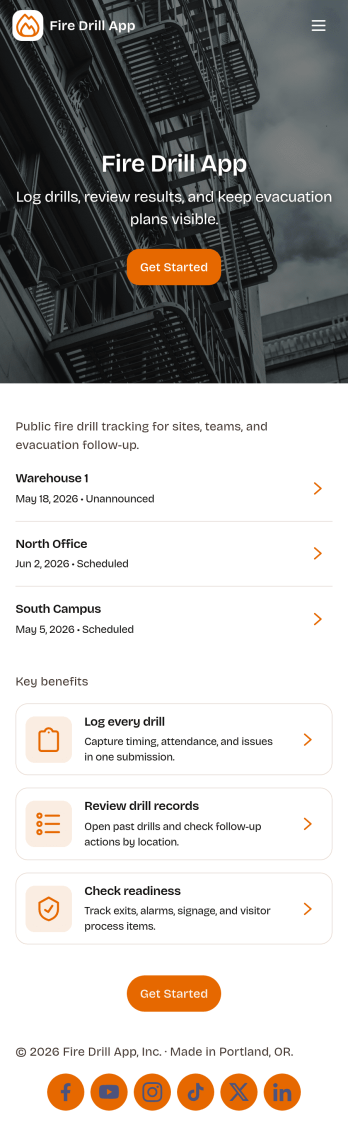
Fire Drill App
Fire Drill App helps organizations plan fire drills, capture what happened during execution, and maintain a clear history for review. Use it to schedule drill plans, guide staff through consistent run-throughs, and record outcomes in one place, including incident reports when something needs follow-up. It fits schools, office buildings, warehouses, property managers, and safety teams that need repeatable drills across locations, shifts, or departments without losing details in email threads or paper checklists.With Jotform’s no-code app builder, you can tailor this app template to your exact drill process using a drag-and-drop interface, then connect key actions to forms for fast data collection. Build a self-service experience for coordinators and responders, keep workflows moving with clear navigation between planning, logging, and reporting, and share the app by link or QR code so the right people can access it on any device when it matters.
Go to Category:Safety Inspection Apps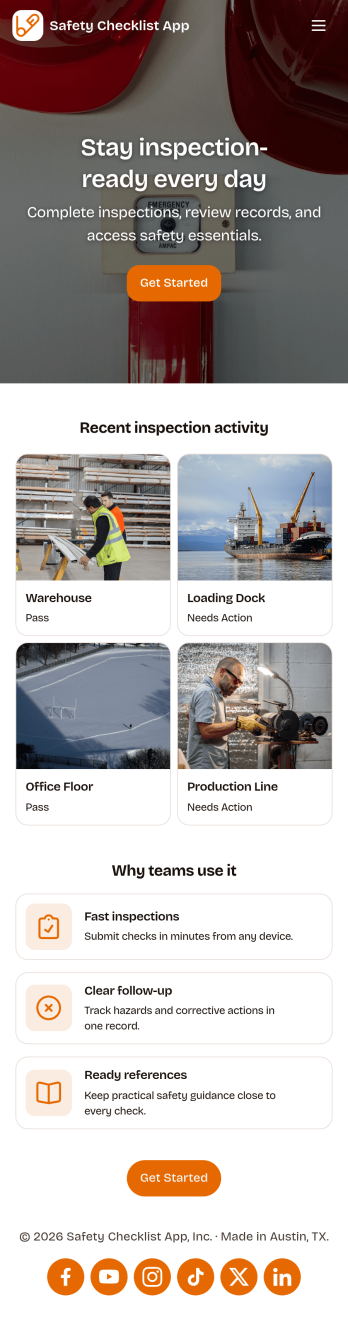
Safety Checklist App
Safety Checklist App helps teams run repeatable inspections, document checks by location, and surface problems before they become incidents. It fits day-to-day use in warehouses, construction sites, retail stores, schools, facilities, and field operations where staff need a clear path to start an inspection, review completed checks, and keep track of open issues. The app’s navigation cards guide users to begin an inspection, browse check records, and jump into open items, while a built-in issue reporting form makes it easy to flag hazards or concerns from the same place.Jotform lets you turn this Safety Checklist App into a branded, mobile-friendly experience without coding. Use the drag-and-drop no-code app builder to tailor pages for your locations and inspection routine, connect your check data to tables for organized tracking, and share the app with a link or QR code for quick self-service access. As your workflow evolves, you can update the layout, adjust the reporting form, and keep everyone aligned with a single source for safety checks and issue follow-up.
Go to Category:Checklist Apps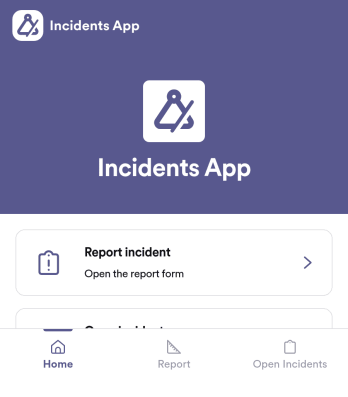
Incidents App
Incidents App gives teams a clear, consistent way to capture incident details the moment something happens and keep visibility on what’s still unresolved. It’s a practical fit for workplaces, schools, property teams, event operations, and service organizations that need staff to report issues quickly, then follow progress without hunting through emails or spreadsheets. With an in-app path to report an incident, review open incidents, and reference incident history, the app supports faster handoffs and better follow-through across shifts and locations.Built with Jotform, this app template pairs self-service reporting with organized recordkeeping so teams can collect data in one place and act on it. Use Jotform’s no-code app builder and drag-and-drop interface to tailor pages, wording, and navigation for your process, then connect the app to the underlying form and table for ongoing workflows. Share the app through a link or QR code, control who can access reporting views, and keep your incident information easy to search and manage as volume grows.
Go to Category:Log Apps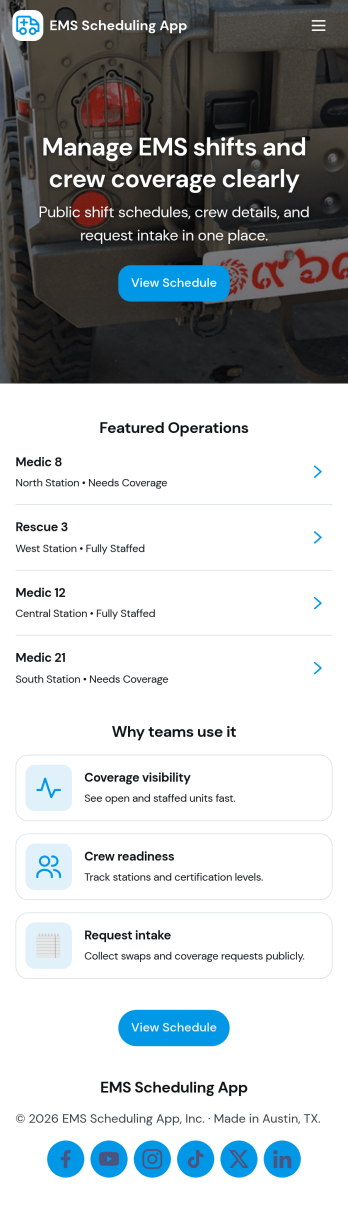
Ems Scheduling App
EMS Scheduling App brings shift signups, open shift visibility, and crew coordination into one place so teams can stay organized during fast-moving operations. Use it to post available shifts, let responders submit a new shift signup, and keep a clear crew roster that’s easy to reference on the go. With dedicated areas for active calls and incident logs, supervisors and field teams can stay aligned on who’s on duty, what’s in progress, and what needs to be recorded for follow-up.Jotform makes it simple to turn this workflow into a polished self-service experience using ready-to-edit app templates and a no-code app builder. Customize pages with a drag-and-drop interface, connect buttons to forms for data collection, and organize records so updates are easy to find later in My Entries. Share the app by link for quick access, keep information consistent across the team, and adapt the layout as your scheduling workflow evolves.
Go to Category:Scheduling Apps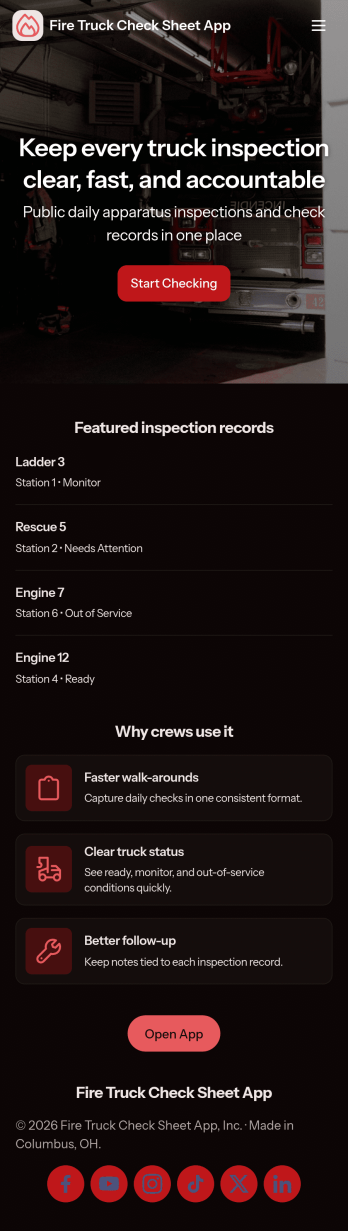
Fire Truck Check Sheet App
Fire Truck Check Sheet App helps fire departments and station crews run consistent apparatus checks, document readiness, and surface problems before they become call-time surprises. Use it to start a new check from a central home screen, review recent checks for each truck, and follow up on open issues that need attention. This works well for daily shift inspections, weekly equipment spot checks, and handoff routines between crews where accountability and clear records matter.Jotform makes it easy to turn your check sheet process into a mobile-friendly, self-service experience using app templates and a no-code app builder. With a drag-and-drop interface, you can tailor pages for your trucks, connect the app to your existing data collection form, and keep workflows organized so crews can complete checks quickly and leaders can monitor activity without chasing paperwork.
Go to Category:Vehicle Inspection Apps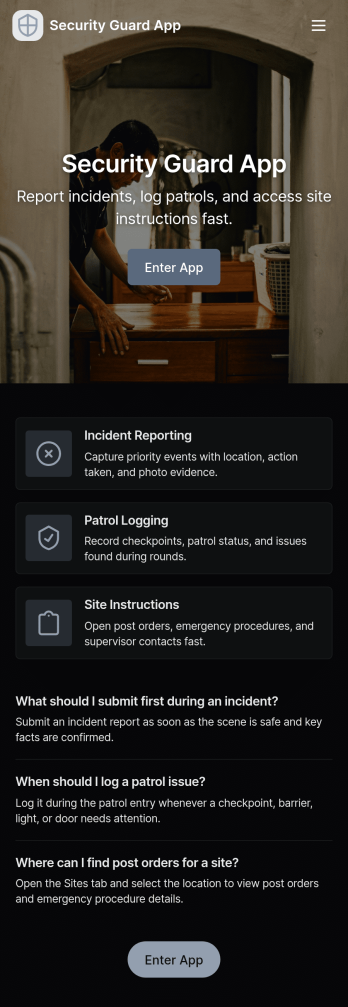
Security Guard App
Security Guard App helps security teams record patrol activity, capture incident details, and manage daily on-site routines from one central place. With dedicated areas for Patrol Logs, Incident Reports, Visitor Check, and Shift Handover, it supports guards working at offices, residential buildings, construction sites, warehouses, events, and other facilities where consistent documentation matters. Supervisors can use it to keep visibility across posts, while individual guards can quickly add a patrol entry, report an issue as it happens, and reference what was logged earlier in the shift.Jotform makes it easy to tailor this app template to your operations using a no-code app builder and a drag-and-drop interface. Connect buttons to forms for fast data collection, surface the latest patrol and today’s logs for quick review, and organize information across pages so teams can follow the same workflow every time. Share the app with a link or QR code, update it as your site requirements change, and keep field reporting consistent without slowing down your staff.
Go to Category:Safety Inspection Apps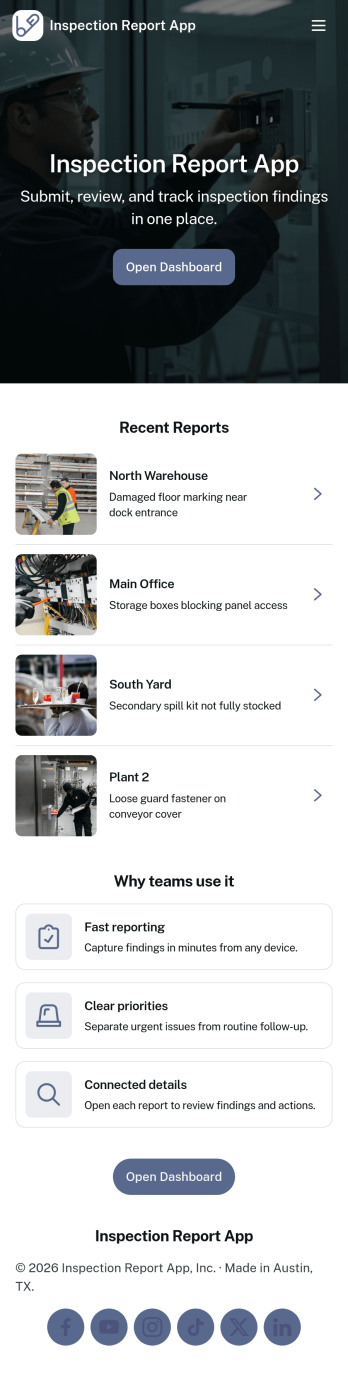
Inspection Report App
An inspection report app helps teams capture field findings, document issues, and keep inspection records organized in one place. Inspection crews, facilities teams, property managers, and service providers can use it to submit a new inspection from a single entry point, then return later to review past reports and pull up details when questions come up on-site or in the office.Jotform makes it easy to turn this Inspection Report App into a mobile-friendly workflow with a no-code app builder and a drag-and-drop interface. Connect the app to your inspection form and records list, standardize data collection across inspectors, and share a single link so everyone follows the same process from submission to record review without extra tools.
Go to Category:Inspection Apps