

Human Resources App Templates

Financial Services Recruiting App
Financial Services Recruiting App brings candidate discovery, role promotion, and interview requests into one accessible recruiting experience for banks, investment firms, insurance agencies, accounting teams, staffing companies, and financial technology employers. Recruiters and hiring managers can browse candidate profiles, publish open financial services roles, and collect applications or interview requests without sending users across disconnected channels. It is especially useful when filling positions that require specific experience or specialties, giving teams a clearer way to connect qualified applicants with relevant opportunities. Candidates also gain a convenient self-service destination where they can explore vacancies, apply for roles, and access preparation resources.Jotform Apps helps organizations turn recruiting processes into polished, mobile-friendly app experiences without coding. Start with this app template, then use the drag-and-drop app builder to adjust pages, navigation, colors, fonts, and branding. Connected forms support data collection, while tables, approvals, notifications, and other workflow tools help teams organize hiring activity and follow up on requests. Jotform App Templates can be shared through a direct link or QR code, making the finished app easy to distribute among recruiters, hiring managers, candidates, and referral partners.
Go to Category:Job Apps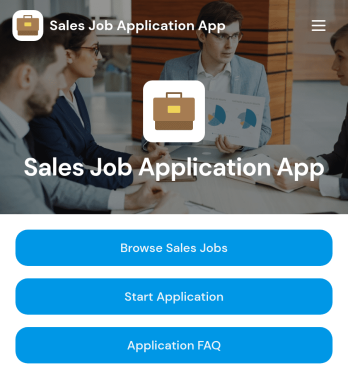
Sales Job Application App
Sales Job Application App provides a dedicated recruitment experience where candidates can browse available sales jobs, review individual role information, and submit an application for the position that suits them. It is useful for sales departments, recruiters, hiring managers, staffing agencies, and growing businesses that need a clear path from job discovery to candidate intake. Centralizing vacancies, application access, and common applicant questions helps reduce repetitive inquiries while giving prospective hires a convenient self-service resource. Organizations can use it for ongoing sales recruitment, seasonal hiring, regional expansion, or campaigns focused on specific sales roles.Jotform Apps makes it easy to adapt this app template without writing code. Using the drag-and-drop app builder, teams can update the layout, add branded content, revise job resources, and connect forms to their recruitment workflow. The app can be shared through a direct link or QR code, giving candidates mobile-friendly access wherever they discover the opportunity. Jotform App Templates also help hiring teams organize data collection in one interactive experience, publish updates quickly, and create a polished candidate journey that reflects their employer brand.
Go to Category:Job Apps
Employee Wellness Resource App
Employee Wellness Resource App gives your team one place to find wellness materials, complete quick wellness check-ins, and request support when they need it. It works well for HR teams, people ops, and managers who want to promote healthier routines without burying employees in links, PDFs, or scattered intranet pages. Use it to share mental health and wellness guidance, highlight available support options, and help employees take action through simple navigation and a clear support request path.With Jotform, you can turn wellness information into a guided self-service experience using app templates built in a no-code app builder. Customize pages with a drag-and-drop interface, connect check-ins and support requests to forms, and keep wellness resources organized so employees can quickly browse what’s relevant. Share the app by link or QR code, update content anytime, and keep workflows moving with notifications and connected data collection in Jotform.
Go to Category:Employee Self Service Apps
Time Card Tracker App
Time Card Tracker App helps teams record work hours, review time entries, and spot weekly totals without digging through spreadsheets. It’s a practical fit for shift-based workplaces, field teams, and growing businesses that need a consistent way for employees to log time and for managers to check records by person. With quick navigation to log time, view entries, and open a weekly summary, the app keeps daily time tracking simple while supporting clearer payroll prep and internal reporting.Built with Jotform, this app template can be customized in a no-code app builder using a drag-and-drop interface, so you can match your process in minutes. Connect the time logging form to your workflow, organize entries for faster self-service access, and share the app through a link or QR code for mobile-friendly data collection. Jotform makes it easy to keep time tracking organized, searchable, and ready for the next step in your operations.
Go to Category:Human Resources Apps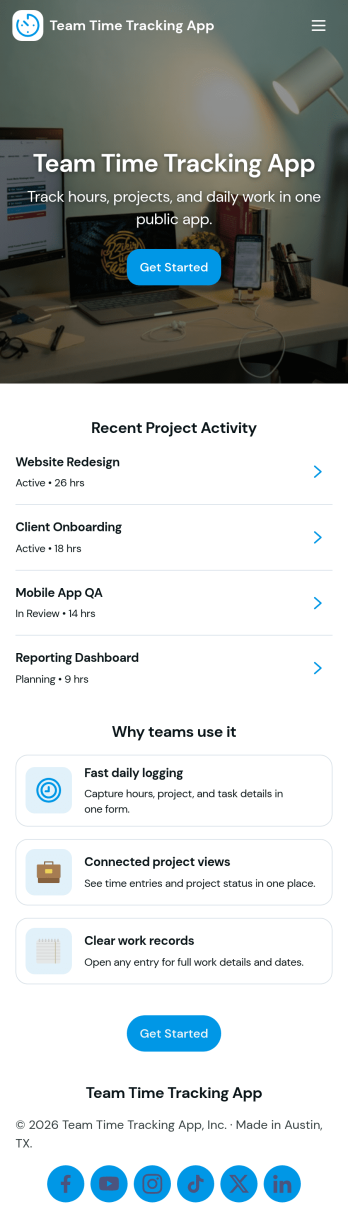
Team Time Tracking App
Team Time Tracking App helps teams record hours, review time entries, and keep a clear directory of who’s on the roster. It’s built for managers who need consistent time logs across roles and projects, and for employees who want a simple way to log time without confusion. With quick access to log time and view entries, this app supports day-to-day timekeeping for agencies, field teams, studios, and operations groups that need visibility into how work time is spent.Jotform makes it easy to turn time tracking into a mobile-friendly self-service experience using App Templates and a no-code app builder. Customize pages and navigation with a drag-and-drop interface, connect your time log form to data collection in Jotform, and organize entries so your team can find what they need fast. Share the app with a link and keep your workflow moving with connected tools for updates, tracking, and internal coordination.
Go to Category:Activity Tracking Apps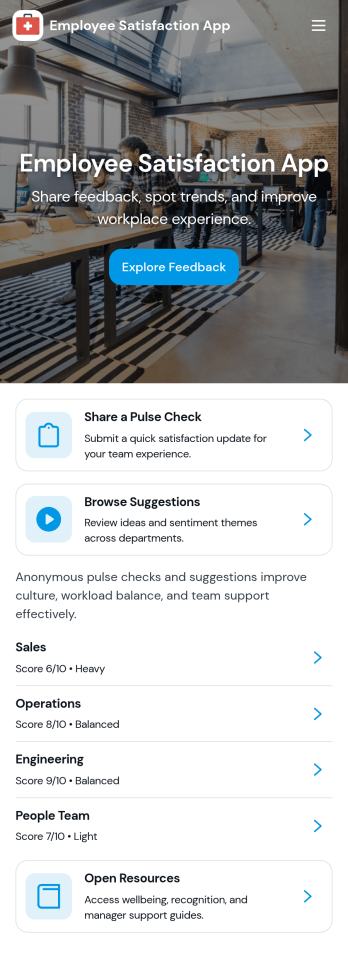
Employee Satisfaction App
An employee satisfaction app brings feedback, recognition, and quick pulse-checks into one easy place employees will actually use. This template works well for HR teams and people managers who want a simple way to collect candid input, encourage peer shout-outs, and keep morale conversations ongoing, whether you’re supporting an in-office, hybrid, or fully remote workforce. Employees can share feedback, browse a recognition board, and submit a survey without hunting for links or switching tools.With Jotform, you can turn this employee satisfaction app into a branded self-service experience using a no-code app builder and a drag-and-drop interface. Connect the app to your form for ongoing data collection, update pages as initiatives change, and share the app by link or QR code so participation stays high. As responses come in, teams can stay organized and keep the workflow moving with connected tools across Jotform.
Go to Category:Human Resources Apps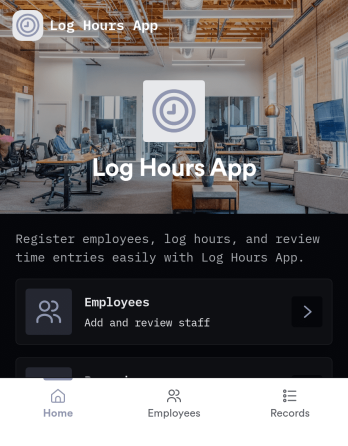
Log Hours App
Log Hours App helps teams capture daily work time and turn it into clean, reviewable timesheets. Employees can quickly open a time entry form to record hours, while managers can review timesheets by employee and drill into a specific timesheet record when questions come up. With built-in insights, this app supports everything from simple hourly reporting to keeping projects, shifts, and billable work organized across departments.Jotform makes it easy to publish this app template and tailor it to how your organization tracks time. Using Jotform’s no-code app builder and drag-and-drop interface, you can adjust pages, add helpful guidance text, and connect your time data to the workflows you already run. Share the app with a link so your team can use self-service logging from anywhere, and keep data collection consistent without relying on scattered spreadsheets.
Go to Category:Log Apps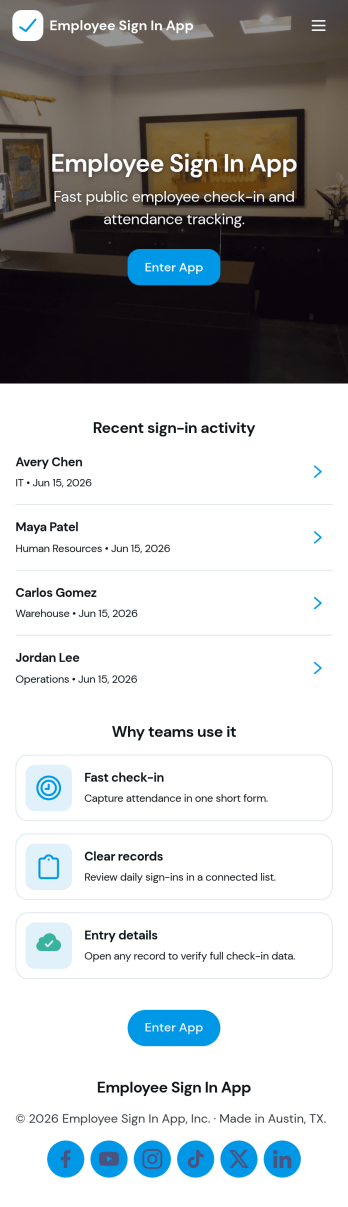
Employee Sign in App
Employee Sign in App helps teams capture staff sign-ins in one place and keep a clear record of who checked in and when. It’s a practical fit for front desks, warehouses, schools, studios, clinics, and any workplace that needs a fast daily sign-in flow without paper logs. With dedicated areas for Sign In and Records, employees can enter their details in seconds while managers can quickly review entries and follow up on missing or late check-ins.Built with Jotform, this app template makes data collection feel simple and accessible for both staff and admins. Use Jotform’s no-code app builder and drag-and-drop interface to tailor pages, update labels, and match your branding, then share the app with a link or QR code for easy self-service access. As your workflow evolves, you can connect the app to forms and data sources to keep sign-in information organized and ready for day-to-day operations.
Go to Category:Sign In Apps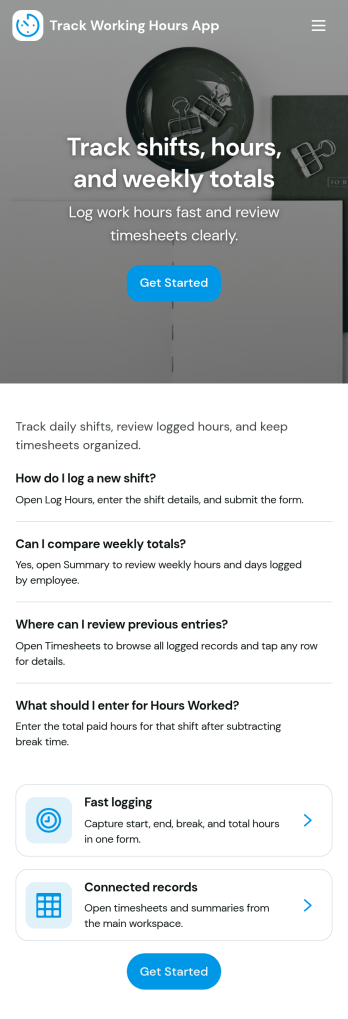
Track Working Hours App
Track Working Hours App helps teams record time consistently by giving employees a simple place to log hours and review their own entries. It fits contract work, hourly teams, shift-based operations, and project work where accurate time records matter for payroll and planning. With quick navigation to Log Hours, Timesheets, Employees, and My Entries, supervisors can reduce missing time logs, spot gaps earlier, and keep everyone aligned on what was worked and when.Jotform makes it easy to turn this workflow into a polished mobile-friendly experience using App Templates and a no-code app builder with a drag-and-drop interface. Connect your app to forms and tables for reliable data collection, keep time records organized for day-to-day tracking, and share a single link with your staff so logging hours becomes part of the routine. As your process grows, you can adjust pages, add steps, and automate handoffs while keeping the same familiar app experience.
Go to Category:Tracker Apps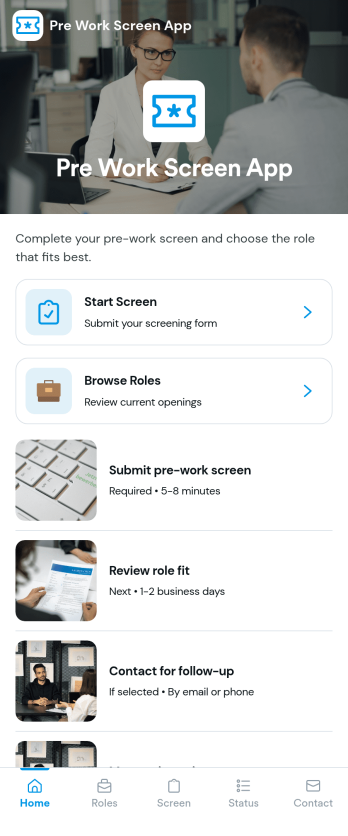
Pre Work Screen App
Pre Work Screen App helps teams guide workers through a simple pre-shift screening flow before they start their day. Use it to route people to the right step quickly, share role openings, and capture screening details through a connected form. It works well for field teams, warehouses, job sites, clinics, and any workplace that needs a consistent check-in experience across roles and locations without slowing down the start of a shift.With Jotform, you can turn screening and intake processes into a mobile-friendly experience using App Templates and a no-code app builder. Customize the layout with a drag-and-drop interface, link your screening and question forms, and organize responses in connected workflows so supervisors can follow up faster and keep daily operations moving.
Go to Category:Sign In Apps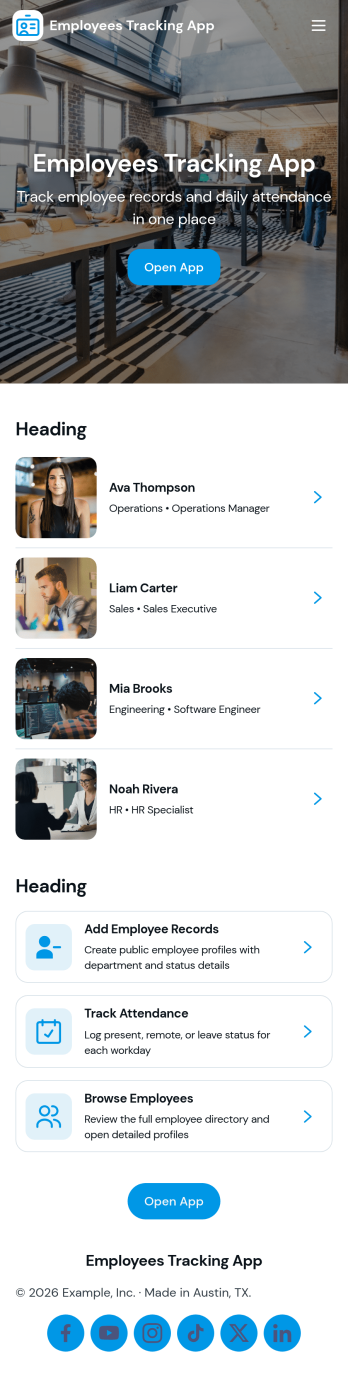
Employees Tracking App
Employees Tracking App helps teams keep employee information and work activity organized in one place. It combines an employee directory with time log tracking so managers, team leads, and operations admins can quickly find employee details, review recorded hours, and follow up when something is missing. It works well for offices, field teams, agencies, and growing businesses that need a clearer view of who is working on what and when, without relying on scattered spreadsheets or long email threads.Built with Jotform App Templates, this app template is easy to tailor to your workflow using a no-code app builder and a drag-and-drop interface. Connect pages to your existing tables and forms for data collection, keep records centralized, and share a self-service experience with the right people through a simple link. As your process evolves, you can update the layout, add new steps, and keep employee tracking consistent across teams.
Go to Category:Human Resources Apps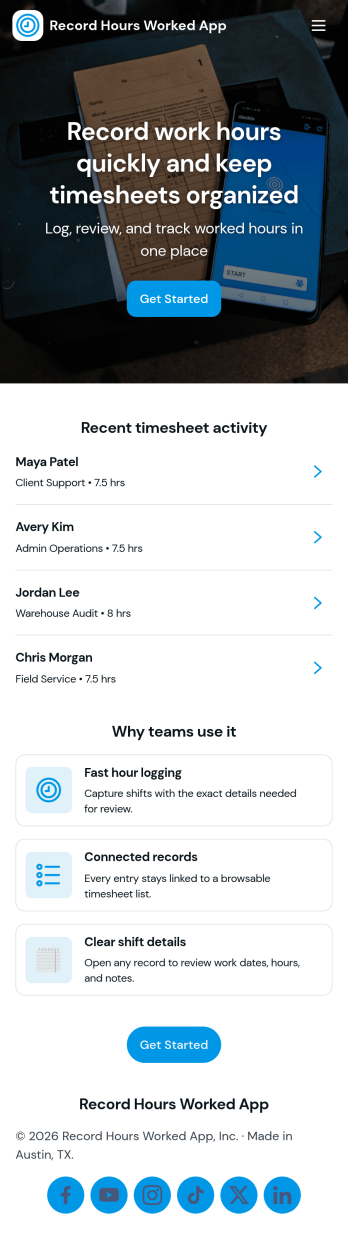
Record Hours Worked App
Record Hours Worked App helps teams capture work time consistently across shifts, projects, and job sites. Employees can start a time entry when they begin working, then use the history view to review past records and open a specific entry by employee name. Supervisors can quickly check details, approve a record when it’s ready, and use the summary page to spot totals and patterns that affect scheduling, payroll prep, and workload planning.Built with Jotform, this app template gives you a practical way to combine time tracking, review, and sign-off in one place. Customize pages with a drag-and-drop interface, connect the app to a form for reliable data collection, and share access with a link or QR code for convenient self-service on any device. As your workflow grows, you can adjust fields, add steps, and keep records organized without coding.
Go to Category:HR Portal Apps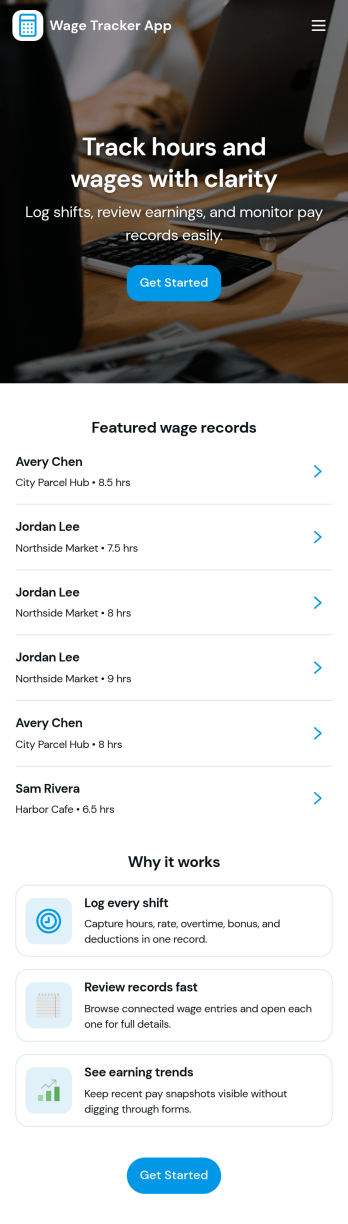
Wage Tracker App
Wage Tracker App helps you record wages in one place and keep a clear history you can refer back to anytime. Use it to log a wage record as soon as it’s earned, then review entries in the wage ledger to understand pay patterns over time. It’s a practical fit for small business owners, managers, and team leads who want a simple way to track employee wage records without juggling scattered notes or spreadsheets.With Jotform, you can turn this wage tracker app template into a branded, shareable experience using a no-code app builder and a drag-and-drop interface. Connect the app to a form for consistent data collection, then view and update wage history as new records come in. Publish with a link for quick self-service access, and keep your wage tracking workflow organized as your team grows.
Go to Category:Finance Apps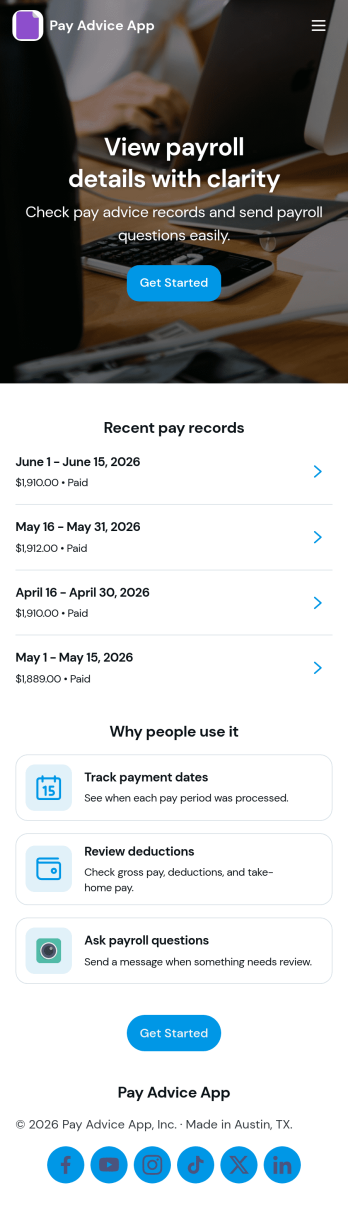
Pay Advice App
Pay Advice App brings pay advice creation and record browsing into one clear, mobile-friendly place. It’s ideal for HR teams, payroll administrators, and small business owners who need a simple way to add new pay advice, keep entries organized by employee, and help staff find their own records without confusion. With a quick add flow and an easy browse experience, the app supports day-to-day payroll follow-ups like correcting details, responding to employee questions, and maintaining a consistent history of pay advice.Built with Jotform App Templates, this app template is easy to tailor for your organization using Jotform’s no-code app builder and drag-and-drop interface. Connect the app to your existing forms and tables for reliable data collection, then publish a self-service experience employees can access from anywhere. As your workflow evolves, you can adjust pages, navigation, and branding in minutes while keeping pay advice records centralized and easy to manage.
Go to Category:Human Resources Apps
Track Your Employees Hours App
Track Your Employees Hours App helps teams record and review employee work hours in one place, so timekeeping doesn’t get scattered across messages or spreadsheets. It’s a practical fit for managers, HR, and operations leads who need a simple way to log shift time, keep an hours log, and quickly view each employee’s recorded entries when payroll or scheduling questions come up.With Jotform, you can publish this app template and tailor it to how your workplace runs using a no-code app builder and a drag-and-drop interface. Connect the app to the included hours form for consistent data collection, organize records for fast self-service access, and share a single link with your staff so everyone knows where to log hours and where supervisors can review updates as part of an ongoing workflow.
Go to Category:Human Resources Apps
Track Work Time App
Track Work Time App helps teams capture and review work hours across employees and projects in one place. With quick navigation to log time and browse projects, it fits day-to-day operations for agencies, contractors, field service teams, and internal departments that need a simple way to record time spent and keep visibility over who worked on what. Use it to support payroll preparation, project costing, and workload planning while keeping time records consistent and easy to find.Jotform makes it easy to publish this app template using a no-code app builder and a drag-and-drop interface, so you can tailor the experience to your workflow without engineering help. Connect the app to your data collection forms and tables, organize pages for self-service access, and share a single link with your team. As time entries come in, Jotform helps you keep records organized and ready for review.
Go to Category:Tracker Apps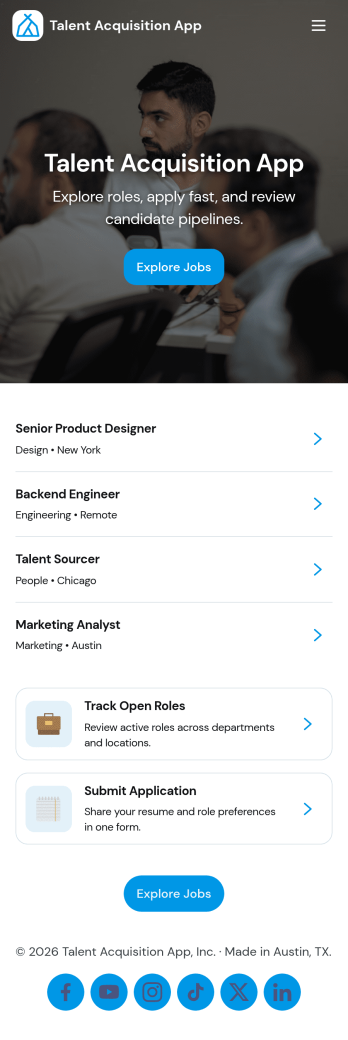
Talent Acquisition App
Talent Acquisition App brings open roles, candidate applications, and recruiter review into one place so hiring stays organized from the first click to the interview. Use it to publish a clear list of open positions, invite candidates to apply, and give recruiters a dedicated workspace to review all candidates, manage a pipeline view, and schedule interviews. It’s a practical fit for HR teams, recruiting agencies, fast-growing startups, and department leaders who need a simple way to keep roles and candidate records easy to find and up to date.With Jotform App Templates, you can launch a branded talent acquisition experience quickly and tailor it to your process using a no-code app builder and a drag-and-drop interface. Connect pages to forms and tables to support consistent data collection, route updates through the right workflow, and share a single self-service link for applicants and a separate space for internal hiring teams, all without writing code.
Go to Category:Human Resources Apps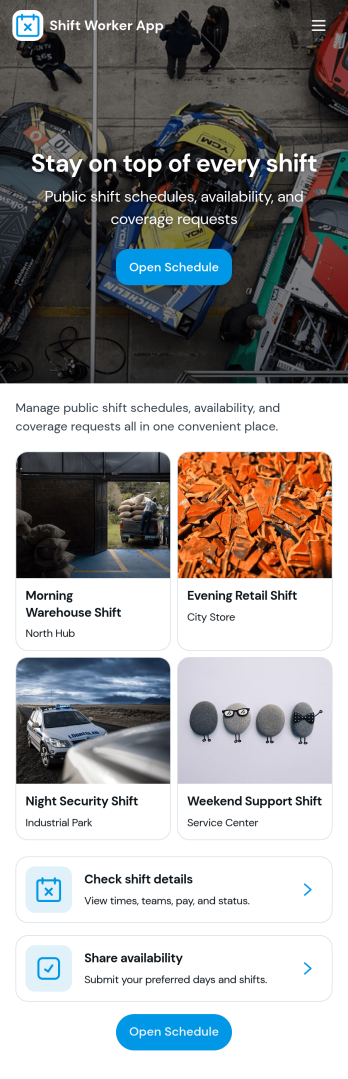
Shift Worker App
Shift Worker App brings shift-based teams a simple, shared place to view today’s shifts, browse the full schedule by employee, and submit shift swap requests when plans change. It fits restaurants, retail stores, warehouses, call centers, clinics, and any operation where coverage depends on rotating rosters. Supervisors can reduce last-minute confusion while employees get clearer expectations, faster updates, and a straightforward way to communicate needs without chasing managers across channels.Built with Jotform App Templates, this experience can be tailored in Jotform’s no-code app builder with a drag-and-drop interface so you can match your process and branding. Connect the app to your data collection workflows for swap requests, incident reports, and viewing past submissions, then share it by link or QR code for easy self-service access on any device. As your team grows, you can adjust pages and connected forms to keep scheduling and reporting organized in one central app.
Go to Category:Scheduling Apps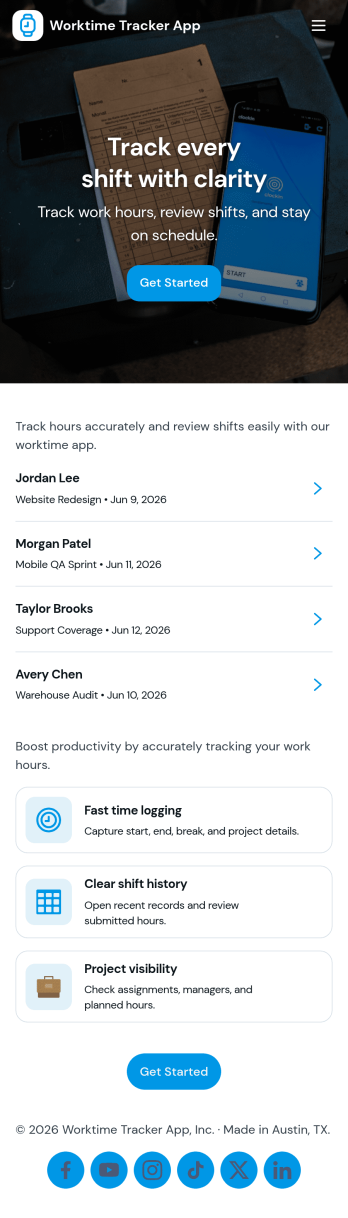
Worktime Tracker App
Worktime Tracker App helps teams record hours worked, review time entries, and keep a clear summary of time spent across tasks or shifts. It’s a practical fit for managers who need visibility into labor hours, remote teams tracking daily work, and service businesses that want consistent time logs without chasing updates. With a simple flow for logging time, an entries list for quick review, and a summary view for oversight, it supports everyday timekeeping for individuals and groups.Jotform makes it easy to launch and tailor this kind of experience with App Templates and a no-code app builder that works with a drag-and-drop interface. Connect your app to forms and tables for reliable data collection, organize records for fast self-service access, and share the app with a link so employees can log hours from anywhere while admins stay on top of the workflow.
Go to Category:Activity Tracking Apps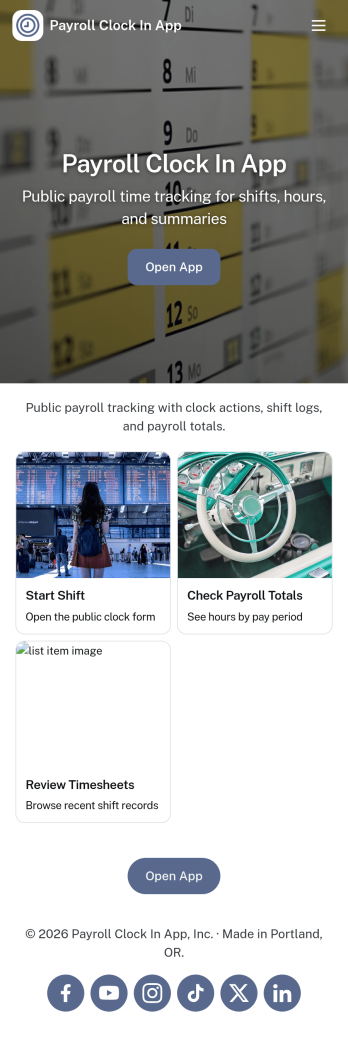
Payroll Clock In App
Payroll Clock In App brings clock-ins, timesheets, and payroll visibility into one simple place so teams can capture work hours consistently and reduce payroll surprises. It’s built for hourly employees, shift-based teams, and managers who need a clear view of who worked when, with quick navigation to Clock In, Timesheets, and Payroll. Whether you run a retail store, restaurant, field service crew, or a growing office, this app supports daily time tracking habits and makes it easier to spot missed punches, confirm totals, and keep everyone aligned before payday.With Jotform, you can turn this app template into a branded self-service experience using a no-code app builder and a drag-and-drop interface. Connect the app to your clock log form and tables, publish updates in minutes, and share a single link or QR code with staff. Jotform also helps you keep your workflow organized by centralizing time data collection, making it easier for teams to review logs, open timesheets, and follow a consistent payroll process without switching between multiple tools.
Go to Category:Human Resources Apps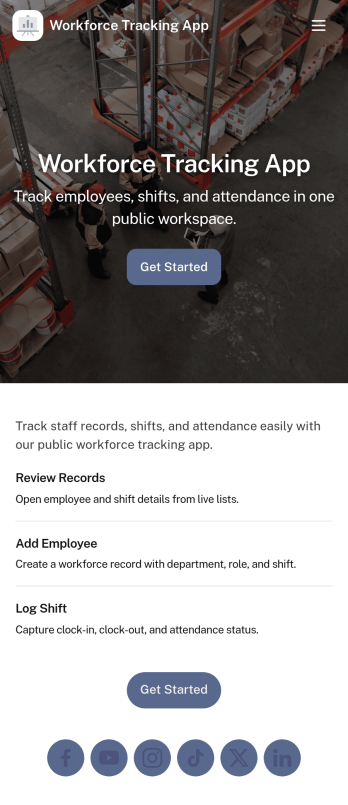
Workforce Tracking App
Workforce Tracking App helps teams record and review employee work activity in one place, making it easier to stay on top of shift history and day-to-day staffing needs. Use it to browse an employee list, open an individual employee view, and log new shifts through connected forms, so supervisors and admins can keep time records current without chasing updates across messages or spreadsheets.Built with Jotform App Templates, this experience can be tailored in a no-code app builder with a drag-and-drop interface, so you can adjust navigation, add or reorder pages, and connect your workforce data collection to the workflows you already run. Share the app with a link for quick self-service access, keep entries organized with connected forms, and use the built-in dashboard view to check records at a glance as your operation scales.
Go to Category:HR Portal Apps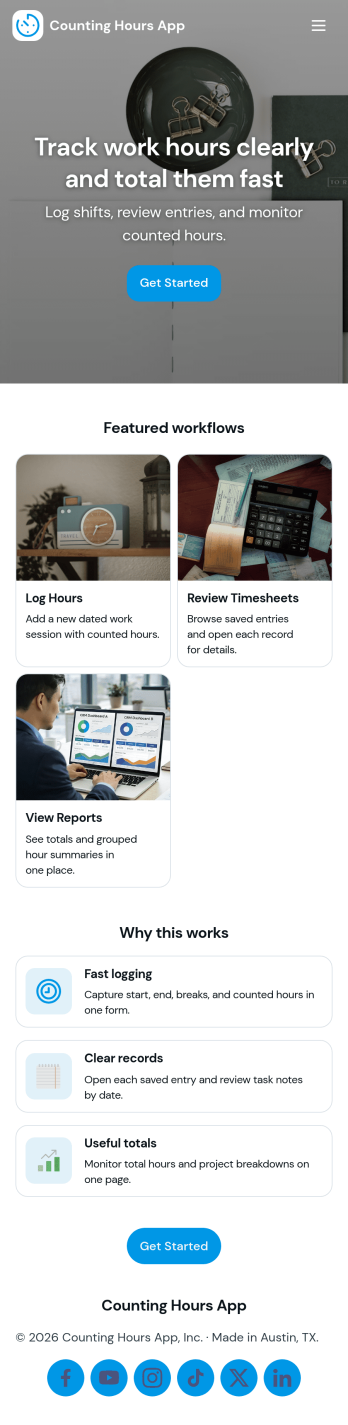
Counting Hours App
Counting Hours App helps individuals and teams record time spent on projects so work hours don’t get lost across notes, chats, or spreadsheets. It’s a practical fit for freelancers tracking billable time, managers gathering weekly totals, and employees who need a simple way to log time and review what they’ve already entered. With quick actions to log time, add hours, and view entries in one place, the app supports consistent time capture and clearer visibility into where effort is going.Built with Jotform App Templates, this experience is easy to customize with Jotform’s no-code app builder and drag-and-drop interface, so you can match your workflow and terminology in minutes. Connect the app to the included form for data collection, keep records organized, and share a self-service link with your team to reduce manual follow-ups. As your process evolves, you can update pages, buttons, and routing without code while keeping hour logging simple and reliable.
Go to Category:Tracker Apps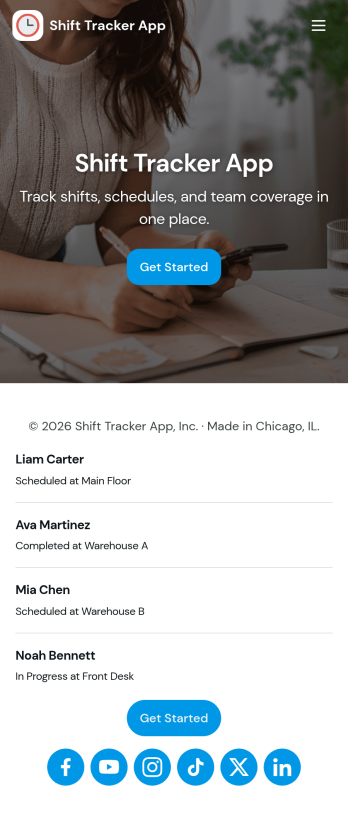
Shift Tracker App
Shift Tracker App helps teams log, review, and manage work shifts in one place, making it easier to keep schedules and time records organized. Staff can quickly add a shift, browse upcoming or past entries, and open shift records to confirm details when questions come up. It’s a practical fit for managers tracking coverage across locations, supervisors coordinating rotating schedules, and hourly teams that need a clear, consistent way to capture shift activity.With Jotform, you can turn this app template into a self-service shift hub using a no-code app builder and a drag-and-drop interface. Connect buttons and pages to a shift logging form, route updates into tables for centralized tracking, and share the app with a link so employees can log new shifts and view their own shift logs. As your workflow evolves, you can adjust the layout, refine the data collection fields, and keep shift records easy to access for everyone involved.
Go to Category:Scheduling Apps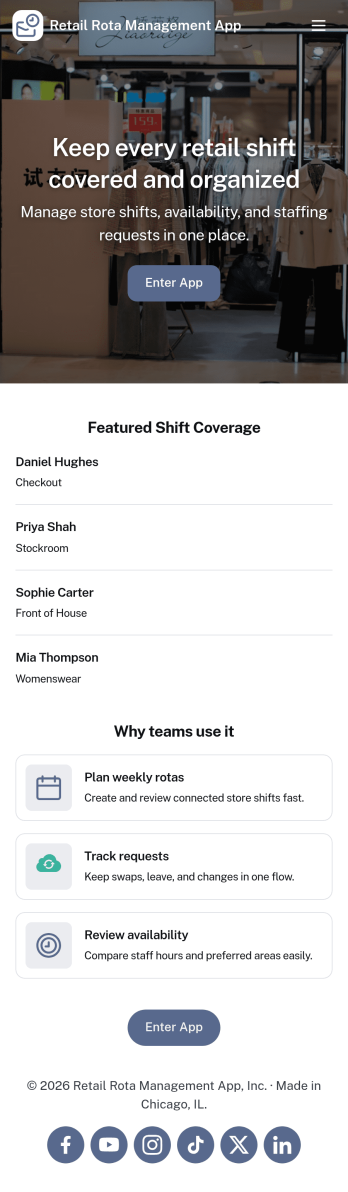
Retail Rota Management App
Retail Rota Management App helps stores organize day-to-day shift coverage by giving staff and managers one place to view today’s rota, share availability, and keep shift notes tied to specific dates. It suits retail teams that juggle part-time schedules, rotating coverage, and last-minute changes, including boutique shops, pop-up stores, mall kiosks, and multi-location retailers that need consistent coordination across the floor.With Jotform, you can publish this app template as a self-service scheduling hub without code. Use the drag-and-drop app builder to adjust pages, add role-specific navigation, and connect forms for availability updates and shift note logging, while keeping everything organized for faster decision-making and smoother retail workflows.
Go to Category:Retail Apps