

Inventory App Templates

Livestock Management App
Livestock Management App helps farms and ranches keep daily animal records organized across herd oversight, health activity, breeding history, and feeding routines. Use it to add animals with tag numbers, review individual profiles, and keep key details like location and current status easy to find for quick decisions in the field. It’s a practical fit for cattle, sheep, goat, swine, and mixed operations that want cleaner tracking for caretakers, managers, and family-run teams without relying on scattered notebooks or disconnected spreadsheets.Built with Jotform App Templates, this app template can be tailored in minutes using Jotform’s no-code app builder and drag-and-drop interface. Connect buttons to forms for data collection such as new animal entries, health checks, breeding records, and feed schedules, then keep everything accessible in one self-service experience for your team. Share the app by link or QR code, update workflows as your operation grows, and keep records consistent with centralized data connected behind the scenes.
Go to Category:Inventory Apps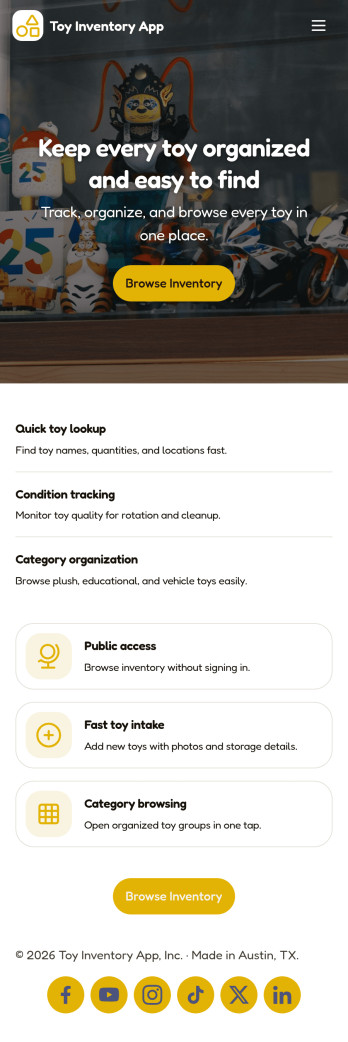
Toy Inventory App
Toy Inventory App helps you keep a clear, up-to-date record of toys across categories and quickly spot what needs attention. Use it to browse inventory, add new toys as they arrive, and review low stock so you can reorder or restock before items run out. It’s a practical fit for toy stores, resale shops, childcare centers, libraries, and community programs that lend or distribute toys, as well as small teams that need one place to check item details without digging through spreadsheets.Built with Jotform, this app template brings inventory data collection and self-service access into a mobile-friendly experience. Customize pages with a drag-and-drop interface, connect the add-toy form to your records, and keep your workflow consistent as multiple staff members update inventory over time. Share a link or QR code so your team can access the same inventory view, add items on the go, and keep stock visibility reliable across locations.
Go to Category:Inventory Apps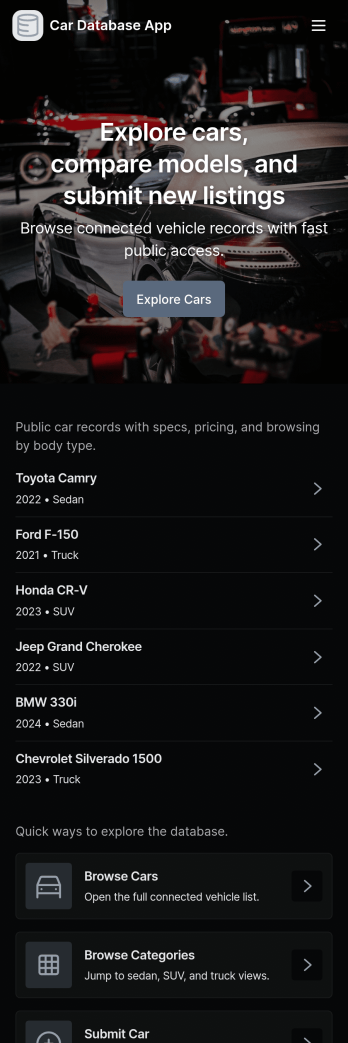
Car Database App
Car Database App helps you keep a clear, searchable record of vehicles in one place, so teams can quickly browse what’s available and add new cars as inventory changes. It’s a practical fit for dealerships, rental operators, fleet admins, repair shops, or any business that needs a simple way to view vehicle details without digging through spreadsheets. With pages for browsing cars, viewing an individual car record, and adding a car, the app supports day-to-day vehicle cataloging, faster lookups, and more consistent record keeping.Jotform makes it easy to publish this kind of self-service experience using App Templates and a no-code app builder. Customize pages with a drag-and-drop interface, connect your car list to a form for data collection, and keep information organized as your workflow grows. Share the app with your team using a link, update records in minutes, and turn routine inventory updates into a smoother process with Jotform.
Go to Category:Automotive Apps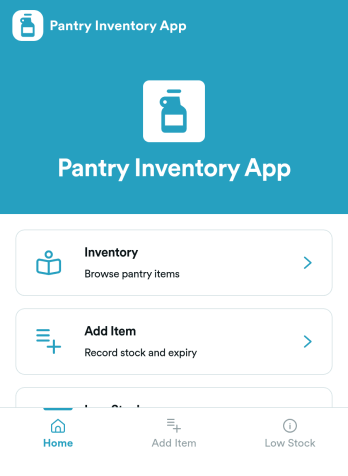
Pantry Inventory App
A pantry inventory app keeps your home or organization’s pantry items organized so you can see what you have, add new products as they come in, and avoid running out of essentials. This template supports day-to-day tracking with an inventory view, a simple add item flow, and a low stock area that makes it easier to spot what needs attention. It’s a great fit for busy households, shared apartments, meal-prep routines, small offices stocking a kitchenette, and community spaces that want a clear, up-to-date picture of pantry supplies.With Jotform App Templates, you can publish a pantry inventory experience that’s easy to navigate on any device and simple to maintain as items change. Use Jotform’s no-code app builder and drag-and-drop interface to adjust pages, buttons, and lists, then connect your app to the included form for fast data collection and restock updates. As your workflow grows, you can keep everything in one place for convenient self-service, from checking inventory to adding items and initiating restocks.
Go to Category:Inventory Apps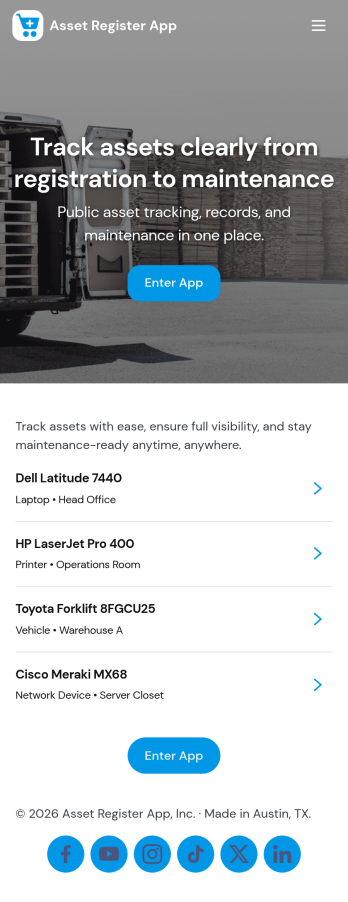
Asset Register App
An Asset Register App gives teams one place to record, find, and maintain company assets without hunting through spreadsheets. Use it to add new equipment and property, browse an asset list, and open individual asset details when someone needs a serial number, ownership info, or current status. It’s especially useful for operations, IT, facilities, schools, and growing businesses that need clearer visibility into what they own, where it is, and who’s responsible for it. With quick navigation to browse assets and a dedicated button to add assets, this app supports daily check-ins and helps reduce duplicate records and forgotten items.Jotform makes it easy to turn this Asset Register App into a self-service, mobile-friendly tool using a no-code app builder and a drag-and-drop interface. Connect the app to your existing data collection workflows so updates like new asset entries and service activity are captured consistently, then review records in linked tables as your register grows. Customize pages, branding, and access, and share the app by link or QR code so the right people can manage assets and keep your workflow moving.
Go to Category:Inventory Apps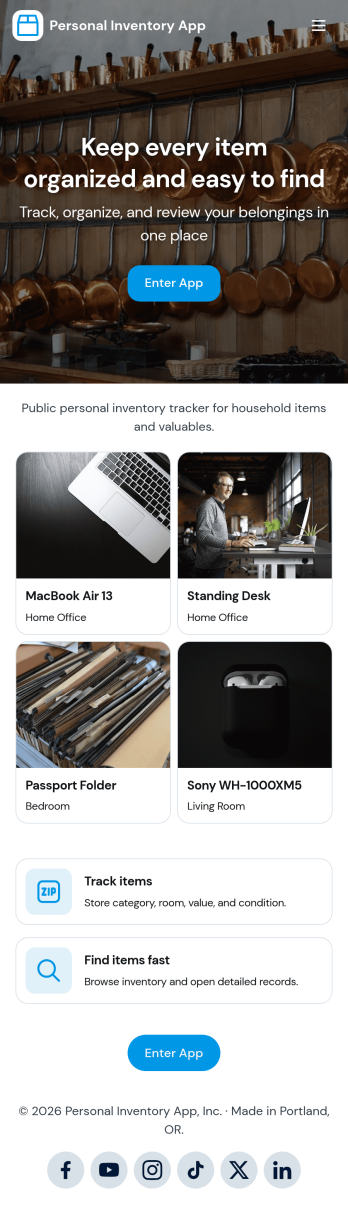
Personal Inventory App
Personal Inventory App helps you keep a clear, up-to-date record of the items you own, all in one place. Use it to add new items as you buy them, browse your full inventory when you need to find something fast, review recently added entries, and spot low stock items before you run out. It’s a practical fit for households tracking pantry and supplies, hobbyists managing collections, students organizing dorm essentials, or anyone who wants a simple way to reduce duplicates and remember what they already have.With Jotform, you can turn this app template into a personalized self-service hub using a no-code app builder and a drag-and-drop interface. Connect the in-app Add Item button to your form for fast data collection, keep everything organized in one workflow, and share the app link across your devices so your inventory stays accessible wherever you are.
Go to Category:Inventory Apps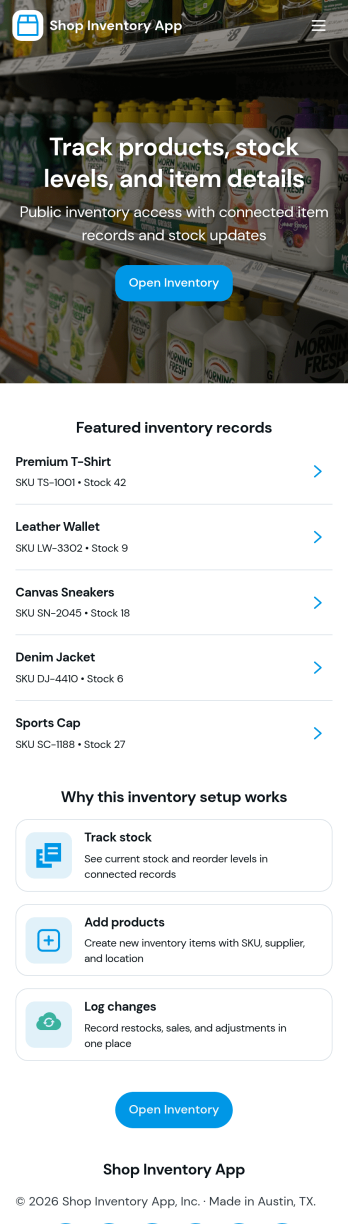
Shop Inventory App
Shop Inventory App helps retail teams keep day-to-day stock information organized in one place, so it’s easier to see what’s on hand and document incoming items as they arrive. Use it to browse your inventory list, open individual item details, and record receiving activity when new stock is delivered or returned. It’s a practical fit for small shops, pop-up retailers, multi-location stores, and back-office teams that want a simple way to reduce stock confusion, improve accuracy, and stay ready for reorders.With Jotform, you can turn this app template into a branded, self-service experience that matches how your shop works. Customize pages with a no-code app builder and a drag-and-drop interface, then connect your receiving form to the app to support consistent data collection and a clearer workflow for staff. Share the app by link or QR code so associates can view inventory and log receipts from the sales floor, receiving area, or wherever work happens.
Go to Category:Inventory Apps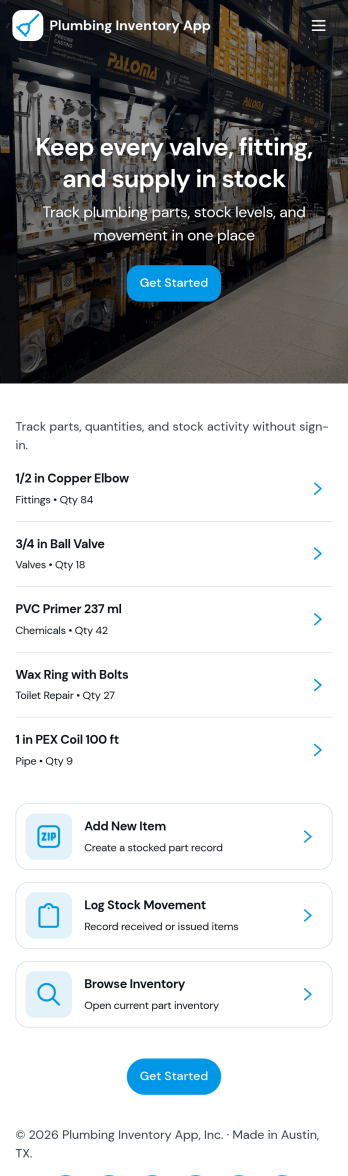
Plumbing Inventory App
Plumbing Inventory App helps plumbing businesses and field service teams keep a clear view of parts and supplies across jobs and storage locations. With an inventory list and item detail pages, crews can quickly look up what’s on hand, confirm stock status, and avoid delays caused by missing fittings, valves, or consumables. A dedicated restock area also makes it easier to record movements and keep purchasing informed, especially when multiple technicians pull from the same shelves or trucks.Built with Jotform App Templates, this app template can be tailored in a no-code app builder using a drag-and-drop interface, so you can match your workflow without rebuilding from scratch. Connect the app to Jotform forms and tables to support consistent data collection, simplify internal self-service for technicians, and keep inventory updates organized for the office team. Share the app by link or QR code so everyone works from the same up-to-date inventory view.
Go to Category:Inventory Apps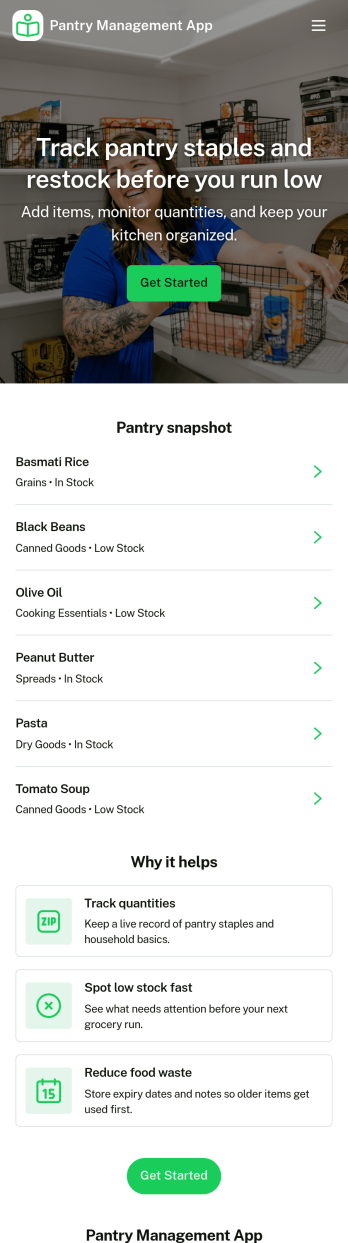
Pantry Management App
Pantry Management App helps households, shared kitchens, and small teams keep track of what’s on hand so restocking is timely and waste is reduced. Use it to review pantry stock at a glance, add new items as they come in, and open a simple review area to double-check what needs attention before the next grocery run. It’s a practical fit for families, roommates, meal-prep enthusiasts, and community kitchens that want one place to browse items and maintain consistency.With Jotform, you can publish this app template and tailor it to your routine using a no-code app builder and a drag-and-drop interface. Connect the app to a form for reliable data collection, keep records organized for quick self-service browsing, and adjust pages and navigation so everyone knows where to view stock, add items, and review updates. Share the app with a link or QR code to make pantry upkeep easier for everyone involved.
Go to Category:Inventory Apps
Rental Inventory App
Rental Inventory App brings your rental catalog into one place so teams can quickly browse available items, add new inventory, and reserve gear for checkout without hunting through spreadsheets. It’s a practical fit for equipment rental shops, party and event rental businesses, studios, and any organization that lends out assets and needs a clear view of what’s on hand before the next pickup.Built with Jotform, this app template pairs an easy, mobile-friendly layout with connected data collection so inventory stays current as your process evolves. Use the no-code app builder and drag-and-drop interface to adjust pages and navigation, then share the app for self-service access across staff. As items are added and reservations are routed to the right place, Jotform helps keep your workflow organized from browsing inventory to monitoring open rentals.
Go to Category:Rental Apps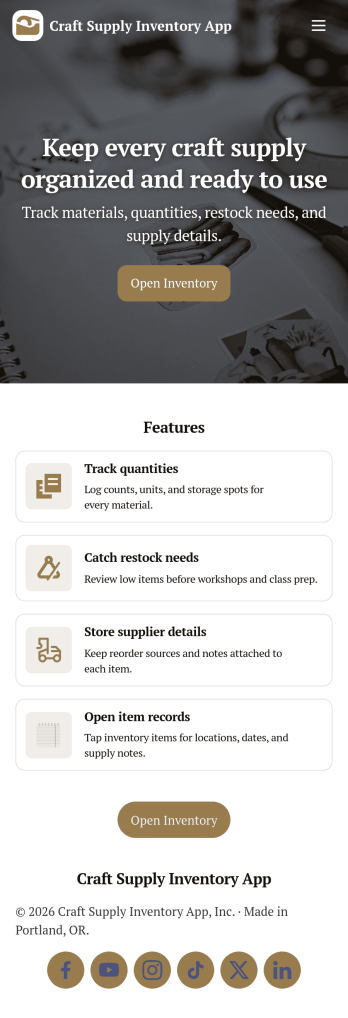
Craft Supply Inventory App
A craft supply inventory app gives you a practical way to organize and monitor the materials that keep your projects moving, from paper, vinyl, and paint to beads, fabric, and tools. This template is useful for small craft businesses, Etsy-style sellers, art classrooms, community studios, and hobby groups that need a clear view of what’s on hand, what’s running low, and what needs to be reordered. With an inventory KPI dashboard and an easy form button to add new supply items, your team can keep records current without digging through spreadsheets or scattered notes.Built with Jotform App Templates, this craft supply inventory app can be tailored with a no-code app builder and a drag-and-drop interface so it fits your workflow. Connect the inventory list to item detail pages for quick lookup, and use restock request forms to collect reorder needs in one place for simple self-service. Jotform helps you centralize data collection, keep inventory and requests organized, and share the app through a link so collaborators can log items and submit restock requests from anywhere.
Go to Category:Inventory Apps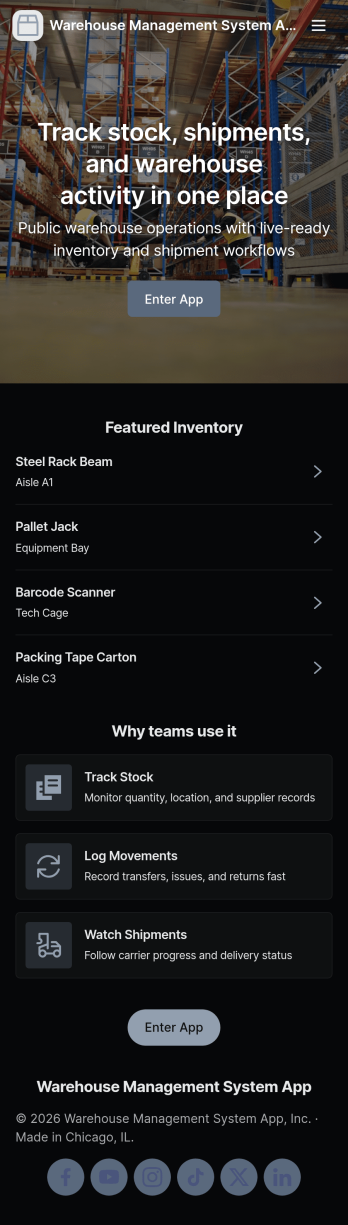
Warehouse Management System App
A warehouse management system app brings day-to-day inventory operations into one place so teams can keep stock accurate, trace movement, and stay ready for audits. Use it to browse current inventory, add new items as they arrive, record stock intake, document transfers between locations, and log audit results without hunting through spreadsheets or disconnected tools. It’s a practical fit for warehouse managers, inventory controllers, operations leads, and growing businesses that need a clear view of what’s on hand and what’s changing across the floor.With Jotform, you can turn this warehouse management system app into a tailored, shareable experience using an app template and a no-code app builder. Customize pages with a drag-and-drop interface, connect buttons to forms and tables for data collection, and keep your workflow consistent across intake, transfers, and audits. Share the app with your team for fast self-service updates, then centralize records so everyone works from the same source of truth.
Go to Category:Inventory Apps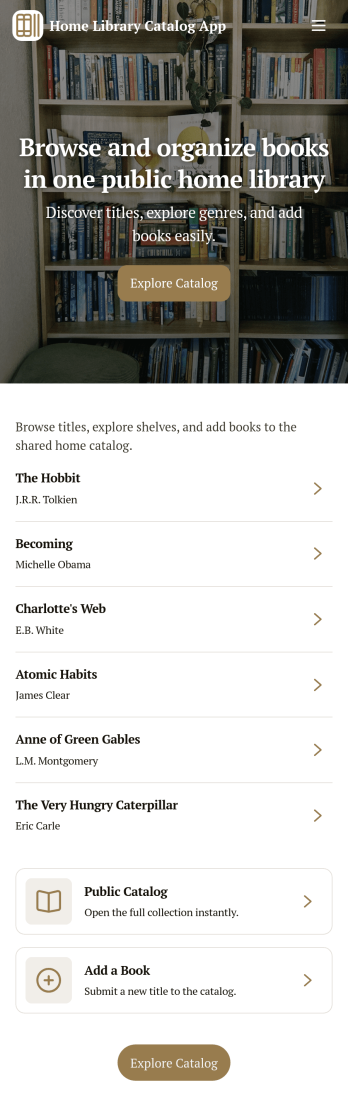
Home Library Catalog App
Home Library Catalog App helps you organize and share your personal book collection in a simple, browseable catalog. Use it to keep track of what you own, explore titles by scrolling through a book list, and open individual book pages to see key details at a glance. It’s a practical fit for avid readers, families managing a shared shelf, book clubs that lend among members, or collectors who want a clearer view of what’s available, what’s requested, and what’s on the wishlist.With Jotform App Templates, you can publish a self-service experience that connects browsing with action. Customize pages with a drag-and-drop interface, link buttons to forms for data collection such as loan requests and wishlist entries, and keep everything organized in one workflow. Share your app with a link or QR code, update your catalog anytime, and give readers an easy way to request a book without digging through messages.
Go to Category:Organization Apps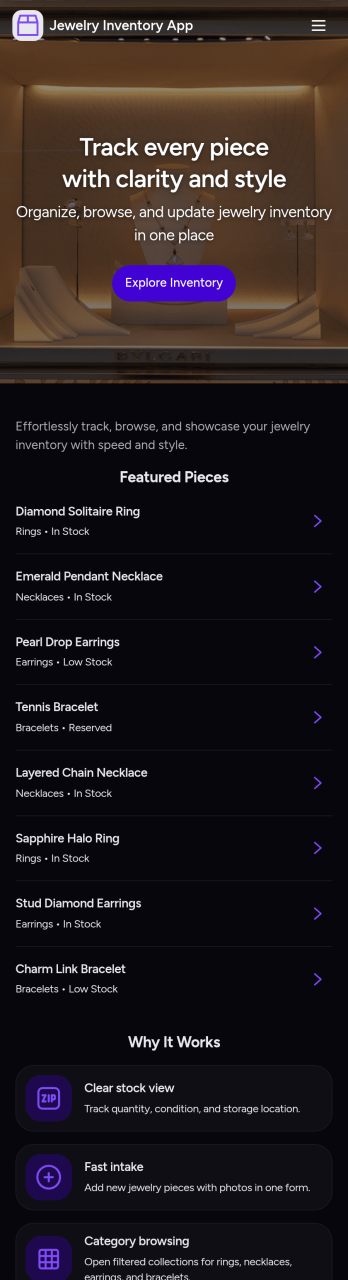
Jewelry Inventory App
Jewelry Inventory App helps you organize and monitor jewelry stock in one place, making it easier to browse items, add new pieces as they arrive, and review a stock overview without digging through spreadsheets. It’s a practical fit for independent jewelers, boutique owners, resellers, studio makers, and small retail teams who need a clear view of what’s on hand, what’s running low, and how inventory is grouped by category. Use it to keep item records consistent, reduce missed restocks, and support day-to-day decisions when you’re managing many similar SKUs, styles, and materials.Built with Jotform, this app template can be tailored with a no-code app builder and a drag-and-drop interface so your inventory workflow matches how you work. Connect the app to your underlying form for fast data collection, keep entries centralized, and update records as your catalog changes. Share the app with staff for quick self-service access to inventory details, and publish updates instantly so everyone works from the same source of truth.
Go to Category:Inventory Apps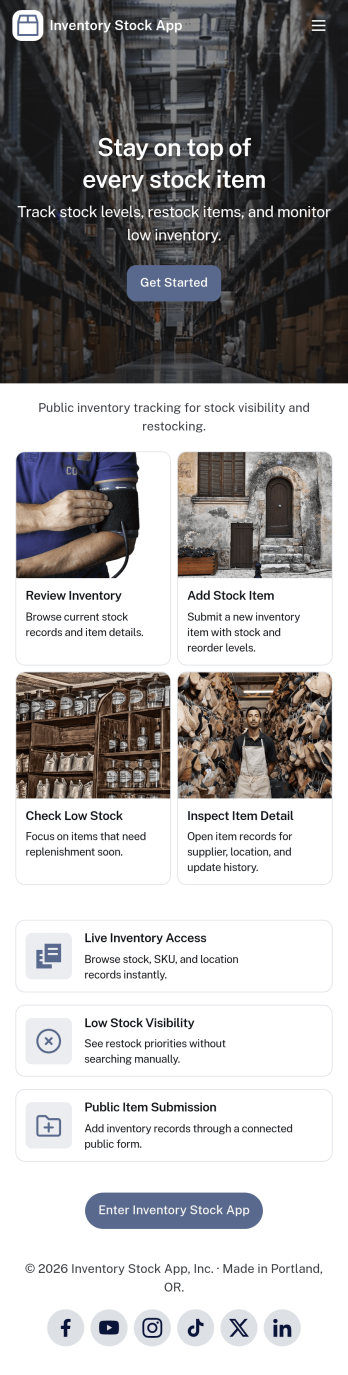
Inventory Stock App
Inventory Stock App keeps your inventory counts accurate and easy to access in day-to-day operations. Use it to browse items, spot low-stock products early, and record adjustments when stock levels change. It’s a practical fit for retail teams, warehouses, storerooms, schools, nonprofits, and small manufacturers that need a clear view of what’s on hand without relying on scattered spreadsheets. With simple navigation and item lists, staff can quickly find what they need, add new items, and maintain consistent records across locations or departments.Jotform makes it simple to turn inventory processes into a mobile-friendly experience using App Templates and a no-code app builder. Customize pages with a drag-and-drop interface, connect buttons to forms for fast data collection, and keep an organized stock log for better visibility over time. Share your Inventory Stock App with your team through a link so updates happen where the work happens, helping you keep inventory workflows consistent and information up to date.
Go to Category:Inventory Apps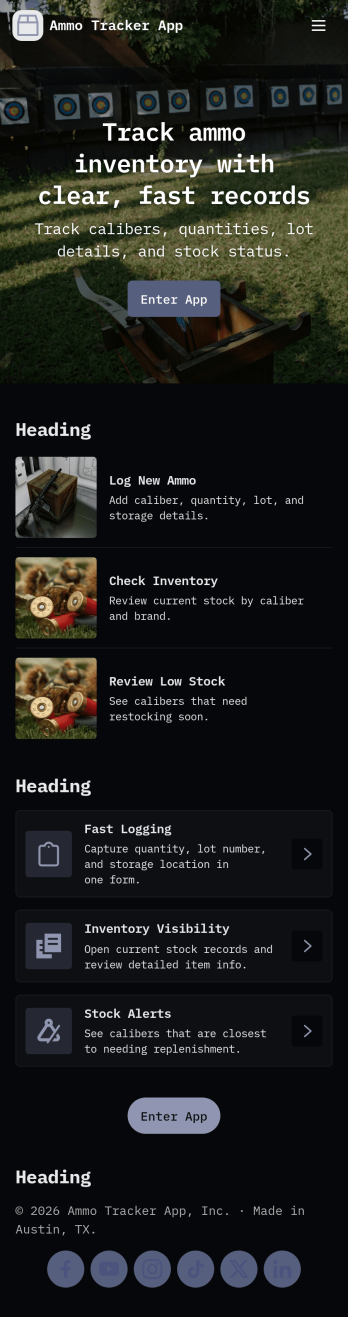
Ammo Tracker App
Ammo Tracker App helps you log ammunition inventory and track usage over time with a clear, organized flow. Use it to add ammo items to your inventory, record transactions when stock is used or moved, and review stock details by caliber and storage notes. It fits shooting ranges, training facilities, security teams, and responsible individuals who want a reliable way to monitor quantities, spot low stock early, and keep day-to-day records consistent across locations or team members.Built with Jotform App Templates, this app template can be tailored in minutes using Jotform’s no-code app builder and drag-and-drop interface. Connect buttons and lists to your existing data collection forms, organize records in a workflow that matches how you restock and consume inventory, and share a single self-service link with staff so everyone logs updates the same way. With Jotform, you can adjust the layout, add fields as your process evolves, and keep inventory and transaction data easy to find from any device.
Go to Category:Inventory Apps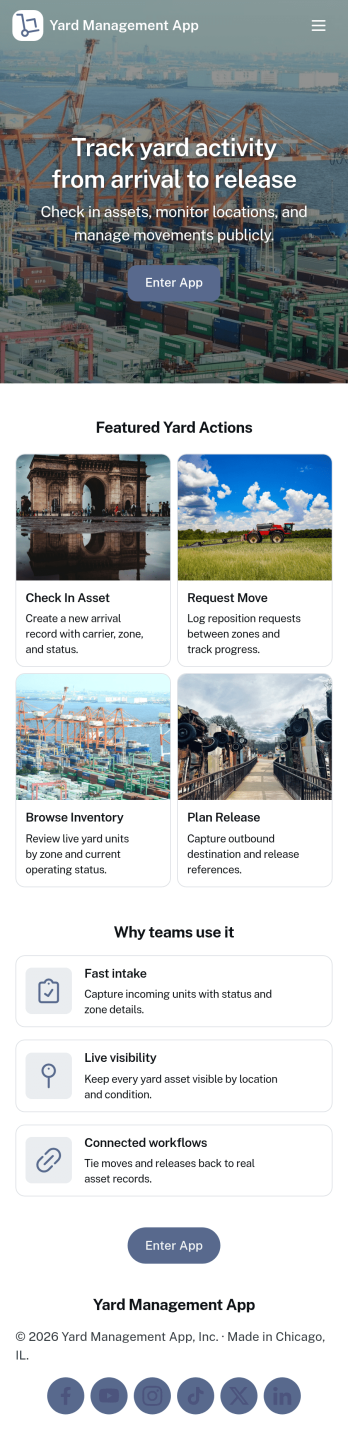
Yard Management App
Yard Management App helps teams coordinate day-to-day yard operations by keeping inventory, work tasks, and incoming requests in one place. It’s a practical fit for logistics yards, distribution centers, trucking and container yards, equipment yards, and busy facilities where multiple crews need visibility into what’s on hand and what needs attention. With dedicated areas for inventory lists, task tracking, and request intake, the app supports faster handoffs between supervisors, yard staff, and operations managers while reducing missed items and unclear priorities.Built with Jotform, this app template can be tailored with a no-code app builder and a drag-and-drop interface, so you can adjust pages, labels, and workflows to match your yard’s process. Connect the app to forms for adding inventory items, logging new tasks, or submitting service requests, then share it as a self-service link for staff on any device. Jotform also helps centralize data collection and keep records organized as your operation scales.
Go to Category:Operations & Logistics Portal Apps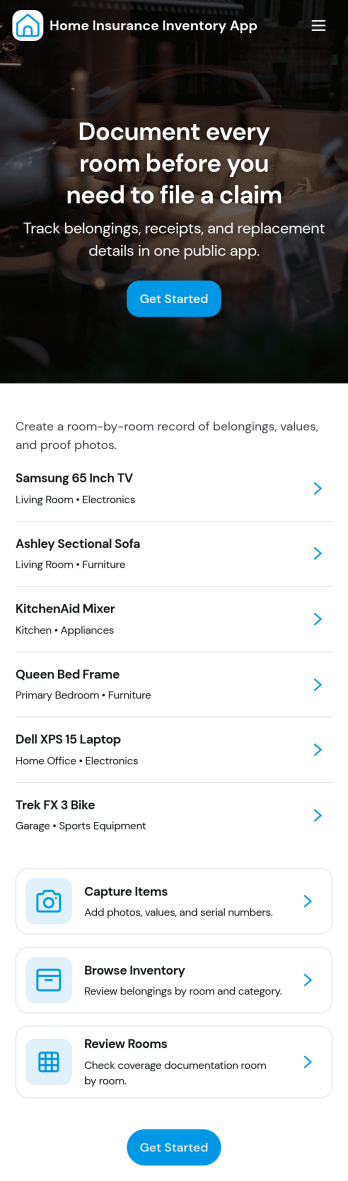
Home Insurance Inventory App
Home Insurance Inventory App helps homeowners and property managers document household belongings so they’re easier to reference during policy updates, moves, or claim situations. Use it to add items as you purchase them, browse your inventory by category or room, and keep a single place to review what you own when you need it most. With quick links to add an item and view inventory, it supports consistent recordkeeping without relying on scattered photos, notes, or spreadsheets.Jotform makes it simple to publish this kind of self-service experience using its no-code app builder and drag-and-drop interface. Connect buttons and pages to your inventory form, route entries into Jotform Tables, and keep everything organized for ongoing data collection. Share the app with a link so household members can contribute, then use connected views to revisit records anytime and keep your home inventory workflow up to date.
Go to Category:Insurance Apps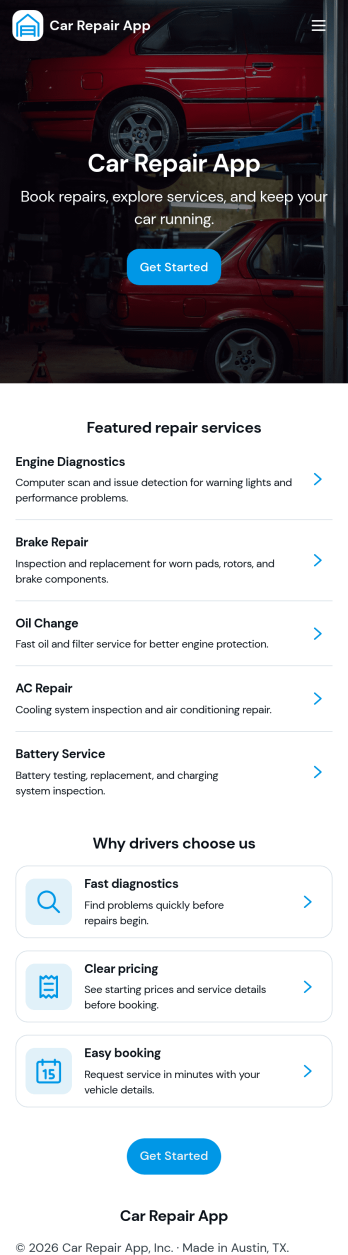
Car Repair App
Car Repair App brings service requests, repair job tracking, and parts inventory into one place so auto repair shops can stay organized from intake to completion. Use it to capture customer details and vehicle information, monitor job numbers and job progress, and keep a clear view of parts on hand to avoid delays. It’s a practical fit for independent garages, multi-bay repair centers, mobile mechanics, and service advisors who need a simple way to manage daily workload while keeping customer records easy to find.Jotform makes it easy to turn this app template into a branded experience without coding. With a drag-and-drop interface, you can tailor pages, buttons, and lists to match how your shop works, then connect forms and tables to support data collection and follow-up workflows. Share the app with your team for quick updates on jobs and inventory, and keep everything accessible in a mobile-friendly format built for fast, day-to-day service operations.
Go to Category:Automotive Apps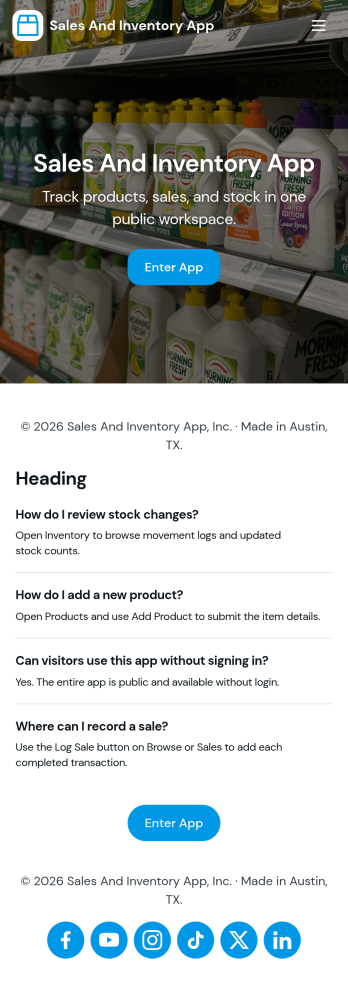
Sales and Inventory App
Sales and Inventory App brings your product catalog, sales entry, and inventory status into one place, so teams can keep day-to-day selling organized without juggling separate tools. It works well for retailers, small warehouses, pop-up shops, and product-based service businesses that need a simple way to browse items, reference pricing, record sales, and keep a closer eye on stock levels as activity changes.With Jotform, you can turn this app template into a branded, self-service experience using a no-code app builder and a drag-and-drop interface. Connect the catalog list to your data collection workflow, update item details as your offerings change, and share the app with staff so everyone works from the same source of truth. As your process grows, you can expand the app with additional pages and connected workflows to keep sales and inventory operations consistent.
Go to Category:Inventory Apps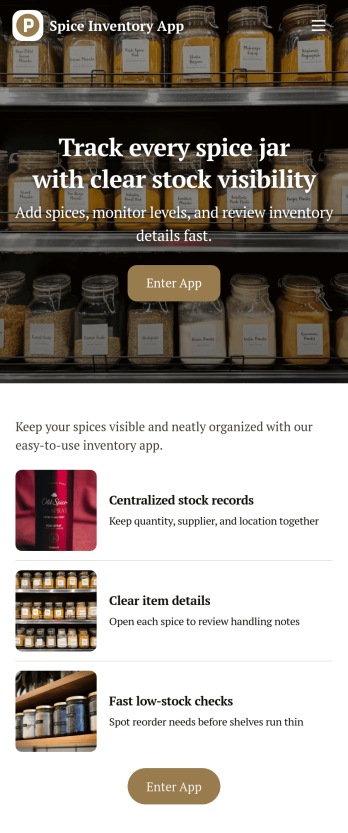
Spice Inventory App
Spice Inventory App helps kitchens and food businesses keep a clear, up-to-date view of spices across storage areas, so you can restock with confidence and avoid running out mid-service. Use it to browse your inventory list, open individual spice records, and quickly log replenishments through an Add Stock flow. It’s a practical fit for restaurants, catering teams, food trucks, test kitchens, and small retailers that want a simple way to spot low quantities early and keep purchasing and prep aligned.With Jotform, you can turn this spice inventory app template into a mobile-friendly self-service experience that your team can actually use during busy shifts. Customize pages with Jotform’s no-code app builder and drag-and-drop interface, then connect the app to a form and data collection workflow that keeps records consistent in one place. Share a single link or QR code for staff access, and update the layout, fields, and branding as your inventory process evolves.
Go to Category:Inventory Apps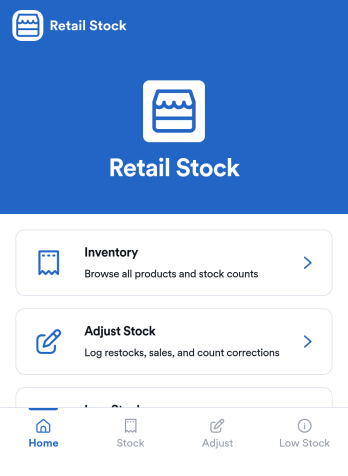
Retail Stock App
Retail Stock App helps stores track inventory levels, record stock coming in, and stay on top of low-quantity items before they become lost sales. It’s a practical fit for shop owners, floor managers, and back-office teams handling multiple SKUs, seasonal products, or fast-moving items who need a simple place to review what’s on hand and what needs attention. With dedicated areas for inventory browsing, stock-in logging, and low-stock review, the app supports day-to-day stock control without relying on scattered notes or disconnected spreadsheets.Jotform makes it easy to build and publish App Templates like this one with a no-code app builder and a drag-and-drop interface that adapts to your workflow. Connect the app to forms and tables to support ongoing data collection, keep a clear record of stock movements, and create a self-service experience for staff who need quick access on the sales floor or in the stockroom. As your operation grows, you can adjust pages, add new steps, and route updates to the right people, all in one Jotform workflow.
Go to Category:Inventory Apps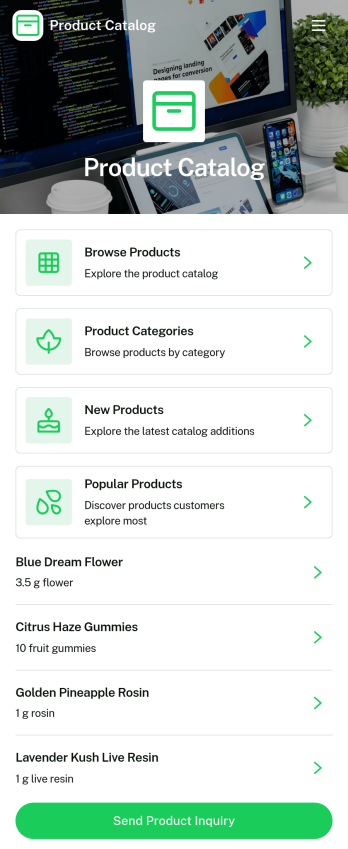
Product Selection Catalog App
Product Selection Catalog App is an app template designed to seamlessly elevate product display and selection for a myriad of businesses. This app template brings a mobile-friendly digital catalog to life, enabling customers or employees to effortlessly browse items, peruse images and descriptions, compare options, select quantities or variations, and place an order or submit a quote request. It's ideal for retailers, wholesalers, manufacturers, sales teams, promotional product companies, service providers, and internal operations teams, among others. The app collects necessary product details, offering a streamlined platform for displaying items, thereby enhancing clarity, consistency and making collection easier. Serving as a comprehensive solution, this app is especially advantageous for businesses seeking a simplified product-selection experience without the need for a full e-commerce website.The Product Selection Catalog App comes loaded with Jotform’s easy-to-use, no-code app builder. With a simple drag-and-drop interface, businesses can customize their catalog to match branding, swap out products, choose fonts and colors, and upload logos without any coding requirement. Users can access the app on any device – smartphone, tablet, or desktop – and install it directly to their home screens through a shareable link. Not only does this maximize reach and accessibility, but it also provides a seamless shopping experience to customers. Harness the power of Jotform's Product Selection Catalog App to revolutionize your product display and selection process today.
Go to Category:Inventory Apps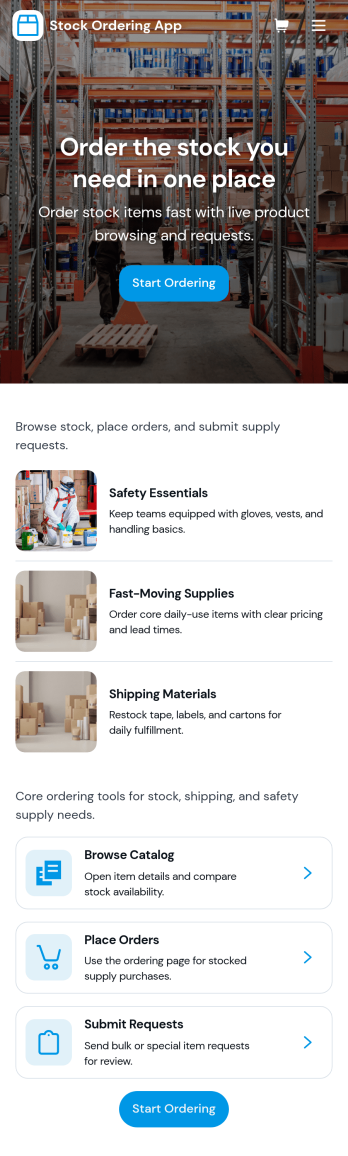
Stock Ordering App
Stock Ordering App helps teams request, place, and monitor stock orders from one central place. Use it to browse a catalog of items, submit new orders, and track what’s pending versus approved, so purchasing doesn’t get buried in messages or spreadsheets. It’s a practical fit for offices ordering consumables and packaging, retail teams replenishing fast movers, or operations groups coordinating supplies across locations while keeping everyone aligned on what’s needed and when.Built with Jotform App Templates, this app template can be customized in Jotform’s no-code app builder with a drag-and-drop interface to match how your organization orders stock. Connect the order form and order records to support data collection, keep a clear workflow from request to approval, and give staff a self-service way to review their orders and current stock levels before submitting another request.
Go to Category:Inventory Apps