

HR Portal App Templates

Job Recruiter App
Job Recruiter App brings key recruiting activities into one place so hiring teams can move faster from requisition to offer. Use it to browse open roles, keep candidate records organized, and monitor where applicants sit in the pipeline, all from a simple set of pages built for day-to-day recruiting. It’s a strong fit for internal recruiters, staffing coordinators, HR teams, and growing businesses that need a consistent way to track roles and candidates without juggling spreadsheets or scattered notes.With Jotform, you can turn this app template into a branded, self-service recruiting workspace using a no-code app builder and a drag-and-drop interface. Connect forms for data collection like adding candidates or managing requisitions, surface lists for quick browsing, and keep your workflow moving with navigation buttons and shareable access. Update the layout as your hiring process evolves and publish the experience so your team can manage recruiting work from anywhere.
Go to Category:HR Portal Apps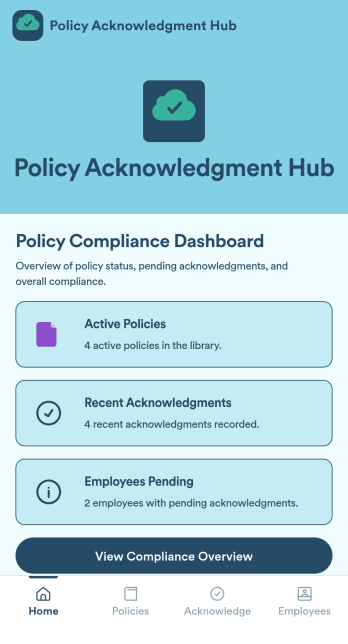
Policy Acknowledgment App
Policy Acknowledgment App is an app template designed to streamline policy distribution and acknowledgment tracking for businesses, HR teams, compliance officers, and organizations. It is built to manage employee acknowledgments effectively, creating a single platform to support comprehensive recordkeeping across an organization. This app template collects critical data such as employee acknowledgment of company policies, signed electronic agreements, and timestamps, offering a reliable alternative to ad-hoc data collection. It is robust enough to handle complex organizational workflows, making it ideal for companies looking to centralize their policy acknowledgment and compliance tracking processes.Jotform's Policy Acknowledgment App leverages the power of no-code customization, delivering a user-friendly experience that simplifies and accelerates app creation. You can easily adjust the setup and workflow of your app using the intuitive drag-and-drop interface, and customize it to align perfectly with your brand's aesthetic. This cross-platform app template also comes ready to use with integrated features for collecting electronic signatures, making it easy to track and store signed policy acknowledgments. With Jotform, you can transform tedious manual processes into streamlined digital workflows, enhancing your organization's efficiency and productivity while maintaining robust data collection practices.
Go to Category:HR Portal Apps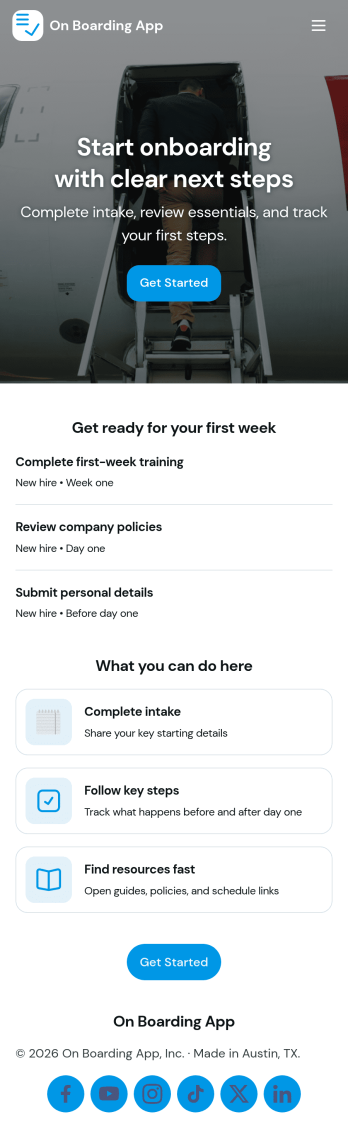
Onboarding App
On Boarding App helps HR teams and managers organize new hire setup in one place so employees know exactly what to do next. Use it to collect essential new hire details through an intake flow, keep a clear task checklist for each person, and review onboarding records as the process moves forward. It works well for growing companies, distributed teams, and departments that onboard frequently and need consistent steps without relying on scattered emails or documents.With Jotform, you can publish this app template quickly and adjust it to match your onboarding workflow. Customize pages with a drag-and-drop interface, connect your onboarding intake form to keep data collection consistent, and share the app as a self-service experience for new hires or as an internal hub for HR. As records come in, teams can keep information organized and easy to reference, making onboarding more predictable from day one.
Go to Category:Company Portal Apps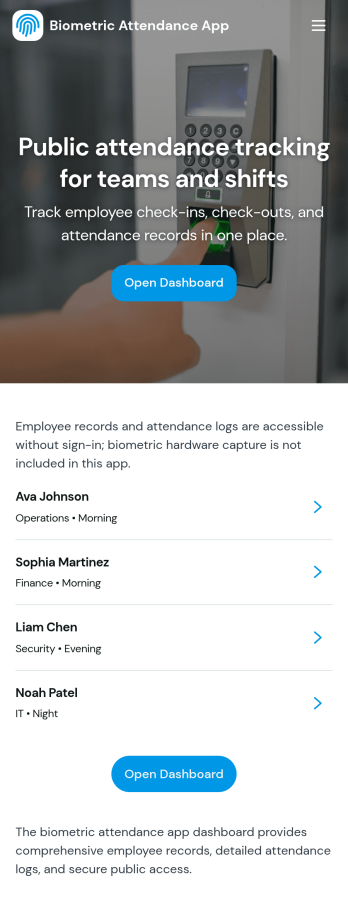
Biometric Attendance App
A biometric attendance app gives teams a central place to manage employee records, log attendance activity, and review time-based insights for day-to-day operations. This template fits HR teams, operations managers, and supervisors who need a clear view of who is on site, who is absent, and how shifts are being covered across locations or departments. Use it to add employees, record attendance logs, and keep shift windows organized so your workforce data stays consistent and easy to reference.Built with Jotform, this app template can be customized in a no-code app builder using a drag-and-drop interface, so you can match your existing workflow without engineering help. Connect forms and tables to keep data collection in one place, route information to the right people, and make self-service updates simple for authorized staff. Share the finished app by link or QR code and keep attendance details and reporting accessible on any device.
Go to Category:HR Portal Apps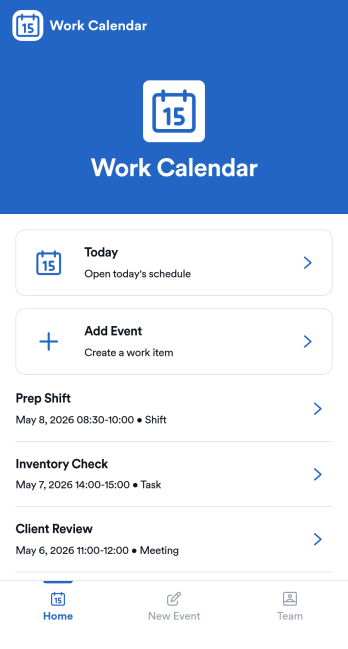
Work Calendar App
A work calendar app keeps schedules, shifts, and time-off needs in one place so teams know what’s happening today and what’s coming next. Use it to highlight today’s shift at a glance, view a weekly calendar for planning, and route upcoming requests to the right place, making it especially useful for managers coordinating coverage and employees checking their schedules. It fits retail, hospitality, clinics, field teams, and any workplace juggling rotating shifts, events, and schedule changes that need quick visibility without digging through messages.With Jotform, you can turn this work calendar app template into a branded self-service experience using a no-code app builder and a drag-and-drop interface. Connect buttons to forms for adding events and submitting requests, then organize updates in connected tables so your workflow stays consistent from request to review. Share the app through a link or QR code, collaborate on scheduling, and keep data collection and updates centralized as your team grows.
Go to Category:Daily Planner Apps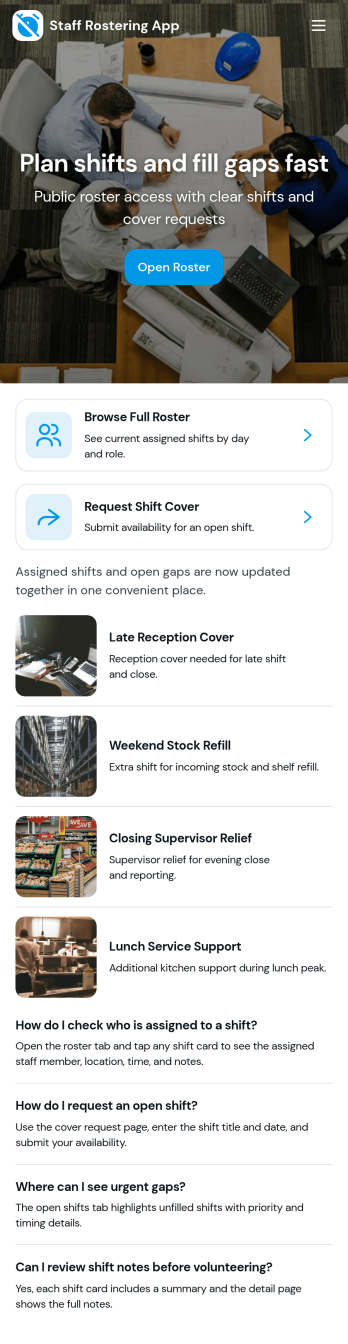
Staff Rostering App
Staff Rostering App helps teams publish schedules, give staff a clear place to check upcoming shifts, and handle shift-change requests without messy group messages. It’s a practical fit for managers who build weekly rosters and for employees who need a quick way to view shift details and ask for coverage or new shifts. With dedicated areas to view the roster, open a shift request, and route requests to an admin review step, the app supports day-to-day scheduling in workplaces like retail, hospitality, healthcare, and field services.Jotform makes it easy to turn rostering workflows into a self-service experience with App Templates that you can customize in minutes. Using Jotform’s no-code app builder and drag-and-drop interface, you can connect the app to forms and tables for data collection, centralize requests for faster decisions, and share the app through a link or QR code. As your scheduling workflow evolves, update pages, branding, and navigation so your roster stays accurate and easy for staff to follow.
Go to Category:Scheduling Apps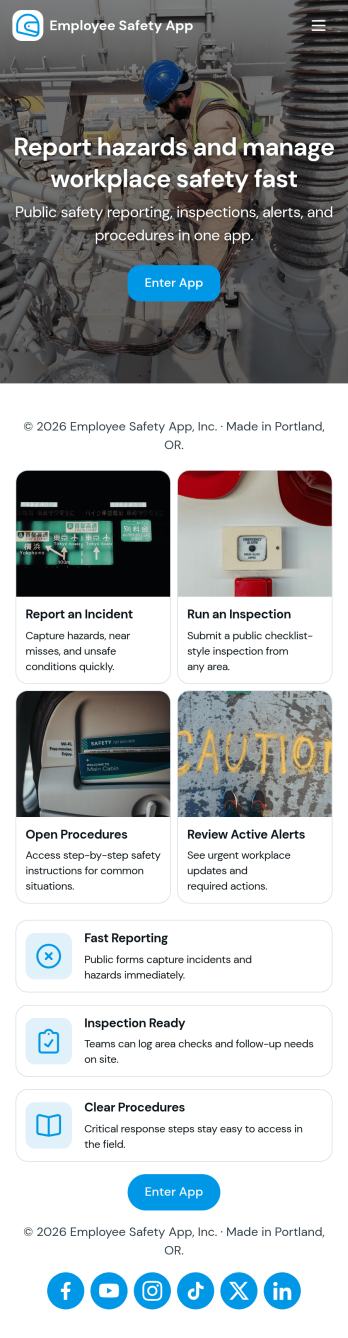
Employee Safety App
Employee Safety App brings key workplace safety actions into one place so teams can report incidents, run safety checks, and review logged issues without hunting for the right link or paper form. It fits companies with distributed crews, warehouses, job sites, clinics, or offices that want a consistent way to capture what happened, where it happened, and what immediate action was taken. Built-in navigation makes it easy to jump from reporting to an incident list, and the app can also surface quick emergency and safety lead contact options when time matters.With Jotform, you can turn this employee safety app template into a branded self-service experience using a no-code app builder and a drag-and-drop interface. Connect the app to your incident and safety check forms for reliable data collection, route updates through the right workflow, and keep records organized in one system for follow-up, training, and continuous improvement. Share the app by link or QR code so employees can access it on the go, then refine pages and content as your safety processes evolve.
Go to Category:HR Portal Apps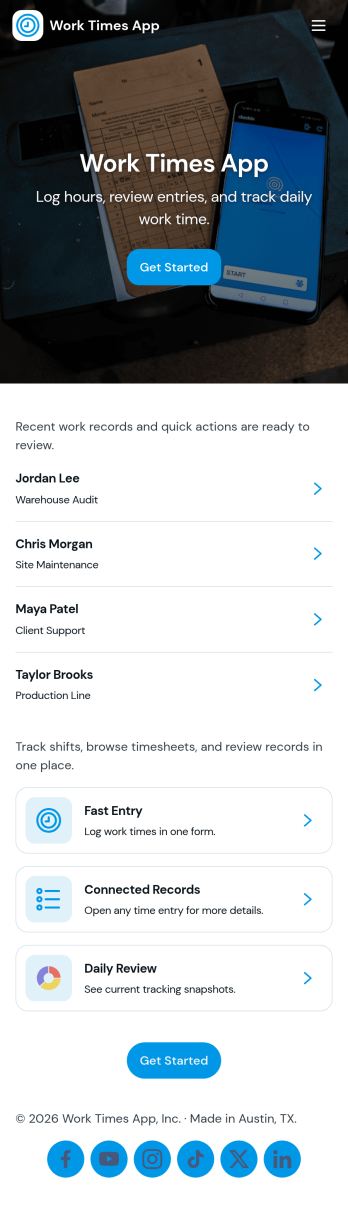
Work Times App
Work Times App gives teams a simple way to record daily hours, review time entries, and route common time-related requests from one place. Employees can quickly clock in or log time through a connected form, then open the time log to see what was recorded today or view past entries. It’s a practical fit for hourly workforces, shift-based operations, field teams, and growing businesses that want a consistent process for capturing work time without relying on scattered messages or spreadsheets.Built with Jotform, this app template pairs a no-code app builder with a drag-and-drop interface so you can adjust the layout, add pages, and match your internal process in minutes. Connect your time logging forms to lists for easy browsing, keep records organized as your team scales, and support self-service time tracking by sharing a single link employees can access on any device.
Go to Category:Human Resources Apps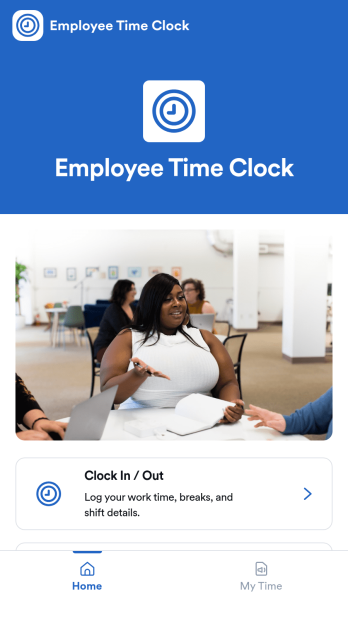
Employee Time Clock App
Employee Time Clock App gives teams a simple way to track hours with a clear clock in and clock out action, plus a personal time history view for reviewing past entries. It works well for shift-based workplaces, field crews, hourly roles, and growing businesses that need a consistent routine for logging time without chasing paper timesheets. Managers can point employees to one place to record attendance, reduce missed punches, and encourage accurate timekeeping across locations and schedules.Jotform makes it easy to turn time tracking into a polished, shareable experience using App Templates and a no-code app builder. With a drag-and-drop interface, you can customize pages, add instructions and branding, and connect the app to the underlying form so time entries are captured in one workflow. Share the app by link or QR code so employees can clock in from their phones, then keep records organized for follow-ups and reporting.
Go to Category:Human Resources Apps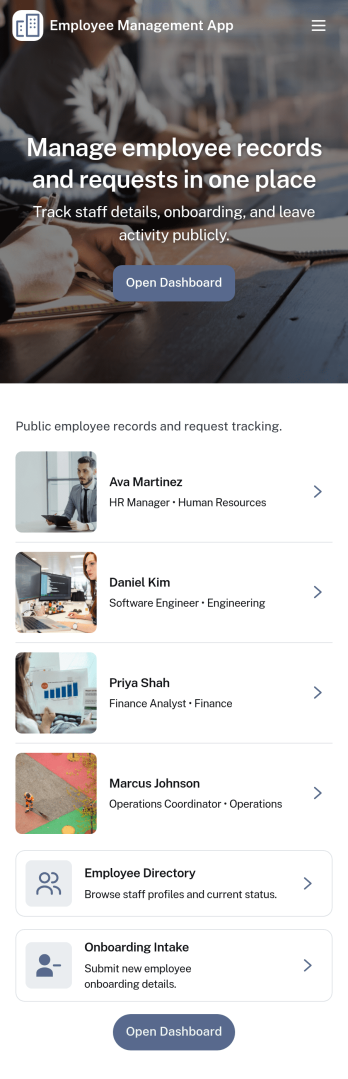
Employee Management App
Employee Management App brings key people operations into one place so teams can find coworkers fast, add new hires, and keep employee details organized as the company grows. Use it to publish an employee directory for quick lookups, guide new team members through onboarding steps, and centralize records that would otherwise live across spreadsheets, email threads, and scattered files. It’s a practical fit for HR teams, office managers, department leads, and growing businesses that need a consistent way to manage employee information without extra overhead.With Jotform, you can tailor this app template to match how your organization works using a no-code app builder and a drag-and-drop interface. Connect the app to forms and tables for reliable data collection, route updates through an internal workflow, and give staff a self-service way to access the right employee details. Share the app with a link or QR code, update content in minutes, and keep information current as roles, teams, and hiring needs change.
Go to Category:Human Resources Apps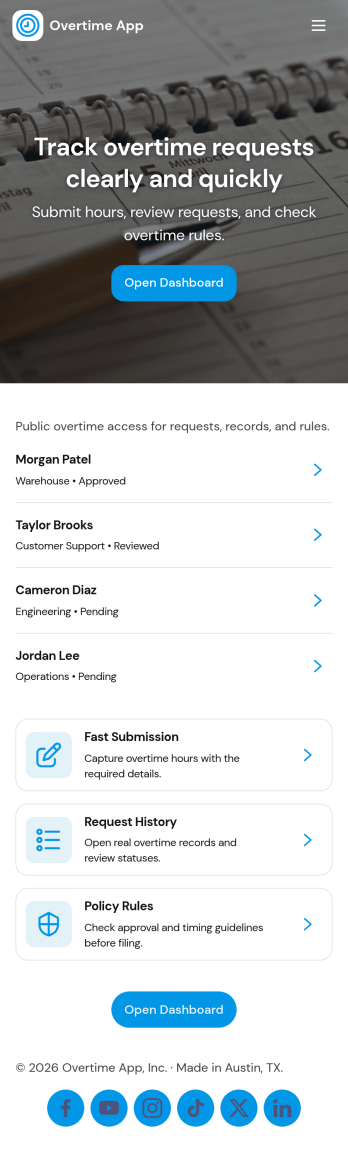
Overtime App
Overtime App helps organizations manage extra-hours work through a clear request and review flow that employees and managers can use without confusion. Employees can submit overtime requests in one place, while supervisors can review a queue of incoming requests and keep decisions organized. With dedicated areas for submitting requests, working through a review queue, and checking overtime history by employee, this app supports consistent handling of overtime across teams, shifts, and locations.Built with Jotform App Templates, Overtime App can be adapted to match how your team approves and tracks overtime. Use Jotform’s no-code app builder and drag-and-drop interface to tailor pages, connect the app to your data collection form, and keep records accessible for follow-ups. Share the app with staff through a link for fast self-service, and keep your workflow moving with a simple, repeatable process for requests, reviews, and historical visibility.
Go to Category:Human Resources Apps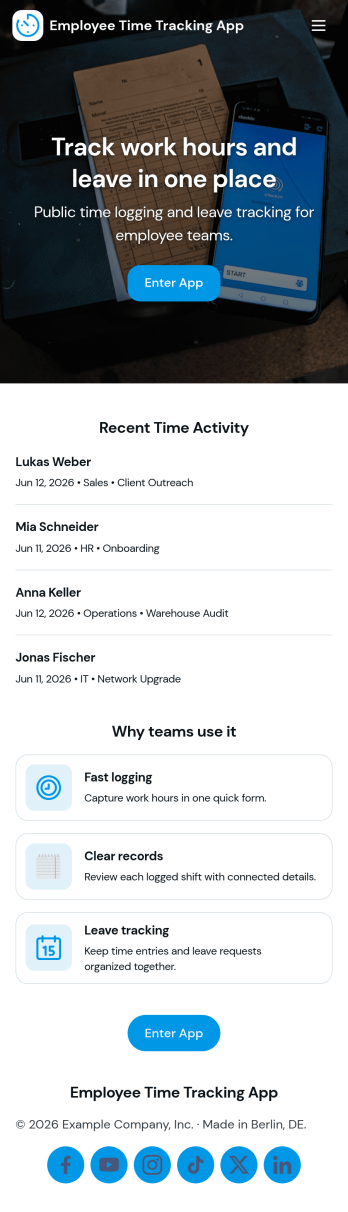
Mitarbeiter Zeiterfassung App
Mitarbeiter Zeiterfassung App helps teams record working hours in one place and keep time data consistent across locations and shifts. Use it to navigate between employee details, book time entries, and review a clear history of recorded hours, making it easier to spot missing entries and keep day-to-day operations organized. It fits small businesses, agencies, field teams, retail stores, and departments that need a simple way for staff to capture hours and for managers to review activity without chasing updates.Built with Jotform, this app template can be tailored with a no-code app builder and a drag-and-drop interface, so you can adjust pages, add instructions, and connect your time booking form to the rest of your workflow. Share the app through a link or QR code for fast self-service access, and keep time records structured by connecting the app to your data collection tools so teams can log hours consistently and managers can stay on top of approvals and follow-ups.
Go to Category:Activity Tracking Apps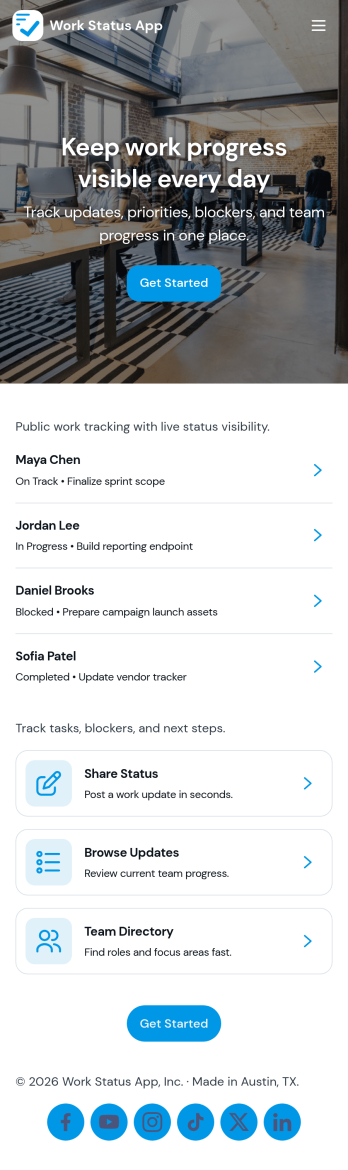
Work Status App
Work Status App helps teams collect and share quick work updates in one place, so everyone knows what’s in progress, what’s blocked, and what needs attention next. It’s a practical fit for remote and hybrid teams, department leads, and operations managers who want a consistent way to capture updates without chasing messages across channels. With a dedicated flow to submit an update, a space to view statuses, and a simple dashboard for visibility, this app supports day-to-day coordination for shifts, projects, and cross-functional work.Built with Jotform, this app template can be customized with a no-code app builder and a drag-and-drop interface to match how your team reports status. Connect the update experience to a form and keep records organized for easy review, handoffs, and follow-ups. Share the app through a link so employees can use self-service reporting from any device, and route updates into the workflow that fits your internal operations.
Go to Category:HR Portal Apps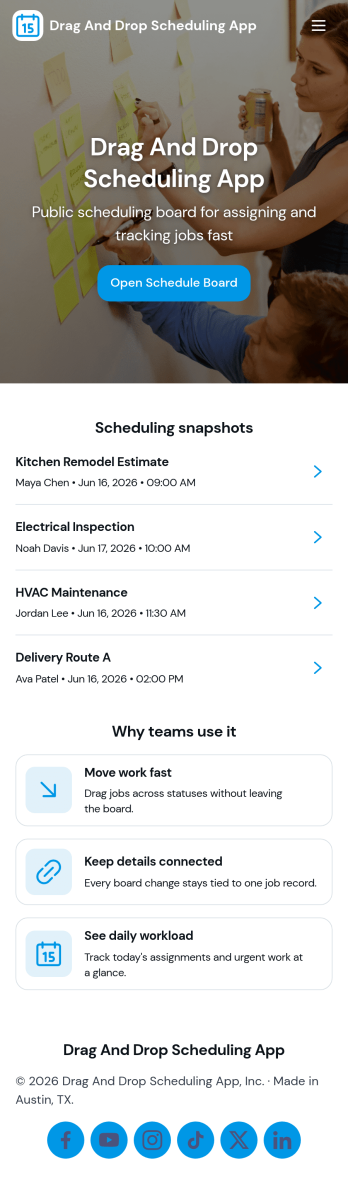
Drag and Drop Scheduling App
Drag and Drop Scheduling App helps teams build and manage shift schedules in a simple, visual way. Use it to create shifts, view the schedule, open a full schedule view, and quickly move between employee-specific pages so managers can confirm coverage and spot gaps. It’s a practical fit for restaurants, retail stores, clinics, field teams, and any operation that needs recurring shift planning, last-minute updates, or clear day-to-day visibility for staff.With Jotform, you can turn scheduling workflows into a shareable self-service app experience using App Templates and a no-code app builder with a drag-and-drop interface. Connect your schedule to forms for fast data collection when adding shifts or capturing requests, keep information organized, and publish updates instantly so everyone works from the same source of truth.
Go to Category:HR Portal Apps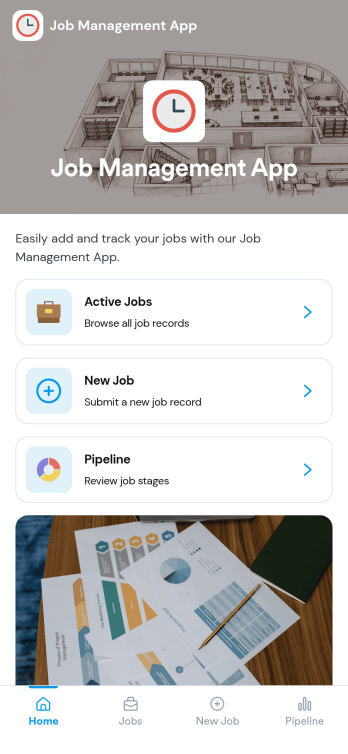
Job Management App
Job Management App brings your hiring workflow into one place so teams can post open roles, route candidates to the right listings, and keep applications organized as they come in. Use it to share a clear set of Open Jobs, publish role details, and guide candidates to Apply Now with a simple in-app application form. It’s a practical fit for growing businesses, HR departments, and operations leaders who need an easy way to keep recruiting moving without losing track of who applied to what.With Jotform, you can build and tailor app templates like this using a no-code app builder and a drag-and-drop interface, then connect your app experience to forms and tables for reliable data collection. Keep your workflow consistent by linking job listings to an application form, giving internal users a view of all applications, and offering candidates a self-service way to review their own applications. Share the app through a link or QR code, update content as roles change, and collaborate across teams as hiring needs evolve.
Go to Category:HR Portal Apps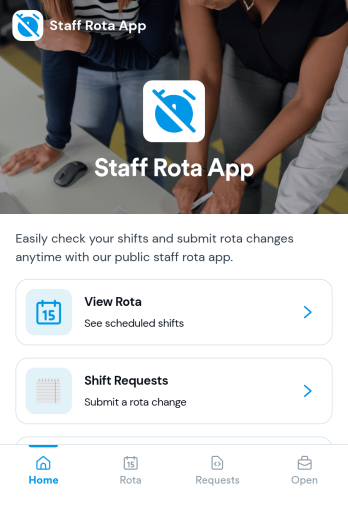
Staff Rota App
Staff Rota App helps teams publish schedules, view upcoming shifts, and manage shift changes without confusion. It works well for retail stores, restaurants, salons, clinics, and service teams that need a single place where staff can check the rota, browse open shifts, and send shift requests when coverage changes. With dedicated areas to view the rota, submit requests, and review open shifts, managers spend less time answering repeat questions while employees get clearer visibility into where they’re needed.Jotform makes it easy to turn this Staff Rota App into a self-service scheduling experience using a no-code app builder and a drag-and-drop interface. Connect the app to your existing workflows for data collection, route requests to the right people, and keep everything organized as your team grows. Share the app by link so staff can access it on any device, and update pages quickly whenever schedules, roles, or staffing needs change.
Go to Category:Scheduling Apps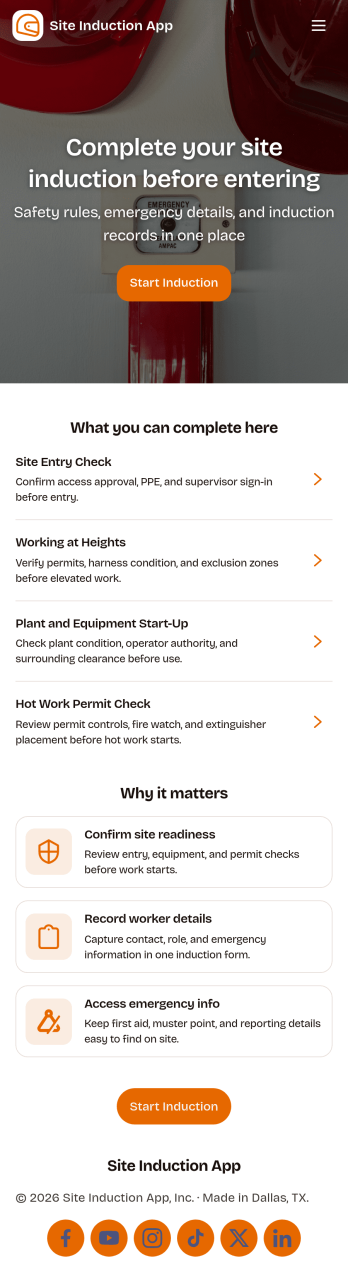
Site Induction App
A site induction app helps construction and operations teams onboard workers and visitors consistently before they enter a job site. Use it to guide people through an induction form, capture document sign-off, and keep induction records easy to find later, all in one place. It’s a practical fit for site managers, safety teams, subcontractor coordinators, and facilities leads who need a repeatable process for new starters, short-term contractors, and recurring visitors.Jotform makes it simple to publish this kind of self-service experience with customizable app templates and a no-code app builder. With a drag-and-drop interface, you can connect your induction workflow to forms and keep data collection organized for day-to-day operations. Share the app by link or QR code, update content as site requirements change, and maintain a clear trail of completed inductions and sign-offs without slowing down site access.
Go to Category:Construction Apps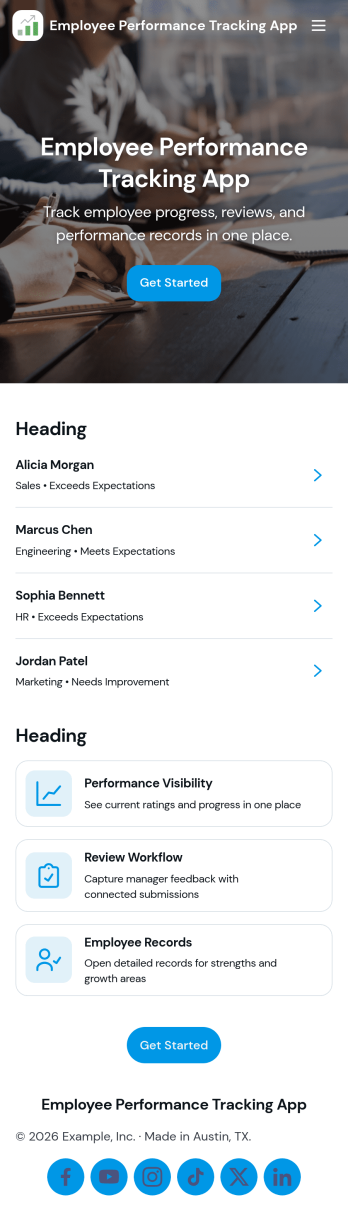
Employee Performance Tracking App
Employee Performance Tracking App gives teams a practical way to monitor progress, document review cycles, and keep goals visible in one place. Use it to centralize manager check-ins, employee feedback, and performance records so you can spot trends early and support coaching conversations with real context. It works well for HR teams, people managers, team leads, and growing companies that need consistency across roles or departments without turning performance management into a paperwork-heavy process.Built with Jotform, this app template pairs a simple dashboard experience with connected forms and record views so updates don’t get lost in email threads. Customize pages with a drag-and-drop interface, link your review and goal tracking workflows to organized tables, and make self-service easy with quick access to personal review history, feedback submission, and shared records. Publish and share the app in minutes to keep performance tracking clear, repeatable, and accessible from anywhere.
Go to Category:Human Resources Apps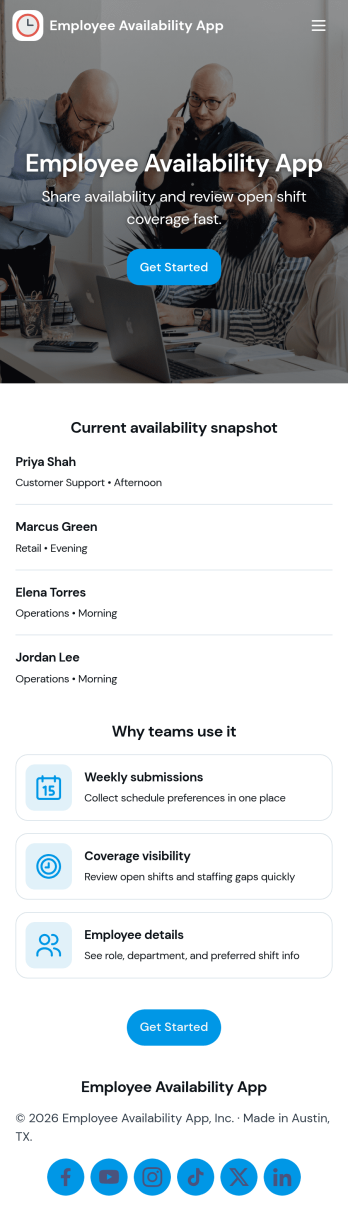
Employee Availability App
Employee Availability App helps teams collect and review staff availability so shifts, projects, and coverage plans are easier to coordinate. Employees can submit availability updates in one place, while managers can browse availability by person and open an availability list to spot gaps early. It’s a practical fit for HR teams, department leads, and operations managers in retail, hospitality, clinics, field services, and any workplace that relies on rotating schedules or part-time staff.Built with Jotform, this app template turns availability tracking into a simple self-service experience you can share as a link. Use Jotform’s no-code app builder and drag-and-drop interface to adjust pages, add instructions, and connect availability data collection to your existing workflow. As records update, teams can view entries in organized lists, keep information consistent, and reduce time spent chasing availability details across messages and spreadsheets.
Go to Category:Human Resources Apps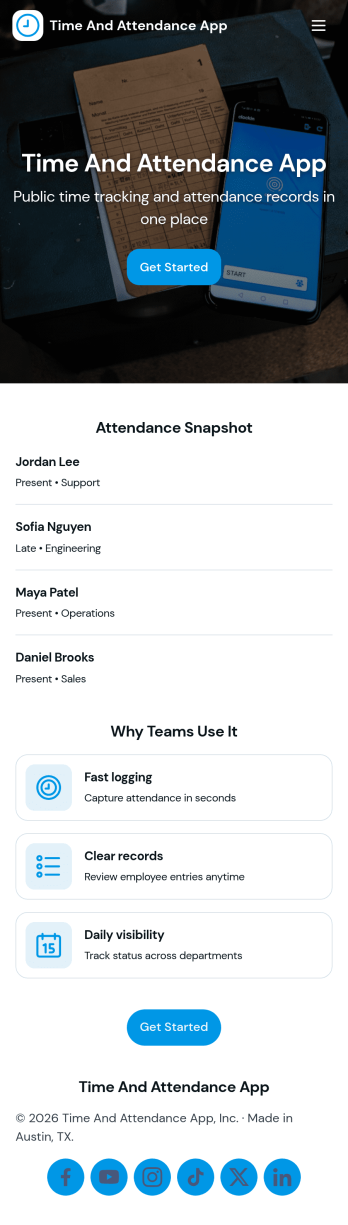
API Time and Attendance App
API Time and Attendance App helps teams track time and attendance in a simple, shareable workspace that supports API-driven processes. Use it to review employee lists, keep visibility into who is clocking time, and maintain a reliable history of clock entries for payroll checks, staffing decisions, and internal audits. It’s a strong fit for HR, operations, and IT teams that need consistent time records across locations, shifts, or job sites while keeping the experience easy for managers and admins to navigate.Jotform makes it easy to build and publish app templates like this one with a no-code app builder and a drag-and-drop interface. Connect your app to forms and tables to support data collection and ongoing workflow needs, then share it as a self-service destination for supervisors or internal stakeholders. As your process evolves, you can update pages, reorganize navigation, and keep all time and attendance activity accessible from one place.
Go to Category:Activity Tracking Apps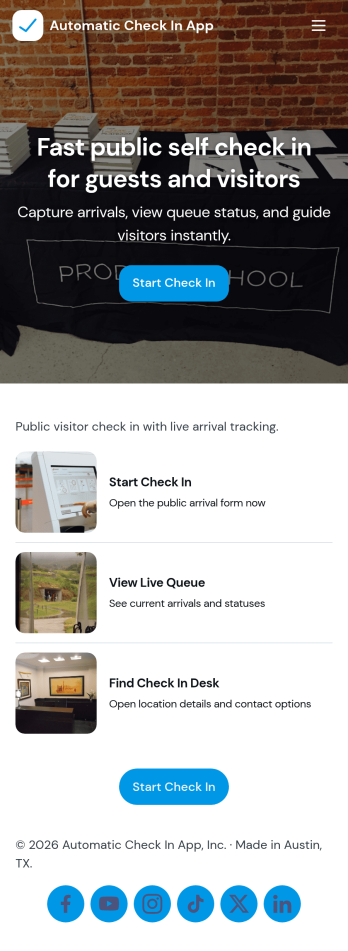
Automatic Check In App
Automatic Check In App helps organizations record arrivals quickly and consistently without relying on manual logs. From front desks and lobbies to events, classrooms, clinics, and shared workspaces, it gives staff a clear flow to start a check in, view arrivals as they happen, and keep a searchable history for follow-ups. Teams can capture repeat visits with a fast New Check In action, reduce lines during busy periods, and maintain a dependable record of who came in and when.Jotform makes it easy to turn this experience into a branded, mobile-friendly tool using customizable app templates and a no-code app builder. With a drag-and-drop interface, you can adjust pages, buttons, and lists to match your process, then connect the app to the included form and table views for ongoing data collection and simple workflow handoffs. Share it by link or QR code so staff can use it on-site and managers can review activity from anywhere.
Go to Category:Event Registration Apps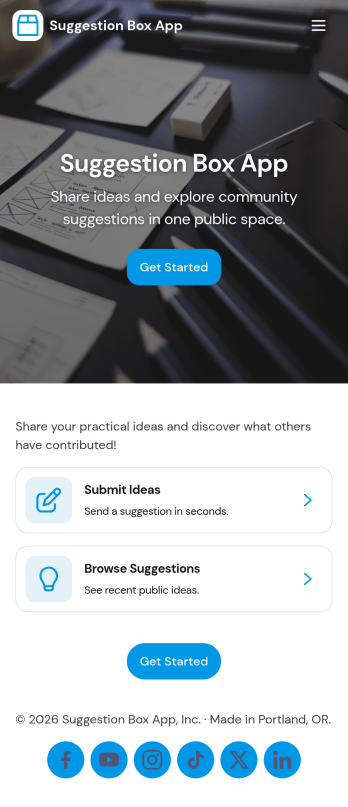
Suggestion Box App
A suggestion box app gives people a simple, consistent place to share ideas and feedback while giving your team a clear way to read, sort, and respond. Use it to collect improvement requests from employees, product feedback from customers, or community input from members. With quick navigation to submit a suggestion, browse all suggestions, review your own entries, and manage a review queue, it supports both open feedback and organized follow-up without losing context.With Jotform, you can turn this suggestion box app template into a branded self-service experience using a no-code app builder and a drag-and-drop interface. Connect the app to a form and keep suggestions organized for review, routing, and internal workflows, then share it with a link or QR code so people can contribute from anywhere on mobile or desktop.
Go to Category:Community & Engagement Portal Apps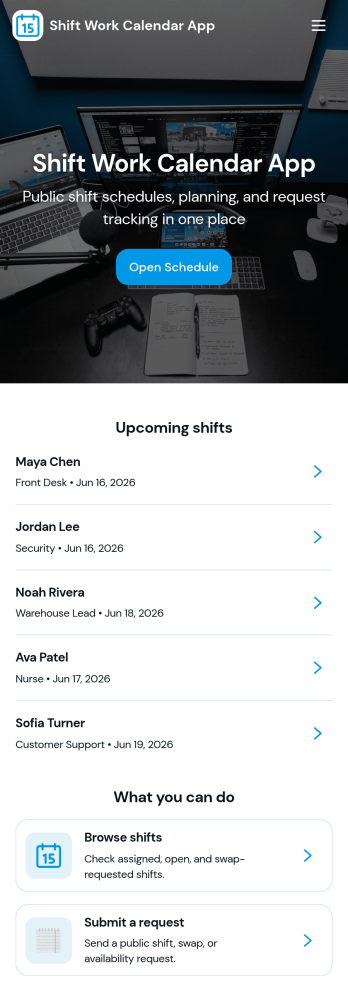
Shift Work Calendar App
A shift work calendar app helps teams keep rotating schedules clear and actionable by putting today’s shifts, employee schedules, and shift-related updates in one place. This template is built for operations leads, supervisors, and HR teams managing hourly staff across retail, hospitality, healthcare, warehouses, and field services. With quick navigation to Today’s Shifts, a Team Roster, and Shift Requests, it supports day-to-day coordination while reducing missed handoffs and confusion about who’s on duty.Jotform makes it easy to turn scheduling workflows into a mobile-friendly experience using App Templates and a no-code app builder. Customize pages with a drag-and-drop interface, connect buttons to forms for data collection, and keep shift details organized in a connected workflow. Share the app by link or QR code so staff can view schedules, request changes, and keep everyone aligned without extra tools.
Go to Category:Scheduling Apps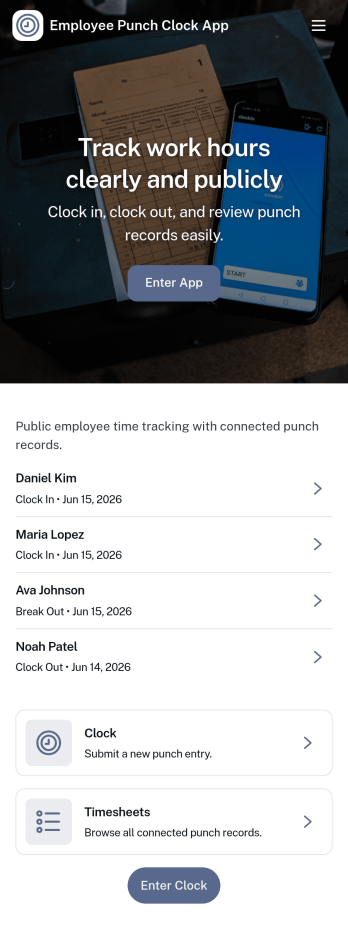
Employee Punch Clock App
Employee Punch Clock App helps teams record clock in and clock out times in one place and review punch activity without chasing paper timesheets. It’s a practical fit for hourly workplaces that need a clear daily record, including retail and hospitality teams, field crews, warehouses, and growing offices. With quick navigation for clocking in or out, viewing history, and checking insights, employees can log their time in seconds while managers gain a straightforward view of attendance patterns and recent activity.Jotform makes it easy to publish and manage app templates like this with a no-code app builder and a drag-and-drop interface. Connect your app to a form for consistent data collection, then organize entries for quick lookups and ongoing workflow needs such as internal reviews or simple reporting. Share the app with your staff through a link or QR code, keep branding consistent, and update pages anytime as scheduling rules or team size changes.
Go to Category:Human Resources Apps