

HR Portal App Templates

Employer Scheduling App
Employer Scheduling App helps managers and employees coordinate staffing without chasing updates across texts, emails, or spreadsheets. Use it to publish open shifts, collect employee availability, and manage time off requests in one place so coverage decisions are faster and clearer for everyone. It fits shift-based teams in retail, hospitality, healthcare clinics, warehouses, and field operations, as well as any workplace that needs dependable weekly scheduling and visibility into who can work.Built with Jotform, this app template combines self-service actions with organized records to keep scheduling workflows moving. With a no-code app builder and a drag-and-drop interface, you can tailor pages, buttons, and navigation to match your scheduling process, then connect forms and tables for ongoing data collection and tracking. Share the app with a link so staff can add shifts, submit availability, and request time off while managers review all shift records and requests from a central hub.
Go to Category:HR Portal Apps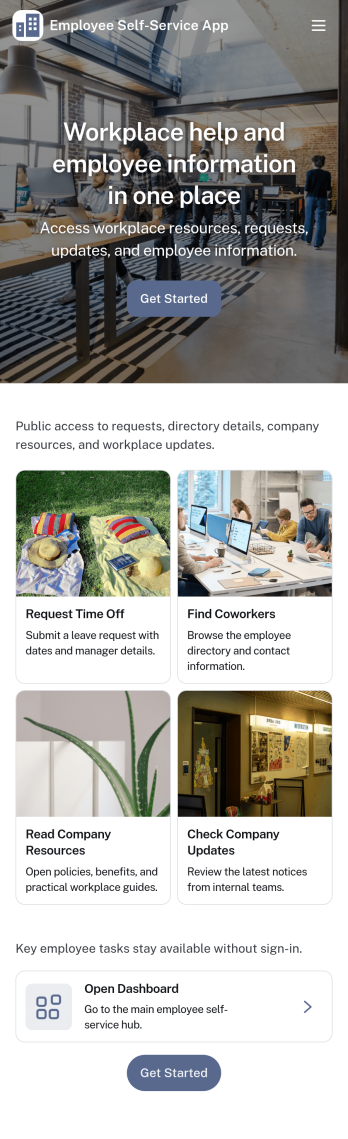
Employee Self-Service App
Employee Self-Service App brings key internal requests and employee resources into one place, so staff can quickly find what they need without chasing links or emailing the same questions repeatedly. It fits teams that want a simple front door for everyday needs like submitting a time-off request, sending an IT help request, browsing company resources, and checking an employee directory. Use it for offices, distributed teams, retail groups, and growing businesses that need a consistent way to guide employees to the right forms and information.With Jotform, you can build and publish app templates like this one using a no-code app builder with a drag-and-drop interface. Connect buttons and pages to forms for data collection, route information into the workflows your team already uses, and keep content organized in a mobile-friendly self-service experience. Update resources, adjust navigation, and refine the experience over time so employees always have an easy way to take action and get support.
Go to Category:HR Portal Apps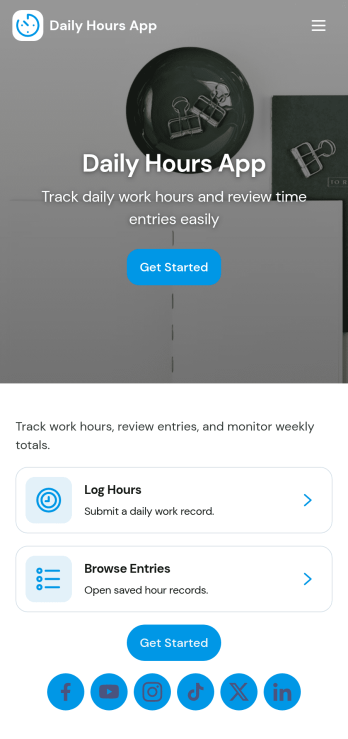
Daily Hours App
Daily Hours App helps teams and individuals record time worked each day and keep a clear, organized history of hours by date and project. It’s a practical fit for hourly employees, contractors, freelancers, field teams, and supervisors who need a simple way to log hours, review recent entries, and look back at past records without digging through messages or spreadsheets. With quick navigation to log hours and view history, it supports day-to-day time tracking for payroll prep, client billing, job costing, and personal productivity.Built with Jotform, this app template pairs a mobile-friendly experience with structured data collection and an easy workflow for repeat logging. Customize pages, labels, and fields to match how your organization tracks time, then share the app through a link or QR code for fast self-service access. As entries come in, you can centralize records and keep reporting-ready data that’s easy to review and manage as your needs change.
Go to Category:Activity Tracking Apps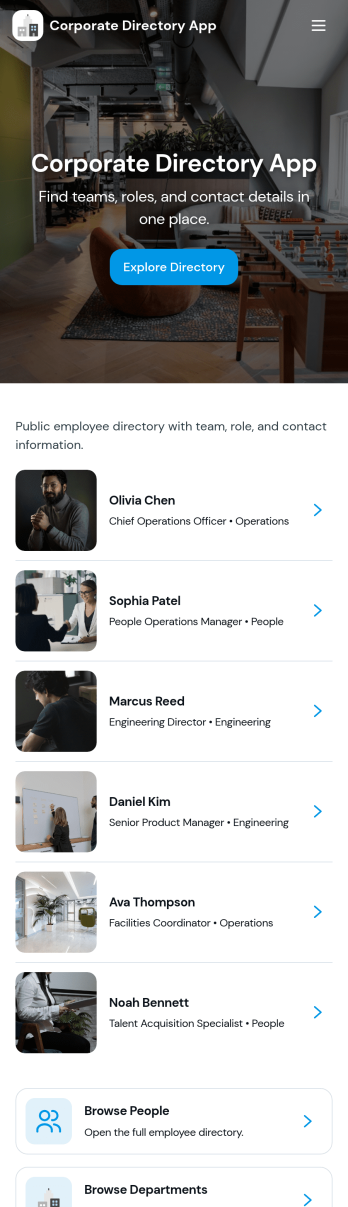
Corporate Directory App
Corporate Directory App brings your employee and department information into one place so people can quickly find the right coworker, team, or HR contact when they need help. It’s useful for HR teams, office managers, and operations leaders who want a simple, searchable directory that’s easy to share across the organization, especially for growing companies, distributed teams, and new hires. With dedicated areas for Employees and Departments plus individual employee profile views, the app supports faster introductions, clearer reporting lines, and fewer internal messages asking who to contact.Jotform makes it easy to publish and maintain this kind of internal self-service experience using App Templates and a no-code app builder. With a drag-and-drop interface, you can organize pages, add navigation buttons like Contact HR, and connect the directory to your existing data collection and workflow needs, such as updating employee details through a linked form and keeping records organized behind the scenes. Share the app by link for quick access on any device, and update content anytime without rebuilding the directory.
Go to Category:Company Portal Apps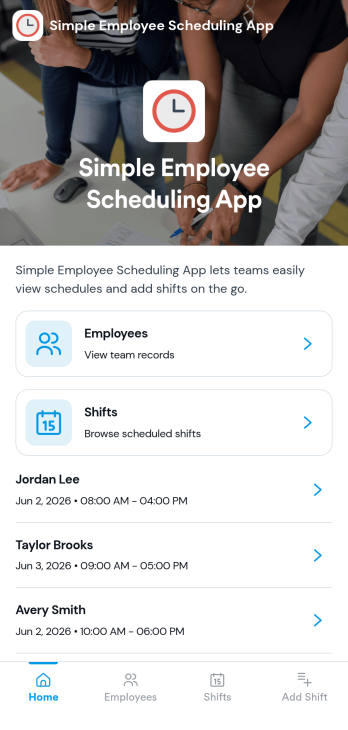
Simple Employee Scheduling App
Simple Employee Scheduling App helps teams publish weekly shifts, make schedules easy to find, and give employees a clear place to request time off. It’s a practical fit for shift-based workplaces like retail, restaurants, salons, gyms, and small operations teams that need a reliable routine without complicated scheduling systems. With pages for weekly shifts, time-off requests, and coverage visibility, managers can keep everyone aligned while employees quickly check what they’re working and take action when plans change.Jotform makes it easy to turn scheduling workflows into a polished, shareable experience with a no-code app builder and drag-and-drop interface. Connect the app to forms and tables for consistent data collection, route requests through simple workflows, and keep schedule details organized in one self-service place. You can update pages as your staffing needs change, share the app by link, and give your team a mobile-friendly way to stay on top of shifts and time off using Jotform App Templates.
Go to Category:Scheduling Apps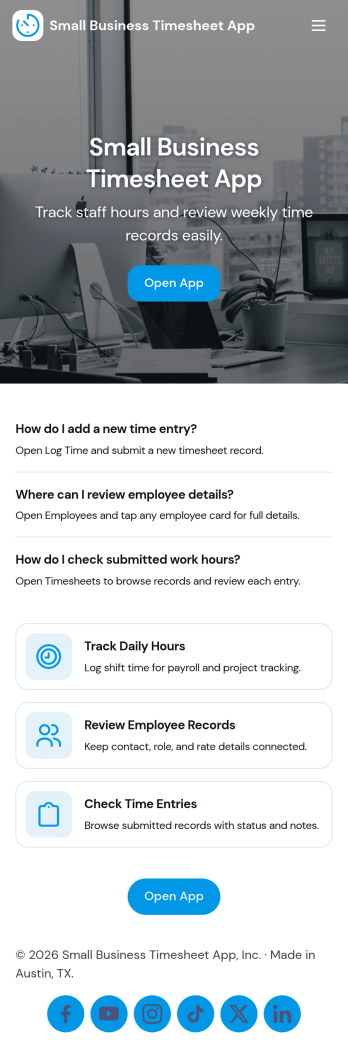
Small Business Timesheet App
Small Business Timesheet App helps owners and managers collect employee hours in a simple, consistent way, then review and reference past entries when it’s time to run payroll or validate project time. With a clear place to submit hours, view history, and route entries into a review step, this app fits teams that juggle part-time staff, field work, or multiple job sites and need a dependable record of time worked without chasing messages or spreadsheets.Jotform makes it easy to turn time tracking into a guided self-service experience with a no-code app builder and a drag-and-drop interface. Connect this app template to your form and organize the workflow across pages so employees always know where to log time and supervisors know where to review it. As your business grows, you can update the layout, add new steps, and keep all your time data collection in one place with Jotform.
Go to Category:Activity Tracking Apps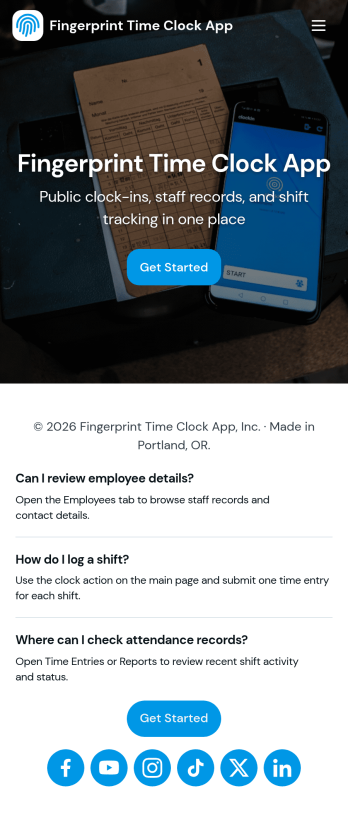
Fingerprint Time Clock App
Fingerprint Time Clock App helps teams record work hours in a simple, consistent way using clear Clock In and Clock Out actions. It’s a practical fit for managers who want a quick way to capture time entries at the start and end of a shift, and for employees who need an easy, repeatable flow for logging time from a shared device or their own phone. With a dedicated area to review timesheets and a separate employee list for browsing staff profiles, the app supports day-to-day timekeeping without relying on scattered messages or spreadsheets.Jotform makes it easy to turn time tracking into a self-service experience with customizable App Templates built in a no-code app builder. Use the drag-and-drop interface to adjust pages, add instructions, and connect your time log form to the rest of your workflow so records stay organized in one place. Share your app by link or QR code, keep your team aligned with a consistent check-in routine, and manage employee information alongside timesheets with Jotform.
Go to Category:Human Resources Apps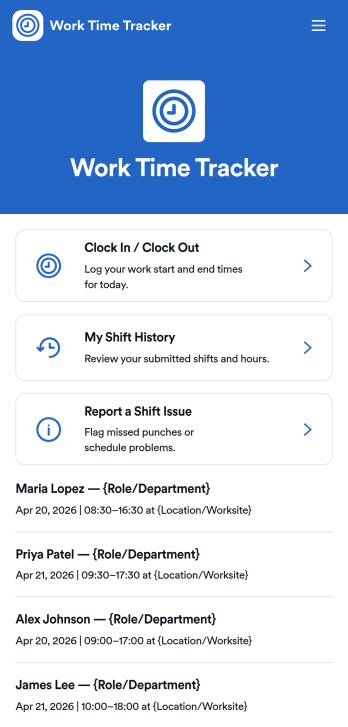
Work Time Tracker App
Work Time Tracker App gives teams a simple way to record shifts, review time worked, and flag problems fast. Employees can clock in and clock out in one place, check My Shift History for past entries, and submit a quick form when something is off, such as a missed punch or incorrect role. It fits hourly workplaces like retail, restaurants, field services, and growing operations teams that need cleaner time records without chasing updates across channels.Built with Jotform, this app template turns time tracking into a self-service experience you can roll out in minutes. Use the no-code app builder and drag-and-drop interface to adjust pages, add guidance, and connect shift entries to your workflows. With shareable links and mobile-friendly access, managers can standardize time data collection while employees always know where to log hours, view recent entries, and report shift issues.
Go to Category:Activity Tracking Apps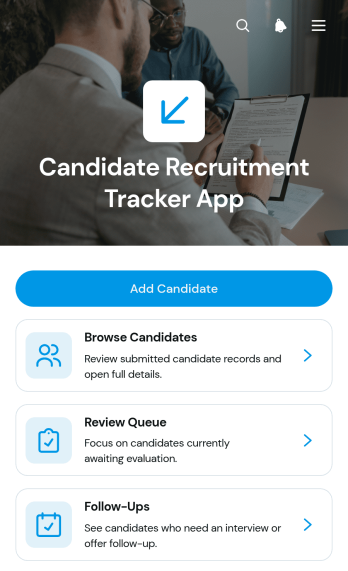
Candidate Recruitment Tracker App
Candidate Recruitment Tracker App gives recruiters, hiring managers, and human resources teams a central place to organize applicants throughout the recruitment process. Teams can add candidate records, browse applicant profiles, check status and source information, review contact details and recruitment notes, manage a review queue, and keep follow-ups visible. This app template is useful for small and medium-sized businesses, staffing teams, growing organizations, and department leaders who need a consistent view of hiring activity. It reduces scattered records, helps prevent missed follow-ups, and makes it easier for colleagues to evaluate candidates using shared information.Jotform Apps helps teams turn this recruitment workflow into an accessible, mobile-friendly experience without writing code. Start with one of the ready-made App Templates, then use the no-code app builder and drag-and-drop interface to adjust pages, navigation, branding, and content. Connected forms support data collection, while lists and linked records keep candidate information available for review and self-service access by authorized team members. The finished app can be shared through a direct link or QR code, giving recruiters a practical way to coordinate hiring from computers, tablets, or phones.
Go to Category:Human Resources Apps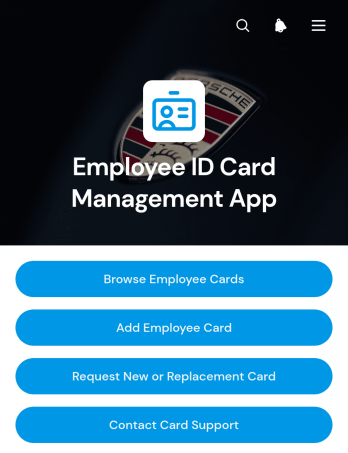
Employee ID Card Management App
The Employee ID Card Management App is a centralized app template for HR teams, office administrators, facilities staff, and card support teams that manage employee identification records. It helps authorized users browse employee cards, add card records, review key details, and direct staff to request new or replacement cards. Organizations can use it to keep employee numbers, card statuses, expiration dates, departments, and work contact details accessible from one convenient location. This clearer process reduces scattered requests, improves record visibility, and gives employees a straightforward self-service route for common card needs.Jotform Apps makes it easy to adapt this Employee ID Card Management App without coding. Using the no-code app builder and its drag-and-drop interface, teams can update pages, buttons, branding, and navigation to match internal procedures. Connected forms can support data collection and card requests, while Jotform Tables and automated workflows help organize records and notify the appropriate team. Publish the finished app with a direct link, QR code, or embedded experience for mobile-friendly access. Jotform App Templates offer a practical starting point that can grow alongside changing HR operations and employee resource needs.
Go to Category:Employee Self Service Apps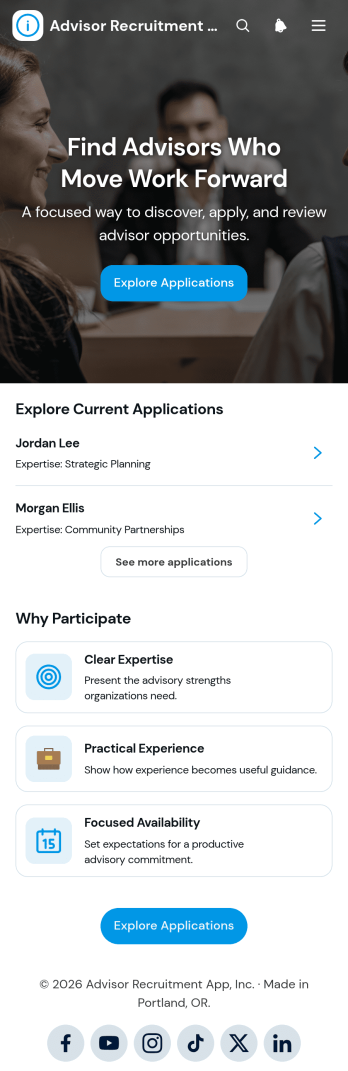
Advisor Recruitment App
The Advisor Recruitment App is a ready-to-use hiring space for organizations seeking experienced advisors, consultants, mentors, or subject-matter specialists. Recruitment teams, professional networks, educational groups, nonprofits, and growing businesses can use it to collect applications, browse candidate profiles, and review shortlisted applicants. Key information such as qualifications, availability, motivation, contact details, and resumes stays accessible within a consistent experience. Recruitment resources can also clarify expectations and help candidates understand the selection process. This reduces scattered communication, gives reviewers a clearer view of each applicant, and supports informed decisions when building an advisory group or talent pool.With Jotform, this app template can be adapted through a no-code app builder and an intuitive drag-and-drop interface. Teams can update pages, branding, buttons, and resources while connecting forms, tables, approvals, and other workflow steps. Jotform App Templates make it easier to create mobile-friendly self-service experiences without starting from scratch. Publish the app through a direct link or QR code so candidates can apply from any device and authorized reviewers can reach the information they need. The result is a flexible recruitment experience that supports organized data collection and can evolve alongside changing advisor requirements.
Go to Category:Human Resources Apps
Employee Compensation Review App
Employee Compensation Review App gives HR teams, department leaders, and managers a central place to organize recurring salary and performance review activities. This app template supports employee record browsing, compensation review submission, and adjustment request tracking while keeping review guidelines and relevant insights easy to reach. It can be used during annual compensation cycles, promotion reviews, market adjustments, or internal pay planning. By bringing current and proposed salary details, performance ratings, departments, and review statuses into one experience, organizations can reduce scattered communications and help reviewers make more consistent, evidence-based recommendations.Jotform App Templates make it easier to turn internal processes into accessible digital experiences without writing code. Customize the Employee Compensation Review App through a drag-and-drop interface, update its pages and branding, and connect forms or tables to support data collection and workflow management. Teams can publish the finished app through a direct link, custom app URL, or QR code for convenient mobile access. Jotform’s no-code app builder also helps organizations maintain a practical self-service resource where authorized participants can find guidance, submit review information, and follow compensation-related requests from one organized location.
Go to Category:HR Portal Apps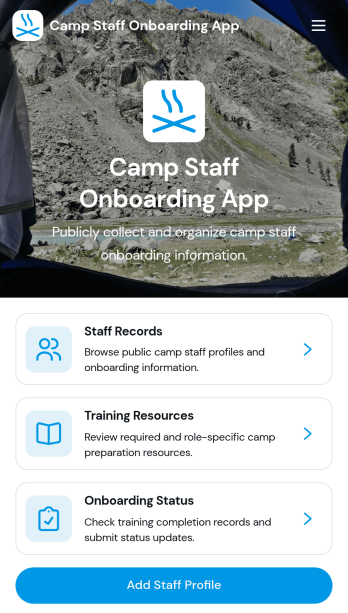
Camp Staff Onboarding App
Camp Staff Onboarding App helps camp directors, human resources teams, and program coordinators prepare seasonal employees and volunteers for their roles from one organized location. Staff profiles and records keep essential personnel information accessible, while training resources and onboarding status updates help administrators see who is ready to begin work. This app template is suitable for day camps, overnight camps, recreation programs, youth organizations, and multi-location camp operators. By replacing scattered documents and disconnected updates, it gives teams clearer visibility into staff preparation, reduces missed steps, and creates a more consistent onboarding experience before the season starts.Jotform Apps turns this Camp Staff Onboarding App into a customizable digital workspace without requiring coding knowledge. Start with one of Jotform’s App Templates, then use the no-code app builder and drag-and-drop interface to update pages, branding, navigation, and content. Connected forms support data collection, while tables and workflows help teams organize records and follow-up tasks. Once ready, the app can be shared through a direct link, QR code, or embedded experience, giving administrators and camp staff convenient mobile access to training and self-service resources.
Go to Category:HR Portal Apps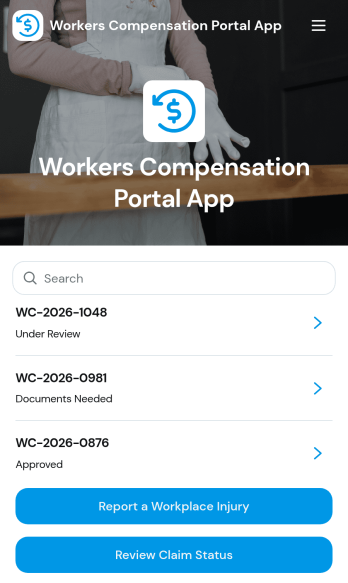
Workers Compensation Portal App
Workers Compensation Portal App gives employees and HR or safety teams a single place to report workplace injuries and follow a claim from first notice to updates. It supports faster incident reporting, clearer communication, and easier access to key claim details such as claim number, employer, injury type, work location, and assigned adjuster. Use it across offices, warehouses, job sites, and field teams when you need a dependable self-service path for injury reporting and a simple way for workers to check claim status without extra emails or phone calls.With Jotform, you can publish this app template quickly and tailor it to your process using a no-code app builder and a drag-and-drop interface. Link the app to forms for injury reporting and portal support, connect records for claim lookups and status review, and keep your workflow consistent from intake to follow-up. Share the portal by link or QR code so people can access it on any device, and update pages as your internal steps or contact points change.
Go to Category:Insurance Apps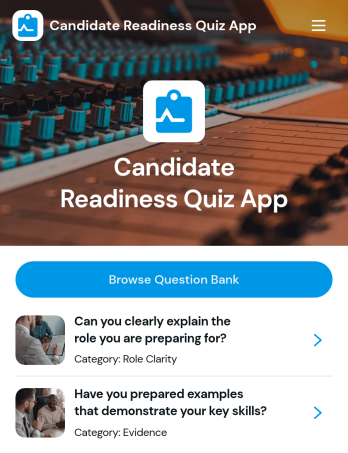
Candidate Readiness Quiz App
Candidate Readiness Quiz App helps recruiters, hiring managers, and career services teams quickly assess how prepared a candidate is for a role before moving forward in the process. It gives candidates a clear starting point with a readiness quiz and lets your team route people to the right next step based on their results. With simple navigation buttons to start the quiz, retake it, and browse a question bank organized by category, you can evaluate core knowledge consistently while keeping the experience easy for candidates to complete.Built with Jotform, this app template can be customized in minutes using a drag-and-drop interface and a no-code app builder. Connect it to your existing data collection and workflow needs by tailoring questions, organizing categories, and presenting the right pages for different audiences. Share the app with a link so candidates can complete the quiz on their own time, while your team keeps the process organized and scalable as hiring volume grows.
Go to Category:Quiz Apps
Retirement Plan Portal App
Retirement Plan Portal App gives employees and plan participants one place to explore retirement plan options, review plan overviews, and access trusted resources without digging through emails or PDFs. Use it to present multiple plans in a clear, comparable format, highlight key details like contribution approach and employer match, and route people to the right next step when they need help. It’s a practical fit for HR teams, benefits administrators, and organizations that want to reduce repetitive questions while helping employees make confident retirement decisions.Built with Jotform App Templates, this portal can be published fast and tailored to your branding using a drag-and-drop interface in a no-code app builder. Connect the app to Jotform forms for data collection such as guidance requests, add a retirement readiness calculator page for interactive self-service, and keep resources up to date by linking to centralized data in Jotform Tables. Share the app by link or QR code so employees can get answers, take action, and request planning guidance from any device.
Go to Category:HR Portal Apps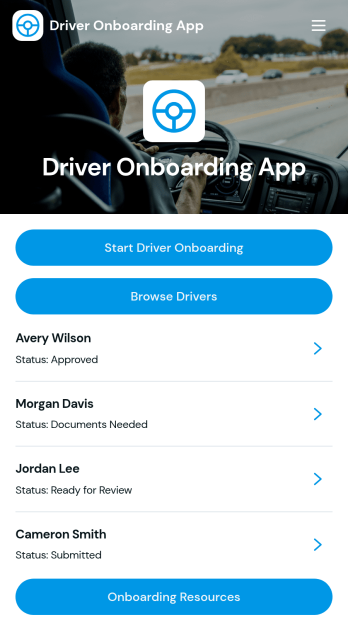
Driver Onboarding App
Driver Onboarding App helps transportation teams collect driver details, organize records, and guide new hires through a consistent onboarding process. Use it to start driver onboarding from a single entry point, capture driver information through a connected form, and let coordinators browse drivers and open individual profiles to review key details like license, license expiry, experience, and emergency contact. It fits fleets, delivery providers, logistics companies, and owner-operator networks that want a clear way to track who has completed intake and what information is still missing.With Jotform, you can turn this app template into a branded self-service experience for drivers and an internal workspace for dispatch or operations. Customize pages with a drag-and-drop interface, connect the app to your data collection workflow, and keep driver records organized in one place. Share the app by link or QR code, update content as your process changes, and create a smoother onboarding flow without relying on custom development.
Go to Category:Transportation Apps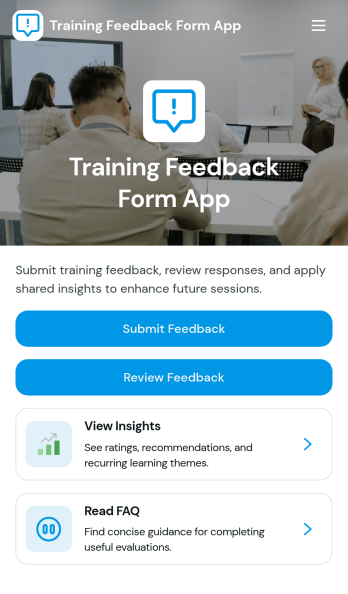
Training Feedback Form App
Training Feedback Form App helps teams collect and review feedback after workshops, onboarding sessions, webinars, and internal trainings. Participants can quickly submit their thoughts through a public feedback form, while organizers can browse connected results to spot trends across sessions. It’s a practical fit for HR, L&D teams, training coordinators, schools, and any organization that wants consistent input on trainer performance, session quality, and improvement suggestions.Built with Jotform App Templates, this experience turns training evaluation into an easy, self-service workflow you can share in minutes. Use Jotform’s no-code app builder and drag-and-drop interface to tailor the pages to your programs, connect the form to your data collection process, and keep feedback organized in one place. From sharing a link or QR code to reviewing results with stakeholders, Jotform Apps makes it simple to run repeatable training feedback workflows without code.
Go to Category:HR Portal Apps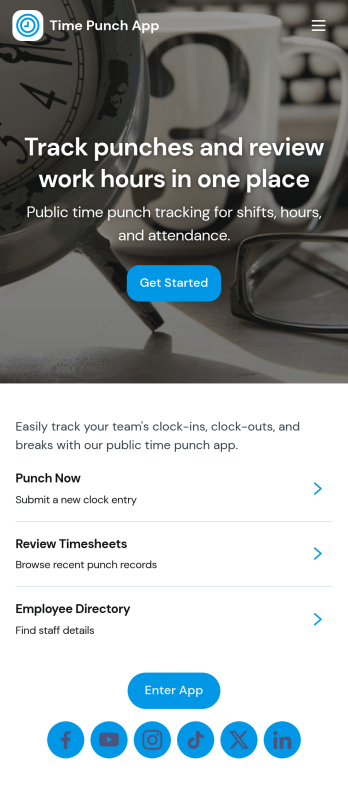
Time Punch App
Time Punch App helps teams record clock-ins and clock-outs in one place, making it easier to track daily work time without relying on paper sheets or scattered messages. Employees can quickly add a punch using the Add Punch or New Punch buttons, and managers can review activity through a daily punch summary and an organized history of time punch records. It’s a practical fit for hourly workforces in retail, restaurants, field services, warehouses, and growing offices that need a consistent way to capture time entries.With Jotform App Templates, you can launch this app template fast and adjust it to match your process using a no-code app builder and a drag-and-drop interface. Connect pages to forms and tables for reliable data collection, keep your workflow moving with simple navigation, and share the app through a link so staff can use it on any device for self-service time tracking. As your team grows, you can refine the layout, add steps, and keep all punch records accessible in Jotform.
Go to Category:Human Resources Apps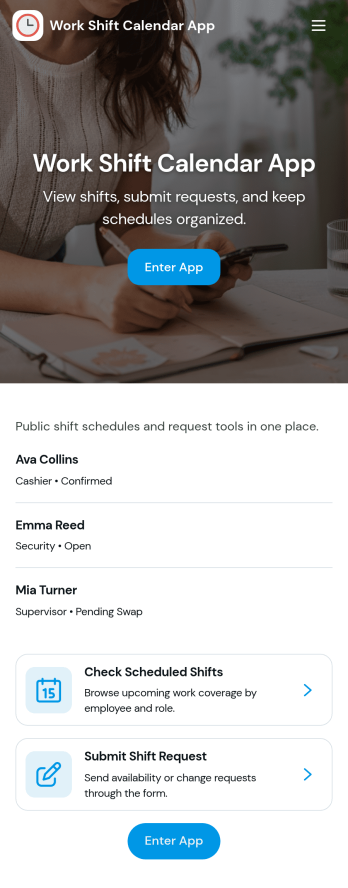
Work Shift Calendar App
A work shift calendar app helps teams plan, view, and update schedules in one place so everyone knows when they’re working. Use it to add new shifts, review upcoming coverage, and collect shift requests from employees without relying on scattered messages. It’s especially useful for managers coordinating rotating schedules, supervisors handling last-minute changes, and staff who need a clear view of their assigned shifts across locations or roles.With Jotform, you can turn this work shift calendar app into a shareable self-service experience using a no-code app builder and a drag-and-drop interface. Connect buttons and pages to your forms and data collection, keep shift details organized for quick browsing, and route requests through a workflow that fits your operation. Customize the layout, branding, and access so your schedule stays clear, current, and easy to manage from anywhere.
Go to Category:Scheduling Apps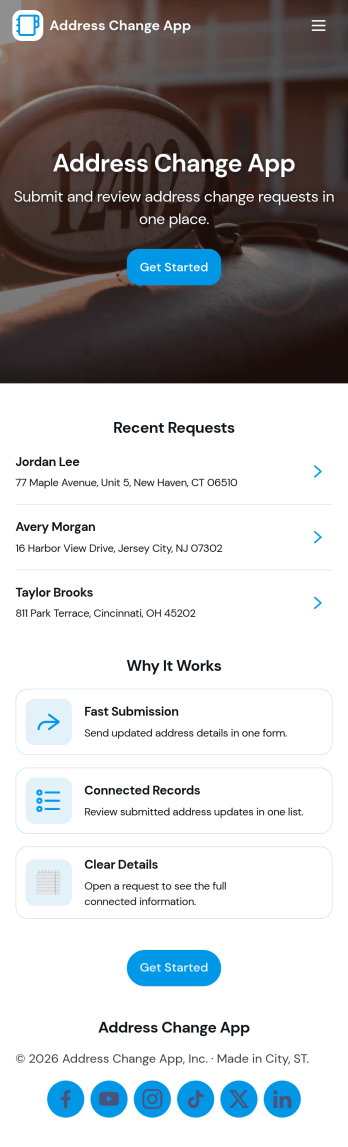
Address Change App
Address Change App helps customers, members, tenants, or employees submit an address update request and keep track of what happens next. Instead of handling updates through scattered emails and phone calls, people can send a new request from one place, review request records, and use a simple status guide to understand progress. Built-in contact options make it easy to reach support when details need clarification, while teams get a more organized way to manage address changes across programs, services, or accounts.Jotform makes it simple to publish this app template and tailor it to your process using a no-code app builder with a drag-and-drop interface. Connect the request form to your workflow, keep records accessible for quick follow-up, and share the app through a link or QR code for fast self-service. With Jotform, you can update pages, branding, and navigation in minutes so the experience stays clear for users and practical for the staff handling requests.
Go to Category:Customer Portal Apps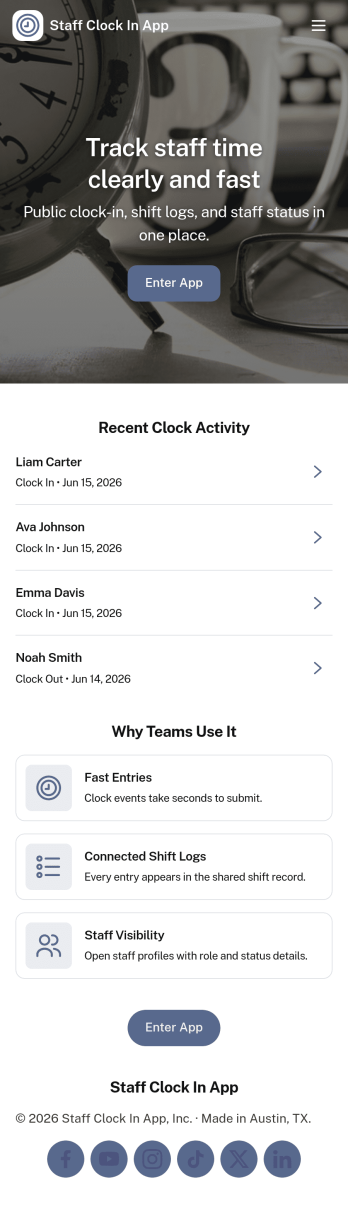
Staff Clock in App
Staff Clock in App helps teams record clock-ins and review time history from one mobile-friendly place. Employees can quickly start a new clock-in, then use the app to view clock history and open individual records for a clear timeline of work activity. It’s a practical fit for retail stores, restaurants, field service teams, clinics, and growing businesses that want a simple way to capture time entries without relying on scattered messages or paper notes.Jotform makes it easy to turn this use case into a polished self-service experience with App Templates you can tailor in minutes. Using Jotform’s no-code app builder and drag-and-drop interface, you can connect the app to a form and keep entries organized, add helpful navigation for faster access, and share a single link with your staff. As your workflow evolves, update the layout, branding, and connected data collection without rebuilding from scratch.
Go to Category:Human Resources Apps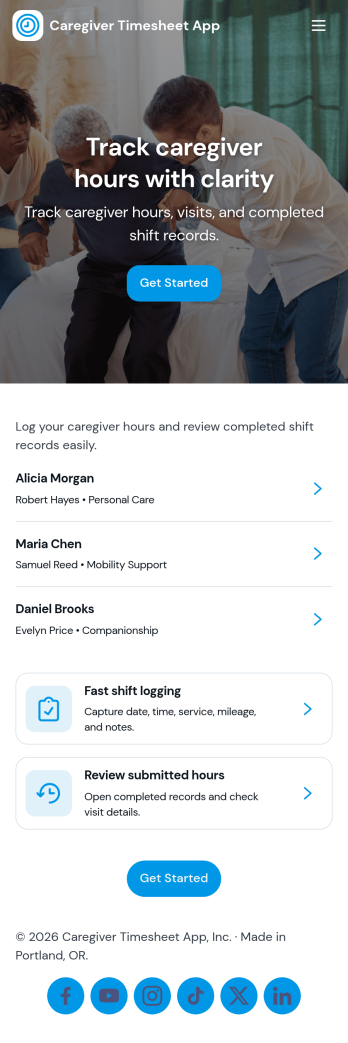
Caregiver Timesheet App
Caregiver Timesheet App helps home care agencies and care coordinators track caregiver shifts and timesheets in one place, without relying on scattered paper logs. Use it to maintain a caregiver directory, capture key contact details, and give caregivers a simple way to submit their timesheets and review their own entries. With quick navigation to timesheet tools and shift summaries, teams can reduce payroll confusion, spot missing hours earlier, and keep schedules and documentation consistent across clients and locations.Jotform makes it easy to turn everyday care operations into a mobile-friendly self-service experience. Start with this app template, then tailor pages, cards, and buttons in Jotform’s no-code app builder using a drag-and-drop interface. Connect forms and tables for reliable data collection, route entries through approvals when needed, and share the app with staff using a link or QR code so everyone stays aligned on the same workflow.
Go to Category:Healthcare Apps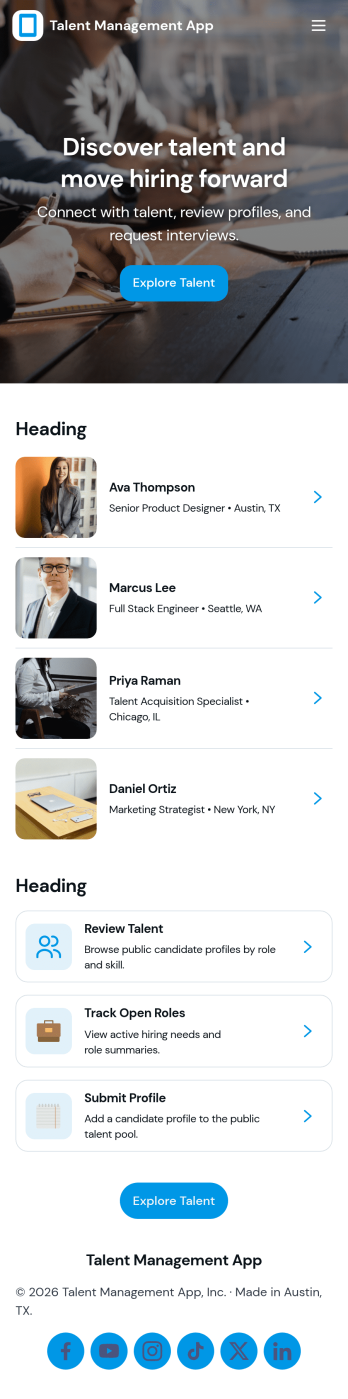
Talent Management App
Talent Management App helps teams organize hiring activity and candidate information in one place, from tracking open roles to reviewing applicants as they move through your pipeline. It’s a practical fit for HR teams, recruiters, and growing businesses that need a clear view of what roles are active, who has applied, and which candidates need follow-up. With quick navigation to open positions, an easy way to apply, and simple candidate record access, the app supports consistent intake and faster internal coordination without relying on scattered emails or spreadsheets.Jotform makes it easy to turn talent processes into a guided, self-service experience using App Templates you can customize in minutes. Use the no-code app builder with a drag-and-drop interface to adjust pages, add your branding, and connect forms and tables so data collection and review stay connected. Share your app by link or QR code, keep workflows moving with notifications and approvals, and give your team a single destination for recruiting updates inside Jotform.
Go to Category:HR Portal Apps