

HR Portal App Templates

Professional Profile Management App
Professional Profile Management App helps teams create, organize, and maintain professional profiles in one place so people can be discovered, reviewed, and kept up to date. Use it to browse profiles in a list, open an individual profile to view key details, and guide contributors to submit new or updated information through a connected profile form. It’s a practical fit for HR and People Ops, staffing and recruiting teams, consulting firms, agencies, member organizations, or any department that needs a reliable directory of expertise across roles, industries, and locations.With Jotform, you can turn this app template into a polished, self-service experience without coding. Customize pages with a drag-and-drop interface, adjust the profile checklist and standards content to match your organization, and connect the app to forms and tables to support ongoing data collection and workflow updates. Share the app by link or QR code for quick access, keep profile resources easy to find, and maintain a consistent, branded experience as your directory grows.
Go to Category:Company Portal Apps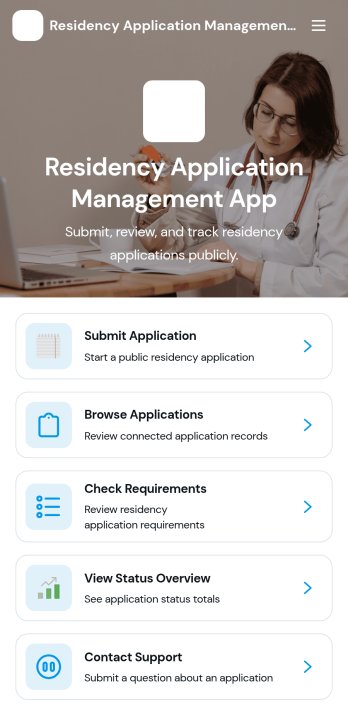
Residency Application Management App
Residency Application Management App helps organizations collect residency applications, organize applicants, and guide reviewers through a consistent intake and review experience. Applicants can submit an application, confirm requirements before applying, and reach support if they get stuck. Internal teams can browse applications, open an applicant profile to view key details like residency type, requested start date, and contact information, and use a status overview to monitor progress at a glance.Built with Jotform App Templates, this app template turns your residency workflow into a mobile-friendly self-service experience without code. Use Jotform’s drag-and-drop interface to tailor pages, connect intake and support request forms, and keep data collection and follow-up in one place. Share the app by link or QR code, update content as policies change, and maintain a clear workflow from submission to review while keeping stakeholders aligned.
Go to Category:Customer Portal Apps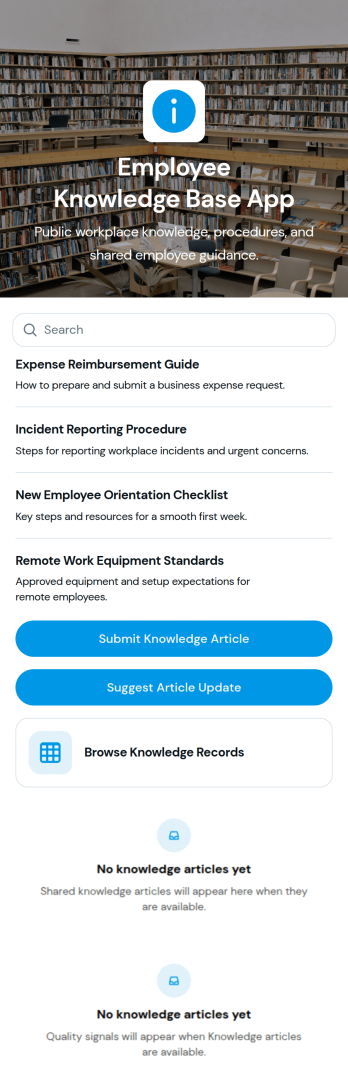
Employee Knowledge Base App
An Employee Knowledge Base App gives teams one place to find, share, and improve internal know-how such as how-to articles, policies, and troubleshooting guides. It works well for HR, IT, operations, and customer-facing teams who want answers to be easy to browse and consistent across locations and shifts. With simple browsing, a way to submit new knowledge articles, and a form to suggest updates, the app supports day-to-day questions while keeping information current as processes change.Jotform makes it easy to launch this kind of self-service experience using app templates and a no-code app builder with a drag-and-drop interface. Connect your app to tables for organized records, link forms for guided data collection, and create a smoother workflow for reviewing, updating, and sharing internal resources. Publish and share your Jotform app in minutes so employees can access the knowledge they need from any device.
Go to Category:Resource & Learning Portal Apps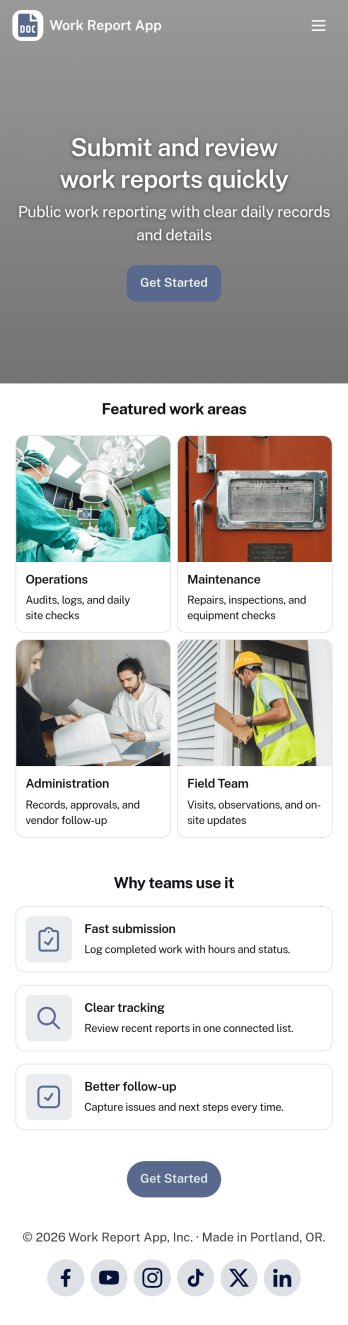
Work Report App
Work Report App brings your team’s updates into one place, making it easier to submit work reports, review activity, and keep a consistent record of what got done. Use it to collect daily or weekly summaries, job notes, progress updates, and status recaps from employees across departments, shifts, or locations. With simple navigation to view reports, open a report feed, and access an all-reports view, supervisors and operations teams can stay informed without chasing details through email or chat.Built with Jotform, this app template pairs an easy self-service experience with reliable data collection powered by connected forms and tables. Customize pages with a drag-and-drop interface, tailor the report fields to match your workflow, and share the app with a link so employees can report from any device. As reports come in, you can keep everything organized for faster follow-ups, clearer visibility, and smoother team coordination.
Go to Category:Report Apps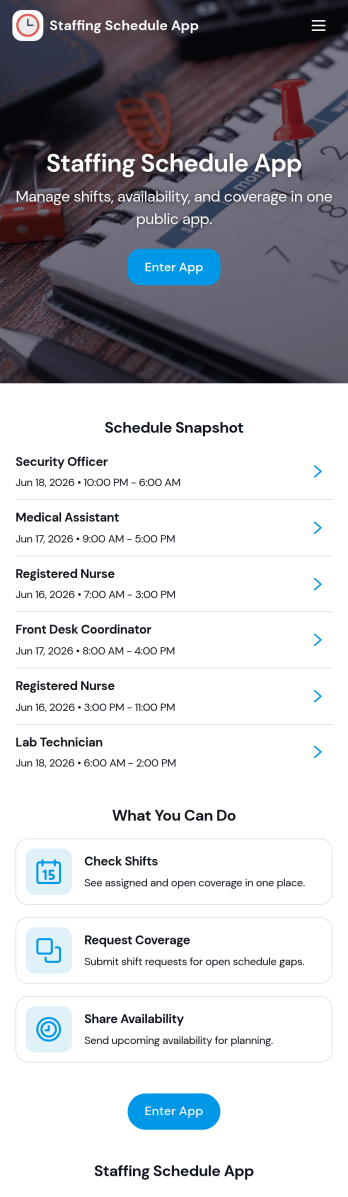
Staffing Schedule App
A staffing schedule app helps managers coordinate staff availability, organize shifts, and keep assignments easy to find in one place. This template fits restaurants, retail stores, clinics, warehouses, field teams, and any operation where coverage changes week to week. Use it to maintain a clear staff list, review upcoming shifts, and confirm who is assigned without relying on scattered messages or last-minute spreadsheets.With Jotform, you can publish the Staffing Schedule App as a self-service scheduling hub and connect it to the forms and tables behind your operations. Customize pages with a drag-and-drop interface, add buttons for quick data collection, and keep shift and assignment records organized for day-to-day workflow management. Share the app by link so supervisors can manage schedules from anywhere, and update staffing details in real time as roles and shift needs change.
Go to Category:Scheduling Apps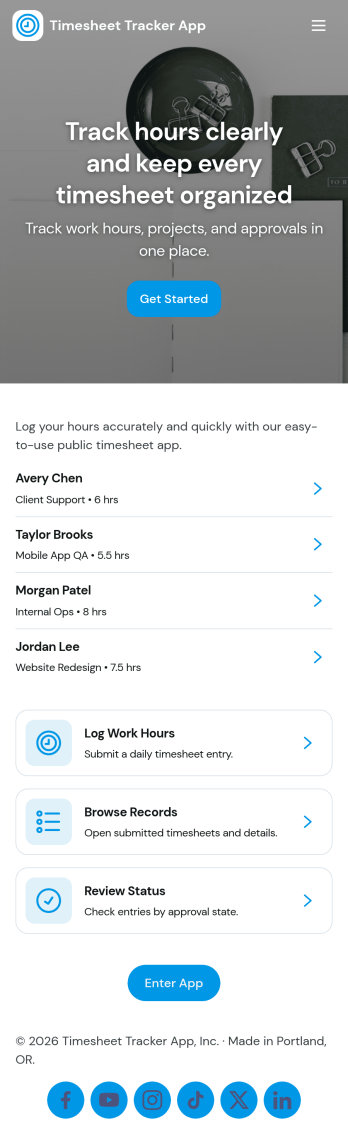
Timesheet Tracker App
Timesheet Tracker App helps teams record hours quickly, review work entries, and spot patterns in time spent across people and projects. From the home screen, employees can log time in a few taps, then browse past entries and open an employee-focused view for quick checks during payroll prep, client billing, or weekly reviews. It’s a practical fit for agencies, contractors, field teams, and growing businesses that need a consistent way to capture time worked without chasing updates in messages or spreadsheets.Built with Jotform, this app template pairs a drag-and-drop interface with connected forms so time data collection stays organized from the moment it’s submitted. Customize pages, buttons, and branding to match your workflow, then share the app with a link or QR code for fast self-service access. As your process evolves, you can expand the workflow with tables, approvals, and automated notifications to keep time tracking accurate and easy to manage.
Go to Category:HR Portal Apps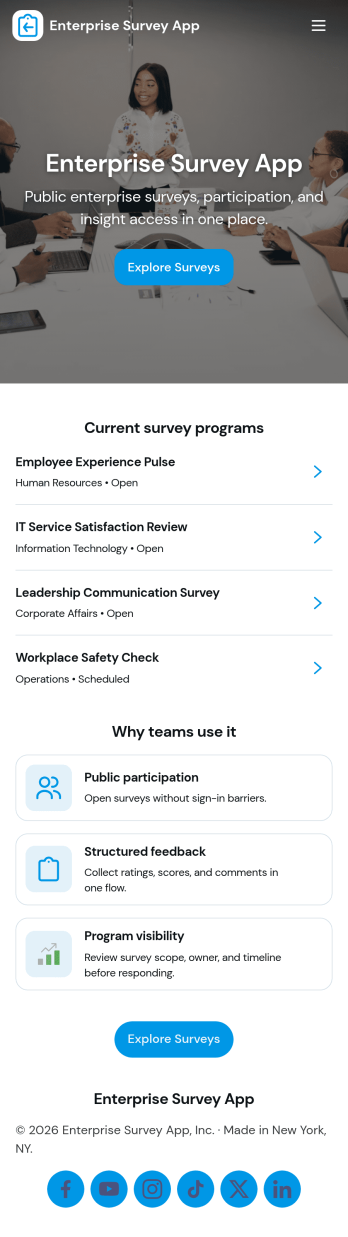
Enterprise Survey App
Enterprise Survey App brings company-wide surveys into one place so teams can launch initiatives, collect responses, and review results without relying on scattered links or email threads. It’s built for HR, IT, operations, and internal comms teams that run recurring engagement pulses, policy acknowledgments, training feedback, or cross-department check-ins. With a central area to browse available surveys, a clear path to submit responses, and a dedicated section for viewing records, the experience stays consistent for employees and easy to repeat for administrators.Jotform makes it simple to publish and maintain enterprise-ready survey experiences using App Templates and a no-code app builder. Customize pages with a drag-and-drop interface, connect surveys to forms and tables for organized data collection, and keep workflows moving with shareable links that work across devices. As needs change, you can update content quickly, support self-service access for respondents, and keep survey activity structured for ongoing internal programs.
Go to Category:Company Portal Apps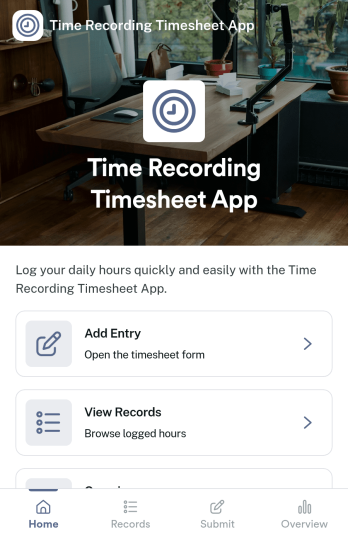
Time Recording Timesheet App
Time Recording Timesheet App helps teams capture work hours consistently across projects, shifts, or client engagements. Employees can log time through a dedicated timesheet form, review past entries in a single place, and check weekly insights to spot patterns like overtime or uneven workload. It’s a practical fit for agencies, contractors, field teams, and operations managers who need a simple way to record time without chasing updates across messages or spreadsheets.Built with Jotform, this app template combines self-service time entry with organized record viewing in an interface that works well on desktop and mobile. Customize pages, cards, and navigation with a drag-and-drop, no-code app builder, then connect your time tracking workflow to the data you collect for reporting and follow-ups. Share the app by link so your team can submit hours fast, while you keep timesheets centralized and ready for review.
Go to Category:Activity Tracking Apps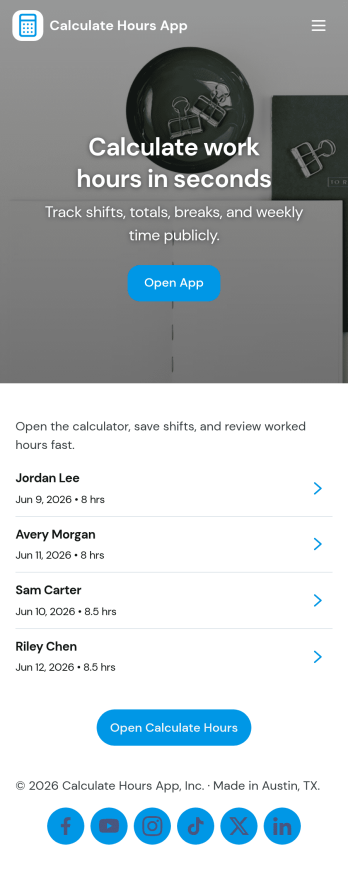
Calculate Hours App
Calculate Hours App helps individuals and teams quickly total work hours and estimate pay, then keep a running record of past calculations for easy reference. It fits time tracking needs for freelancers, hourly employees, shift-based teams, and managers who want a simple way to check totals before payroll or invoicing. With an hours and pay calculator and a history area for browsing previous entries, it supports day-to-day time checks without forcing a full scheduling system.Jotform makes it easy to turn this use case into a polished self-service experience with App Templates you can tailor to your workflow. Use the no-code app builder and drag-and-drop interface to adjust pages, add buttons for faster navigation, and connect data collection to tables so calculations and presets stay organized. Share your Calculate Hours App through a link or QR code, collaborate with your team, and keep your workflow consistent across devices.
Go to Category:HR Portal Apps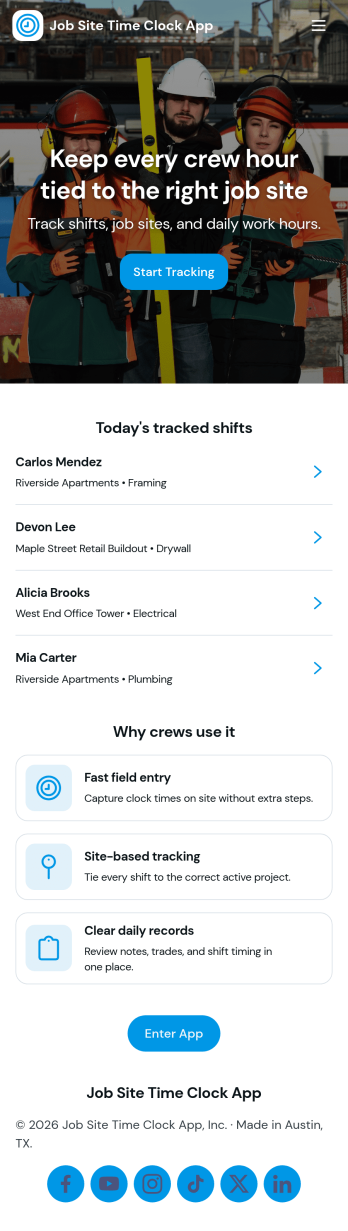
Job Site Time Clock App
Job Site Time Clock App helps construction and field teams track work time by letting employees clock in, clock out, start shifts, and end shifts from one place. It’s built for job sites where crews move between locations and supervisors need clear, consistent time activity without chasing paper timesheets. Use it to keep employee entries organized, capture job site details as they’re added, and give workers quick access to their own clock-in and clock-out history when questions come up.With Jotform, you can turn this app template into a branded, shareable tool that supports self-service time tracking across teams and job sites. Use the no-code app builder and drag-and-drop interface to adjust pages, connect the buttons to your existing forms and tables, and keep data collection flowing into the workflows you already use. Share the app by link or QR code so crews can log time from the field, while managers stay on top of records and updates in real time.
Go to Category:Construction Apps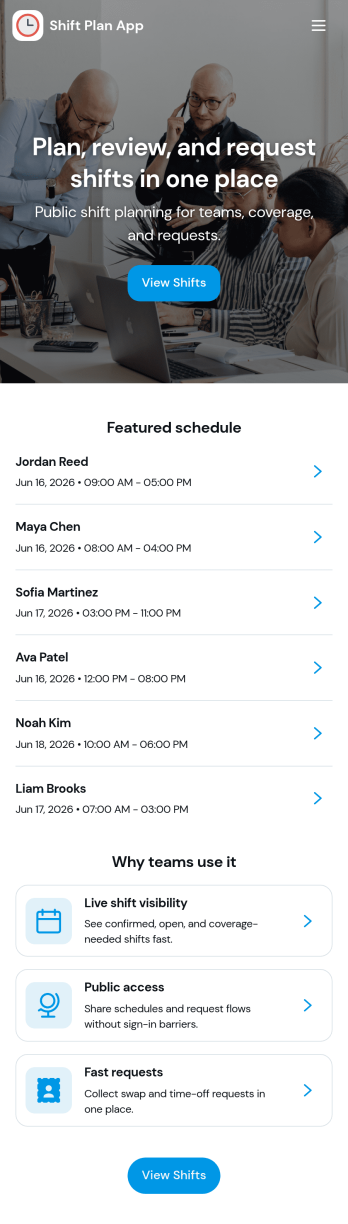
Shift Plan App
Shift Plan App brings your team’s schedule into one clear, shareable place so employees always know when they’re working and managers spend less time answering repeat questions. Use it to publish upcoming shifts, let staff view the schedule anytime, and route shift-change requests through a simple in-app form when conflicts come up. The built-in shift overview dashboard helps you spot coverage gaps at a glance, while team and employee pages make it easy to find the right person’s schedule without hunting through messages.With Jotform, you can turn everyday scheduling needs into a self-service experience using app templates and a no-code app builder. Customize pages with a drag-and-drop interface, connect your scheduling data to tables, and keep change requests organized with automated workflows and notifications. Share your Shift Plan App with a link or QR code so teams can access the latest updates from anywhere, especially on mobile.
Go to Category:Scheduling Apps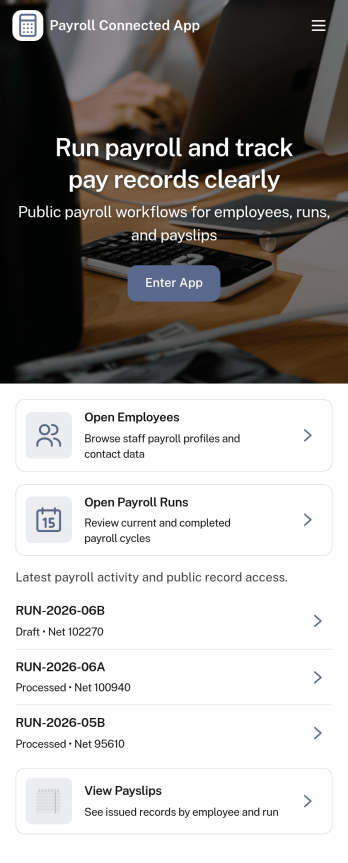
Payroll Connected App
Payroll Connected App brings employee details, pay periods, and payroll submissions into one place so teams can run payroll with fewer missed steps. Use it to add and review employees, create pay periods, capture hours, and build pay summaries that are ready for review. It’s a practical fit for small businesses, operations teams, and HR or finance staff who want a clear view of what’s due each cycle and an easy way for managers to check payroll requests before they move forward.Jotform makes it simple to turn payroll processes into a self-service experience with App Templates that connect your forms, tables, and approvals in one branded workspace. Customize pages with a drag-and-drop interface, keep records organized for quick lookup, and route updates through the right workflow without code. Share your app by link so the right people can add employees, submit payroll, and review approvals from anywhere.
Go to Category:Human Resources Apps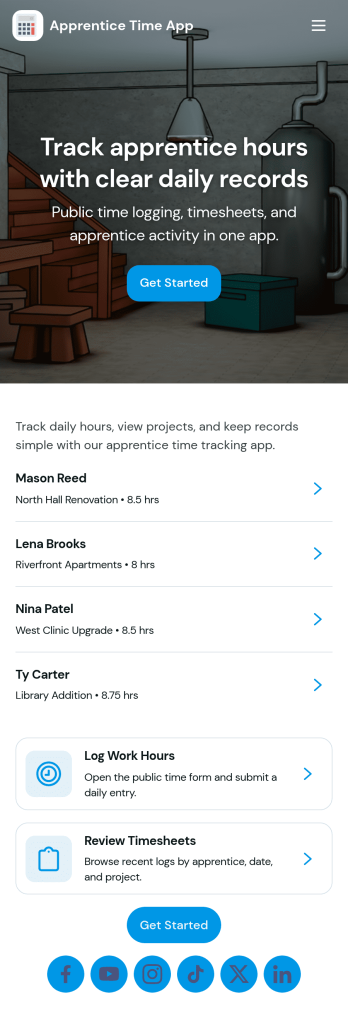
Apprentice Time App
Apprentice Time App helps apprenticeship programs track hours in a consistent, easy-to-follow way across job sites and supervisors. Use it to log time quickly, keep apprentice records organized, and review totals at a glance, so coordinators and foremen can stay on top of progress without chasing paper timesheets. It works well for construction trades, technical programs, and any team managing multiple apprentices who need clear visibility into status, job site details, and supervisor contact information.With Jotform, you can publish this app template fast and tailor it to your workflow using a no-code app builder and a drag-and-drop interface. Connect buttons to your time form for data collection, view entries in lists for ongoing tracking, and share the app with supervisors or apprentices for self-service access. As your program grows, you can keep everything in one place while supporting smoother handoffs, better reporting, and more reliable time records.
Go to Category:HR Portal Apps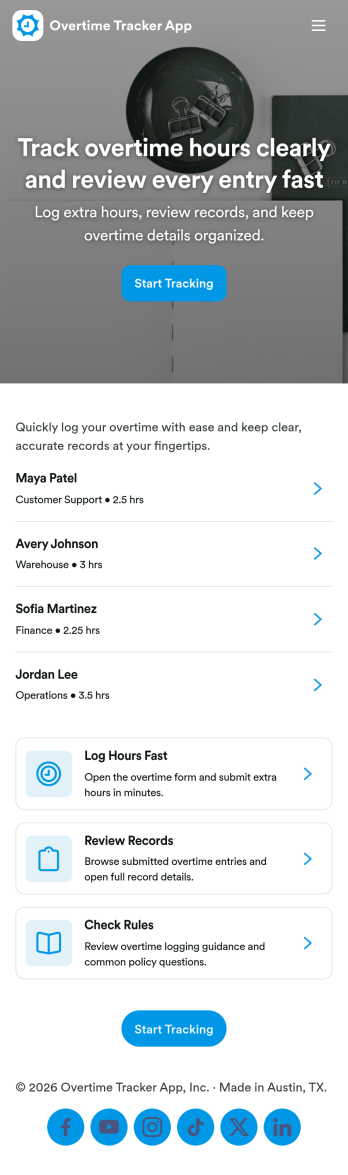
Overtime Tracker App
Overtime Tracker App helps teams record extra hours consistently and keep overtime details easy to find. Employees can quickly log overtime from a dedicated entry point, while supervisors and payroll coordinators can view records by employee and follow activity over time. It’s a practical fit for shift-based operations, field teams, agencies, restaurants, healthcare offices, and any workplace that needs a clear routine for capturing overtime and adding context when something needs explaining.Jotform makes it simple to turn this kind of workflow into a mobile-friendly experience with customizable app templates and a no-code app builder. Use a drag-and-drop interface to adjust pages, add guidance text, and connect the app to your forms and tables for reliable data collection. Share the app with a link for self-service logging, keep records centralized, and support faster reviews with organized views and summaries in one place.
Go to Category:HR Portal Apps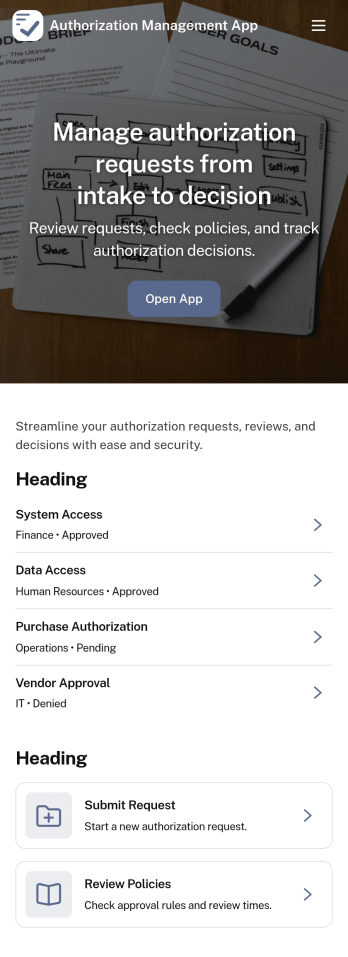
Authorization Management App
Authorization Management App helps teams organize and control how access requests are handled across an organization. It provides a clear place to review open requests, record decisions, and keep an activity log of authorization actions, so stakeholders can understand what was requested, what was approved or denied, and why. It also supports role and policy management, making it easier for IT, operations, and department leads to keep permissions consistent as people join teams, change responsibilities, or need temporary access.With Jotform, you can adapt this app template to match your internal workflow without coding. Use Jotform’s no-code app builder and drag-and-drop interface to tailor pages, connect buttons to forms for data collection, and keep records organized for ongoing workflow visibility. Share the app through a link or QR code so employees and approvers can access the right actions quickly, whether they’re working from a desk or on mobile.
Go to Category:Information Technology Apps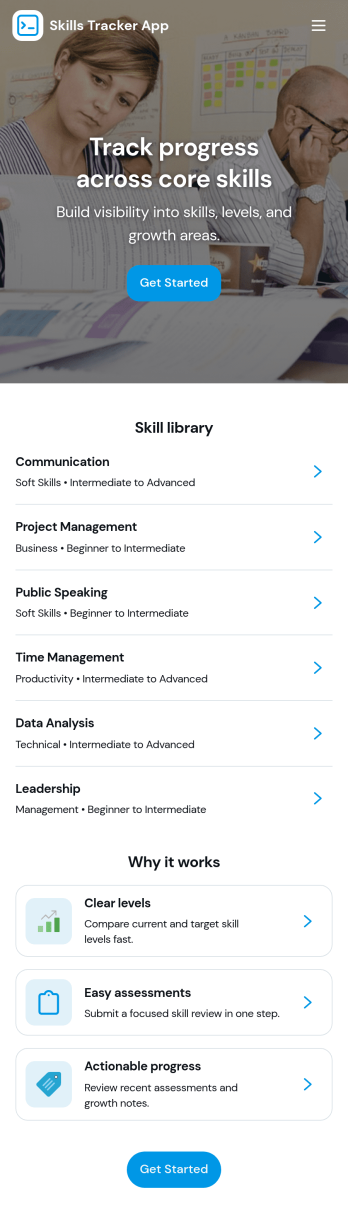
Skills Tracker App
Skills Tracker App helps individuals and teams organize, review, and grow their skill sets in one easy place. Use it to browse a skills directory, open a skill detail page for notes and context, and add new skills as goals change. It fits employee development check-ins, student learning plans, coaching programs, and personal upskilling, especially when you want a simple way to keep skills visible and updated over time.With Jotform, you can turn this app template into a branded, shareable experience using a no-code app builder and a drag-and-drop interface. Connect the app to a form for data collection, keep skill information organized, and adjust pages and navigation to match your workflow. Share the app through a link or QR code so stakeholders can track progress, contribute updates, and stay aligned on skill growth.
Go to Category:HR Portal Apps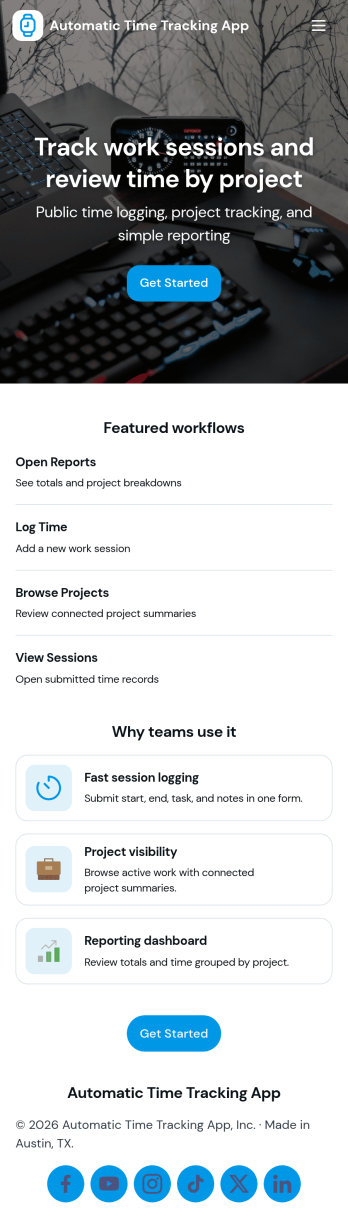
Automatic Time Tracking App
Automatic Time Tracking App helps teams capture work time in a consistent, repeatable way, with a simple place to start a timer-style tracking flow, review time logs, and add a new entry when needed. It’s a practical fit for agencies, freelancers, consultants, and operations teams who need clearer visibility into where hours go across projects, tasks, or clients without relying on scattered notes. Use it to support weekly timesheet routines, reduce missed billable time, and keep project reporting more accurate with organized logs and tracking preferences.With Jotform, you can turn this app template into a branded, self-service experience using a no-code app builder and a drag-and-drop interface. Connect buttons to your form for data collection, centralize records for ongoing workflow tracking, and publish a shareable app link for your team. As your process evolves, you can adjust pages, update navigation, and refine how time entries are captured and reviewed, all without writing code.
Go to Category:Activity Tracking Apps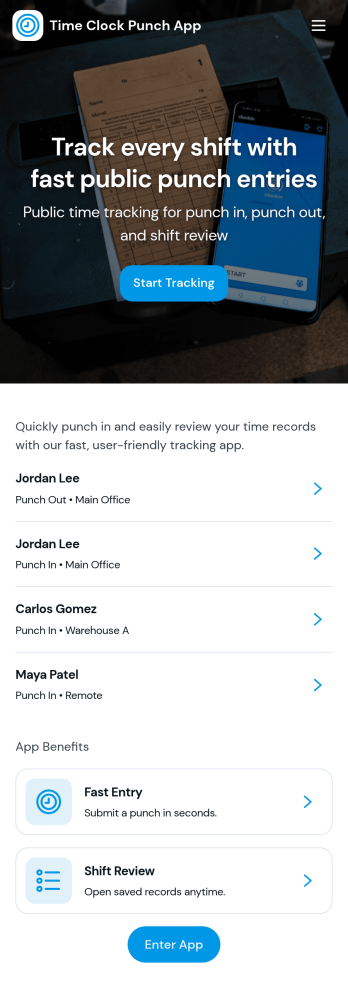
Time Clock Punch App
Time Clock Punch App helps teams record employee clock-ins and clock-outs from one place, making it easier to track daily hours without relying on paper timesheets or scattered messages. Staff can punch now, open the punch form, and review today’s activity, while supervisors can browse shift logs and see punch records by employee for quick verification and follow-up.Built with Jotform, this app template combines a clean, mobile-friendly layout with connected forms and logs so time entries stay organized as they come in. Use Jotform’s no-code app builder and drag-and-drop interface to tailor pages, add role-specific navigation, and keep data collection consistent across locations, departments, or job sites while supporting a smoother self-service routine for your workforce.
Go to Category:Human Resources Apps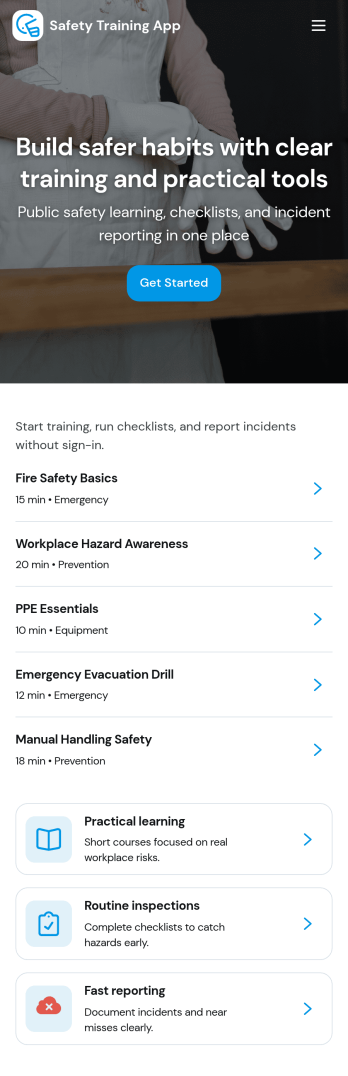
Safety Training App
Safety Training App helps teams organize safety courses, track learning progress, and keep personal training records in one place. Use it to publish a clear course library employees can browse, provide a simple way to log completed training, and give staff a self-service view of their progress over time. It’s a strong fit for operations leaders, HR teams, site supervisors, and safety coordinators who need training information to be easy to find, easy to update, and consistent across locations and roles.With Jotform, you can turn this app template into a branded training experience using a no-code app builder and a drag-and-drop interface. Connect the app to your training workflows by linking it to forms and tables for data collection, progress tracking, and admin oversight, then share it with your workforce using a link or QR code. As your program grows, you can adjust pages, navigation, and records management so the app keeps supporting everyday self-service and internal workflow needs.
Go to Category:HR Portal Apps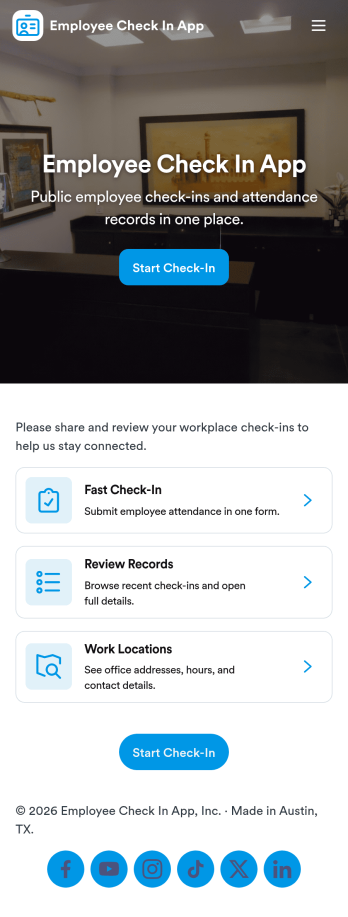
Employee Check In App
An employee check in app gives teams a simple way to record when employees start their day and helps managers stay on top of daily attendance. This template includes a dedicated Check In area for quick actions, an Attendance section that lists employees for easy browsing, and employee-specific views that make it easier to look up someone’s status without digging through messages or spreadsheets. It works well for offices, retail teams, field crews, and hybrid workplaces that want a consistent check-in habit across locations and shifts.With Jotform, you can turn this Employee Check In App into a polished self-service experience using a no-code app builder and a drag-and-drop interface. Connect pages to your existing workflows for data collection, route entries for manager review, and keep attendance records organized in one place. Share the app through a link or QR code so employees can check in quickly, while supervisors can review attendance from anywhere.
Go to Category:Sign In Apps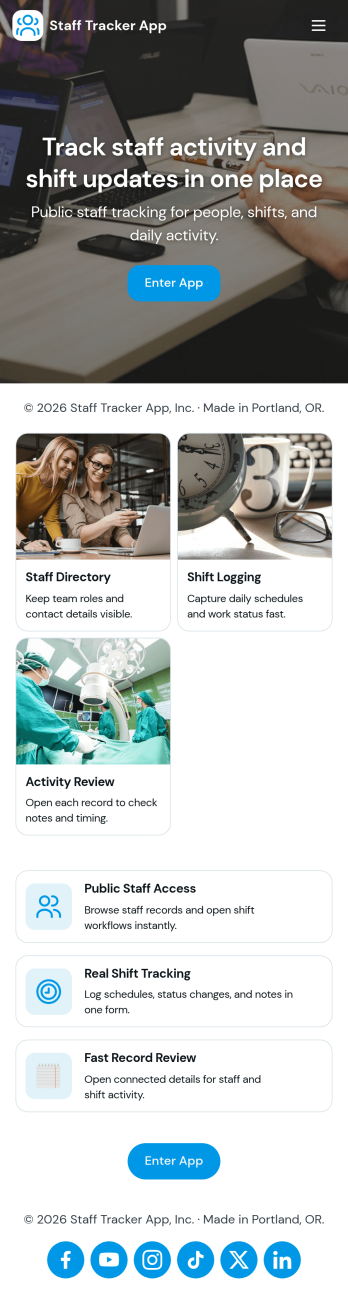
Staff Tracker App
Staff Tracker App brings your employee directory and shift activity into one place so managers and team leads can quickly find staff details, review individual profiles, and keep day-to-day operations organized. With dedicated areas for Staff, a Shift Log, and Reviews, it supports teams that need a clear view of who is on the roster, what shifts have been worked, and how performance feedback is being captured across locations or departments.Built with Jotform, this app template helps you launch a self-service experience without coding. Use Jotform’s no-code app builder and drag-and-drop interface to tailor navigation, add pages, and connect buttons to forms and tables for data collection and ongoing workflow. Share the app with your internal team, keep records centralized, and update information in real time as staffing needs change.
Go to Category:Human Resources Apps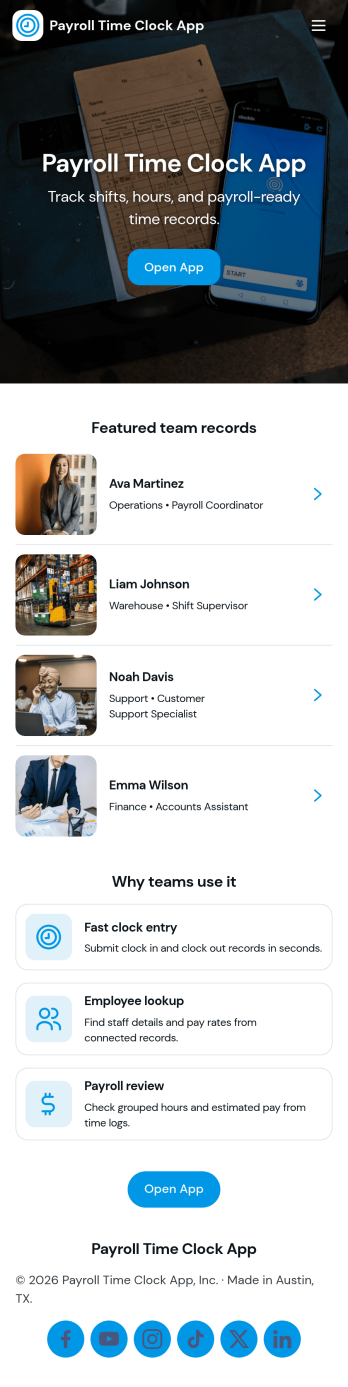
Payroll Time Clock App
Payroll Time Clock App helps teams capture accurate work hours and turn daily punches into payroll-ready records. Employees can clock in from a dedicated page, review timesheets, and see payroll details in one place, while managers route exceptions through an approvals page before pay periods close. It’s a practical fit for hourly workforces in retail, food service, field services, and growing businesses that need a consistent way to document time across locations and shifts.With Jotform, you can build and publish App Templates that bring time tracking, data collection, and workflow steps together without code. Use a drag-and-drop interface to adjust pages, add role-based navigation, connect the app to forms and tables, and keep records organized for fast review. Share the app through a link or QR code so employees and supervisors can use a simple self-service experience for clock-ins, timesheets, approvals, and payroll coordination.
Go to Category:Human Resources Apps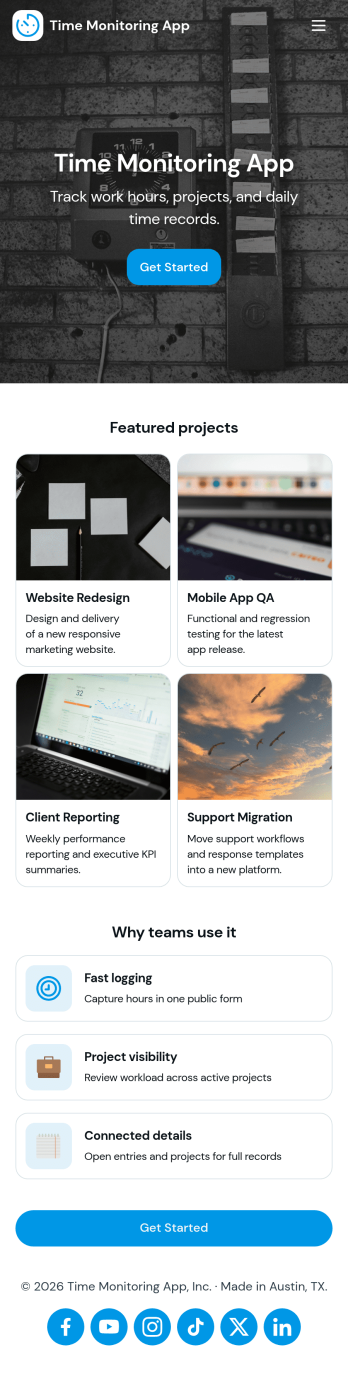
Time Monitoring App
Time Monitoring App helps teams and independent professionals record work hours in a consistent, organized way and keep visibility into where time is going across projects and shifts. Use it to log time as you work, review recent entries, and check weekly hours so payroll prep, invoicing, and internal reporting don’t depend on scattered notes. It’s a practical fit for agencies, field service teams, consultants, and operations managers who need a clear trail of time entries without complicating the process for staff.With Jotform, you can turn this Time Monitoring App into a branded self-service experience using App Templates and a no-code app builder. Customize pages with a drag-and-drop interface, connect your time log form for reliable data collection, and guide users through the right workflow from logging new time to viewing entries and project balances. Share the app by link so your team can capture updates from anywhere while you keep the information centralized and easy to review.
Go to Category:Activity Tracking Apps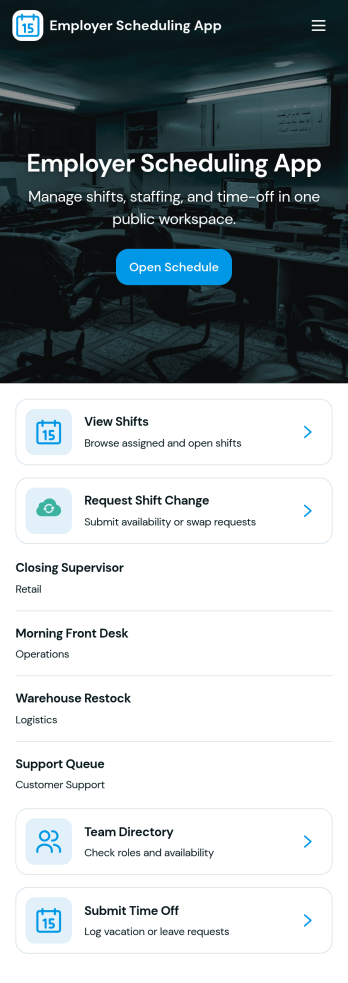
Employer Scheduling App
Employer Scheduling App helps managers and employees coordinate staffing without chasing updates across texts, emails, or spreadsheets. Use it to publish open shifts, collect employee availability, and manage time off requests in one place so coverage decisions are faster and clearer for everyone. It fits shift-based teams in retail, hospitality, healthcare clinics, warehouses, and field operations, as well as any workplace that needs dependable weekly scheduling and visibility into who can work.Built with Jotform, this app template combines self-service actions with organized records to keep scheduling workflows moving. With a no-code app builder and a drag-and-drop interface, you can tailor pages, buttons, and navigation to match your scheduling process, then connect forms and tables for ongoing data collection and tracking. Share the app with a link so staff can add shifts, submit availability, and request time off while managers review all shift records and requests from a central hub.
Go to Category:HR Portal Apps