

HR Portal App Templates

Staff Clock in App
Staff Clock in App helps teams record clock-ins and review time history from one mobile-friendly place. Employees can quickly start a new clock-in, then use the app to view clock history and open individual records for a clear timeline of work activity. It’s a practical fit for retail stores, restaurants, field service teams, clinics, and growing businesses that want a simple way to capture time entries without relying on scattered messages or paper notes.Jotform makes it easy to turn this use case into a polished self-service experience with App Templates you can tailor in minutes. Using Jotform’s no-code app builder and drag-and-drop interface, you can connect the app to a form and keep entries organized, add helpful navigation for faster access, and share a single link with your staff. As your workflow evolves, update the layout, branding, and connected data collection without rebuilding from scratch.
Go to Category:Human Resources Apps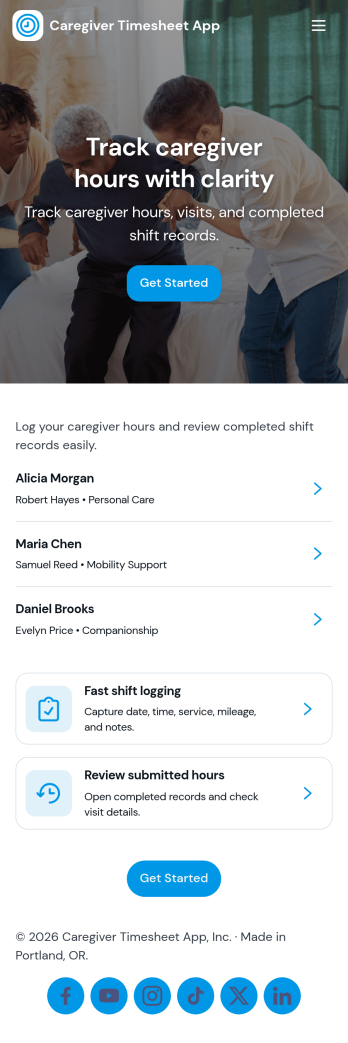
Caregiver Timesheet App
Caregiver Timesheet App helps home care agencies and care coordinators track caregiver shifts and timesheets in one place, without relying on scattered paper logs. Use it to maintain a caregiver directory, capture key contact details, and give caregivers a simple way to submit their timesheets and review their own entries. With quick navigation to timesheet tools and shift summaries, teams can reduce payroll confusion, spot missing hours earlier, and keep schedules and documentation consistent across clients and locations.Jotform makes it easy to turn everyday care operations into a mobile-friendly self-service experience. Start with this app template, then tailor pages, cards, and buttons in Jotform’s no-code app builder using a drag-and-drop interface. Connect forms and tables for reliable data collection, route entries through approvals when needed, and share the app with staff using a link or QR code so everyone stays aligned on the same workflow.
Go to Category:Healthcare Apps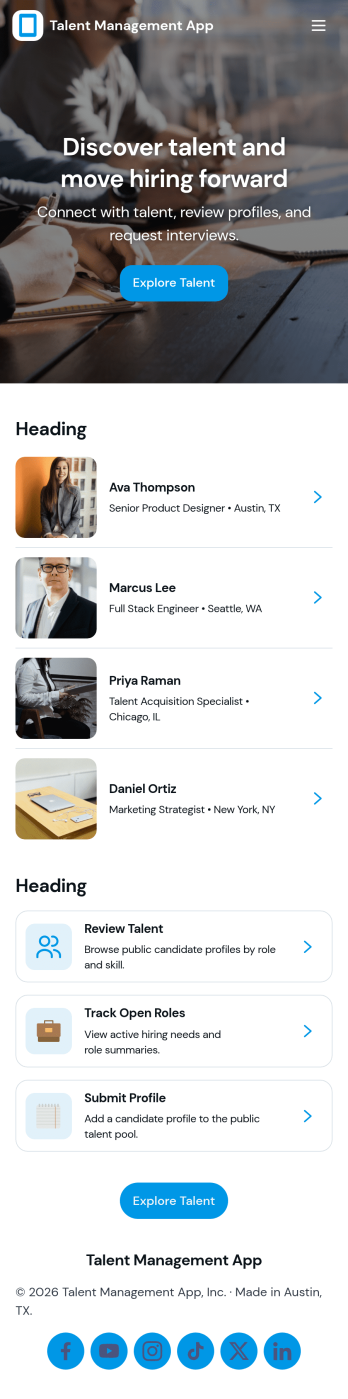
Talent Management App
Talent Management App helps teams organize hiring activity and candidate information in one place, from tracking open roles to reviewing applicants as they move through your pipeline. It’s a practical fit for HR teams, recruiters, and growing businesses that need a clear view of what roles are active, who has applied, and which candidates need follow-up. With quick navigation to open positions, an easy way to apply, and simple candidate record access, the app supports consistent intake and faster internal coordination without relying on scattered emails or spreadsheets.Jotform makes it easy to turn talent processes into a guided, self-service experience using App Templates you can customize in minutes. Use the no-code app builder with a drag-and-drop interface to adjust pages, add your branding, and connect forms and tables so data collection and review stay connected. Share your app by link or QR code, keep workflows moving with notifications and approvals, and give your team a single destination for recruiting updates inside Jotform.
Go to Category:HR Portal Apps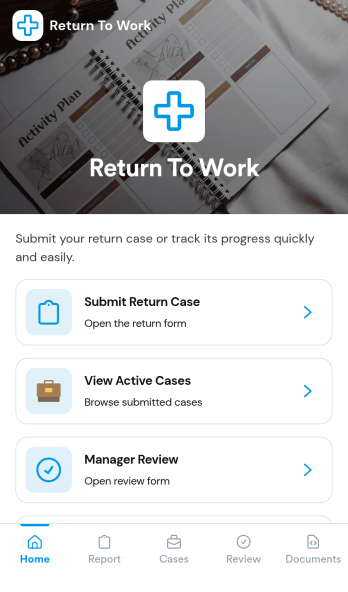
Return to Work App
Return to Work App helps teams manage employee return cases in one place, from the initial request through review and ongoing updates. Employees can submit a return case, managers can complete a dedicated review step, and HR or operations teams can keep track of active cases without chasing details across email threads. It’s a practical fit for organizations handling temporary restrictions, phased returns, or role adjustments where visibility and timely follow-up matter.With Jotform, you can customize this app template to match your internal workflow using a no-code app builder and a drag-and-drop interface. Connect the app to forms to support data collection, route cases for review, and create a self-service experience that’s easy to share with employees and managers. As cases change over time, Jotform helps you keep information organized and accessible so teams can move faster and stay aligned.
Go to Category:Human Resources Apps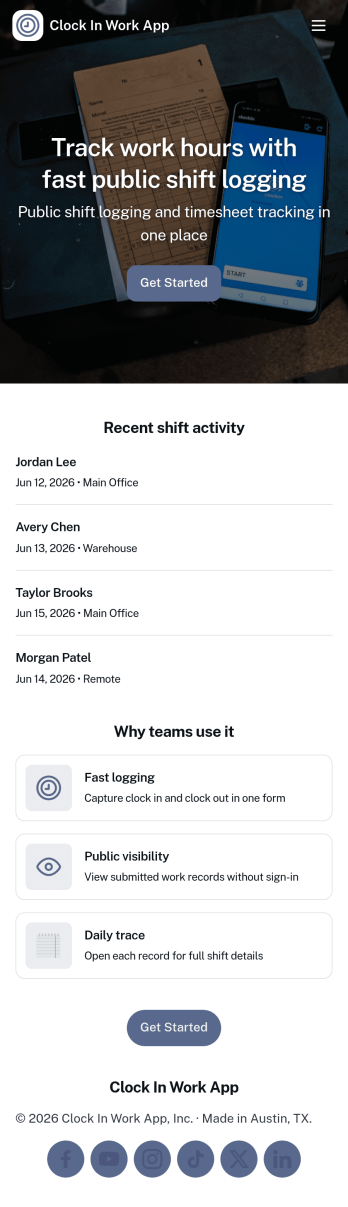
Clock in Work App
Clock in Work App helps teams capture clock-ins and manage shift activity in one place, without relying on paper timesheets or scattered messages. Employees can quickly clock in from a dedicated action, then review their shift entries and browse upcoming or past shifts when they need a refresher. It’s a practical fit for supervisors and operations leads who need a consistent way to track work time across hourly staff, rotating schedules, or multiple job sites.Built with Jotform, this app template can be customized in a no-code app builder with a drag-and-drop interface, so you can tailor pages, buttons, and navigation to match how your team works. Connect the clock-in experience to your existing data collection and workflow, keep shift records organized, and share the app through a link or QR code for quick employee self-service on mobile or desktop.
Go to Category:Activity Tracking Apps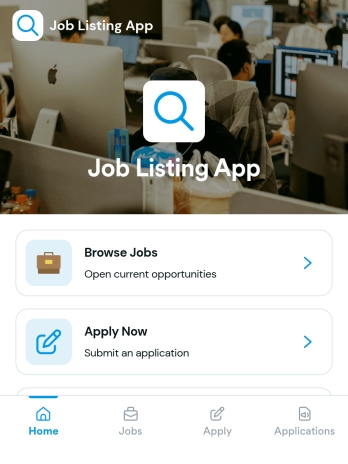
Job Listing App
Job Listing App gives organizations a simple way to publish open roles and guide candidates from browsing to applying in one place. Use it to share job openings for a growing business, a staffing team, a nonprofit, or a department hiring for multiple positions. Visitors can browse jobs, open a role to view key details, and apply through a built-in application flow. It also helps reduce missed opportunities by keeping the experience clear and easy to navigate for candidates on any device.With Jotform, you can build and customize this app template using a no-code app builder and a drag-and-drop interface, then connect it to your data collection and workflow needs. Add or update job posts, link candidates to an application form, and organize application records in a way that supports faster review and follow-ups. When you’re ready, share the app as a self-service hiring hub with a link or QR code and keep your job listings up to date without extra tools.
Go to Category:Human Resources Apps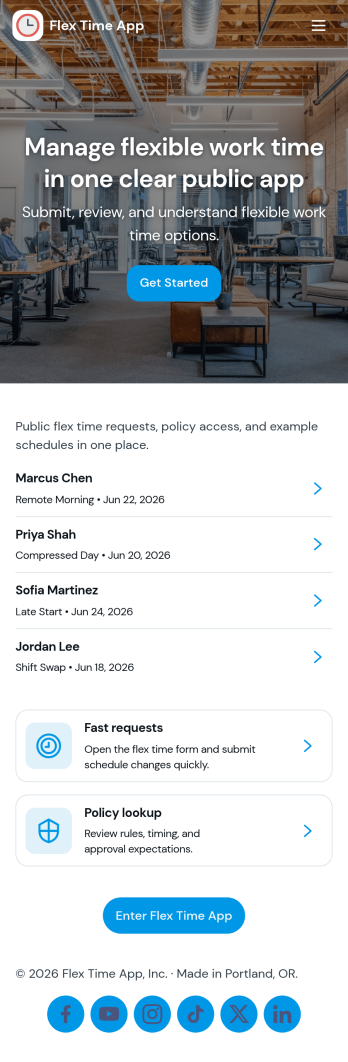
Flex Time App
Flex Time App helps teams manage flexible time off or schedule flexibility requests in one place. Employees can submit a new request through a simple in-app form, then check their available balances without emailing HR or a manager for updates. It fits organizations that track flex time accruals, comp time, or alternative schedule hours and want a clearer way to collect requests and keep balance records current for each employee.Built with Jotform, this app template can be tailored with a no-code app builder and a drag-and-drop interface so you can match your internal workflow. Connect the app to forms and tables to keep requests and balance records organized, make updates faster, and support self-service access for employees. Share the app with a link so staff can submit requests, view balances, and return to their request list from any device.
Go to Category:Human Resources Apps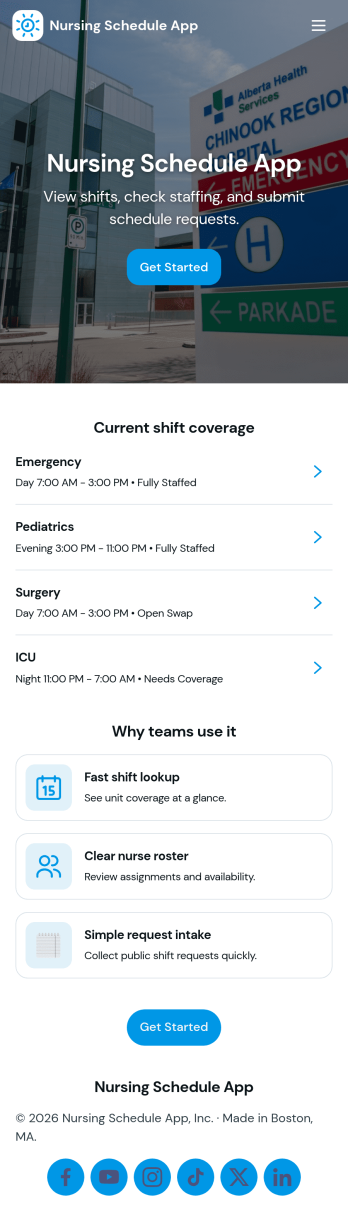
Nursing Schedule App
Nursing Schedule App helps healthcare teams publish shift schedules, collect staff availability, and manage coverage requests in one place. Nurses can quickly check upcoming shifts, submit availability when staffing needs change, and request coverage when they can’t make a scheduled shift. Charge nurses, unit managers, and staffing coordinators can use it across units and facilities to reduce missed handoffs, cut down on scheduling confusion, and keep everyone aligned with the latest plan.Jotform makes it easy to build and share App Templates like this one using a no-code app builder with a drag-and-drop interface. Connect pages to forms and lists to support data collection and workflow steps, then update schedules and requests as needs evolve. Share your app through a link or QR code so staff can use it on any device, and customize the layout and branding to match your team’s day-to-day operations.
Go to Category:Healthcare Apps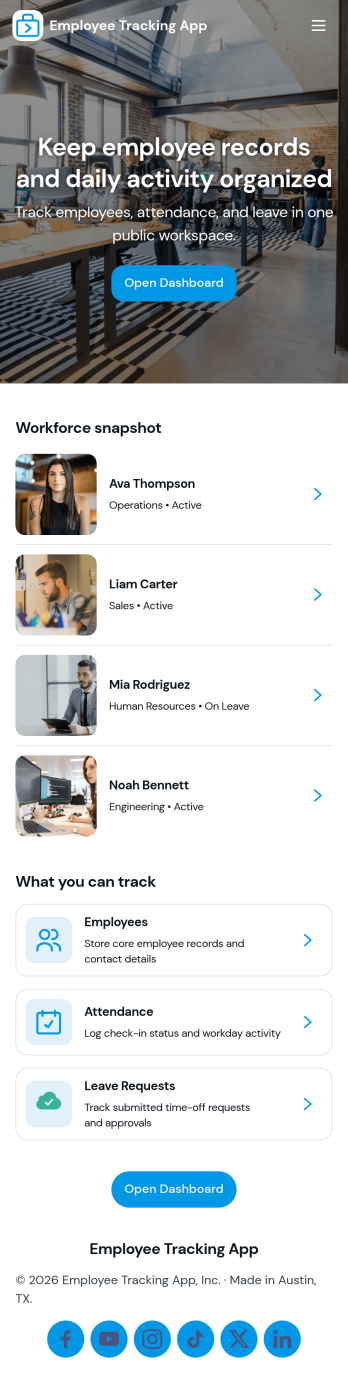
Employee Tracking App
Employee Tracking App brings your team’s key people data into one place so managers and HR can stay on top of staffing without hunting through spreadsheets. Use it to keep an employee directory, review individual profiles, monitor daily attendance, and centralize time-off activity, including a dedicated area for employees to access their own time-off requests. It works well for retail teams, service businesses, field operations, and growing offices that need a simple way to track who’s on the roster, who’s present, and who’s away.With Jotform, you can turn this app template into a mobile-friendly, self-service experience using a no-code app builder and a drag-and-drop interface. Connect the app to your existing data collection workflows, keep records organized in connected tables, and share a single link with supervisors or staff. As your process evolves, update pages, layout, and routing in minutes so the workflow stays clear from employee lookup to attendance review to time-off visibility.
Go to Category:Human Resources Apps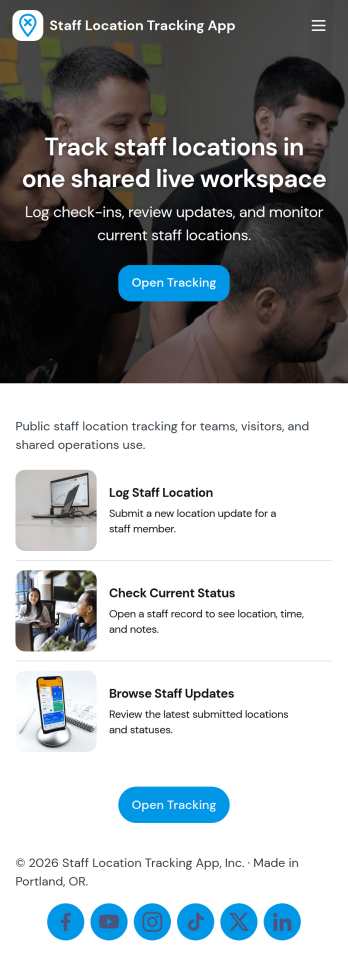
Staff Location Tracking App
Staff Location Tracking App helps teams keep a clear record of where staff members are working and when they arrive or move between sites. It’s built for field service crews, construction teams, property managers, delivery coordinators, event operations, and multi-site businesses that need reliable visibility without constant calls and messages. With quick check-ins, a locations view, and a team list, supervisors can spot coverage gaps, confirm attendance at job sites, and support faster dispatch decisions while keeping day-to-day coordination simple.Jotform makes it easy to turn this app template into a mobile-friendly self-service experience using a no-code app builder and a drag-and-drop interface. Connect check-in data collection to Jotform Tables so your records stay organized, searchable, and ready for follow-ups. Share the app with a link or QR code, tailor pages and branding to match your operations, and keep workflows moving by guiding staff to the right actions like adding a check-in or reviewing past activity.
Go to Category:Activity Tracking Apps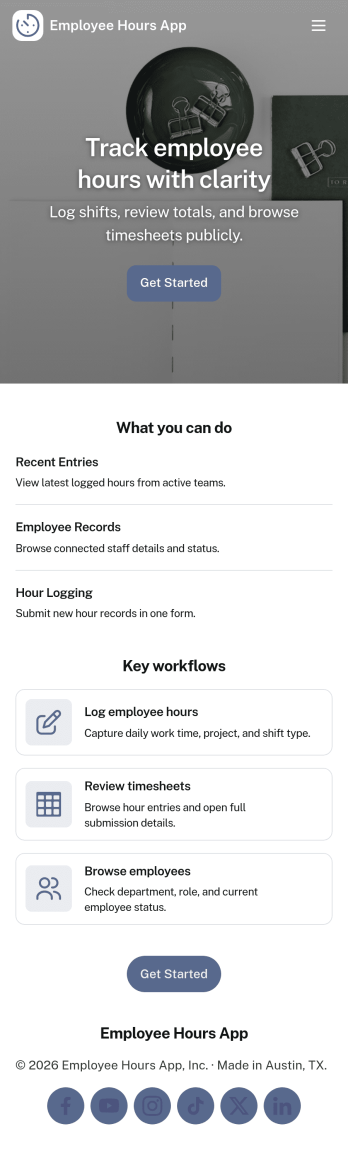
Employee Hours App
Employee Hours App helps teams track work time in one place by giving employees a clear way to log new hours, review their own entries, and reference time activity when needed. It works well for HR and operations teams, shift-based businesses, and managers who want consistent time logs across staff without chasing updates through email or spreadsheets. With dedicated areas for employee profiles and a time log view, the app supports day-to-day hour reporting, internal visibility, and cleaner handoffs for payroll preparation and workforce planning.Built with Jotform, this app template is easy to tailor with a no-code app builder and a drag-and-drop interface so you can match your workflow in minutes. Connect the app to forms and tables to keep time entries organized, make it simple to navigate between employee lists and time records, and share a single self-service link with your team so logging hours becomes a routine part of the workday.
Go to Category:Human Resources Apps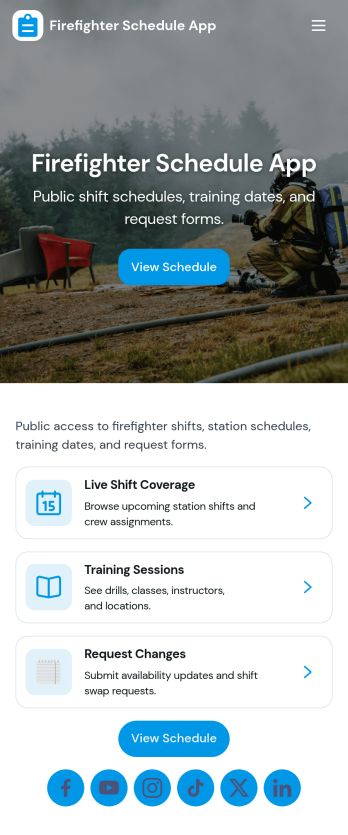
Firefighter Schedule App
Firefighter Schedule App helps fire stations and emergency response teams keep shift information easy to access while giving crews a simple way to request coverage when plans change. Use it to share upcoming schedules, publish a crew roster for quick reference, and keep incident and training information visible in one place so everyone knows what’s happening without chasing updates across texts or emails.Built with Jotform, this app template can be tailored in a no-code app builder with a drag-and-drop interface, so you can match your station’s workflow in minutes. Connect the app to forms and tables for reliable data collection, route requests to the right people, and keep self-service actions like coverage requests organized and trackable as your team grows.
Go to Category:Scheduling Apps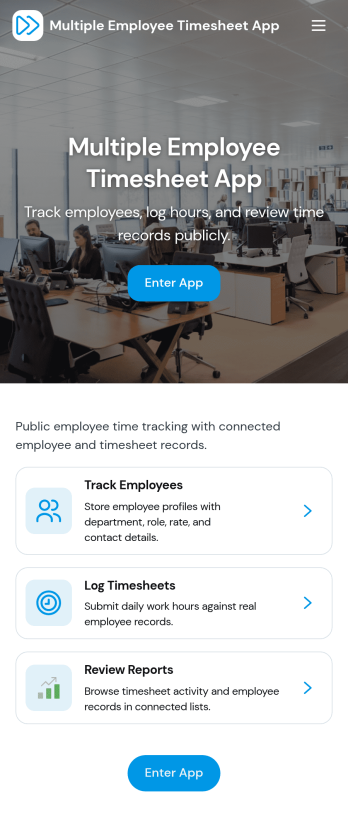
Multiple Employee Timesheet App
Multiple Employee Timesheet App helps teams record work hours for more than one employee in a single, organized place. Employees can log hours through a simple entry flow, while managers can review timesheets and view entries by employee name to keep payroll prep and project tracking moving. With quick access to add time and see individual submissions, it works well for shift-based roles, field teams, agencies, and growing businesses that need consistent time records without chasing updates across messages or spreadsheets.Jotform makes it easy to turn time tracking into a mobile-friendly experience using App Templates you can tailor to your workflow. Use the no-code app builder and drag-and-drop interface to adjust pages, connect your time log form to tables for faster review, and set up a workflow for routing hours to the right person. Share your Jotform app with a link so employees can submit time and supervisors can stay on top of approvals and follow-ups.
Go to Category:Human Resources Apps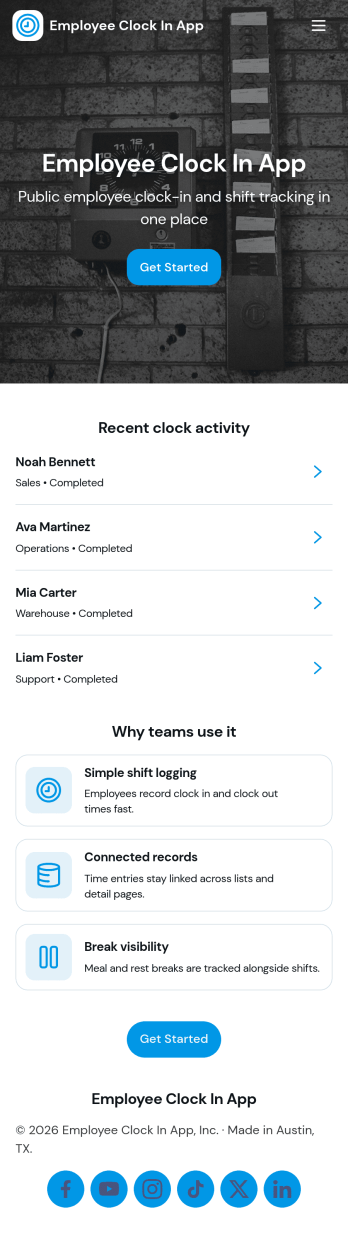
Employees Clock In App
Employees Clock In App helps teams record start times and keep daily attendance organized in one place. Staff can clock in from a dedicated entry point, check what’s logged today, and review past entries when questions come up about hours or missed punches. It’s a practical fit for retail stores, restaurants, field teams, warehouses, and growing offices that need a simple way to capture time entries without relying on paper logs or scattered messages.Jotform makes it easy to publish this kind of self-service experience with a no-code app builder and a drag-and-drop interface, so you can match the layout to your workflow. Connect the app to your forms and tables for consistent data collection, keep an employee roster available for quick navigation, and share access with a link or QR code so employees can clock in from their phones in seconds.
Go to Category:HR Portal Apps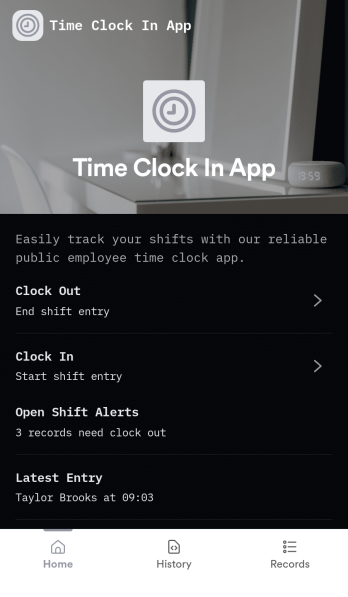
Time Clock In App
Time Clock In App helps teams record work hours in one place by giving employees a clear starting point to open the clock, clock in and out, and review their own time entries. It fits retail floors, restaurants, field crews, studios, and offices that want a simple flow for daily time tracking without relying on paper logs or scattered messages. Supervisors can reference entries for schedule checks, shift coverage questions, and basic payroll prep, while employees get a quick way to confirm what they submitted and reduce disputes.Built with Jotform App Templates, this app template is easy to tailor to your process using a no-code app builder and a drag-and-drop interface. Connect your clock and time entry experience to the rest of your workflow, keep data collection consistent across locations, and share self-service access through a link or QR code. As your needs grow, you can expand the app with additional pages, automate steps with connected tools, and keep your time tracking experience aligned with how your team actually works.
Go to Category:Human Resources Apps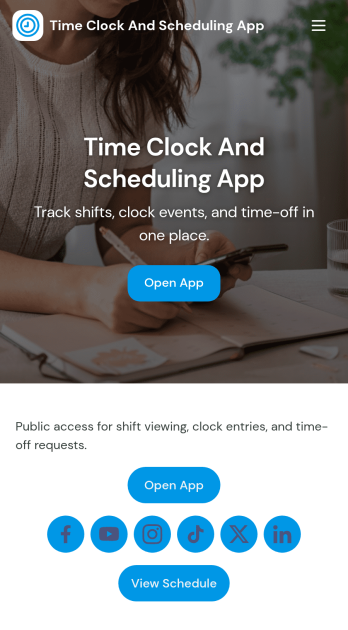
Time Clock and Scheduling App
Time Clock and Scheduling App brings employee time tracking and weekly shift planning into one place, so teams can see who is working, when they start, and what changes are needed. It fits restaurants, retail stores, salons, warehouses, field teams, and any operation that runs on shifts and needs a clear, shared schedule. With simple navigation for clocking in, viewing the schedule, and submitting a shift change request, it helps reduce missed shifts, unclear handoffs, and manual follow-ups between managers and staff.Built with Jotform App Templates, this app template is easy to tailor for your team using Jotform’s no-code app builder and drag-and-drop interface. Connect the app to your timecard and scheduling forms for reliable data collection, keep requests organized for faster decisions, and share the finished self-service experience by link or QR code. As your workflow evolves, you can adjust pages, branding, and connected processes without rebuilding from scratch.
Go to Category:Human Resources Apps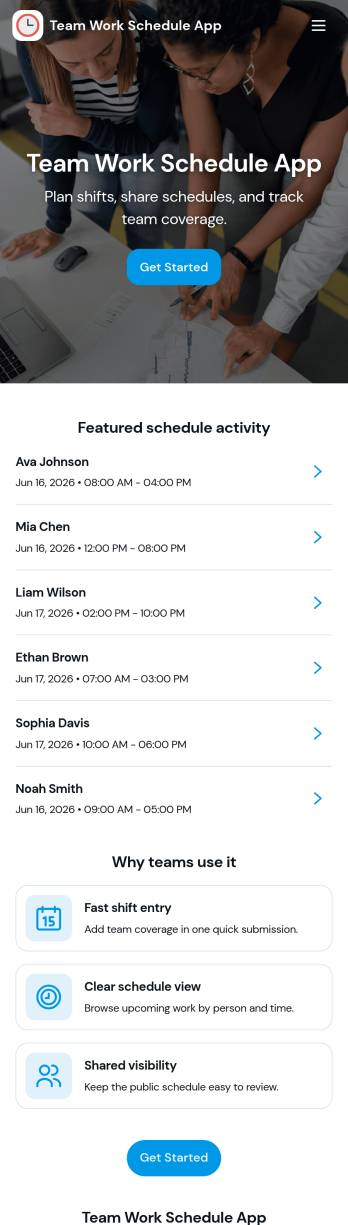
Team Work Schedule App
Team Work Schedule App brings your weekly staffing plan into one place so teams can quickly check upcoming shifts, see who’s scheduled, and take action when coverage changes. It’s a practical fit for managers coordinating rotating schedules and for employees who need a clear view of start and end times across the week. With a dedicated weekly schedule view, a team list, and a simple way to send shift swap requests, the app supports everyday scheduling needs without relying on scattered messages.Built with Jotform, this app template can be tailored in a no-code app builder using a drag-and-drop interface, so you can match it to your workflow in minutes. Connect schedule data to Jotform Tables for easy updates, route swap requests through forms, and share a self-service link so your team can access the schedule from any device. As your operation grows, you can adjust pages, add permissions, and keep schedule communication organized with Jotform’s flexible app templates.
Go to Category:Scheduling Apps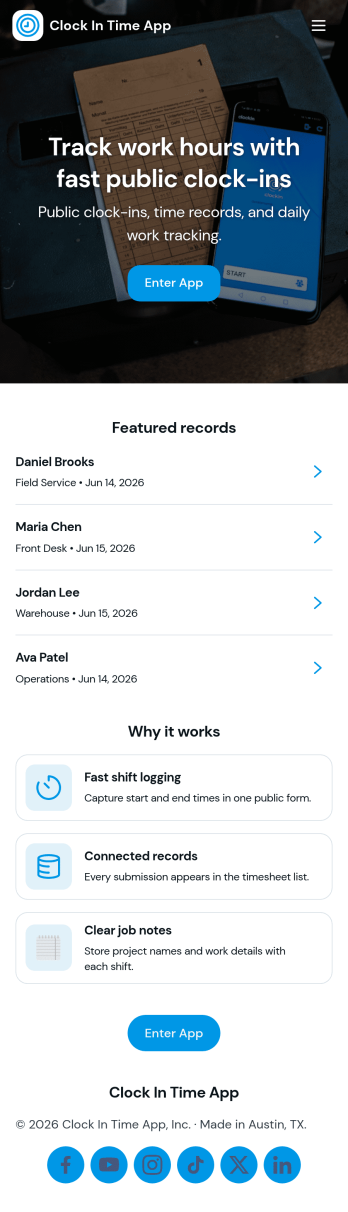
Clock In Time App
Clock In Time App helps teams record shift starts and keep a reliable time trail without chasing paper timesheets. Staff can quickly navigate to Clock In and log a shift, then reference a Shift Log to review past entries. It’s a practical fit for hourly workplaces like retail, hospitality, field services, and small operations where managers need consistent time entries and employees want a simple way to track when they worked.With Jotform, you can turn this clock-in experience into a mobile-friendly self-service workflow using a no-code app builder and a drag-and-drop interface. Connect buttons and pages to forms and tables for data collection, keep entries organized in one place, and share the app by link or QR code so your team can clock in from the job site, front desk, or break room.
Go to Category:Human Resources Apps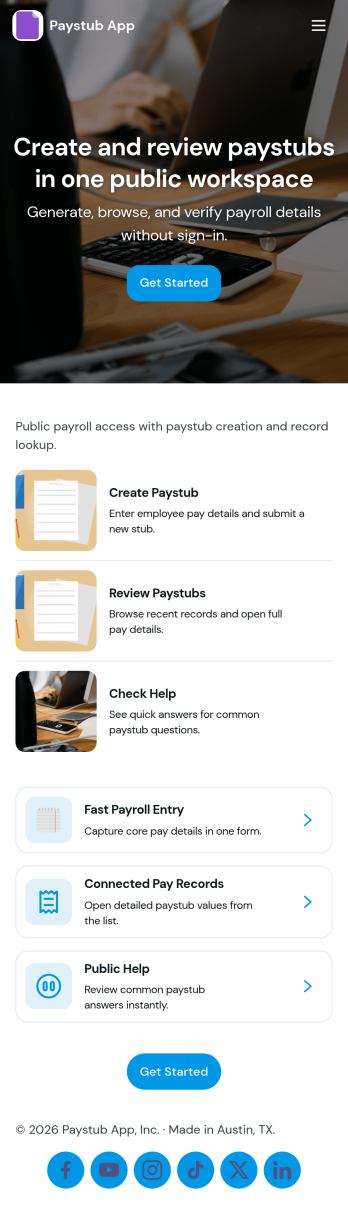
Paystub App
Paystub App gives employees a simple way to review paystub history and submit a new request when something needs attention. It fits payroll administrators, HR teams, and small business owners who want one place to guide staff to the right action without digging through emails or shared drives. With quick navigation to a history view and an employee list that can open individual records, the app supports everyday tasks like confirming earnings details, checking past pay periods, and following up on missing or incorrect information.Built with Jotform, this app template can be tailored in a no-code app builder using a drag-and-drop interface, so you can match your internal process and branding in minutes. Connect the app to a form for request intake and to organized records for consistent data collection, then share it with your team as a self-service experience they can access from a single link. As requests come in, you can keep the workflow moving with clear handoffs, centralized information, and updates that are easy to manage as your payroll operations grow.
Go to Category:Human Resources Apps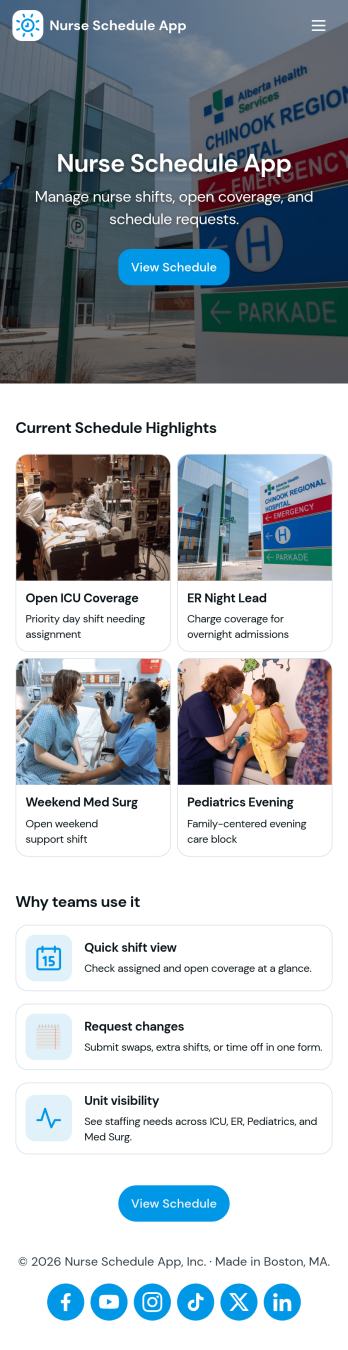
Nurse Schedule App
Nurse Schedule App helps nursing teams keep weekly staffing organized and easy to access, especially across multiple units and rotating shifts. Use it to publish a clear weekly roster, let nurses view upcoming assignments, and reduce confusion around who is covering what and when. It also supports day-to-day schedule changes by giving staff a simple way to send shift requests and swap requests without relying on hallway conversations or scattered messages, making it useful for hospitals, clinics, long-term care facilities, and staffing coordinators who need dependable visibility.Built with Jotform App Templates, this app template can be customized in Jotform’s no-code app builder with a drag-and-drop interface to match your workflow and staffing structure. Connect the pages to your existing forms and data collection, route requests to the right people, and keep updates in one self-service place staff can revisit anytime. Share the app by link or QR code, adjust branding, and update content quickly as schedules change.
Go to Category:Scheduling Apps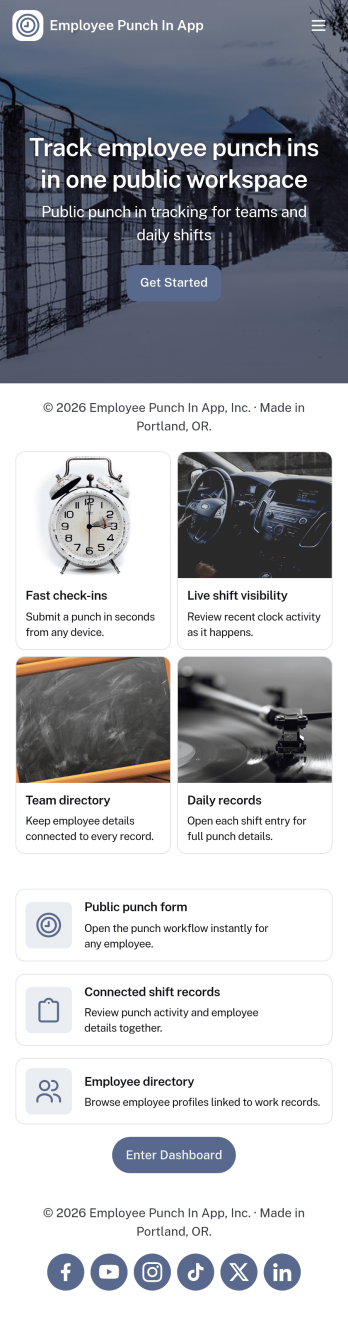
Employee Punch in App
Employee Punch in App gives teams a simple way to record time entries throughout the workday, using clear actions for Clock In, Clock Out, and quick access to Recent Punches and Punch History. It fits frontline crews, shift-based workplaces, field teams, and growing offices that need an easy punch flow employees can follow without confusion, plus a place to review Today’s activity and employee records when questions come up.Built with Jotform, this app template connects your punch actions and history views to the forms behind them, so time data collection stays consistent and organized. Customize pages with a no-code app builder and a drag-and-drop interface, then share the app for self-service access across locations. As your workflow evolves, you can expand the experience into a lightweight dashboard view for managers while keeping punch-in tasks fast for employees.
Go to Category:Human Resources Apps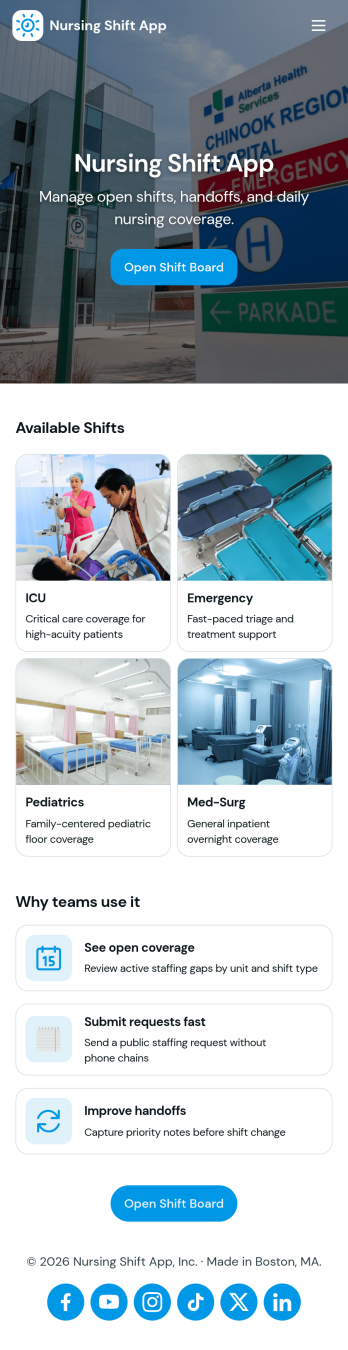
Nursing Shift App
Nursing Shift App helps nursing teams coordinate schedules, document shift handoffs, and keep unit coverage visible in one place. Use it to review upcoming shifts, add new shift entries, log handoff notes at change of shift, and monitor open requests that need attention. It’s a practical fit for charge nurses, nurse managers, staffing coordinators, and float pool teams who need quick clarity across multiple units without chasing updates across messages or paper notes.Built with Jotform App Templates, this app template can be tailored to match how your facility runs staffing and transitions of care. With Jotform’s no-code app builder and drag-and-drop interface, you can connect the in-app buttons to the right forms for data collection like adding shifts, logging handoffs, submitting requests, and adding staff, then view records in lists and a nursing insights dashboard. Share the app through a link or QR code so staff can use it for self-service updates on any device, while keeping workflows consistent across teams.
Go to Category:Healthcare Apps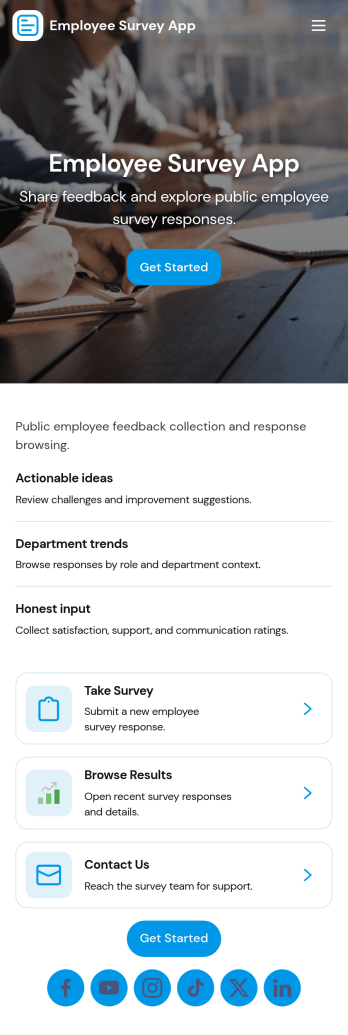
Employee Survey App
Employee Survey App helps HR teams and people managers collect employee feedback and turn it into clear, actionable insight. Use it to run engagement check-ins, pulse surveys after major changes, onboarding feedback, and team health surveys across departments or locations. Employees can start the survey from a simple entry point, while managers can review responses in one place and spot patterns that might otherwise get missed.Built with Jotform App Templates, this experience combines a guided survey launch with quick navigation to results and insights, plus a connected view of survey responses. With Jotform’s no-code app builder and drag-and-drop interface, you can adjust questions, update the layout, and route people to the right pages for self-service participation and internal review. As your workflow grows, connect the app to your data collection and reporting needs so feedback stays organized and easy to act on.
Go to Category:Human Resources Apps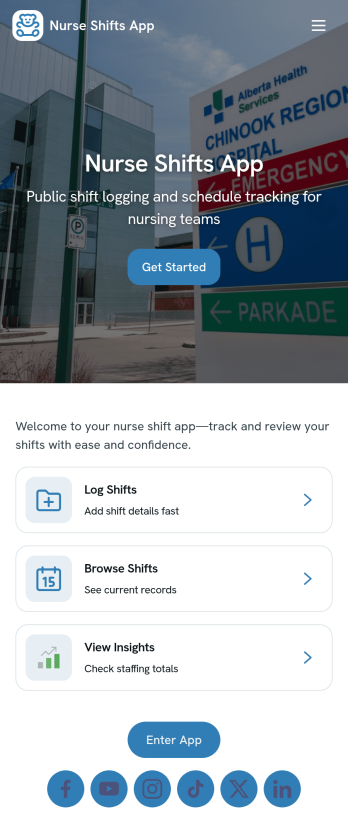
Nurse Shifts App
Nurse Shifts App brings daily staffing into one place so nurses and unit teams can quickly view today’s assignments, browse a broader shift overview, and send schedule-related requests without hunting through texts, emails, or bulletin boards. With dedicated areas for Today’s Shifts and Shift Overview, it supports fast check-ins at the start of a shift, last-minute coverage needs, and clearer coordination across rotating schedules and busy departments.Built with Jotform App Templates, this app template can be tailored to match how your facility runs scheduling. Use Jotform’s no-code app builder and drag-and-drop interface to adjust pages, connect the built-in request form to your workflow, and keep shift information organized for self-service access. Share the app through a link or QR code so staff can open it on the go, while your team keeps data collection consistent and easy to manage.
Go to Category:Healthcare Apps