

Operations & Logistics Portal Apps

Business Continuity Management App
Business Continuity Management App helps teams prepare for disruption and respond with clarity by keeping continuity plans, incident reports, drills, and key contacts organized in one place. Use it to publish active plans for different scenarios, capture incident details as soon as something happens, and maintain a simple log of drills so readiness does not fade between emergencies. It’s a practical fit for operations leaders, IT teams, HR, facilities, and risk owners who need a shared view of what to do next, who to notify, and which actions are already in motion.With Jotform App Templates, you can turn these workflows into a mobile-friendly self-service experience without writing code. Build and adjust your app with a no-code app builder and a drag-and-drop interface, then connect it to Jotform tables and forms for reliable data collection. Share the app by link or QR code, keep information current with centralized records, and support faster coordination by making plans, incidents, and drill logs easy to find and update.
Go to Category:Operations & Logistics Portal Apps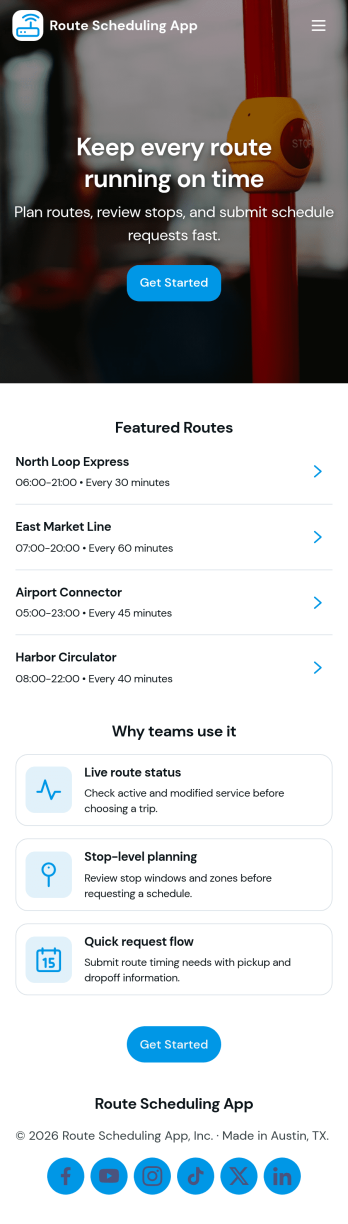
Route Scheduling App
Route Scheduling App helps teams plan, organize, and share driving routes and daily stops in one place. Use it to create new routes, browse assigned routes, and review route requests as they come in, so dispatchers and field teams stay aligned without relying on scattered messages. It’s a practical fit for delivery operations, home service businesses, mobile sales teams, shuttle providers, and any organization coordinating multiple on-the-road schedules across locations.With Jotform, you can turn this use case into a polished self-service experience using App Templates and a no-code app builder with a drag-and-drop interface. Connect route planning to forms for data collection, route lists for quick browsing, and a workflow for reviewing incoming entries, then share the app by link or QR code for fast access on any device. As your routes change, update pages and content in minutes while keeping all route details organized in one Jotform-powered hub.
Go to Category:Transportation Apps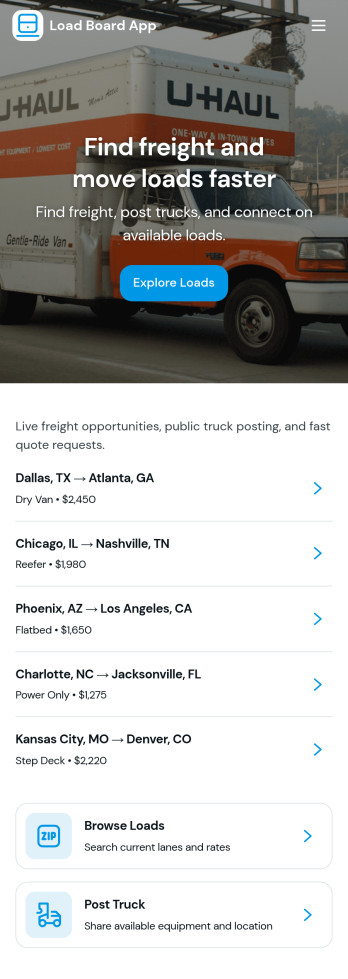
Load Board App
A load board app brings shippers, brokers, and carriers into one place to advertise freight and respond to opportunities quickly. With Load Board App, teams can browse available loads, post a load when capacity needs change, and capture carrier interest through a simple inquiry flow that keeps details consistent. It’s a practical fit for dispatchers, freight brokers, operations managers, and small transportation companies that want a clean, organized way to publish loads and manage inbound leads without relying on scattered messages.Built with Jotform, this app template turns everyday logistics updates into a mobile-friendly self-service experience you can share in minutes. Use Jotform’s no-code app builder and drag-and-drop interface to tailor pages, connect forms and tables, and keep your workflow moving from posting to inquiries. As information comes in, you can centralize data collection and route the right opportunities to the right people, making follow-up faster and load coverage easier to manage.
Go to Category:Transportation Apps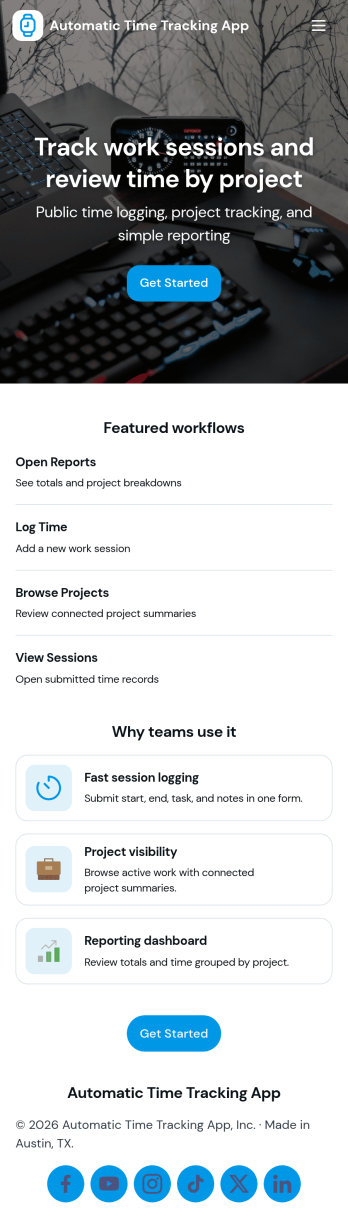
Automatic Time Tracking App
Automatic Time Tracking App helps teams capture work time in a consistent, repeatable way, with a simple place to start a timer-style tracking flow, review time logs, and add a new entry when needed. It’s a practical fit for agencies, freelancers, consultants, and operations teams who need clearer visibility into where hours go across projects, tasks, or clients without relying on scattered notes. Use it to support weekly timesheet routines, reduce missed billable time, and keep project reporting more accurate with organized logs and tracking preferences.With Jotform, you can turn this app template into a branded, self-service experience using a no-code app builder and a drag-and-drop interface. Connect buttons to your form for data collection, centralize records for ongoing workflow tracking, and publish a shareable app link for your team. As your process evolves, you can adjust pages, update navigation, and refine how time entries are captured and reviewed, all without writing code.
Go to Category:Activity Tracking Apps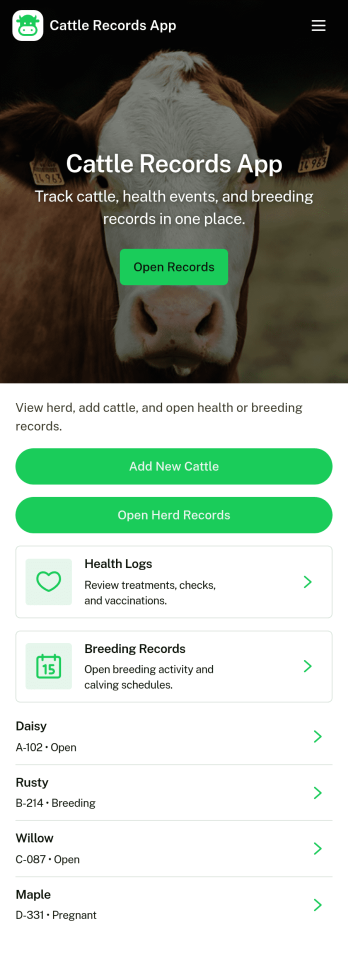
Cattle Records App
Cattle Records App helps ranchers and farm teams organize herd information in one place, from quick herd counts to individual animal records and ongoing health notes. Use it to keep ear tag details easy to find, monitor which animals have active records, and record routine checks so daily decisions are based on up-to-date information instead of memory or scattered paperwork. It’s a practical fit for owner-operators, herd managers, and staff who need a consistent way to document cattle activity across pens, pastures, or locations.With Jotform, you can turn this app template into a mobile-friendly self-service experience for your operation without relying on code. Customize pages with a drag-and-drop interface, connect buttons to forms for data collection, and keep records organized in linked tables for faster follow-up. As your workflow evolves, you can update fields, adjust navigation, and share the app with your team so everyone logs health checks and cattle records the same way.
Go to Category:Log Apps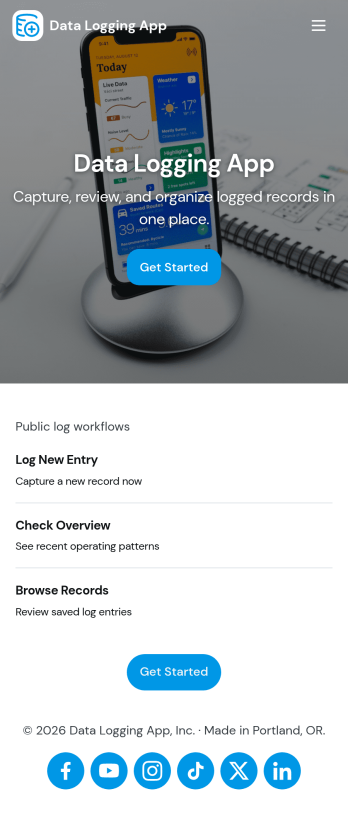
Data Logging App
Data Logging App helps teams capture new entries, review records, and keep a reliable history of operational data in one place. It’s useful for tracking readings, incidents, field notes, shift updates, lab observations, or any repeatable data you need to document over time. With quick navigation to create a new entry and a records view for browsing past logs, the app supports consistent documentation without relying on scattered spreadsheets, paper notes, or memory.Built with Jotform, this app template pairs a simple, mobile-friendly interface with connected forms for structured data collection. You can tailor entry fields to match your process, organize categories for common log types, and create an easy self-service experience for staff in the field or at a workstation. Use Jotform’s no-code app builder and drag-and-drop interface to adjust pages, add helpful content, and keep your workflow moving from entry to review as your logging needs evolve.
Go to Category:Log Apps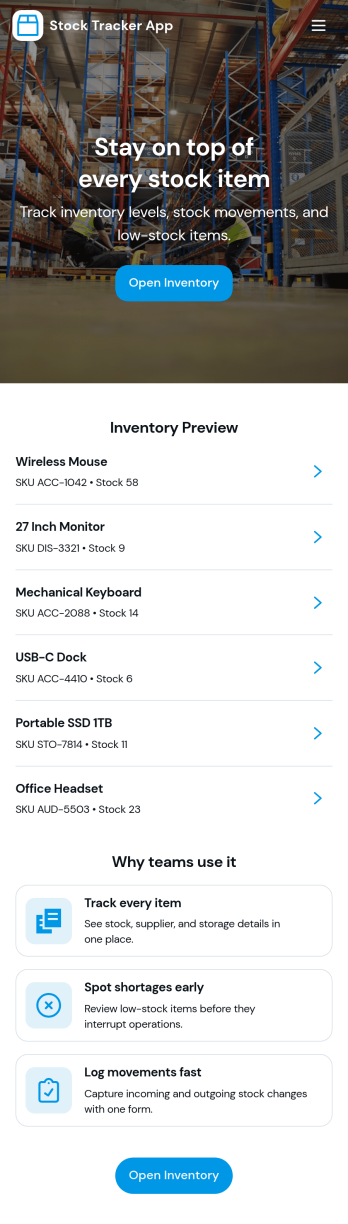
Stock Tracker App
Stock Tracker App helps teams monitor inventory levels, spot low-stock items early, and keep a clear record of stock activity in one place. It’s built for retailers, warehouse teams, small manufacturers, office managers, and anyone responsible for keeping products or supplies available without overordering. With an inventory summary dashboard, an inventory list you can browse, and dedicated actions for adding stock and adjusting stock, the app supports day-to-day stock control while keeping item details easy to access when questions come up.Jotform makes it simple to turn this Stock Tracker App into a branded, mobile-friendly experience using its no-code app builder and drag-and-drop interface. Connect your app to forms and tables for ongoing data collection, keep inventory updates consistent across your team, and share the app as a self-service destination for internal users. As your workflow evolves, you can refine pages, permissions, and connected processes so your inventory tracking stays organized and dependable.
Go to Category:Inventory Apps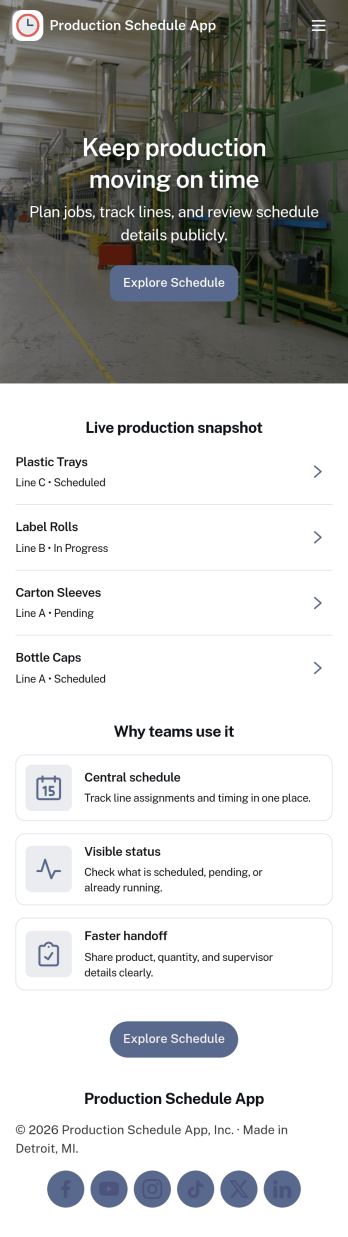
Production Schedule App
A production schedule app brings visibility to what’s planned, what’s in progress, and what’s coming next so teams can coordinate work without relying on scattered spreadsheets. Use it to review scheduled work orders, capture intake for new jobs, and keep a clear view of capacity needs across shifts or work centers. It’s especially helpful for production managers, schedulers, operations leads, and shop-floor supervisors who need a single place to spot bottlenecks, prioritize orders, and keep everyone aligned on job timing.With Jotform, you can turn your production schedule into a mobile-friendly, self-service experience that’s easy to share with the right stakeholders. Using Jotform App Templates and the no-code app builder, you can adjust pages and navigation with a drag-and-drop interface, connect the app to your data collection workflows, and keep scheduling information organized as operations change. Publish with a link so teams can check the schedule, add new work requests, and stay on top of production planning in real time.
Go to Category:Operations & Logistics Portal Apps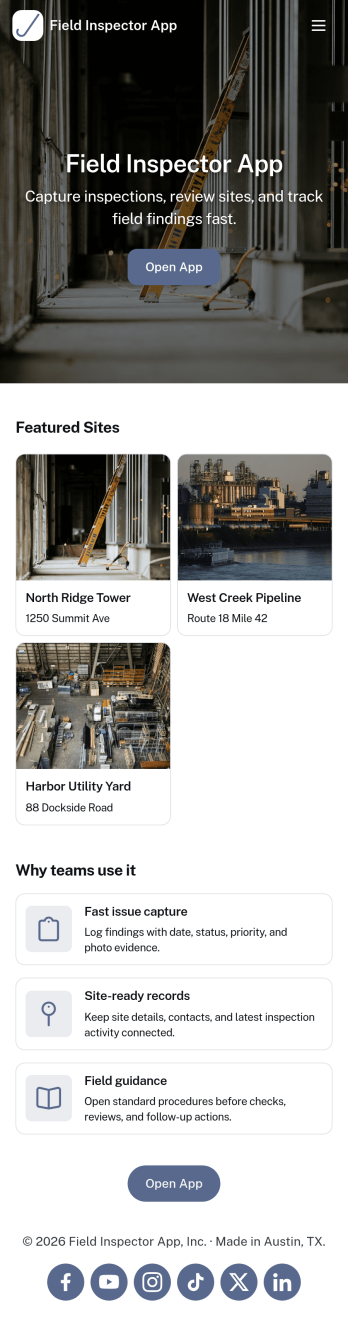
Field Inspector App
Field Inspector App helps teams complete on-site inspections, record findings, and keep follow-ups moving without losing track of details. From property checks and facility walkthroughs to jobsite observations and routine audits, this app brings key actions into one place so inspectors can start a new inspection, log an issue as soon as it’s spotted, and monitor progress through a clear status view. It’s a practical fit for construction, maintenance, operations, safety, and service organizations that need consistent documentation across multiple locations and inspectors.Built with Jotform, this app template pairs a mobile-friendly experience with structured data collection and connected workflows. Use Jotform’s no-code app builder and drag-and-drop interface to adjust pages, add your branding, and link your inspection records, issue logs, and follow-up tracking to the way your team actually works. Share the app by link or QR code for fast self-service access in the field, and keep inspection activity organized with centralized records that are easy to review and act on.
Go to Category:Inspection Apps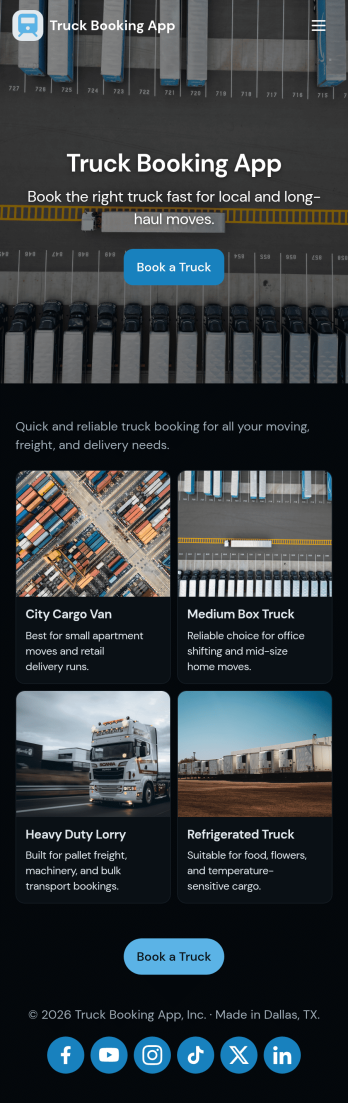
Truck Booking App
Truck Booking App helps teams and customers reserve trucks without juggling calls, spreadsheets, or last-minute surprises. It brings booking requests into one place, lets users browse the fleet before choosing a vehicle, and keeps a clear booking history for repeat trips and quick reorders. This setup works well for logistics providers, moving and hauling companies, construction operations, and any organization that assigns trucks to jobs, routes, or on-demand deliveries.Built with Jotform, this app template can be tailored with a no-code app builder and a drag-and-drop interface so you can match your process in minutes. Connect booking forms to your workflow, organize fleet information for fast self-service, and share the app with a link or QR code for easy access on mobile. As requests come in, your team gets a consistent flow of data collection that’s easier to manage, review, and act on.
Go to Category:Transportation Apps
Construction Inventory App
Construction Inventory App helps construction teams keep materials and supplies organized across jobsites, trucks, and storage areas. Use it to browse your inventory list, record stock-in activity, and flag low-stock items before they slow down work. It’s a practical fit for contractors, site supervisors, warehouse staff, and project managers who need a clear view of what’s on hand, what’s been added, and what needs replenishing without chasing updates through calls or spreadsheets.With Jotform, you can publish this app template as a simple self-service experience for your crew and connect it to the forms and data behind your process. Build and adjust your app with a drag-and-drop interface, control how people navigate between inventory pages, and keep entries consistent by routing updates through connected forms. As your workflow evolves, you can refine what gets tracked, standardize recounts, and share stock status when stakeholders need a quick snapshot.
Go to Category:Construction Apps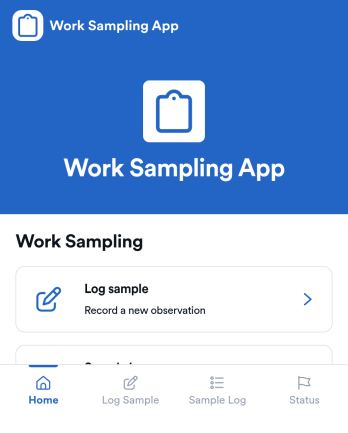
Work Sampling App
Work Sampling App helps teams capture quick snapshots of what work is being done, when it happens, and where it falls within a defined area or task category. It’s a practical fit for supervisors, operations leads, HR teams, and researchers who need lightweight work sampling without chasing updates across emails or spreadsheets. With a simple flow to log a sample and a dedicated sample log to review entries, this app supports consistent observation, better visibility into daily activity, and clearer patterns over time for coaching, staffing, or process improvements.Built with Jotform, this app template can be tailored in a no-code app builder using a drag-and-drop interface, so you can match the experience to your workplace and reporting needs. Connect the log form to your workflow, keep records organized for fast review, and share the app as a self-service tool for managers or team members who are responsible for collecting samples. As your needs evolve, you can adjust pages, buttons, and data collection fields while keeping the same straightforward logging and viewing experience.
Go to Category:Activity Tracking Apps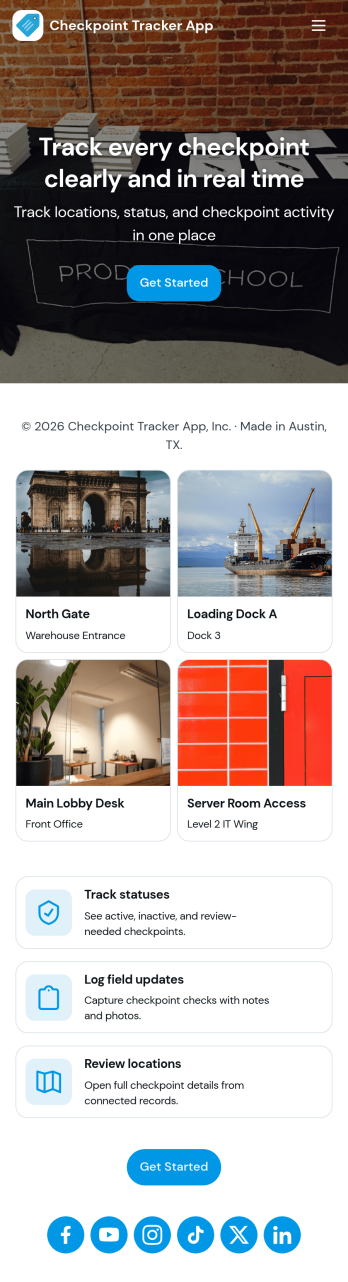
Checkpoint Tracker App
Checkpoint Tracker App helps teams record, review, and follow up on checkpoints as work moves from one stage to the next. Use it to keep a clear view of open checkpoints, log a new checkpoint from the field, and browse past activity in a simple history view. It fits operations groups, construction crews, transportation teams, site supervisors, and anyone who needs quick checkpoint visibility without relying on scattered notes or status messages.With Jotform, you can turn this checkpoint tracker into a shareable self-service experience using a no-code app builder and a drag-and-drop interface. Connect the app to a form for consistent data collection, route updates through a workflow that matches how your team works, and publish a mobile-friendly app template that’s easy to access by link or QR code. As your process evolves, you can adjust pages, navigation, and branding in minutes while keeping checkpoint records organized.
Go to Category:Tracker Apps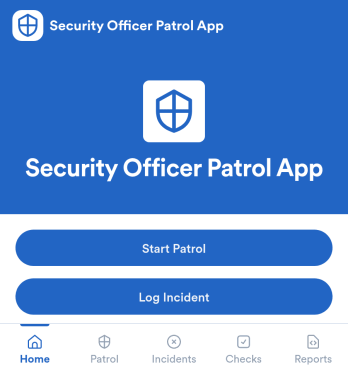
Security Officer Patrol App
Security Officer Patrol App helps security teams document patrol rounds and incident activity in one place, without relying on paper logbooks or scattered messages. Guards can start a patrol, create a new patrol log, and record checkpoint and location details as they move through a site. When something needs attention, they can log an incident right away, keeping patrol notes and incident records organized for quick review by supervisors across shifts.Jotform makes it easy to build and publish App Templates like this with a no-code app builder and a drag-and-drop interface that fits real operations. Connect your patrol and incident forms to organized lists and tables for faster data collection, clearer workflow handoffs, and self-service access for field staff. Share the app by link or QR code, tailor the layout to match your post orders, and keep patrol reporting consistent across properties.
Go to Category:Log Apps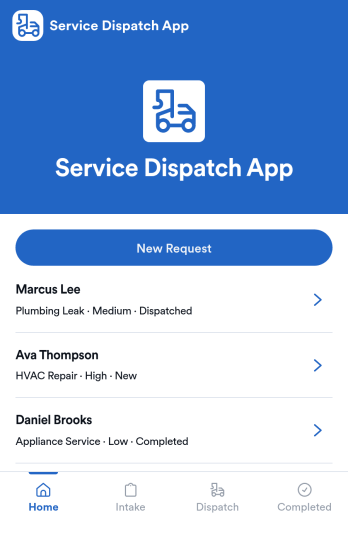
Service Dispatch App
Service Dispatch App helps service businesses route work requests, keep customers informed, and give dispatchers a clear view of what is happening across active and completed jobs. It’s a practical fit for home services teams, field service operations, repair companies, and any organization that needs to turn incoming requests into assigned work without losing details. With a New Request button connected to a request form, plus dedicated areas for viewing requests and navigating individual request records, teams can reduce missed handoffs and keep job information consistent from intake to completion.Built with Jotform, this app template pairs a mobile-friendly layout with a no-code app builder so you can adjust pages, labels, and routing to match how your dispatch process works. Use the drag-and-drop interface to refine what dispatchers and staff see, connect your request data to the right workflow, and publish a self-service experience you can share by link or QR code. As requests come in, you can keep information organized, review completed work using the built-in summary view, and support faster day-to-day operations with Jotform Apps.
Go to Category:Home Services Apps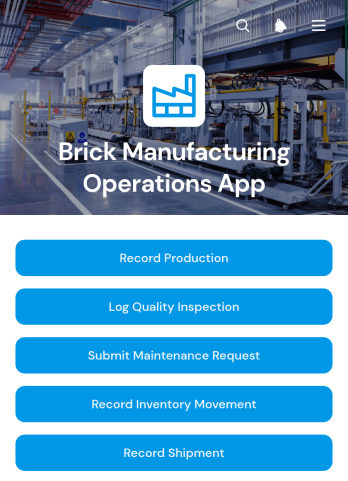
Brick Manufacturing Operations App
The Brick Manufacturing Operations App is a centralized workspace for recording and reviewing day-to-day activity across a brick production facility. Plant managers, production supervisors, quality teams, maintenance crews, and operations staff can use this app template to record production batches, log quality inspections, and coordinate maintenance requests. It helps replace disconnected paper records and spreadsheets with consistent data collection, clearer accountability, and easier access to operational information. Manufacturers can use it to monitor output, support quality control, address equipment issues, and maintain visibility as materials and finished bricks move through inventory and dispatch processes.Jotform App Templates make it easier to turn recurring factory processes into an accessible digital workflow. With Jotform’s no-code app builder and drag-and-drop interface, teams can customize pages, branding, navigation, and connected forms without programming. The Brick Manufacturing Operations App can also connect records with tables, notifications, approvals, and other internal processes. Publish it for mobile-friendly access and share it by direct link or QR code so employees can complete self-service tasks from the production floor, warehouse, maintenance area, or shipping station.
Go to Category:Operations & Logistics Portal Apps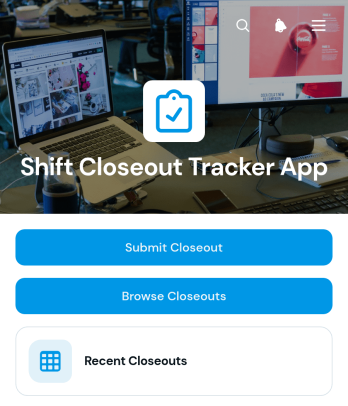
Shift Closeout Tracker App
The Shift Closeout Tracker App gives managers and shift-based teams a central place to document completed shifts and prepare clear handovers. It is well suited to restaurants, retailers, hospitality businesses, warehouses, service teams, and other organizations that need consistent end-of-shift reporting. Employees can submit a closeout, browse recent records, and review essential details such as the shift date, sales total, status, issues, and handover notes. This shared process reduces missing information, gives incoming staff better operational context, and helps supervisors identify unresolved concerns without searching through messages or paper logs.With Jotform, this app template can be adapted using a no-code app builder and an intuitive drag-and-drop interface. Teams can update pages, branding, navigation, and connected forms to match their closeout workflow, then link collected data with tables, notifications, approvals, and other internal processes. Jotform App Templates make it easier to create mobile-friendly self-service experiences that employees can open from a direct link or QR code. Whether a business oversees one location or several teams, the app builder supports organized data collection, accessible records, and a repeatable closeout routine without requiring programming knowledge.
Go to Category:Log Apps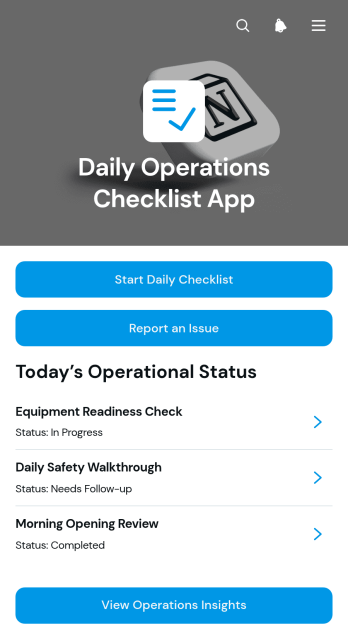
Daily Operations Checklist App
The Daily Operations Checklist App gives managers and frontline teams a central place to document recurring operational checks, report issues, and review completion records and insights. It is well suited to retail locations, restaurants, hospitality teams, warehouses, service businesses, offices, and other organizations that rely on consistent opening, closing, safety, maintenance, or shift procedures. Staff can record who completed each checklist, note the relevant operational area, add observations, and flag related problems for follow-up. This shared process improves accountability, reduces missed tasks, and gives supervisors clearer visibility into daily activity across teams or locations.With Jotform Apps, organizations can adapt this app template to their own routines without writing code. The drag-and-drop App Builder makes it easy to update pages, navigation, branding, and connected forms while keeping resources accessible from one mobile-friendly experience. Checklist data can support organized workflows, timely notifications, and informed operational reviews. Start with this template from Jotform App Templates, connect it to related forms or tables, and publish it through a direct link, QR code, or embedded experience for convenient employee self-service.
Go to Category:Checklist Apps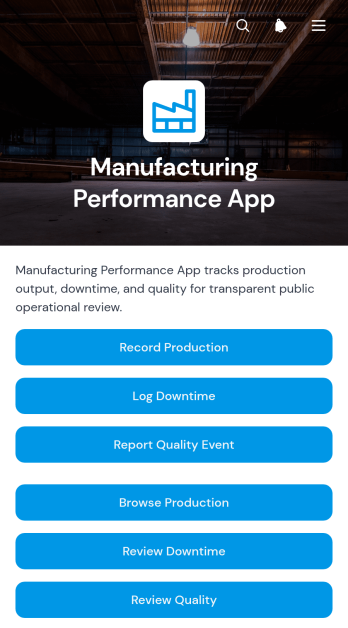
Manufacturing Performance App
The Manufacturing Performance App gives production managers, plant supervisors, quality teams, and line operators a shared place to record and review factory performance. Teams can capture production results, log downtime, and report quality events from a single mobile-friendly experience. Production line records make it easier to assess output, availability, performance, and quality, while downtime details help teams identify recurring interruptions by duration and category. Quality reports also provide visibility into defects and severity. This app template suits manufacturing facilities seeking clearer shift records, faster issue reporting, and more consistent data collection across production lines.With Jotform Apps, organizations can adapt this app template to their operational needs without writing code. The drag-and-drop app builder makes it simple to update pages, navigation, buttons, visual styling, and connected forms while keeping key manufacturing workflows together. Teams can connect records to tables, notifications, approvals, and other processes, then share the finished app through a direct link or QR code. Use Jotform App Templates to create a branded self-service resource that supports timely reporting, organized performance reviews, and informed production decisions from almost any device.
Go to Category:Engineering Apps
Supervisor Operations App
The Supervisor Operations App gives frontline supervisors and operations managers a central place to identify work that needs attention, review operational records, and document new issues or follow-up activity. Record details such as status, due date, location, priority, and supporting context help managers understand what requires action without searching through scattered messages or files. It suits facilities teams, field service groups, warehouses, construction crews, hospitality operations, and other organizations that need consistent oversight across locations or shifts. By bringing record submission, operational browsing, and insight access together, the app supports clearer accountability, faster handoffs, and more informed daily decisions.Jotform makes this app template easy to adapt with a no-code app builder and an intuitive drag-and-drop interface. Teams can update pages, navigation, buttons, branding, and connected workflows without development work, then link forms, tables, approvals, or notifications to support data collection and follow-up. Jotform App Templates also make it simple to create a mobile-friendly self-service experience that supervisors can open from a direct link or QR code. Customize the Supervisor Operations App for your processes and publish a practical workspace for ongoing operational management.
Go to Category:Operations & Logistics Portal Apps
Packaging Compliance Declaration App
The Packaging Compliance Declaration App is an organized workspace for collecting, reviewing, and managing packaging declarations across products, suppliers, and internal teams. Manufacturers, retailers, distributors, packaging specialists, procurement teams, and sustainability teams can use this app template to browse declaration records, review compliance insights, and access packaging guidance from one location. It brings declarant details, packaging formats, material composition, review context, and follow-up activity into a consistent workflow. This helps teams reduce scattered documentation, identify records that need attention, and maintain clearer communication with contributors and reviewers.With Jotform Apps, organizations can adapt this App Template using a no-code App Builder and an intuitive drag-and-drop interface. Pages, navigation cards, forms, tables, and supporting resources can be updated to reflect an organization’s declaration process without programming. Teams can connect data collection with follow-up workflows, organize records for self-service access, and share the finished app through a direct link or QR code. Custom branding and mobile-friendly access make it easier to provide a consistent experience for employees, suppliers, and other packaging stakeholders.
Go to Category:Safety and Compliance Apps
Material Request Management App
The Material Request Management App is an app template for collecting, organizing, and reviewing internal requests for supplies and materials. Employees can submit a request, browse available materials, and view organized request records from one location. Procurement, warehouse, construction, facilities, and operations teams can use it to capture requester details, department information, quantities, required dates, and the purpose of each request. Centralizing these details reduces incomplete requests, improves visibility into material needs, and helps teams plan purchasing and distribution.Jotform App Templates make it easy to create a branded experience without coding. Customize this Material Request Management App with the no-code app builder and drag-and-drop interface, then connect forms, tables, notifications, and workflows to support data collection and follow-up tasks. Teams can adjust pages, navigation, colors, and content to match their processes. Once published, the app can be shared by direct link or QR code, giving employees convenient mobile-friendly self-service access wherever requests originate.
Go to Category:Inventory Management Apps
Gate Pass Request App
Gate Pass Request App is a centralized request and status-tracking experience for workplaces that manage visitor, vehicle, or item access through controlled entry points. Facilities, security, operations, warehouse, construction, school, and office teams can use it to receive gate pass requests, help requesters check progress, and display approval and issuance outcomes. By keeping requester and visit information connected to each record, the app reduces scattered messages, gives staff a consistent review process, and provides requesters with clearer self-service access. It is useful for recurring deliveries, contractor visits, equipment movement, scheduled guests, and other situations that require documented entry or exit authorization.Built with Jotform Apps, this app template can be adapted without coding to match an organization’s access process and branding. The drag-and-drop interface makes it easy to update pages, buttons, instructions, and navigation while connected forms support data collection. Teams can link approval steps, tables, notifications, and related workflows to coordinate reviews and keep request information organized. Once customized, the Gate Pass Request App can be shared through a direct link or QR code for convenient mobile access. Jotform app templates help organizations publish practical digital experiences quickly while retaining the flexibility to revise content and processes as operational needs change.
Go to Category:Safety and Compliance Apps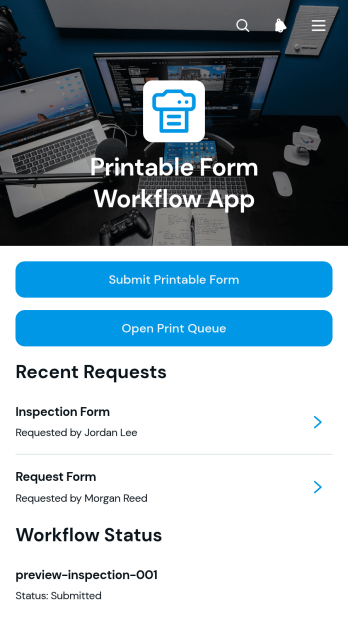
Printable Form Workflow App
Printable Form Workflow App provides operations teams, administrators, office managers, and shared-service groups with one place to receive printable form requests and move them through a defined process. Requesters can submit a form with a due date and supporting file, while staff can review request details, open the print queue, and update workflow status as work progresses. This app template helps organizations replace scattered emails and informal handoffs with a visible queue, clearer ownership, and more consistent request tracking. It is useful for offices, schools, nonprofits, service teams, and facilities that regularly prepare printed documents for employees, customers, students, or community members.Jotform App Templates make it easy to adapt this experience without writing code. Using Jotform’s no-code app builder and drag-and-drop interface, teams can revise pages, buttons, forms, colors, fonts, and navigation to match their process and visual identity. Connected forms support data collection, while workflow tools help organize updates and keep requests moving. Publish the finished app with a direct link or QR code so requesters and staff can access it from a phone, tablet, or computer. The result is a practical self-service destination that brings form intake, queue access, attached files, due dates, and status management into a single mobile-friendly experience.
Go to Category:Task Management Apps