

HR Portal App Templates

Team Request App Template
Team Request App Template is an app template designed to simplify the process of internal request submission and approval within organizations. This template is purpose-built to streamline the submission of various types of requests such as resource acquisition or issue resolution, transforming a potentially chaotic process into a structured, organized workflow. With its built-in tracking system, this template allows managers and HR teams to effortlessly manage approvals and keep tabs on the status of all requests, eliminating the need for back-and-forth emails or manual tracking methods. The Team Request App Template is ideally suited for teams, departments, and organizations that deal with high volumes of internal requests. This powerful app template not only enhances clarity and consistency in request handling but also ensures a more complete and efficient collection of request-related information.Jotform's offerings enhance the value provided by the Team Request App Template. With Jotform's no-code app builder, users can custom-fit the template to their specific needs through a visual drag-and-drop interface. It allows convenient customization of forms, addition of widgets, and modification of links to create a single, consolidated interface. The app, with its cross-platform compatibility, seamlessly functions across smartphones, tablets, and desktops, making it more accessible for all users. Moreover, if the app is used to request paid resources or services, Jotform Apps' integration with 25+ payment processors can be employed to facilitate transactions directly within the app. The publish options provided by Jotform also allow users to control the accessibility of the app, offering settings such as Public, Private, or Company-only. With its powerful features and flexibility, Jotform makes the Team Request App Template an effective solution to streamline and simplify internal request handling within organizations.
Go to Category:HR Portal Apps
Agent Onboarding And Resources App
The Agent Onboarding And Resources App gives human resources teams, operations leaders, managers, and growing agencies a central place to welcome agents and support their transition into a new role. It brings onboarding submissions, curated learning materials, and readiness checks into one accessible experience. Teams can use it to collect essential agent details, review onboarding progress, share role-specific resources, and confirm whether each person is prepared to begin work. This app template is particularly useful for organizations that onboard agents across multiple departments or locations and need consistent guidance without relying on scattered documents and messages.Jotform Apps makes it easy to adapt this experience with a no-code app builder and an intuitive drag-and-drop interface. Add or reorganize pages, update branding, connect forms and tables, and link related approval workflows without writing code. The app can support data collection and employee self-service while keeping important resources easy to find on mobile devices. Start with one of Jotform’s App Templates, tailor the content and navigation to your onboarding process, and share the finished app through a direct link or QR code.
Go to Category:HR Portal Apps
Overtime Approval HR App
Overtime Approval HR App helps HR teams and managers collect overtime requests, review employee work details, and record approval decisions in one place. Employees can submit a new request in minutes, while approvers can open a request, confirm schedule and work details, and move requests forward without losing context. It fits offices, retail teams, healthcare departments, and operations groups that need a consistent way to handle overtime requests across shifts, locations, or supervisors.Built with Jotform, this app template turns your overtime process into a guided, self-service experience you can share with a link. Use the no-code app builder and drag-and-drop interface to tailor pages, buttons, and request views to match your policy, then connect the app to your forms, tables, and workflows for reliable data collection. As requests come in, teams can keep everything organized, reduce manual follow-ups, and maintain a clear trail of decisions for internal reporting.
Go to Category:Human Resources Apps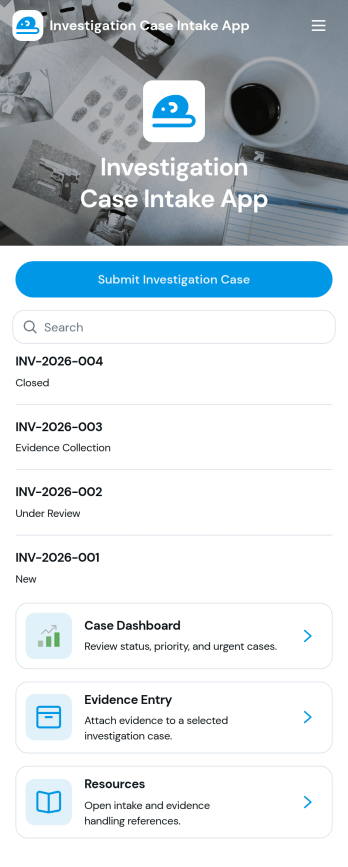
Investigation Case Intake App
Investigation Case Intake App helps teams capture new investigation reports and keep case information organized from the first intake through ongoing follow-ups. It’s a practical fit for HR teams, internal audit groups, compliance and risk teams, security operations, and legal departments that need a consistent way to log incidents, assign urgency, and reference cases without losing critical details. With quick access to case records and a guided path to submit follow-ups, the app supports clearer handoffs, better documentation, and faster internal response when multiple stakeholders are involved.Built with Jotform, this app template can be customized in a no-code app builder using a drag-and-drop interface, so you can match your internal workflow and terminology. Connect intake and follow-up forms to keep data collection consistent, centralize records for easy review, and share the app with the right people through a link or QR code for secure self-service reporting. As your process evolves, you can update pages, add steps, and keep your investigation workflow running smoothly without writing code.
Go to Category:Legal Apps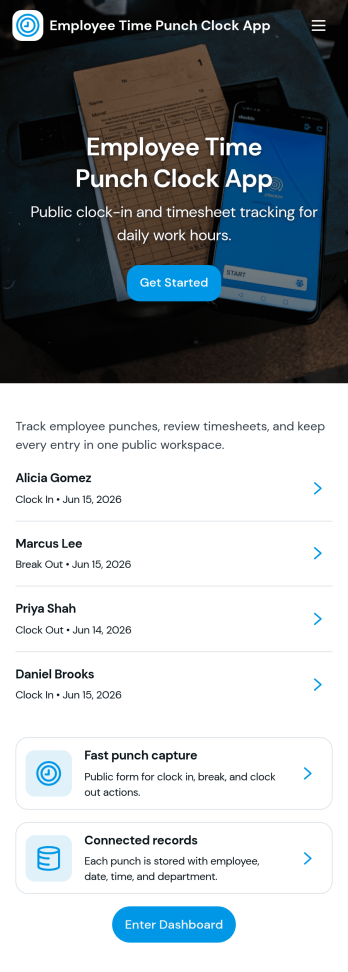
Employee Time Punch Clock App
Employee Time Punch Clock App helps teams record work time in a consistent, self-serve way, giving employees a simple place to punch in and out and managers a clearer view of hours worked. With an on-screen punch clock, shift history navigation, and a dedicated area for time requests and request status, it supports day-to-day attendance tracking without relying on paper timesheets or scattered messages. It’s a great fit for retail stores, restaurants, field service teams, warehouses, and any organization that needs reliable time punches across multiple roles or locations.Jotform makes it easy to turn this app template into a branded experience using a no-code app builder and a drag-and-drop interface. Connect the app to your existing data collection and workflow needs by linking forms and tables, then share it by link or QR code so staff can access it on mobile or desktop. As your process evolves, you can update pages, refine navigation, and keep time punch data organized for faster reviews, fewer corrections, and smoother operations.
Go to Category:Human Resources Apps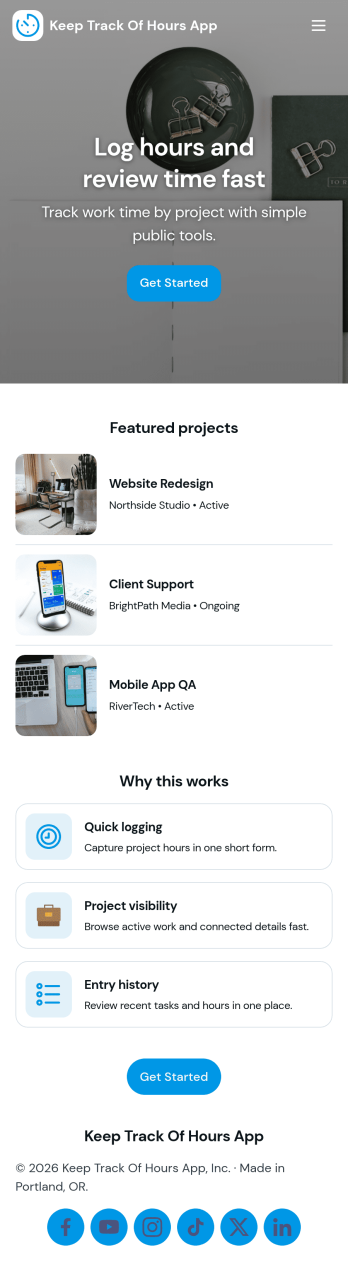
Keep Track of Hours App
Keep Track of Hours App helps individuals and teams record work time in one place, review past entries, and turn hour logs into clear summaries. Use it for timesheets, shift tracking, project-based work, volunteering, tutoring, or any role where accurate time records matter. With quick access to Log Hours, a My Entries view for personal tracking, and Admin Reports for oversight, it supports both everyday logging and simple reporting without juggling spreadsheets or messages.Jotform makes it easy to adapt this app template to your workflow using a no-code app builder and a drag-and-drop interface. Connect the app to your hour log form and tables for reliable data collection, then publish it as a self-service experience staff can open on any device. As your workflow grows, you can refine fields, add steps, and keep everyone aligned with a smoother end-to-end workflow inside Jotform.
Go to Category:Tracker Apps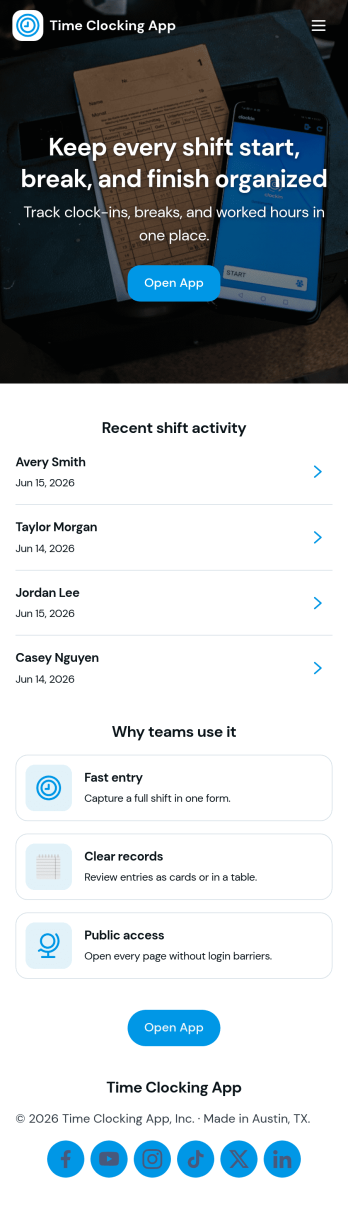
Time Clocking App
Time Clocking App helps teams capture work hours in a simple, repeatable way so payroll and daily operations don’t rely on memory or scattered messages. Employees can create clock entries from one place, review their own time entries, and follow the status of each entry, which makes it easier to correct issues early. This format works well for hourly staff, shift-based roles, and mobile teams in retail, hospitality, home services, and field operations where consistent time logging matters.With Jotform, you can turn this time tracking workflow into a branded, self-service experience using a no-code app builder and a drag-and-drop interface. Connect your app template to forms and tables for reliable data collection, route updates through the right workflow, and publish a shareable link for quick access. As your process changes, you can adjust pages, buttons, and record views without rebuilding everything from scratch.
Go to Category:Human Resources Apps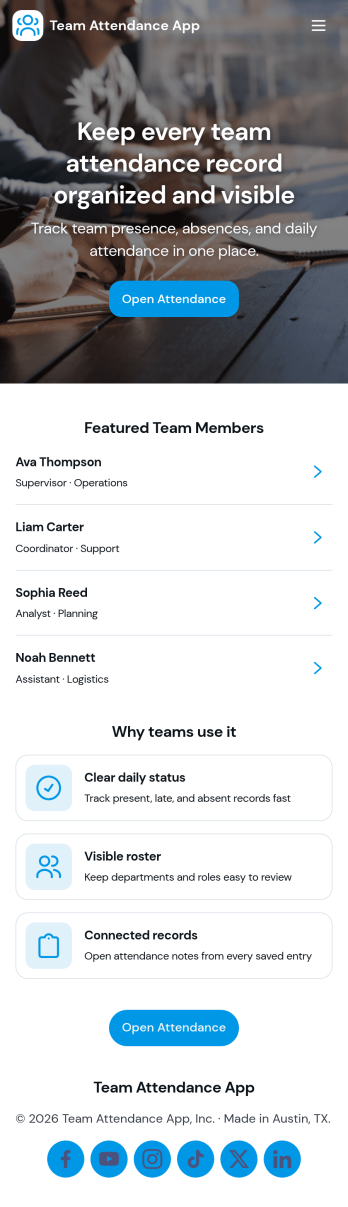
Team Attendance App
Team Attendance App helps teams track who’s in, who’s out, and when each attendance entry was recorded, all from a single place. It’s built for managers, HR coordinators, team leads, and small business owners who need a simple way to add team members, log attendance, and look up records without juggling spreadsheets. With dedicated areas for Team, Attendance, and Records, staff can quickly find people, contact them by email when needed, and review attendance history for day-to-day coverage planning.Jotform makes it easy to turn your attendance process into a shareable, self-service experience using ready-made app templates and a no-code app builder. Customize pages with a drag-and-drop interface, connect the app to your forms and data collection, and keep information organized for fast searching and repeat use. Share the app with your team via a link so everyone can access the right actions and updates from desktop or mobile.
Go to Category:Human Resources Apps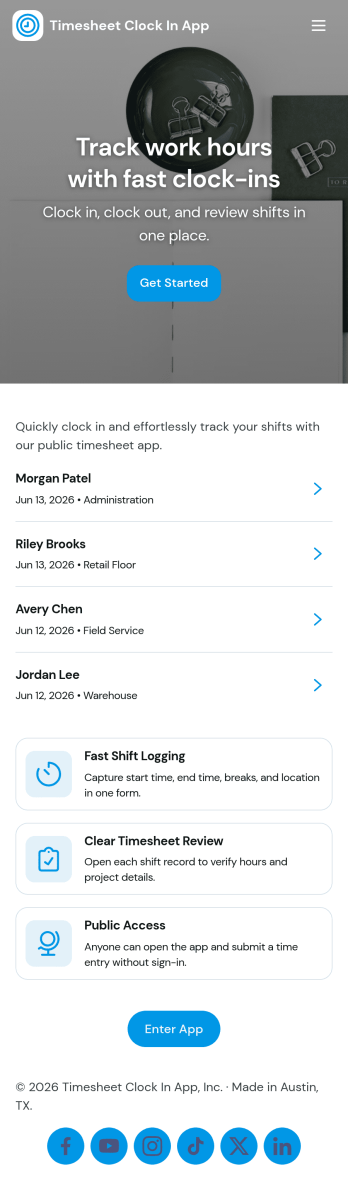
Timesheet Clock In App
Timesheet Clock In App helps teams record work hours in a clear, repeatable way, whether you run a retail floor, a field service crew, a small agency, or an office with hourly staff. Employees can add a clock entry when they start or finish work, then review recent entries to confirm their time is accurate before payroll. Managers can also use it as a lightweight time tracking touchpoint for shifts, job-based work, or multi-location teams where consistency matters.With Jotform, you can turn this app template into a branded, self-service experience using a no-code app builder and a drag-and-drop interface. Connect the app to your existing forms and data collection workflow, publish it with a shareable link, and keep entries organized in one place for faster reviews. As your process evolves, you can adjust pages, automate handoffs, and collaborate with teammates while keeping the clock-in flow simple for everyone.
Go to Category:Activity Tracking Apps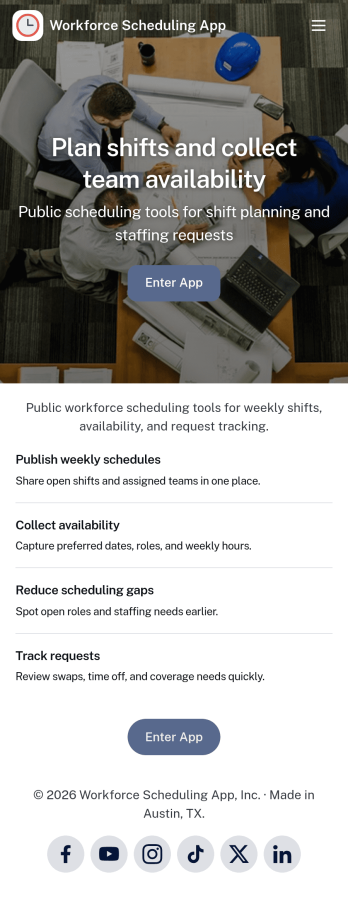
Workforce Scheduling App
A workforce scheduling app helps managers and coordinators organize teams, assign shifts, and keep everyone aligned on who is working when. Use it to view team members, review open and assigned shifts, and publish a schedule staff can check anytime, while also collecting availability so planning reflects real constraints. It’s a strong fit for retail stores, restaurants, field service teams, clinics, and any operation with rotating coverage, multiple locations, or part-time staff.Jotform makes it easy to turn scheduling workflows into a shareable, mobile-friendly experience with customizable app templates and a no-code app builder. Using a drag-and-drop interface, you can adjust pages for your team, connect forms for availability updates and shift details, and keep information organized in one place for quick self-service access. Share your Jotform app by link or QR code so employees can stay updated without extra tools.
Go to Category:Scheduling Apps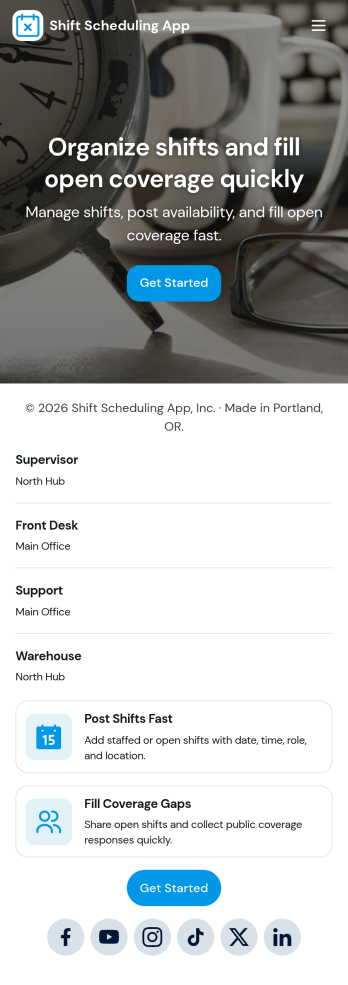
Shift Scheduling App
A shift scheduling app brings your team’s weekly schedule, coverage needs, and time-off requests into one place so everyone knows where they need to be and when. Use it to publish upcoming shifts, let staff submit availability, and route coverage or time-off requests to the right person without digging through texts or scattered spreadsheets. It works well for managers coordinating hourly teams and for employees who need a clear view of assignments, request updates, and quick access to the actions they use most.With Jotform, you can turn this shift scheduling app template into a branded, mobile-friendly experience using an intuitive no-code app builder and a drag-and-drop interface. Connect the app to your existing forms and workflows to collect data consistently, keep requests organized, and make self-service scheduling easier for your team. Share it with a link or QR code, adjust pages as your operations change, and keep everyone aligned with a single hub for scheduling and staffing updates.
Go to Category:Scheduling Apps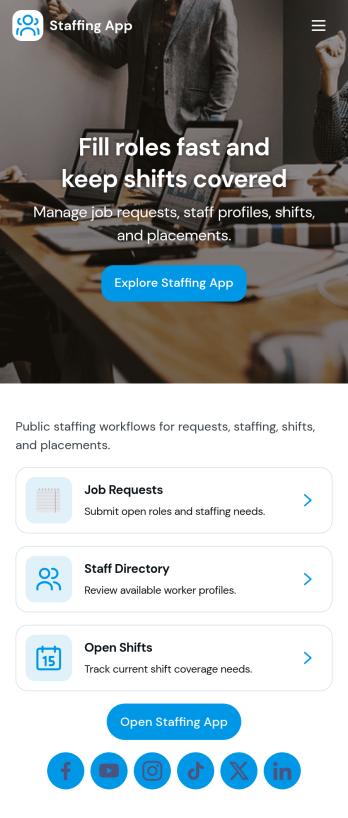
Staffing App
Staffing App brings your hiring and staffing requests into one place so teams can post open roles, invite candidates to apply, and capture internal requests for additional staff. It fits staffing agencies, HR teams, recruiters, and operations managers who need a clear way to promote openings, review candidate interest, and understand where coverage is needed across locations or shifts. With role listings for browsing, an apply flow tied to a form, and a separate staff request path, it keeps recruiting and workforce needs organized without relying on scattered emails and spreadsheets.Built with Jotform App Templates, this app template can be customized in minutes using Jotform’s no-code app builder and drag-and-drop interface. Connect pages to forms and tables to support data collection and workflow steps like routing applications to the right owner, sending notifications, and keeping records centralized. Share the app as a self-service link for applicants and an internal hub for managers, then adjust branding, content, and navigation as your staffing process evolves.
Go to Category:Human Resources Apps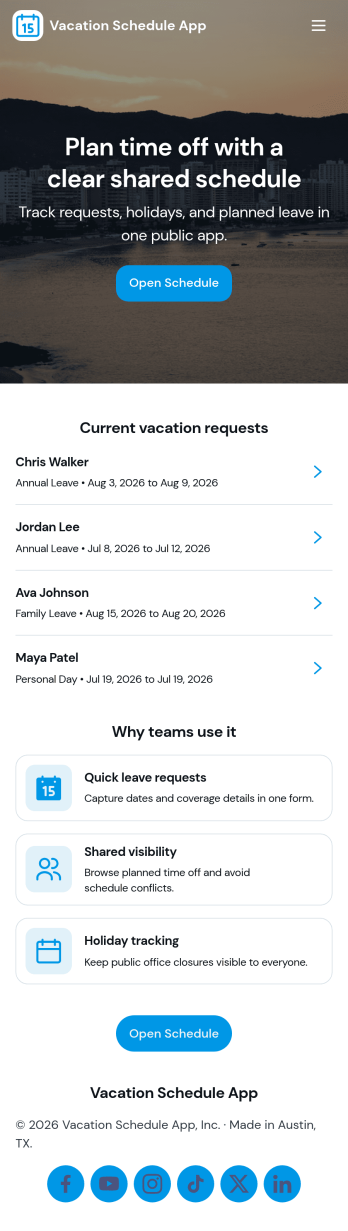
Vacation Schedule App
Vacation Schedule App helps teams organize time-off requests and keep a shared view of who is out and when. Employees can submit a vacation request, browse the schedule, and check My Requests for quick status updates, while managers and coordinators can collect coverage updates to reduce gaps and confusion. It’s a practical fit for offices, retail teams, clinics, field crews, and any department that needs clear visibility into upcoming PTO without relying on long email threads.Built with Jotform, this app template can be customized with a drag-and-drop interface so it matches your internal process and terminology. Connect it to your tables for reliable data collection, keep everyone aligned with a simple workflow for requests and updates, and share a self-service hub that works on desktop or mobile. With Jotform’s no-code app builder, you can publish quickly and adjust as your team grows or policies change.
Go to Category:HR Portal Apps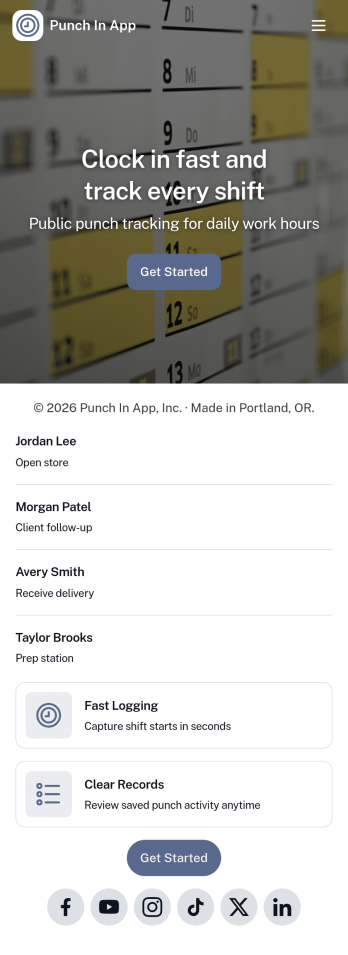
Punch In App
Punch In App helps teams record time entries when employees start and end shifts. Staff can open a punch form from the home screen, while managers can review a list of shifts and navigate into an employee view for quick follow-ups. Built for hourly workplaces, field teams, and multi-location operations, it keeps clock-ins consistent without relying on verbal check-ins or scattered messages. A dedicated support section also makes it easy for employees to email payroll or call the office when something needs correcting.With Jotform, you can turn this app template into a branded, mobile-friendly time entry experience using a no-code app builder and a drag-and-drop interface. Connect the punch form to your workflow so time records stay organized, route requests for review when needed, and keep self-service access simple for employees and supervisors. Share the app by link or QR code so your team can punch in from the devices they already use.
Go to Category:Human Resources Apps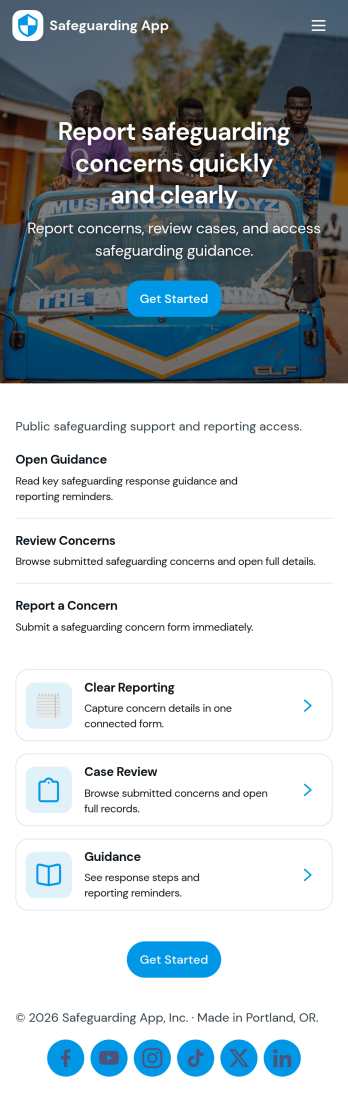
Safeguarding App
Safeguarding App helps organizations capture safeguarding concerns, guide people through what to do next, and keep case activity organized in one place. It’s a practical fit for schools, youth programs, charities, healthcare and social care teams, community organizations, and any workplace that needs a clear way to report incidents, review cases, access emergency contacts, and follow a consistent reporting guide. With quick navigation cards for reporting, case review, resources, and history, the app supports timely action while reducing confusion for staff and volunteers who may not handle safeguarding issues every day.With Jotform, you can build and publish tailored App Templates that connect reporting and recordkeeping into a mobile-friendly self-service experience. Use the no-code app builder and drag-and-drop interface to adjust pages, add instructions, and link buttons to your incident report forms and case lists. As information is collected, your workflow stays organized for the right people to review, follow up, and reference past activity, all while keeping your branding consistent across the app.
Go to Category:Safety Inspection Apps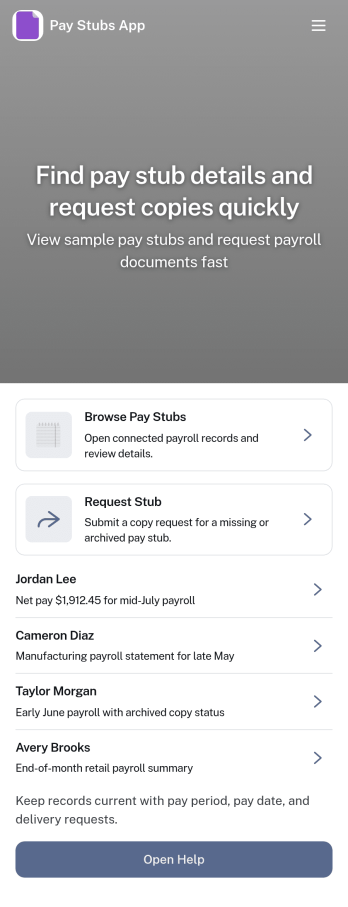
Pay Stubs App
Pay Stubs App gives employees a simple place to find recent pay stubs, open an employee record, and request a copy when something is missing. It works well for HR teams and payroll administrators who want to cut down on repetitive questions, keep requests organized, and make pay information easier to access without email threads. Use it for small businesses, multi-location teams, and growing organizations that need a clear process for locating records and tracking pay stub copy requests.Built with Jotform, this app template can be tailored with a drag-and-drop interface, connected to your existing data collection and workflows, and shared as a self-service experience. Link the app to tables for employee records, route requests to the right people, and keep updates in one place so HR can respond faster while employees always know where to go.
Go to Category:Human Resources Apps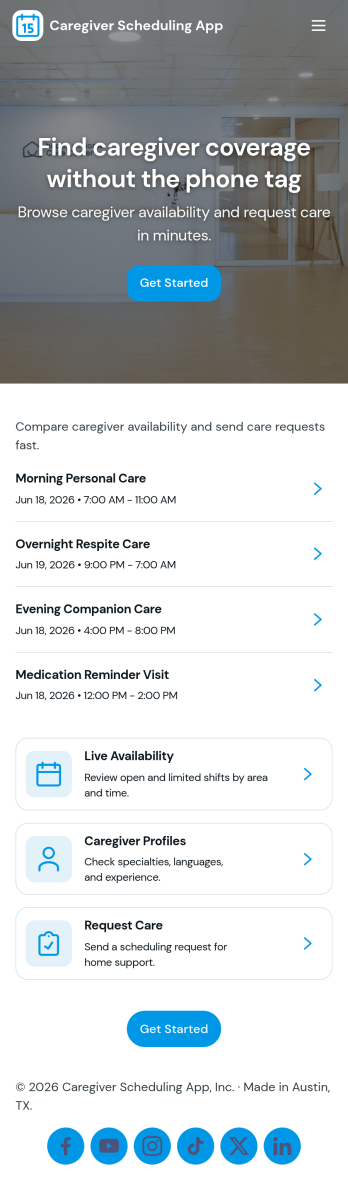
Caregiver Scheduling App
Caregiver Scheduling App brings daily coverage, caregiver availability, shift requests, and assignments into one place so care teams can stay coordinated. Use it to view today’s coverage at a glance, maintain a caregiver list with quick contact details, collect new shift requests, and organize assignments without relying on scattered texts, emails, or paper schedules. It fits home care agencies, private duty caregiving teams, assisted living coordinators, and families managing rotating support, especially when last-minute changes and handoffs are common.Built with Jotform, this app template is easy to tailor with a no-code app builder and a drag-and-drop interface, so you can match your scheduling workflow in minutes. Connect the app to forms for fast data collection, keep request details accessible in tables, and route updates to the right people for smoother self-service. Share a single link with staff or approved caregivers, update pages as your team grows, and keep scheduling operations moving from any device.
Go to Category:Scheduling Apps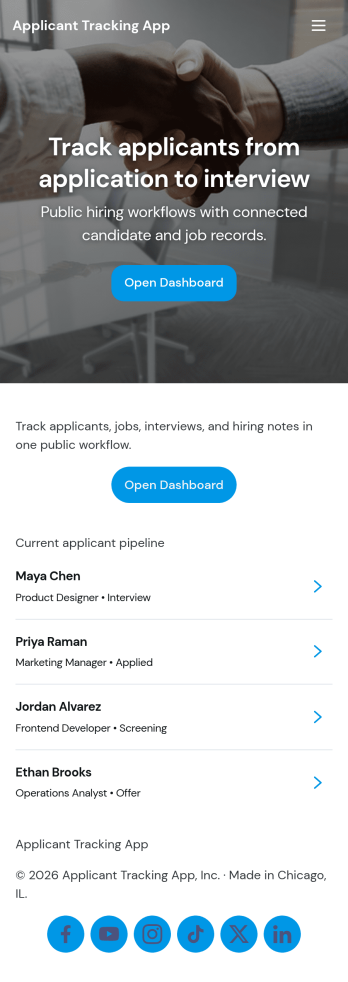
Applicant Tracking App
An Applicant Tracking App helps hiring teams collect candidate details, keep applicants organized, and move people through a consistent review process from first contact to final decision. Use it to centralize open applicants, route candidates into a review queue, and keep your pipeline visible so recruiters and managers can quickly see what needs attention. This format works well for HR departments, staffing teams, and fast-growing small businesses that need a clear place to add applicants, capture reviewer input, and avoid losing track of conversations across email threads.With Jotform, you can turn your hiring workflow into a self-service experience using App Templates and a no-code app builder that’s easy to customize. Build pages with a drag-and-drop interface, connect buttons to forms for data collection like adding applicants and submitting screening reviews, and keep records organized in connected tables so your team can collaborate with less friction. Share your Jotform app through a link or QR code and keep hiring steps consistent across roles, locations, and teams.
Go to Category:Human Resources Apps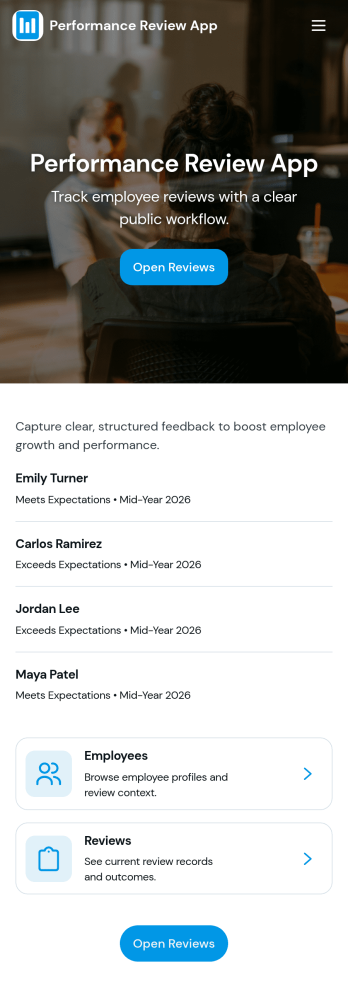
Performance Review App
Performance Review App brings employee evaluations into one consistent, repeatable flow so managers and HR teams can start a review, capture feedback, and keep review records organized over time. It’s a practical fit for growing companies that need a clear place to document goals, competencies, and outcomes for each employee, whether reviews happen quarterly, annually, or after a probation period. With an easy starting point for new evaluations and a dedicated area for past reviews, this app supports fair, timely conversations without scattered notes or missing history.Jotform makes it simple to turn this performance review app template into a tailored self-service experience using a no-code app builder with a drag-and-drop interface. Connect the app to your existing workflow for data collection, keep review records accessible in one place, and share the app with the right stakeholders so reviews stay consistent across teams. As your process evolves, you can update pages, refine prompts, and keep insights easy to reference without rebuilding from scratch.
Go to Category:HR Portal Apps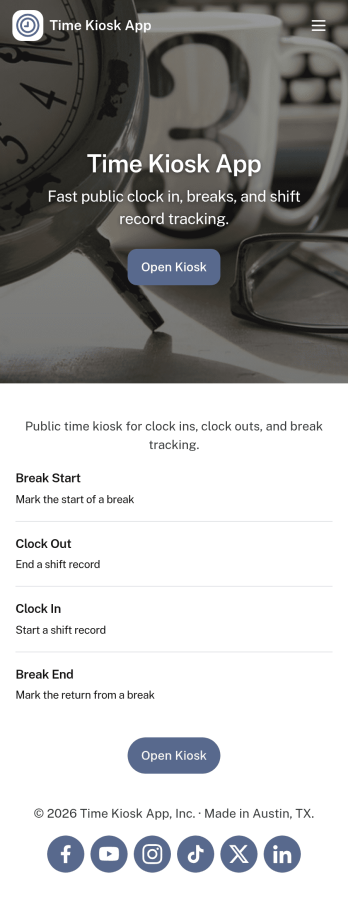
Time Kiosk App
Time Kiosk App gives teams a shared, kiosk-style place to record work time on-site without chasing paper timesheets or scattered messages. Employees can quickly start a shift, log breaks, and review their own time events, while managers can use employee lookup to find people and confirm activity when questions come up. It’s a practical fit for front desks, break rooms, shop floors, warehouses, clinics, and any location where multiple staff members need a consistent way to clock time from a single device.With Jotform, you can turn this Time Kiosk App app template into a polished self-service experience using a no-code app builder and a drag-and-drop interface. Connect the app to forms and tables for reliable data collection, keep records organized for day-to-day workflow needs, and share the kiosk by link or QR code so teams can access it in seconds. Update pages, branding, and navigation as your policies change, then publish instantly for a smoother time tracking routine.
Go to Category:Human Resources Apps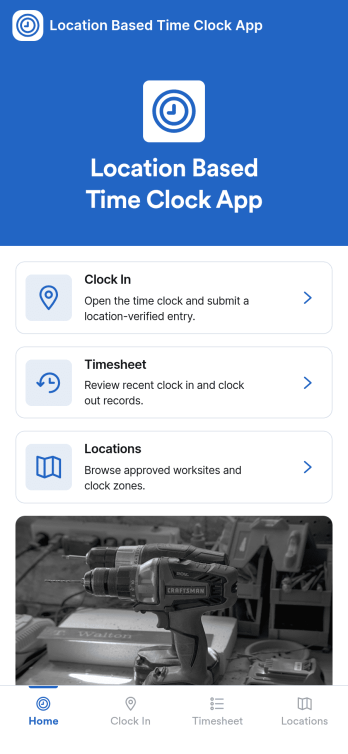
Location Based Time Clock App
Location Based Time Clock App helps teams record work time with added confidence by tying clock-in entries to where the shift starts. It’s a practical fit for field services, construction crews, cleaning teams, delivery operations, and multi-site businesses that want a simple way for staff to clock in from the right place, review time logs, and reference shift reports without chasing updates across texts or spreadsheets. With quick navigation to Clock In, View Logs, and Shift Report, the app supports day-to-day time tracking for managers and employees who need clarity on hours and activity.Jotform makes it easy to publish this kind of self-service experience using App Templates and a no-code app builder. Customize pages in a drag-and-drop interface, connect the app to your existing forms and tables for data collection, and keep your workflow organized from one shareable link. Whether you’re managing a mobile workforce or multiple locations, Jotform helps you roll out a branded time clock app that’s simple to use on any device.
Go to Category:HR Portal Apps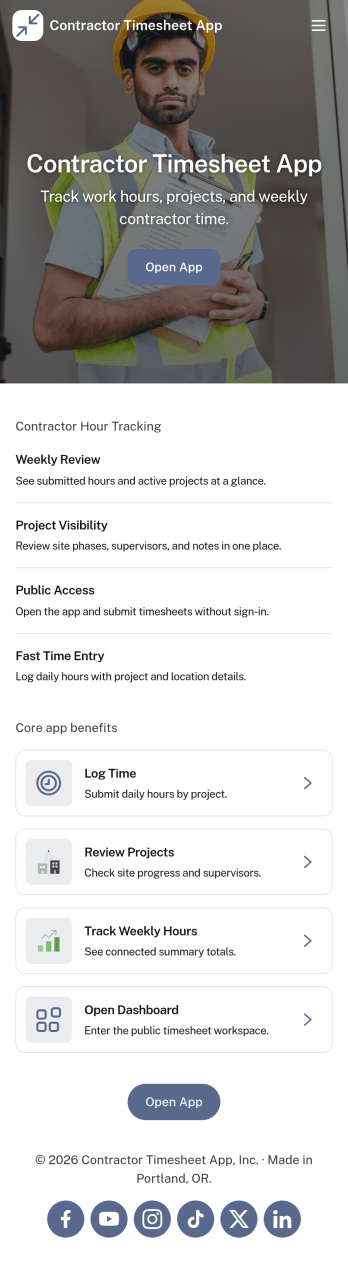
Contractor Timesheet App
Contractor Timesheet App helps contractors and field teams log hours against specific jobs and gives managers a clear place to review work time before it moves forward. With quick time entry, a jobs list for selecting the right project, and an approval review step, it supports day-to-day tracking for construction crews, home service providers, agencies using freelancers, and any business coordinating multiple workers across multiple assignments.Jotform makes it simple to turn this process into a shareable, self-service experience using App Templates and a no-code app builder with a drag-and-drop interface. Connect your app to forms and tables for reliable data collection, keep records organized in one place, and update pages, buttons, and branding as your workflow changes so teams can submit, review, and reference timesheets from anywhere.
Go to Category:Activity Tracking Apps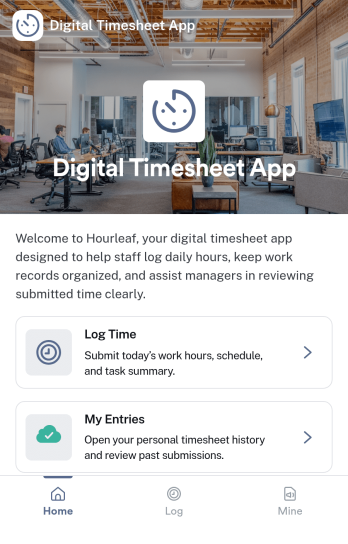
Digital Timesheet App
Digital Timesheet App helps teams record work hours in one place, turning daily time tracking into a consistent routine employees can follow from any device. Staff can log time as they work, review today’s entries before they forget details, and submit a timesheet when the day or shift ends. It’s a practical fit for field services, agencies, retail, construction crews, and any hourly workforce that needs clearer visibility into who worked, when, and on what.Jotform makes it easy to turn this digital timesheet process into a polished self-service experience using App Templates and a no-code app builder. With a drag-and-drop interface, you can tailor pages for employees and approvals, connect buttons to forms for data collection, and keep submissions organized for faster review. Share the app by link or QR code so your workflow stays simple for employees and structured for managers.
Go to Category:HR Portal Apps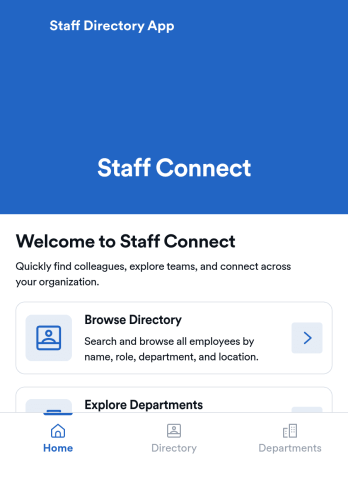
Staff Directory App
Staff Directory App is an app template designed to streamline the organization and visibility of employee information. Built to serve businesses, HR teams, office administrators, and organizations, this readily usable template is an efficient solution for centralizing staff details and fostering easier internal communication. The app collects a range of employee data, such as contact information, job titles, and department details, thereby eliminating the inefficiencies of ad-hoc data collection and enhancing team visibility. It's a superior choice for any operation aiming to bolster their employee information management capabilities.With Jotform, the Staff Directory App's customization is as simple as it is effective. The user-friendly interface facilitates easy collection of electronic signatures and data, making the process of populating your staff directory a breeze. The app's design can be effortlessly tailored to your branding through Jotform's no-code app builder, allowing easy alterations of forms, fonts, colors, and more without any coding requirements. This comprehensive solution, coupled with Jotform's seamless cross-platform compatibility, empowers businesses to manage their staff directory efficiently and professionally. Enjoy the ease of use, the ease of collecting e-signatures, and the ease of customizing your Staff Directory App with Jotform.
Go to Category:HR Portal Apps