

Operations & Logistics Portal Apps

Inventory Request Approval App
Inventory Request Approval App gives employees, department leads, warehouse teams, and purchasing managers one place to submit, review, and manage internal inventory requests. Staff can request an item, specify the quantity and required date, and provide requester and department information. Reviewers can browse all requests, focus on pending entries, open detailed request records, and contact requesters when clarification is needed. This app template is well suited to offices, warehouses, retailers, schools, hospitality businesses, and growing organizations that want clearer oversight of supply demand. It reduces scattered emails, improves visibility across departments, and helps teams make purchasing and allocation decisions using consistent information.Jotform App Templates make it easy to adapt this experience to an organization’s inventory workflow without coding. Using Jotform’s no-code app builder and drag-and-drop interface, teams can update pages, buttons, branding, and navigation while connecting forms, tables, notifications, and approval steps. The finished app can support employee self-service and organized data collection from any device. Share it through a direct link or QR code so requesters and reviewers can access the right actions wherever work happens.
Go to Category:Inventory Management Apps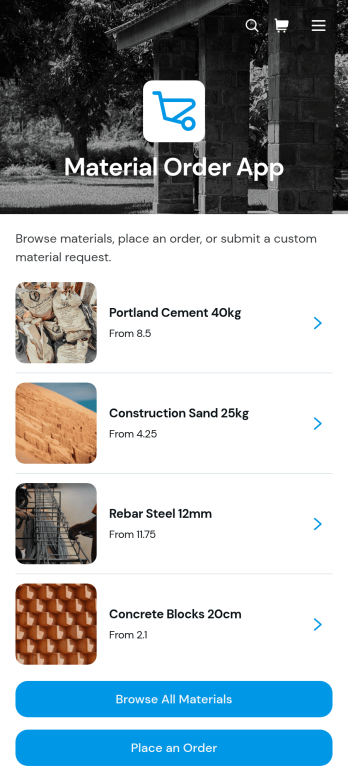
Material Order App
Material Order App is a ready-to-use ordering experience for teams that need a central place to find materials and submit requests. Employees, contractors, construction crews, warehouse staff, purchasing teams, and operations managers can browse a material catalog, review unit prices and availability, and place an order through a connected form. It replaces scattered product lists and informal requests with a consistent self-service process, helping organizations reduce ordering mistakes, give requesters clearer information, and keep material needs easier to review. It is especially useful for job sites, workshops, facilities, warehouses, and businesses that regularly distribute supplies across teams.With Jotform Apps, organizations can adapt this app template without writing code. The no-code app builder and drag-and-drop interface make it easy to update catalog content, adjust navigation, apply company branding, and connect forms, tables, approvals, or other workflow steps. Teams can use the Material Order App to support organized data collection while sharing it through a direct link or QR code for convenient mobile access. Jotform App Templates also provide a practical starting point for expanding the experience as inventory processes, purchasing rules, and operational needs change.
Go to Category:Inventory Management Apps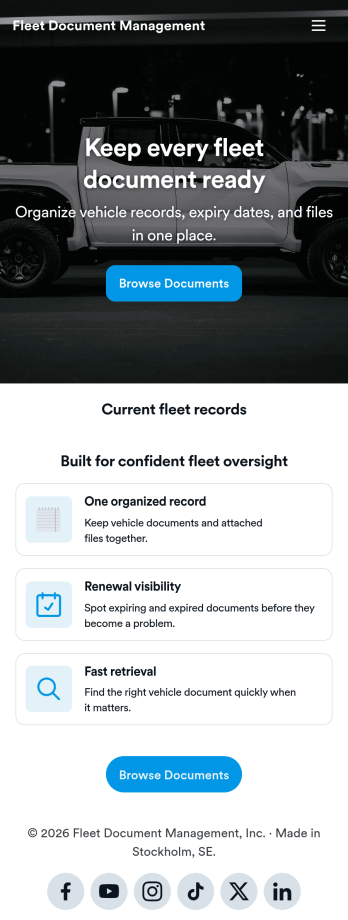
Fleet Document Management App
Fleet Document Management App helps teams organize, find, and share essential fleet paperwork in one place so drivers and operations staff can stay ready for day-to-day work. Use it to keep vehicle documents, policy references, and internal resources accessible when teams are on the road, at a yard, or handling a service stop. It fits transportation companies, delivery fleets, field service teams, and any organization that manages multiple vehicles and needs a simple way to keep documentation consistent.With Jotform, you can turn this app template into a branded, mobile-friendly document hub using a no-code app builder and a drag-and-drop interface. Publish updates quickly, control how information is presented, and support self-service access for employees or partners. As your workflow evolves, you can expand the app beyond a single page by connecting it to data collection and other processes inside Jotform.
Go to Category:Fleet Tracker Apps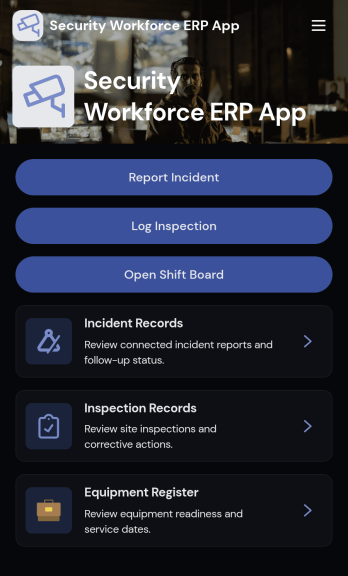
Security Workforce ERP App
Security Workforce ERP App brings your guard force and site operations into one place so supervisors can add workforce records, set up security sites, record shift coverage, and capture incident reports without juggling spreadsheets or scattered messages. It’s built for security companies, contract guarding teams, and in-house security departments that need a dependable way to keep rosters current, track who covered which shift, and document incidents with clear details for follow-up and review.Jotform makes it easy to turn these everyday workflows into a polished, shareable experience with App Templates you can customize in minutes. Using Jotform’s no-code app builder and drag-and-drop interface, you can organize pages for workforce, coverage, sites, and incidents, connect forms for data collection, and keep your workflow moving with a self-service hub that works on any device. As records grow, you can continue adapting the app to match how your team schedules, responds, and reports in the field.
Go to Category:Operations & Logistics Portal Apps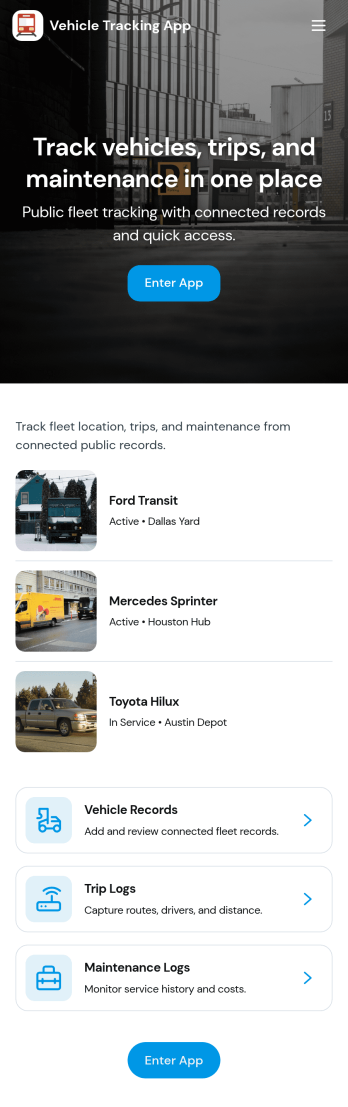
Vehicle Tracking App
Vehicle Tracking App helps teams keep a clear, up-to-date view of where vehicles are and what condition they’re in. It’s a practical fit for fleet managers, dispatchers, field service companies, delivery operations, and any organization coordinating vehicles across multiple routes. With a fleet status summary and quick buttons to log vehicle and location updates, the app supports day-to-day tracking without chasing drivers for details. Use it to centralize vehicle IDs, review recent activity, and navigate between key areas like locations and service so nothing gets missed during busy shifts.Built with Jotform, this app template is easy to tailor for your workflow using a no-code app builder and a drag-and-drop interface. Connect update forms to your app for consistent data collection, keep information organized for internal self-service, and share access with the right teams through a simple link. As your operation grows, you can expand pages, refine navigation, and standardize how updates are logged so your tracking workflow stays reliable and easy to manage.
Go to Category:Transportation Apps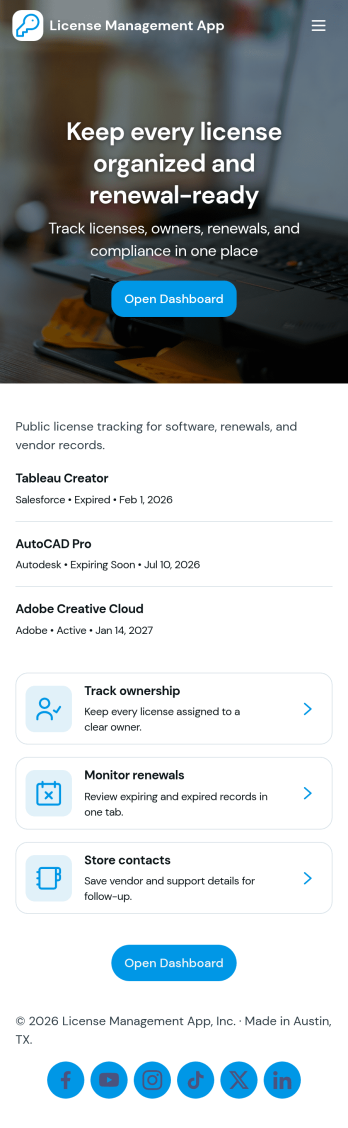
License Management App
License Management App helps teams capture, organize, and review license records in one place so renewals don’t get missed. Use it to add new licenses through a simple intake flow, browse an up-to-date license list, open individual license details, and keep an eye on upcoming renewals. It’s a practical fit for HR and people ops teams tracking employee certifications, IT departments managing software and vendor licenses, facilities teams monitoring permits, and operations leaders who need a clear view of what’s active, expiring, or overdue.With Jotform, you can turn this app template into a branded self-service experience using a no-code app builder and a drag-and-drop interface. Connect the app to your existing data collection processes, route updates through connected workflows, and keep information consistent across teams. Share the app by link for quick access, customize pages and navigation as your process evolves, and use built-in reporting views to spot renewal patterns and stay organized without extra manual tracking.
Go to Category:Information Technology Apps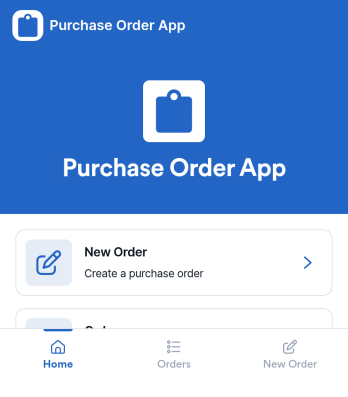
Purchase Order App
Purchase Order App gives teams a simple place to create new purchase orders, review recent orders, and route requests for approval without juggling spreadsheets or scattered email threads. It works well for office managers, operations teams, procurement coordinators, and department leads who need consistent purchasing records and a clear handoff between requesters and approvers. With dedicated areas for starting a new order, browsing recent activity, and checking approvals, the app supports day-to-day purchasing for supplies, services, and internal needs across one or multiple locations.Jotform helps you turn this workflow into a shareable, self-service experience using App Templates and a no-code app builder. Customize the pages with a drag-and-drop interface, connect the app to the included form for data collection, and keep order information organized for quick viewing. You can publish the Purchase Order App as a link for your team, update content as your process evolves, and build a smoother workflow from request to approval using Jotform.
Go to Category:Finance & Accounting Portal Apps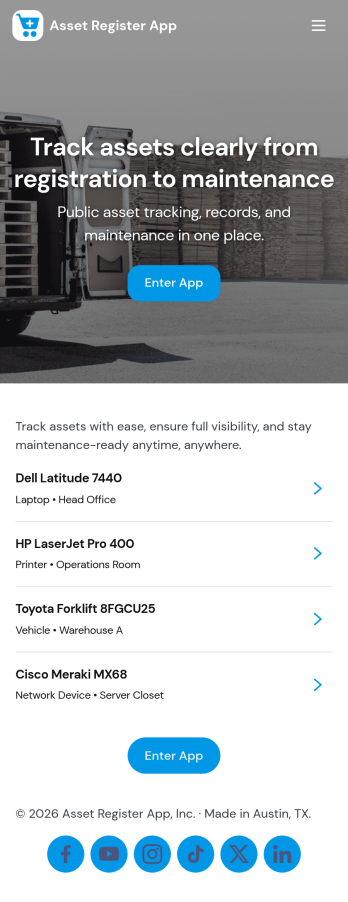
Asset Register App
An Asset Register App gives teams one place to record, find, and maintain company assets without hunting through spreadsheets. Use it to add new equipment and property, browse an asset list, and open individual asset details when someone needs a serial number, ownership info, or current status. It’s especially useful for operations, IT, facilities, schools, and growing businesses that need clearer visibility into what they own, where it is, and who’s responsible for it. With quick navigation to browse assets and a dedicated button to add assets, this app supports daily check-ins and helps reduce duplicate records and forgotten items.Jotform makes it easy to turn this Asset Register App into a self-service, mobile-friendly tool using a no-code app builder and a drag-and-drop interface. Connect the app to your existing data collection workflows so updates like new asset entries and service activity are captured consistently, then review records in linked tables as your register grows. Customize pages, branding, and access, and share the app by link or QR code so the right people can manage assets and keep your workflow moving.
Go to Category:Inventory Apps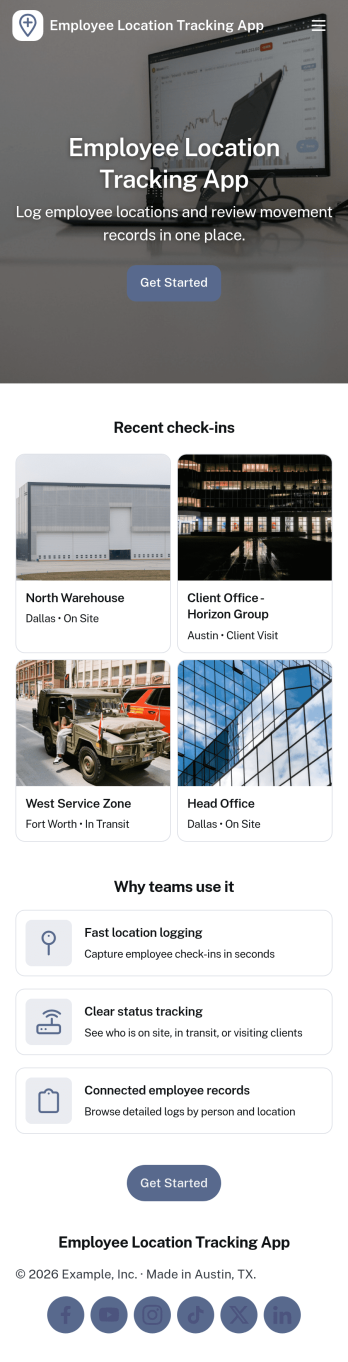
Employee Location Tracking App
Employee Location Tracking App helps teams monitor where staff are working, when they arrive, and how location-based activity changes throughout the day. It fits field service companies, delivery and transportation teams, property management, construction crews, and any operation managing people across multiple sites. With an employee list, a check-in flow, a history view, and a map page, managers can quickly confirm coverage, reduce missed visits, and support safer dispatching without relying on scattered messages. The app also makes it easier for supervisors to review patterns over time, follow up on unusual gaps, and keep everyone aligned when schedules shift.Jotform App Templates make it simple to publish a location tracking experience that’s easy for employees to use and easy for admins to manage. Using Jotform’s no-code app builder and drag-and-drop interface, you can adjust pages, labels, and navigation to match your workflow, then connect the app to your forms and data collection in Jotform. Share it by link or QR code for fast self-service check-ins, keep records organized in one place, and iterate as your processes evolve.
Go to Category:Activity Tracking Apps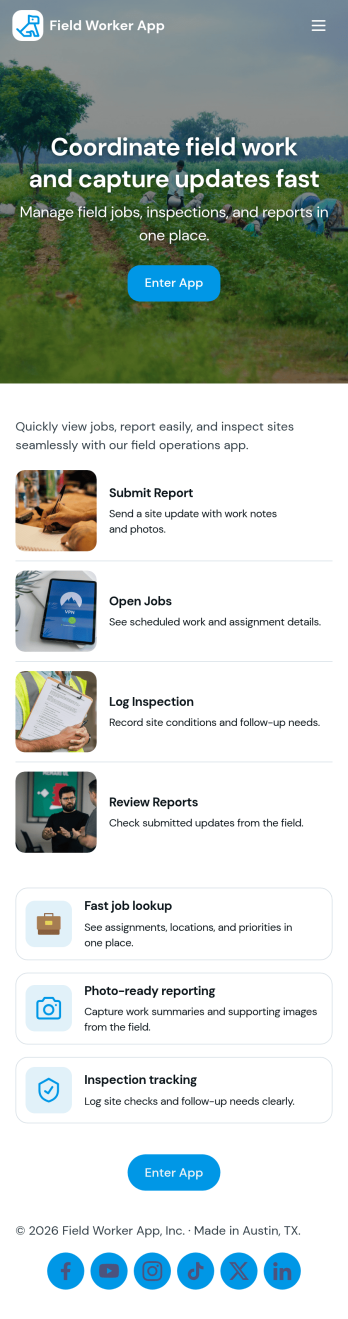
Field Worker App
Field Worker App helps teams coordinate day-to-day work outside the office by giving field staff a simple place to view open jobs, start a shift, run a safety check, and send in work reports as they go. It’s a practical fit for service businesses, construction crews, facilities teams, and operations managers who need consistent updates from job sites without relying on scattered texts or paper notes. With quick navigation to job details and easy report logging, supervisors get clearer visibility into what’s in progress while workers stay focused on completing tasks accurately.Built with Jotform, this app template combines self-service access with connected data collection so work updates are captured in a reliable workflow. Customize pages with a drag-and-drop interface, link buttons to your reporting form, and centralize saved reports for faster follow-ups. Share the app with your team using a simple link so everyone can access the same job list and reporting flow from anywhere, then keep information organized as your field operations scale.
Go to Category:Construction Apps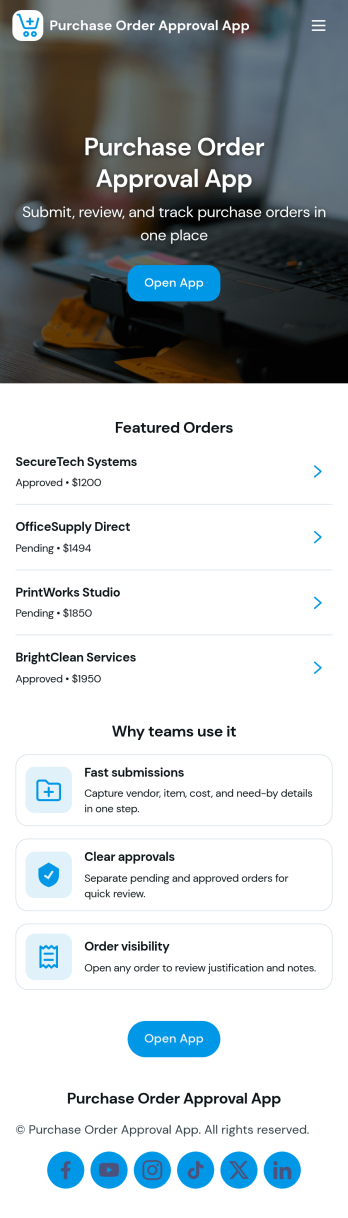
Purchase Order Approval App
Purchase Order Approval App helps teams create, route, and review purchase orders in one place, so spending decisions are easier to track and faster to act on. Staff can start a new PO from a dedicated entry point, check what’s still pending, and reference their own purchase orders without digging through emails or shared drives. It’s a practical fit for operations, finance, facilities, IT, and department leads who need a consistent approval trail for everyday purchasing.Built with Jotform App Templates, this app template can be tailored in minutes using Jotform’s no-code app builder and drag-and-drop interface. Connect the Start PO Form to your workflow, surface records in tables and lists for quick review, and share a single self-service link that works on desktop or mobile. As requests come in, Jotform keeps data collection organized and makes it easier for stakeholders to follow the workflow from submission to approval history.
Go to Category:Finance & Accounting Portal Apps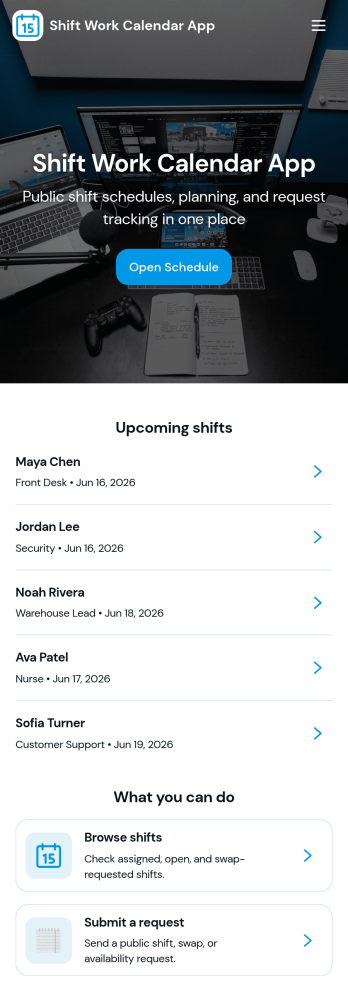
Shift Work Calendar App
A shift work calendar app helps teams keep rotating schedules clear and actionable by putting today’s shifts, employee schedules, and shift-related updates in one place. This template is built for operations leads, supervisors, and HR teams managing hourly staff across retail, hospitality, healthcare, warehouses, and field services. With quick navigation to Today’s Shifts, a Team Roster, and Shift Requests, it supports day-to-day coordination while reducing missed handoffs and confusion about who’s on duty.Jotform makes it easy to turn scheduling workflows into a mobile-friendly experience using App Templates and a no-code app builder. Customize pages with a drag-and-drop interface, connect buttons to forms for data collection, and keep shift details organized in a connected workflow. Share the app by link or QR code so staff can view schedules, request changes, and keep everyone aligned without extra tools.
Go to Category:Scheduling Apps
Rental Inventory App
Rental Inventory App brings your rental catalog into one place so teams can quickly browse available items, add new inventory, and reserve gear for checkout without hunting through spreadsheets. It’s a practical fit for equipment rental shops, party and event rental businesses, studios, and any organization that lends out assets and needs a clear view of what’s on hand before the next pickup.Built with Jotform, this app template pairs an easy, mobile-friendly layout with connected data collection so inventory stays current as your process evolves. Use the no-code app builder and drag-and-drop interface to adjust pages and navigation, then share the app for self-service access across staff. As items are added and reservations are routed to the right place, Jotform helps keep your workflow organized from browsing inventory to monitoring open rentals.
Go to Category:Rental Apps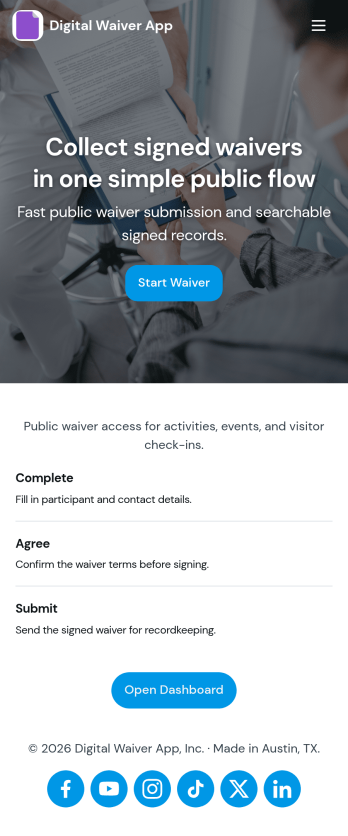
Digital Waiver App
Digital Waiver App helps you collect participant waivers online and keep signed records organized in one place. It’s a practical fit for gyms, studios, camps, schools, event operators, rental businesses, and any team that needs a clear, repeatable waiver process before someone joins an activity. With quick access to start a waiver, browse activity types, and review signed records, staff can guide participants through signing without paper piles or last-minute confusion at the front desk.Jotform makes it easy to publish this kind of self-service experience with App Templates built for real workflows. Customize pages with a drag-and-drop interface, connect your waiver form to stored records, and share the app with a link or QR code for fast completion on any device. As responses come in, your workflow stays tidy and searchable, supporting reliable data collection for day-to-day operations.
Go to Category:Customer Portal Apps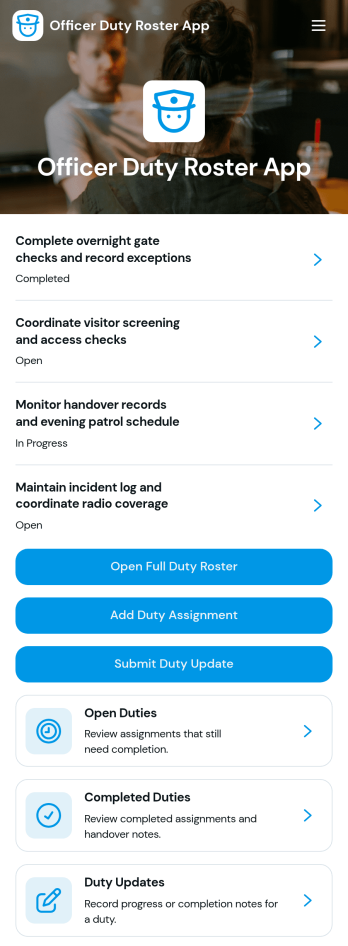
Officer Duty Roster App
The Officer Duty Roster App gives police departments, security teams, public safety units, and other officer-based organizations a central place to coordinate duty assignments. Supervisors can publish roster entries, add new assignments, review open and completed duties, and receive duty updates from personnel. Each assignment can present the responsible officer, shift, station, current status, briefing notes, and completion notes, helping teams understand who is working, where they are assigned, and what requires attention. It is especially useful for daily deployment planning, shift handovers, station coverage, event security, patrol coordination, and other operations where timely roster information supports accountability and continuity.Jotform makes this app template easy to adapt with a no-code app builder and a drag-and-drop interface. Teams can update pages, navigation, colors, fonts, images, and buttons to reflect their procedures and branding, then connect forms and tables to support data collection and workflow management. The finished app can be shared by direct link or QR code for convenient mobile access, giving officers and supervisors a practical self-service resource wherever duties are performed. Jotform App Templates also help organizations launch faster while retaining the flexibility to revise assignments, resources, and connected processes as operational needs change.
Go to Category:Scheduling and Planning Apps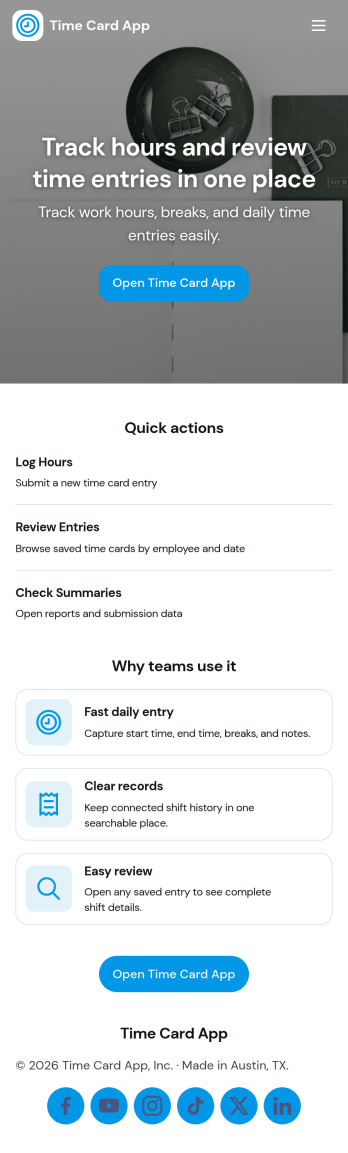
Time Card App
A Time Card App gives teams a simple way to log work time, review past entries, and keep timesheets organized in one place. It’s useful for managers who need visibility into hours by employee or project, and for staff who want a clear, consistent process for submitting their time. With quick navigation for logging time, browsing records, and viewing insights, this app supports day-to-day time tracking for shifts, job-based work, field services, and hybrid teams.Jotform makes it easy to turn this Time Card App into a polished self-service experience using a no-code app builder and a drag-and-drop interface. Connect the app to your time card form and tables to centralize data collection, keep records accessible, and reduce manual follow-ups. You can tailor pages, buttons, and branding to match your workflow, then share the app with a link or QR code so employees can log time from anywhere.
Go to Category:HR Portal Apps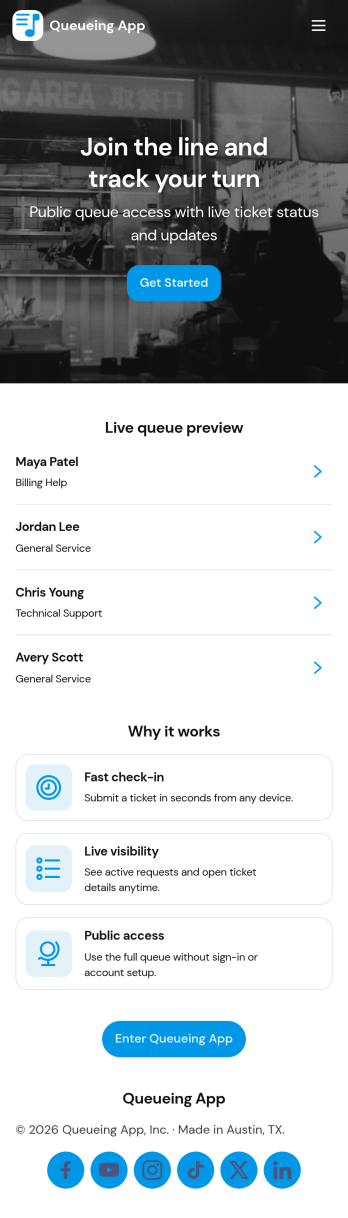
Queuing App
Queuing App helps organizations manage walk-ins by letting customers join a queue, browse available queues, and check their place in line from one simple self-service experience. It’s a practical fit for clinics, public offices, school admin desks, service counters, pop-up events, and any location that needs to replace paper tickets or crowded waiting areas. With a live queue board and ticket entry flow, staff can keep lines moving while visitors stay informed about where to go and what to expect.Built with Jotform App Templates, this queuing experience is easy to tailor for different desks, locations, or service types. Use Jotform’s no-code app builder and drag-and-drop interface to update pages, connect your queue data collection to Jotform tables, and add workflows like status updates and notifications. Share the app through a link or QR code so guests can take a ticket, view updates, and return to the queue list without extra help from staff.
Go to Category:Operations & Logistics Portal Apps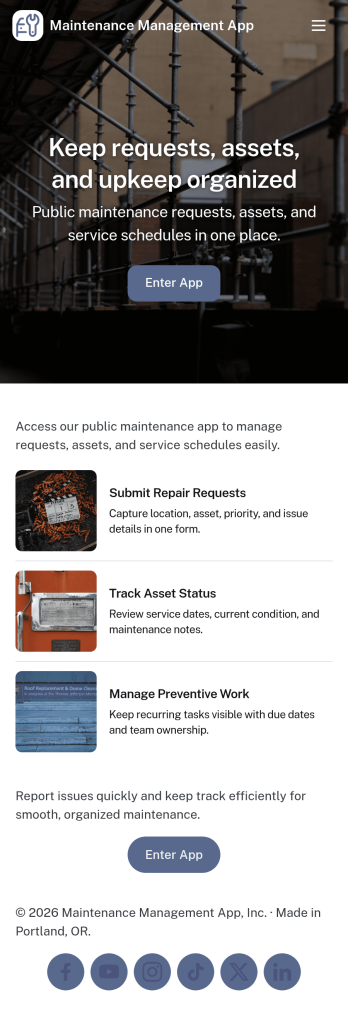
Maintenance Management App
Maintenance Management App helps facilities teams and service departments handle maintenance requests, work orders, and asset records in one place. Use it to let staff submit a new request, follow progress as issues move through open work orders, and browse assets when troubleshooting recurring problems. It fits property managers, manufacturers, schools, healthcare clinics, and any organization that needs clear handoffs between requesters and technicians without relying on scattered emails or verbal updates.Built with Jotform, this app template can be tailored with a no-code app builder and a drag-and-drop interface so you can match your real workflow and terminology. Connect request and work order forms, keep asset information organized, and share a self-service link or QR code with employees or tenants to reduce delays and improve response consistency. With Jotform tools working together, teams can standardize intake, stay on top of active work, and keep better maintenance history over time.
Go to Category:Equipment Maintenance Software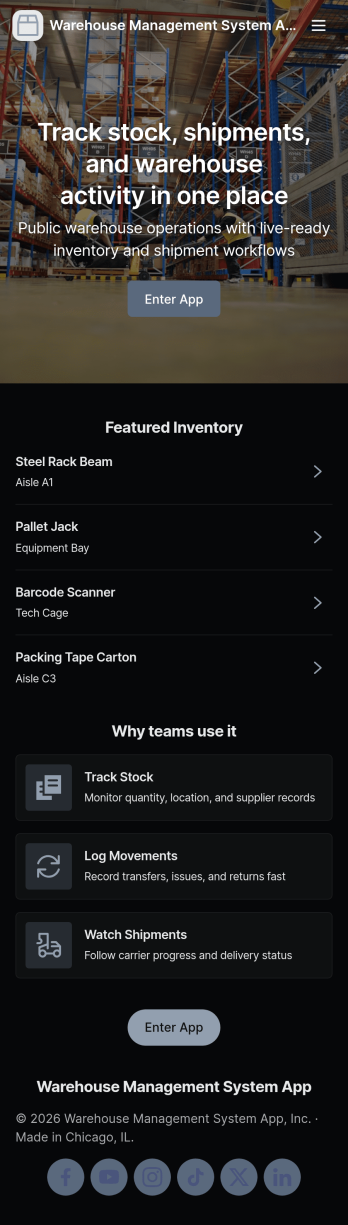
Warehouse Management System App
A warehouse management system app brings day-to-day inventory operations into one place so teams can keep stock accurate, trace movement, and stay ready for audits. Use it to browse current inventory, add new items as they arrive, record stock intake, document transfers between locations, and log audit results without hunting through spreadsheets or disconnected tools. It’s a practical fit for warehouse managers, inventory controllers, operations leads, and growing businesses that need a clear view of what’s on hand and what’s changing across the floor.With Jotform, you can turn this warehouse management system app into a tailored, shareable experience using an app template and a no-code app builder. Customize pages with a drag-and-drop interface, connect buttons to forms and tables for data collection, and keep your workflow consistent across intake, transfers, and audits. Share the app with your team for fast self-service updates, then centralize records so everyone works from the same source of truth.
Go to Category:Inventory Apps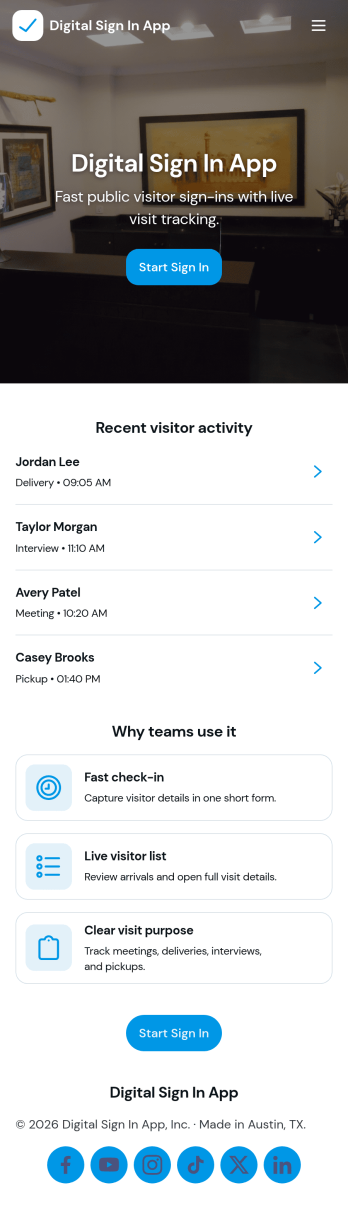
Digital Sign In App
Digital Sign In App helps you replace paper visitor logs with a simple, trackable check-in experience for offices, schools, clinics, events, and shared workspaces. Visitors can open a sign-in form from the home screen, while staff can quickly view recent entries, browse visitor records, and follow visit details from the app’s pages. With quick access to a full sign-in list and individual visit info, reception teams and site managers can keep front-desk traffic moving while maintaining clear records of who arrived and when.Jotform makes it easy to build and publish app templates like this one with a no-code app builder and a drag-and-drop interface. Connect your sign-in form to tables for organized data collection, give team members a self-service way to review submitted entries, and keep your workflow consistent across locations. Customize pages, buttons, and navigation to match your process, then share the app with a link or QR code so people can sign in from any device.
Go to Category:Sign In Apps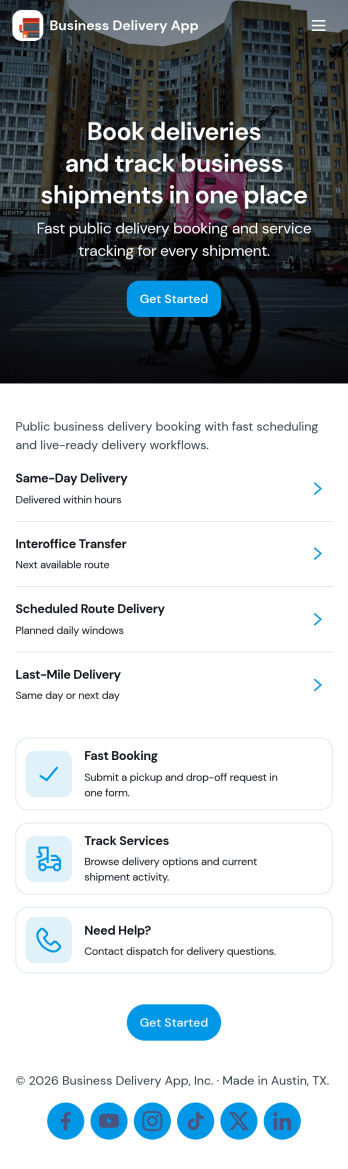
Business Delivery App
Business Delivery App brings delivery ordering, order visibility, and support into one place for businesses that fulfill local or scheduled deliveries. Use it to accept delivery requests, present key order details, and help customers stay informed without repeated calls or messages. It’s a practical fit for restaurants, retailers, service teams, and logistics operations that need a clear path for customers to place a delivery order, track active orders, and reach customer support from dedicated pages.Built with Jotform App Templates, this app template is easy to tailor with Jotform’s no-code app builder and drag-and-drop interface. Connect your order form to keep data collection consistent, route requests to the right team, and use linked pages to guide customers to the next step. Share it with a simple link or QR code so customers can submit orders, check progress, and get help from any device while your team stays organized behind the scenes.
Go to Category:Delivery Apps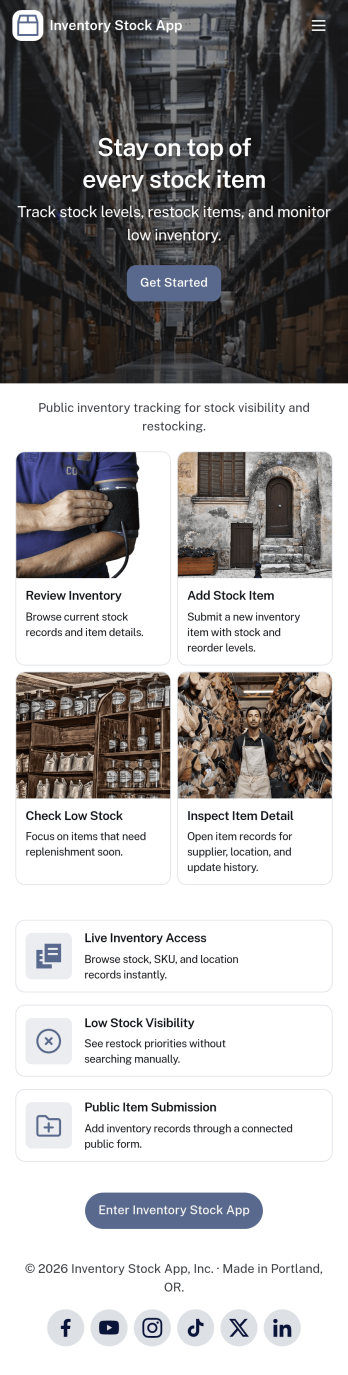
Inventory Stock App
Inventory Stock App keeps your inventory counts accurate and easy to access in day-to-day operations. Use it to browse items, spot low-stock products early, and record adjustments when stock levels change. It’s a practical fit for retail teams, warehouses, storerooms, schools, nonprofits, and small manufacturers that need a clear view of what’s on hand without relying on scattered spreadsheets. With simple navigation and item lists, staff can quickly find what they need, add new items, and maintain consistent records across locations or departments.Jotform makes it simple to turn inventory processes into a mobile-friendly experience using App Templates and a no-code app builder. Customize pages with a drag-and-drop interface, connect buttons to forms for fast data collection, and keep an organized stock log for better visibility over time. Share your Inventory Stock App with your team through a link so updates happen where the work happens, helping you keep inventory workflows consistent and information up to date.
Go to Category:Inventory Apps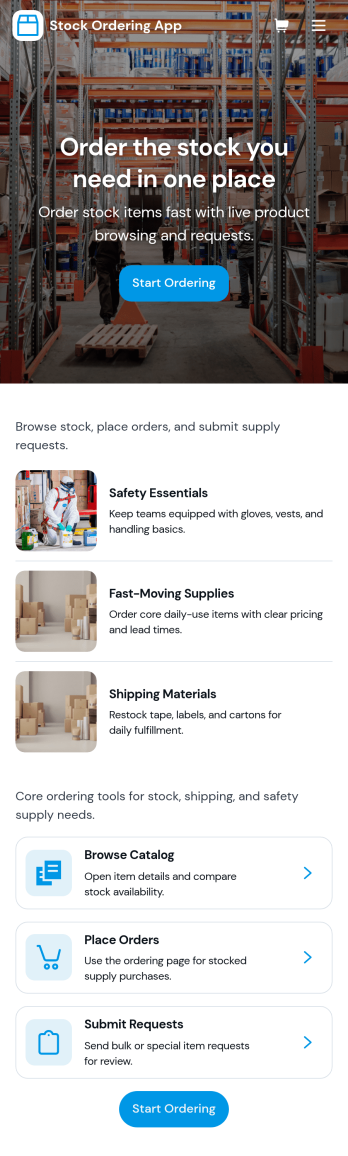
Stock Ordering App
Stock Ordering App helps teams request, place, and monitor stock orders from one central place. Use it to browse a catalog of items, submit new orders, and track what’s pending versus approved, so purchasing doesn’t get buried in messages or spreadsheets. It’s a practical fit for offices ordering consumables and packaging, retail teams replenishing fast movers, or operations groups coordinating supplies across locations while keeping everyone aligned on what’s needed and when.Built with Jotform App Templates, this app template can be customized in Jotform’s no-code app builder with a drag-and-drop interface to match how your organization orders stock. Connect the order form and order records to support data collection, keep a clear workflow from request to approval, and give staff a self-service way to review their orders and current stock levels before submitting another request.
Go to Category:Inventory Apps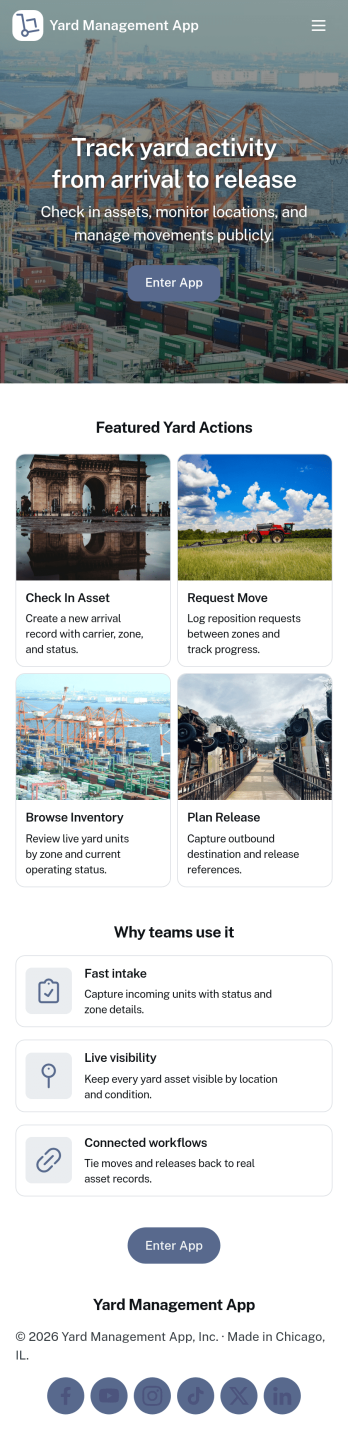
Yard Management App
Yard Management App helps teams coordinate day-to-day yard operations by keeping inventory, work tasks, and incoming requests in one place. It’s a practical fit for logistics yards, distribution centers, trucking and container yards, equipment yards, and busy facilities where multiple crews need visibility into what’s on hand and what needs attention. With dedicated areas for inventory lists, task tracking, and request intake, the app supports faster handoffs between supervisors, yard staff, and operations managers while reducing missed items and unclear priorities.Built with Jotform, this app template can be tailored with a no-code app builder and a drag-and-drop interface, so you can adjust pages, labels, and workflows to match your yard’s process. Connect the app to forms for adding inventory items, logging new tasks, or submitting service requests, then share it as a self-service link for staff on any device. Jotform also helps centralize data collection and keep records organized as your operation scales.
Go to Category:Operations & Logistics Portal Apps