

Operations & Logistics Portal Apps

Pesticide Record Keeping App
Pesticide Record Keeping App helps teams document pesticide applications in a consistent, searchable way so records don’t end up scattered across paper notes or spreadsheets. Use it to start a new log when a treatment happens, capture the pesticide product used, and maintain an organized history of applications for each site or job. It’s a practical fit for growers, landscapers, pest control teams, greenhouse operators, and facility managers who need a repeatable logging process that’s easy for staff to follow.Built with Jotform App Templates, this app template brings your logging workflow into a mobile-friendly format with simple navigation to start a new log, view records, and access a list of submitted logs in one place. Customize pages, branding, and the connected form without code using Jotform’s drag-and-drop interface, then share the app with your crew through a link so data collection stays consistent across locations and shifts.
Go to Category:Log Apps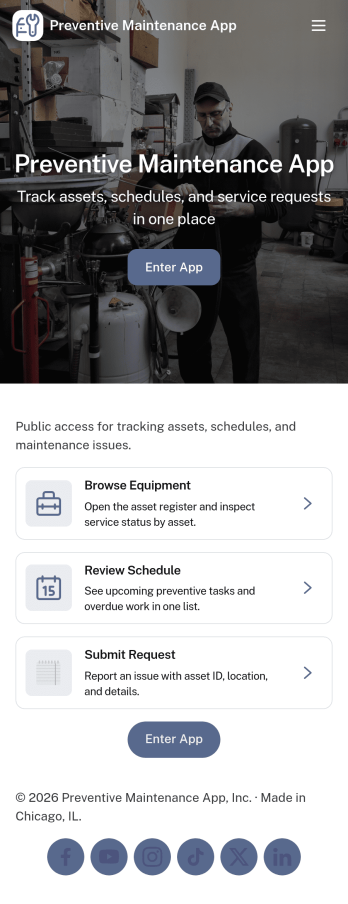
Preventive Maintenance App
Preventive Maintenance App helps teams keep equipment reliable by organizing assets, planning recurring service, and documenting work history in one place. It fits facilities and operations teams managing multiple locations, manufacturing shops tracking critical machines, property managers overseeing building systems, and IT or engineering groups responsible for uptime. With dedicated areas for assets, a schedule view, and maintenance history, the app supports consistent routines and faster decisions when issues appear.Jotform makes it easy to turn this preventive maintenance workflow into a shareable, self-service app without coding. Using Jotform’s drag-and-drop interface, you can adjust pages to match your processes, connect asset lists to your data, and link maintenance request forms so teams can submit and track work from anywhere. Publish the app in minutes, keep information current, and standardize how preventive tasks are requested, recorded, and reviewed across your organization.
Go to Category:Equipment Maintenance Software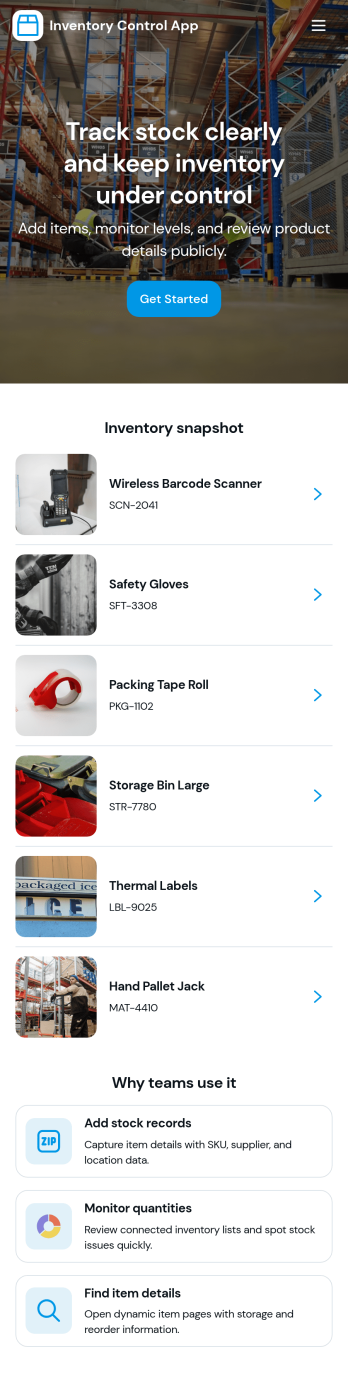
Inventory Control App
Inventory Control App helps teams keep product counts accurate and visible across day-to-day operations. Use it to browse an item list, review low stock, and record stock actions like transfers so changes are captured consistently. It’s a practical fit for retail stores, warehouses, stockrooms, studios, and small manufacturers that need a clear way to monitor items and reduce errors from manual updates.Built with Jotform, this app template turns routine inventory tasks into a guided self-service experience you can share with staff. Use Jotform’s no-code app builder and drag-and-drop interface to tailor pages for your process, connect forms and tables for ongoing data collection, and keep your workflow organized with easy navigation between items, adjustments, and movement history.
Go to Category:Inventory Apps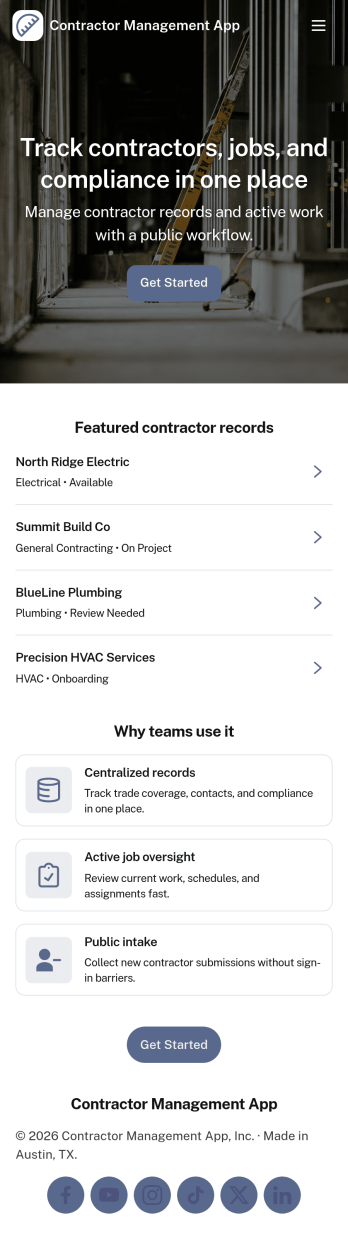
Contractor Management App
Contractor Management App helps businesses organize contractor details, job activity, inspections, and payment records in one place so teams can stay on top of day-to-day coordination. It’s a practical fit for construction companies, property managers, field service teams, and operations leads who need a clear view of who is working, what is in progress, and what has been paid. With a contractor directory and job tracker at the core, the app supports faster lookups, consistent recordkeeping, and smoother handoffs between office staff and the field. The built-in inspection log and payment ledger make it easier to document site checks, track open items, and keep financial follow-ups tied to the right work.Jotform makes it simple to turn this Contractor Management App into a tailored self-service experience using App Templates and a no-code app builder. Customize pages with a drag-and-drop interface, connect your app to workflows, and keep data collection organized through linked records your team can access whenever they need it. Share the app through a link or QR code, update content as projects change, and give stakeholders a single destination for contractor coordination without added complexity.
Go to Category:Construction Apps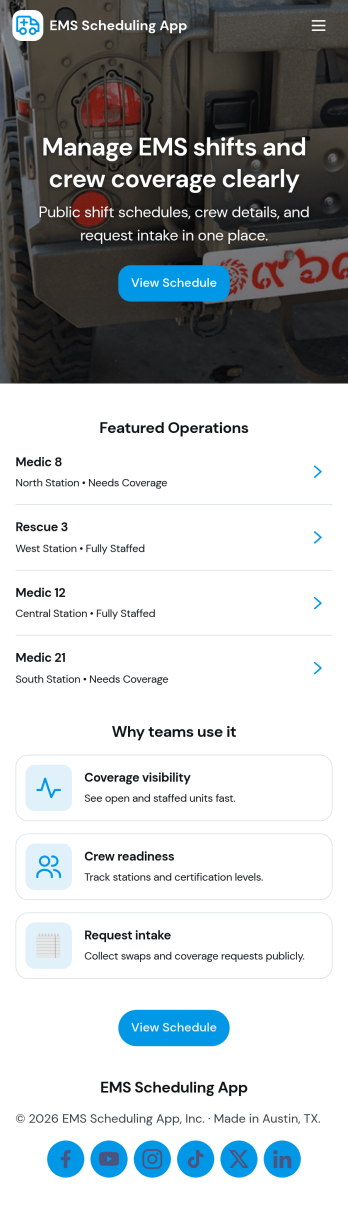
Ems Scheduling App
EMS Scheduling App brings shift signups, open shift visibility, and crew coordination into one place so teams can stay organized during fast-moving operations. Use it to post available shifts, let responders submit a new shift signup, and keep a clear crew roster that’s easy to reference on the go. With dedicated areas for active calls and incident logs, supervisors and field teams can stay aligned on who’s on duty, what’s in progress, and what needs to be recorded for follow-up.Jotform makes it simple to turn this workflow into a polished self-service experience using ready-to-edit app templates and a no-code app builder. Customize pages with a drag-and-drop interface, connect buttons to forms for data collection, and organize records so updates are easy to find later in My Entries. Share the app by link for quick access, keep information consistent across the team, and adapt the layout as your scheduling workflow evolves.
Go to Category:Scheduling Apps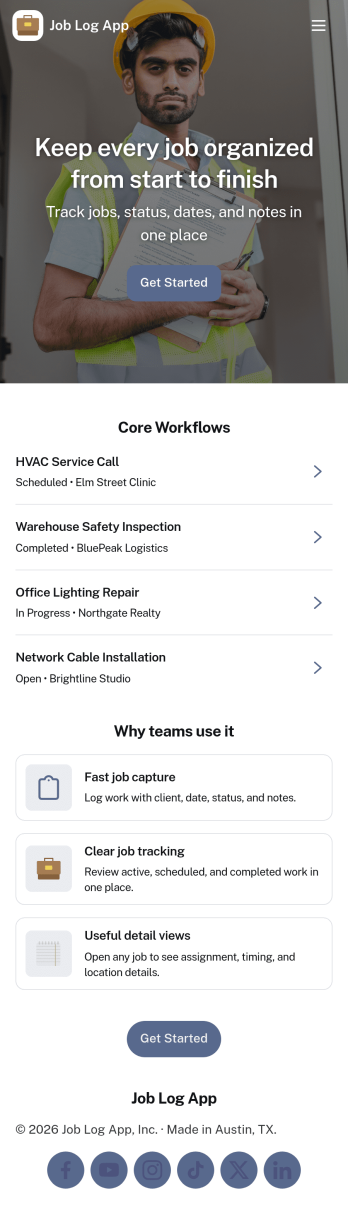
Job Log App
Job Log App helps teams and independent professionals capture work details as they happen and keep a clear record of jobs over time. Use it to add a new entry in seconds, review log history when questions come up, and pull up a client-specific view for context before the next visit. It fits field service businesses, contractors, consultants, and operations teams that need consistent job documentation for handoffs, billing support, or internal reporting without relying on scattered notes.Built with Jotform, this app template works as a practical self-service log hub that connects a simple form to organized, easy-to-browse pages. Customize the layout with a drag-and-drop interface, publish updates fast with a no-code app builder, and keep work information centralized so your workflow stays clear from first entry to quick stats and follow-ups.
Go to Category:Log Apps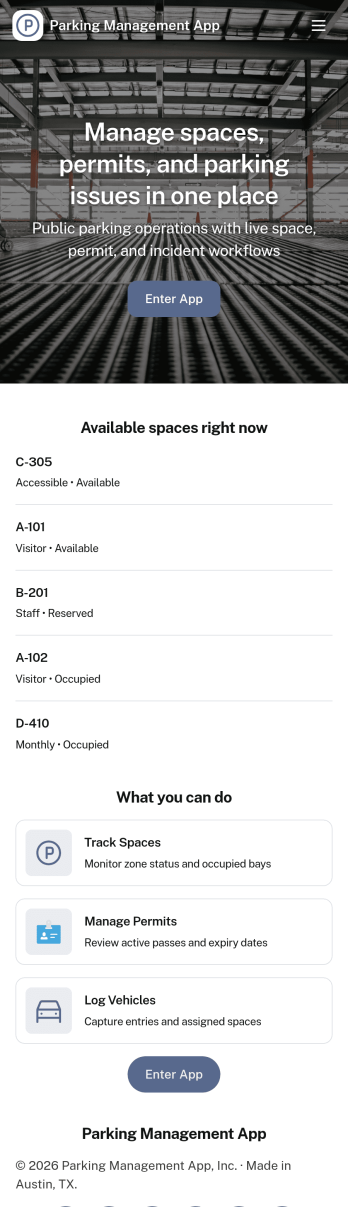
Parking Management App
Parking Management App helps organizations centralize everyday parking operations in one place, from collecting parking requests to giving staff and drivers quick visibility into spot availability and past permits. It fits workplaces, campuses, residential communities, and event venues that need a clear process for assigning lots and spots while keeping a dependable record of who requested what and when. With guided navigation for requesting parking, checking spot status, and reviewing permit history, teams can reduce confusion at peak hours and handle requests more consistently.Built with Jotform, this app template works with a no-code app builder and a drag-and-drop interface, so you can adjust pages, buttons, and layouts to match how your lots are organized. Connect the experience to your existing Jotform forms and tables for data collection, route requests to the right people, and support self-service for drivers who want to submit a new request or review their own request history. Share the app by link or QR code to make parking requests and tracking accessible from any device.
Go to Category:Transportation Apps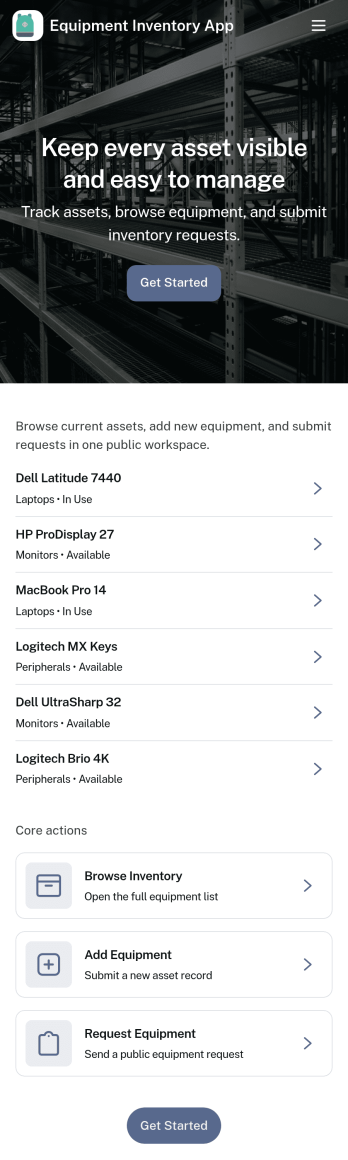
Equipment Inventory App
Equipment Inventory App helps teams catalog, locate, and manage shared equipment in one place, so it’s easier to know what you have, who is using it, and where it’s supposed to be. Use it to centralize equipment records, review an asset overview for quick context, and track equipment movement with a dedicated log. It’s a practical fit for IT departments, facilities teams, schools, construction crews, studios, and any organization that frequently checks gear in and out across people, rooms, job sites, or vehicles.Built with Jotform App Templates, this app template turns everyday inventory tracking into a mobile-friendly self-service experience. Use Jotform’s no-code app builder and drag-and-drop interface to tailor pages, add your branding, and connect the included intake and movement log forms to your workflow. You can also route entries to Jotform Tables for faster search and organization, and share the app link with staff so data collection stays consistent wherever equipment is used.
Go to Category:Equipment Maintenance Software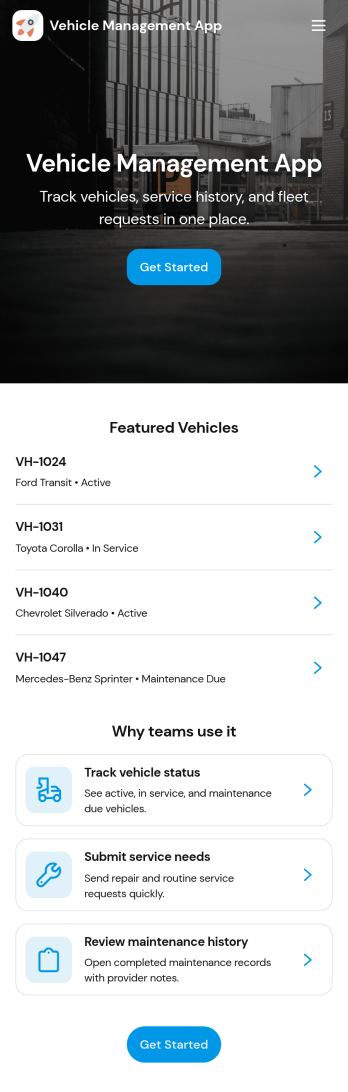
Vehicle Management App
Vehicle Management App helps teams organize fleet information, keep maintenance activity visible, and maintain consistent records across vehicles. It brings vehicle lists and individual vehicle records into one place, with simple navigation for Fleet, Maintenance, Logs, and Insights so drivers, office staff, and managers can quickly find what they need. Use it to register new vehicles, review vehicle details by ID, make, and model, and capture service activity as it happens so important updates do not get lost.Built with Jotform, this app template turns everyday fleet operations into a guided self-service experience you can share by link or QR code. Customize pages with a drag-and-drop interface, connect forms for data collection like vehicle registration and service logs, and keep your workflow consistent as your fleet grows. Whether you manage company cars, delivery vans, or service vehicles, Jotform makes it easy to publish a branded app that keeps vehicle records organized and accessible.
Go to Category:Transportation Apps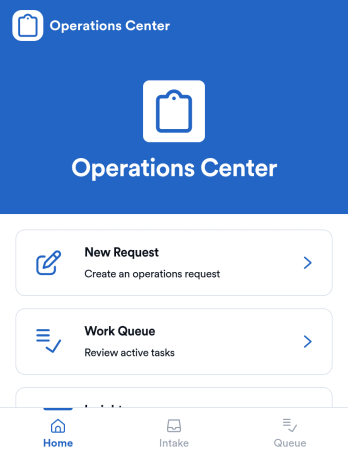
Operations App
Operations App brings day-to-day internal requests and team execution into one place, so work doesn’t get lost across messages and spreadsheets. It’s built for operations leads, service teams, and growing businesses that need a simple way to capture new requests, organize a work queue, and keep top priorities visible for everyone. With dedicated areas for creating requests, reviewing queued work, and checking insights, teams can standardize intake while still moving fast when priorities shift.Jotform makes it easy to turn this Operations App into a practical self-service experience using a no-code app builder and a drag-and-drop interface. Connect the app to your request form and records so updates stay in sync, then tailor pages to match how your team actually works. Share a single link with staff, route work to the right owners, and keep operations data collection and workflows running smoothly without adding extra tools.
Go to Category:Operations & Logistics Portal Apps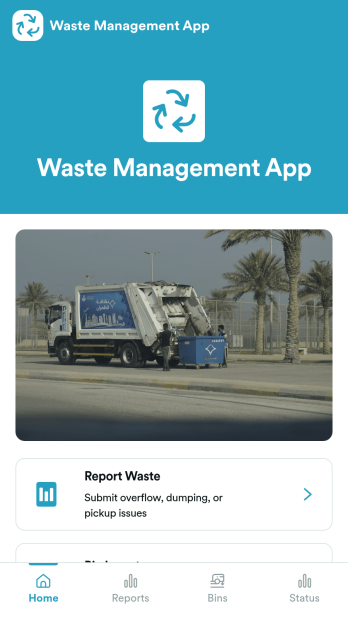
Waste Management App
Waste Management App helps teams organize day-to-day waste operations by giving staff one place to report issues and keep visibility into what needs attention. It’s a practical fit for facilities teams, property managers, campuses, event venues, and service providers that handle multiple bins and frequent pickups. With a simple operations dashboard, quick navigation to report waste, and a bin inventory view, the app supports faster triage when overflow, contamination, damage, or missed service needs to be logged and routed to the right person.Built with Jotform, this app template can be customized with a no-code app builder and a drag-and-drop interface so you can match your workflow without relying on developers. Connect forms and lists to standardize data collection, keep records consistent across locations, and share a mobile-friendly self-service experience with staff in the field. As your process evolves, you can update pages, adjust what information is captured, and maintain an up-to-date view of operational priorities from one app.
Go to Category:Operations & Logistics Portal Apps
Maintenance Work Order Management App
Maintenance Work Order Management App helps teams receive, organize, and follow up on maintenance requests in one place, from new issues reported by staff to repairs assigned to technicians. It’s built for facilities teams, property managers, operations leaders, and service organizations that need a clearer way to route requests, review details by work order, and keep everyone aligned on what’s being worked on. With quick navigation to submit a new work order, browse all requests, and open a maintenance dashboard, the app supports faster intake, better visibility, and more consistent handoffs across locations, buildings, and assets.Jotform makes it simple to create and publish app templates like this with a no-code app builder and a drag-and-drop interface, so you can match the experience to your workflow without developer help. Connect the app to your work order form and keep records organized for ongoing data collection, updates, and internal self-service. As your process evolves, you can adjust pages, refine what users see, and share the app through a link or QR code to make maintenance reporting and coordination easier for everyone involved.
Go to Category:Equipment Maintenance Software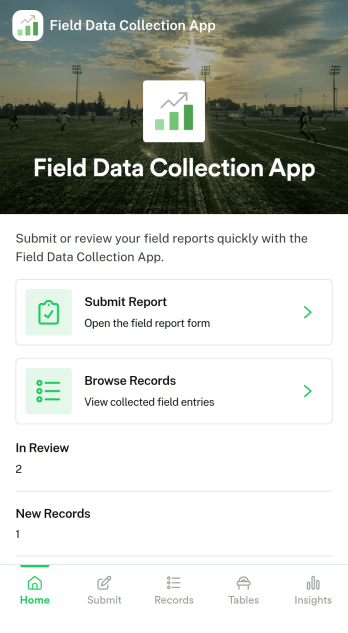
Field Data Collection App
Field Data Collection App helps teams capture consistent on-site information and keep it organized across locations and open items. From a quick New Record entry to a dedicated Sites area and an Issues section for reporting problems, it supports day-to-day work where details are gathered away from the office. It’s a practical fit for operations managers, inspectors, maintenance crews, construction teams, and service organizations that need reliable records tied to specific sites and want an easy way to review what has been logged.Jotform makes it simple to turn this Field Data Collection App into a branded, shareable experience using a no-code app builder and a drag-and-drop interface. Connect pages to your forms and data collection workflow, centralize updates in one place, and publish for self-service access on any device. As your needs change, you can adjust navigation, add new pages, and refine how teams enter and browse records without touching code.
Go to Category:Operations & Logistics Portal Apps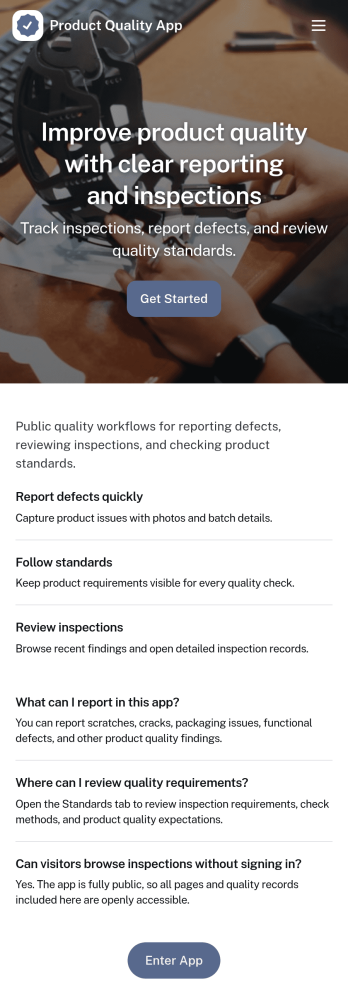
Product Quality App
Product Quality App brings your quality workflow into one place so teams can add inspections, log issues, and review quality metrics tied to specific products. It’s a practical fit for manufacturing, retail operations, warehouses, and growing product teams that need consistent checks across batches, suppliers, or locations. With quick actions for capturing inspection details and issue reports, it helps standardize day-to-day QA work, reduce missed follow-ups, and keep product records easy to find when questions come up.Built with Jotform, this app template can be customized with a drag-and-drop interface and connected to the forms and lists that power your data collection. Route information to the right people, keep records organized, and create a self-service experience for staff who need to submit inspections or report defects from the floor. Publish and share the app in minutes, then adjust the layout, branding, and connected workflow as your quality process evolves.
Go to Category:Inspection Apps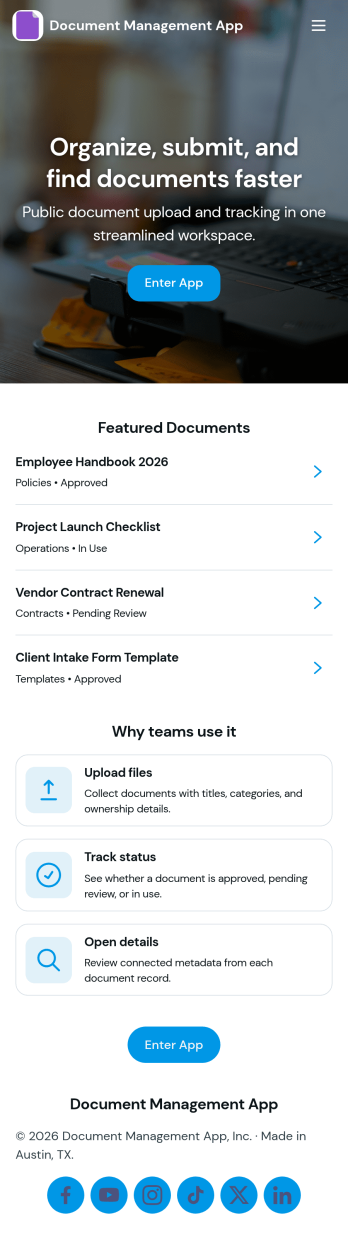
Document Management App
Document Management App helps teams collect, organize, and find important files in one place without relying on scattered inboxes or shared drives. Use it to route employees, clients, or partners to a simple upload experience, then let them browse a central library and open individual document records when they need a specific file. It’s a practical fit for operations, HR, finance, project teams, nonprofits, and growing businesses that want a clear way to manage day-to-day documents, reduce duplicate requests, and keep information accessible.With Jotform, you can turn this app template into a branded, mobile-friendly self-service experience using a no-code app builder and a drag-and-drop interface. Connect the upload flow to your document form, display records in lists and tables, and keep your workflow moving with organized data collection that’s easy to share by link or QR code. As needs change, you can update pages, buttons, and library views in minutes so your document process stays consistent across teams.
Go to Category:Company Portal Apps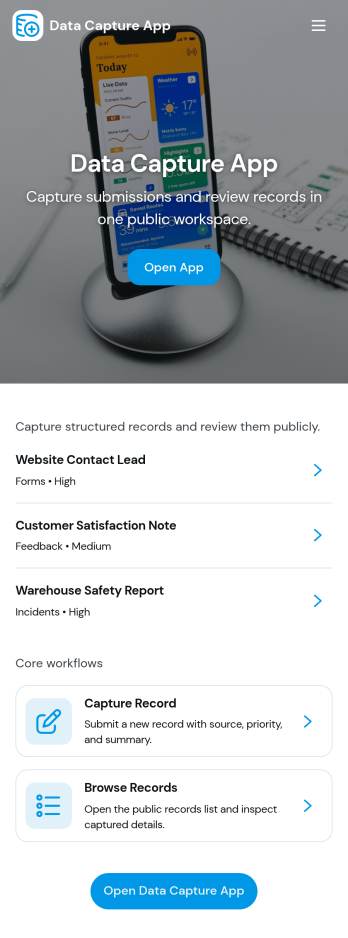
Data Capture App
Data Capture App helps teams collect new entries and turn them into organized records they can review later, making it easier to keep information consistent across requests, field updates, and internal reporting. It fits operations and admin teams who need a simple front door for data collection, plus a place to browse saved records and track what has already been submitted. Use it to log customer details, incident notes, site observations, inventory counts, service updates, or any recurring information you don’t want scattered across emails and spreadsheets. With clear paths for starting a new entry and finding existing records, it supports everyday work without forcing people to learn a complex system.Built with Jotform, this app template connects an entry form with views for My Submissions and All Submissions, so individuals can track what they’ve sent while managers can monitor everything in one place. Customize pages, reorder navigation, and adjust the layout using a no-code app builder and a drag-and-drop interface. As your workflow evolves, you can route information into tables for faster lookup, share the app by link or QR code for quick self-service access, and keep data collection running smoothly across devices.
Go to Category:Log Apps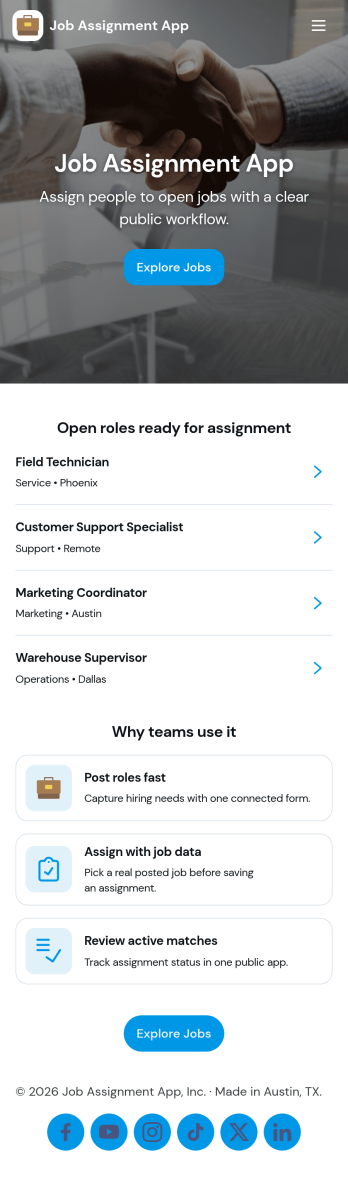
Job Assignment App
Job Assignment App helps teams create, distribute, and monitor work assignments from one central place. It’s a practical fit for operations managers, supervisors, dispatchers, and team leads who need a clear way to open new jobs, route people to the right task, and keep everyone aligned on what’s in progress. With quick actions to create a new assignment, browse open assignments, and review status, the app reduces missed requests and keeps day-to-day execution organized across shifts, sites, or service areas.Jotform makes it easy to turn your job assignment workflow into a mobile-friendly self-service experience using a no-code app builder and drag-and-drop interface. Connect your app to Jotform forms and tables for data collection, real-time updates, and simple tracking, then share it with your team through a link or QR code. As your process evolves, you can adjust pages, buttons, and navigation in minutes while keeping all assignment details and records in one place.
Go to Category:Operations & Logistics Portal Apps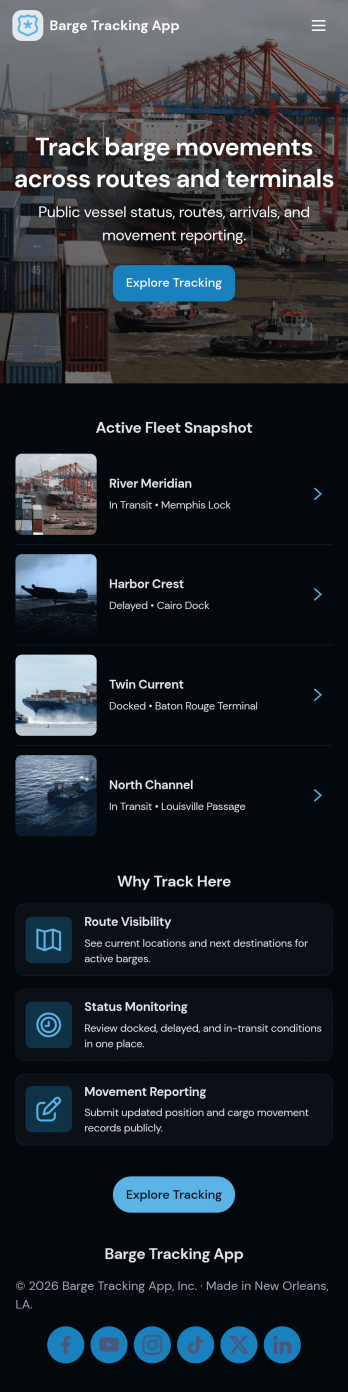
Barge Tracking App
Barge Tracking App brings barge operations into one place so marine transportation teams can see what’s in service, where it’s headed, and what it’s carrying. Use it to maintain an up-to-date barge list, capture movement details as they happen, and reference cargo records without digging through spreadsheets, emails, or paper logs. It’s a practical fit for barge operators, dispatchers, port coordinators, and logistics managers who need a clear view of active routes and load status across multiple vessels.Jotform makes it easy to turn this app template into a working hub with a no-code app builder and a drag-and-drop interface. Connect buttons to forms for fast data collection, organize records in lists for quick lookup, and keep your workflow consistent as your fleet and shipping volume grow. Share your Jotform app through a link or QR code so crews and office staff can update the same tracking experience from anywhere.
Go to Category:Transportation Apps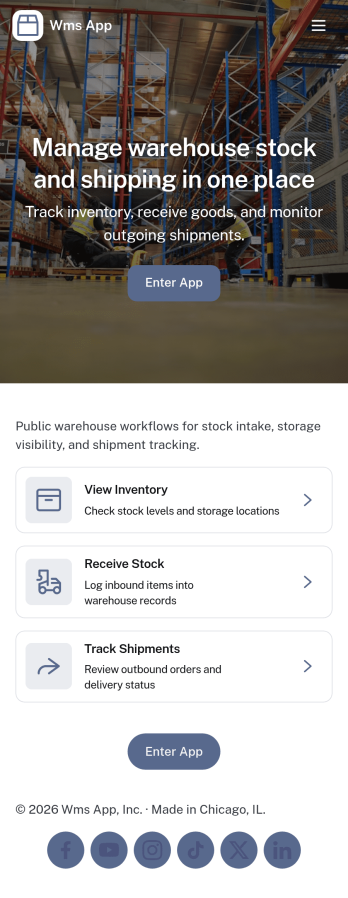
Wms App
Wms App brings key warehouse tasks into one place so teams can keep inbound, stock, dispatch, and issue reporting organized across a busy operation. Use it to log inbound receipts as goods arrive, jump into an inventory view when counts need attention, and support day-to-day dispatch work while keeping exceptions visible through an issues area. It fits warehouses, 3PLs, e-commerce fulfillment teams, and distributors that need a simple way to guide staff to the right action without relying on scattered messages or spreadsheets.With Jotform, you can turn this app template into a tailored warehouse workflow using a no-code app builder and a drag-and-drop interface. Connect buttons to forms for consistent data collection, keep lists updated for quick self-service lookups, and share the app through a link so staff can access the right pages from the floor. As your process changes, you can adjust pages, navigation, and connected workflows in minutes without writing code.
Go to Category:Inventory Apps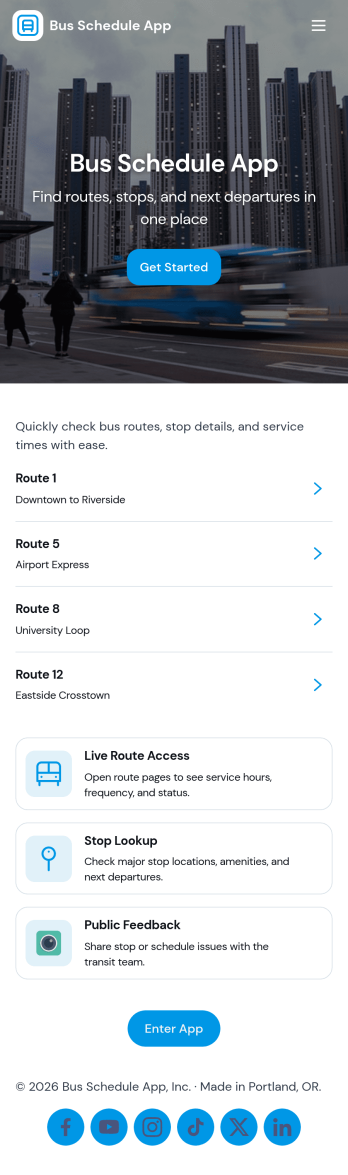
Bus Schedule App
A Bus Schedule App gives riders a clear, mobile-friendly place to check bus routes and quickly find schedule details for the line they need. With simple route browsing and route-specific pages, it works well for city transit teams, campus transportation services, shuttle operators, and community programs that want to share up-to-date route information without sending people to multiple web pages or printed PDFs. It also includes a request option so riders can send questions or report issues from the same place they view routes.Jotform makes it easy to publish this kind of self-service experience using App Templates and a no-code app builder. Customize pages with a drag-and-drop interface, connect route data to a list for easier browsing, and link a form for rider requests so information and data collection live together in one workflow. Share your Jotform app through a link or QR code and update content anytime to keep riders informed.
Go to Category:Transportation Apps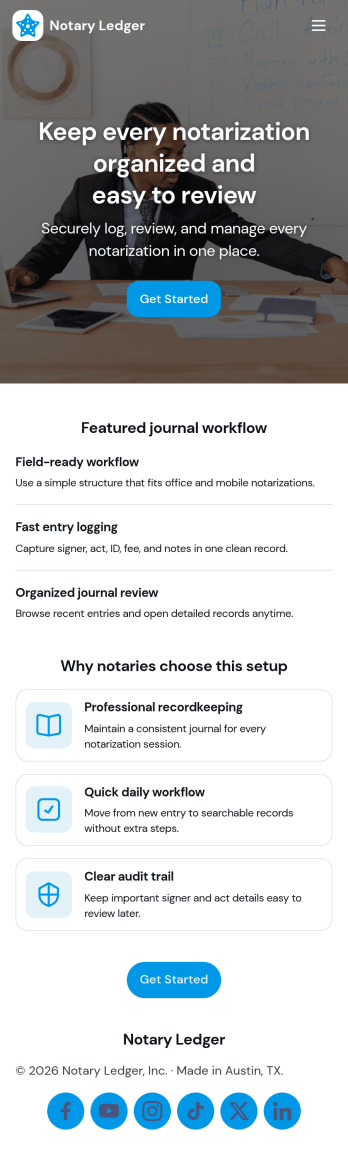
Notary Journal App
Notary Journal App helps notaries record, review, and organize notarization details in one place so day-to-day logging stays consistent. Use it to add new entries right after each appointment, browse a journal list to find past records fast, and open a review area that summarizes key activity for quick oversight. It fits mobile notaries, office-based notaries, and teams handling frequent signings who want a clear routine for capturing signer information, dates, and related notes without hunting through paper logs.With Jotform, you can turn this Notary Journal App app template into a branded self-service experience using a no-code app builder and a drag-and-drop interface. Connect the app to a form for data collection, route information into a workflow you control, and keep entries organized for easy access over time. Share the app by link or QR code, customize pages and navigation, and manage ongoing updates from a single Jotform workspace.
Go to Category:Log Apps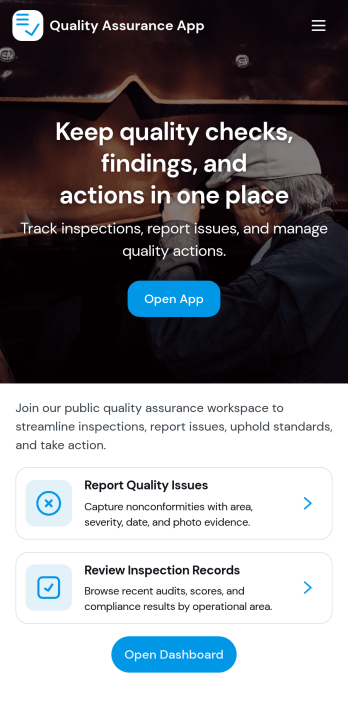
Quality Assurance App
Quality Assurance App helps teams record inspections, review issues, and keep day-to-day QA work organized in one place. Use it to log new inspections from a simple form, browse inspection records in a list, and open detailed views that highlight inspection details, status, and severity. It fits manufacturing floors, warehouses, construction sites, field service teams, and any operation that needs a consistent way to document findings and follow up on problems without losing context.Built with Jotform, this app template turns your quality process into a practical self-service experience that’s easy to share and maintain. Customize pages and cards with a drag-and-drop interface, connect your inspection data collection to tables, and keep workflows moving with clear navigation for overview, issue review, and inspection logs. With Jotform’s no-code app builder, you can publish a QA hub quickly and adapt it as standards, teams, and locations change.
Go to Category:Inspection Apps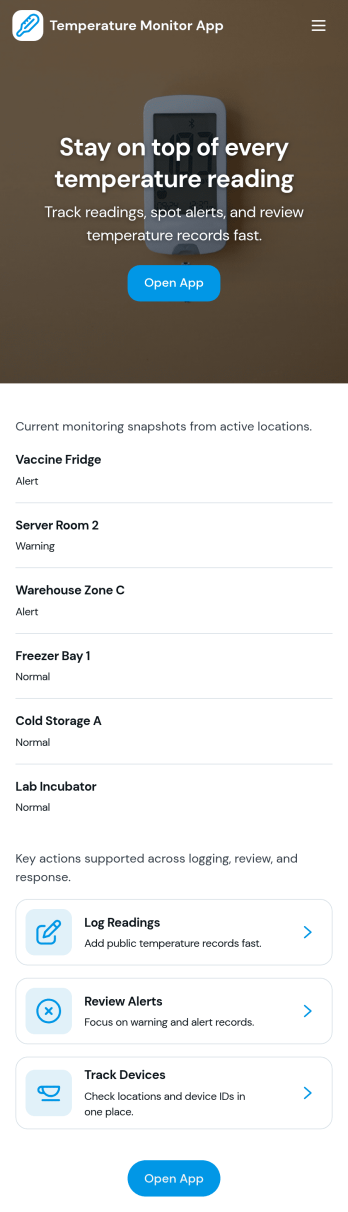
Temperature Monitor App
Temperature Monitor App helps teams record temperature readings, review recent logs by location, and respond quickly when values move outside set thresholds. It fits naturally into day-to-day checks for restaurants and food storage areas, clinics and labs, warehouses, equipment rooms, and facilities teams that need consistent temperature tracking across multiple spaces. With an Add Reading entry point, a Recent Logs view, and a log detail page per location, staff can capture readings on schedule and managers can verify that checks are happening without hunting through paper sheets.Built with Jotform, this app template turns temperature monitoring into a simple self-service workflow you can share by link or QR code. Customize pages with a drag-and-drop interface, connect the reading form to your data collection table, and use the Insights and Alerts pages to keep monitoring visible for the whole team. As your operations grow, Jotform makes it easy to update thresholds, standardize logging across sites, and keep records organized in one place.
Go to Category:Tracker Apps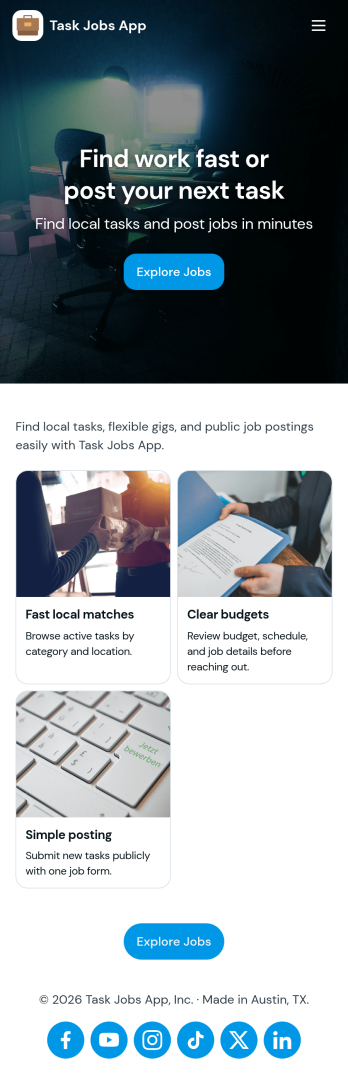
Task Jobs App
Task Jobs App helps teams capture new work requests and stay on top of active and completed jobs in one easy place. It fits field service crews, small contractors, operations teams, and any business that juggles multiple assignments and needs a clear view of what is open, what is in progress, and what is finished. With quick actions to add a new task and jump into open tasks, the app supports day-to-day coordination without scattering details across messages or spreadsheets.Built with Jotform, this app template combines a simple, mobile-friendly interface with connected forms and organized task lists so work updates stay consistent. Using Jotform’s no-code app builder and drag-and-drop interface, you can tailor pages, buttons, and task views to match how your team works, then share the app for self-service updates and smoother workflow tracking as jobs move from intake to completion.
Go to Category:Operations & Logistics Portal Apps