

HR Portal App Templates

Time Card Tracker App
Time Card Tracker App helps teams record work hours, review time entries, and spot weekly totals without digging through spreadsheets. It’s a practical fit for shift-based workplaces, field teams, and growing businesses that need a consistent way for employees to log time and for managers to check records by person. With quick navigation to log time, view entries, and open a weekly summary, the app keeps daily time tracking simple while supporting clearer payroll prep and internal reporting.Built with Jotform, this app template can be customized in a no-code app builder using a drag-and-drop interface, so you can match your process in minutes. Connect the time logging form to your workflow, organize entries for faster self-service access, and share the app through a link or QR code for mobile-friendly data collection. Jotform makes it easy to keep time tracking organized, searchable, and ready for the next step in your operations.
Go to Category:Human Resources Apps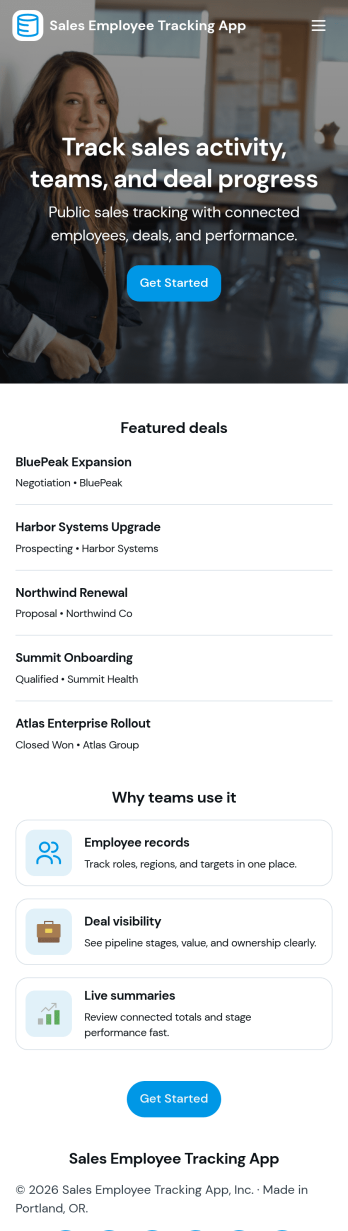
Sales Employee Tracking App
Sales Employee Tracking App gives sales managers and team leads a clear place to organize employee records, log sales activity, and review performance in one workflow. Use it to add new employees, capture each sale as it happens, and keep a searchable view of sales entries and individual employee details, so coaching and follow-ups are based on real numbers instead of guesswork. It’s a practical fit for small to mid-sized sales teams, agencies, retail organizations, and field sales groups that need consistent tracking across reps, clients, and outcomes.Built with Jotform, this app template can be customized with a no-code app builder and a drag-and-drop interface, so your team can adjust pages, labels, and navigation in minutes. Connect the app to your data collection forms for adding employees and logging sales, then share a single self-service link for quick updates on mobile or desktop. As your workflow evolves, you can keep everything organized and accessible while Jotform helps centralize day-to-day tracking for better visibility and accountability.
Go to Category:Sales & Marketing Portal Apps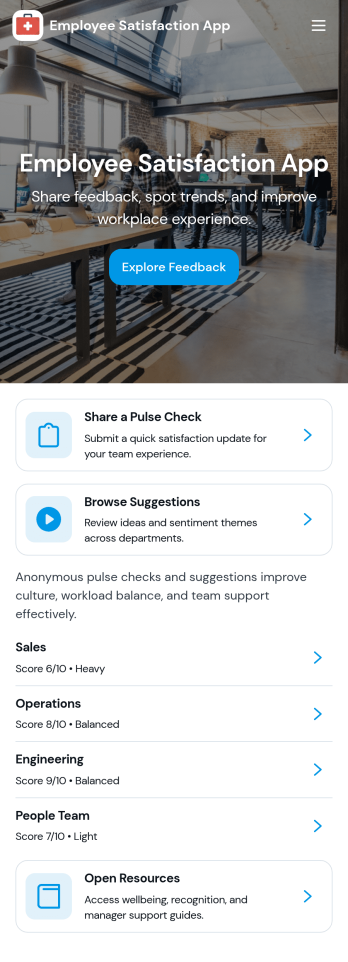
Employee Satisfaction App
An employee satisfaction app brings feedback, recognition, and quick pulse-checks into one easy place employees will actually use. This template works well for HR teams and people managers who want a simple way to collect candid input, encourage peer shout-outs, and keep morale conversations ongoing, whether you’re supporting an in-office, hybrid, or fully remote workforce. Employees can share feedback, browse a recognition board, and submit a survey without hunting for links or switching tools.With Jotform, you can turn this employee satisfaction app into a branded self-service experience using a no-code app builder and a drag-and-drop interface. Connect the app to your form for ongoing data collection, update pages as initiatives change, and share the app by link or QR code so participation stays high. As responses come in, teams can stay organized and keep the workflow moving with connected tools across Jotform.
Go to Category:Human Resources Apps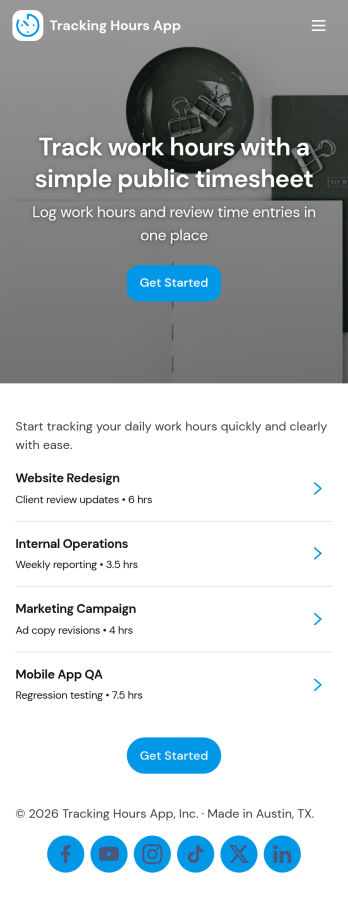
Tracking Hours App
Tracking Hours App helps teams record and review work time across employees and projects without relying on scattered spreadsheets or after-the-fact recollection. Staff can log hours through a dedicated hour entry form, managers can view records by employee, and an hours summary highlights totals at a glance. It’s a practical fit for agencies, contractors, field service teams, nonprofits, and growing businesses that need clearer visibility into time spent for payroll, job costing, or internal productivity.Jotform makes it easy to turn time tracking into a simple self-service experience with customizable app templates built in a no-code app builder. Use the drag-and-drop interface to adjust pages like records, team, and insights, then connect your app to your data collection workflows so updates stay organized in one place. Share the app through a link or QR code, keep information consistent across teams, and tailor the experience to match how your organization tracks hours day to day.
Go to Category:Tracker Apps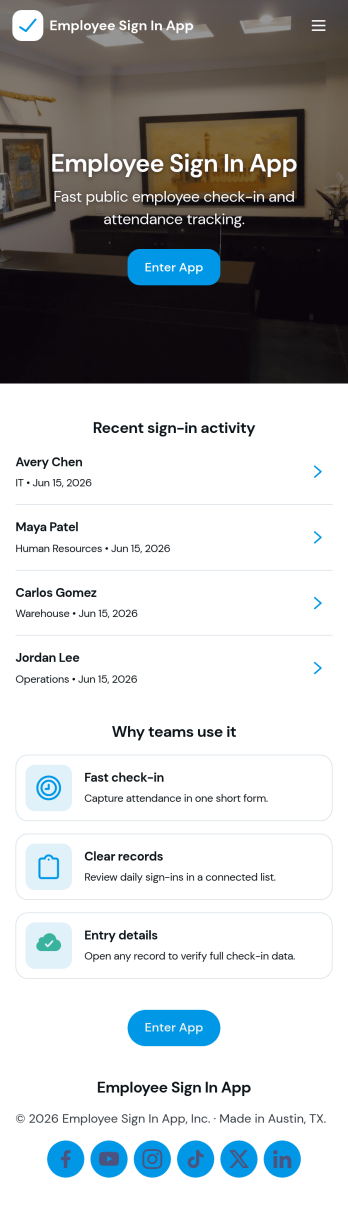
Employee Sign in App
Employee Sign in App helps teams capture staff sign-ins in one place and keep a clear record of who checked in and when. It’s a practical fit for front desks, warehouses, schools, studios, clinics, and any workplace that needs a fast daily sign-in flow without paper logs. With dedicated areas for Sign In and Records, employees can enter their details in seconds while managers can quickly review entries and follow up on missing or late check-ins.Built with Jotform, this app template makes data collection feel simple and accessible for both staff and admins. Use Jotform’s no-code app builder and drag-and-drop interface to tailor pages, update labels, and match your branding, then share the app with a link or QR code for easy self-service access. As your workflow evolves, you can connect the app to forms and data sources to keep sign-in information organized and ready for day-to-day operations.
Go to Category:Sign In Apps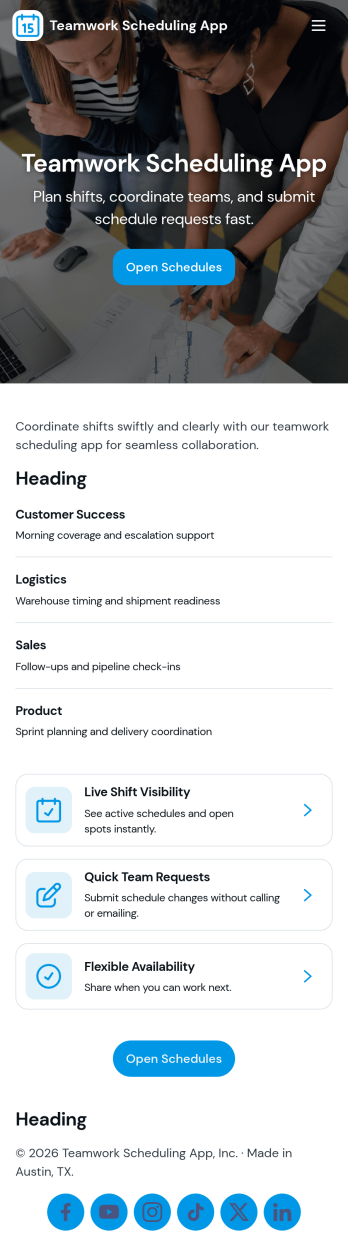
Teamwork Scheduling App
Teamwork Scheduling App helps teams coordinate shifts and availability in one place so everyone knows what they’re working on and when. It’s a practical fit for managers, team leads, and operations teams who need a clear schedule, visibility into assignments, and a simple way for staff to submit availability or request changes. With dedicated areas for schedule viewing, assignments, and requests, the app supports day-to-day planning without relying on scattered messages or last-minute updates.Jotform makes it easy to turn this scheduling workflow into a mobile-friendly experience using App Templates and a no-code app builder with a drag-and-drop interface. Connect your app to forms for data collection, keep scheduling information organized, and share a self-service link with your team so updates and requests flow into a consistent workflow. Customize pages, branding, and navigation to match how your team plans, communicates, and stays accountable.
Go to Category:Scheduling Apps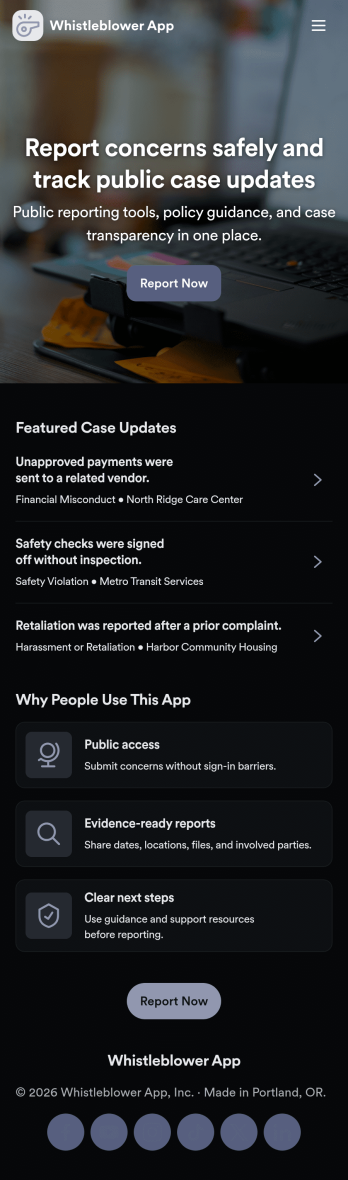
Whistleblower App
Whistleblower App helps organizations offer a clear, confidential way for people to raise concerns and share reports. It brings key actions into one place, including a guided path to submit a report, a case list for browsing existing cases, and a dedicated area for support resources and follow-up help. Use it to reduce confusion about where to report issues, encourage timely reporting, and keep internal teams organized as reports come in.With Jotform App Templates, you can publish a branded self-service experience without writing code. Use Jotform’s no-code app builder and drag-and-drop interface to customize pages, connect the app to forms and stored data, and keep information easy to find on any device. As reports and support requests are collected, teams can manage workflows more consistently and make updates without rebuilding the app from scratch.
Go to Category:HR Portal Apps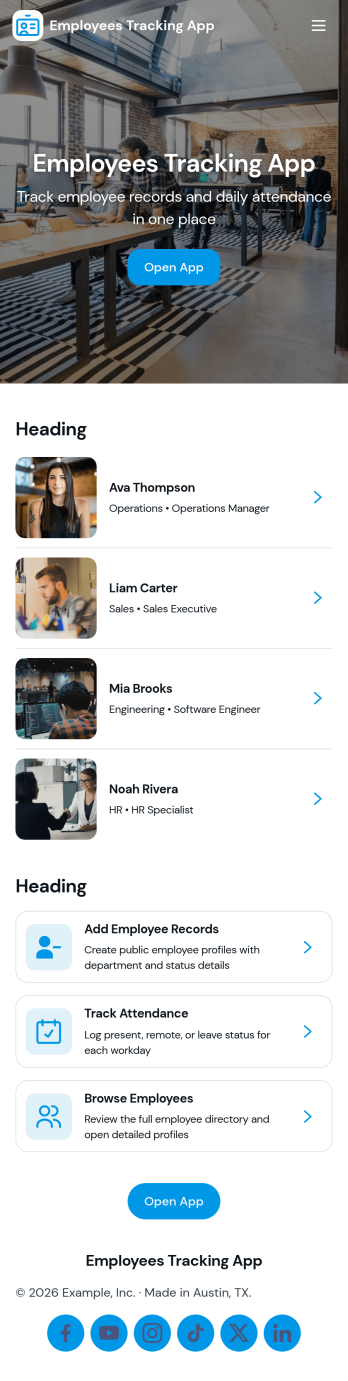
Employees Tracking App
Employees Tracking App helps teams keep employee information and work activity organized in one place. It combines an employee directory with time log tracking so managers, team leads, and operations admins can quickly find employee details, review recorded hours, and follow up when something is missing. It works well for offices, field teams, agencies, and growing businesses that need a clearer view of who is working on what and when, without relying on scattered spreadsheets or long email threads.Built with Jotform App Templates, this app template is easy to tailor to your workflow using a no-code app builder and a drag-and-drop interface. Connect pages to your existing tables and forms for data collection, keep records centralized, and share a self-service experience with the right people through a simple link. As your process evolves, you can update the layout, add new steps, and keep employee tracking consistent across teams.
Go to Category:Human Resources Apps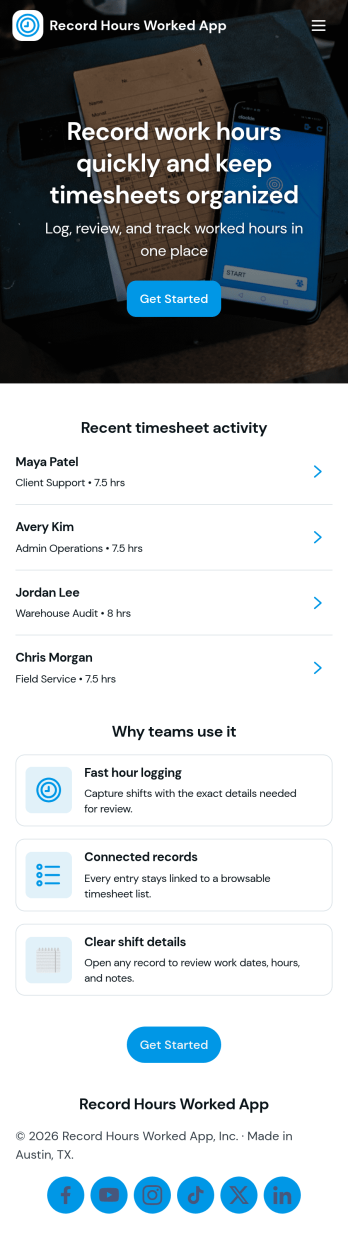
Record Hours Worked App
Record Hours Worked App helps teams capture work time consistently across shifts, projects, and job sites. Employees can start a time entry when they begin working, then use the history view to review past records and open a specific entry by employee name. Supervisors can quickly check details, approve a record when it’s ready, and use the summary page to spot totals and patterns that affect scheduling, payroll prep, and workload planning.Built with Jotform, this app template gives you a practical way to combine time tracking, review, and sign-off in one place. Customize pages with a drag-and-drop interface, connect the app to a form for reliable data collection, and share access with a link or QR code for convenient self-service on any device. As your workflow grows, you can adjust fields, add steps, and keep records organized without coding.
Go to Category:HR Portal Apps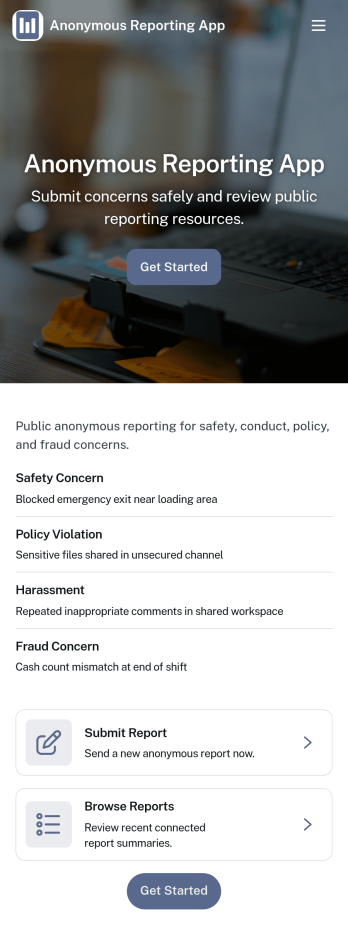
Anonymous Reporting App
Anonymous Reporting App helps organizations collect sensitive reports while giving people a safer way to speak up. Use it to route concerns about workplace behavior, safety issues, policy violations, or other incidents into a single reporting channel without requiring a public identity. With quick navigation to submit a report, browse a report feed, and review personal history, it fits HR teams, compliance and ethics programs, school administrators, nonprofits, and community groups that need clear visibility into what’s being reported and when.Built with Jotform App Templates, this app template is easy to adapt to your process using Jotform’s no-code app builder and drag-and-drop interface. Connect the report form to your internal workflow, keep entries organized for follow-up, and publish a mobile-friendly experience that’s simple to share by link or QR code. As reporting needs change, you can update pages, branding, and routing without rebuilding everything from scratch.
Go to Category:HR Portal Apps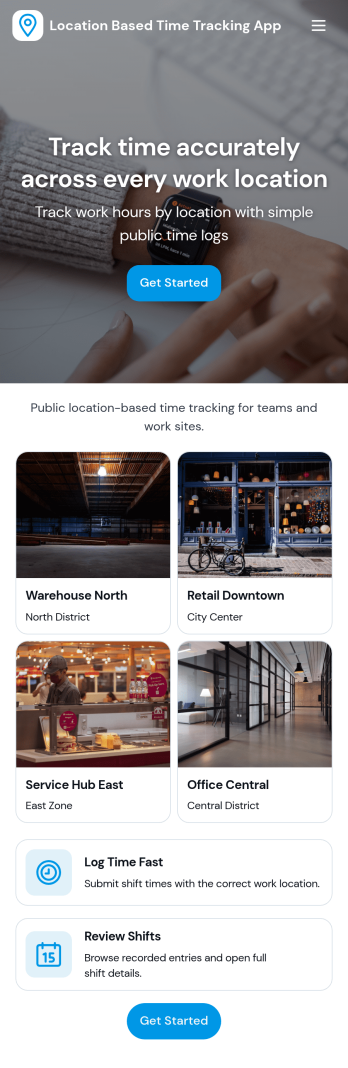
Location Based Time Tracking App
Location Based Time Tracking App helps teams record work time with added location awareness so you can confirm where clock-ins happen. It’s a practical fit for field service crews, construction teams, mobile healthcare staff, delivery and transportation providers, or any operation that rotates between job sites. With quick clock in access, a location tracker for clock-ins, and an easy way to review history, managers can reduce time disputes, tighten payroll inputs, and keep multi-site work organized without slowing employees down.Jotform makes it simple to turn this use case into a branded, mobile-friendly experience using customizable app templates and a no-code app builder. Use a drag-and-drop interface to adjust pages, add navigation buttons for work sites and approved sites, and connect your time records to Jotform workflows for reviews, notifications, and ongoing data collection. Share the app by link or QR code so staff can clock in on the go and supervisors can stay on top of activity.
Go to Category:Activity Tracking Apps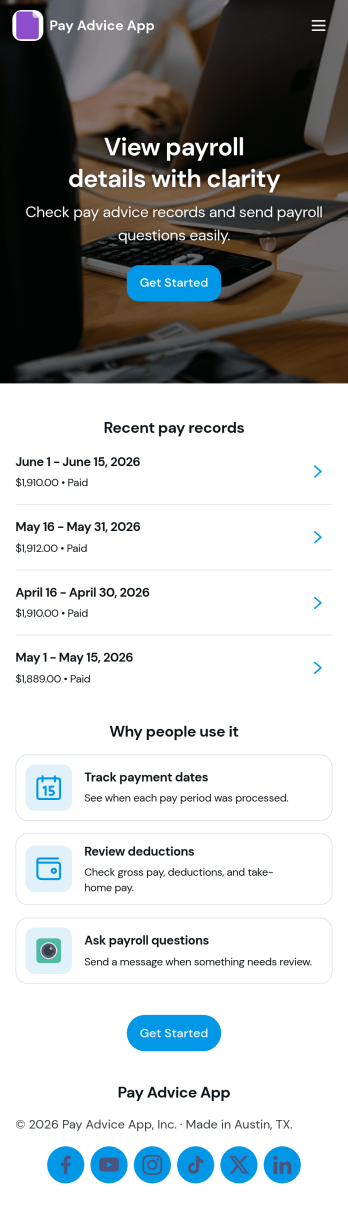
Pay Advice App
Pay Advice App brings pay advice creation and record browsing into one clear, mobile-friendly place. It’s ideal for HR teams, payroll administrators, and small business owners who need a simple way to add new pay advice, keep entries organized by employee, and help staff find their own records without confusion. With a quick add flow and an easy browse experience, the app supports day-to-day payroll follow-ups like correcting details, responding to employee questions, and maintaining a consistent history of pay advice.Built with Jotform App Templates, this app template is easy to tailor for your organization using Jotform’s no-code app builder and drag-and-drop interface. Connect the app to your existing forms and tables for reliable data collection, then publish a self-service experience employees can access from anywhere. As your workflow evolves, you can adjust pages, navigation, and branding in minutes while keeping pay advice records centralized and easy to manage.
Go to Category:Human Resources Apps
Track Your Employees Hours App
Track Your Employees Hours App helps teams record and review employee work hours in one place, so timekeeping doesn’t get scattered across messages or spreadsheets. It’s a practical fit for managers, HR, and operations leads who need a simple way to log shift time, keep an hours log, and quickly view each employee’s recorded entries when payroll or scheduling questions come up.With Jotform, you can publish this app template and tailor it to how your workplace runs using a no-code app builder and a drag-and-drop interface. Connect the app to the included hours form for consistent data collection, organize records for fast self-service access, and share a single link with your staff so everyone knows where to log hours and where supervisors can review updates as part of an ongoing workflow.
Go to Category:Human Resources Apps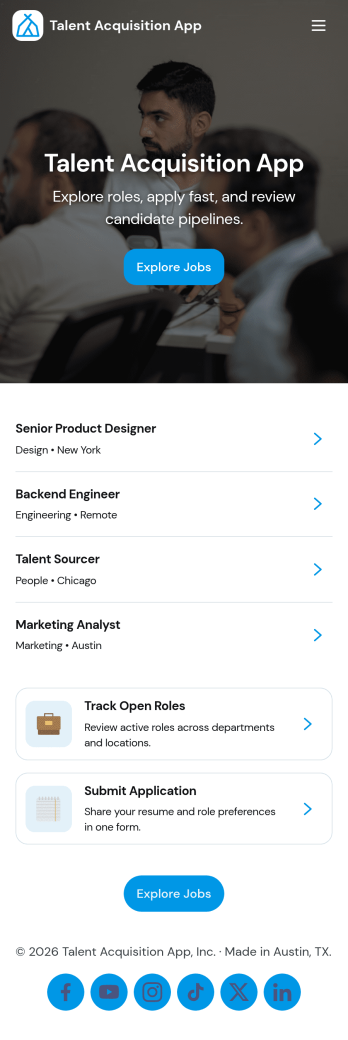
Talent Acquisition App
Talent Acquisition App brings open roles, candidate applications, and recruiter review into one place so hiring stays organized from the first click to the interview. Use it to publish a clear list of open positions, invite candidates to apply, and give recruiters a dedicated workspace to review all candidates, manage a pipeline view, and schedule interviews. It’s a practical fit for HR teams, recruiting agencies, fast-growing startups, and department leaders who need a simple way to keep roles and candidate records easy to find and up to date.With Jotform App Templates, you can launch a branded talent acquisition experience quickly and tailor it to your process using a no-code app builder and a drag-and-drop interface. Connect pages to forms and tables to support consistent data collection, route updates through the right workflow, and share a single self-service link for applicants and a separate space for internal hiring teams, all without writing code.
Go to Category:Human Resources Apps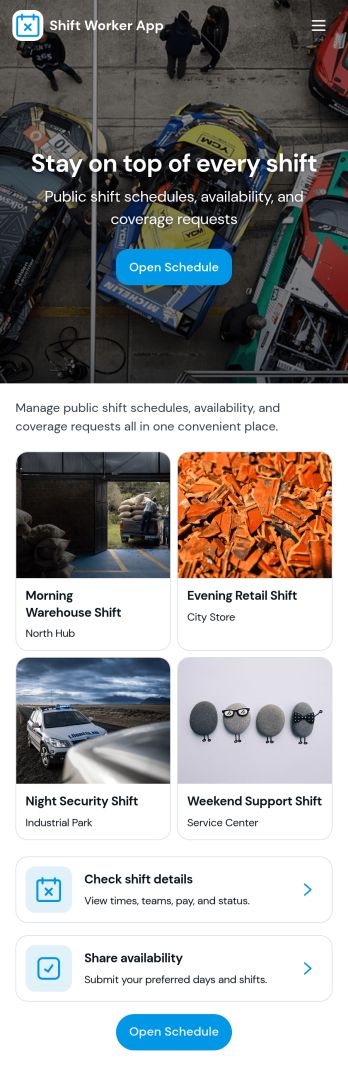
Shift Worker App
Shift Worker App brings shift-based teams a simple, shared place to view today’s shifts, browse the full schedule by employee, and submit shift swap requests when plans change. It fits restaurants, retail stores, warehouses, call centers, clinics, and any operation where coverage depends on rotating rosters. Supervisors can reduce last-minute confusion while employees get clearer expectations, faster updates, and a straightforward way to communicate needs without chasing managers across channels.Built with Jotform App Templates, this experience can be tailored in Jotform’s no-code app builder with a drag-and-drop interface so you can match your process and branding. Connect the app to your data collection workflows for swap requests, incident reports, and viewing past submissions, then share it by link or QR code for easy self-service access on any device. As your team grows, you can adjust pages and connected forms to keep scheduling and reporting organized in one central app.
Go to Category:Scheduling Apps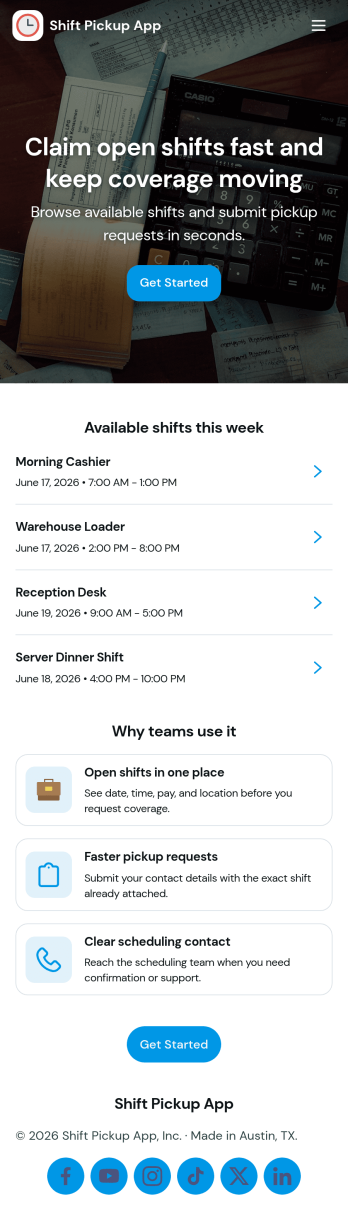
Shift Pickup App
Shift Pickup App helps teams manage open shifts and shift pickup requests in one place, so employees can quickly find available coverage opportunities and submit a request when they want to take a shift. It fits hourly workplaces where schedules change often, including restaurants, retail stores, hospitality teams, warehouses, and on-call service crews. With a dedicated Open Shifts area for browsing what’s available and a Request Pickup flow for asking to take a specific shift, managers spend less time coordinating coverage and staff get a clearer path to step in when needed.Jotform makes it easy to turn this kind of scheduling workflow into a shareable, mobile-friendly experience using its no-code app builder and drag-and-drop interface. Connect the app to forms and tables for reliable data collection, route requests to the right people with automated workflow steps, and keep everything organized for self-service access. You can publish your Jotform app with a simple link for your team, adjust branding to match your workplace, and update the experience as policies or staffing needs change.
Go to Category:Scheduling Apps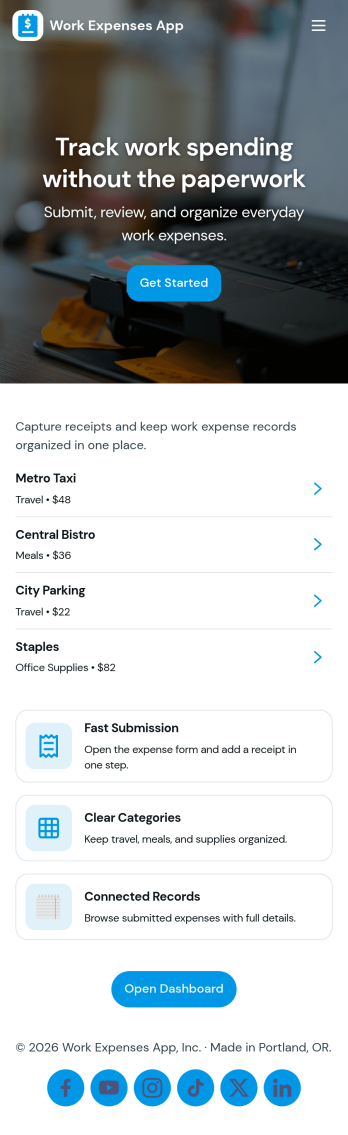
Work Expenses App
Work Expenses App helps teams capture and organize employee spending so reimbursements and internal reporting don’t turn into scattered emails and missing receipts. Use it to route staff to a simple expense entry experience, keep a searchable record of transactions by merchant, and give managers or finance a quick place to review activity when preparing expense reports. It fits sales teams on the road, field service crews, consultants, and any department that needs to log work-related purchases consistently.With Jotform’s app templates, you can publish a self-service experience that connects directly to your forms and data in one place. Customize the pages with a drag-and-drop interface, then share the app by link or QR code so employees can submit expenses and stakeholders can view records and insights from anywhere. As your workflow evolves, you can update fields, notifications, and connected data collection without rebuilding the entire app.
Go to Category:Finance Apps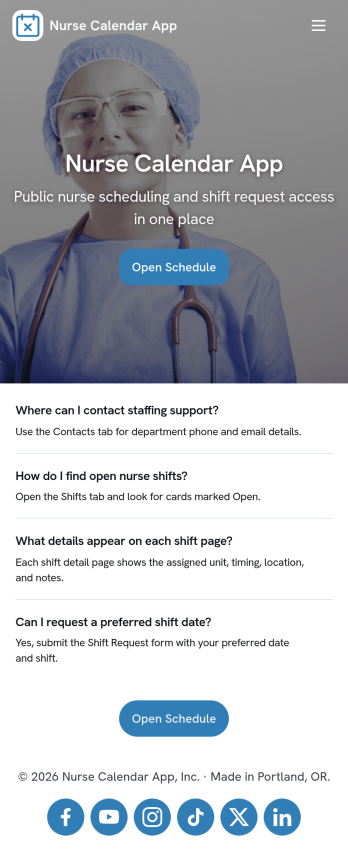
Nurse Calendar App
A nurse calendar app helps nursing staff keep track of today’s shifts and stay on top of coverage needs without hunting through messages or paper schedules. Use it in hospitals, clinics, long-term care facilities, home health teams, and staffing pools to give nurses a simple place to view shift information, submit a coverage request when plans change, and review recent requests so nothing gets missed during busy handoffs.With Jotform, you can turn this Nurse Calendar App into a mobile-friendly self-service experience that connects schedules and request intake in one place. Customize pages with a drag-and-drop interface, link a request form for fast data collection, and route updates through connected workflows so the right people can respond quickly. Share the app with a link or QR code, keep information organized, and adjust the layout as your staffing process evolves.
Go to Category:Healthcare Apps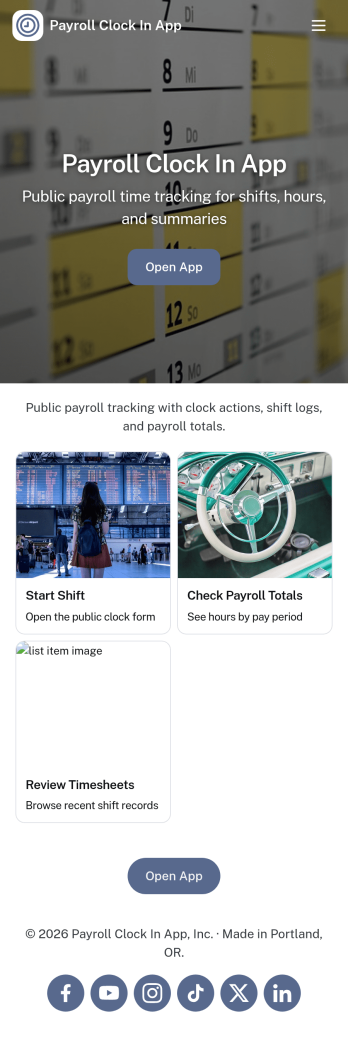
Payroll Clock In App
Payroll Clock In App brings clock-ins, timesheets, and payroll visibility into one simple place so teams can capture work hours consistently and reduce payroll surprises. It’s built for hourly employees, shift-based teams, and managers who need a clear view of who worked when, with quick navigation to Clock In, Timesheets, and Payroll. Whether you run a retail store, restaurant, field service crew, or a growing office, this app supports daily time tracking habits and makes it easier to spot missed punches, confirm totals, and keep everyone aligned before payday.With Jotform, you can turn this app template into a branded self-service experience using a no-code app builder and a drag-and-drop interface. Connect the app to your clock log form and tables, publish updates in minutes, and share a single link or QR code with staff. Jotform also helps you keep your workflow organized by centralizing time data collection, making it easier for teams to review logs, open timesheets, and follow a consistent payroll process without switching between multiple tools.
Go to Category:Human Resources Apps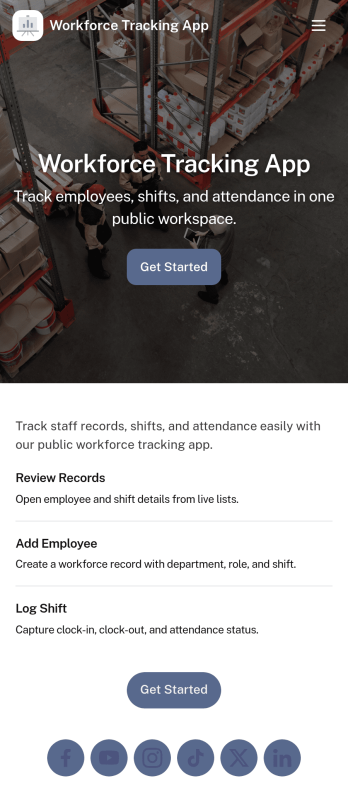
Workforce Tracking App
Workforce Tracking App helps teams record and review employee work activity in one place, making it easier to stay on top of shift history and day-to-day staffing needs. Use it to browse an employee list, open an individual employee view, and log new shifts through connected forms, so supervisors and admins can keep time records current without chasing updates across messages or spreadsheets.Built with Jotform App Templates, this experience can be tailored in a no-code app builder with a drag-and-drop interface, so you can adjust navigation, add or reorder pages, and connect your workforce data collection to the workflows you already run. Share the app with a link for quick self-service access, keep entries organized with connected forms, and use the built-in dashboard view to check records at a glance as your operation scales.
Go to Category:HR Portal Apps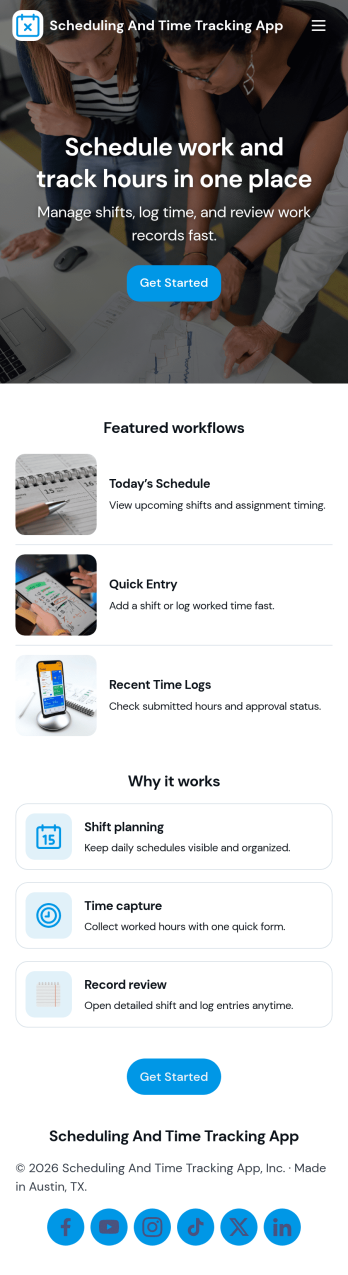
Scheduling and Time Tracking App
Scheduling and Time Tracking App brings shift planning and work-hour recording into one place, so teams can coordinate schedules and document time without juggling scattered messages or spreadsheets. It works well for managers who need quick visibility into who is working when, and for employees who want an easy way to submit scheduling requests and log time entries. With simple navigation to scheduling and time log areas, plus views for personal requests and time entries alongside teamwide lists, the app supports day-to-day operations for offices, field teams, studios, and service businesses.Jotform makes it easy to create and publish App Templates like this one with a no-code app builder and a drag-and-drop interface. Connect your scheduling requests and time log forms to tables to keep records organized, reduce manual follow-ups, and support smoother workflows across your team. Share the app with a link, tailor the layout to match your process, and give staff a self-service experience that keeps schedules and time tracking moving.
Go to Category:Scheduling Apps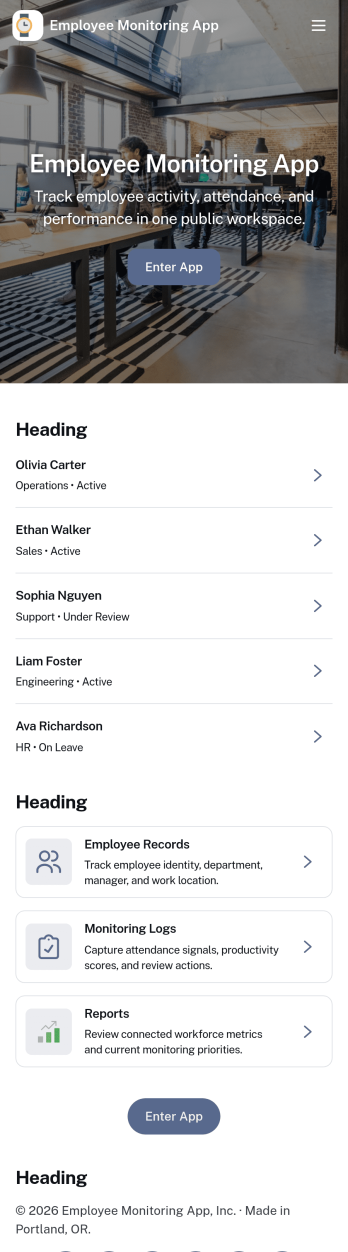
Employee Monitoring App
Employee Monitoring App helps teams keep a clear, consistent record of day-to-day work updates by combining employee check-ins, incident reporting, and activity logging in one place. It’s a practical fit for HR, operations, and team leads who need visibility across shifts, remote work, field assignments, or multi-site teams without chasing updates through messages and spreadsheets. With dedicated areas for check-ins, incidents, and activity, the app supports quicker follow-up, clearer accountability, and a more organized way to review what happened, when it happened, and who it involved.Built with Jotform, this app template can be tailored using a no-code app builder and a drag-and-drop interface, so you can match it to your policies and internal processes. Link buttons to forms for adding activity details, route information into connected tables for easier tracking, and share the app as a self-service destination for employees and supervisors. As your workflow evolves, you can adjust pages, branding, and access so the monitoring process stays simple, consistent, and easy to maintain.
Go to Category:Activity Tracking Apps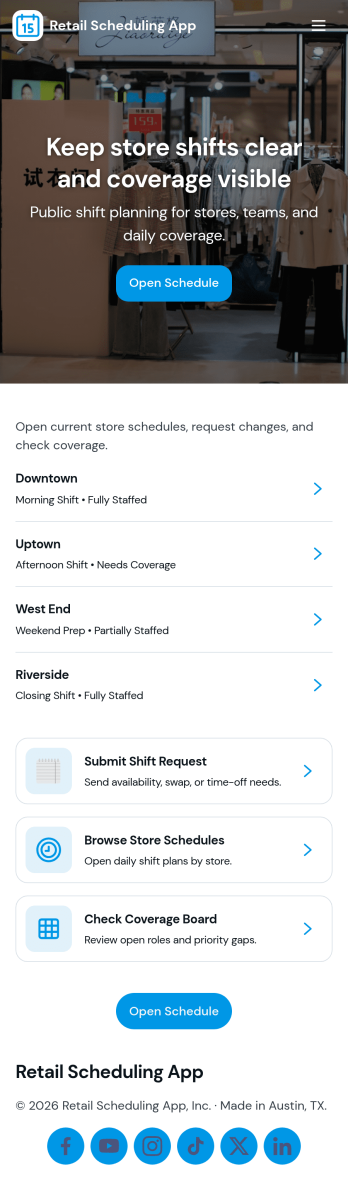
Retail Scheduling App
Retail Scheduling App brings daily store staffing into one place so managers and associates can stay aligned on who is working, when, and where coverage is needed. Use it to publish today’s schedule, keep a clear shift board, maintain a team roster, and collect swap requests without relying on scattered messages. It’s a practical fit for retail shops, pop-up locations, multi-location stores, and seasonal teams that need fast updates and fewer missed handoffs across opening, peak hours, and closing shifts.Built with Jotform, this app template helps you turn scheduling tasks into a simple self-service experience employees can access from a single link. With Jotform’s drag-and-drop no-code app builder, you can tailor pages, buttons, and lists to match your store’s workflow, then connect shift request forms to the app for consistent data collection. Share updates instantly, centralize requests, and keep scheduling information organized as your team grows.
Go to Category:HR Portal Apps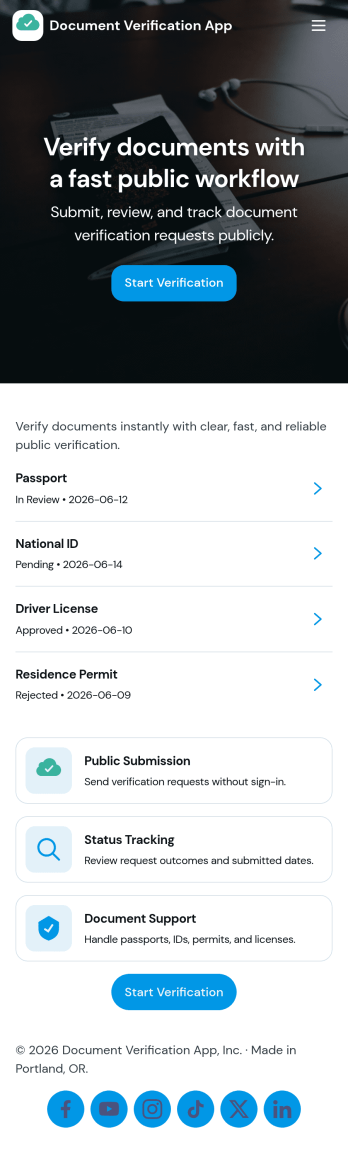
Document Verification App
Document Verification App helps teams collect documents, review required information, and keep a clear log of verification outcomes in one place. It’s a practical fit for HR and recruiting teams confirming candidate paperwork, property managers validating tenant files, schools checking enrollment documents, or service businesses handling customer identity and eligibility checks. With a simple start point for new submissions and an organized area for verification records, reviewers can move faster while maintaining consistency across every request.Built with Jotform, this app template pairs a clean, mobile-friendly experience with flexible data collection and workflow support. Customize pages with a drag-and-drop interface, connect the app to your forms and tables for centralized recordkeeping, and share a single self-service link for document intake. As needs change, you can update required fields, route reviews to the right people, and keep status details accessible without rebuilding the process from scratch.
Go to Category:Customer Portal Apps