

HR Portal App Templates

Employee Monitoring App
Employee Monitoring App helps teams keep a clear, consistent record of day-to-day work updates by combining employee check-ins, incident reporting, and activity logging in one place. It’s a practical fit for HR, operations, and team leads who need visibility across shifts, remote work, field assignments, or multi-site teams without chasing updates through messages and spreadsheets. With dedicated areas for check-ins, incidents, and activity, the app supports quicker follow-up, clearer accountability, and a more organized way to review what happened, when it happened, and who it involved.Built with Jotform, this app template can be tailored using a no-code app builder and a drag-and-drop interface, so you can match it to your policies and internal processes. Link buttons to forms for adding activity details, route information into connected tables for easier tracking, and share the app as a self-service destination for employees and supervisors. As your workflow evolves, you can adjust pages, branding, and access so the monitoring process stays simple, consistent, and easy to maintain.
Go to Category:Activity Tracking Apps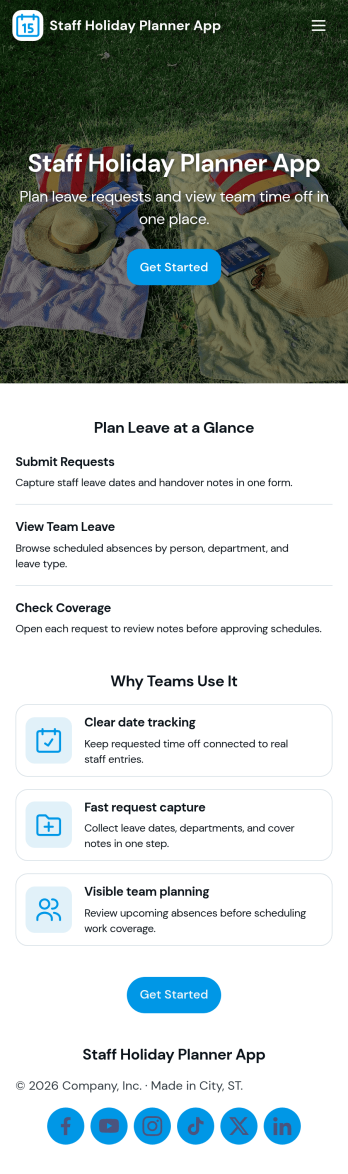
Staff Holiday Planner App
Staff Holiday Planner App helps teams organize time-off requests in one place, so managers can see upcoming absences and employees can submit requests without confusion. It fits HR teams, office managers, and department leads who need a clear, shared view of who is out and when, especially for busy periods, shift coverage, and cross-functional projects. With quick navigation to request time off and a team overview, the app supports smoother planning and fewer scheduling surprises.Built with Jotform, this app template turns your holiday planning workflow into a simple self-service experience you can share in minutes. Use Jotform’s no-code app builder and drag-and-drop interface to tailor pages, update request guidance, and connect data collection to your forms and tables for reliable tracking. As requests come in, your team can keep everything organized with a connected workflow and a centralized view of holiday requests.
Go to Category:Human Resources Apps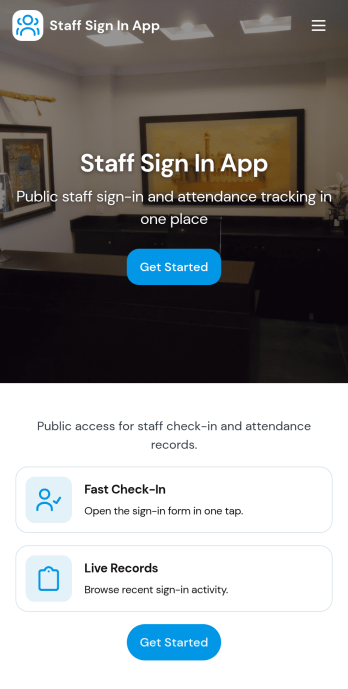
Staff Sign In App
Staff Sign In App helps teams record daily check-ins, keep a clear attendance trail, and make it easy for employees to sign in from one place. It’s a practical fit for offices, retail stores, clinics, warehouses, schools, and job sites that need a simple way to capture who is working today, reduce manual paper logs, and give managers quick visibility into the day’s activity. With dedicated areas for signing in and viewing today’s log, staff can confirm their entry in seconds while supervisors can reference the running list during shift changes or front-desk coverage.Built with Jotform App Templates, this app template connects your sign-in form to organized views so you can browse entries, open a full sign-in history, and maintain a lightweight staff directory for quick reference. Customize pages and buttons with Jotform’s no-code app builder and drag-and-drop interface, then share the app as a self-service experience via link or QR code. As your workflow evolves, you can expand data collection, route updates to the right people, and keep everything consistent across teams and locations.
Go to Category:Sign In Apps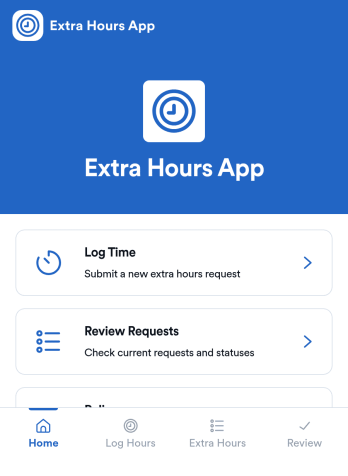
Extra Hours App
Extra Hours App helps teams record, review, and manage extra-hours work in one place, so overtime stays organized and easy to follow. Employees can quickly log time and submit a new request, then check My Submissions to confirm what they’ve already sent. Managers get a clear Review Requests area to view requests by employee, open a request to see key details, and keep decisions consistent with the built-in Policy page.Jotform makes it simple to turn this process into a mobile-friendly self-service experience with app templates you can adapt to your workflow. Using Jotform’s no-code app builder and drag-and-drop interface, you can tailor navigation, connect the app to your form for data collection, and route requests through the right workflow for tracking and follow-up. Share the app with a link so employees and supervisors always know where to log extra hours and review requests.
Go to Category:Human Resources Apps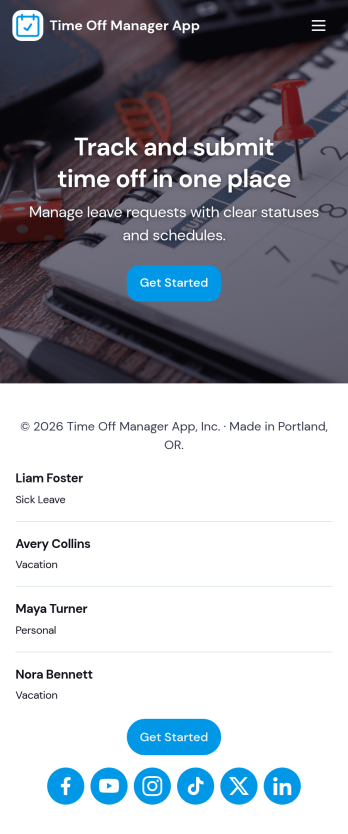
Time Off Manager App
Time Off Manager App helps teams handle employee leave requests in one place, giving staff a clear way to request time off and check what they have already submitted. With built-in navigation to Request Time Off and Request History, employees can submit a new request in seconds and review past requests without emailing HR or managers. For supervisors and HR teams, the app creates a consistent intake process that reduces missed details and makes it easier to follow up when schedules change.Jotform makes it simple to turn this workflow into a shareable, self-service experience using its no-code app builder and drag-and-drop interface. Connect the app to a form and keep requests organized in a linked table, then share access through a link so employees can use it on any device. As needs evolve, you can adjust pages, branding, and the request flow in Jotform without rebuilding your time off process from scratch.
Go to Category:Human Resources Apps
Hourly Schedule App
Hourly Schedule App helps teams and individuals plan, assign, and review hour-by-hour shifts in one place. Use it to guide daily coverage, share a clear “today” view, and reduce confusion around who is working when. With dedicated areas to view the schedule, add a shift, and manage requests, it fits fast-moving workplaces like retail, hospitality, clinics, field services, and any operation where hourly staffing changes often.Built with Jotform, this app template turns scheduling into a mobile-friendly self-service experience you can share in minutes. Use Jotform’s no-code app builder and drag-and-drop interface to adjust pages, add fields, and connect the app to your existing data collection and workflow needs. Publish a link for staff access, keep schedule information up to date, and make it easier for everyone to find the right schedule view and take action without digging through messages.
Go to Category:HR Portal Apps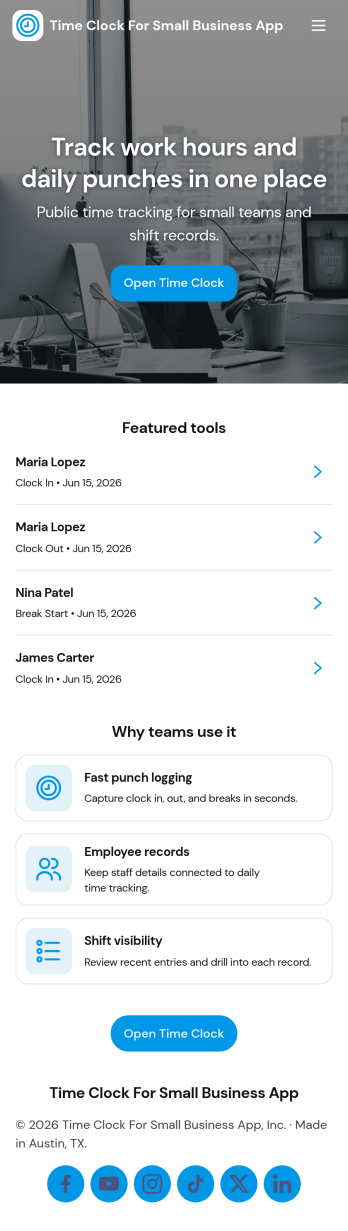
Time Clock for Small Business App
Time Clock for Small Business App helps small teams track employee hours with a simple, self-serve experience for daily punch-ins and punch-outs. Use it in retail shops, cafés, salons, home service teams, and growing offices where you need a clear record of who worked when, plus an easy way for staff to request schedule updates. With quick Clock In and Clock Out actions and a place to review punches and timesheet-style details by employee, it supports more consistent time tracking without chasing paper notes or scattered messages.Built with Jotform, this app template is easy to tailor to your workflow using a no-code app builder and a drag-and-drop interface. Connect the in-app buttons to your time clock forms, organize shift and timesheet information into clean pages, and route shift change requests to the right person for follow-up. Share the app with your team using a link or QR code, keep processes in one place, and rely on Jotform for organized data collection that fits how your small business operates.
Go to Category:Human Resources Apps
Biometric Time Clock App
Biometric Time Clock App helps teams record employee punches and keep daily shift activity organized in one place. It’s a practical fit for operations managers, HR teams, and supervisors who need a reliable way to direct staff to clock in, review today’s shifts, and handle timekeeping updates without chasing paperwork. With clear navigation for clock-in actions and quick access to shift overviews, it supports smoother start-of-shift routines for hourly workforces across retail, hospitality, warehouses, field teams, and multi-location businesses.Built with Jotform App Templates, this app template can be customized with a no-code app builder and a drag-and-drop interface to match your policies and workflows. Connect the app to your Jotform form and data collection to capture punch details, then use the built-in history view for ongoing tracking and visibility. Share the app through a link or QR code, update pages as your process evolves, and keep time records organized for faster reviews and fewer manual corrections.
Go to Category:HR Portal Apps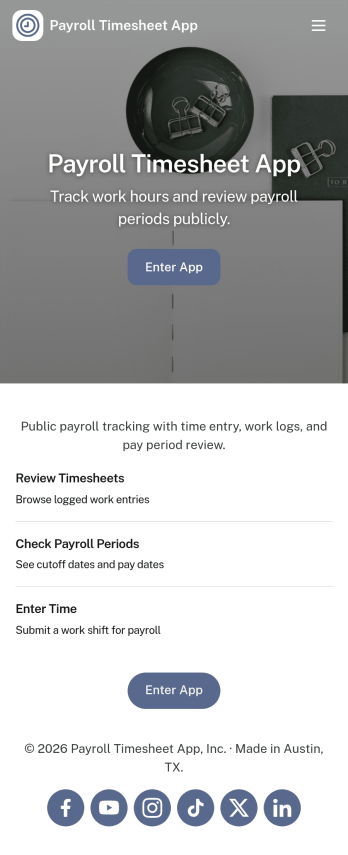
Payroll Timesheet App
Payroll Timesheet App helps you collect, review, and organize employee time entries so payroll processing is based on clear, consistent records. It’s a practical fit for HR teams, operations managers, and small business owners who need a simple way to capture hours worked, keep employee details in one place, and reduce confusion around what was submitted and when. With quick access to new timesheet entry, an employee list, and views for both all records and personal timesheets, teams can stay aligned across pay periods without relying on scattered messages or spreadsheets.Built with Jotform, this app template connects an easy self-service experience to the same workflows you already use for data collection. Using Jotform’s no-code app builder and drag-and-drop interface, you can customize pages, control what different users see, and keep timesheet information organized for review. Share the app by link so employees can submit and check their own timesheets while admins can monitor all entries and maintain employee information in one central workflow.
Go to Category:Human Resources Apps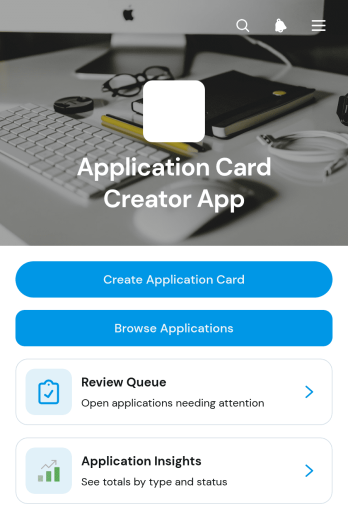
Application Card Creator App
Application Card Creator App is an app template for recruiters, hiring managers, staffing teams, and growing businesses that need a clear way to organize applicant information. Teams can create consistent application cards, browse applicant profiles, and manage a review queue from one central experience. Application insights and individual summaries make it easier to compare relevant experience, check availability and status, and contact applicants when follow-up is needed. This setup reduces scattered records, supports more consistent reviews, and gives decision-makers a convenient view of each application throughout the hiring process.Jotform makes this Application Card Creator App easy to adapt with a no-code app builder and a flexible drag-and-drop interface. Add or rearrange pages, update visual elements, connect forms and tables, and build workflows that fit an existing recruitment process without writing code. The app can be shared through a direct link or QR code, giving authorized team members mobile-friendly access wherever reviews take place. Start with this app template, apply your organization’s branding, and publish an interactive workspace for data collection, internal collaboration, and applicant management.
Go to Category:Human Resources Apps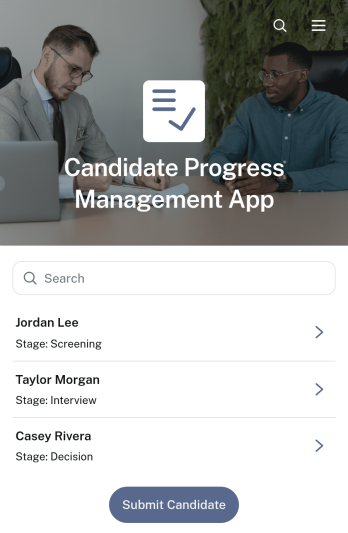
Candidate Progress Management App
The Candidate Progress Management App gives recruiters, hiring managers, human resources teams, and staffing consultants a central place to follow applicants throughout the hiring process. Teams can submit new candidates, browse candidate records, work through a review queue, and document outcomes without relying on scattered spreadsheets or lengthy email threads. Individual records make current stages, contact details, evaluation summaries, and next steps easier to find. This app template is especially useful for small and midsize organizations that need a consistent hiring workflow, clearer ownership, and better visibility from initial submission through the final decision.Jotform Apps helps teams turn recruitment processes into a convenient, mobile-friendly experience without coding. Start with this Candidate Progress Management App, then use the drag-and-drop app builder to adjust pages, navigation, branding, and content around your hiring practices. Connect forms and tables to support data collection, organize reviews, and keep candidate information accessible from one location. Jotform App Templates can be shared through a direct link or embedded experience, giving authorized team members practical self-service access wherever hiring work takes place.
Go to Category:Human Resources Apps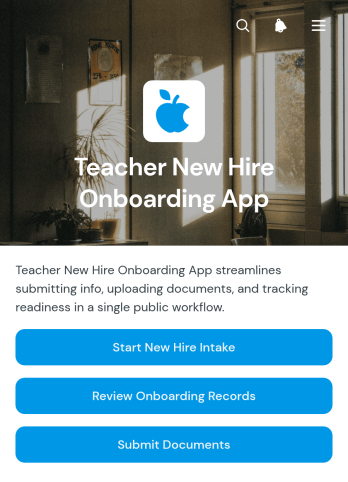
Teacher New Hire Onboarding App
Teacher New Hire Onboarding App is an app template for schools, districts, academies, and other educational organizations that need a central place to welcome and process newly hired educators. Human resources teams, school administrators, department leaders, and onboarding coordinators can collect teacher intake details, review onboarding records, receive required documents, and monitor review status from one organized experience. It replaces scattered emails and disconnected files with a clearer workflow, helping staff track each teacher’s progress while giving new hires convenient self-service access to essential onboarding actions.Jotform makes this app easy to adapt with a no-code app builder and an intuitive drag-and-drop interface. Start with one of the ready-made Jotform App Templates, then update pages, buttons, colors, fonts, and branding to match your institution. The app template can connect data collection forms, records, approval steps, and notifications to support a coordinated onboarding workflow. Publish it with a personalized link, share it by QR code, or provide mobile-friendly access so teachers and staff can complete tasks from nearly any device without installing additional software.
Go to Category:HR Portal Apps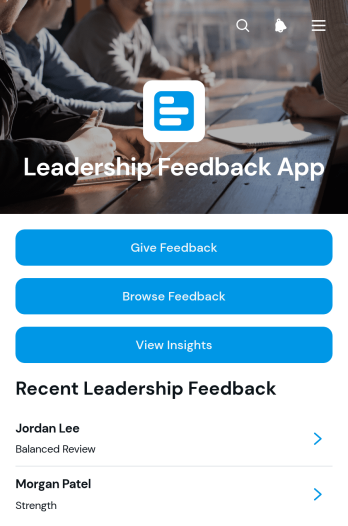
Leadership Feedback App
Leadership Feedback App gives employees, managers, human resources teams, and organizational development consultants a central place to collect and review constructive feedback about leaders. Team members can submit new feedback, browse existing records, and view insights that highlight strengths, recommendations, leadership areas, and priorities for improvement. It is well suited to leadership reviews, coaching programs, manager development initiatives, team health checks, and recurring feedback cycles. By bringing data collection and review into one accessible experience, organizations can reduce scattered responses, identify recurring themes, and support more focused development conversations.Jotform App Templates help teams create polished digital experiences without writing code. With Jotform’s no-code app builder and drag-and-drop interface, users can adapt the Leadership Feedback App to match internal processes, branding, and terminology. Forms, tables, notifications, approvals, and other workflow resources can be connected to support feedback collection and follow-up from one location. The finished app can be shared by a direct link or QR code, giving employees convenient mobile-friendly, self-service access while administrators maintain an organized view of connected records.
Go to Category:Human Resources Apps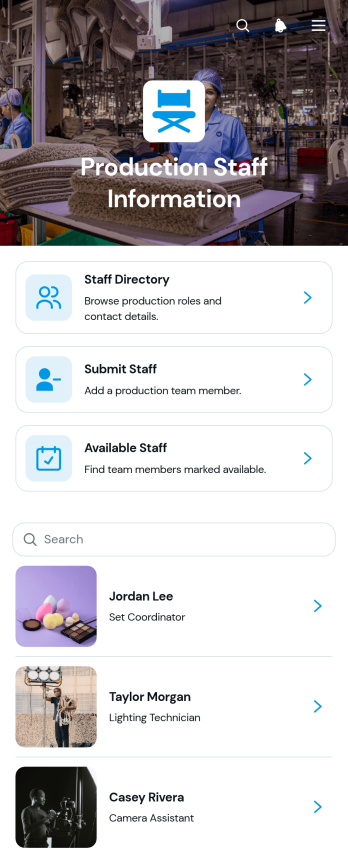
Production Staff Information App
The Production Staff Information App is a centralized resource for organizing crew details and helping production teams find the right people for upcoming work. Production coordinators, department leads, staffing managers, and operations teams can browse a staff directory, check availability, and contact team members by email or phone. It is useful for coordinating shoots, performances, events, and other projects where staffing needs can change quickly. Keeping department, shift, availability, contact information, and production notes in one accessible place reduces scattered records and makes crew planning more consistent.Jotform makes this app template easy to adapt to the way each production team operates. Using the no-code app builder and its drag-and-drop interface, teams can update pages, adjust branding, add navigation, and connect forms or other workflows without programming. New staff information can flow into an organized directory, giving coordinators a practical self-service resource for daily staffing decisions. Like other Jotform App Templates, the finished app can be shared through a direct link or QR code and accessed from phones, tablets, and computers.
Go to Category:HR Portal Apps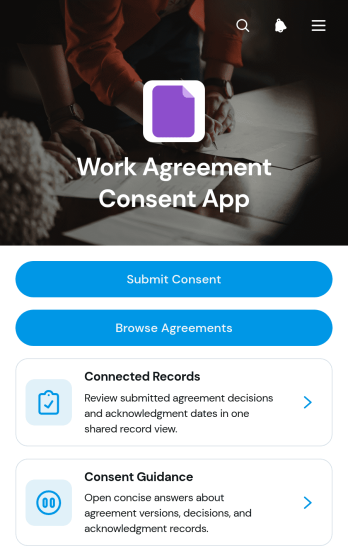
Work Agreement Consent App
The Work Agreement Consent App gives human resources teams, managers, contractors, and growing businesses a central place to present work agreements and document consent decisions. Staff members can submit consent, browse available agreements, review guidance, and view connected records showing details such as the agreement version and recorded decision. This app template is well suited to onboarding, policy updates, revised working arrangements, contractor engagement, and other situations where organizations need a clear record of who reviewed and responded to an agreement. It reduces scattered paperwork, makes information easier to find, and supports a more consistent internal process.Jotform Apps helps teams turn this process into a branded, mobile-friendly experience without writing code. Using the drag-and-drop app builder, organizations can adjust pages, navigation, colors, fonts, and content to match their internal workflow. Forms and connected records keep data collection organized, while links, cards, and buttons guide users toward the right action. The finished app can be shared by direct link or QR code, giving employees and contractors convenient self-service access from almost any device.
Go to Category:HR Portal Apps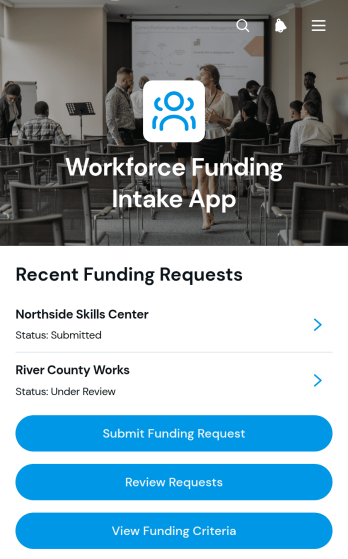
Workforce Funding Intake App
The Workforce Funding Intake App is a centralized application and review hub for organizations that receive requests supporting hiring, training, retention, or other workforce needs. Applicants can submit a funding request, reviewers can examine requests and their current status, and users can consult funding criteria before applying. The app helps economic development teams, workforce programs, nonprofits, educational institutions, grant administrators, and internal HR or finance departments replace scattered emails and disconnected documents with a consistent intake workflow. It also gives decision-makers clearer context around each organization, applicant, requested amount, workforce need, anticipated impact, and contact information.With Jotform, this app template can be adapted using a no-code app builder and an intuitive drag-and-drop interface. Teams can update the branding, arrange pages and navigation, connect forms and tables, and support data collection without writing code. Jotform App Templates also make it easier to bring application intake, resource navigation, and reviewer self-service into one mobile-friendly experience. Share the finished app by link or QR code so applicants and reviewers can access the right actions from almost any device while administrators maintain a more organized funding workflow.
Go to Category:HR Portal Apps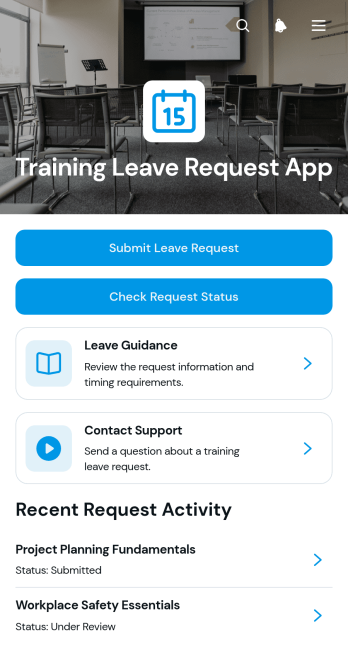
Training Leave Request App
The Training Leave Request App is an app template for employees who need time away from regular duties to attend courses, workshops, certifications, or other professional development activities. It gives staff a central place to submit a leave request, check its status, review leave guidance, and contact the appropriate support team. Employees can provide essential training information such as dates, format, provider, and business justification, helping managers and human resources teams evaluate requests with consistent details. The app is well suited to growing businesses, educational institutions, nonprofits, consulting firms, and distributed teams that want to replace scattered emails and incomplete requests with a clear employee self-service experience.Jotform Apps helps organizations turn related forms, resources, and processes into a mobile-friendly app without writing code. Start with this app template, then use the drag-and-drop app builder to adjust pages, branding, navigation, and connected workflows. Request information can flow into organized tables, trigger notifications, and support timely follow-up by the teams responsible for review. The finished app can be shared through a direct link or QR code, giving employees convenient access from a phone, tablet, or computer while keeping training leave activity easier to manage.
Go to Category:Employee Self Service Apps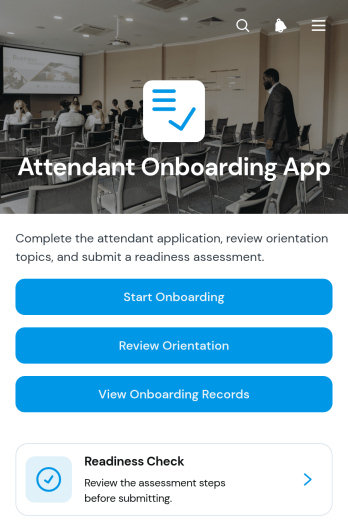
Attendant Onboarding App
Attendant Onboarding App gives managers and coordinators a central place to guide new attendants through orientation and evaluate their readiness for assigned duties. It suits hospitality teams, event operators, service providers, venues, and other organizations that need a repeatable onboarding process for frontline personnel. Users can start onboarding, review orientation material, complete a readiness check, and access onboarding records without searching across separate documents. Clear readiness ratings, notes, and status information help supervisors identify who is prepared, who needs further instruction, and where follow-up may be required.With Jotform Apps, organizations can turn this app template into a branded onboarding resource without writing code. The drag-and-drop interface makes it easy to adjust pages, navigation, instructions, and visual elements to match existing procedures. Teams can connect forms and tables for data collection, organize records in one accessible experience, and add workflow steps that support internal reviews or notifications. This flexible addition to Jotform’s App Templates can be shared through a direct link or QR code, giving attendants and supervisors convenient mobile access while keeping orientation and readiness activities organized.
Go to Category:Human Resources Apps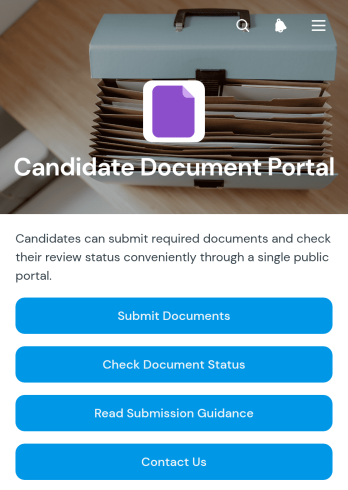
Candidate Document Portal App
The Candidate Document Portal App is a centralized recruitment resource for employers, hiring teams, recruiters, and staffing professionals who need a consistent way to receive and review candidate files. Candidates can submit requested documents, check review status, and read submission guidance from one accessible location. The app is useful during candidate screening, preemployment checks, role placement, and other document-heavy hiring stages. It reduces scattered email exchanges, gives applicants clearer next steps, and helps recruitment teams organize incoming information while maintaining a more consistent candidate experience.Jotform Apps makes it easy to adapt this app template to an organization’s hiring process without writing code. Using the no-code app builder and drag-and-drop interface, teams can update pages, adjust branding, connect forms and tables, and support data collection within a coordinated workflow. The finished portal can be shared through a direct link or quick response code for convenient mobile access. With customizable App Templates from Jotform, human resources teams can create a practical self-service destination that keeps candidate actions, guidance, and status information together.
Go to Category:HR Portal Apps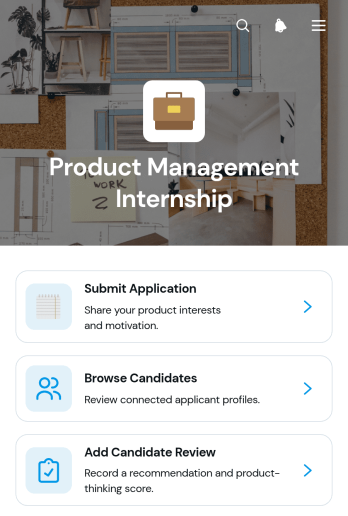
Product Management Internship App
The Product Management Internship App is an app template for collecting internship applications and helping hiring teams evaluate aspiring product management candidates. It gives applicants a clear place to submit their information while recruiters, product leaders, and human resources teams can browse candidate profiles, review resumes and portfolios, assess motivation and experience, and add internal feedback. A visible application pipeline supports consistent progress tracking from initial submission through review. Startups, technology teams, educational programs, and growing businesses can use it to keep internship recruitment organized, reduce scattered records, and give reviewers shared access to relevant candidate details.Jotform App Templates make it easy to adapt this experience to an organization’s hiring process without coding. Using Jotform’s no-code app builder and drag-and-drop interface, teams can update pages, navigation, branding, and connected forms while keeping data collection and workflow resources in one mobile-friendly location. The finished app can be shared through a direct link or QR code, helping applicants submit materials and authorized team members review candidates from their preferred devices. It offers a practical foundation for building a polished recruitment experience with less manual setup.
Go to Category:Job Apps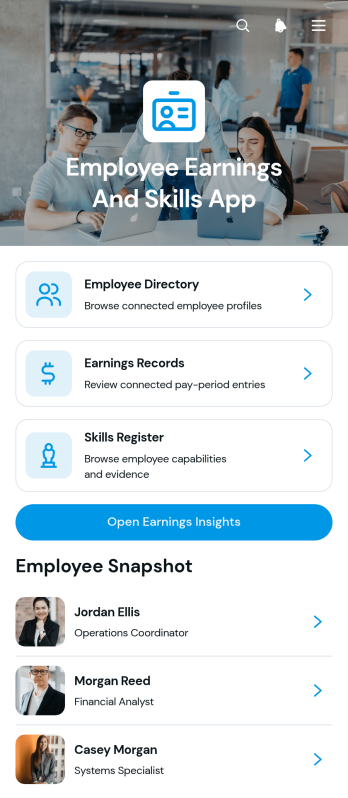
Employee Earnings and Skills App
The Employee Earnings and Skills App brings workforce profiles, earnings records, and skill information into one accessible resource for human resources teams, managers, payroll coordinators, and department leaders. Users can browse an employee directory, review individual earnings details, maintain a skills register, and open earnings insights without switching between disconnected records. It supports workforce planning, compensation reviews, project staffing, internal mobility, training decisions, and skills gap analysis. By keeping relevant employee information organized, the app helps teams find qualified staff, understand experience levels, document supporting evidence, and make better-informed workforce decisions.Jotform offers customizable App Templates that help organizations turn routine processes into convenient digital experiences. With its no-code app builder and drag-and-drop interface, teams can adapt the Employee Earnings and Skills App to their structure, branding, and workflow. Connected forms support data collection for employee profiles, earnings entries, and skill records, while organized pages make information easier to navigate. The finished app can be shared by a direct link or QR code and accessed from phones, tablets, or computers, giving approved users a practical self-service destination for current workforce information.
Go to Category:HR Portal Apps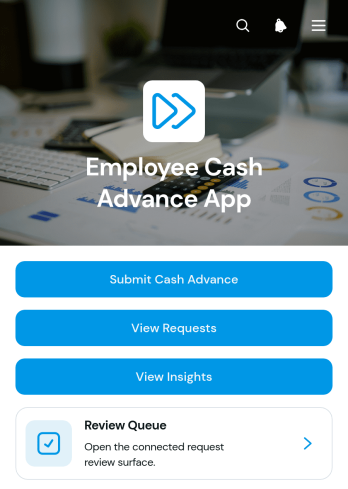
Employee Cash Advance App
Employee Cash Advance App gives employees and HR or finance teams a central place to manage workplace cash advance requests. Staff can submit a request, review its status and access relevant request details without relying on scattered emails or paper records. Reviewers can use the review queue and request insights to monitor activity and support consistent internal decisions. This app template suits small and midsize businesses that want to improve employee self-service, organize data collection and make cash advance administration easier to oversee.Jotform App Templates help teams turn everyday processes into accessible digital experiences without writing code. Using Jotform’s no-code app builder and drag-and-drop interface, administrators can customize pages, navigation, colors and content to match internal procedures. Forms, tables, approval steps and notifications can be connected to support a more cohesive workflow. Once the Employee Cash Advance App is ready, it can be shared through a direct link or QR code, giving employees and reviewers convenient access from desktop and mobile devices.
Go to Category:Employee Self Service Apps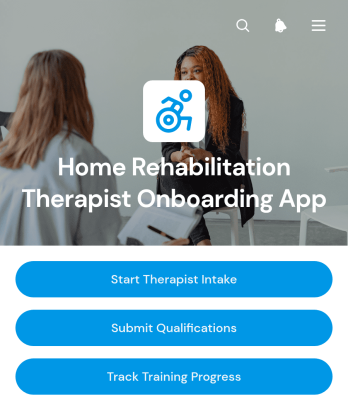
Home Rehabilitation Therapist Onboarding App
The Home Rehabilitation Therapist Onboarding App gives home rehabilitation providers and human resources teams a central place to welcome and prepare newly recruited therapists. It supports therapist intake, qualification submission, and training progress tracking without scattering onboarding activities across separate channels. Clinics, home care organizations, staffing coordinators, therapy managers, and growing healthcare teams can use it to collect essential professional information, review readiness, and help each therapist complete required onboarding steps. Clear navigation also helps new team members understand what to do next before beginning home-based assignments.Jotform makes this app template easy to adapt with a no-code app builder and an intuitive drag-and-drop interface. Teams can adjust pages, branding, instructions, and connected forms to reflect their own onboarding workflow, then organize data collection and employee self-service in one mobile-friendly experience. The app can connect with tables, approvals, notifications, and other Jotform workflows to support internal reviews and timely follow-up. Once customized, it can be shared through a direct link or QR code, giving therapists convenient access from almost any device.
Go to Category:HR Portal Apps
Employee Credentials Portal App
Employee Credentials Portal App provides HR teams, operations managers, administrators, and department supervisors with a central place to organize workforce credential records. Employees can submit credential details and supporting documents, while authorized staff can browse entries and maintain records as information changes. Issue and expiry dates help teams monitor time-sensitive qualifications without relying on scattered files or email threads. The app template is useful for companies, contractors, service providers, and other organizations that need a consistent credential data collection process and convenient employee self-service access.With Jotform Apps, teams can adapt this Employee Credentials Portal App through a no-code app builder and an intuitive drag-and-drop interface. Pages, navigation, branding, forms, and connected tables can be updated to match internal processes without writing code. Organizations can connect the app to approvals, notifications, and other workflow steps, then share it by direct link or QR code for mobile-friendly access. Jotform App Templates offer a practical starting point for bringing credential intake, record navigation, and ongoing updates into one interactive experience.
Go to Category:HR Portal Apps