

Safety Inspection Apps

Business Security App
Business Security App brings incident reporting, patrol documentation, and visitor tracking into one place for day-to-day workplace security. It’s a practical fit for security teams, facility managers, and operations leaders who need a consistent way to capture what happened, where it happened, and what follow-up is required. With dedicated sections for incident reports, patrol logs, and a visitor log, staff can record activity as it occurs and quickly pull up details later when reviewing events or responding to questions.Built with Jotform, this app template can be tailored in a no-code app builder using a drag-and-drop interface, so you can match your site, team, and terminology without extra development. Connect the in-app buttons to forms for data collection, organize records in lists for easy browsing, and keep workflows moving with shareable access for the right people. Publish the app for quick self-service use across devices and keep security information organized as your operations grow.
Go to Category:Company Portal Apps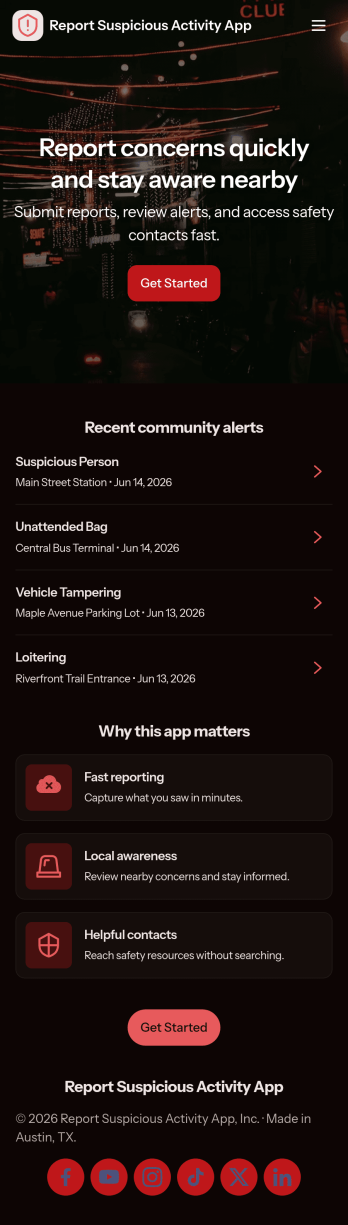
Report Suspicious Activity App
Report Suspicious Activity App helps organizations collect tips and route concerns to the right place without confusion. Use it in workplaces, schools, apartments, events, or community programs where people may notice something that feels unsafe and need a clear way to respond. The app supports quick access to key actions such as filing a report, browsing incident categories to choose the right topic, and reaching emergency or non-emergency contacts by phone or email.Built with Jotform, this app template can be customized in a no-code app builder using a drag-and-drop interface, so teams can match the experience to their policies and audience. Connect the report form to your workflow for faster follow-up, keep data collection consistent, and share the app through a link or QR code for simple self-service reporting on mobile devices.
Go to Category:Safety Inspection Apps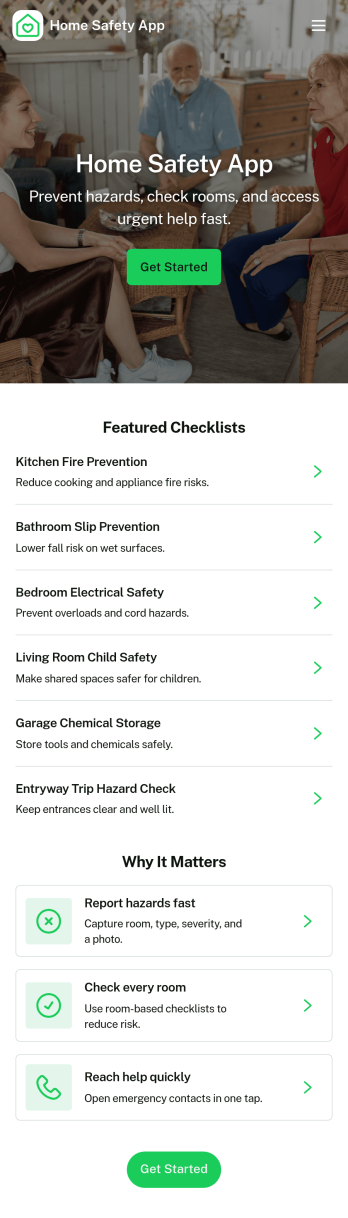
Home Safety App
Home Safety App brings key household safety tasks into one place so families, roommates, and property managers can stay prepared year-round. Use it to run routine safety checks, keep emergency contacts easy to find, and maintain a clear list of emergency supplies for storms, outages, or evacuations. When something feels unsafe, the hazard reporting area helps you document what happened and keep track of follow-ups, making it easier to prioritize fixes and share updates with everyone in the home.Jotform makes it simple to turn this Home Safety App into a practical self-service experience without coding. With a drag-and-drop interface, you can tailor pages, buttons, and lists to match your home, building, or community needs, then connect the app to forms and workflows for consistent data collection. Share it by link or QR code so people can access safety information on the go, and keep your records organized as your checklists, contacts, and supplies change over time.
Go to Category:Safety Inspection Apps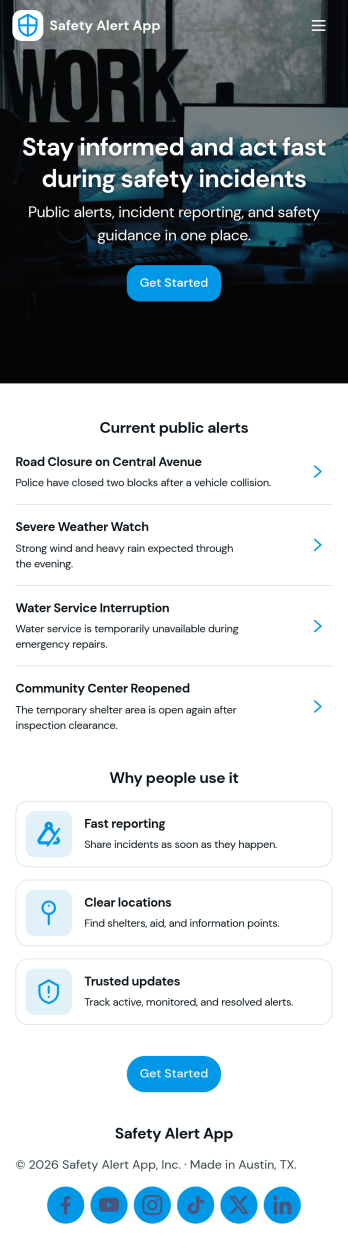
Safety Alert App
Safety Alert App helps teams publish active alerts, capture new reports, and keep emergency contacts in one place so people know what to do when something changes fast. Use it to share time-sensitive updates for workplaces, schools, events, property management, or field operations where staff and visitors may need quick guidance. With a central list of active alerts, a simple way to report an alert, and one-tap access to emergency services and contacts, this app supports clear communication during incidents without relying on long email threads or scattered documents.Jotform makes it easy to turn this Safety Alert App app template into a branded, mobile-friendly experience using a no-code app builder and a drag-and-drop interface. Connect the alert reporting form to your workflow, route information to the right people, and keep alert records organized for follow-up. Share your app with a link or QR code, update content anytime, and keep self-service access to safety information available wherever your audience is.
Go to Category:Safety Inspection Apps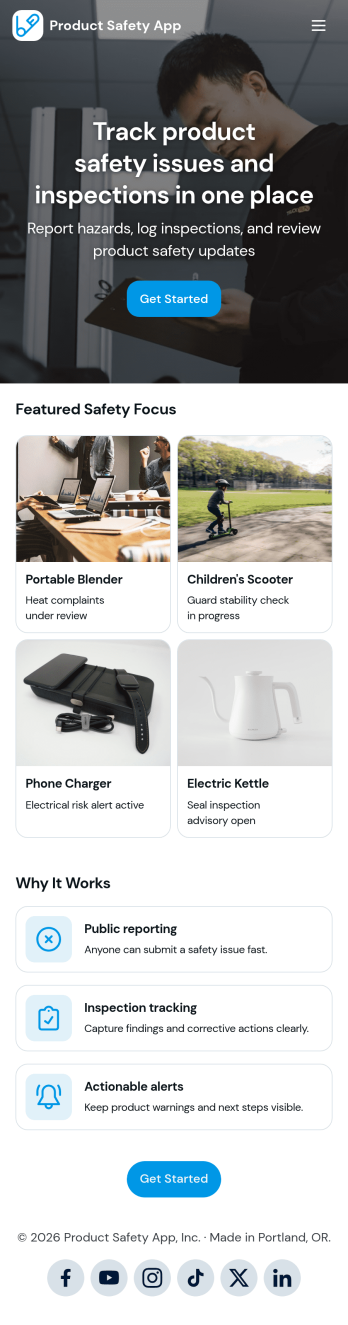
Product Safety App
Product Safety App helps teams and customers find product information, review active recalls, and report safety concerns in one easy place. Use it to publish a browsable product list with clear status details, share up-to-date recall notices, and guide people to a report form when something goes wrong. It’s a strong fit for manufacturers, retailers, ecommerce operators, and quality teams that need a consistent way to communicate safety updates, reduce confusion, and keep internal records organized across locations or product lines.With Jotform, you can turn these app templates into a mobile-friendly self-service experience without coding. Customize pages and navigation with a drag-and-drop interface, connect product and recall records to Jotform Tables, and route incoming reports into a workflow for review and follow-up. Share the app by link or QR code, keep information current, and give staff and customers a single destination for product safety updates and data collection.
Go to Category:Safety Inspection Apps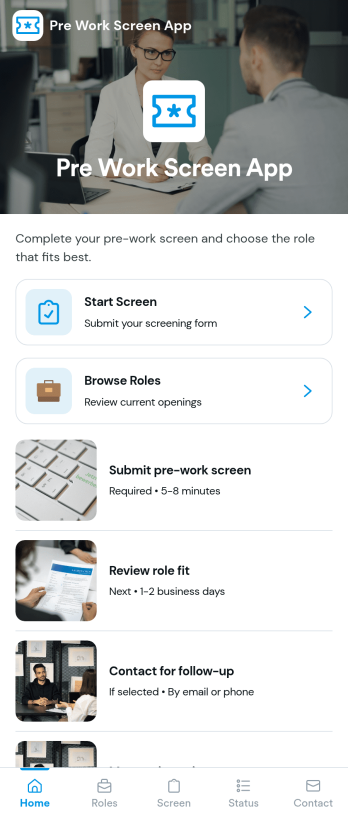
Pre Work Screen App
Pre Work Screen App helps teams guide workers through a simple pre-shift screening flow before they start their day. Use it to route people to the right step quickly, share role openings, and capture screening details through a connected form. It works well for field teams, warehouses, job sites, clinics, and any workplace that needs a consistent check-in experience across roles and locations without slowing down the start of a shift.With Jotform, you can turn screening and intake processes into a mobile-friendly experience using App Templates and a no-code app builder. Customize the layout with a drag-and-drop interface, link your screening and question forms, and organize responses in connected workflows so supervisors can follow up faster and keep daily operations moving.
Go to Category:Sign In Apps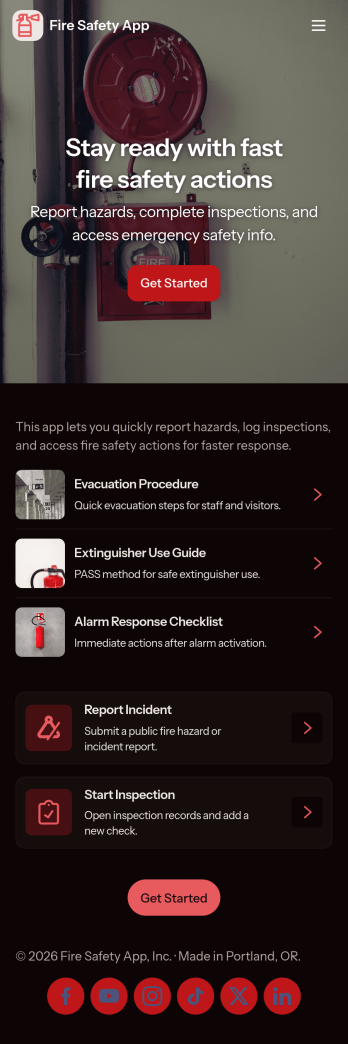
Fire Safety App
Fire Safety App brings incident reporting, routine inspections, and critical safety resources into one place so teams can respond faster and stay organized. It’s built for facilities teams, property managers, school administrators, warehouse supervisors, and office leads who need a clear way to log fire-related concerns, document checks, and guide staff to the right next steps. With quick actions to report an incident, run an inspection, and open resources, the app supports day-to-day prevention work as well as urgent situations where every minute counts.Jotform makes it easy to publish and maintain this kind of self-service experience without coding. Using Jotform app templates and a no-code app builder, you can customize pages with a drag-and-drop interface, connect the app to your forms for data collection, and keep information consistent across locations or departments. Share the app with a link or QR code, update content anytime, and build a reliable workflow for safety reporting, inspections, and internal communication.
Go to Category:Safety Inspection Apps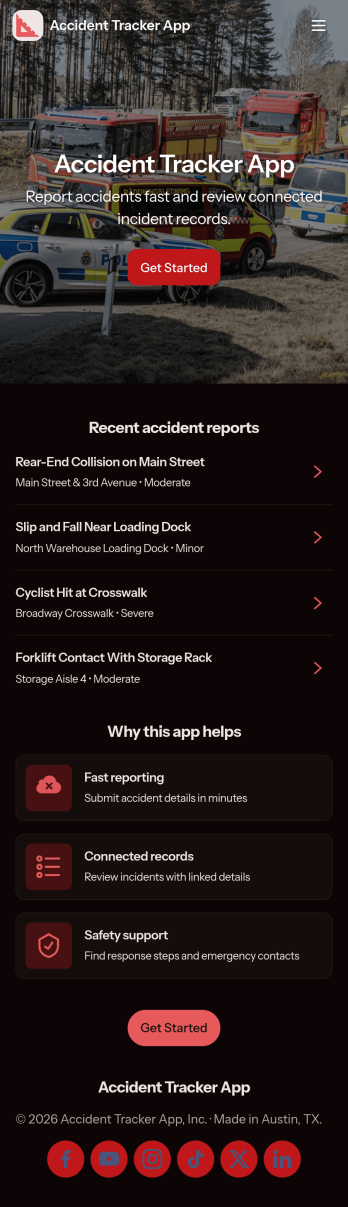
Accident Tracker App
Accident Tracker App helps teams capture accident details, keep incident records organized, and follow cases from the first report through ongoing updates. It’s a practical fit for workplaces, schools, nonprofits, and service teams that need a consistent way to document what happened, where it happened, and who was involved while keeping a clear record ID for reference. With a New Accident Report button for fast data collection, a centralized view of all accident records, and dedicated areas for case updates and report history, the app supports better visibility and fewer missed follow-ups.Built with Jotform, this app template is easy to tailor using a no-code app builder and a drag-and-drop interface, so you can match your internal workflow without relying on developers. Connect the app to your forms and tables to standardize reporting, review records in one place, and share a self-service link with staff who need to submit reports or check the latest case status. Jotform makes it simple to publish, update, and maintain an accident tracking experience that stays organized as reporting volume grows.
Go to Category:Safety Inspection Apps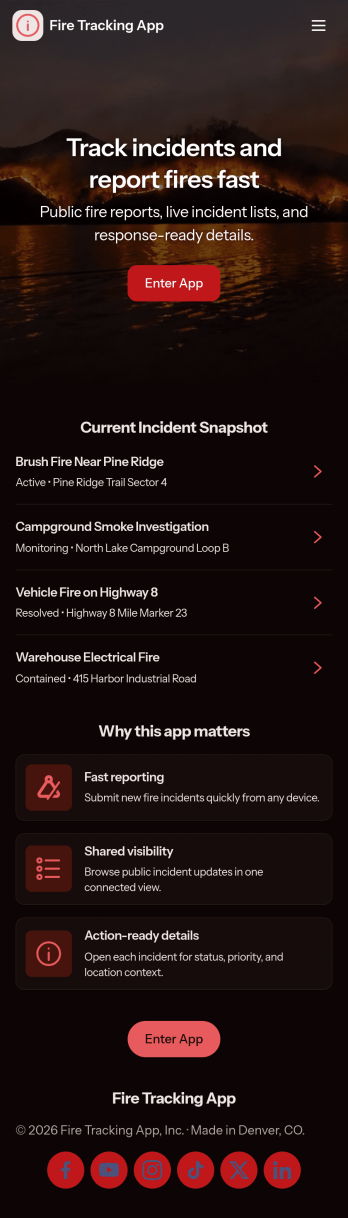
Fire Tracking App
Fire Tracking App helps teams record fire-related incidents and keep updates organized in one place. Use it to log an incident as soon as it happens, add follow-up reports, and browse a running list of incidents by name so everyone stays aligned on what occurred and what actions were taken. It’s a practical fit for safety managers, site supervisors, facilities teams, property managers, and event operations staff who need a clear, repeatable way to document incidents, collect response notes, and keep a simple safety checklist close at hand.With Jotform, you can turn this app template into a branded, mobile-friendly tracking experience without coding. Customize pages and buttons with a drag-and-drop app builder, connect incident forms to your data collection workflow, and keep records consistent as new incidents are added. Share the app link with staff for fast self-service reporting, then manage and review the information in one centralized place as your workflow evolves.
Go to Category:Safety Inspection Apps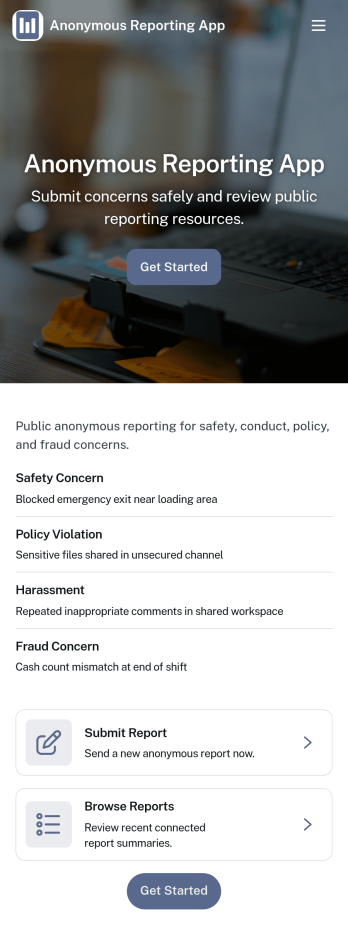
Anonymous Reporting App
Anonymous Reporting App helps organizations collect sensitive reports while giving people a safer way to speak up. Use it to route concerns about workplace behavior, safety issues, policy violations, or other incidents into a single reporting channel without requiring a public identity. With quick navigation to submit a report, browse a report feed, and review personal history, it fits HR teams, compliance and ethics programs, school administrators, nonprofits, and community groups that need clear visibility into what’s being reported and when.Built with Jotform App Templates, this app template is easy to adapt to your process using Jotform’s no-code app builder and drag-and-drop interface. Connect the report form to your internal workflow, keep entries organized for follow-up, and publish a mobile-friendly experience that’s simple to share by link or QR code. As reporting needs change, you can update pages, branding, and routing without rebuilding everything from scratch.
Go to Category:HR Portal Apps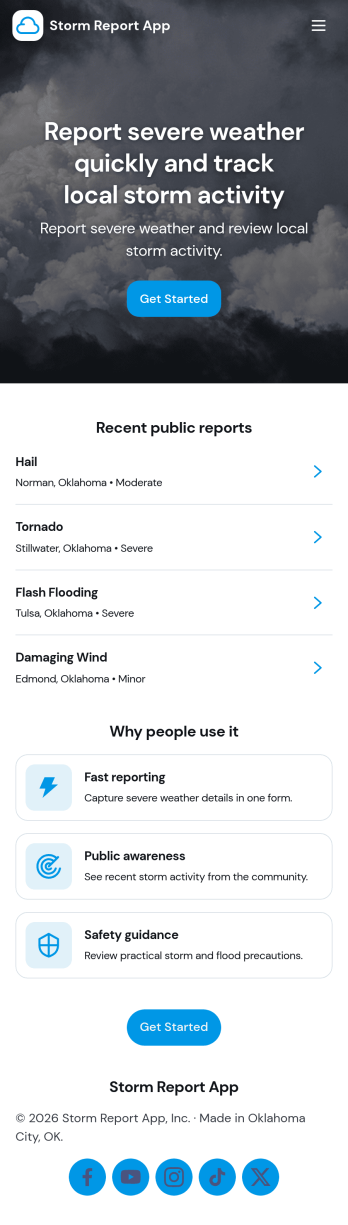
Storm Report App
Storm Report App helps communities and teams capture storm damage details in one place and keep updates moving during fast-changing conditions. Use it to submit new damage reports, review active reports as they come in, and browse a location-based list to understand what’s happening across affected areas. It’s a practical fit for property managers, local organizations, HOAs, campus operations, and service coordinators who need clear intake and visibility without relying on scattered calls, emails, or spreadsheets.With Jotform, you can turn this storm report app template into a mobile-friendly self-service experience using a no-code app builder and a drag-and-drop interface. Connect the app to a form for consistent data collection, route information into the right workflow, and tailor pages, buttons, and branding to match your process. Share the app by link or QR code so residents, staff, or field teams can report damage quickly and check the latest storm insights from anywhere.
Go to Category:Report Apps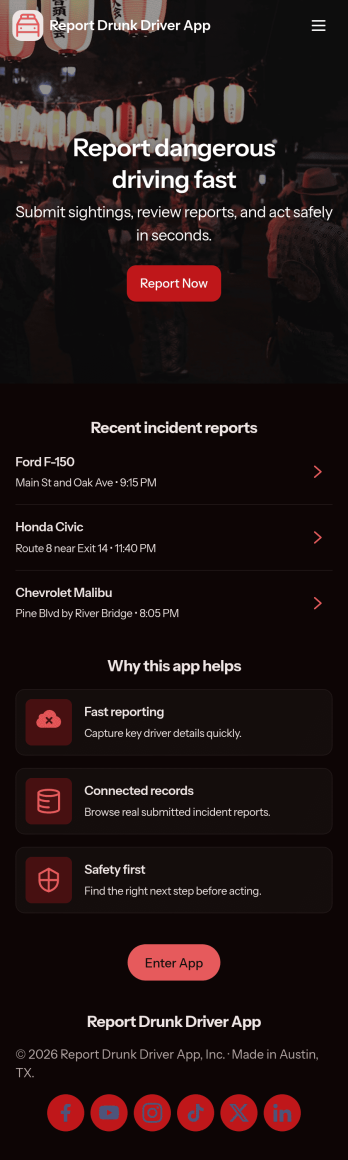
Report Drunk Driver App
Report Drunk Driver App helps communities document and share suspected impaired-driving incidents in one place. It gives residents, campus safety teams, neighborhood associations, rideshare operators, and fleet managers a clear way to start a report, review submitted reports by location, and access emergency help information when a situation escalates.Built with Jotform, this app template pairs an easy reporting form with a clean, mobile-friendly layout so people can take action quickly from anywhere. Customize the pages with a drag-and-drop interface, route information into connected workflows, and keep reports organized for follow-up using Jotform’s no-code app builder and data collection tools for self-service reporting.
Go to Category:Safety Inspection Apps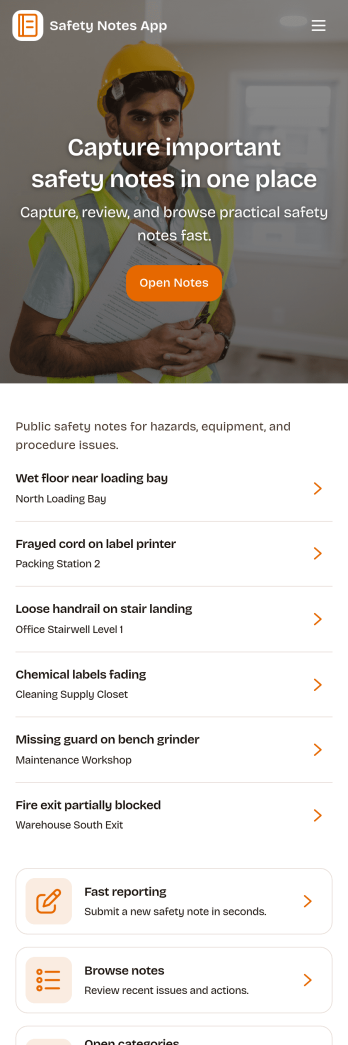
Safety Notes App
Safety Notes App helps teams capture, review, and act on safety observations in one place, whether you’re running a jobsite, managing a facility, or coordinating daily operations across multiple locations. Staff can add a note on the spot, browse a recent note log, and categorize entries by details like date and category so patterns are easier to spot. Built-in prompts for location, severity, and action required support clearer reporting, while a simple safety checklist reinforces consistent habits such as confirming PPE readiness and keeping walkways clear.Jotform makes it easy to publish this kind of self-service experience with App Templates you can tailor to your process. Using Jotform’s no-code app builder and drag-and-drop interface, you can adjust pages, update wording, connect the app to a form and tables for data collection, and route updates through a workflow for follow-ups. Share the app by link or QR code so crews, supervisors, and site leads can document issues quickly and keep safety notes organized over time.
Go to Category:Safety Inspection Apps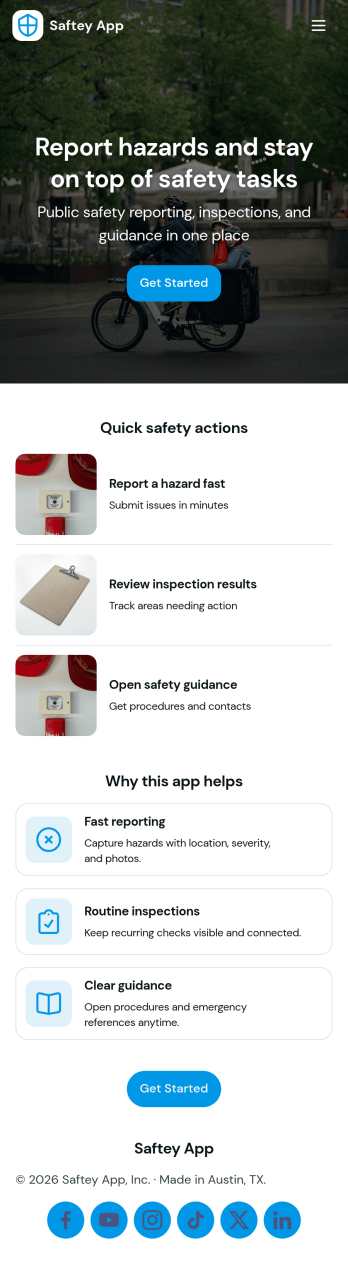
Saftey App
Saftey App helps teams centralize safety actions and information in one place so employees can respond quickly and report issues with confidence. It supports incident and hazard reporting through connected report buttons and makes it easy to find key safety guidance through a dedicated safety resources area. With an emergency quick action panel and clear emergency steps and contacts, it fits fast-moving environments like construction sites, warehouses, schools, field services, and busy offices where every second matters.Built with Jotform, this app template can be tailored in a no-code app builder with a drag-and-drop interface to match your organization’s workflows and reporting needs. Link buttons to forms for consistent data collection, organize safety resources into simple navigation, and share the app by link or QR code for self-service access across teams. As reports come in, your workflow can stay organized by keeping information connected and easy to manage in Jotform.
Go to Category:Safety Inspection Apps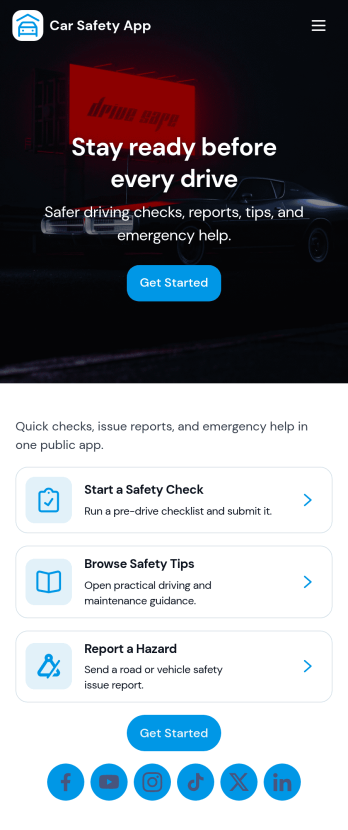
Car Safety App
Car Safety App helps drivers, families, and fleet teams keep vehicles road-ready by bringing routine checks, incident reporting, and maintenance tracking into one easy place. Use it to run quick safety check workflows before trips, document issues on the spot when something happens, and keep a running maintenance log for each vehicle so nothing gets missed. It’s a practical fit for small fleets, delivery teams, field services, schools, and anyone managing multiple drivers who needs consistent processes without slowing people down.With Jotform, you can turn this app template into a branded, mobile-friendly experience using a no-code app builder and a drag-and-drop interface. Connect the app to forms and tables to support ongoing data collection, organize records like inspections and reports, and keep your workflow moving with shared access for the right people. Publish in minutes, update steps as your process changes, and give users a self-service way to complete safety tasks from anywhere.
Go to Category:Automotive Apps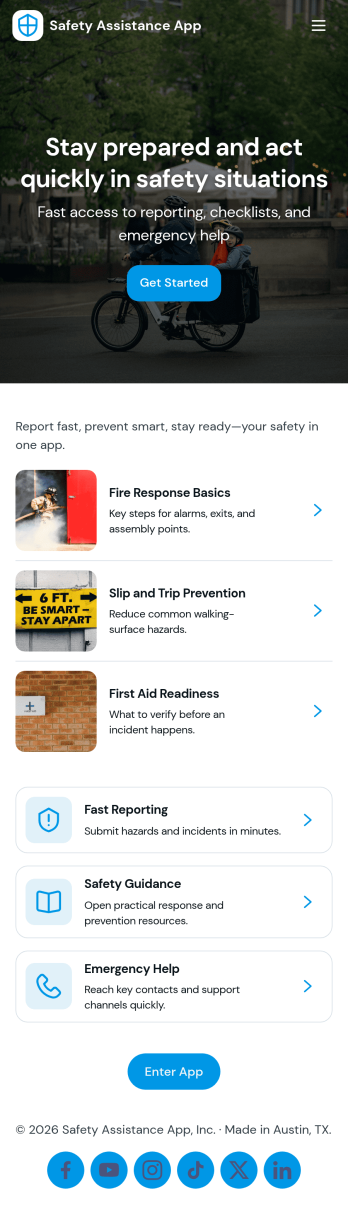
Safety Assistance App
Safety Assistance App helps teams centralize incident reporting, quick-access safety information, and past report visibility in one place. It’s a practical fit for offices, warehouses, schools, events, and field teams that need a simple way for people to report an incident, find first aid, evacuation, security, and emergency contact guidance, and review what has already been logged. With guided navigation cards and a clear call to submit a new report, it supports faster response, clearer internal communication, and more consistent documentation when situations arise.Built with Jotform App Templates, this app template can be customized in minutes using Jotform’s no-code app builder and drag-and-drop interface. Connect the in-app report flow to a form for reliable data collection, then organize records for easy reference and follow-up as part of your workflow. Share the app with staff or volunteers using a link or QR code, update safety resources anytime, and keep your safety hub accessible on any device.
Go to Category:Safety Inspection Apps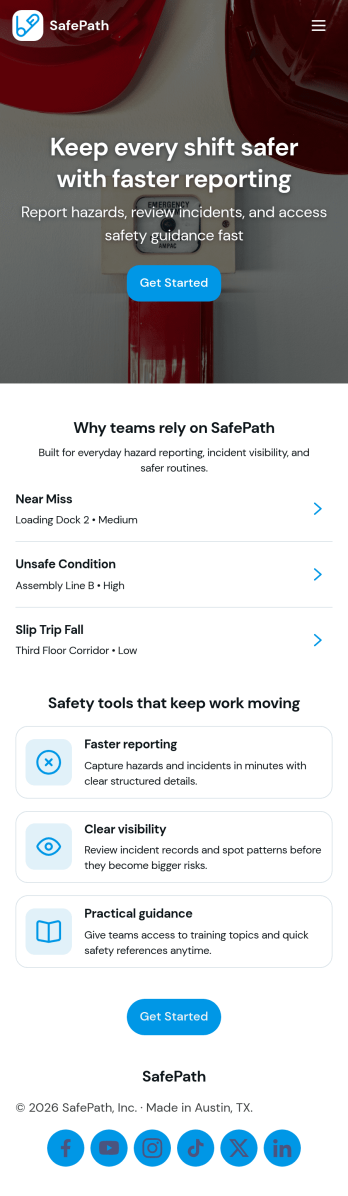
Workplace Safety App
Workplace Safety App helps teams report incidents, log inspections, and keep an eye on open hazards so safety issues don’t get lost in email threads or paper checklists. It’s a practical fit for operations leaders, HR teams, site supervisors, and safety coordinators across warehouses, construction sites, manufacturing floors, retail locations, and offices. Staff can quickly submit incident details, managers can review reports in one place, and recurring inspection activity is easier to track across areas and locations as conditions change.Built with Jotform, this app template turns safety processes into a mobile-friendly self-service experience that’s simple to share and update. Use Jotform’s no-code app builder and drag-and-drop interface to tailor pages, add your own instructions, and connect forms and tables to support ongoing data collection and follow-up workflow. From capturing consistent reporting details to organizing incident records for faster review, Jotform makes it easier to maintain a reliable safety routine without extra tools.
Go to Category:Safety Inspection Apps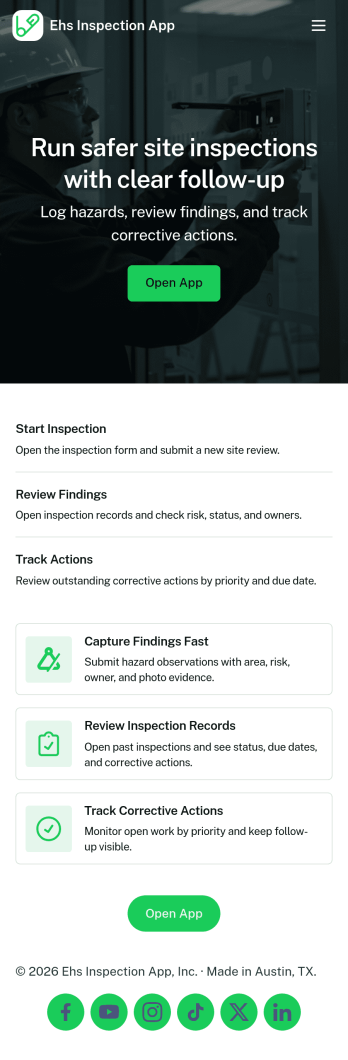
Ehs Inspection App
Ehs Inspection App brings environmental, health, and safety inspections into one place so teams can start an inspection on-site, review open findings, and log corrective actions without losing track of what’s next. It’s a practical fit for safety managers, field supervisors, facilities teams, and contractors who need a consistent way to document inspections across locations, keep visibility on unresolved issues, and support day-to-day EHS programs with clear records.Built with Jotform, this app template can be customized with a drag-and-drop interface and a no-code app builder so you can match your checklist, sites, and internal process. Connect inspection and corrective action forms, organize inspection history in a simple list view, and share the app with the right people for fast self-service reporting. As your workflow evolves, you can update pages, buttons, and navigation in minutes while keeping data collection consistent across every inspection.
Go to Category:Safety Inspection Apps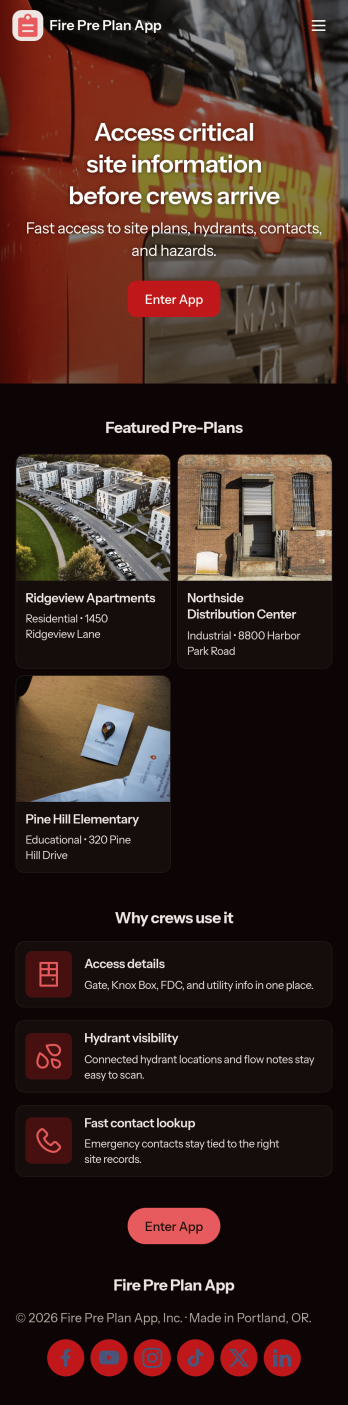
Fire Pre Plan App
Fire Pre Plan App helps fire safety teams and facility managers capture risk details, keep pre-incident plans organized, and maintain a practical asset register for faster decision-making during site visits and preparedness reviews. Use it to start a new risk intake for a property, review open plans that still need updates, and keep key assets recorded in one place so information is easier to find when it matters.Built with Jotform, this app template pairs a drag-and-drop interface with connected forms and data views to support ongoing data collection and workflow follow-through. Share a single link with your team, route people to the right actions with clear navigation, and keep records accessible through list views and submission pages so planning and updates stay consistent across locations.
Go to Category:Safety Inspection Apps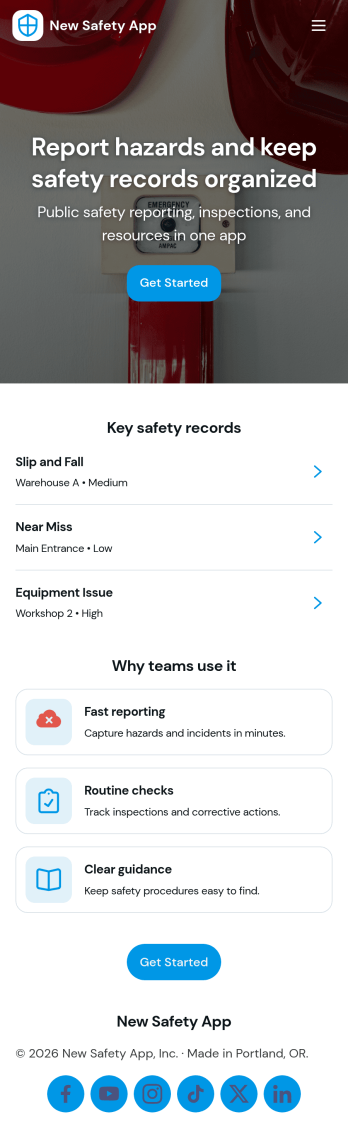
New Safety App
New Safety App brings incident reporting, inspection visibility, and emergency contact access into one place so teams can respond faster and keep day-to-day safety work organized. It’s a practical fit for construction crews, warehouses, manufacturing floors, property operations, and field service teams that need a simple way to capture what happened, review incident reports, and keep a running inspection log by location. With clear navigation to Report Incident and Inspections, the app supports consistent documentation, reduces missed follow-ups, and helps supervisors spot patterns before they become repeat problems.Built with Jotform, this app template can be tailored in a no-code app builder using a drag-and-drop interface, then shared as a self-service experience across teams. Connect the incident report form to your workflow, route information to the right people, and keep records organized for quick reference. Whether you’re rolling out a new process or improving an existing one, Jotform App Templates make it easier to turn data collection into an app your team will actually use.
Go to Category:Safety Inspection Apps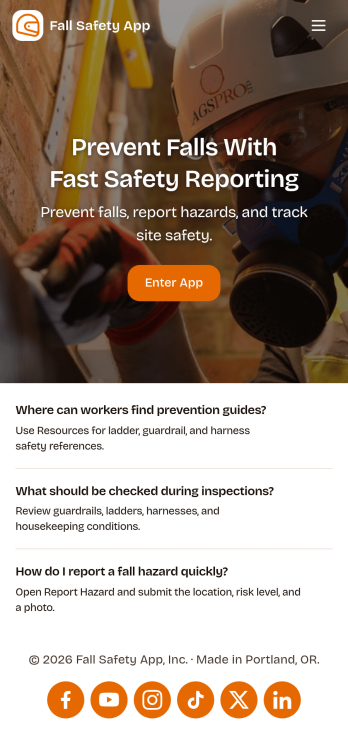
Fall Safety App
Fall Safety App helps teams reduce fall risks by putting day-to-day safety actions in one place. Use it to run routine safety checks across locations, capture incident reports as soon as something happens, and give workers quick access to a practical safety guide. It fits construction sites, warehouses, facilities teams, property management, and any operation where ladders, elevated platforms, stairs, or slippery surfaces increase risk and reporting needs to be simple and consistent.Built with Jotform App Templates, this app template can be tailored to your process without code. With Jotform’s drag-and-drop interface, you can adjust pages, add your branding, and connect forms and tables to support data collection and follow-up workflows. Share the app through a link or QR code so staff can complete checks, submit reports, and find key resources from mobile or desktop whenever they need them.
Go to Category:Safety Inspection Apps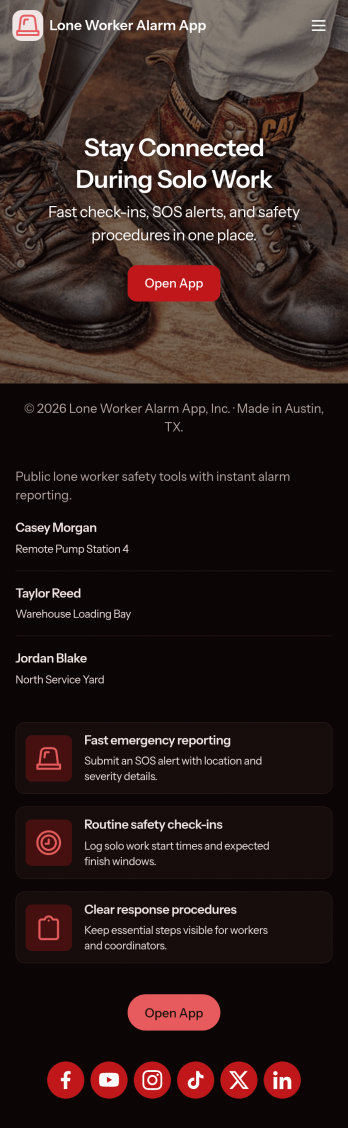
Lone Worker Alarm App
Lone Worker Alarm App helps organizations keep track of solo staff who work off-site, after hours, or in high-risk environments by giving them a simple place to raise an alarm, complete live check-ins, and keep safety contacts up to date. It fits teams that manage field service, maintenance, property management, healthcare visits, security rounds, and any role where a person may be out of sight and need a fast way to flag an incident. With a check-in log and incident history in one view, supervisors can follow activity patterns, respond faster when something feels off, and keep critical information easy to find during an escalation.Jotform makes it easy to publish this kind of self-service safety experience using its no-code app builder and drag-and-drop interface. Connect buttons and pages to forms for data collection like check-ins and incident reports, route updates into a workflow your team already follows, and share the app by link or QR code so workers can access it from their phones. You can also tailor the layout, add your branding, and adjust what each page shows as your lone worker process evolves.
Go to Category:Safety Inspection Apps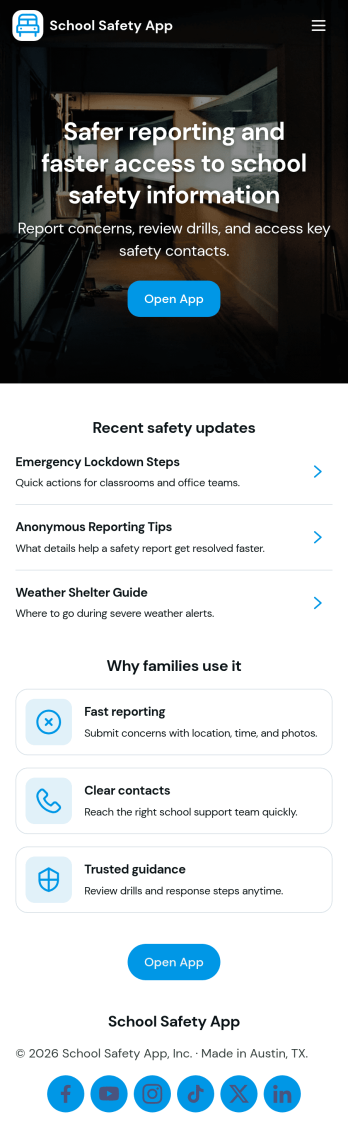
School Safety App
School Safety App brings incident reporting, emergency contact access, and routine safety checks into one place so school communities can act quickly and stay organized. It’s a practical fit for K–12 schools, districts, after-school programs, and campus teams that need a clear way for staff to report issues, review an incident log, and find the right person to call during time-sensitive situations without digging through emails or paper binders.With Jotform, you can launch this app template and tailor it to your campus workflows using a no-code app builder and a drag-and-drop interface. Connect buttons and pages to forms and tables for consistent data collection, keep your workflow moving with shared access for the right team members, and publish a self-service experience that works on any device for hall monitors, administrators, and safety personnel.
Go to Category:Education Apps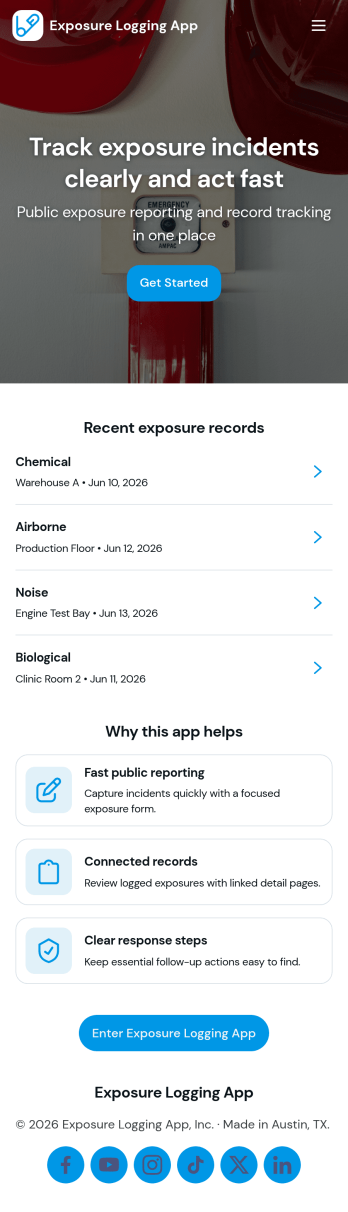
Exposure Logging App
An Exposure Logging App helps individuals and teams record exposure events in a consistent, searchable way so patterns are easier to spot over time. Use it to log new exposures as they happen, review a running history by exposure type, and capture notes that add context for follow-up. It fits workplaces tracking potential safety risks, schools documenting incidents, healthcare and care teams monitoring recurring triggers, or anyone who needs a simple habit of documenting exposures and outcomes without relying on scattered messages or spreadsheets.With Jotform, you can turn this experience into a branded self-service app using a no-code app builder and a drag-and-drop interface. Connect the app to a form for data collection, display records in an organized history view, and add an insights page to support better decisions. As your workflow evolves, update fields, pages, and navigation in minutes and share the app with the right audience through a link or QR code.
Go to Category:Log Apps