

Company Portal App Templates

Onboarding App
On Boarding App helps HR teams and managers organize new hire setup in one place so employees know exactly what to do next. Use it to collect essential new hire details through an intake flow, keep a clear task checklist for each person, and review onboarding records as the process moves forward. It works well for growing companies, distributed teams, and departments that onboard frequently and need consistent steps without relying on scattered emails or documents.With Jotform, you can publish this app template quickly and adjust it to match your onboarding workflow. Customize pages with a drag-and-drop interface, connect your onboarding intake form to keep data collection consistent, and share the app as a self-service experience for new hires or as an internal hub for HR. As records come in, teams can keep information organized and easy to reference, making onboarding more predictable from day one.
Go to Category:Company Portal Apps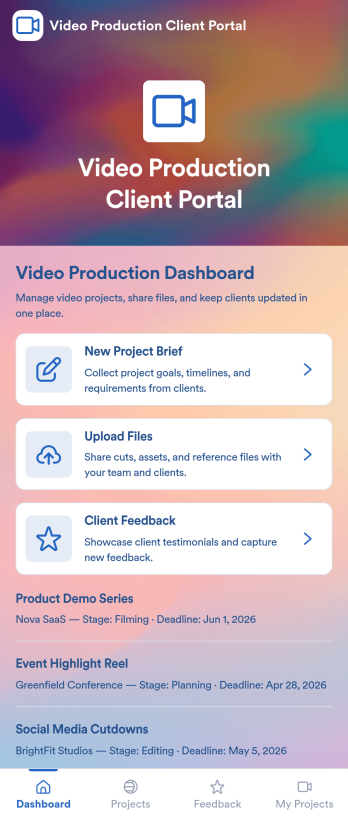
Video Production Client Portal
Video Production Client Portal is an app template designed to support video production agencies, creative studios, and freelance videographers with their workflow from project initiation to final video delivery. This app blueprint aids in the management of video projects, enabling the collection of project briefs, tracking of production stages, and sharing of files or edits with clients in a centralized location. Clients, consisting of businesses, marketing teams, and content creators, can review videos, submit feedback, and approve revisions, all from a single platform. With the table and list views, tracking project details, deadlines, and progress becomes significantly easier. Despite the complexity of the projects, the dashboard offers a quick overview of all active projects, making this app perfect for teams looking for an efficient, professional way to manage their operations. Leveraging Jotform's No-Code App Builder, video production agencies, creative studios, and freelance videographers can customize the Video Production Client Portal to align with their brand identity. With Jotform's drag-and-drop interface, users can easily modify the app layout, swap out forms, select fonts and colors, or upload their logo without any coding. The seamless, cross-platform compatibility ensures the app functions across smartphones, tablets, and desktops. Furthermore, publishing options offer control over app access, whether it's public or private. For a smooth, streamlined video production workflow, choose the Video Production Client Portal by Jotform.
Go to Category:Company Portal Apps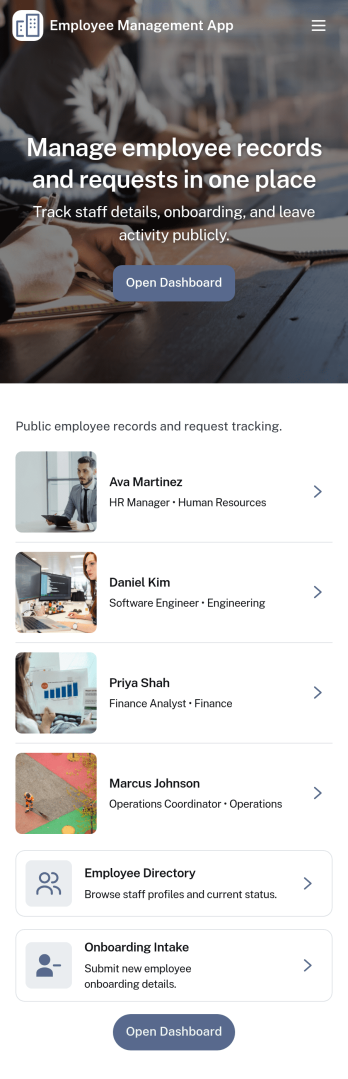
Employee Management App
Employee Management App brings key people operations into one place so teams can find coworkers fast, add new hires, and keep employee details organized as the company grows. Use it to publish an employee directory for quick lookups, guide new team members through onboarding steps, and centralize records that would otherwise live across spreadsheets, email threads, and scattered files. It’s a practical fit for HR teams, office managers, department leads, and growing businesses that need a consistent way to manage employee information without extra overhead.With Jotform, you can tailor this app template to match how your organization works using a no-code app builder and a drag-and-drop interface. Connect the app to forms and tables for reliable data collection, route updates through an internal workflow, and give staff a self-service way to access the right employee details. Share the app with a link or QR code, update content in minutes, and keep information current as roles, teams, and hiring needs change.
Go to Category:Human Resources Apps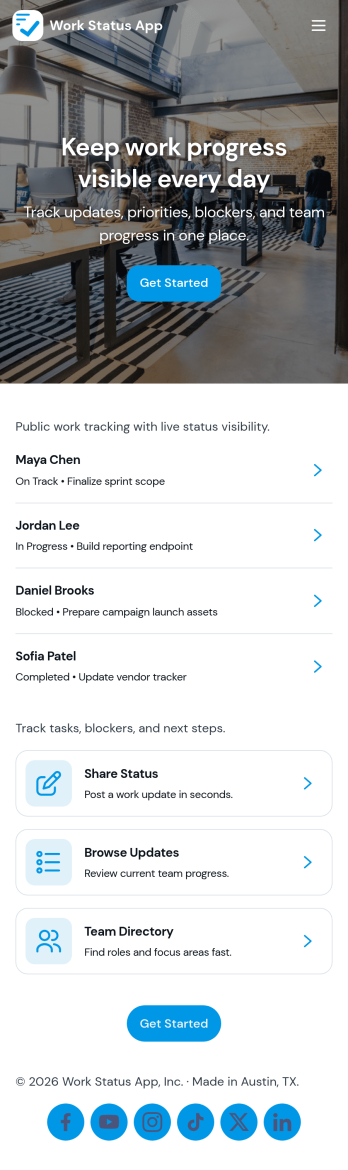
Work Status App
Work Status App helps teams collect and share quick work updates in one place, so everyone knows what’s in progress, what’s blocked, and what needs attention next. It’s a practical fit for remote and hybrid teams, department leads, and operations managers who want a consistent way to capture updates without chasing messages across channels. With a dedicated flow to submit an update, a space to view statuses, and a simple dashboard for visibility, this app supports day-to-day coordination for shifts, projects, and cross-functional work.Built with Jotform, this app template can be customized with a no-code app builder and a drag-and-drop interface to match how your team reports status. Connect the update experience to a form and keep records organized for easy review, handoffs, and follow-ups. Share the app through a link so employees can use self-service reporting from any device, and route updates into the workflow that fits your internal operations.
Go to Category:HR Portal Apps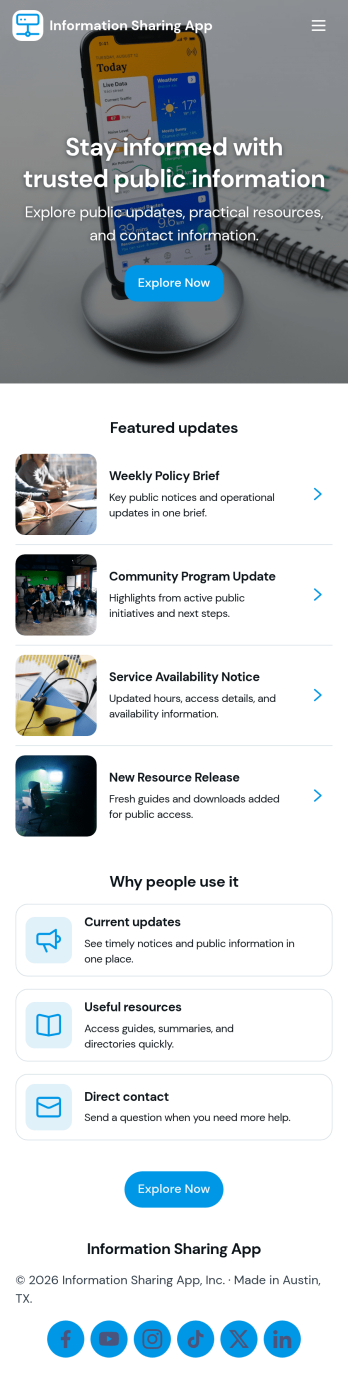
Information Sharing App
An information sharing app brings important announcements, updates, and reference materials into one easy-to-navigate space so people always know where to look. Use it to publish the latest updates in a feed, invite teammates to share an update when news changes, and organize key documents in a searchable library for quick access. It’s a strong fit for internal comms, HR and operations teams, schools, nonprofits, and community groups that need a consistent way to keep everyone aligned without relying on scattered emails or multiple channels.Jotform makes it simple to build and maintain information sharing experiences with App Templates you can customize in minutes. Using Jotform’s no-code app builder and drag-and-drop interface, you can connect update and resource forms to your app, centralize data collection, and keep your workflow organized as information changes. Share your app through a link or QR code so staff, members, or volunteers can check the latest news and browse the resource library from any device.
Go to Category:Company Portal Apps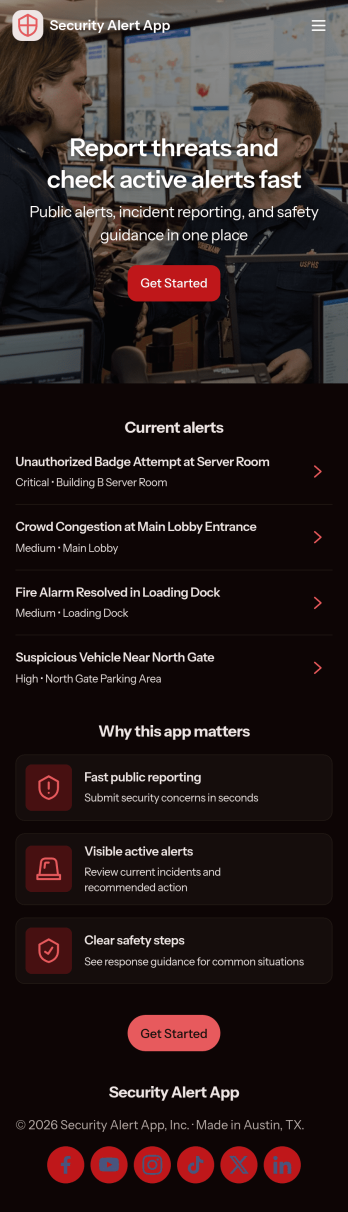
Security Alert App
Security Alert App gives teams a clear, mobile-friendly way to report security concerns, review active alerts, and keep an organized incident log in one place. It fits workplaces, schools, events, property management teams, and community organizations that need a consistent process for capturing what happened, when it happened, and who should follow up. With quick navigation to report an alert and browse alerts as they come in, it helps reduce missed messages and supports faster internal response during time-sensitive situations.Built with Jotform, this app template pairs a no-code app builder with connected data collection so you can publish a self-service experience without writing code. Use the drag-and-drop interface to adjust pages, add instructions, and tailor the alert workflow to your operations, then share the app by link or QR code for easy access. As reports come in, your team can keep information centralized, collaborate on next steps, and maintain a searchable incident history for ongoing review.
Go to Category:Safety Inspection Apps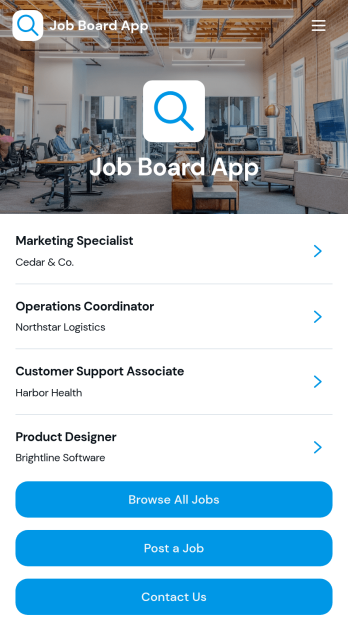
Job Board App
The Job Board App gives employers, staffing agencies, HR teams, professional associations, and educational institutions a central place to publish and promote employment opportunities. Job seekers can browse available roles, review essential details such as company, location, employment type, deadline, responsibilities, and requirements, then access the appropriate next step. Employers can post openings and visitors can send inquiries through connected forms. This app template reduces scattered vacancy announcements, makes roles easier to discover, and supports an organized hiring experience for both recruiters and candidates.With Jotform Apps, teams can customize this Job Board App through a no-code app builder and an intuitive drag-and-drop interface. Update pages, branding, navigation, and content without programming, then connect forms, tables, notifications, approvals, or other workflow steps as hiring needs evolve. Jotform App Templates offer a practical starting point for data collection and candidate self-service while leaving room for a tailored experience. Publish the finished app with a direct link, share it through a QR code, or embed it so people can explore opportunities on any device.
Go to Category:Job Apps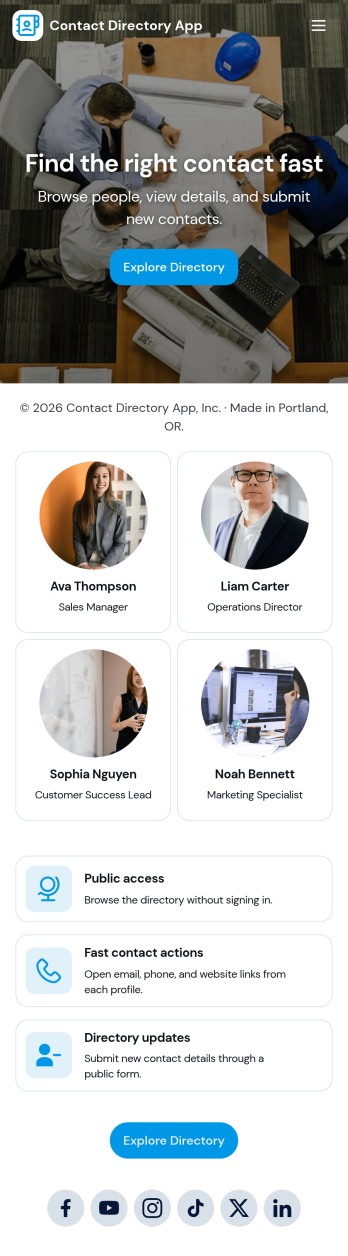
Contact Directory App
A contact directory app keeps people and their details organized in one place so teams and communities can quickly find, view, and reach the right person. Use it to browse a searchable contact list, open an individual contact profile, and take immediate actions like calling or emailing from the directory. It’s a practical fit for offices, schools, clubs, nonprofits, property teams, and service organizations that need a shared, always-available directory without relying on scattered spreadsheets or personal address books.With Jotform, you can turn this contact directory app template into a polished self-service experience using a no-code app builder and a drag-and-drop interface. Connect the app to your contact form for consistent data collection, keep records updated as your list changes, and publish a shareable link for staff or members. As your workflow evolves, you can adjust pages, branding, and navigation to match how your organization manages contacts day to day.
Go to Category:Company Portal Apps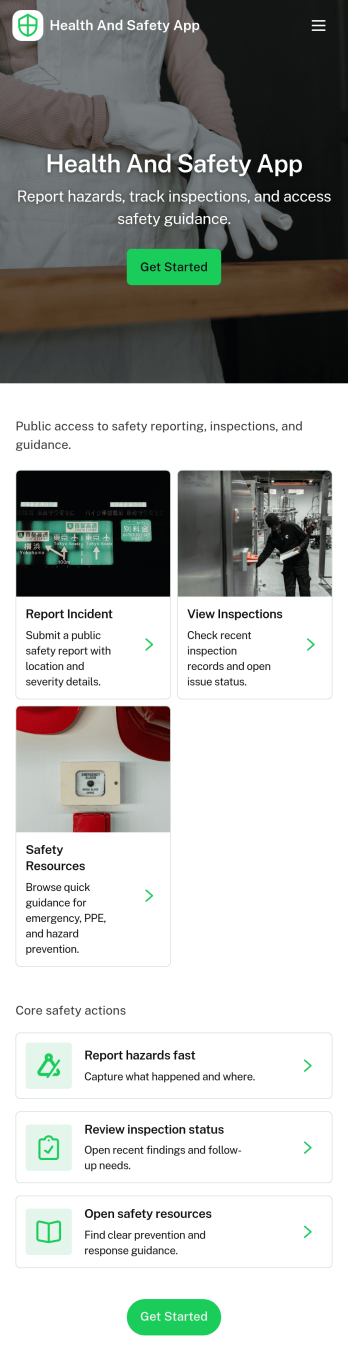
Health and Safety App
Health and Safety App helps teams centralize day-to-day workplace safety actions in one place, so employees know exactly where to go when something happens. Use it to capture incident details fast through a simple reporting flow, guide staff through routine safety checks, and keep everyone aligned on what’s been logged. It’s a practical fit for construction crews, warehouses, manufacturing floors, facilities teams, field service organizations, schools, and nonprofits that need a consistent way to document issues and reinforce safe habits across locations.With Jotform, you can turn this Health and Safety App into a mobile-friendly self-service experience using app templates and a no-code app builder with a drag-and-drop interface. Connect the app to forms and tables to support reliable data collection and clearer workflow handoffs, then share it by link or QR code so the right people can report, review, and act without hunting for the latest document or process.
Go to Category:Company Portal Apps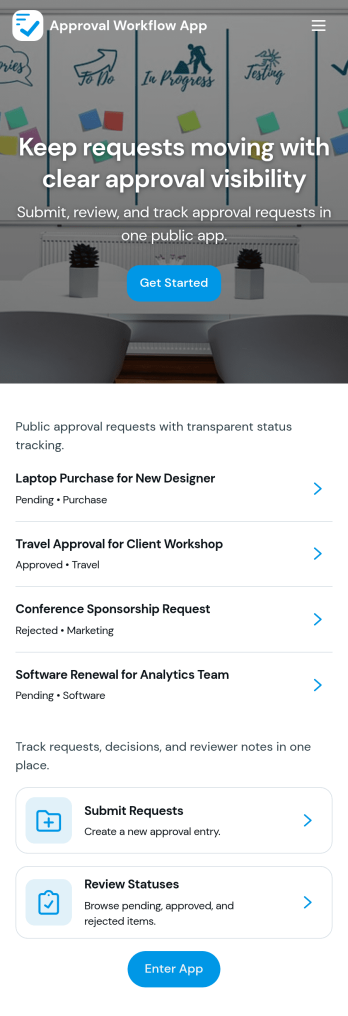
Approval Workflow App
An Approval Workflow App helps teams route requests to the right reviewers, track decisions, and keep work moving without losing context in email threads. Use it for purchase requests, policy exceptions, creative reviews, time-off approvals, access requests, vendor onboarding steps, and any situation where a requester needs a clear outcome from an approver. With entry points for New Request and a centralized Review Queue, reviewers can quickly open items, check key details, and move each request from submit to review to decide while maintaining consistency across departments.Jotform makes it easy to publish this type of self-service experience using App Templates built with a no-code app builder. With a drag-and-drop interface, you can tailor the app’s pages, connect the request form to your workflow, and keep a searchable Decision History for visibility. Share the app with a link or QR code, control who can access the queue, and connect the process to the rest of your operations so request handling stays organized from start to finish.
Go to Category:Company Portal Apps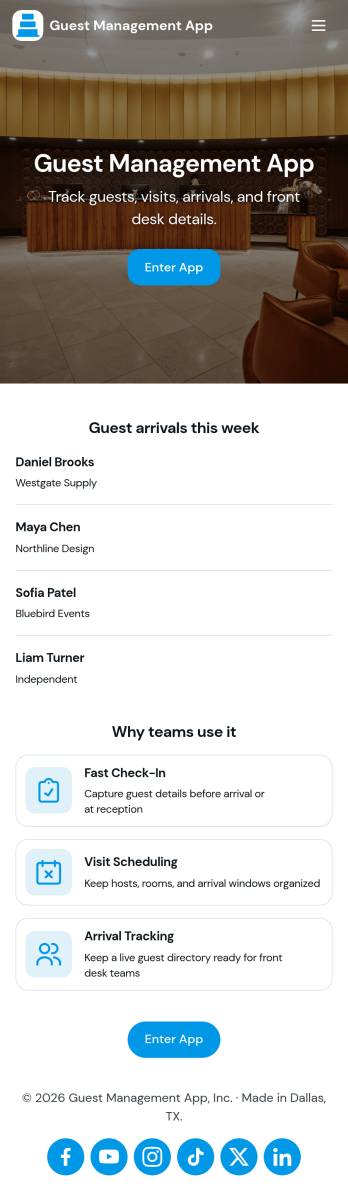
Guest Management App
Guest Management App helps you manage visitors from arrival to departure in one place, making it easier to keep track of who is on-site and who they’re here to see. It supports fast check-ins, a searchable guest list, and a live view of active guests, which is useful for offices, coworking spaces, property managers, schools, studios, and event teams who need a clear front-desk process without confusion.With Jotform, you can turn this app template into a branded self-service experience using a no-code app builder and a drag-and-drop interface. Connect the app to your check-in form and guest records for reliable data collection, then share it by link or QR code for staff tablets or reception kiosks. As your workflow changes, you can adjust pages, buttons, and record views to match how your team greets guests and maintains accurate visitor activity.
Go to Category:Company Portal Apps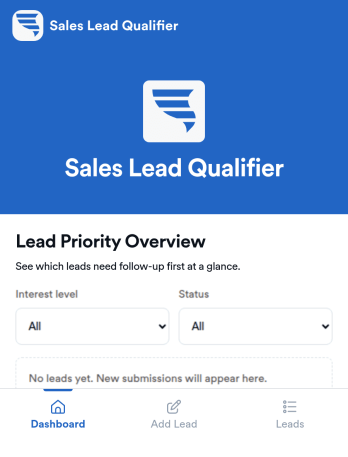
Sales Lead Qualifier
Sales Lead Qualifier is an app template designed to streamline the process of organizing and prioritizing incoming leads. This app is for small and medium businesses, startups, and sales teams, providing an easy way to collect lead details from forms and quickly assess them based on important factors like budget, timeline, and interest level. It is particularly beneficial for marketers, sales representatives, service-based businesses, and agencies that gather leads through forms, like Jotform users. The app allows users to label leads as hot, warm, or cold, add notes, and track follow-ups, ensuring no opportunity slips through the cracks. This simplifies deciding what to focus on first, boosting response time, and maintaining sales process organization without the need for a complex CRM.With Jotform's no-code, drag-and-drop app builder, you can customize the Sales Lead Qualifier to suit your specific needs and brand aesthetic without writing a line of code. It's as simple as choosing your preferred forms, selecting fonts and colors, and uploading your logo. The cross-platform compatibility of Jotform's apps ensures that your team can access and interact with your customized Sales Lead Qualifier on any device, be it a smartphone, tablet, or desktop. Plus, with direct link sharing methods, you can quickly disseminate your app, enabling your team to download it directly onto their devices' home screens for immediate access. Experience the efficiency and convenience of Jotform's Sales Lead Qualifier today.
Go to Category:Company Portal Apps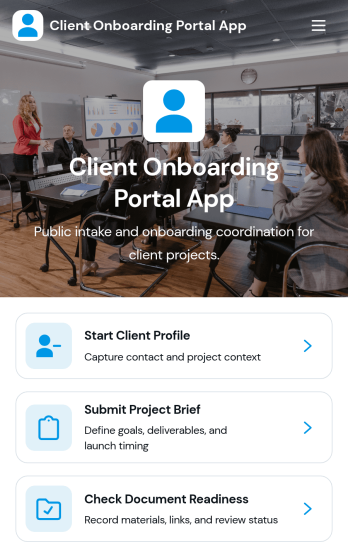
Client Onboarding Portal App
The Client Onboarding Portal App is a centralized onboarding experience for agencies, consultants, professional service providers, and account teams welcoming new clients. It gives customers one place to create a client profile, submit a project brief, and confirm document readiness. Organized client and project records help teams reduce scattered communication, identify missing information, and prepare for kickoff with greater clarity. Use this app template when starting consulting engagements, creative projects, managed services, or other client relationships that require accurate contact details, project requirements, and supporting documents.Jotform Apps makes it easy to adapt this Client Onboarding Portal App to your process using a no-code app builder and an intuitive drag-and-drop interface. Customize pages, branding, navigation, and connected forms without writing code. You can bring data collection, resource access, and workflow steps into a mobile-friendly self-service experience, then share it through a direct link or QR code. Jotform App Templates provide a ready-made starting point while giving your team the flexibility to update content, organize records, and connect approvals or other processes as onboarding needs evolve.
Go to Category:Customer Portal Apps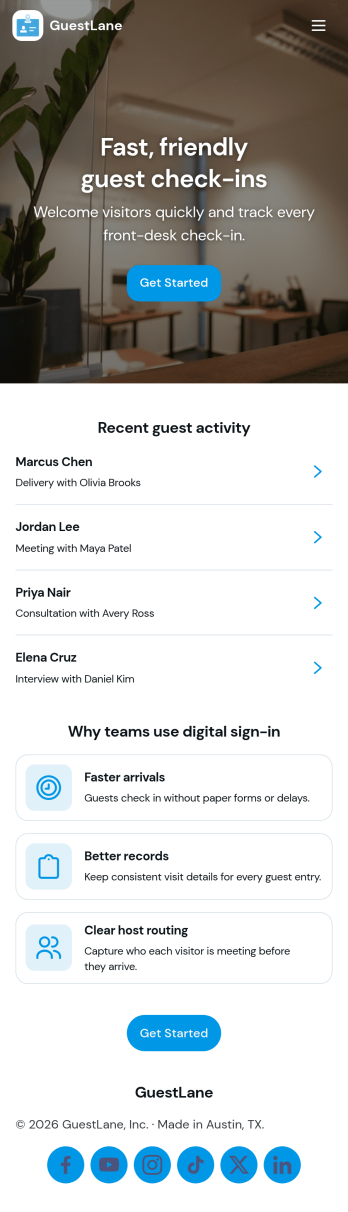
Guest Sign In App
Guest Sign In App helps organizations welcome visitors, capture essential details at arrival, and keep a clear guest log that staff can reference at any time. It’s ideal for offices, coworking spaces, schools, clinics, warehouses, and property management teams that need a simple way to guide guests to sign in, view past entries in a log-style list, and quickly contact the front desk when help is needed.With Jotform, you can turn this use case into a polished self-service experience using App Templates and a no-code app builder. Customize pages with a drag-and-drop interface, connect the sign-in form to a table for organized data collection, and publish a shareable link so guests and staff can access the workflow from a phone, tablet, or kiosk setup.
Go to Category:Company Portal Apps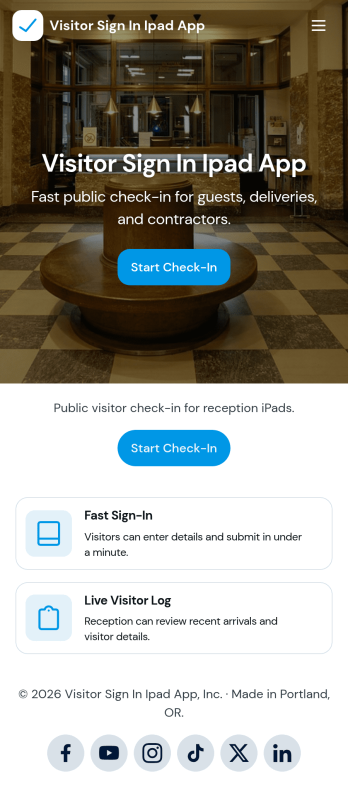
Visitor Sign In iPad App
Visitor Sign In iPad App helps organizations greet guests and keep a clear record of who is on-site using an iPad at the front desk. It supports quick sign-ins and sign-outs, plus an easy way for staff to view visitor entries in a list and open a selected record when needed. This works well for offices, clinics, warehouses, schools, studios, and shared workspaces that want a consistent check-in experience for walk-ins, deliveries, interviews, and scheduled meetings.Jotform makes it simple to build and publish app templates like this with a no-code app builder and a drag-and-drop interface. Connect the app to your sign-in and sign-out forms, route data into tables for organized tracking, and keep your workflow moving with optional notifications and approvals. Share the app with a link or QR code, customize the pages to match your lobby process, and offer a self-service experience that looks great on mobile and tablet.
Go to Category:Sign In Apps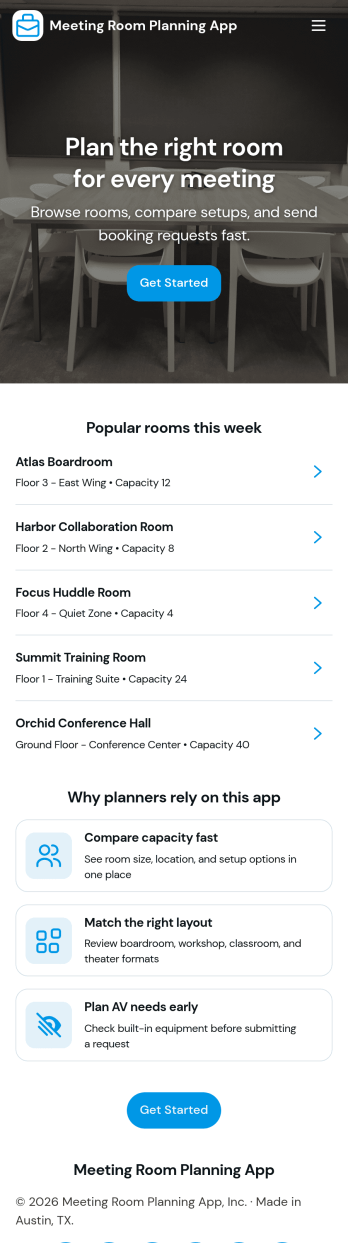
Meeting Room Planning App
Meeting Room Planning App helps teams organize how meeting spaces are discovered and requested, so employees spend less time hunting for availability and more time preparing for productive sessions. Use it to browse rooms in one place, review key room details, and send a booking request when you find the right fit. It’s a practical choice for office managers, workplace operations teams, and fast-growing organizations coordinating shared rooms across floors or locations, especially when requests come in from multiple departments and need a consistent process.Built with Jotform, this app template turns your room planning workflow into a shareable, self-service experience without coding. Customize pages with a drag-and-drop interface, connect request forms to your data collection and internal workflows, and keep room information organized as needs change. Publish the app in minutes, update it anytime, and give your team a simple way to navigate rooms and submit booking requests from desktop or mobile.
Go to Category:Scheduling Apps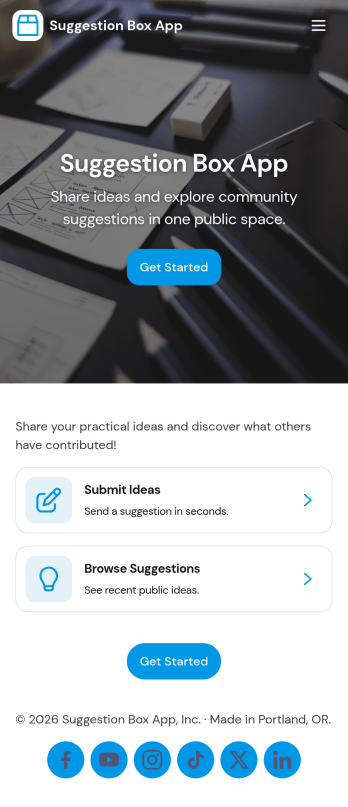
Suggestion Box App
A suggestion box app gives people a simple, consistent place to share ideas and feedback while giving your team a clear way to read, sort, and respond. Use it to collect improvement requests from employees, product feedback from customers, or community input from members. With quick navigation to submit a suggestion, browse all suggestions, review your own entries, and manage a review queue, it supports both open feedback and organized follow-up without losing context.With Jotform, you can turn this suggestion box app template into a branded self-service experience using a no-code app builder and a drag-and-drop interface. Connect the app to a form and keep suggestions organized for review, routing, and internal workflows, then share it with a link or QR code so people can contribute from anywhere on mobile or desktop.
Go to Category:Community & Engagement Portal Apps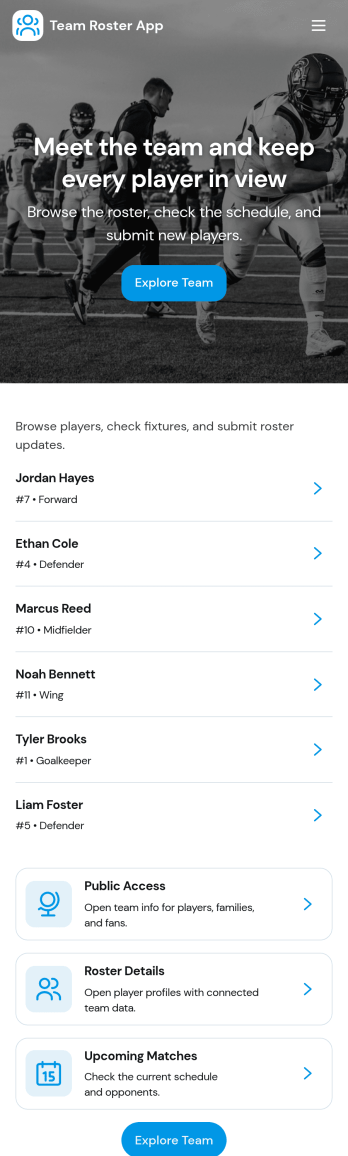
Team Roster App
A team roster app brings your people directory into one place so coaches, managers, and team leads can keep member details organized and easy to find. Use it to view your roster, open individual member profiles, and capture new member information through a simple add member flow. It’s a practical fit for sports teams, clubs, school groups, volunteer crews, and growing departments that need a clear source of truth for names and basic member info without juggling spreadsheets.With Jotform App Templates, you can turn everyday data collection into a polished self-service experience that’s simple to share and update. Build and customize your Team Roster App in Jotform’s no-code app builder, adjust the layout with a drag-and-drop interface, and connect the app to your roster form and tables so updates stay organized over time. Share a single link for quick access on any device and keep your workflow moving as your team changes.
Go to Category:HR Portal Apps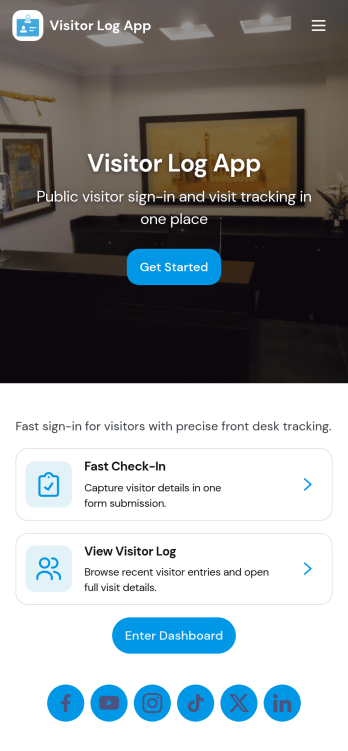
Visitor Log App
Visitor Log App helps front desks and workplace teams record who comes on-site, why they’re visiting, and when they arrive and leave. With a guided check-in flow and an easy way to review past entries, it supports offices, coworking spaces, schools, clinics, warehouses, and event venues that need a clear visitor history without relying on paper sign-in sheets. Staff can start a new check-in in seconds, look up a specific visitor from the list, and keep daily traffic organized for smoother reception operations.Jotform makes it simple to turn this visitor log app template into a branded, shareable experience using a no-code app builder and a drag-and-drop interface. Connect your app to a form for fast data collection, keep records in Jotform Tables, and share a single link or QR code for self-service check-ins. As your workflow evolves, you can adjust pages, permissions, and the layout so your team always has the right visitor information at the right time.
Go to Category:Log Apps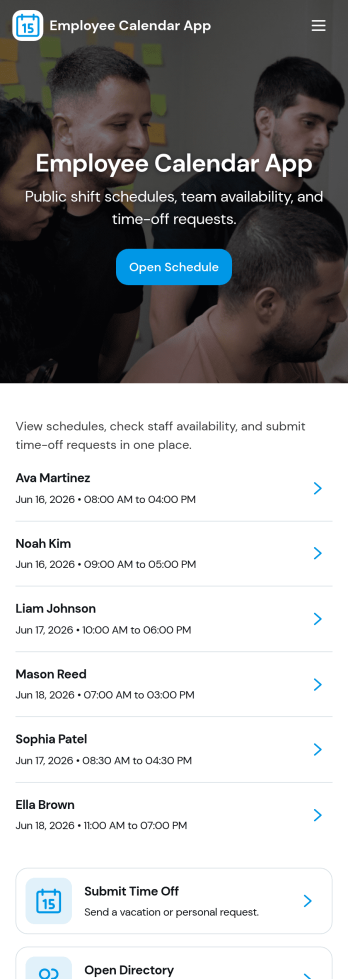
Employee Calendar App
Employee Calendar App helps teams keep day-to-day work organized by putting schedules and staff information in one place. It’s a practical fit for HR teams, office managers, department leads, and operations coordinators who need a simple way to share today’s schedule, browse an employee list, and keep a central schedule overview accessible for everyone who needs it.With Jotform, you can turn this employee calendar app template into a branded, self-service experience without coding. Use a drag-and-drop interface to adjust pages and navigation, connect your schedule to a form for adding entries, and keep calendar data organized in connected tables. Once published, you can share the app with a link so employees and managers can quickly check what’s happening today and what’s coming up next.
Go to Category:Scheduling Apps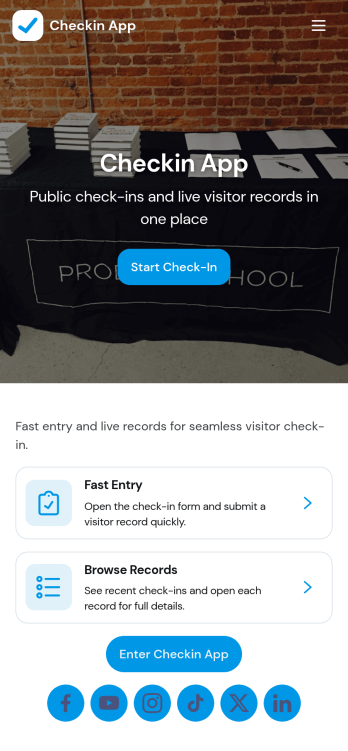
Checkin App
Checkin App helps teams handle visitor arrivals in one place, from starting a new check-in to keeping an eye on what’s happening throughout the day. It works well for offices, clinics, schools, studios, and event teams that need a consistent front-desk flow, want a clear queue for walk-ins, and prefer a quick way to review recent activity. With a Start Check-In action, a dedicated queue view, and a dashboard-style summary with a recent check-ins board, staff can capture arrivals quickly and stay organized during busy periods.Jotform makes it easy to publish this kind of self-service experience using App Templates built with a no-code app builder and a drag-and-drop interface. Connect the app to your forms for reliable data collection, keep records organized, and route information through workflows that fit your process. Share the app with a link or QR code, update pages as your needs change, and give your team a mobile-friendly way to manage check-ins without extra complexity.
Go to Category:Sign In Apps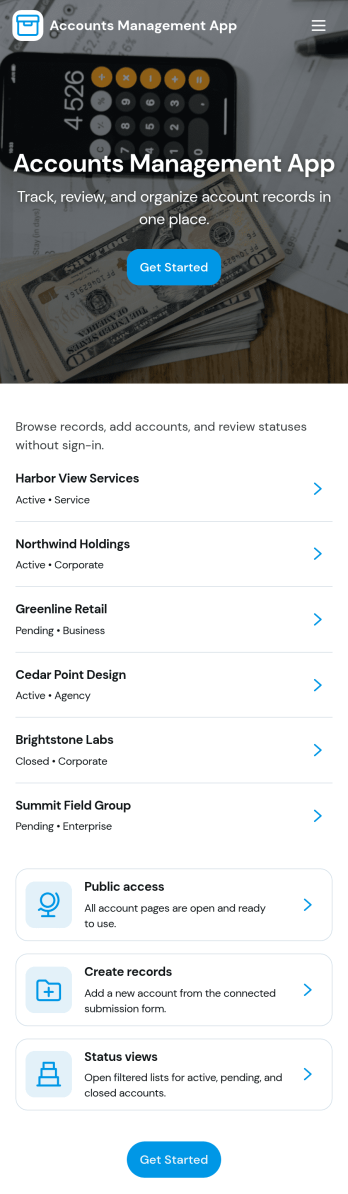
Accounts Management App
Accounts Management App helps teams organize account records, open items, and review activity in one place. It’s a practical fit for finance and operations groups, client service teams, and growing businesses that need a consistent way to capture new account details, keep an easy-to-browse list of accounts, and pull up individual records without hunting through emails or spreadsheets. With dedicated areas for Open Accounts, New Account intake, and Account Review, it supports day-to-day follow-ups and keeps account handling predictable across team members.Jotform makes it simple to publish this app template and connect it to the data you collect through forms and store in tables. Using Jotform’s no-code app builder and drag-and-drop interface, you can adjust pages, add helpful links, and guide staff to the right next step, like submitting a new account entry or checking All Account Records. Share the app through a link for internal self-service, keep information centralized, and maintain a clearer workflow as your account volume grows.
Go to Category:Finance & Accounting Portal Apps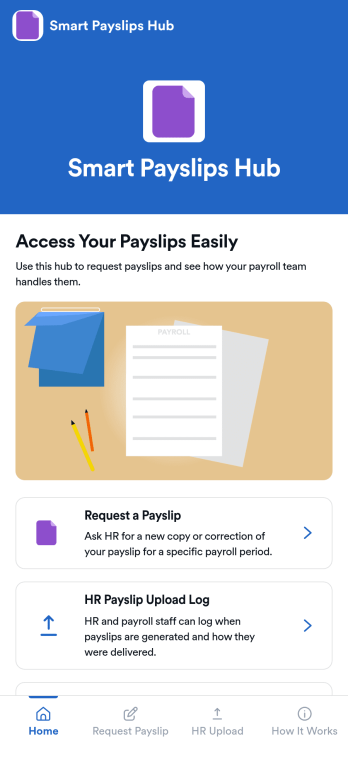
Smart Payslips Hub App
Smart Payslips Hub App gives employees one place to request payslips from HR, understand how payslips are handled, and stay aligned on what to expect. It’s a practical fit for HR teams that want a clear intake path for payslip requests and for employees who need a simple, consistent way to ask for copies or reissues. Use it across locations or departments to reduce missed messages, clarify ownership, and keep payslip-related questions from spreading across email threads and chat channels.With Jotform, you can publish this app template quickly using a no-code app builder and a drag-and-drop interface that’s easy to tailor to your process. Connect the app to forms and related workflows so requests are captured consistently, shared with the right people, and easier to review later. From adding helpful guidance content to organizing HR-facing logs, Jotform makes it simple to deliver a self-service experience employees can access from a single link on any device.
Go to Category:HR Portal Apps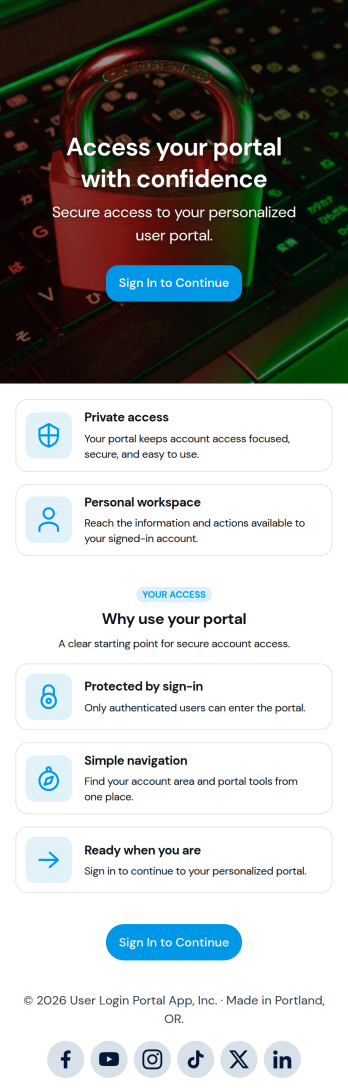
User Login Portal App
User Login Portal App gives teams a simple way to publish a sign-in destination where users can access a protected experience before moving forward. It fits organizations that want a clear front door for customers, members, students, or employees, such as internal resource centers, client-only updates, member materials, or role-based access to links and information. Use it to reduce confusion around where to log in, create a consistent entry point across devices, and support self-service access without relying on manual check-ins.Jotform makes it easy to launch and share app templates like this with a no-code app builder and a drag-and-drop interface. Customize the page layout to match your brand, connect it to your existing workflow, and publish a mobile-friendly portal you can share by link or QR code. As your needs grow, you can expand the experience to support data collection and routed actions while keeping the login journey straightforward.
Go to Category:Customer Portal Apps